
Next Step
Setup
Configuration guides for an app the reader has already chosen or just migrated into: vault and folder structures, PARA-method or second-brain setups, starter plugin sets, and template starting points, scoped tightly to personal knowledge management rather than general productivity advice. Serves readers at a distinct, later task stage than Comparisons or Migrations: the decision is made, and they need the tool working. Excludes app-vs-app evaluation and migration mechanics entirely. Each guide is reached primarily as the 'next step' link from the matching migration guide or tool profile, not as standalone blog browsing.
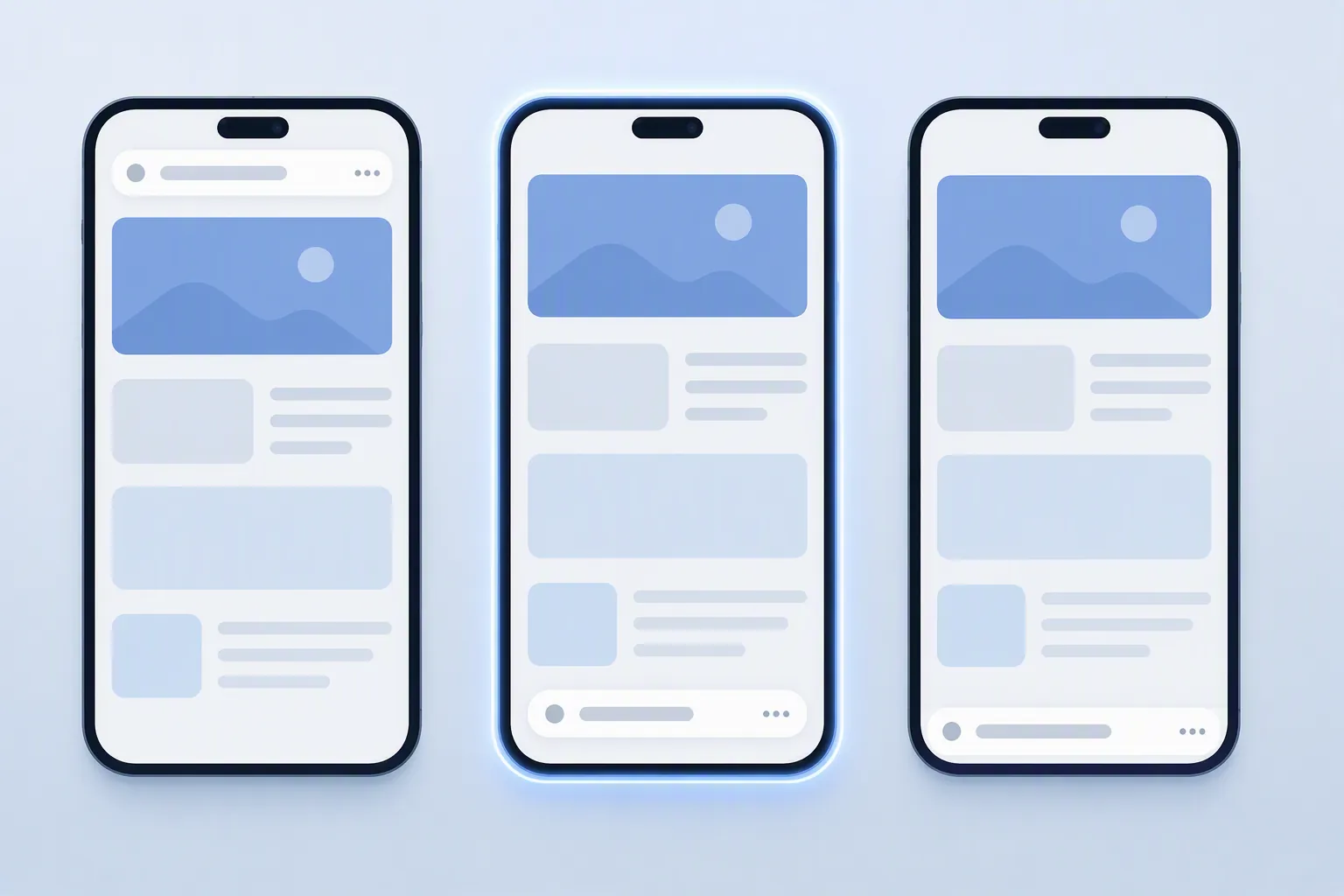
Pick the Right Safari Address Bar Layout in iOS 27
iOS 27 restores the Safari toolbar controls iOS 26 removed, which makes a deliberate address bar setup the biggest Safari productivity win on iPhone. Compare Compact, Bottom, and Top, learn the one-handed gestures that make each layout fast, and get a clear test for when the layout choice barely matters.
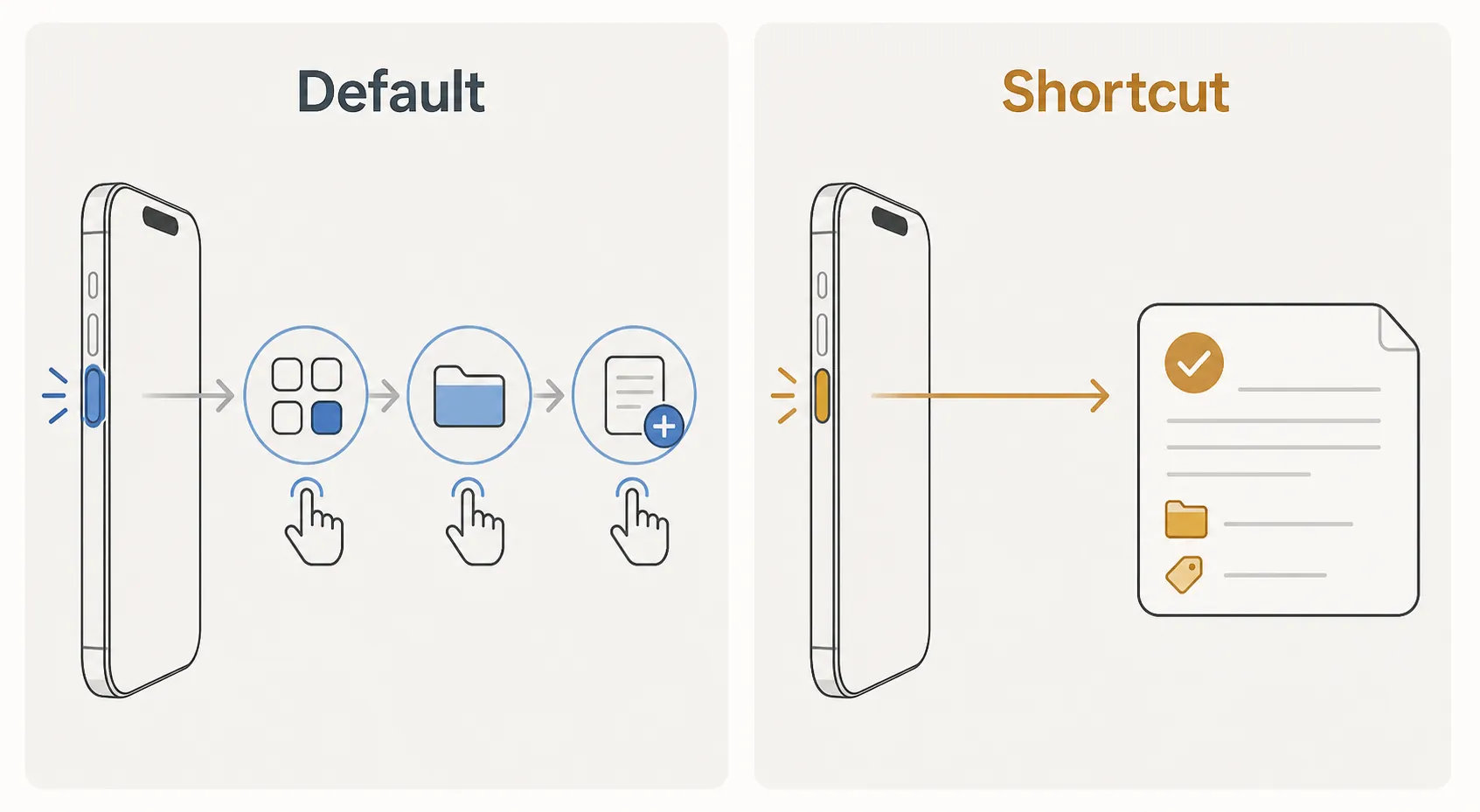
How to Build a Note Capture Workflow on iPhone 18 Pro
Learn how to configure your iPhone 18 Pro's Action Button, Camera Control, and iOS 27's AI-powered Shortcuts to capture text, voice, or scanned notes in under a second — without opening any app. This guide covers the trigger-to-action pipeline, on-device transcription speed, and real-world sync delays so you can build a capture layer that actually holds up in daily use.

Millennials Need a Notes Setup, Not More Workday Tips
The workday leaks to information-seeking, interruptions, and work about work — drains most productivity tips never address. For millennial knowledge workers who already use a notes app, this configuration — daily-note anchor, single capture inbox, PARA layers, end-of-day review — targets those leaks directly, grounded in time-use data on where the day actually goes.
Can MiniMax H3 Actually Organize Your Notes?
MiniMax H3 is a video model, not a note organizer: in testing it produced no tags, folders, or rewritten notes, and the promised open-source weights weren't published as of July 31, 2026. If you hoped to organize notes with H3, the tested verdict is to use a text-capable model — M3 via API or a local LLM in Obsidian — with costs and setup included.

Set Up a Monday Motivation Workout for Energy and Focus
A repeatable Monday workout setup for energy and focus, built from the strongest current exercise evidence. Learn which exercise dose works, how to structure the session, what to prep the night before, and an honest timeline for results from day one to week six.
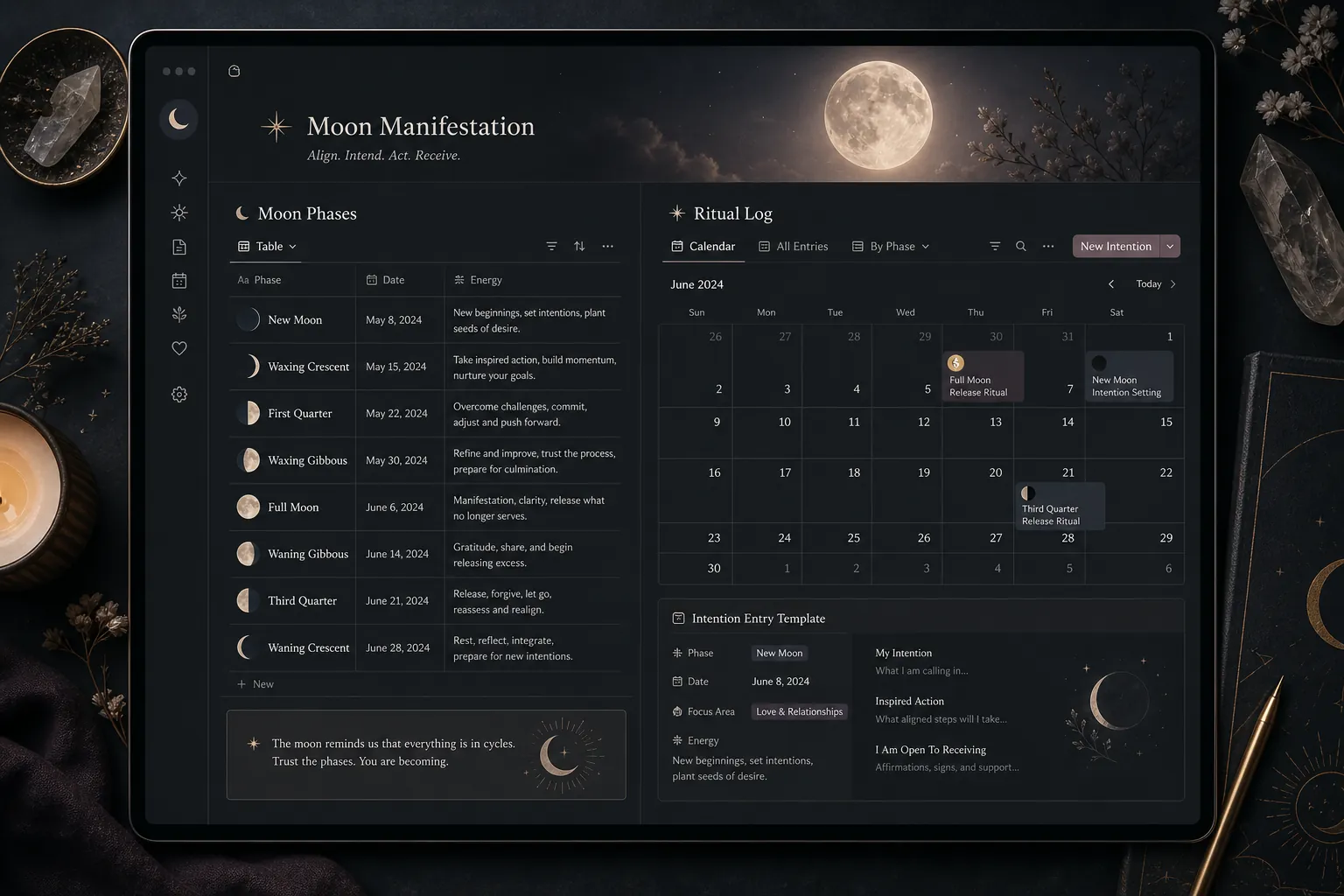
Set Up Notion for Moon Manifestation Rituals
Learn how to configure Notion as a complete moon manifestation ritual system with databases, templates, and views for intention setting, releasing, and phase tracking — replacing dedicated moon apps or paper journals.
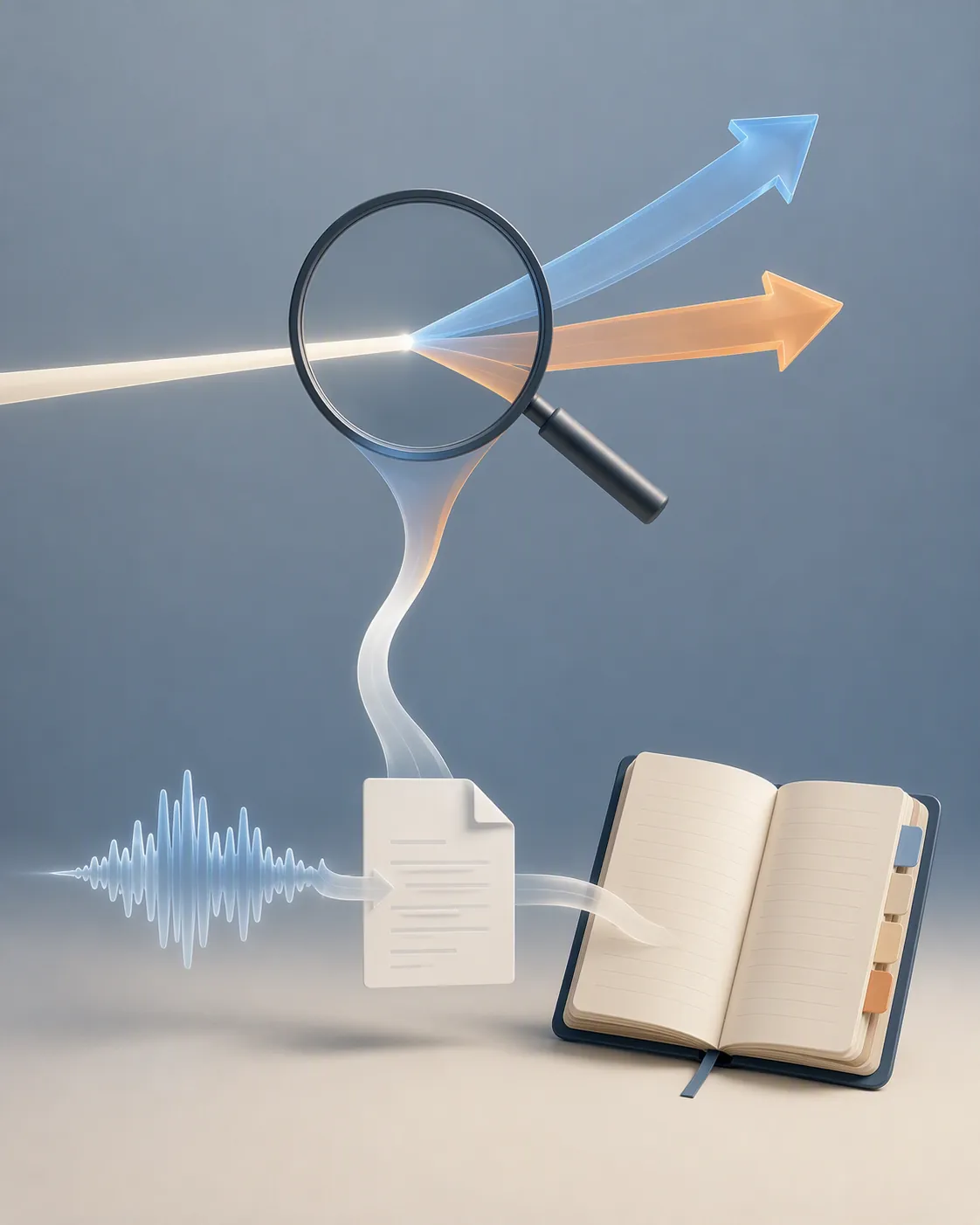
Is OpenAI Astra a note-taking app? Here's the real workflow
OpenAI Astra isn't a note-taking app and, as of August 2026, has no confirmed release date — most 'Astra' note-taking coverage actually points to Google's Project Astra. Get the OpenAI capture workflow that exists today: ChatGPT Record and voice mode routed into Notion, Obsidian, or Apple Notes, plus the limits and risks to weigh before adopting it.
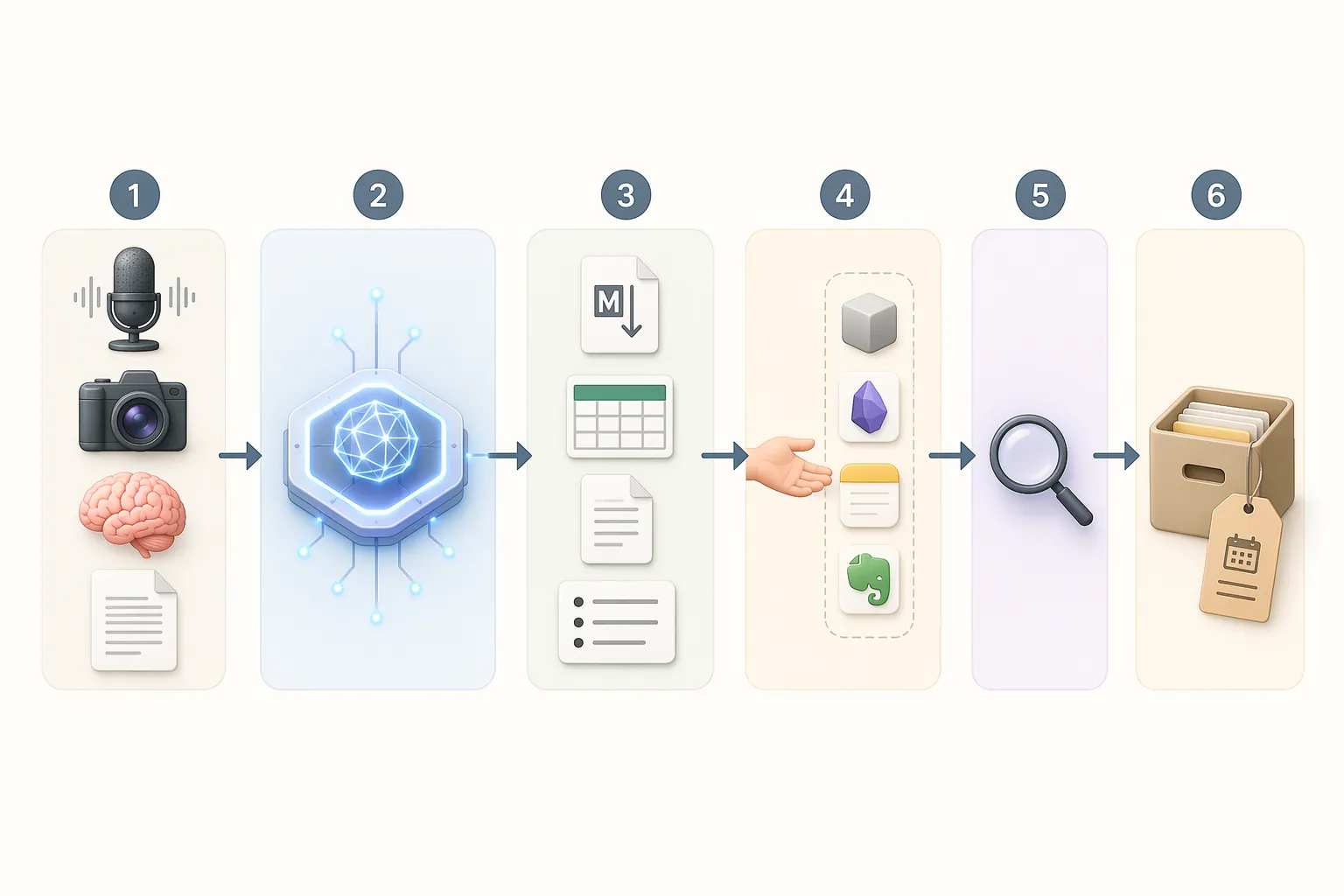
How to Use ChatGPT to Organize Your Notes Step by Step
Learn how to use ChatGPT as a temporary note refinery to clean, summarize, and structure your raw notes before moving them into your permanent note-taking app like Notion or Obsidian, with a repeatable handoff workflow that avoids duplication and data loss.
How to Organize Research Notes Until OpenAI Astra Ships
OpenAI Astra was announced but remains internal-only, so a tested Astra research-notes workflow does not exist yet. Here is the dated setup we verified with ChatGPT for Academic Researchers, Prism, and ChatGPT Work — including what broke, who it is not for, and what to re-test when Astra ships.
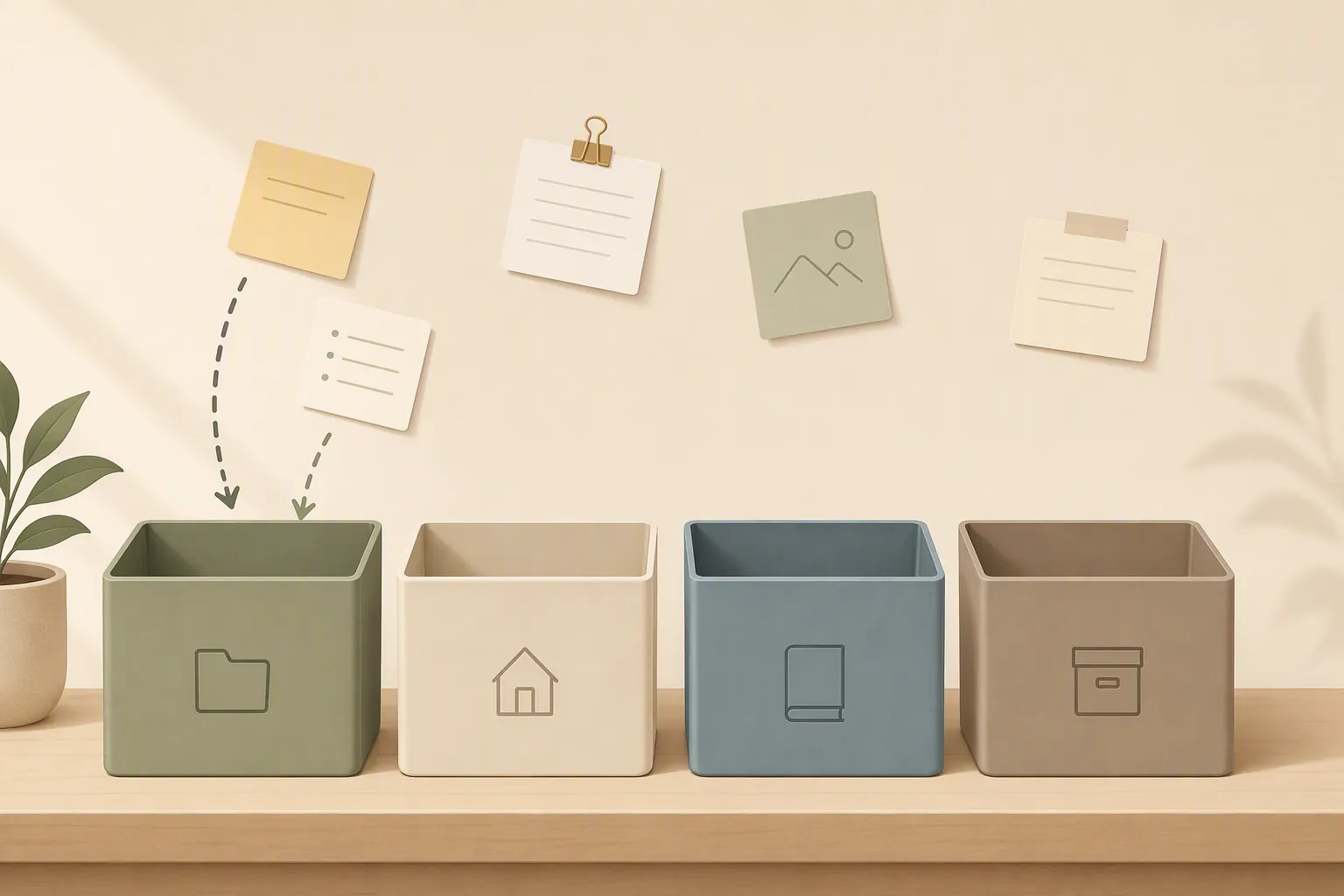
The Right Way to Set Up PARA After Migrating Your Notes
After migrating to a new note-taking app, setting up PARA with empty containers and populating by use prevents the 90-day abandonment that comes from migrating your entire backlog on day one. This guide walks through the correct four-folder structure, common app-specific pitfalls, and the weekly five-minute maintenance habit that keeps the system honest.
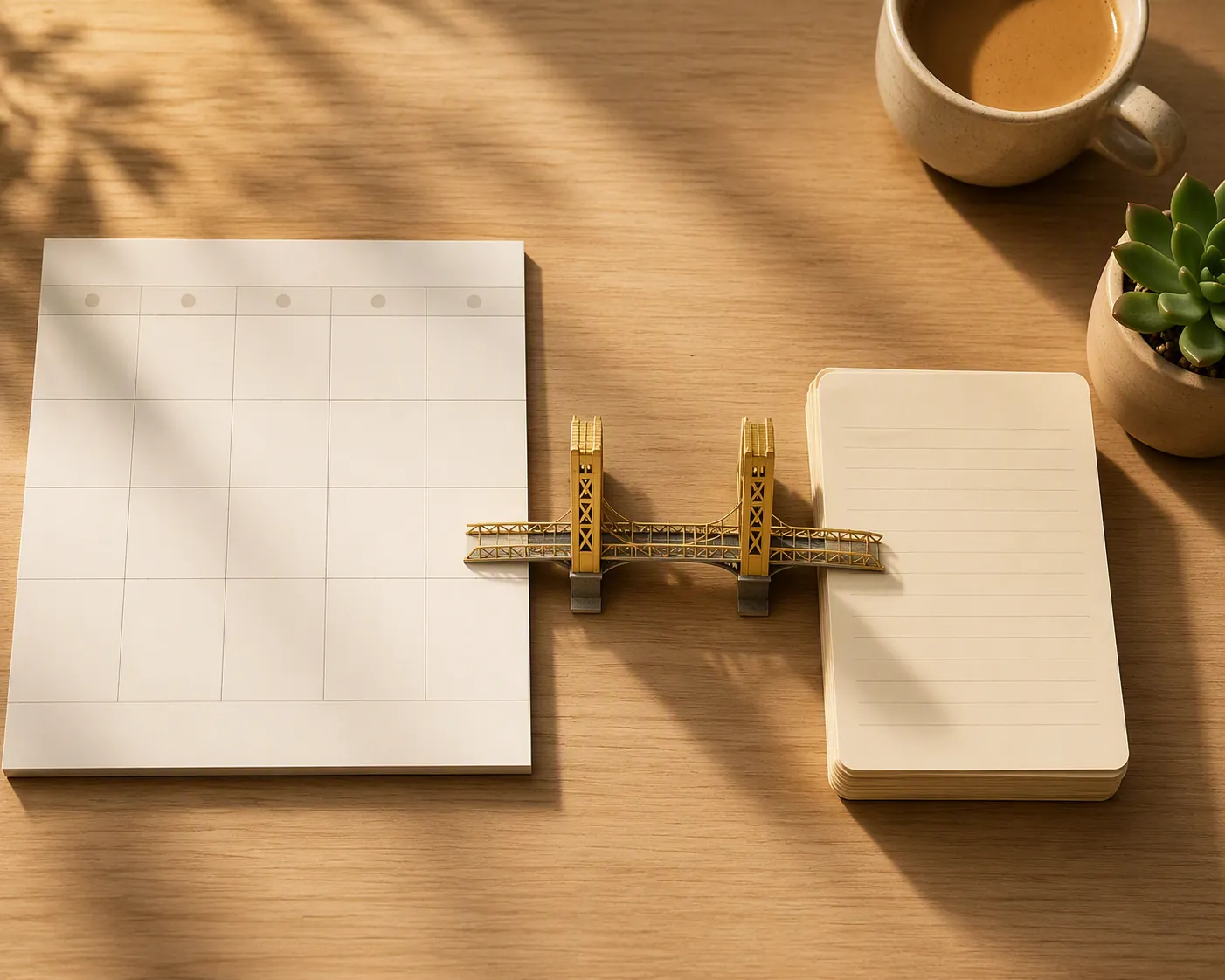
Plan a Sacramento Weekend with Calendar in Notion/Obsidian
Learn how to combine Notion or Obsidian with a calendar app to plan a Sacramento weekend, keeping your trip database in your note-taking app while using the calendar as the time layer — and where the limits of each approach force a fallback.
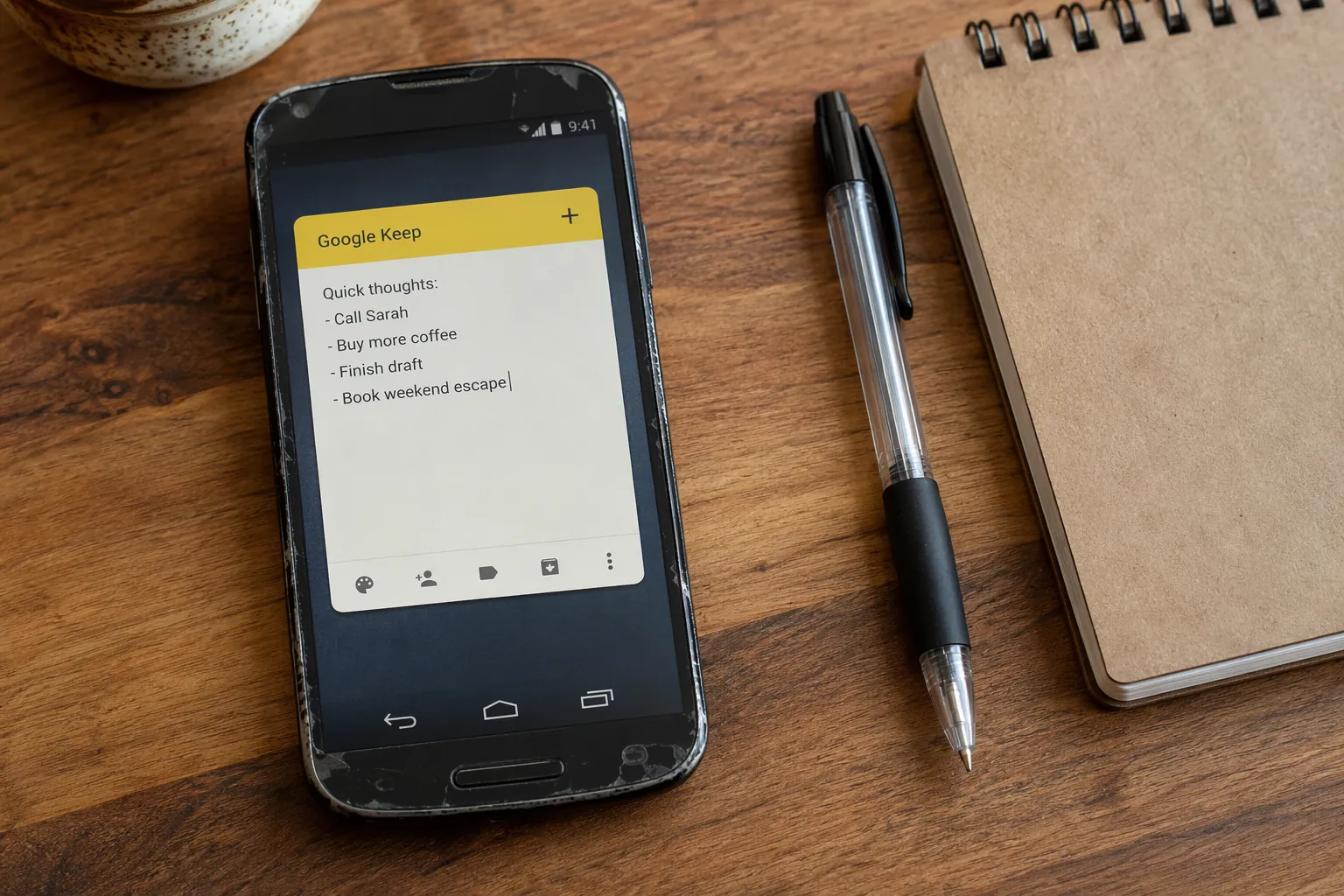
Turn an Old Android Phone Into a Smart Display for Notes
Learn how to transform an old Android phone into a dedicated capture station that feeds notes directly into Obsidian, Notion, or Apple Notes using Google Keep's Single Note widget — no subscriptions, always within reach.