
“Millennials productivity tips to get through workday” sounds like it should lead to a neat little list: wake up earlier, batch email, take breaks, stop multitasking, drink water. Fine. None of that is offensive. It also does not explain why a normal Wednesday can disappear into finding the note from last week’s call, checking whether the Slack promise became a task, reopening six tabs to reconstruct context, and realizing at 4:40 p.m. that the thing you meant to do was waiting behind coordination residue all day.
For this piece, millennials means the Pew Research Center birth-year band: 1981 through 1996, roughly ages 29 to 44 in 2026.[1] That definition matters only to set the room. This is the cohort old enough to have trusted Evernote as an actual operating system and young enough to have rebuilt the same life in Notion, Obsidian, Slack, Google Docs, Apple Notes, and a calendar that somehow became everyone else’s remote control.

The real question is not whether another productivity tip can make you more disciplined. It is whether your workday has a reliable place for capture, retrieval, and handoff. If it does not, your brain becomes the integration layer between meetings, messages, documents, and decisions. That is not a character flaw. It is a bad system boundary.
The workday is leaking in places a notes setup can actually touch
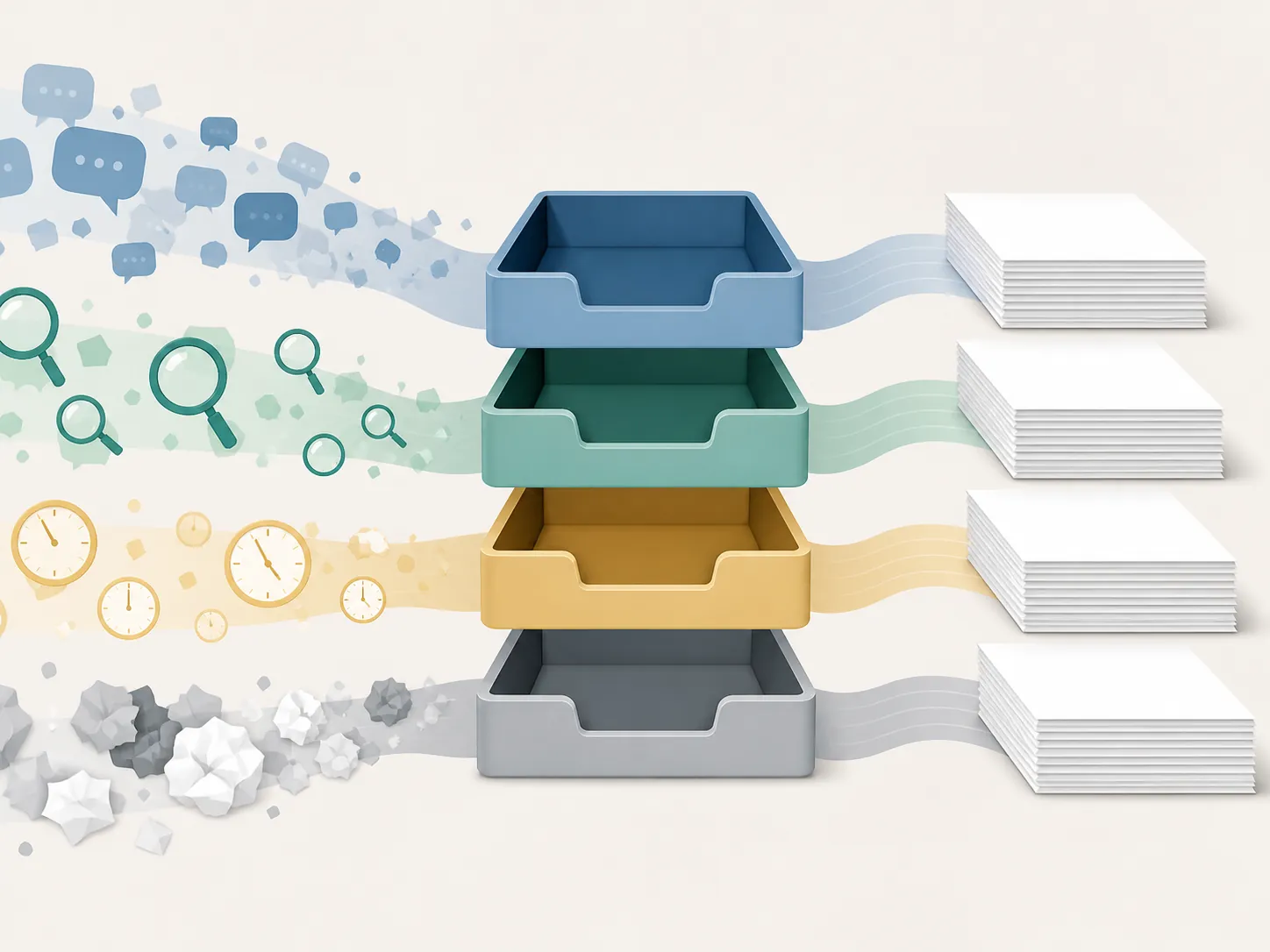
APQC’s 2021 survey of 982 knowledge workers is useful because it names the leaks instead of moralizing them. In a 40-hour week, respondents averaged only 30 productive hours. The lost time included 3.6 hours on internal communication, 2.8 hours looking for information, and 2.2 hours in unproductive meetings.[2]
Those categories map almost too cleanly to the mess many knowledge workers feel but struggle to describe. Internal communication creates promises and context fragments. Information search burns time because the source of truth is unclear. Unproductive meetings leave behind decisions, half-decisions, and “circle back” residue that still has to be converted into work.
A notes setup will not make a pointless meeting useful. It will not stop a manager from scheduling over your best focus block. But it can reduce the second penalty: the lookup, reconstruction, and re-entry cost after the interruption has already happened.
Worklytics’ 2025 benchmarks add a reality check. The median knowledge worker had 3.2 hours of daily focus time, and 3.5 or more hours of focus time correlated with higher perceived productivity. The same benchmarks found that 12-hour-plus workday spans correlated with burnout.[3] That does not prove a notes system causes better workdays. It does suggest that the day has a limited amount of real focus inside it, and losing part of that to repeated searching is expensive.
McKinsey’s older interaction research is still worth keeping in the background, not as fresh 2026 evidence but as a durable description of knowledge work. In research involving more than 200 workers and more than 3,000 logged interactions across Battelle, ETS, Novartis, and the Defense Intelligence Agency, Matson and Prusak wrote that knowledge workers spent half their time on interactions, and that half of those interactions were constrained by barriers such as physical, technical, social, cultural, contextual, or time issues.[4]
So the setup below does not pretend the workday is yours alone. It starts from the opposite assumption: the day is full of other people’s inputs, and your notes app needs to catch them without turning into another place to lose things.
FlowDesk’s workday notes configuration
This is FlowDesk’s setup proposal, not APQC’s, Worklytics’, McKinsey’s, or Forte Labs’. The research explains where the day leaks. The configuration is the practical response: one daily-note anchor, one capture inbox, PARA as the top-level organizing layer, and a short end-of-day review.
| Workday leak | Setup response | What changes |
|---|---|---|
| Internal communication creates scattered promises | Daily-note anchor | Meetings, messages, decisions, and follow-ups land on the same dated page first |
| Information search eats focus | PARA top-level structure | Active work, ongoing responsibilities, reference material, and archived material stop competing in one pile |
| Interruptions break context | Single capture inbox | Loose thoughts and incoming tasks have one temporary holding place instead of five |
| Tomorrow starts with yesterday’s fog | End-of-day review | Open loops become tasks, project notes, calendar items, or archived scraps before they decay |
The point is not to build a beautiful dashboard. The point is to make the next lookup boring.
1. Make the daily note the workday’s anchor
The daily note is the page you can open without deciding where something belongs yet. It is dated. It is plain. It is not a journal unless you want it to be. During the workday, it functions as the place where live context lands before it is sorted.
A useful daily note usually needs fewer sections than people think. Start with:
- Today’s must-finish work
- Meetings and calls
- Decisions and promises
- Loose capture
- End-of-day handoff
That is enough structure to stop the day from becoming a heap. If you are in a meeting and someone says, “Let’s send the revised deck to finance after legal signs off,” you do not need to decide whether that belongs in a project page, task manager, CRM, or calendar while people are still talking. Put it under today’s Decisions and promises. Sorting comes later.
# 2026-07-31

## Must finish today
-

## Meetings / calls
### 10:00 Team sync
- Notes:
- Decisions:
- Promises / follow-ups:

## Decisions and promises
-

## Loose capture
-

## End-of-day handoff
- Finished:
- Moved forward:
- Waiting on:
- Tomorrow should start with:
The daily note works because it lowers the cost of capture. A perfect project system that you avoid opening during the messy parts of the day is less useful than a dated page that catches reality.
2. Use one capture inbox, not one per app
Most knowledge workers do not have a capture problem because they lack tools. They have a capture problem because every tool offers a tiny inbox: saved Slack messages, unread email, browser tabs, calendar descriptions, DMs, screenshots, phone notes, task comments, and the note you wrote in a meeting because the real note was too hard to find.
Pick one capture inbox inside your notes app and make it deliberately temporary. It should not be a second brain, a someday list, or a permanent dumping ground. It is the place where unsorted material waits until your next review.
A capture inbox can be a page called Inbox, a folder called 00 Inbox, or a pinned note. The label matters less than the rule: if you are not ready to decide where something belongs, it goes there or into today’s Loose capture section. Do not split capture across “quick notes,” “random,” “ideas,” and “to process.” Those names feel harmless until you are searching four graveyards.
For workday use, the inbox should catch four kinds of material:
- Unassigned tasks: “Ask Priya whether launch copy is final.”
- Context fragments: “Client prefers the conservative pricing option.”
- Links worth processing: briefs, docs, tickets, recordings, research pages.
- Ideas that are not yet projects: a better onboarding sequence, a question for next quarter, a note about a broken workflow.
If a captured item already has a clear home and takes less than a minute to move, move it. If deciding takes longer than that, leave it in the inbox and protect your current focus. The review exists so capture can stay cheap.
3. Put PARA at the top level so active work is not buried with reference
PARA stands for Projects, Areas, Resources, and Archives. Tiago Forte’s explanation centers the method on actionability: organize information by how actionable it is, not by abstract subject categories. He also draws a useful distinction between projects, which have outcomes, and areas, which are ongoing responsibilities that do not really end.[5]
That distinction matters during a workday. “Marketing” is too big to help when you are trying to find the draft, the decision, or the next action. “Q3 launch email sequence” is a project. “Email marketing” may be an area. “Subject line examples” may be a resource. The same topic can appear in different places depending on what you need from it.
If you want the full method theory, use FlowDesk’s second-brain and PARA overview. For this workday setup, keep the implementation blunt:
| PARA layer | Use it for | Workday example |
|---|---|---|
| Projects | Active outcomes with a finish line | Website relaunch, vendor renewal, Q3 board memo |
| Areas | Ongoing responsibilities to maintain | Team management, client health, hiring pipeline |
| Resources | Reference material that may be useful later | Research clips, examples, policies, swipe files |
| Archives | Inactive projects and old material kept for retrieval | Completed launch notes, closed hiring round, past strategy docs |
The reason to put PARA at the top level is not aesthetic. It prevents the most common notes-app failure: active commitments living beside old reference material with no visible difference between them.
A project page should be allowed to be operational. It can include the outcome, next milestone, useful links, recent decisions, open questions, and meeting notes related to that outcome. It does not need to contain every artifact forever. When the project ends, archive it. If a piece of material will be useful beyond the project, copy or move it into Resources.
Areas need a different standard. They do not produce the same completion dopamine because they continue indefinitely. That is why ongoing areas should regularly spawn projects. “Improve customer onboarding” is easier to move when it becomes “Reduce first-week setup confusion for the August release.” The first is an area-shaped concern. The second can become a project with notes, decisions, and a finish line.
4. Close the day before it becomes tomorrow’s search problem
The end-of-day review is short because it has one job: turn today’s residue into findable commitments. It is not a life audit. It is not the moment to redesign the whole system. Ten minutes is plenty for most days, and five is better than skipping it because the ideal version sounds exhausting.
Use the review to answer four questions:
- What did I promise today?
- What am I waiting on?
- What needs to move into a project, area, resource, task manager, or calendar?
- What should tomorrow-me see first?
That last question is underrated. A clear handoff can be as simple as: “Start with the finance deck. Legal approved the claims section. Still need updated pricing table from Marco.” Tomorrow no longer begins with archeology.
When the review finds a task, send it to your task manager if you use one. When it finds a date-bound obligation, put it on the calendar. When it finds context for active work, move it to the project page. When it finds material that might matter later but has no action attached, move it to Resources. When it finds noise, delete it. Keeping everything is not the same as being organized.
A copyable version you can build in the notes app you already use
Here is the whole configuration in one structure. Use folders, pages, tags, or linked notes depending on your app. The names are intentionally boring because boring names are easier to search under pressure.
Notes

00 Inbox

01 Daily Notes
  2026-07-31
  2026-08-03

02 Projects
  Project - Q3 board memo
  Project - Website relaunch
  Project - Vendor renewal

03 Areas
  Area - Team management
  Area - Client health
  Area - Hiring pipeline

04 Resources
  Resource - Meeting facilitation
  Resource - Pricing research
  Resource - Writing examples

05 Archives
  2026 completed projects
  Old areas
  Superseded resources
The daily workflow is also simple enough to memorize:
- Open today’s daily note before the first meeting or message-heavy work block.
- Capture live context in the daily note instead of deciding its final home immediately.
- Use 00 Inbox for anything that arrives outside the flow of the daily note.
- During focus blocks, work from the relevant project page, not from the inbox.
- At day’s end, move promises, waiting items, useful context, and reference material to the right place.
- Write the first useful sentence for tomorrow.
That sentence does more work than another dashboard widget. It gives your next workday a starting line.
App notes, without turning this into an app comparison
This setup can work in Notion, Obsidian, Evernote, Apple Notes, Logseq, or almost any notes app that can hold folders or pages. If your real question is which app fits your style, use FlowDesk’s note-taking software comparison or the PKM method-fit framework. If you already have an app, do not migrate just to avoid naming four folders.
| App | Setup note | Last verified |
|---|---|---|
| Notion | Use a Daily Notes database or simple dated pages, then create top-level pages for Inbox, Projects, Areas, Resources, and Archives. Avoid overbuilding relations before the capture habit exists. | 2026-07-31 |
| Obsidian | Use a Daily Notes folder, a pinned Inbox note, and folders or links for PARA. Obsidian is especially comfortable if you like plain-text files and backlinks. | 2026-07-31 |
| Evernote | Use notebooks or notebook stacks for the PARA layers, plus one Inbox notebook and dated daily notes. This is still workable for long-time Evernote users who do not want a full migration. | 2026-07-31 |
| Apple Notes | Use folders for Inbox, Daily Notes, Projects, Areas, Resources, and Archives. It is less elaborate, which may be a feature if your system keeps collapsing under its own cleverness. | 2026-07-31 |
| Logseq | Use the journal as the daily-note anchor, then create linked pages for projects and areas. This suits people who prefer outliners and daily capture. | 2026-07-31 |
For deeper app-specific context, FlowDesk has separate reviews for Obsidian, Logseq, and Evernote in 2026. If you are starting from a completely empty system, the beginner template path is a gentler on-ramp than rebuilding everything at once.
What not to overclaim
There are tempting numbers floating around about work about work, focus time, interruptions, engagement, and burnout. Some are useful only after tracing them back to original studies. For example, WorkTime’s aggregation combines vendor-side figures about work about work, focused time per shift, and interruptions; those should be verified against original sources before being treated as firm evidence.
Burnout numbers also vary by source, date, and method. If one 2025 survey says one thing and another 2025 survey says another, blending them into one dramatic statistic would make the case look stronger and less trustworthy at the same time. The argument here does not need that. The APQC categories are already enough to justify changing the capture and retrieval layer.
How to verify whether this actually helped
Run the setup for one real workday before judging it. Not a perfect day. Not a quiet Friday with no meetings. Use it on the kind of day that normally scatters your attention.
At the end, check the evidence:
- Did fewer promises disappear into chat, email, or memory?
- Did you spend less time reconstructing what happened in meetings?
- Could you find the source note, link, or decision faster?
- Did tomorrow have a clearer starting point?
- Did the inbox stay temporary, or did it start becoming a swamp?
If the answer is mostly yes, keep the structure and adjust the friction points. Maybe your daily note needs a better meeting section. Maybe your project pages need a visible “waiting on” line. Maybe Resources is too broad and needs a few clearer subfolders.
If the answer is no, look at where the leak actually is. A notes setup helps when the problem is self-directed capture, lookup, and handoff. It helps much less when 80% of the day is externally scheduled meetings and the real issue is collaboration load.
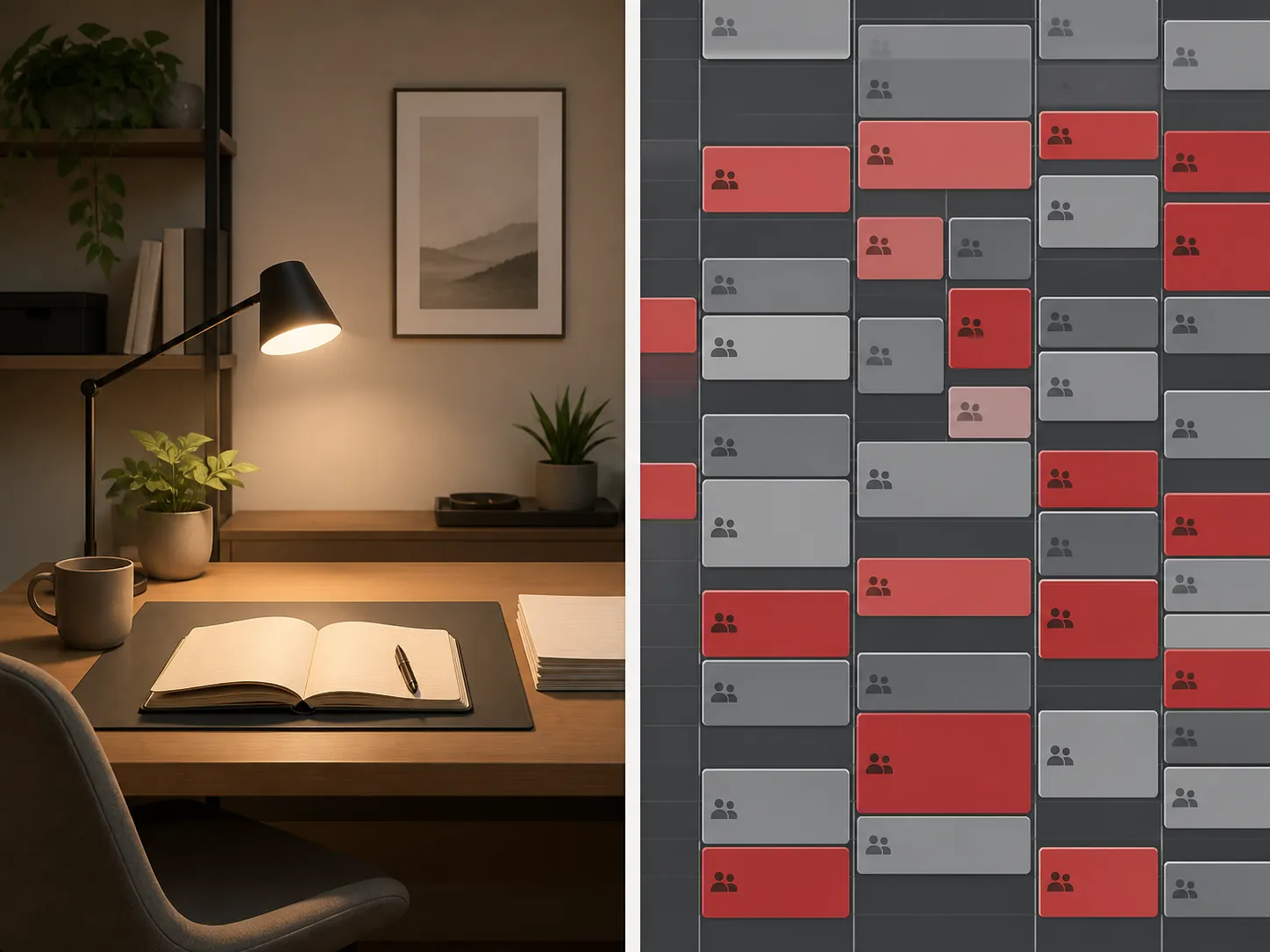
That boundary matters. If you control enough of the capture and retrieval layer, restructuring the notes app you already use is a reliable lever. If your calendar is almost entirely imposed from the outside, the same setup can reduce recovery friction, but it cannot make the collaboration load disappear. Use it for a workday, see whether fewer items go missing and whether tomorrow starts cleaner, then change the structure instead of hunting for another list of tips.
References
- Defining generations: Where Millennials end and Generation Z begins — Pew Research Center — Jan. 17, 2019
- APQC Survey Finds One Quarter of Knowledge Workers’ Time is Lost Due to Inefficiencies — APQC — 2021
- 2025 Productivity Benchmarks: Knowledge Workers, Teams Above & Below the Line — Worklytics — 2025
- Boosting the productivity of knowledge workers — McKinsey & Company
- The PARA Method: The Simple System for Organizing Your Digital Life in Seconds — Forte Labs
Comments
Join the discussion with an anonymous comment.