
Next Step
Setup
Configuration guides for an app the reader has already chosen or just migrated into: vault and folder structures, PARA-method or second-brain setups, starter plugin sets, and template starting points, scoped tightly to personal knowledge management rather than general productivity advice. Serves readers at a distinct, later task stage than Comparisons or Migrations: the decision is made, and they need the tool working. Excludes app-vs-app evaluation and migration mechanics entirely. Each guide is reached primarily as the 'next step' link from the matching migration guide or tool profile, not as standalone blog browsing.

Create Gemini Gems for Your Obsidian Note-Taking Workflow
Learn how to connect your Obsidian vault to Google Drive and build persistent Gemini Gems that read, synthesize, and review your notes without re-uploading context each session.
How to Set Up DeepSeek V4 Flash for Your Note Workflow
Connect DeepSeek V4 Flash to Obsidian or any OpenAI-compatible note app with the model names and endpoints that work in mid-2026, a realistic monthly cost for personal note workloads, and the weak spots to check before spending API credits — distinguishing what is confirmed against official docs from what is still an unverified community lead.
Can You Run DeepSeek V4 Locally for Note Summarization?
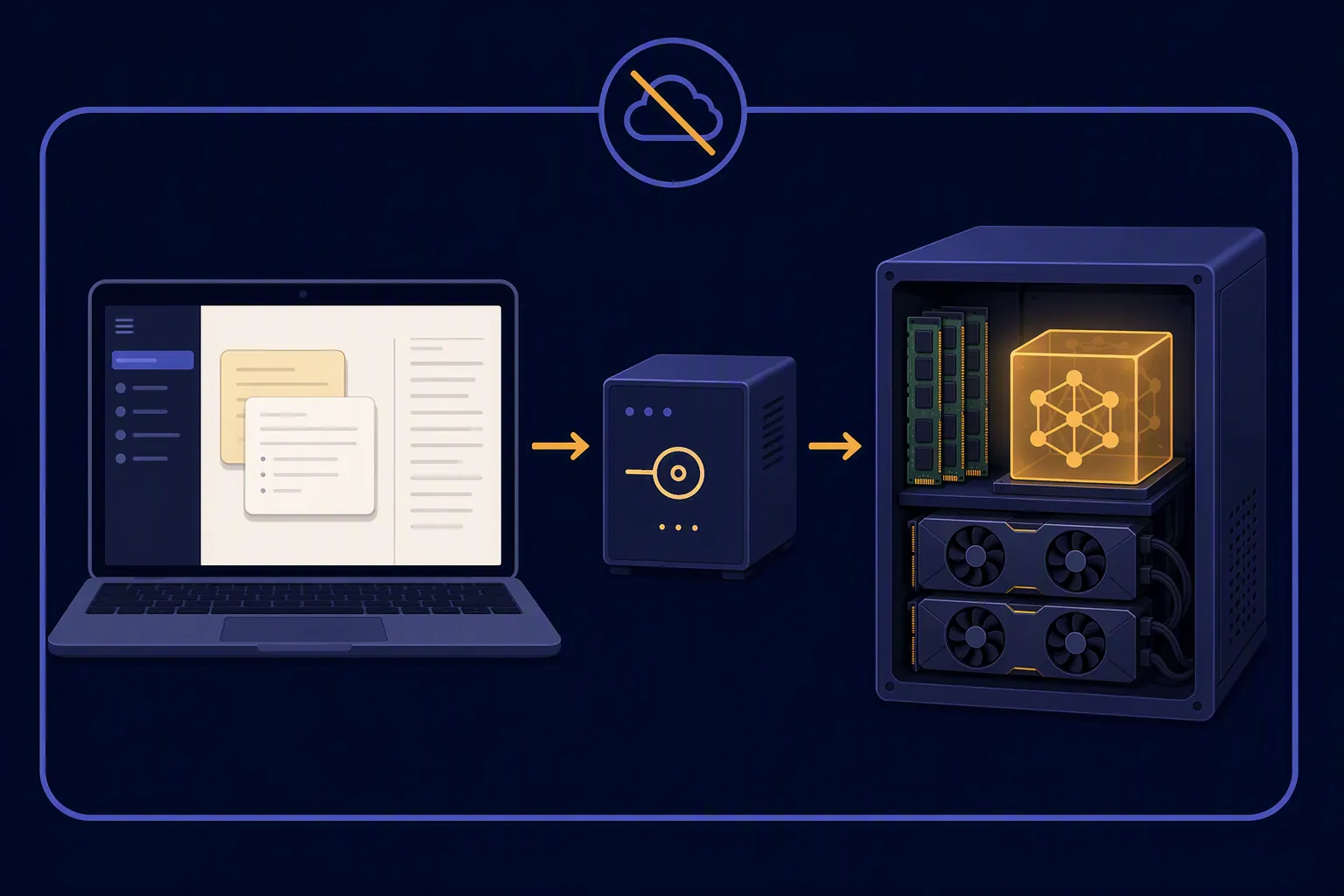
A first-hand test of running DeepSeek-V4-Flash locally for note summarization: the full llama.cpp + Unsloth GGUF install, wiring it into Obsidian and Logseq through a local OpenAI-compatible endpoint, plus measured memory, tokens/sec, and what broke. Verdict: it works and summarizes private notes, but the 100GB+ memory bill means most note-takers are better off with a smaller local model.
I Tested DeepSeek V4 for Note-Taking in Obsidian
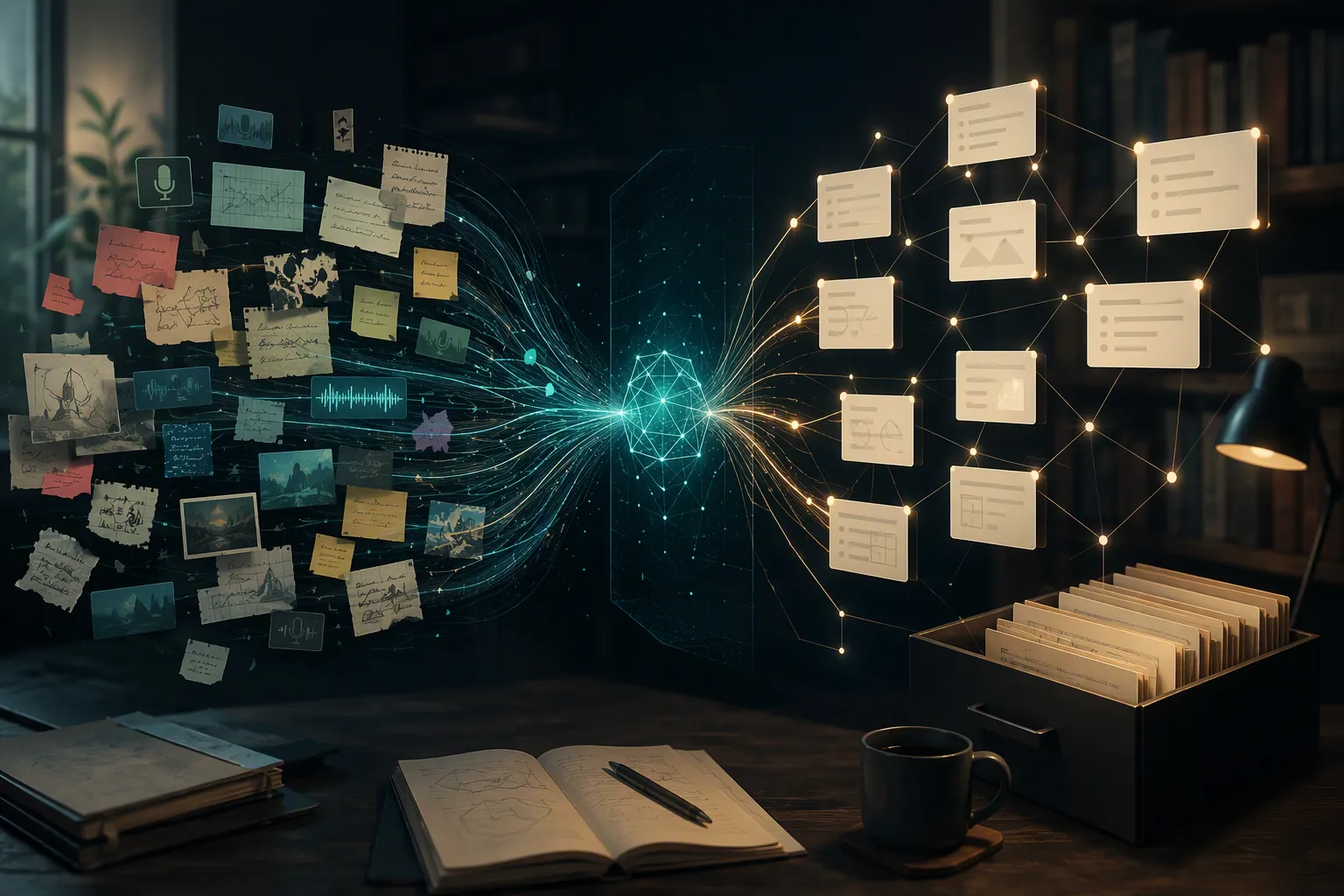
We set up DeepSeek V4 inside Obsidian and ran it through a real note-taking workflow, documenting the exact configuration, what held up over repeated use, and where it broke. You'll know whether this integration fits your vault before you commit to it.
How to Fix Claude 529 Error in Your Note-Taking Setup
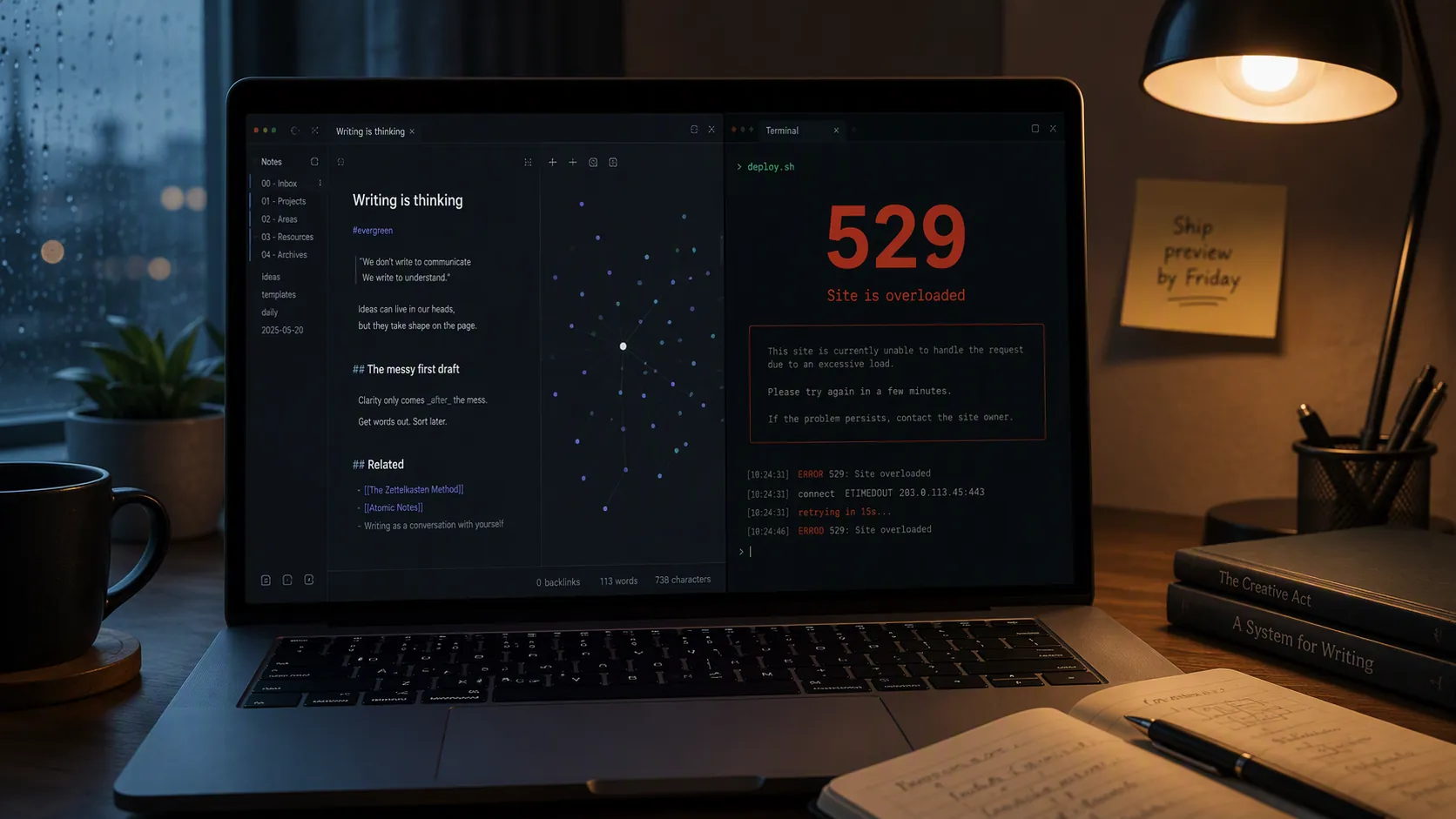
Stop the Claude 529 overloaded error from interrupting your Obsidian or Notion second-brain workflow. Learn three setup changes that address model-capacity contention — fallback model, context weight, and scheduling — without rebuilding your automation.
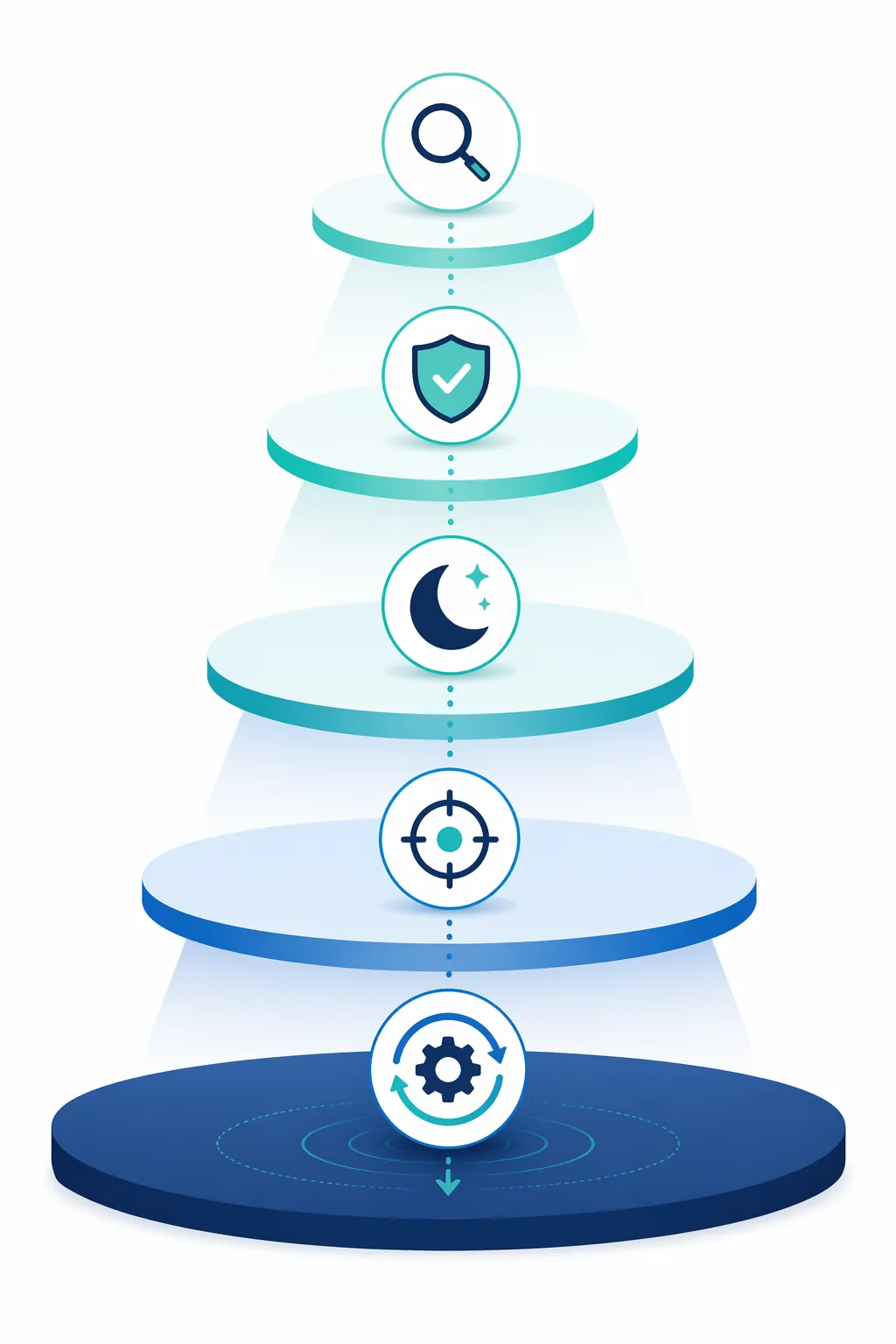
Fix Samsung Notification Spam for Focus and Productivity
A step-by-step guide to eliminating notification spam on Samsung Galaxy phones using five built-in One UI layers — from per-app Notification Categories to Bixby Routines automation — so you can stay focused during deep work without missing critical alerts.
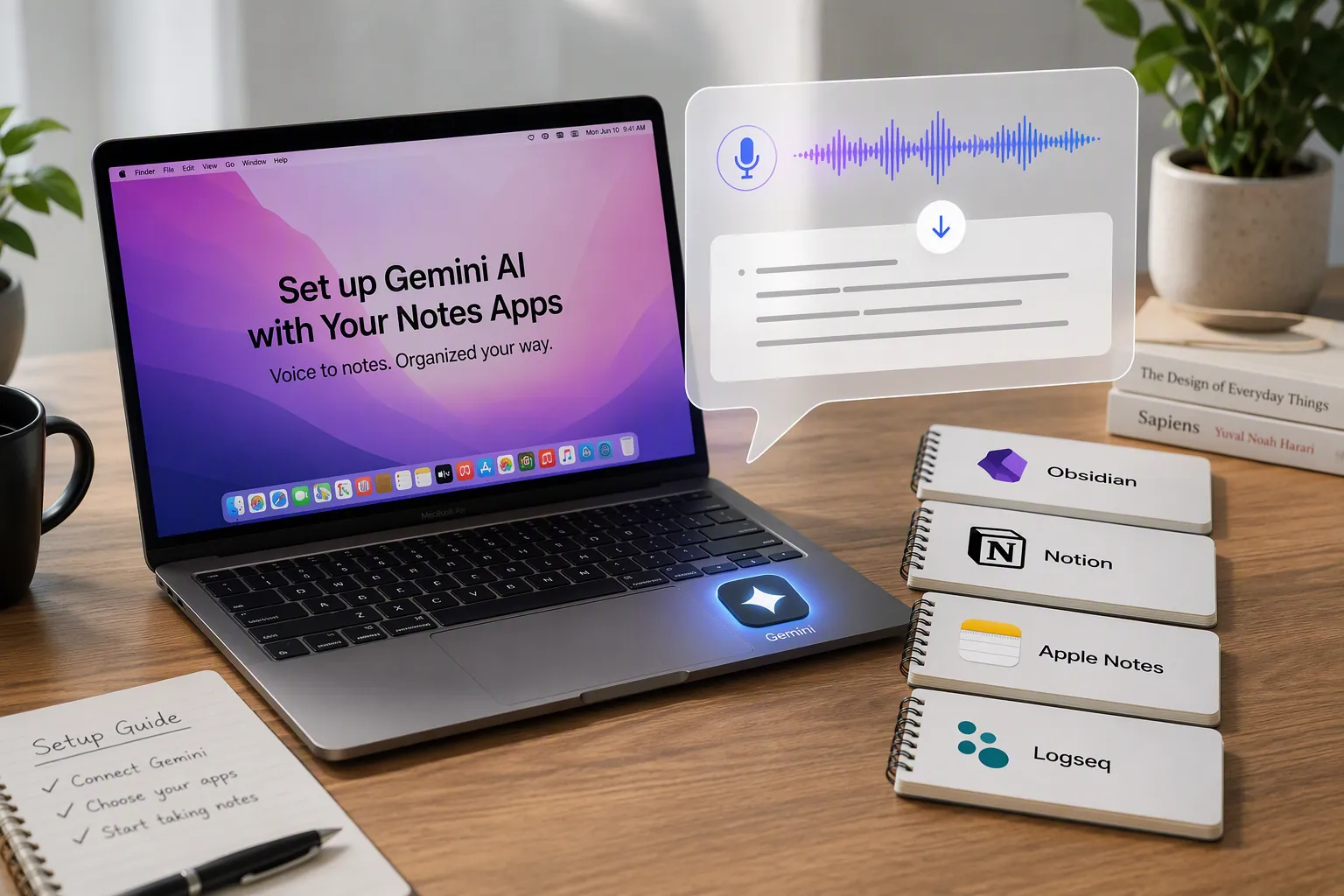
How to Use Gemini AI Voice Dictation for Note-Taking on Mac
A step-by-step setup guide for using Gemini for Mac's Speak to Window voice dictation to capture text directly into Notion, Obsidian, Logseq, and Apple Notes. Covers permissions, formatting commands, and the configuration gotchas that can trip up daily use.
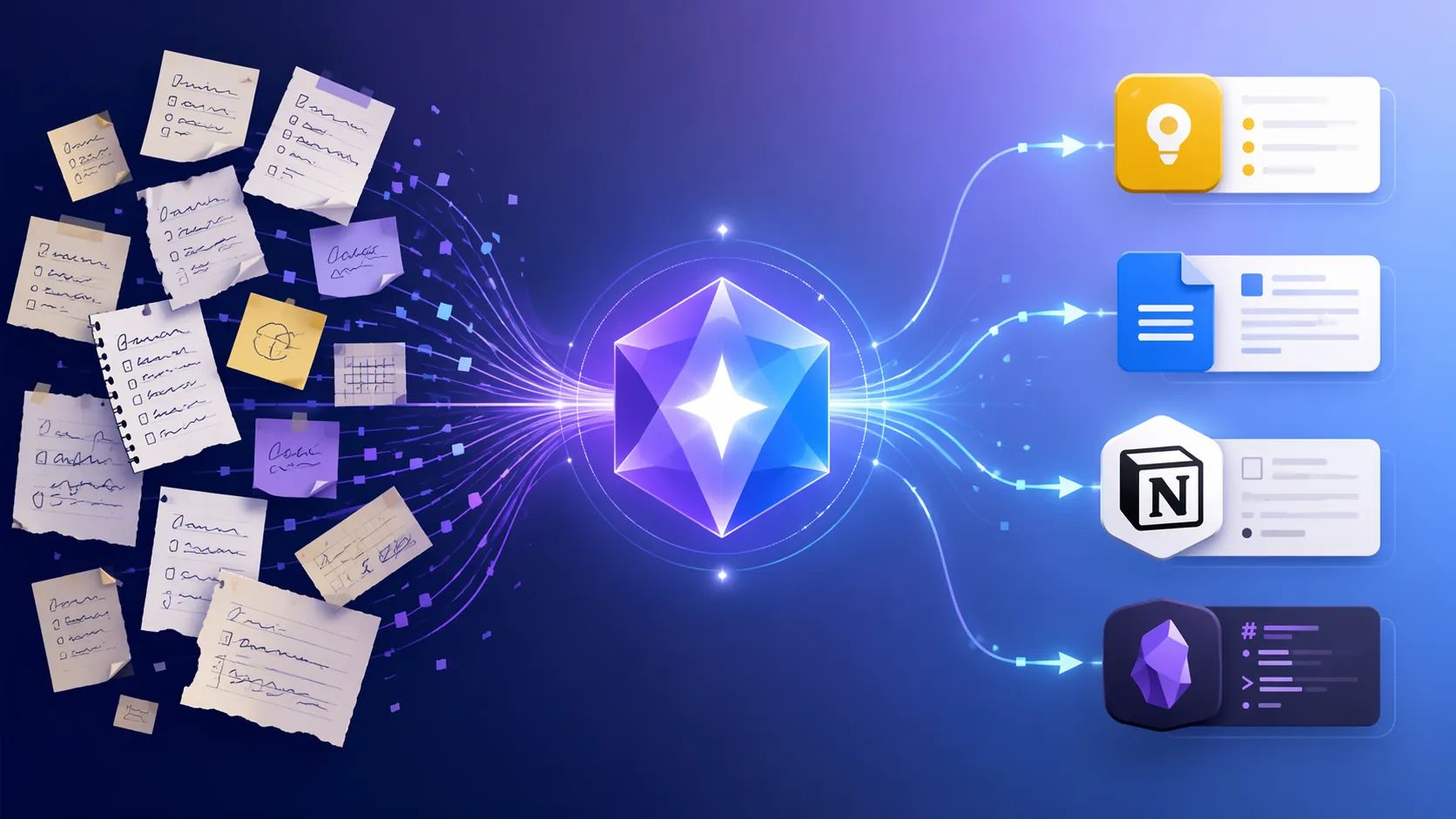
How to Use Gemini Gems for Note Taking Across Apps
A step-by-step guide to configuring Google Gemini custom AI Gems as a preprocessing layer for your existing note-taking apps—Google Keep, Docs, Notion, or Obsidian—including the formatting instructions each target requires and the real limitations of direct API access.
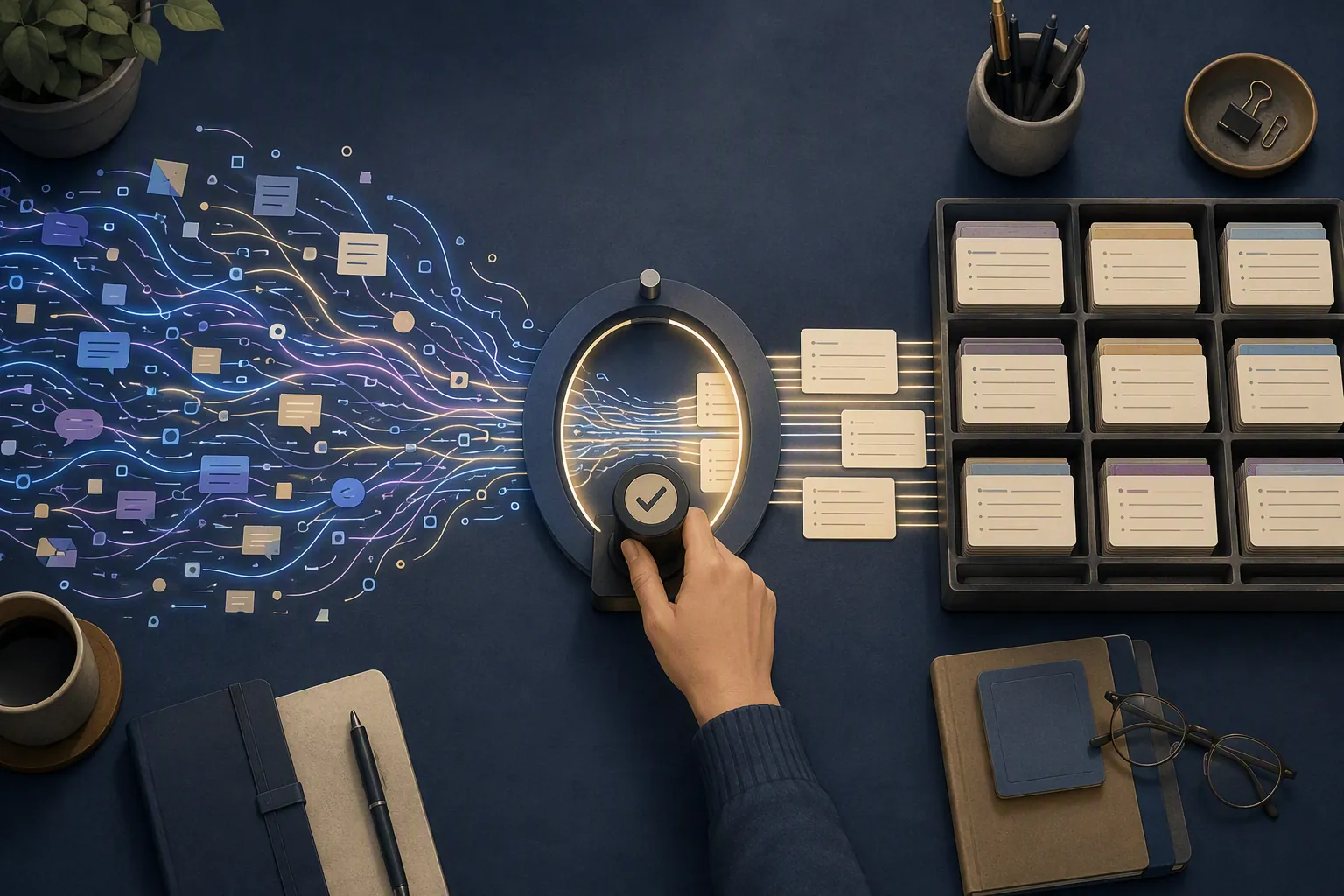
How to Set Up a Gen Z AI Workflow That Keeps You Thinking
Gen Z is the heaviest AI-using generation and the most worried about what AI does to their learning. The fix isn't using less AI — it's configuring Notion or Obsidian so AI accelerates capture and drafting while explicit human-approval points, typed capture fields, and a dated configuration log keep the judgment yours.

How to Start Gratitude Journaling Without Burning Out
An evidence-based gratitude journal plan for productivity-minded quitters: start at 1-2 sessions a week with ~3 specific entries, run an 8-week trial, and evaluate the practice at week 8 instead of abandoning it on day 3.

iOS 26.6 Optimizations to Speed Up Your Note-Taking Apps
iOS 26.6 can temporarily slow note-taking apps due to a background Spotlight re-index. This guide walks you through system settings — Reduce Transparency, Background App Refresh, Adaptive Power Mode — to keep apps responsive during the 1–2 day indexing window.
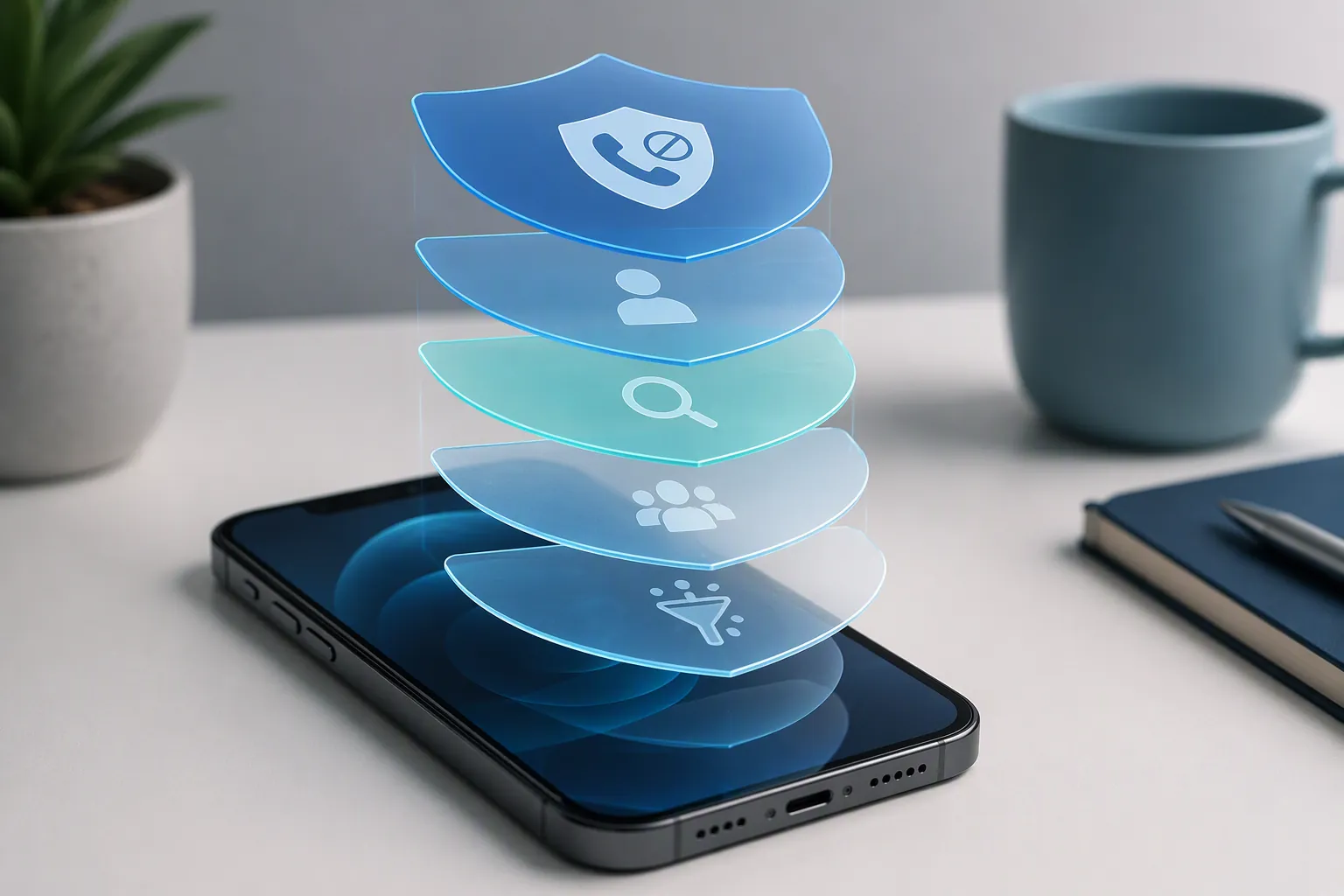
Set Up iOS 26.6 Spam Call Blocking in Five Layers
A single-pass guide to every iOS 26.6 spam call blocking feature: Call Screening, unknown and SPAM filters, the new Blocked Contacts Limit alert, carrier-level blocking, and third-party identification apps, with exact Settings paths and per-toggle verification steps to cut interruptions and reclaim focus time.