
Verification first: OpenAI Astra is not usable for research notes today
As of Aug. 2, 2026, there is no tested workflow for using OpenAI Astra to organize research notes, because readers cannot access OpenAI Astra. In this article, “Astra” means OpenAI’s announced model family, not DataStax Astra DB and not Google’s Project Astra. OpenAI describes Astra as its “next major model family,” but the available version is internal-only; OpenAI has not published public access, a release date, pricing, a public model card, or public benchmarks for outside users to run against their own notes.[1][2]
That access status matters more than any imagined setup instructions. A research-notes workflow is only “tested” if someone can open the tool, load representative material, inspect outputs against sources, export or copy the result into a note system, and repeat the run later. Astra cannot currently pass that basic reproducibility test for outside users.
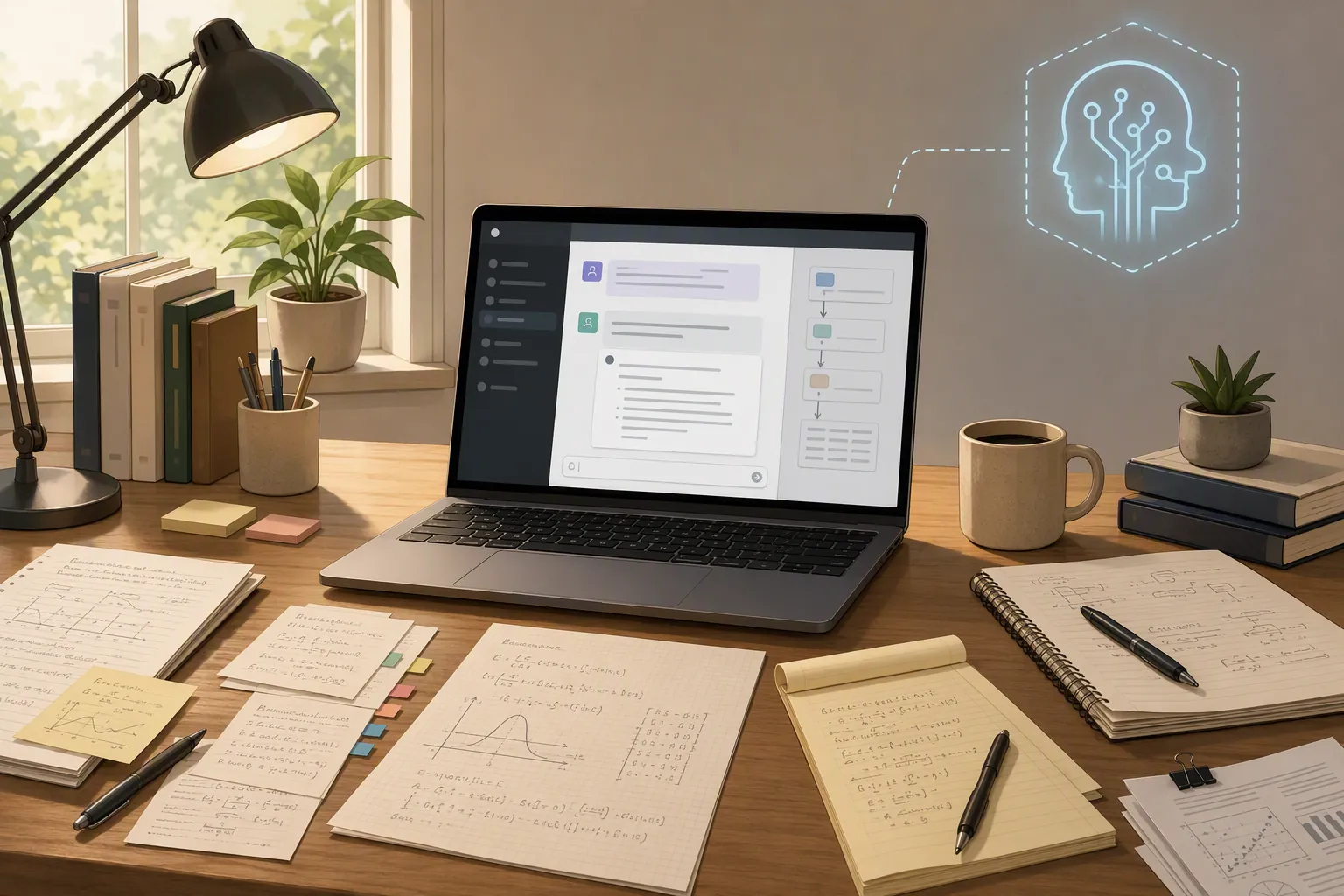
The Astra announcement is still worth taking seriously, just not as a setup guide. OpenAI said an internal version of Astra helped produce ten advances in mathematics and theoretical computer science.[1] TNW’s coverage adds the guardrails that should stay attached to that claim: outside users cannot run the model, and the ten results had not been independently peer-reviewed as of the Aug. 1 cutoff described in that reporting.[2] Kingy.ai’s analysis adds another important distinction: Lean certificates can machine-check formal correctness, but that is not the same as broad scientific acceptance, independent peer review, statement fidelity, or novelty judgment.[3]
So the useful answer is narrower: do not build a research-note system on Astra yet. Build one on shipped tools, date the setup, keep the human review step visible, and re-test when Astra becomes public.
The dated workflow to run instead
This is the workflow worth running this week if you have a messy vault, a pile of paper notes, LaTeX fragments, and a deadline that will not wait for an unreleased model. It uses OpenAI tools that exist now: ChatGPT for Academic Researchers where eligible, Prism for LaTeX-native research work, and ChatGPT Work-style long-running projects for sustained organization.
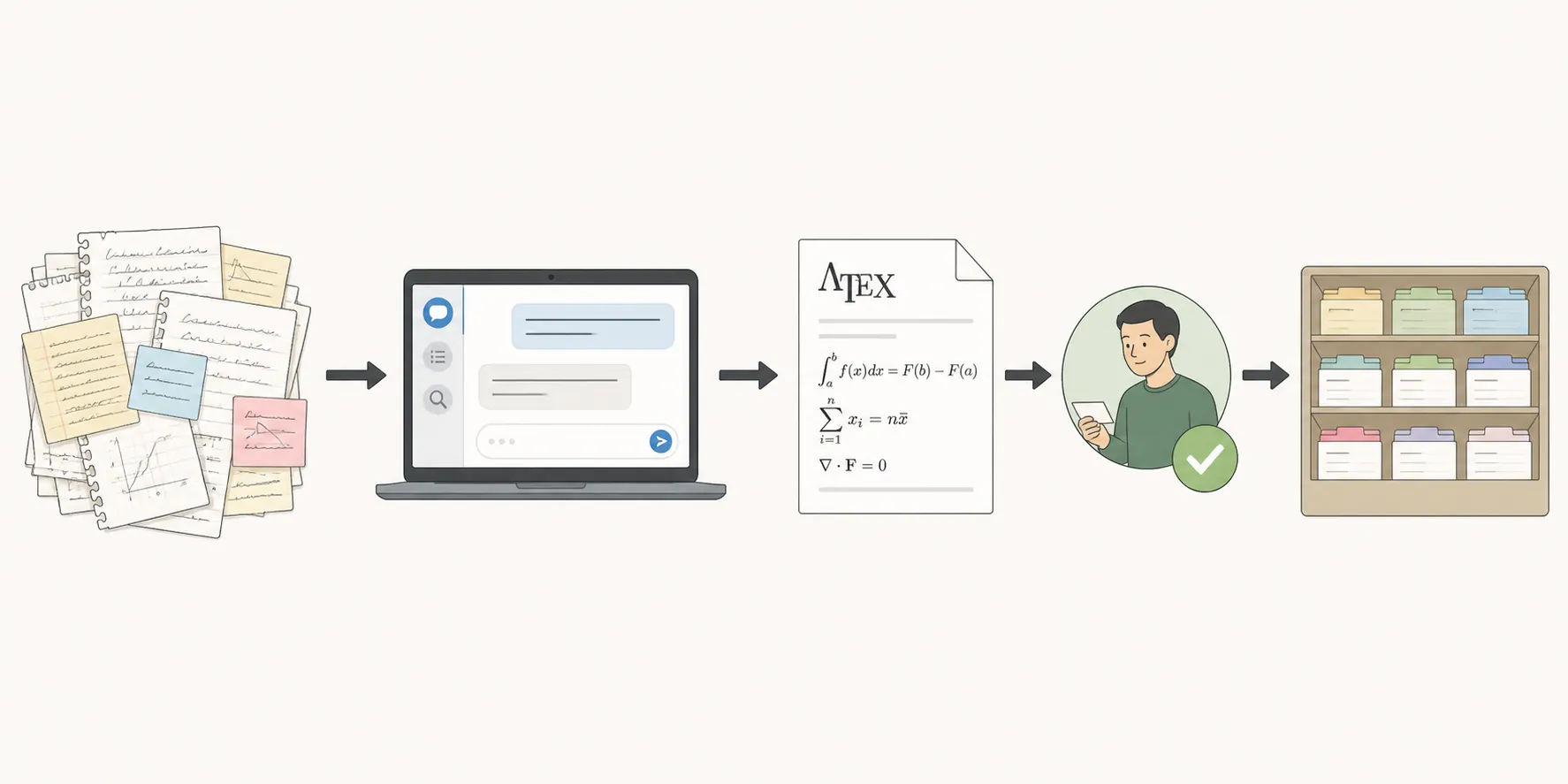
| Stage | Tool | What the tool should do | Human checkpoint |
|---|---|---|---|
| Source inventory | Your existing notes app or folder system | Collect PDFs, rough notes, citations, LaTeX fragments, and unfinished summaries into one dated intake area. | Remove duplicates, mark uncertain sources, and decide what must not be uploaded. |
| Paper and note triage | ChatGPT for Academic Researchers, if eligible | Turn rough material into a source-linked reading index, open questions list, and paper-by-paper summary draft. | Check every claim against the original paper or note before it enters the permanent vault. |
| Technical cleanup | Prism | Work on LaTeX-heavy notes, formulas, proof sketches, and research writing in a LaTeX-native environment. | Verify notation, equation meaning, and whether the generated prose preserved the original statement. |
| Long project memory | ChatGPT Work or a long-running ChatGPT project | Keep a continuing project brief, topic map, glossary, decision log, and unresolved-question list. | Export or copy the durable notes into your own system; do not treat the chat as the only archive. |
| Vault handoff | Obsidian, Notion, Zotero notes, or another system of record | Store reviewed summaries, links, tags, and follow-up tasks where you already search and write. | Confirm backlinks, tags, filenames, and source references survived the transfer. |
The first move is not asking the model for a synthesis. It is freezing the input set. Make an intake folder with the material you want organized now: exported paper notes, copied marginalia, citation records, LaTeX snippets, draft summaries, and a short project brief that says what the collection is for. If you use Obsidian, this is also the point to decide what becomes a permanent note, what remains a literature note, and what is just an inbox item. The notes-first discipline in this ChatGPT note-taking profile is the right default: AI output is a drafting layer, not the record of truth.
For each source, create a compact record before asking for synthesis: title, author or venue if known, date if known, source location, your reason for saving it, and the exact question you hope the note will answer. That small amount of structure prevents the model from turning a mixed pile of notes into one smooth but untraceable essay.
Use ChatGPT for Academic Researchers only if you actually have access
ChatGPT for Academic Researchers is not a general public substitute for Astra. OpenAI says 100,000 researchers are getting free access, with the first 10,000 this summer at the Institute for Advanced Study and École Normale Supérieure.[4] That is useful for eligible researchers, but it is not a workflow every reader can reproduce today.
If you are eligible, use it for bounded triage rather than vault automation. Ask for a reading index with source-by-source rows: what the item claims, what methods or evidence it uses, what terms need definition, what follow-up questions remain, and which notes should be compared. Keep the output boring. The more decorative the generated summary becomes, the harder it is to verify.
A workable instruction is simple: “Organize these research notes into a table. Preserve source boundaries. Do not merge claims across sources unless you mark the merge. Add an uncertainty column. Add a follow-up action column. Do not invent bibliographic details.” That will not make the system infallible, but it gives you columns you can audit quickly.
| Column | Why it belongs in the draft index |
|---|---|
| Source | Keeps each claim attached to the paper, note, or excerpt it came from. |
| Claim or observation | Separates what the source says from what you think it might imply. |
| Evidence or method | Stops summaries from becoming free-floating conclusions. |
| Uncertainty | Marks missing citations, unclear wording, weak OCR, or notes you have not checked. |
| Connection | Identifies where this source may relate to another item without pretending the relation is proven. |
| Next action | Turns the index into work: verify, quote, discard, compare, rewrite, or file. |
The failure to watch for here is quiet source blending. A model can produce a clean paragraph that combines your memory of one paper, a margin note from another, and a draft sentence you wrote weeks ago. The table format does not eliminate that risk, but it makes the damage easier to spot before it reaches your permanent notes.
Use Prism for LaTeX-heavy material, not for the whole vault
Prism is the stronger fit when the material is technical: formulas, definitions, theorem statements, proof sketches, or draft sections that already live near LaTeX. OpenAI describes Prism as a free LaTeX-native research workspace with GPT-5.2.[5] That makes it relevant to research organization, but in a specific way. It can help clean and work around mathematical writing; it is not a general-purpose migration system for a note vault.
Use Prism after the source inventory, not before it. Paste or import a bounded technical fragment, then ask for a structured pass: restate the definitions, list notation conflicts, identify where a proof sketch skips a step, and produce a short “vault note” version that keeps the original formula nearby. For technical notes, the side-by-side relationship is the point. A polished English paraphrase that detaches from the symbolic statement is less useful than a rougher note that preserves the exact notation you need to check.
The weak handoff is metadata. Prism can help with LaTeX-native work, but tags, backlinks, folders, project status, and citation-key conventions still need to be rebuilt or checked in the destination system. If your vault depends on Obsidian links or a Zotero citation-key habit, do not assume those relationships survive merely because the prose looks organized.
Keep a long-running project brief in ChatGPT Work
The role for ChatGPT Work is continuity. OpenAI’s Work documentation frames it as an environment for ongoing work rather than a one-off chat.[6] In a research-notes setup, that means maintaining a project brief, a glossary, a list of active questions, a decision log, and a map of source clusters. It is useful when the same research area is going to come back tomorrow, next week, and after the next reading group.
Do not make the chat project your only archive. At the end of each session, export or copy the reviewed artifacts into your system of record: the source index, corrected summaries, unresolved questions, and any decisions you would be annoyed to lose. If your destination is Obsidian, the practical handoff issues are closer to the ones covered in the ChatGPT history to Obsidian migration guide than to an Astra launch story.
A durable project brief can be short: project aim, current corpus, excluded material, naming rules, citation rules, preferred summary format, open questions, and last verified date. Update that brief when your understanding changes. Otherwise, the model will keep helping with a version of the project that no longer matches your actual research.
Where this workflow breaks
The current setup is usable, but it is not elegant. That is the tradeoff: it exists. The main problems are not dramatic model failures; they are the dull seams where research work actually gets lost.
- Eligibility breaks reproducibility. If you do not have access to ChatGPT for Academic Researchers, you cannot reproduce that branch of the workflow. Use a standard ChatGPT project or another research assistant workflow instead, and label your setup accordingly.
- Clean summaries can hide mixed provenance. A paragraph that sounds coherent may combine claims from several sources. Keep source boundaries in tables until you have manually approved the synthesis.
- LaTeX cleanup does not equal vault organization. Prism is useful around technical writing, but it does not automatically preserve your note-app conventions, backlinks, tags, or citation-key structure.
- Long-running chat context is not a permanent archive. ChatGPT Work can hold continuity for a project, but the reviewed knowledge still needs to land in the place where you search, write, cite, and back up your notes.
- Human review is still the bottleneck. The model can reduce sorting and drafting time, but it cannot decide whether an important caveat vanished from a paper summary unless you check the paper.
The source-fidelity problem is the one I would treat as highest risk. Research notes are not just content; they are a trail back to evidence. A model that turns five messy notes into one beautiful synthesis may have made your future self slower if it removed the trail.
That is also why AI-note backlash stories are relevant even when the tool is technically impressive. The issue is rarely whether a model can generate notes. It is whether the notes remain inspectable when someone has to rely on them later. The same caution appears in the Hank Green AI note-taking backlash profile and the follow-up on AI workflow collapse lessons: the workflow has to survive contact with real review, not just produce a pleasing artifact.
Who should not use this setup
Do not use the ChatGPT for Academic Researchers branch if you are not in an eligible group. The program may be important, but it is not a universal access path. A guide that quietly assumes eligibility will waste time for the exact reader who came looking for a setup they could run this week.
Do not use this workflow as written for sensitive, restricted, confidential, or compliance-bound material unless your institution’s rules explicitly permit the tool and the data handling. The research-note problem is not worth solving by creating a data-governance problem.
Do not use it if you need fully automated backlinks, citation hygiene, and folder placement. You can ask a model to draft tags or filenames, but you should still inspect them. If your actual question is which AI assistant fits your note system better today, the more relevant comparisons are ChatGPT Projects vs. Custom GPTs, NotebookLM vs. ChatGPT vs. Perplexity for Deep Research, Claude AI vs. ChatGPT for note taking, and DeepSeek V4 vs. ChatGPT for organizing Obsidian notes.
What to re-test when OpenAI Astra becomes public
When Astra ships publicly, the first re-test should not be “does it feel smarter?” It should be the same boring workflow test: can a reader access it, run it on representative material, inspect the output, move the result into a real notes system, and repeat the process without losing source fidelity?
| Re-test item | What to verify before calling it a tested Astra workflow |
|---|---|
| Public access | Who can open the model, in which products, under which account types, and in which regions. |
| Release date and version | The exact model name and date tested, so later changes do not get confused with the original run. |
| Model card or system documentation | Known limits, intended uses, safety constraints, and any restrictions relevant to research material. |
| Pricing and quotas | Whether a realistic notes workflow is affordable and whether upload, context, or message limits change the setup. |
| Benchmarks | Public benchmark claims, while keeping adoption and effectiveness separate. |
| Source fidelity | Whether summaries preserve source boundaries, uncertainty, citations, and caveats. |
| Export behavior | Whether tables, citations, LaTeX, links, and file attachments survive export or copy-paste. |
| Note-app handoff | Whether Obsidian, Notion, Zotero notes, or another vault receives usable filenames, tags, backlinks, and citation keys. |
| Improvement over shipped tools | Whether Astra actually improves the tested workflow compared with ChatGPT for Academic Researchers, Prism, and ChatGPT Work. |
The math announcement may turn out to be historically important. It still does not organize your research notes today. For now, the honest setup is dated, imperfect, and reproducible: freeze your sources, use the shipped tool that fits each part of the job, keep human review between synthesis and storage, and move the final record into the note system you already trust.
References
- Ten advances in mathematics and theoretical computer science, OpenAI, Aug. 1, 2026.
- OpenAI Astra model, ten math proofs, and non-sofic groups, TNW.
- OpenAI Astra: Ten Math Results — Evidence and Limits, Kingy.ai.
- Accelerating scientific discovery with ChatGPT for Academic Researchers, OpenAI.
- Introducing Prism, OpenAI.
- Get started with Work, OpenAI.
Comments
Join the discussion with an anonymous comment.