
No, OpenAI Astra is not a note-taking app as of Aug. 2, 2026. If you searched “openai astra note-taking workflow guide,” the important correction comes before the setup: the “Astra” name currently points in more than one direction, and only one of those directions leads to a workflow you can actually use today.
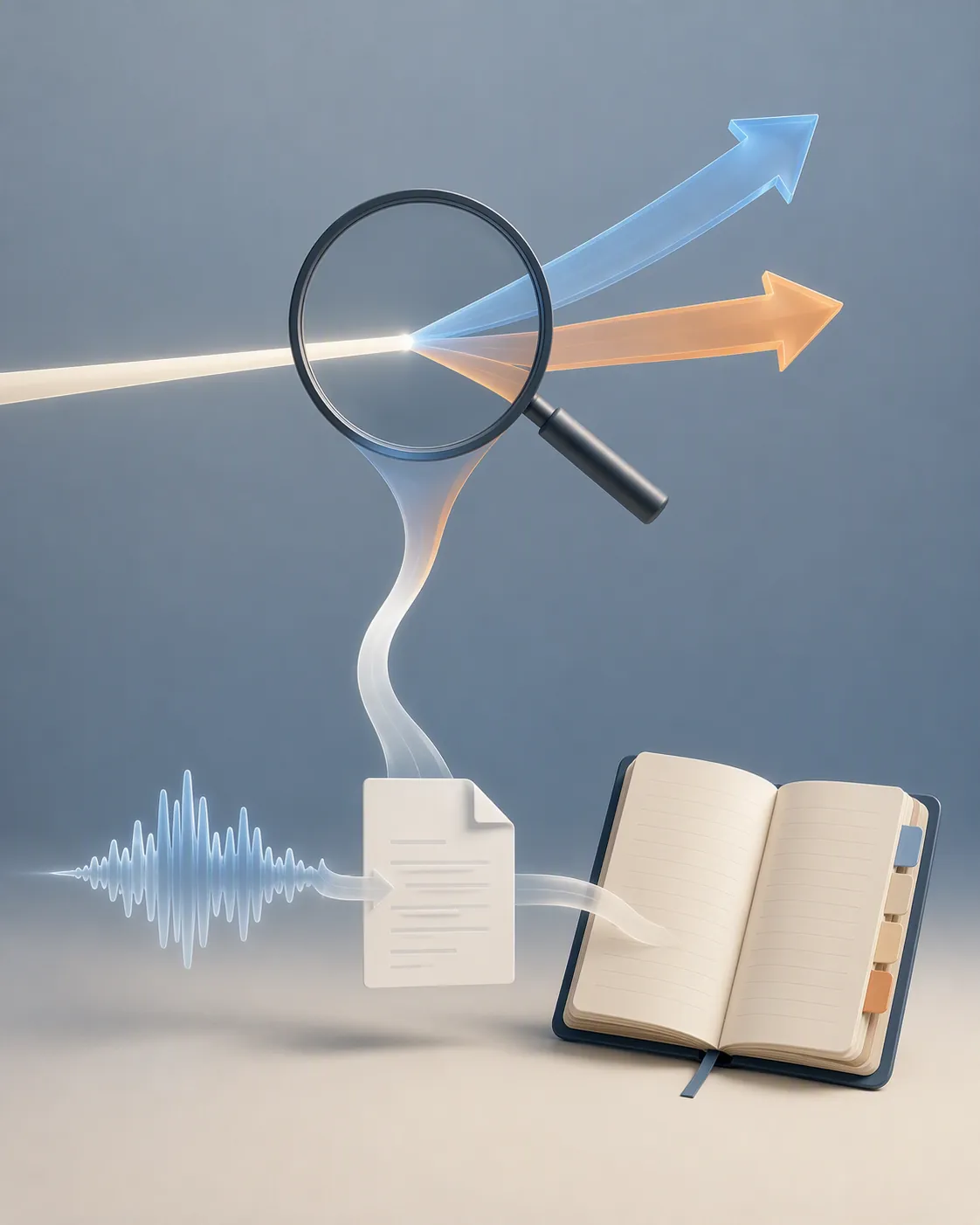
The disambiguation matters because the wrong answer can waste an afternoon. Press reports describe OpenAI Astra as an unreleased next-generation model family shown in a private Washington, D.C. preview on Aug. 1, 2026; there is no public OpenAI product page, no confirmed release date, and no public note-taking product to install under that name [1][2][3]. Google’s Project Astra is a separate Google DeepMind initiative, and it is the more likely reason “Astra” keeps appearing beside Gemini, live assistant demos, and note-app actions in search results [4][5].
The OpenAI note workflow that exists now is less glamorous and more useful: capture with ChatGPT Record or voice mode, let ChatGPT produce a transcript and summary, then move the finished text into a real notes app such as Notion, Obsidian, or Apple Notes. ChatGPT can be the capture and processing layer. It should not quietly become your only archive unless you are comfortable treating chat history as the place your future self has to search.
The three things people are mixing together
| Name you may see | What it is | Can it be your OpenAI note-taking app today? |
|---|---|---|
| OpenAI Astra | A press-reported, unreleased OpenAI model-family preview. Reports describe it as aimed at harder, longer-running tasks, not as a public notes product [1][2][3]. | No. There is no public OpenAI Astra notes app to adopt as of Aug. 2, 2026. |
| Google Project Astra | A Google DeepMind multimodal assistant project connected to Gemini experiences; Gemini help material also describes note actions through connected apps such as Google Keep and Samsung Notes [4][5]. | No, not for an OpenAI workflow. It belongs on the Google/Gemini side. |
| ChatGPT Record, voice mode, and Atlas | The OpenAI surfaces that can help capture, transcribe, summarize, or contextualize information today. Record is documented by OpenAI with platform, tier, session, and audio-handling limits [6]. | Yes, as an input layer — not as the durable note system. |
The Astra press coverage is worth a short look only because it explains the name collision. CryptoBriefing, The Next Web, and Softonic all describe a private or selective preview rather than a public launch [1][2][3]. The Next Web reports a claim that the model solved ten open mathematics problems, while Softonic frames Astra as a next major model family for harder problems [2][3]. Those are model-capability claims, not note-taking availability.
The math-proof headlines also do not change the setup decision. Even if a future model becomes better at long-running reasoning, that would not automatically give you capture history, export discipline, notebook structure, or a six-month retrieval habit. A model name is not a notes system.
The OpenAI note workflow that works now
Treat the workflow as a handoff, not a destination. ChatGPT listens or receives audio, turns the capture into text, optionally summarizes or structures it, and then the note leaves ChatGPT for the app where you actually keep knowledge.

| Stage | Tool | Output | Decision point |
|---|---|---|---|
| Capture | ChatGPT Record for meetings or longer voice notes; voice mode for quick spoken capture | Audio becomes a transcript or conversation text | Do you have the right account, platform, and privacy conditions? |
| Process | ChatGPT summary, canvas, or follow-up instruction | Cleaned summary, action list, outline, meeting notes, or raw transcript excerpt | Is the model’s interpretation accurate enough to keep? |
| Archive | Notion, Obsidian, Apple Notes, or another notes app | A durable note with title, date, tags, links, and source context | Can you find this without reopening a chat thread? |
1. Capture in ChatGPT Record when the constraints fit
ChatGPT Record is the cleanest first-party OpenAI feature for this job, but it is not universally available. OpenAI’s help page says Record is in the ChatGPT macOS desktop app and is available to Plus, Pro, Business, Edu, and Enterprise users; recording sessions are capped at 240 minutes [6]. That makes it plausible for voice notes, lectures, interviews, standups, and many meetings, but not a safe assumption for every device or every account.
The audio-handling detail is also worth reading before you record sensitive material. OpenAI says raw audio is deleted after transcription, while the transcript and generated content may remain in chat history unless deleted; the “Improve the model for everyone” setting affects whether content may be used for training, with Business, Edu, and Enterprise excluded by default [6]. That is better than guessing, but it is still a policy boundary you should check against your employer, school, client, or own tolerance for private capture.
For a broader comparison of how Record behaves against other AI note workflows, FlowDesk’s Claude AI vs ChatGPT for note taking is the companion piece; this guide stays with the setup question created by the Astra confusion.
2. Use voice mode for quick capture, not careful drafting
Voice mode can be enough when the job is “get this thought out of my head before it disappears.” It is useful for a walk, a commute, a post-meeting debrief, or a rough idea you do not want to type yet. The weakness is the same as the charm: spoken capture is fast, so it often arrives with missing context, wandering structure, and assumptions you meant to clarify later.
A MakeUseOf write-up of a ChatGPT voice note workflow flags the practical limits: it depends on a live connection, can mishear or miss context, is a weak fit for deliberate long-form reflection, and is not appropriate for privacy-sensitive material [8]. Those are not exotic edge cases. They are exactly the places where a convenient capture tool starts pretending it is a finished note.
3. Ask ChatGPT for the note you actually want to store
After the transcript exists, do not paste it into your notebook untouched unless the raw transcript is the artifact you need. Most captured audio wants one more pass. Ask ChatGPT to produce the form your note app should hold: a dated meeting note, a decision log, a cleaned idea memo, an action list, a research snippet, or a short summary with unresolved questions.
A useful instruction at this stage is plain rather than magical: “Turn this transcript into a durable note. Keep factual uncertainty visible. Separate decisions, action items, open questions, and useful quotes. Do not invent names, dates, or commitments that are not in the transcript.” That instruction does not make transcription perfect, but it tells the model not to polish uncertainty into false confidence.
Turn this transcript into a durable note for my notes app.

Use this structure:
- Title:
- Date:
- Source: voice note / meeting / call
- Summary:
- Decisions:
- Action items:
- Open questions:
- Useful quotes or exact phrasing:
- Context I may need later:

Rules:
- Do not add facts that are not in the transcript.
- Mark unclear names, dates, or commitments as uncertain.
- Keep the wording concise enough to paste into a notes app.
4. Move the finished note into a real archive
The handoff is the workflow’s most boring step and the one that decides whether the note survives. Copy the processed text into Notion, Obsidian, Apple Notes, or whatever app already holds your projects and reference material. Give it a title you would search for, keep the date, and add enough source context that the note makes sense when the chat thread is gone.
| Destination | Best fit | Handoff habit |
|---|---|---|
| Notion | Project pages, databases, meeting notes, shared team context | Paste the summary into the right database or page, then add project, person, and status properties. |
| Obsidian | Markdown archives, linked notes, local-first personal knowledge bases | Paste as Markdown, link the note to an existing project or daily note, and keep the transcript only if it is useful. |
| Apple Notes | Fast personal capture, lightweight folders, device-native search | Paste the cleaned note into the right folder and use a title that includes the project or person. |
Thomas Frank’s tested ChatGPT-to-Notion example is useful because it shows the shape of the handoff: a 14-minute voice note was transcribed, summarized, and placed into Notion in 90 seconds using free tiers, while also noting that Notion’s free-plan file uploads were capped at 5MB [9]. That is a single workflow test, not a universal performance promise. Its value is simpler: the capture can leave ChatGPT and become a normal note.
If Obsidian is the archive, the main question becomes export format rather than AI capability. FlowDesk’s ChatGPT-to-Obsidian export guide is the more relevant follow-up once the transcript and summary are ready.
Where ChatGPT Atlas fits
Atlas is not the answer to “Is OpenAI Astra a note-taking app?” It is an OpenAI browser surface that can make ChatGPT more aware of the page or browsing context you are working in. OpenAI announced ChatGPT Atlas on Oct. 21, 2025, with a macOS-first launch, a context-aware sidebar, user-managed browser memory, and an agent mode preview for Plus, Pro, and Business users; OpenAI also says browsed content is not used for training by default [7].
That can help around the edges of note work. If you are reading a source, comparing pages, or drafting a summary from material already open in the browser, Atlas may reduce copying between windows. But the same archive rule applies: if the output matters, store it in the notes app where the project lives. A sidebar can help create the note. It is not the notebook.
Why Google Project Astra keeps polluting the search results
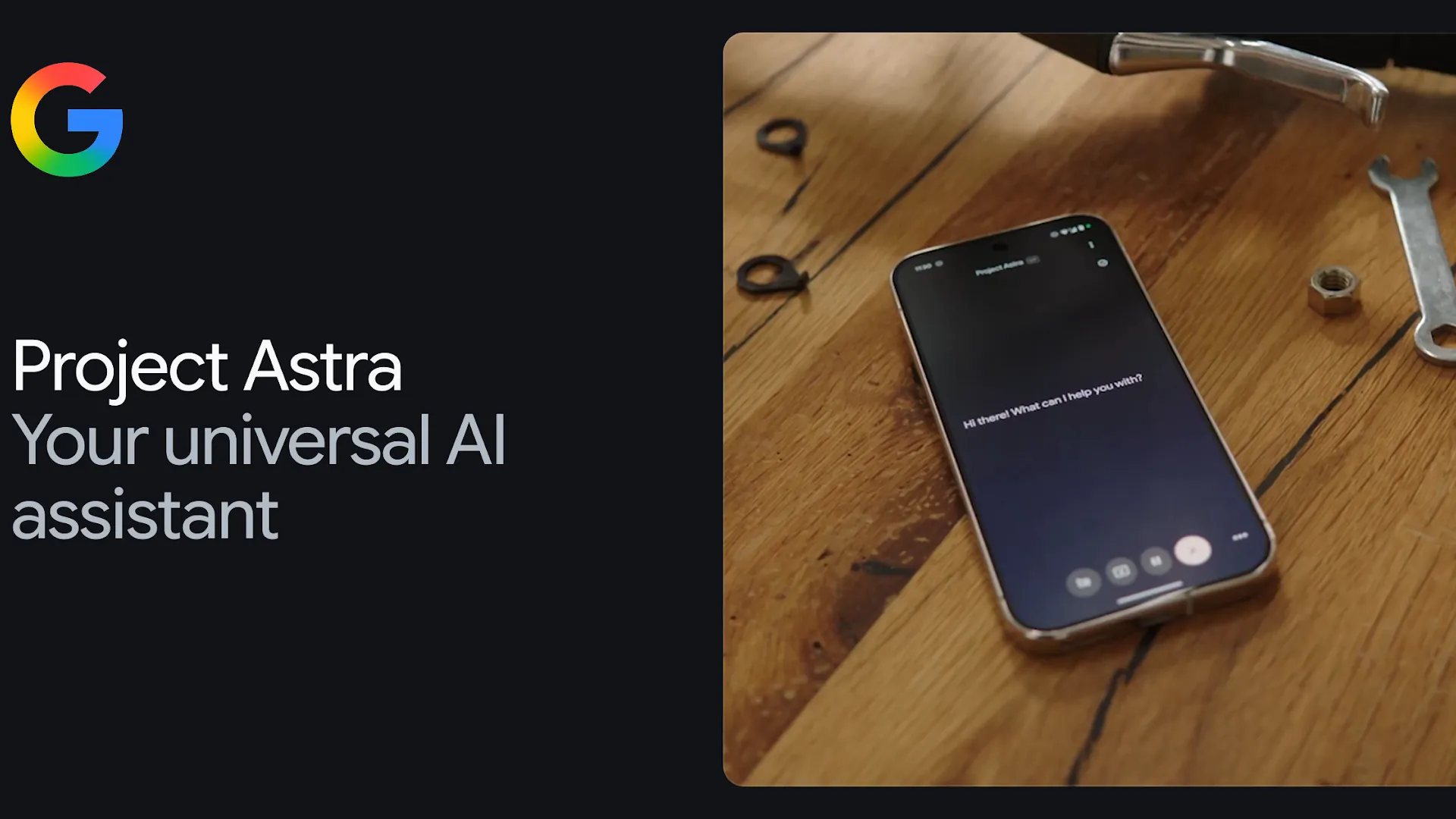
Google’s Astra is a real and separate thread. Google DeepMind describes Project Astra as work on a real-time multimodal assistant, and Gemini help documentation describes connected app actions that can create notes in services such as Google Keep and Samsung Notes [4][5]. If your search results show Gemini Live, camera-aware assistant demos, Google Keep, or Samsung Notes, you are probably looking at the Google-side workflow, not an OpenAI product.
That route may be perfectly valid if your notes already live in Google or Samsung apps. It is just not an OpenAI Astra workflow. If that is the stack you meant, FlowDesk’s Gemini Gems note-taking workflow and Gemini notes privacy audit are closer to the decision you need.
Limits to decide before you build around this
The working OpenAI setup is useful, especially for getting messy spoken thoughts into text. The risk is mistaking low friction for low consequence. Before you make it a habit, check the boundaries that affect your actual notes.
- Privacy-sensitive capture: Do not record confidential client work, medical details, legal strategy, HR matters, or private conversations just because the button is available. OpenAI’s Record documentation gives audio deletion and training-control details, but that does not override your obligations [6].
- Live-connection dependence: Voice workflows can fail at the exact moment you wanted hands-free capture, especially while traveling or moving between networks [8].
- Misheard context: A transcript can be clean-looking and still wrong. Names, dates, project labels, and commitments need review before they enter the archive [8].
- Long-form reflection: If the work is slow thinking, journaling, argument building, or careful writing, voice capture may be a rough input rather than the right medium [8].
- Account and platform limits: Record’s documented availability depends on the macOS desktop app and eligible paid or organizational tiers, and each session is capped at 240 minutes [6].
- Chat as the only archive: Chat history is convenient for recent conversations. It is a poor default for a note you expect to retrieve by project, source, date, person, or decision months later.
- Waiting for Astra: If your actual plan is “I will build this once OpenAI Astra ships,” there is nothing concrete to configure today. The public setup should be based on documented tools, not a private-preview model name [1][2][3].
A minimal setup that avoids the Astra trap
Use the smallest version first. Pick one capture path and one archive. Do not build automations, templates, or tagging systems until you have proved that you will review the transcript and move the note out of ChatGPT.
- Choose the archive first: Notion for structured project pages, Obsidian for Markdown and links, or Apple Notes for simple personal storage.
- Create one destination folder, database, or tag for AI-assisted captures. Keep it boring: “Voice notes,” “Meeting captures,” or “Inbox” is enough.
- Capture one real note in ChatGPT Record or voice mode. Do not test with a perfect demo script; use the kind of messy thought or meeting you actually have.
- Generate a cleaned note from the transcript using a fixed structure: summary, decisions, actions, open questions, useful quotes, and context.
- Review the output against the transcript. Fix names, dates, commitments, and anything that sounds smoother than it is accurate.
- Paste the reviewed note into the archive. Add a title and date before you close ChatGPT.
- After a week, search for the note from inside your notes app. If you cannot find it quickly, the archive habit needs repair before the AI layer gets more complicated.
The review step is not optional. ChatGPT can reduce typing and clean up speech, but it cannot know which misheard client name will embarrass you later or which “we should” sentence was never actually agreed as an action item.
Who should not use this setup
Skip this workflow if your main material is privacy-sensitive, if you need a local-only capture chain, or if your organization has not approved ChatGPT for recorded or transcribed work. Also skip it if your note-taking is mainly reflective writing. Dictation can catch a thought; it rarely replaces the slower act of forming one.
Do not adopt it because you are waiting for OpenAI Astra. There is no OpenAI Astra notes app to install today, no confirmed release date to plan around, and no public first-party product page to configure against. If you want an OpenAI-assisted note workflow now, use ChatGPT as capture and processing, choose a real notes app as the system of record, and make the handoff part of the workflow rather than an afterthought.
References
- OpenAI showcases Astra AI model in Washington D.C. preview, CryptoBriefing
- OpenAI says its next model, Astra, has solved ten open problems in mathematics, The Next Web
- OpenAI unveils Astra: its next major model family for harder problems, Softonic
- Project Astra, Google DeepMind
- Use Gemini Apps to connect to apps & services, Google Gemini Apps Help
- ChatGPT Record, OpenAI Help Center
- Introducing ChatGPT Atlas, OpenAI, Oct. 21, 2025
- I never forget anything now, thanks to this dead-simple ChatGPT workflow, MakeUseOf
- How to transcribe audio to text with ChatGPT and Notion, Thomas Frank
Comments
Join the discussion with an anonymous comment.