
The question was never whether DeepSeek V4 could make notes sound cleaner. That part is easy. The real question was whether it could support a tested note-taking workflow inside Obsidian and still leave the vault in better shape after the cleanup tax was paid.
My verdict: it can work, and I would keep the setup, but only with guardrails. DeepSeek V4 was useful when it received bounded input, returned notes in a fixed structure, and stayed in the role of first-pass formatter and synthesizer. When I let it behave like a general AI assistant with vague instructions and too much context, the output became the kind of polished mess that looks productive until search, linking, and review expose the damage.
The setup I would actually keep
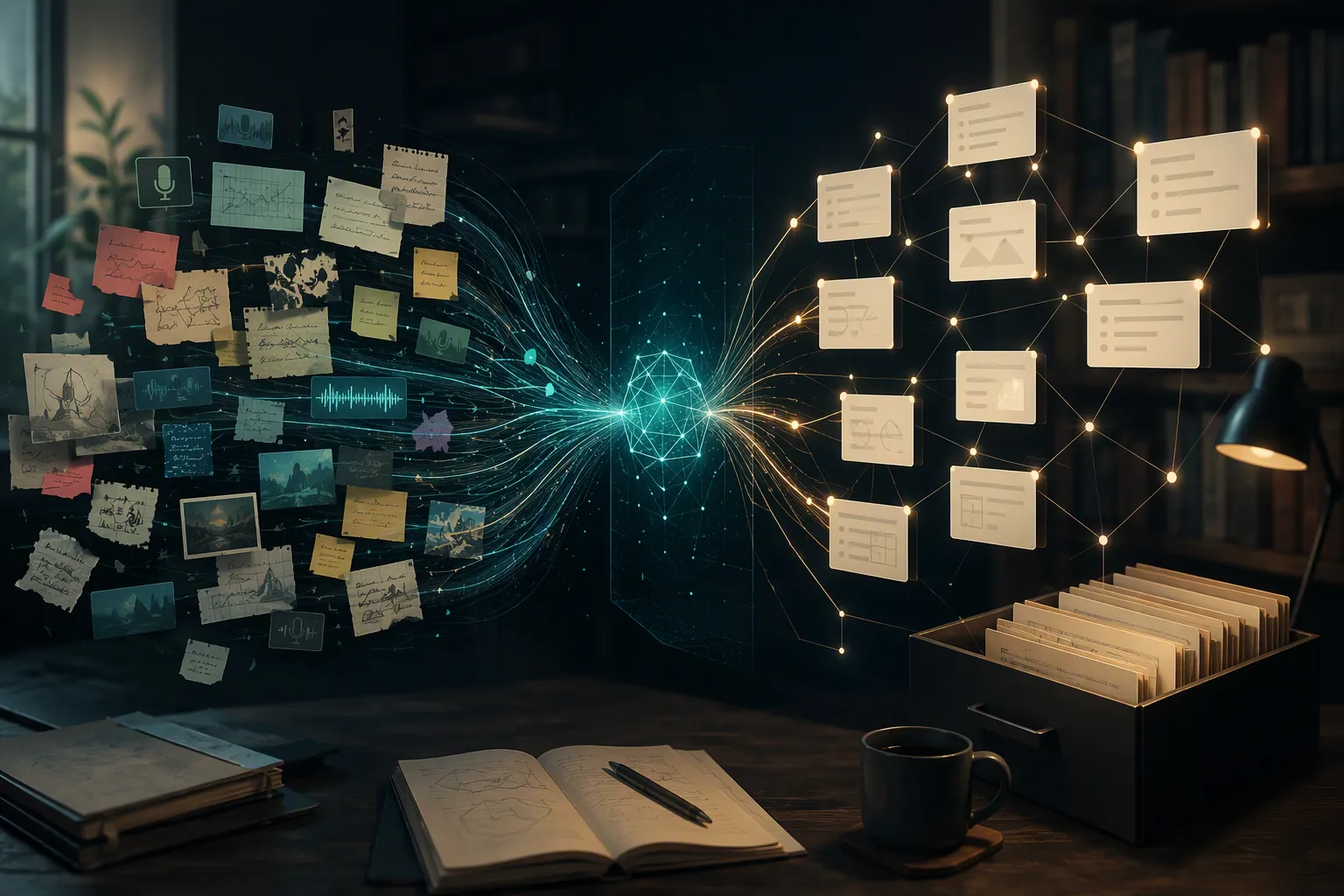
I did not give DeepSeek V4 the keys to the vault. That was the most important configuration choice. The model did not roam through folders, rewrite existing evergreen notes, or generate links directly into permanent knowledge without review. It worked on selected text or a bounded capture note, then returned a structured draft that I could accept, edit, or throw away.
The setup used a narrow path: raw capture first, AI processing second, human review third, vault integration last. That order mattered more than the model name.
| Configuration choice | Tested setting | Why it mattered |
|---|---|---|
| Model role | Draft transformer, not autonomous note manager | Prevented the model from making permanent structural decisions before review |
| Input scope | Selected passage, clipped excerpt, meeting fragment, or single rough capture note | Kept the model from summarizing across unrelated ideas |
| Vault access | No automatic rewriting of existing permanent notes | Protected stable notes from silent contamination |
| Output format | One fixed Obsidian Markdown template | Made review faster because every output landed in the same shape |
| Links and tags | Suggestions only | Stopped invented or overconfident organization from becoming vault structure |
| Review status | AI output entered as draft material | Made it obvious which notes still needed human verification |
That sounds restrictive because it is. The restriction is the point. A local-first vault stays useful because its structure reflects decisions you can defend later. DeepSeek V4 helped most when it reduced mechanical conversion work without pretending it could decide what belonged in my knowledge base.
The fixed note template
The template below was the stabilizer. Without it, the output was too willing to become whatever the input suggested: a summary one time, a task list the next, a pseudo-article after that. With the template, DeepSeek V4 had less room to be charming and more room to be useful.
---
type: ai-draft
status: needs-review
source_type:
source:
created:
tags: []
---

## Source context
- Origin:
- Why this was captured:
- Boundaries / what is not included:

## Clean summary

## Key points
-

## Claims to verify
-

## Possible links
- [[ ]]

## Follow-up actions
- [ ]

## Original capture
The most useful fields were not the glamorous ones. “Source context” and “Boundaries / what is not included” did more to protect the vault than any clever summary. They forced the draft to remember where the note came from and where the model was not allowed to extrapolate.
“Claims to verify” was also important. It gave uncertain material a place to live without being promoted into a finished note. That one field changed the feel of the workflow: the model could be helpful without being trusted.
The working loop
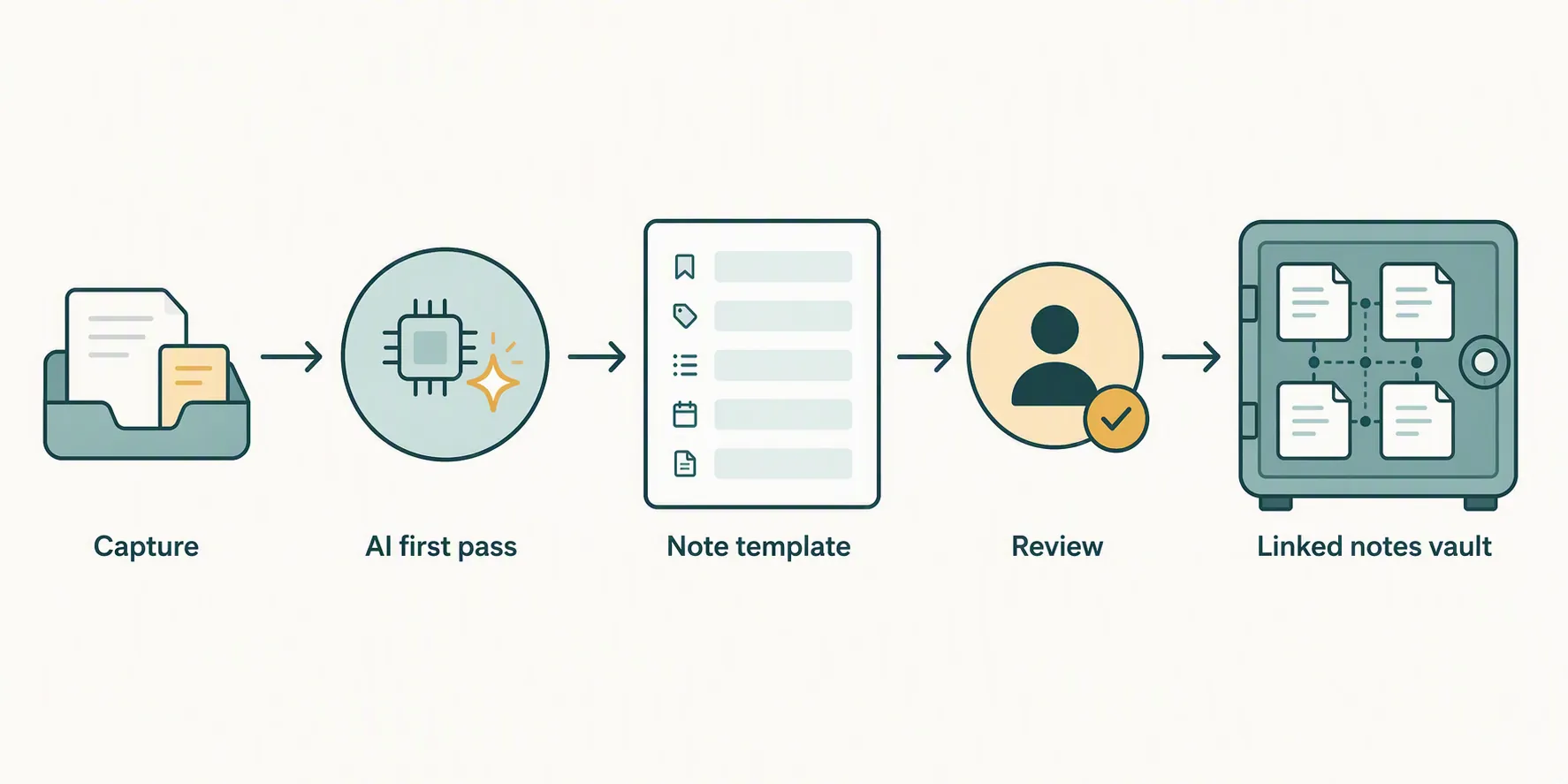
The loop that held up was simple enough to repeat without thinking, but strict enough that the output stayed reviewable.
- Capture the rough material without asking the model to interpret it immediately.
- Trim the input so it contains one topic, one source fragment, or one meeting thread.
- Run DeepSeek V4 with the fixed formatting prompt.
- Paste the output into an AI draft note, preserving the original capture at the bottom.
- Review source context, claims, links, and tags before moving anything into permanent notes.
The model was best between capture and review. That is the messy middle where raw notes are too unstructured to search well, but not yet important enough to justify a full manual rewrite. DeepSeek V4 could turn fragments into a readable draft, split mixed material into bullets, surface follow-up tasks, and make weak context visible.
The saved effort appeared in formatting, not judgment. I spent less time turning rough capture into headings, bullets, and reviewable sections. I did not spend less time deciding whether the note mattered, whether a claim was true, or whether a link belonged in the vault.
The prompt that kept the model in its lane
Format the material below into my Obsidian note template.

Rules:
- Use only the supplied material.
- Do not add facts, examples, dates, sources, or names that are not present.
- If context is missing, say what is missing.
- Keep links and tags as suggestions only.
- Separate summary from claims to verify.
- Preserve the original capture at the bottom.
- If the input contains multiple unrelated ideas, flag that instead of merging them.

Return only Markdown.
The phrase “use only the supplied material” needed to be explicit. So did “return only Markdown.” When I left those out, the output was more likely to include conversational framing, inferred context, or helpful-sounding connective tissue that I did not want inside a note.
The instruction to flag unrelated ideas was not cosmetic. Rough capture often contains several things that happened to arrive at the same time. A note-taking model that smooths those together creates future confusion. A model that says, in effect, “this should probably be split,” is much more useful.
What stayed stable after repeated use
The strongest pattern was consistency under constraint. When the input was narrow and the template stayed unchanged, DeepSeek V4 repeatedly produced drafts that were easy to scan. The summaries were usually serviceable as orientation text. The key points were usually close enough to make review faster. The follow-up actions were often worth keeping after a quick edit.
It was especially useful for three kinds of capture.
- Messy meeting notes where action items, decisions, and context were mixed together.
- Article or document excerpts where the point of saving the passage was obvious but the capture was too long.
- Voice-note-style fragments that needed cleanup before they could become searchable text.
In those cases, the model reduced the boring work: naming sections, cutting repetition, moving tasks into checkboxes, and separating “this is what the source says” from “this is what I might do next.” That is a real improvement if your capture inbox tends to become a swamp.
The fixed template also made bad output easier to reject. A loose AI summary can look good for longer than it deserves. A structured note exposes its weak spots. If “Source context” is vague, if “Claims to verify” contains confident assertions, or if “Possible links” are just generic topics, the note announces that it is not ready.
Where DeepSeek V4 broke down
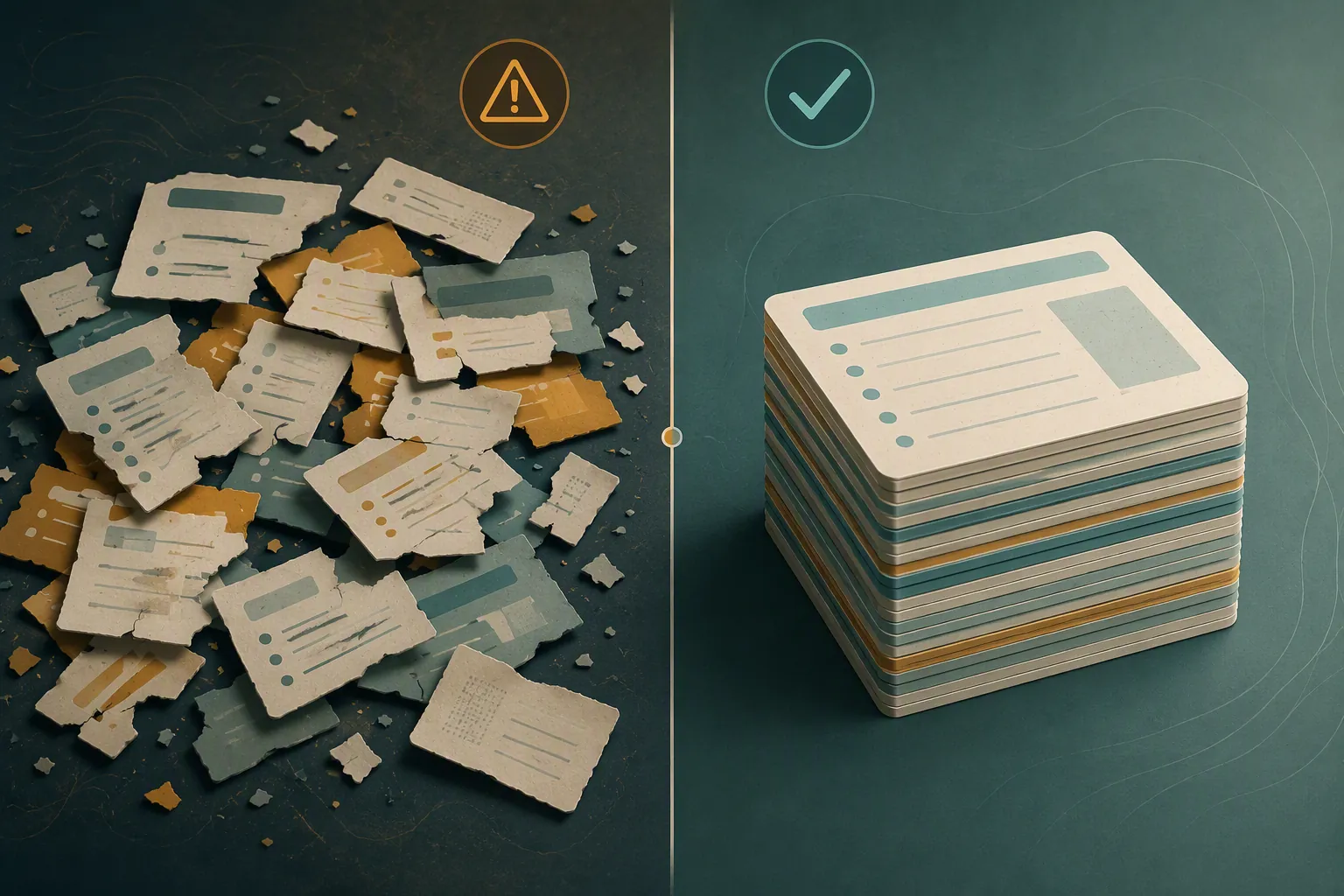
The failures were not mysterious. They appeared when I widened the scope, weakened the template, or asked the model to make vault decisions that should have stayed human.
| Failure pattern | What it looked like in the vault | Design-around rule |
|---|---|---|
| Unbounded input | The draft became a polished general summary instead of a useful note | Process one source fragment or one topic at a time |
| Missing source context | The model filled gaps with generic framing | Require an origin line and a reason for capture |
| Over-eager links | Suggested backlinks were broad, obvious, or too confident | Treat links as candidates until reviewed manually |
| Tag inflation | The draft accumulated generic tags that would pollute search | Limit tags or leave them blank until review |
| Compressed caveats | Important uncertainty became a neat sentence | Keep a dedicated “Claims to verify” section |
| Mixed ideas | Separate thoughts were merged into one smooth note | Ask the model to flag unrelated material instead of reconciling it |
| Template drift | Extra headings and assistant commentary crept into the output | Use a fixed prompt and reject outputs that do not match the structure |
The most dangerous failure was not obvious hallucination. It was plausible organization. A fabricated fact is easier to spot than a bad category, a premature tag, or a link that quietly changes how a note will be found later. That kind of error does not always look wrong on the day it is created. It becomes expensive when you are searching, synthesizing, or trying to understand why two notes were connected.
DeepSeek V4 also had a tendency, when given weak input, to make the note feel more complete than it was. That is useful for readability and risky for knowledge work. If the original capture was thin, the draft needed to stay visibly thin. The template helped, but only when the prompt explicitly told the model to mark missing context instead of smoothing over it.
The cleanup cost moved, it did not disappear
The workflow saved cleanup in the capture inbox and created a new review responsibility at the draft stage. That trade was acceptable because the review was concentrated and visible. I would rather inspect a clearly marked AI draft than discover later that an automatic process scattered half-trusted notes through permanent folders.
The review step was not optional. I checked whether the summary matched the original capture, whether the model preserved uncertainty, whether suggested links actually belonged, and whether the note deserved promotion at all. If that sounds like too much work, this setup will probably feel fussy. For a vault meant to last, it is the minimum viable safety rail.
The rules I kept after the test
After the test, the stable version of the workflow came down to a few rules.
- Do not let the model write directly into permanent notes.
- Keep the original capture inside the draft until review is finished.
- Use one note template for AI-processed captures.
- Process smaller inputs rather than asking for one grand cleanup.
- Treat links, tags, and titles as suggestions, not finished metadata.
- Reject outputs that hide missing context.
- Promote notes only after human review.
Those rules are not glamorous, but they are what made the integration usable. The model was allowed to make a rough note easier to review. It was not allowed to decide that the rough note had become knowledge.
Who this setup fits
Use DeepSeek V4 in Obsidian this way if you already have some template discipline, care about preserving source context, and are willing to review drafts before they become part of the vault. It fits people who capture a lot and need help turning rough material into something searchable and scannable.
Skip it, or wait, if you want unbounded capture to become finished notes automatically. That expectation is where the workflow breaks. DeepSeek V4 can carry a practical Obsidian note-taking workflow, but the vault still needs an editor. In this setup, that editor remains you.






Comments
Join the discussion with an anonymous comment.