
Next Step
Setup
Configuration guides for an app the reader has already chosen or just migrated into: vault and folder structures, PARA-method or second-brain setups, starter plugin sets, and template starting points, scoped tightly to personal knowledge management rather than general productivity advice. Serves readers at a distinct, later task stage than Comparisons or Migrations: the decision is made, and they need the tool working. Excludes app-vs-app evaluation and migration mechanics entirely. Each guide is reached primarily as the 'next step' link from the matching migration guide or tool profile, not as standalone blog browsing.
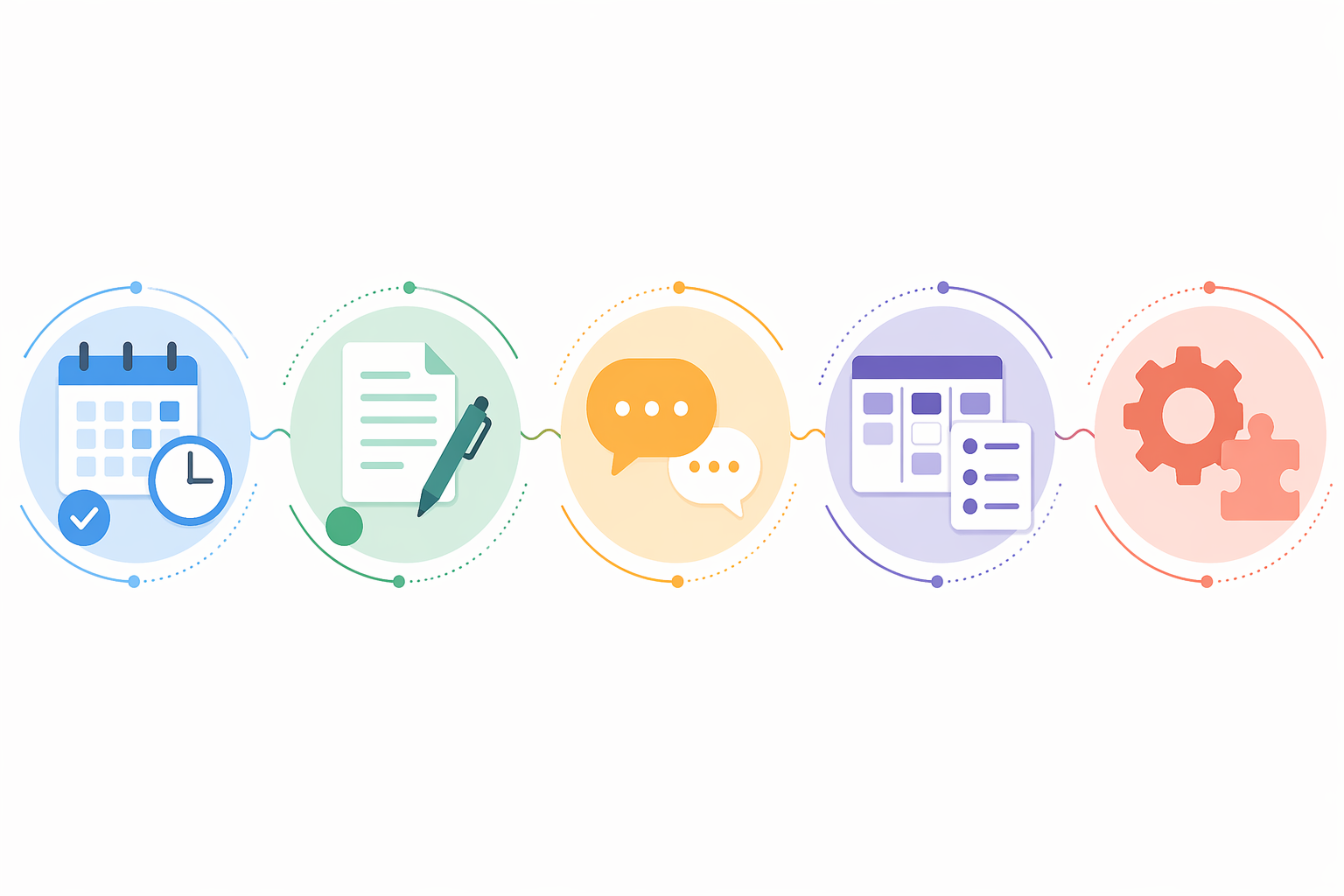
AI Productivity Apps: Which One Fits Your Workflow Bottleneck?
A structured comparison of AI productivity apps organized by the specific time drain they solve — scheduling, writing, meetings, task management, or automation — with current pricing and honest trade-offs to help you build a tailored 2–3 tool stack.
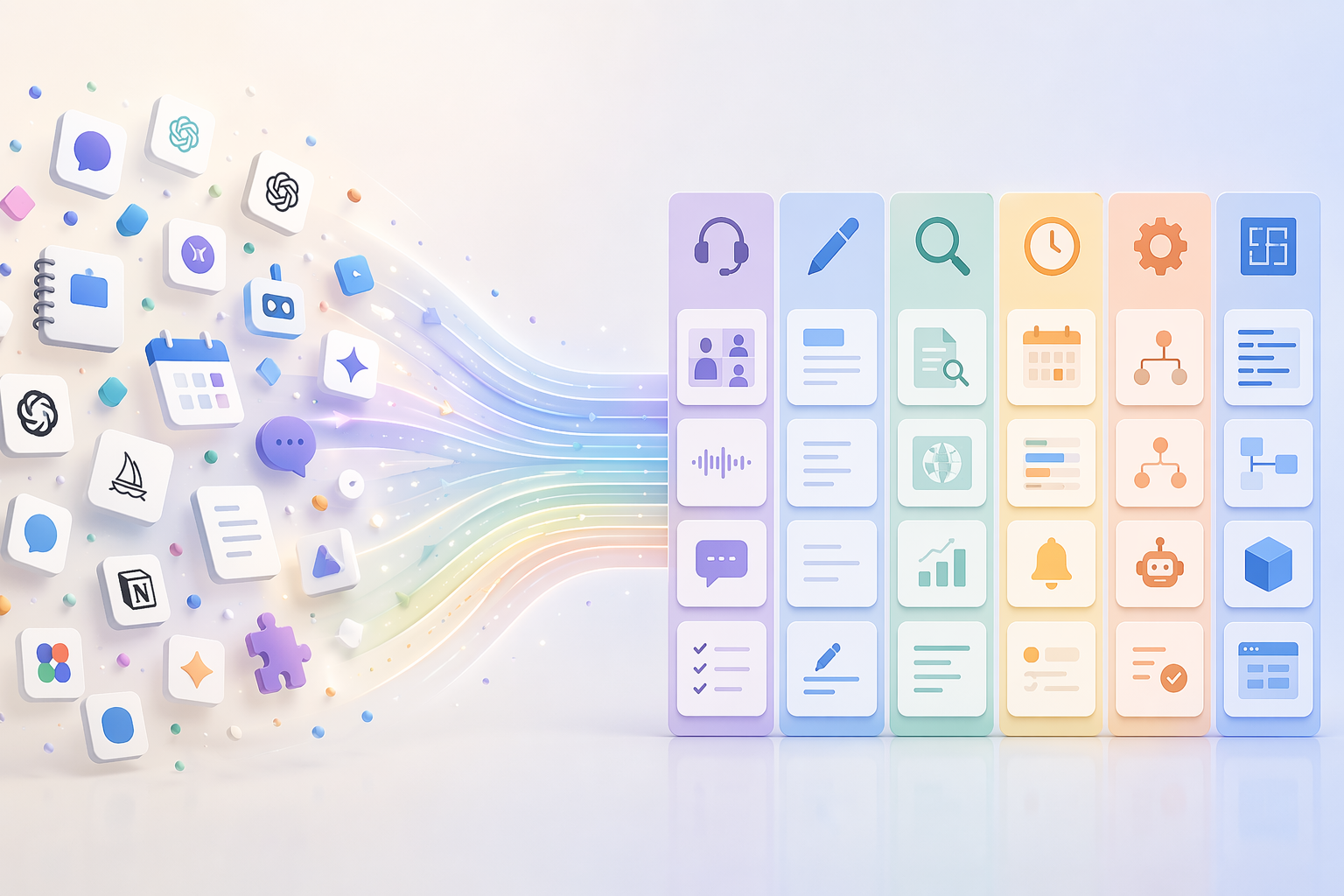
Your AI Tool Stack by Use Case: 6 Workflow Categories That Actually Save Hours
This article helps knowledge workers build a practical AI tool stack organized by six universal workflow categories — meetings, writing, research, scheduling, automation, and building — so they can stop hopping between tools and start saving hours by focusing on their biggest time sink first.

5 Document Workflows You Can Automate This Week
A quick-start guide to automating five common document workflows—invoice approvals, contract routing, HR onboarding, expense reports, and compliance collection—using a universal pattern that saves your team hours without complex IT projects.

How to Build an Automated Handwriting-to-Text Pipeline
This guide walks through the end-to-end process of setting up a fully automated pipeline that captures handwritten notes from paper or e-ink, transcribes them using AI, and stores them in a searchable digital archive — with no manual intervention.
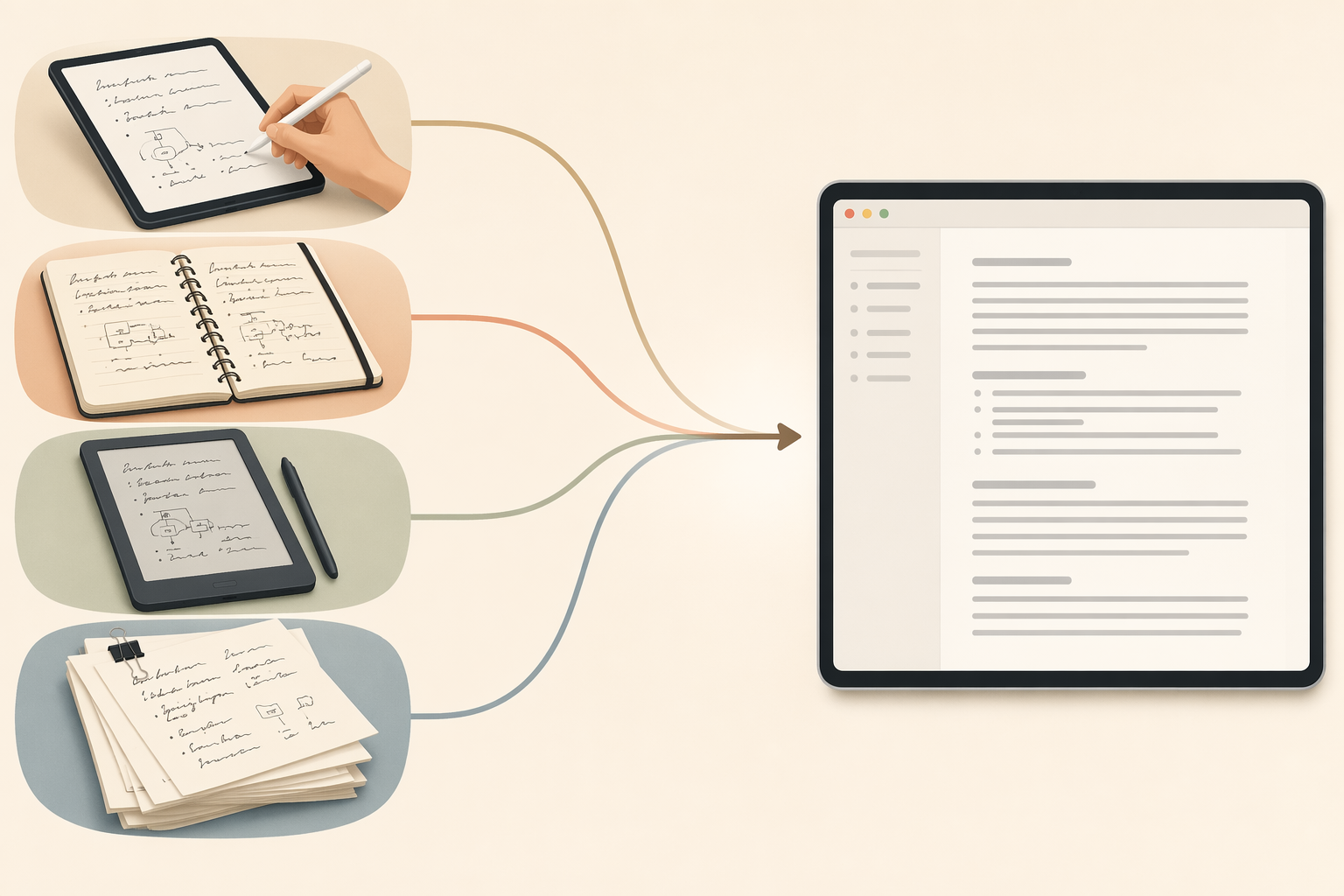
How to Convert Handwritten Notes to Text: A Guide for Every Note Type
This guide helps you choose the right method to digitize your handwritten notes by matching the approach to where your notes actually live—tablet stylus ink, paper scans, e-ink device files, or bulk archival documents. You'll get scenario-specific conversion steps and accuracy benchmarks to avoid trial-and-error.
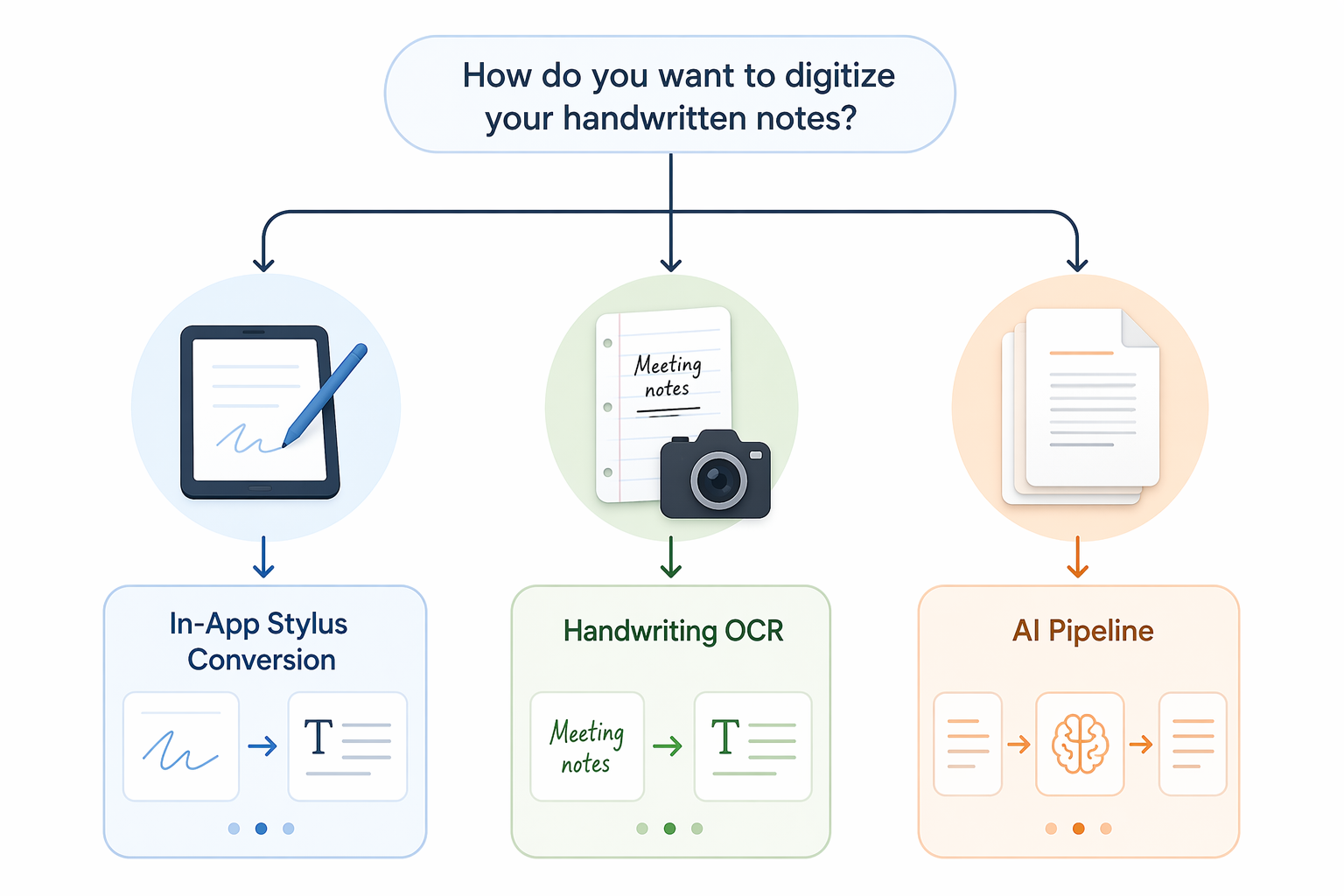
How to Convert Handwritten Notes to Text: Setup Steps for Stylus, OCR, and AI Methods
This guide provides step-by-step setup instructions for three methods to convert handwritten notes to digital text — in-app stylus conversion, photo/scan OCR, and an automated AI pipeline — along with real accuracy data and a decision framework to help you choose the best method for your notes and workflow.

How to Automate Document Workflows: A Step-by-Step Guide for Small Teams
Learn how small teams can automate document-heavy processes without enterprise software or developers. This guide walks through auditing current workflows, mapping processes, choosing a no-code tool, building a first automation, and iterating for continuous improvement.
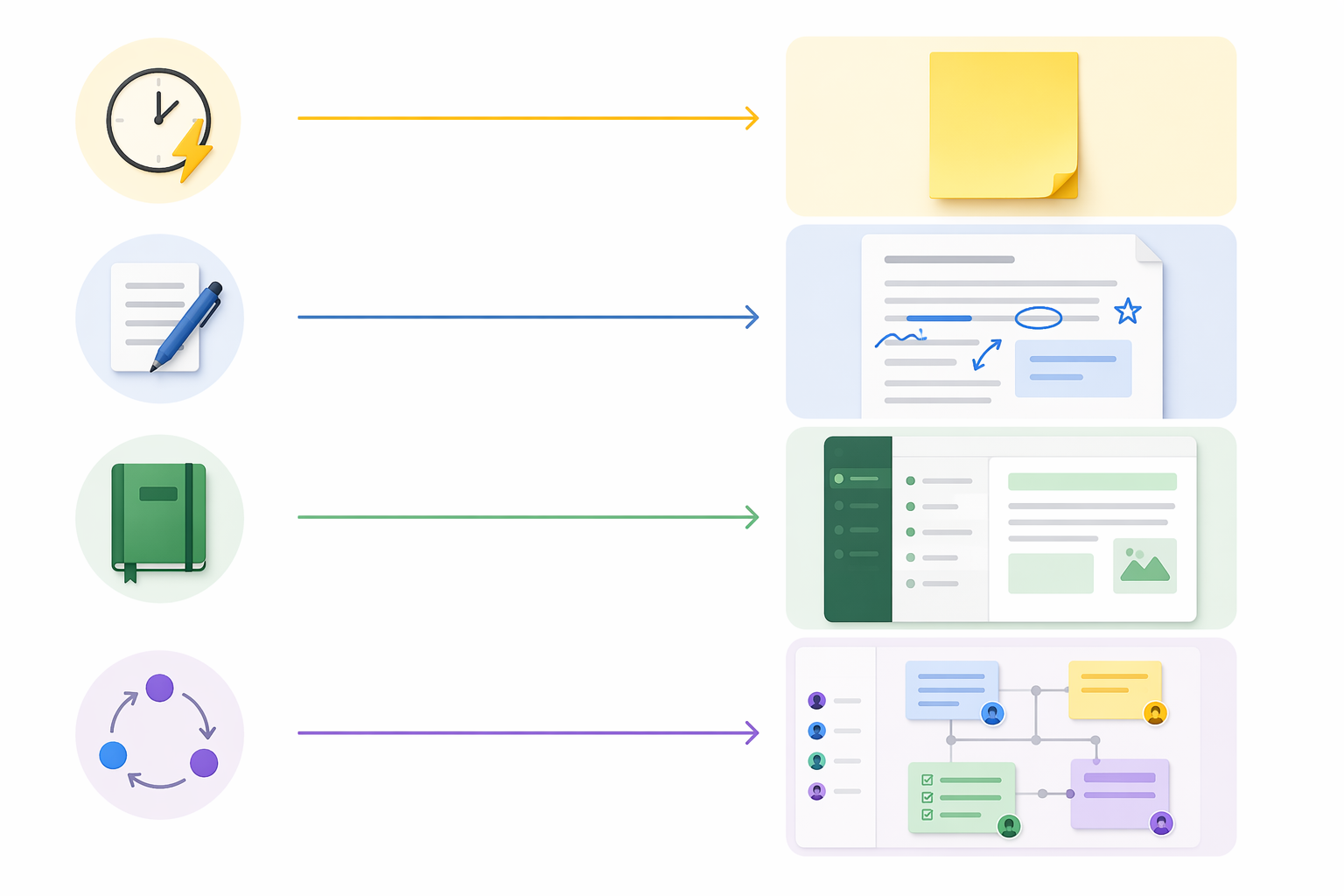
Microsoft Note-Taking Apps: OneNote vs Loop vs Journal vs Sticky Notes – Which One Should You Use?
Microsoft offers four note-taking apps for different workflows. This guide explains when to use Sticky Notes, Journal, OneNote, or Loop so you stop struggling with the wrong tool.
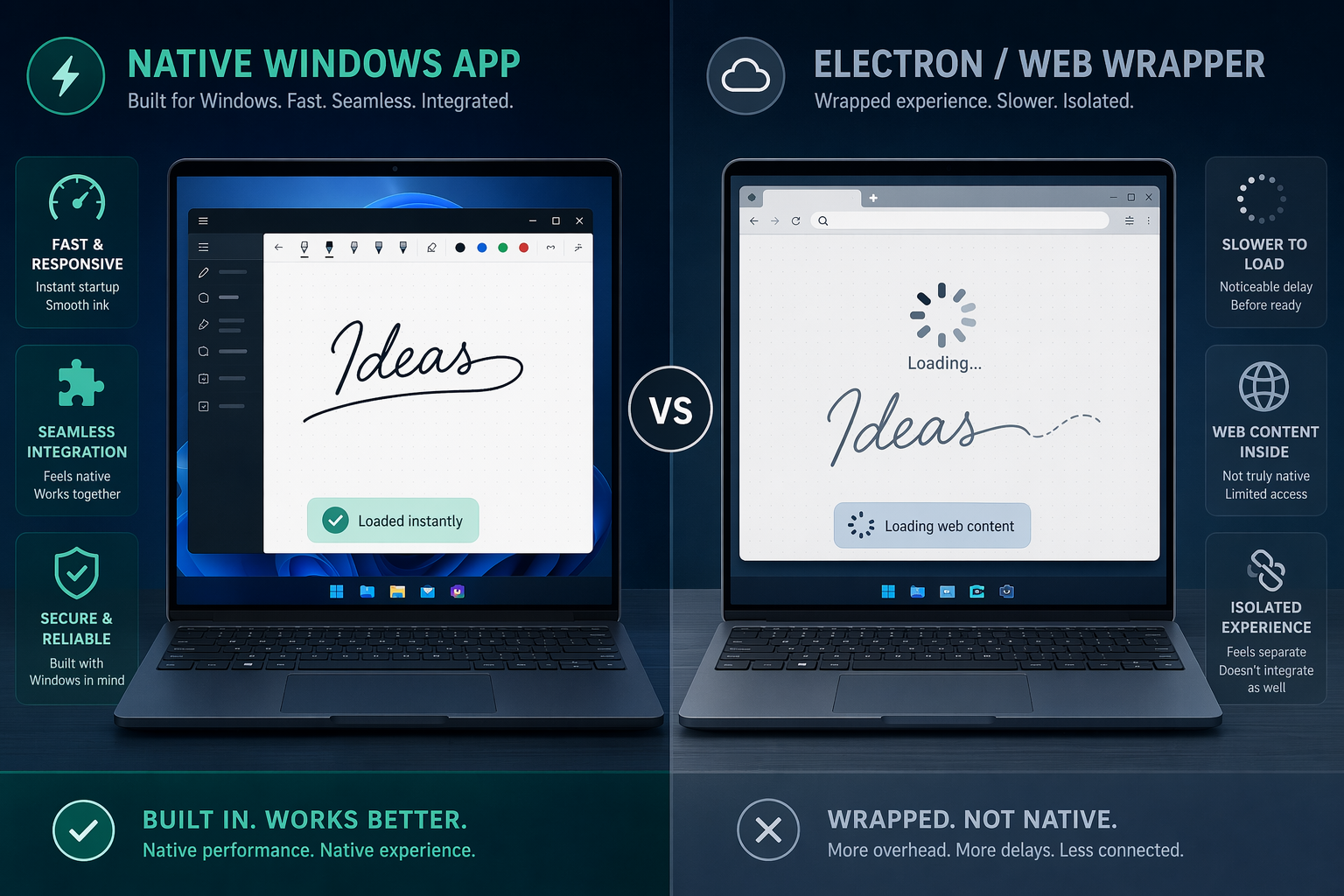
Windows Note-Taking Apps: How Native Performance Affects Your Workflow
This comparison evaluates note-taking apps on Windows 11 based on native app quality, stylus latency, keyboard shortcuts, and offline reliability, helping you choose the right tool for your workflow.
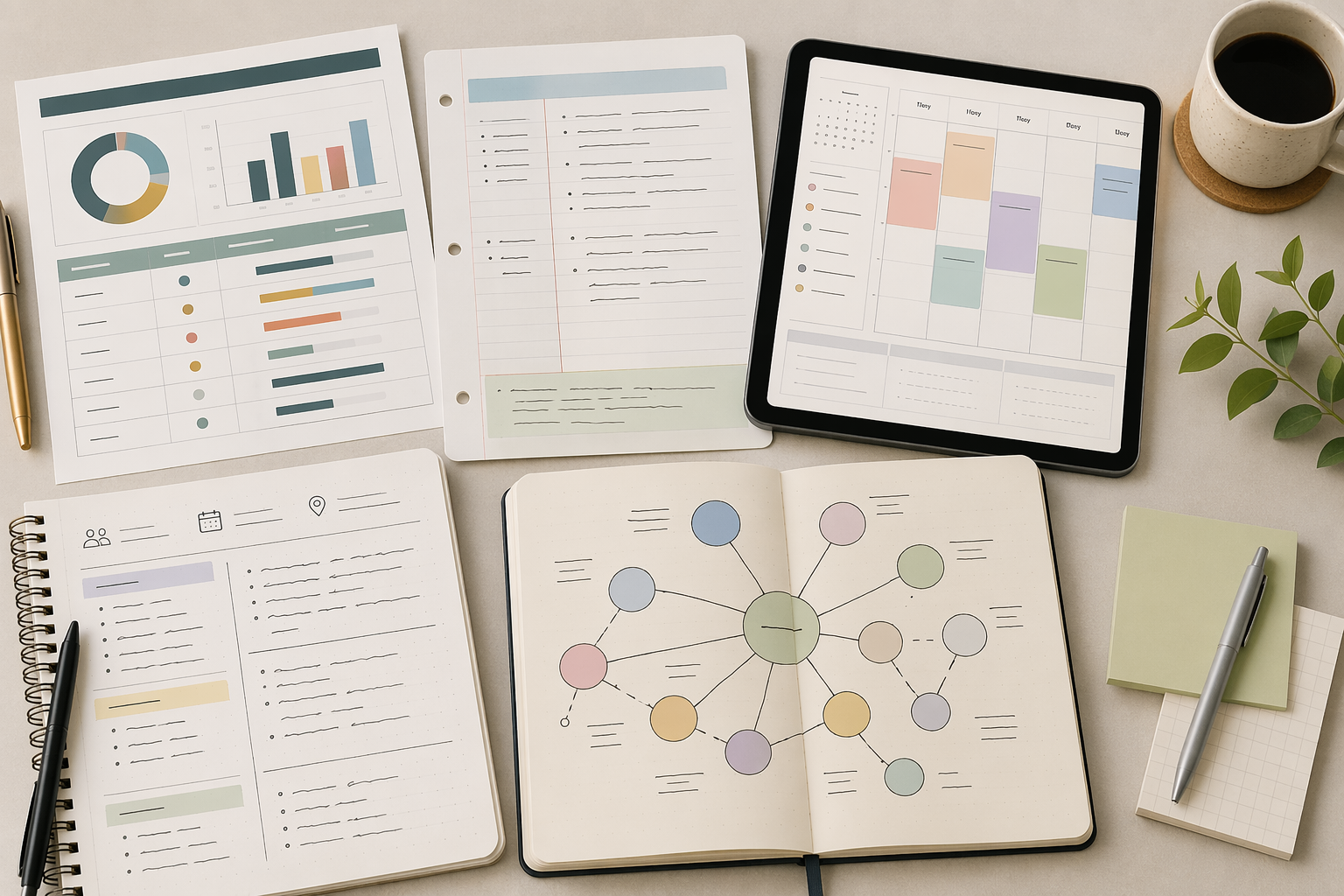
Which Note-Taking Platforms Have the Strongest Template Ecosystems?
This comparison evaluates note-taking sites based on the depth and quality of their template ecosystems, helping you choose the platform that lets you start producing immediately with minimal setup friction.
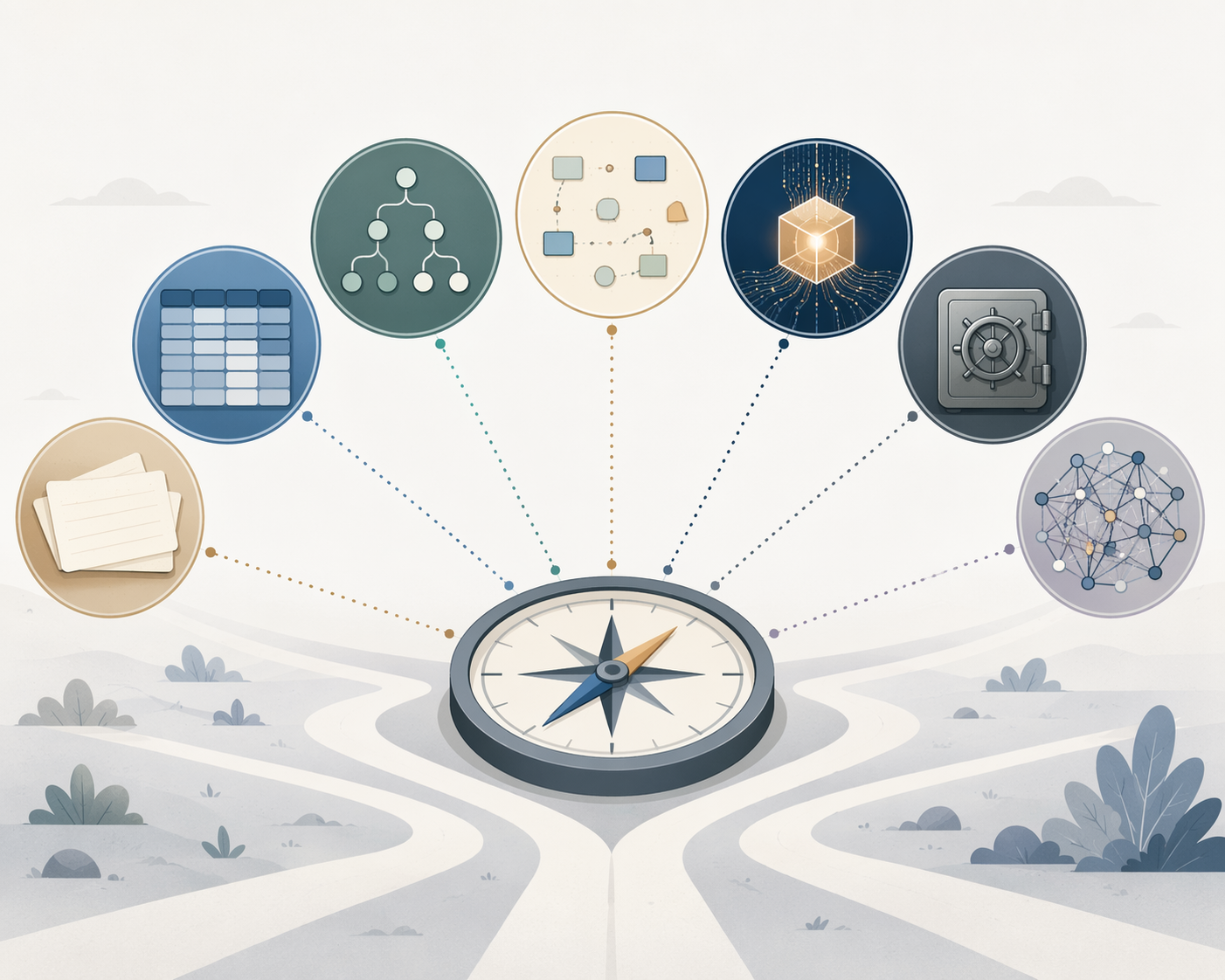
Choosing the Right PKM App: A Comparison by Method Fit, Data Control, and AI Readiness
Compares seven leading PKM apps—Obsidian, Notion, Logseq, Tana, Heptabase, Capacities, and Anytype—across method fit, data ownership, AI readiness, and setup cost. Helps intermediate users choose the right tool by identifying which trade-off matters most for their situation.

Personal Knowledge Management in 2026: How to Choose Your First PKM App and Set It Up in 30 Days
Overwhelmed by the PKM tool landscape? This guide helps knowledge workers match their thinking style to the right app and follow a 30-day staged setup framework that builds a sustainable capture and retrieval habit from day one.