
The problem with many AI tools for productivity is not that they fail in demos. It is that they succeed just enough to become another place to check. A meeting-notes app has the transcript. A chatbot has the draft. A research assistant has the sources. A calendar tool has the rescheduled focus block. Then the workday ends with the same uncomfortable question: why does the stack feel busier than the work it was supposed to simplify?
AI is already inside the knowledge-work day. Reclaim’s 2026 roundup, citing ActivTrak’s workplace research, says the average organization moved from 2 AI tools in 2023 to 7 in 2025; the same roundup reports an average meeting load of 17.1 meetings per week and cites ActivTrak’s finding that productivity gains peak when employees spend 7–10% of work hours in AI tools, then plateau above that window.[1] Slack’s 2026 productivity roundup cites Microsoft’s 2024 Work Trend Index figure that 75% of global knowledge workers use generative AI at work, and also cites Workforce Labs findings that daily AI users report 64% higher productivity, 58% better focus, and 81% greater job satisfaction.[2]
Those numbers point in two directions at once. AI adoption is no longer fringe, and the people who use it daily often say it helps. But a larger tool stack does not automatically create a calmer workday. If the average team has already multiplied its AI tools and the average worker is still sitting through a heavy meeting week, the useful question is no longer “Which tool is best?” It is “Which recurring bottleneck should this tool remove?”
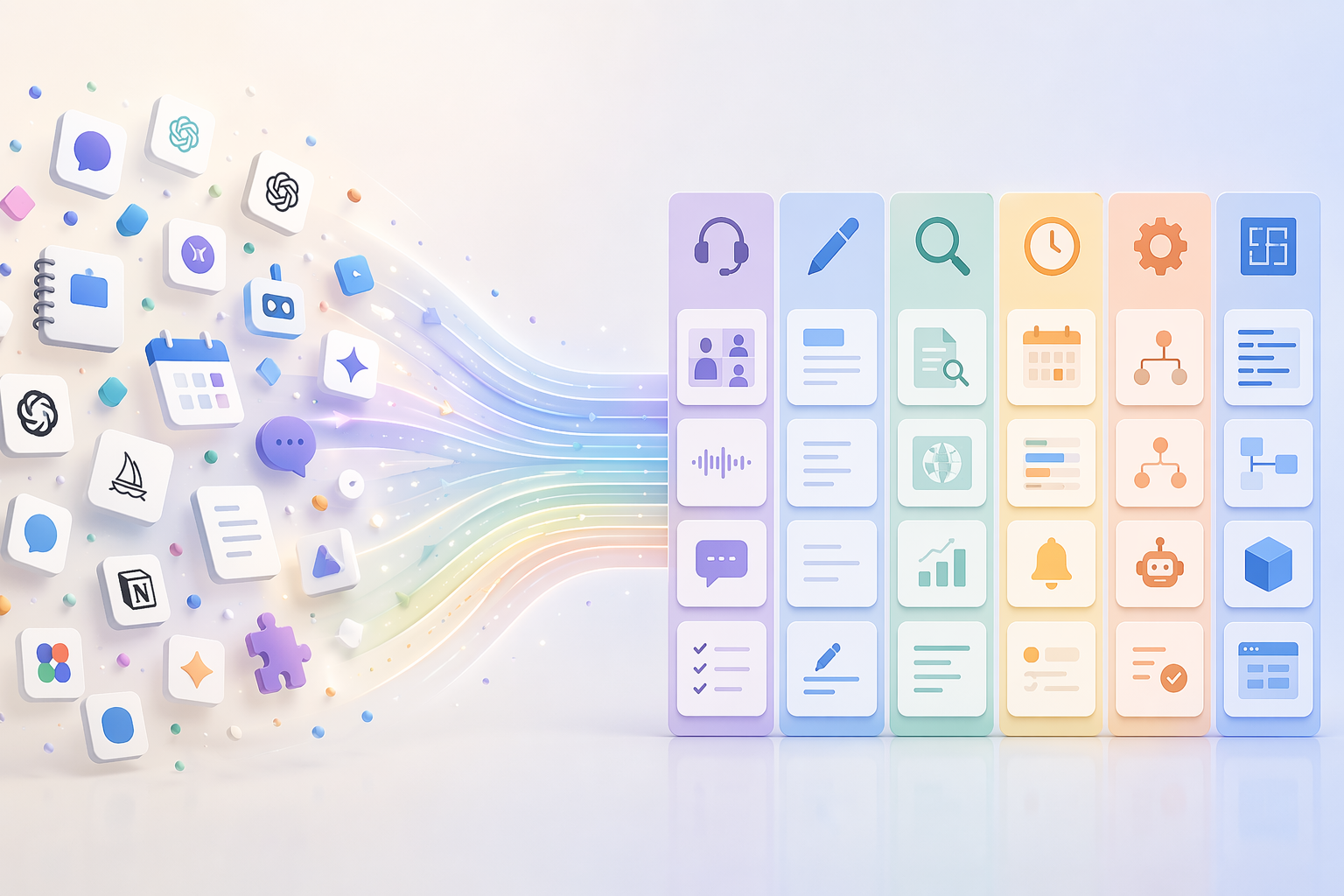
Start with the workflow, not the logo
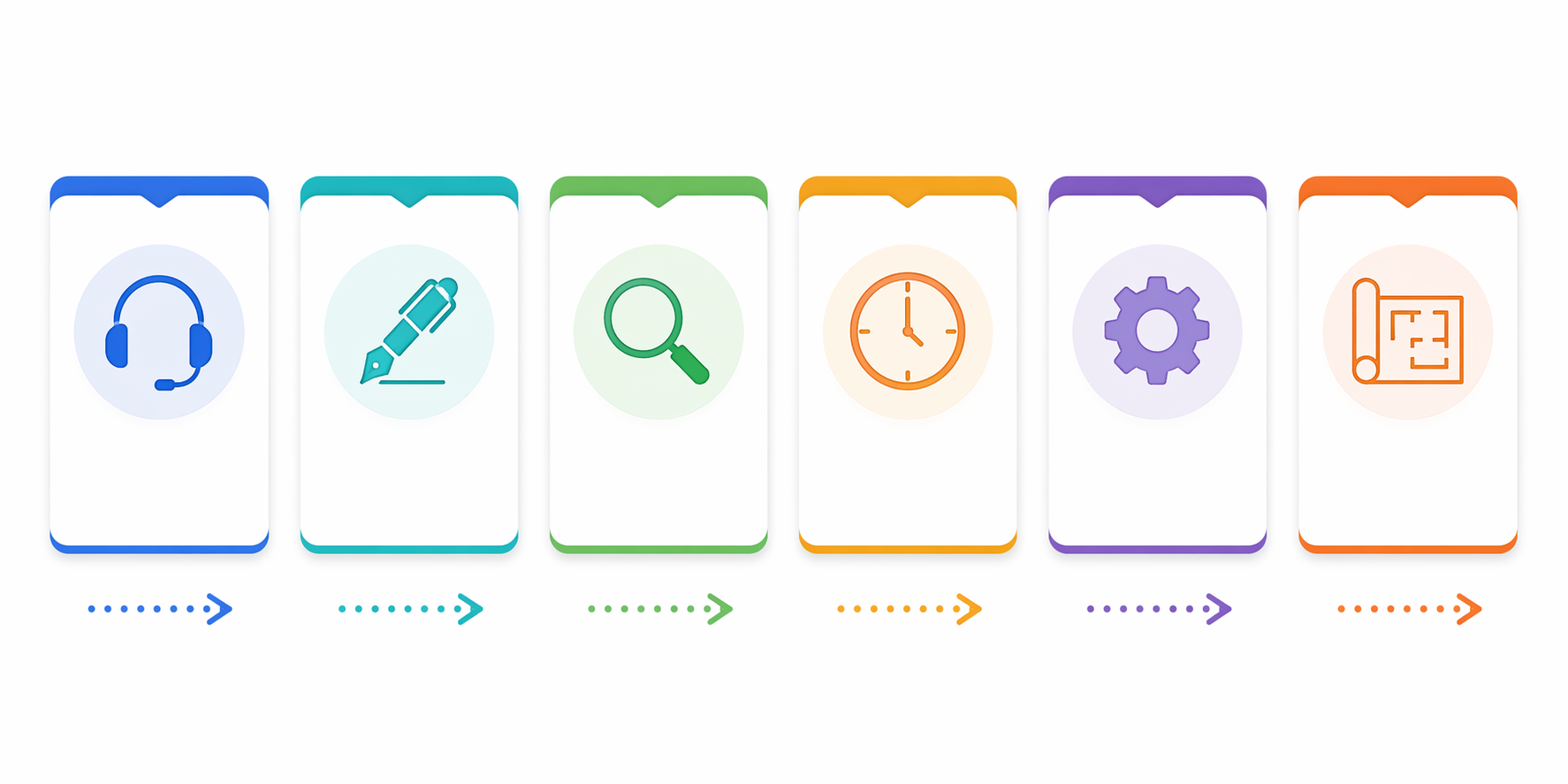
Most knowledge workers do not need a “best AI tools” list first. They need a map of the work that keeps repeating. For consultants, operators, product managers, founders, analysts, marketers, and solo professionals, the same six workflow categories show up again and again:
| Workflow category | Time sink it should reduce | Typical fit |
|---|---|---|
| Meetings | Capturing, summarizing, searching, and sharing what was said | Granola, Fireflies, Otter.ai, Read.ai |
| Writing & Editing | Turning rough thinking into clear drafts, rewrites, updates, and edits | Claude, ChatGPT, Grammarly, Lex |
| Research & Knowledge | Finding sources, comparing information, extracting meaning from documents | Perplexity, NotebookLM, Coral AI |
| Scheduling & Calendar | Protecting focus time and resolving calendar friction | Motion, Reclaim, Clockwise |
| Automation & Orchestration | Moving work between apps without manual copy-paste | Zapier, Gumloop, Make |
| Building & Design | Prototyping interfaces, code, visuals, and lightweight assets | Lovable, Canva, Cursor, v0 |
That table is not a shopping list. It is a sorting device. If meetings are the leak, start there. If half your week disappears into status updates and client emails, start with writing. If your real drag is stitching together CRM notes, form responses, project updates, and follow-up messages, automation may be the correct first category.
A practical adoption flow is simple enough to keep on one line: identify the biggest time sink, choose the matching category, pick one tool, use it deeply for several weeks, then add the next category only when the first is producing measurable relief. If you want a deeper diagnostic before choosing that first category, use a bottleneck-first guide such as Match AI Tools to Your Productivity Bottleneck rather than starting with another general roundup.
Meetings: when the transcript is only the beginning
Meeting tools deserve more attention than they usually get because this is where AI productivity can either remove a real burden or quietly create a second meeting archive that nobody reviews. With an average meeting load of 17.1 meetings per week, the pain is not just attendance; it is the afterlife of the meeting: action items, decisions, client context, follow-up emails, and the awkward search for “who said we would handle that?” two weeks later.[1]
Granola fits people who want notes without adding another visible participant to every call. Gumloop’s 2026 review describes Granola as capturing audio locally without a bot joining the meeting, and says it is used by teams at Ramp, Brex, Linear, and Replit.[3] That style matters in client-heavy or executive-heavy work where a recording bot changes the room. The tradeoff is that the user still needs a habit for turning the notes into action: tagging decisions, sending follow-ups, and moving tasks into the system where work actually happens.
Fireflies is more attractive when the meeting archive itself becomes a knowledge base. Its Ask Fred feature is positioned around querying meeting history, which is useful for teams that need to retrieve patterns across sales calls, customer interviews, hiring conversations, or recurring project meetings.[1] The value is not “a transcript exists.” The value is being able to ask, later, what objections appeared across several calls or what decision was made before the project changed direction.
Otter.ai is a cleaner fit when live transcription and accessibility are central to the workflow. Reclaim’s roundup notes Otter.ai’s live captions in Zoom, which can matter during fast-moving meetings, interviews, workshops, or calls where participants need real-time support rather than only a post-call summary.[1] Read.ai sits in the same broad meeting-intelligence space, but the choice should come down to workflow style: live support, searchable history, quiet personal capture, or team analytics.
The mistake is buying a meeting assistant and then keeping the old note-taking ritual unchanged. If a tool is working, at least one downstream step should shrink: fewer manual recaps, fewer missed follow-ups, fewer “what did we decide?” searches, or fewer hours spent turning calls into client-ready summaries. For a closer comparison of meeting-note workflows, see Best AI Meeting Notes Apps in 2026.
Writing & editing: choose by the document you repeat
Writing tools are often judged as if everyone is producing the same kind of text. They are not. A product manager rewriting a launch update, a consultant drafting an executive summary, a founder shaping a fundraising email, and an analyst cleaning up a research memo need different kinds of help.
Claude and ChatGPT are strongest when the job is thinking with a general-purpose assistant: restructuring messy notes, drafting from a brief, comparing versions, generating outlines, or pressure-testing language. Grammarly is narrower but useful when the recurring pain is polish, tone, consistency, and editing inside existing writing surfaces. Lex is more naturally placed around drafting and revising longer-form writing in a dedicated writing environment. Zapier’s 2026 roundup includes ChatGPT, Claude, Grammarly, and other tools in its AI productivity coverage, but the important distinction is not brand order; it is where the writing gets stuck.[4]
A simple test works well here: look at the last five pieces of writing that slowed you down. If they were all the same kind of artifact — weekly updates, proposals, meeting recaps, client emails, PRDs, performance reviews — build reusable prompts, examples, and editing rules around that artifact before trying a second writing app. If your writing work spans many formats, a general assistant may be enough. If the bottleneck is consistent final polish, a dedicated editing layer may matter more. For a more detailed fit-by-workflow breakdown, see The AI Writing App Tier Guide.
Research & knowledge: source handling is the product
Research tools are easy to misuse because they feel productive immediately. A synthesized answer appears, the blank page goes away, and the user moves on. That is fine for orientation. It is not enough for work where the source, the document boundary, or the reasoning trail matters.
Perplexity is a fit when the job begins on the open web and the user needs sourced exploration rather than a free-floating answer. Lovable’s 2026 guide says Perplexity’s Deep Research averages 42 sources per query in under 3 minutes.[5] That does not mean every answer is automatically correct or that every source is equally useful. It does mean the tool belongs in workflows where source visibility and rapid comparison are part of the task.
NotebookLM is different. It is more useful when the material is already selected: PDFs, notes, transcripts, docs, briefs, and other source sets the user wants to understand. Reclaim’s review describes NotebookLM features such as audio overviews and mind maps and characterizes its hallucination risk as near-zero when grounded in uploaded sources.[1] That claim should be read in the narrow sense: the tool is strongest when it is constrained to a known corpus. It is not a replacement for deciding which sources belong in that corpus in the first place.
Coral AI belongs in the same general document-comprehension category, especially when the recurring job is extracting answers from files rather than browsing the web. The decision among these tools should start with the material: open web research, a private document set, or repeated file analysis. If you often capture scattered notes first and only later need deeper comprehension, the distinction between capture tools and NotebookLM-style synthesis is worth making; this Google Keep vs NotebookLM comparison covers that split.
Scheduling & calendar: protect time before optimizing it
Scheduling tools are tempting because they promise an immediate visual reward: a cleaner calendar. Motion, Reclaim, and Clockwise all sit in the calendar-optimization category, but they are not solving exactly the same emotional problem. Some users need task scheduling, some need focus-time protection, and some need team-level calendar coordination.
Motion is a better candidate when tasks and calendar planning need to live together. Reclaim is a natural fit when the issue is defending habits, recurring work, and flexible focus blocks around meetings. Clockwise is more relevant when calendar congestion is shared across a team and the goal is to create better meeting patterns, not only a prettier personal schedule. Reclaim’s roundup includes Motion, Reclaim, and Clockwise among AI productivity tools for managing time and calendars.[1]
The practical warning is that calendar automation cannot fix a calendar nobody is willing to negotiate. If every focus block is treated as optional and every meeting request is accepted, the tool becomes a rescheduling engine for other people’s priorities.
Automation & orchestration: useful only after the handoff is clear
Automation platforms are where productivity claims can get the sloppiest. Zapier, Gumloop, and Make can save real time, but only when the user has identified a repeatable handoff. “Connect my apps” is not a workflow. “When a client form is submitted, create the project, notify the owner, draft the kickoff email, and add the follow-up task” is a workflow.
Zapier is usually the most familiar choice for connecting common SaaS tools and turning app events into actions. Make often appeals to users who want more visual control over multi-step scenarios. Gumloop is positioned around building AI-powered workflows with a more agentic or modular feel; Gumloop’s own 2026 productivity review covers several AI tools from the perspective of people assembling workflows across apps.[3] These are orchestration tools, not magic time savers. They move work; they do not decide whether the work should exist.
Before automating, write the handoff in plain English. What starts it? What information must be present? Which app receives the output? Who reviews exceptions? What failure would be costly? If those answers are fuzzy, the automation will probably produce faster confusion. For a platform-level comparison, see Zapier vs n8n vs Make; for use-case ideas, see 12 Ways Knowledge Workers Can Use AI Automation Platforms.
Building & design: prototype the thing, then decide if it belongs
Building and design tools are most useful when they shorten the distance between an idea and something reviewable. Lovable and v0 fit people prototyping apps, pages, and interface ideas. Cursor fits developers and technical builders working inside code. Canva fits people who need usable visual assets, presentations, social graphics, and lightweight design work without turning every request into a design ticket. Lovable’s 2026 guide includes Lovable among AI productivity tools for building software and prototypes.[5]
This category is easy to overbuy because the demos are satisfying. A prompt becomes an interface. A rough idea becomes a polished mockup. That can save hours when the next step is review, validation, or communication. It can also create a folder full of half-built experiments that nobody maintains. The fit test is whether the tool helps someone make a decision sooner: approve a direction, test a concept, hand off a clearer brief, or stop pursuing an idea before it consumes a full sprint.
Do not build the full stack on Monday
A six-category map can accidentally encourage the behavior it is meant to prevent: buying one tool in every box. That is usually premature. The sharper move is to select the category causing the most repeated friction and run a serious trial there before layering anything else.
The “biggest time sink first” rule is a practical recommendation, not a universal law. Some people should start with the smallest controllable workflow because it is easier to change. Others may need to start where team adoption is already possible. But for overloaded knowledge workers, the biggest recurring bottleneck usually gives the clearest signal. If meetings are swallowing the week, a writing assistant will feel helpful without changing the actual load. If writing is the daily drag, a meeting bot may create cleaner notes and still leave the person rewriting the same update three times.
Give the first tool enough time to become part of the workflow. Reclaim’s roundup cites Microsoft’s Inside Track finding that employees needed a minimum of 11 weeks to realize meaningful productivity gains from Copilot.[1] That does not mean every tool requires exactly 11 weeks, or that every team will see the same result. It is a useful correction to the weekend-demo fantasy. The first week measures novelty. Several weeks later, you can see whether the old step actually disappeared.
- Pick one recurring workflow, not one impressive tool.
- Define the step that should shrink or disappear.
- Use one tool deeply enough to create templates, prompts, rules, or automations.
- Measure relief in plain terms: fewer rewrites, fewer searches, fewer scheduling collisions, fewer manual handoffs.
- Add the next category only after the first one is producing observable relief.
The ActivTrak usage window cited by Reclaim is also a useful guardrail: productivity gains reportedly peak when employees spend 7–10% of work hours in AI tools and plateau above that.[1] Because that figure is reported through a secondary roundup here, it should not be treated as a universal biological law of AI use. Still, the direction is sensible. If the tool becomes the place where the day goes, it has stopped being leverage and started becoming work about work.
Asana’s Anatomy of Work has found that workers spend 60% of the day on “work about work,” which is exactly the category AI tools often claim to reduce.[6] The irony is that a poorly chosen AI stack can add more of it: more dashboards, more summaries, more places to check, more generated text to verify, more automations to debug. The goal is not to become an expert user of every new AI app. The goal is to remove enough recurring friction that the workday has fewer loose ends.
A practical stack can stay small
For many people, the first useful stack is only two or three tools: one meeting tool, one writing or research assistant, and perhaps one calendar or automation layer. A product manager might start with Granola or Fireflies for meetings, Claude or ChatGPT for product docs, and Reclaim for focus blocks. A consultant might start with Otter.ai or Granola for client calls, NotebookLM for source-heavy projects, and Grammarly for final polish. A solo operator might start with ChatGPT, Zapier, and Canva because the recurring pain is drafting, handoffs, and assets.
Those examples are hypothetical, not prescriptions. The right sequence depends on the work that repeats, the tools your team already tolerates, the privacy and review requirements around your material, and whether the workflow is mostly individual or shared. This article also reflects an en-US, English-heavy tool set; regional availability, language support, and compliance requirements should be checked before standardizing a team stack.
If you already know the categories and want help chaining them together, use How to Build an AI Productivity Stack That Actually Sticks. If you want a broader menu after narrowing your bottleneck, see The Best AI Productivity Tools for 2026 or the role-based alternative in How to Choose Your AI Productivity Tools in 2026.
The clean decision rule is this: choose the smallest set of AI tools that reliably removes your biggest recurring bottlenecks. If a tool cannot be attached to a repeated workflow, it can wait.
References
- 19 Top AI Productivity Tools for 2026 (Tested & Reviewed) — Reclaim
- The Best AI Productivity Tools for 2026 — Slack
- 18 best AI productivity tools I can't live without in 2026 — Gumloop
- The best AI productivity tools in 2026 — Zapier
- Best AI Productivity Tools 2026: 9 Game-Changing Apps — Lovable
- AI Productivity Statistics: ROI & Time Saved 2026 — AI Business Weekly
Comments
Join the discussion with an anonymous comment.