
Anne Lamott’s most useful productivity lesson starts with a child who has not produced anything.
In Bird by Bird, Lamott tells the story of her older brother, then ten years old, overwhelmed by a school report on birds. He had had months to do it. Now it was due the next day, and he sat at the kitchen table close to tears, surrounded by binders, pencils, and unopened possibility. Their father put an arm around him and gave the instruction that became the book’s title: “Bird by bird, buddy. Just take it bird by bird.”[1]
That scene is usually read as writing advice. It is also the cleanest description I know of the moment before a note-app migration begins. The report on birds has become an Evernote export, a Notion workspace, an Apple Notes archive, a OneNote notebook, a pile of Markdown files, or a database that looks orderly only because no one has tried to move it yet. The binders and pencils have become ENEX files, attachment folders, backlinks, web clippings, OCR text, tags, nested pages, and a second monitor full of comparison tables.
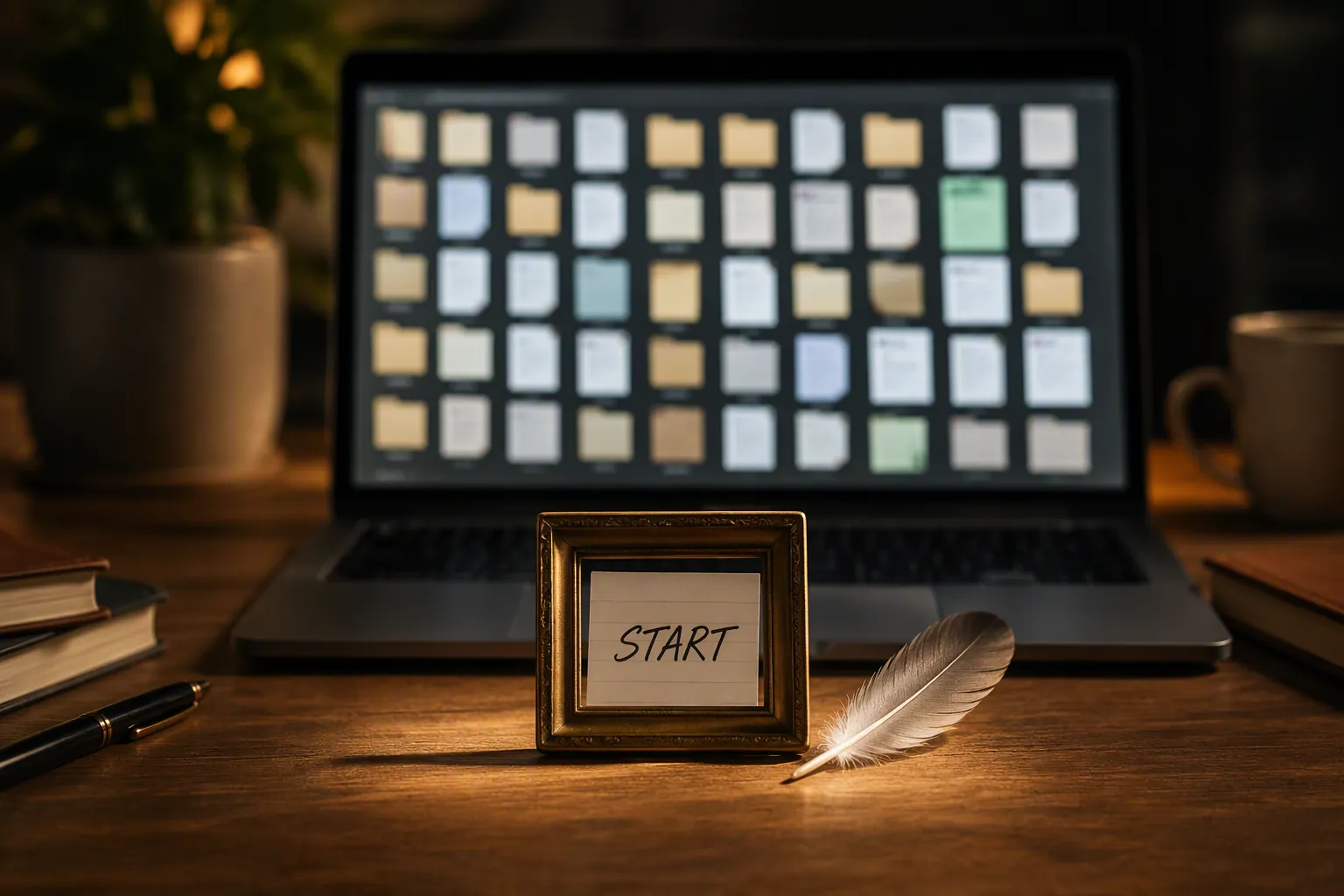
The panic is not foolish. Migrations do break things. Links can stop resolving. Attachments can vanish into side folders. Dates can shift. Formatting can survive technically and still look unusable. Some apps export generously; others make you discover their limits one failed batch at a time. FlowDesk’s own migration guides exist because “just export it” is rarely a complete plan, whether the move is from OneNote to Obsidian or from ChatGPT history into Obsidian Markdown.
But there is a point where risk assessment turns into a socially acceptable way to avoid touching the archive. Another forum thread will not tell you whether your oldest clipped PDFs will land correctly in your new system. A third comparison spreadsheet will not reveal what happens to the one notebook you actually use every Monday morning. Lamott’s book is valuable here because it does not ask you to become fearless. It asks you to reduce the field of vision until action becomes possible.
The one-inch frame is a migration scope
Lamott’s “one-inch picture frame” is the part of Bird by Bird that transfers most directly to productivity work. When a writing project feels too large, she tells students to write only what they can see through a one-inch frame.[1] Andy Matuschak, whose notes are widely read in knowledge-management circles, cites this same Lamott idea in his own note on short, focused writing assignments.[2] That does not make Bird by Bird a PKM manual. It does suggest that the book’s best advice belongs near any system where the work becomes impossible because the unit is too large.
For a note migration, the one-inch frame is not a metaphor to admire. It is a selection rule. You do not migrate “my notes.” You migrate one notebook. Or one folder. Or one tag. Or one project. Or one weekend’s worth of new notes. The frame has to be small enough that you can inspect the result with your eyes, not just trust that an import dialog reached 100 percent.
A useful frame is bounded in a way that makes verification possible. “All work notes” is usually too big. “The client folder I opened this week” is better. “Everything tagged research” may be too abstract if the tag spans years of inconsistent habits. “The notes from one active project” is often more honest because you know what should be there: the meeting note, the PDF, the decision log, the half-finished outline, the embarrassing scratch note you still need.
| Too large to verify | Small enough to migrate first |
|---|---|
| My whole archive | One notebook or top-level folder |
| All work notes | One active project folder |
| Every tagged clipping | One tag from the past month |
| All attachments | The attachment-heavy notes in one known folder |
| My complete PKM system | The notes needed for next week’s work |
The test is whether you can answer three questions after import without writing a separate audit system:
- Do the expected notes appear in the new app?
- Do the attachments open where you need them?
- Do the links, dates, tags, and headings fail in predictable ways?
- Does the imported structure still support the work this set of notes exists to do?
That last question matters because migration is not archival theater. A pristine folder tree that makes next week’s work harder is not a success. A slightly ugly import that preserves the relationships you actually use may be good enough for the first pass.
Your first export is allowed to be bad
Lamott’s most famous craft advice is her argument for “shitty first drafts.” The value is not that bad work is secretly good. The value is that a first draft gives you something to revise.[3] In a migration, the first export has the same job.
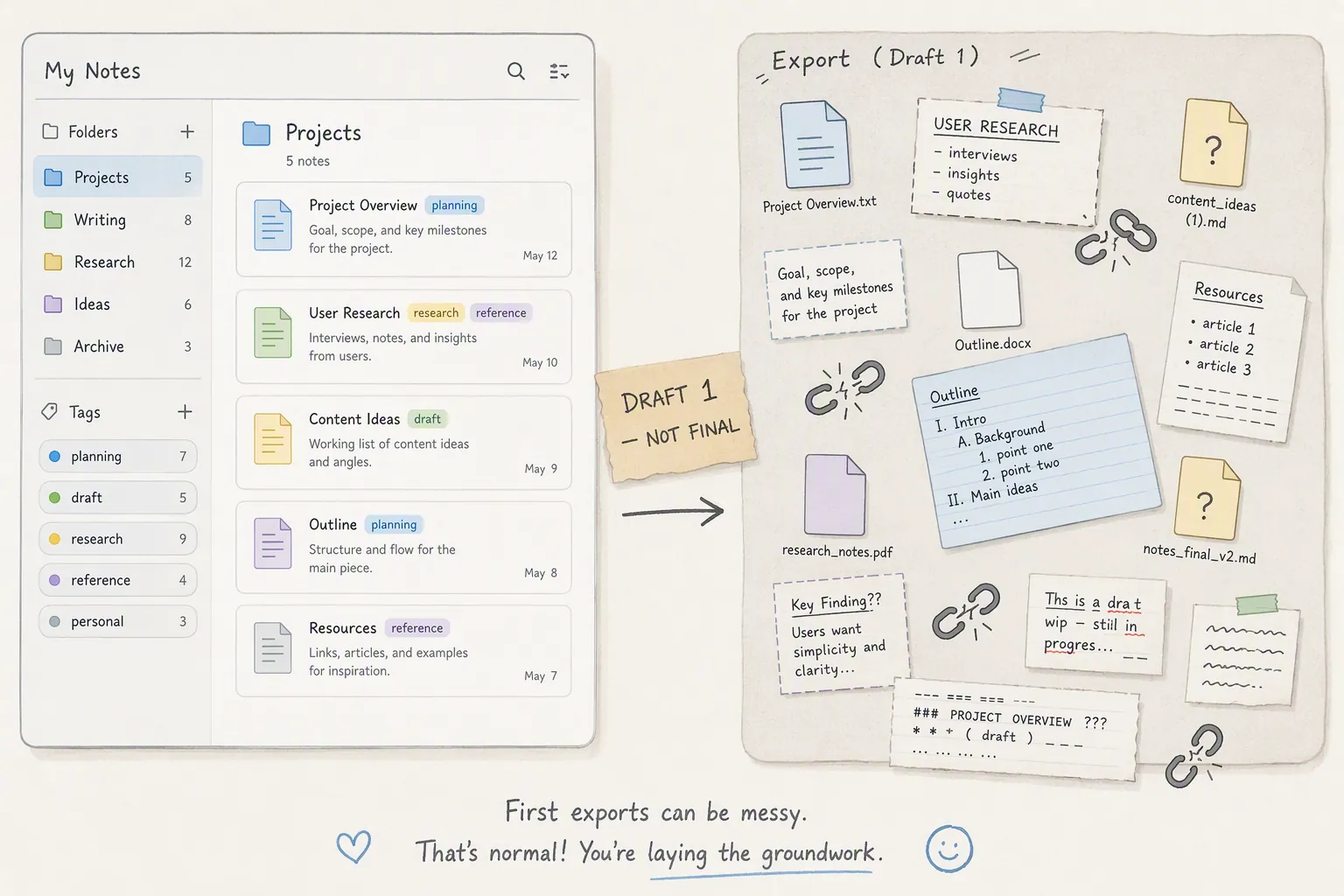
The first export may produce filenames you would never choose on purpose. It may flatten nested pages. It may turn rich web clippings into awkward Markdown. It may separate images from the notes that used to contain them. It may expose old habits you forgot you had: duplicate tags, abandoned notebooks, clipped articles with no context, meeting notes titled only by date.
None of that proves the migration failed. It proves you have reached the draft stage. Before export, every risk is theoretical and therefore unlimited. After a small export, the problems become local. You can see whether the new app mishandles tables, whether backlinks need rebuilding, whether attachments need a different route, whether tags should be preserved or intentionally retired.
Lamott’s advice is not to lower standards forever. It is to stop demanding final-draft quality from the first encounter with the material. A clean migration plan created before any test import is often just a fantasy with bullet points. A messy first export is evidence.
What to inspect after the first import
Keep the first verification loop small enough to finish in one sitting. Open the old app and the new app side by side. Pick a few notes you know well from the migrated set, especially notes with attachments, links, lists, headings, tables, images, or unusual formatting. Then compare consequences, not aesthetics alone.
- If attachments are missing, pause the archive-wide move and solve attachment handling first.
- If links are broken but recoverable, decide whether the affected folder still works without perfect historical navigation.
- If formatting is ugly but readable, mark it as cleanup work rather than a blocker.
- If dates or titles are distorted, test whether search and sorting still find the notes when you need them.
- If the structure feels wrong, adjust the next import scope before moving more material.
The point is not to bless a broken migration. The point is to make the breakage specific enough that it can teach the next move.
KFKD sounds a lot like due diligence
Lamott names the internal radio station that ruins creative work “KFKD”: one speaker broadcasts grandiosity, the other broadcasts self-loathing.[4] In a note migration, the station often disguises itself as prudence.
One side says the new system has to be elegant enough to justify the move. The other says you are about to destroy years of thinking because you did not read one more thread about export behavior. One side wants the perfect template. The other insists that if the import is not reversible, searchable, link-preserving, attachment-safe, future-proof, and beautiful on the first attempt, you should not begin.
Some of that fear is useful. It is the part that tells you to keep the old archive intact, test on copies, confirm attachments, and avoid making a new app the only home for unverified data. But KFKD turns useful caution into an infinite preflight checklist. It asks for certainty before contact with the files, which is precisely when certainty is least available.
Lamott is severe about perfectionism. She calls it “the voice of the oppressor” and “the enemy of the people,” a warning echoed in later summaries of her writing advice.[4][5] For migration work, that sounds dramatic until you notice how much time perfectionism can consume while leaving the archive exactly where it was.
The vault develops after notes are inside it
Lamott also uses the image of a Polaroid developing: the full picture becomes visible slowly, not before the shutter clicks.[1] That is a useful restraint on another migration fantasy—the belief that you can design the final shape of the new vault before any real notes enter it.
You can choose an app for principled reasons. You can compare offline access, export formats, AI features, collaboration, mobile capture, and reliability. FlowDesk comparisons such as note apps during a ChatGPT outage or Apple Notes after iOS 26.6 help with that part. But the shape of your actual migrated system depends on what your notes do under pressure.
A folder that looked essential in the old app may become dead weight in the new one. A tag you thought was messy may turn out to be the only reliable bridge across years of notes. A Markdown-first tool may make your writing notes feel alive and your old web clippings feel neglected. A database app may preserve project context beautifully while making quick capture feel heavy. You learn that after importing a bounded set, not while staring at a feature matrix.
Use a temporary capture lane while the ground is unstable
The awkward middle of migration has its own problem: for a while, neither system feels fully trustworthy. The old app is the place you are leaving. The new app is the place you are still testing. This is when small, low-friction capture matters.
Lamott’s index-card habit is not glamorous, but it is exactly the kind of fallback that survives tooling uncertainty. She writes about carrying cards because she gives herself only about a “fifty-fifty” chance of remembering an idea later if she does not capture it.[3] During a migration, the equivalent might be a paper notebook, a plain text inbox, a temporary “migration capture” note, or a single folder that is deliberately boring.
Do not overbuild this lane. Its job is to prevent new thoughts, tasks, and decisions from being stranded while you test the old material. Once the new app is stable enough, fold the temporary captures into the real system. If the new system needs post-migration automation or AI support later, that belongs after the import has earned trust; setup work such as Gemini Gems for an Obsidian workflow is easier to judge once the notes themselves are actually there.
A humane first move
A complete migration plan can wait. The first move should be small enough to complete and inspect.
- Choose one bounded set of notes: one notebook, one folder, one tag, one active project, or one recent time window.
- Export only that set, keeping the original archive untouched.
- Import it into the candidate app without trying to beautify everything first.
- Inspect the notes that are most likely to break: attachments, links, tables, images, headings, dates, and titles.
- Let the result decide the next scope, the next tool adjustment, or the next stop sign.
That is the useful productivity lesson in Bird by Bird: not that note-app migration becomes easy when you adopt a nicer phrase, and not that technical risks disappear if you have the right mindset. “Bird by bird” works because it makes the task small enough to begin without pretending the archive is clean, the app is perfect, or the person doing the move has infinite courage.
References
- Bird by Bird, Farnam Street
- Write down just what you can see through a one-inch picture frame, Andy Matuschak’s notes
- Bird by Bird, FluidSelf
- Anne Lamott on Writing and Why Perfectionism Kills Creativity, Holstee
- 14 writing tips from beloved teacher Anne Lamott, TED Ideas







Comments
Join the discussion with an anonymous comment.