
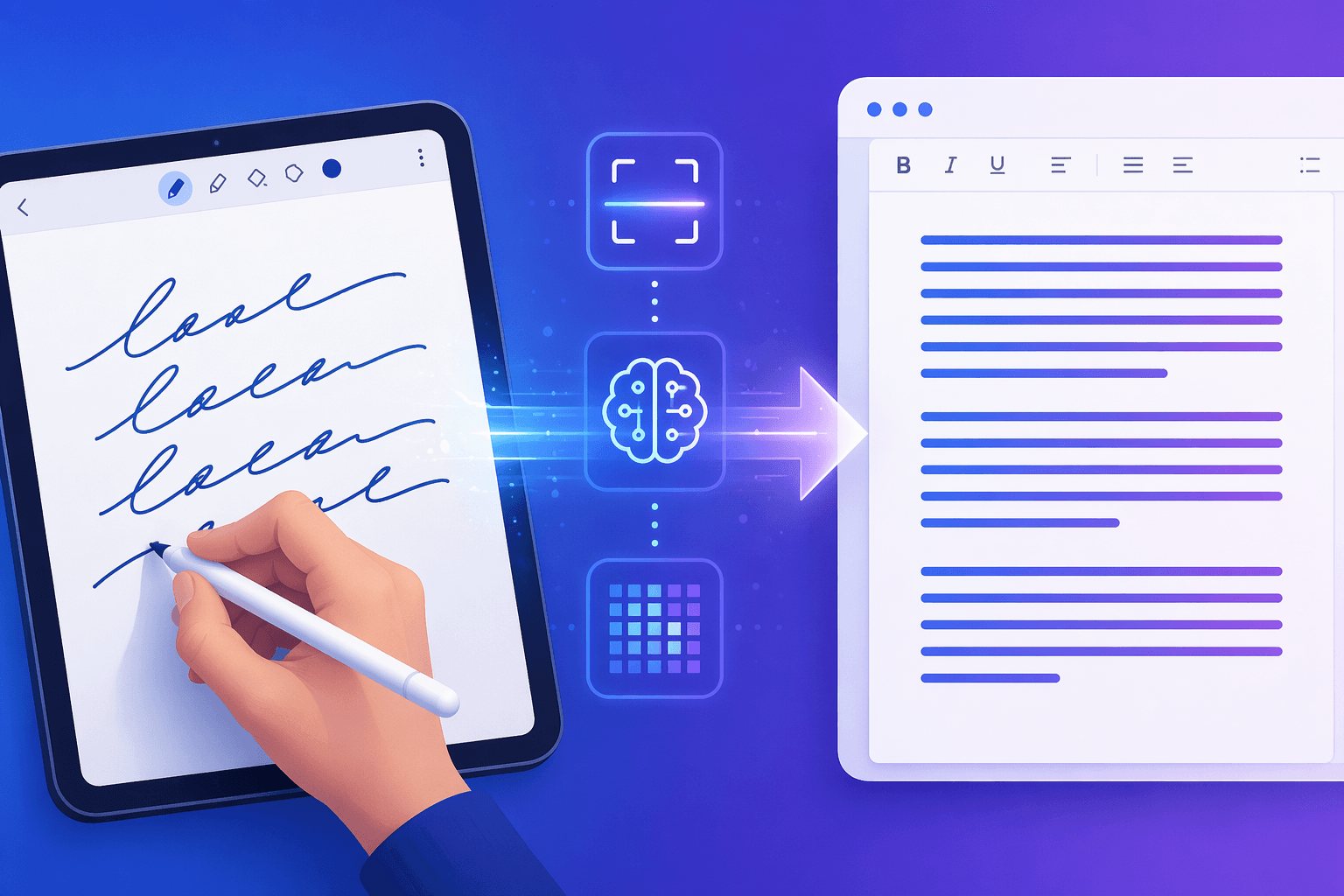
The 2026 Accuracy Inflection Point: Why Handwriting OCR Has Changed Forever
For years, converting handwritten notes to text meant choosing between mediocre free tools and expensive desktop software that still stumbled on anything beyond neat print. That calculus has been upended. In 2025 and 2026, frontier vision-language models — GPT-5, Claude Opus 4.7, and Gemini 3 — have surpassed every specialized handwriting model on standardized benchmarks, achieving character error rates below 1.5% on the IAM dataset. This is not an incremental improvement; it is a structural shift in what is technically possible.
The IAM handwriting benchmark, which contains 13,353 text lines from 657 writers, provides the most widely cited comparison point. GPT-5 leads at approximately 1.22% CER, followed by Claude Opus 4.7 at 1.31% and Gemini 3 at 1.44%. For context, GPT-4o achieved 1.69% CER in March 2025 — meaning the frontier has improved by roughly 28% in a single year. Meanwhile, TrOCR-Large, the best open-weight specialized model, sits at 2.89% CER, and Tesseract 5, the free open-source standard, manages only 12.5% CER on handwriting.
But accuracy is only half the story. The 2026 landscape creates a clear split between two fundamentally different use cases: API-based AI accuracy for batch processing, messy cursive, and historical documents, versus app-based convenience for real-time interactive conversion on tablets. Understanding which side of this split you fall on is the key to choosing the right tool.
Benchmark Data: CER/WER Comparison Across Frontier VLMs, Cloud APIs, Traditional OCR, and Note-Taking Apps
The table below compiles the best available accuracy data from the IAM handwriting benchmark and supplementary cursive-specific tests. Note that consumer note-taking apps (Nebo, GoodNotes, OneNote) do not publish standardized CER results — their accuracy claims come from vendor statements and independent reviews, not from a unified benchmark. This gap is important to acknowledge when comparing categories.
| Category | Model / Tool | CER (IAM) | Notes on Accuracy | Pricing (per 1K pages unless noted) |
|---|---|---|---|---|
| Frontier VLM | GPT-5 | ~1.22% | Best overall on IAM; 28% improvement over GPT-4o | ~$12 |
| Frontier VLM | Claude Opus 4.7 | ~1.31% | Close second; strong on cursive context | ~$12 |
| Frontier VLM | Gemini 3 | ~1.44% | Third among frontier models | ~$12 |
| Frontier VLM (cost-efficient) | GPT-5-mini | ~1.52% | Good accuracy at lower cost | ~$2 |
| Cloud API | Azure Document Intelligence v4.0 | ~1.8% | Best structured output (word/line bounding boxes) | ~$10 |
| Cloud API | Mistral OCR 3 | ~2.1% | Strong price-performance ratio | ~$2 |
| Cloud API | Amazon Textract | ~10.5% WER | Free tier: first 1K pages/month | ~$10 (after free tier) |
| Cloud API | Google Document AI | ~63% on cursive | Drops sharply on messy handwriting | ~$10 |
| Specialized HTR (open-weight) | TrOCR-Large | ~2.89% | Best open-source option; runs on single GPU | Free (self-hosted) |
| Specialized HTR (open-weight) | DTrOCR | ~2.38% | SOTA among non-VLM specialized models (WACV 2024) | Free (self-hosted) |
| Desktop OCR | ABBYY FineReader 16 | ~95% on handwriting (vendor claim) | Strong on printed text (99.8%); one-time license | $199 one-time |
| Free / Open Source | Tesseract 5 | ~12.5% | Poor on handwriting; adequate for clean print | Free |
| Consumer App | Nebo (MyScript) | No standardized CER | Industry-leading real-time conversion; 65+ languages | ~$9.99/yr or one-time |
| Consumer App | GoodNotes 6 | No standardized CER | AI-powered spellcheck; post-write conversion | ~$11.99/yr or $35.99 one-time |
| Consumer App | Microsoft OneNote | ~70-80% on stylus input (review estimate) | Free with Microsoft 365; no OCR on Mac web version | $0 (with M365) |
| Consumer App | Google Keep | ~65-75% on clear handwriting | Free; struggles with cursive and complex layouts | Free |
How Frontier VLMs Achieve This: Contextual Understanding vs. Character-by-Character Matching
The reason frontier VLMs outperform traditional OCR on messy handwriting comes down to a fundamental architectural difference. Traditional OCR engines — including Tesseract and even specialized models like TrOCR — operate primarily by matching pixel patterns to character shapes. When a handwritten 'a' looks like an 'o' or a cursive connection between letters is ambiguous, these systems guess based on shape alone, and they guess wrong frequently.
Frontier VLMs, by contrast, process the entire visual context of a line of text and combine it with language understanding. They do not just ask 'what shape is this pixel cluster?' — they ask 'what word would make sense here given the surrounding words and the overall document context?' This semantic reasoning allows GPT-5 and its peers to resolve ambiguous characters by inferring meaning. A scribbled 'cl' that could be read as 'd' becomes unambiguous when the model recognizes the word 'claim' from the sentence structure.
This contextual advantage is most visible on cursive handwriting, where traditional OCR accuracy collapses. Google Document AI, for instance, achieves only about 63% accuracy on cursive text in benchmarks, while frontier VLMs maintain error rates below 2% on the same types of input. The gap between 'clear handwriting' and 'messy cursive' is extreme for traditional systems but narrow for VLMs.
Category Breakdown: When to Use Each Type of Tool
The 2026 landscape does not have a single 'best' tool for converting handwritten notes to text. Instead, the right choice depends on your input type, volume, latency requirements, and privacy needs. Here is a structured breakdown of the four main categories.
1. Frontier VLMs (GPT-5, Claude, Gemini) — Best for Messy Cursive, Historical Documents, and Batch Processing
If you have a stack of handwritten meeting notes, a century-old family letter, or a batch of field reports in cursive, frontier VLMs are your best option. They deliver the lowest error rates on challenging handwriting and can process pages in bulk via API. The tradeoff is cost (roughly $12 per 1,000 pages for full-size models) and latency — each page takes a few seconds, making this unsuitable for real-time use.
2. Cloud APIs (Azure Document Intelligence, Mistral OCR) — Best for Production Pipelines with Structured Output
For enterprise document workflows that require not just text extraction but also bounding boxes, confidence scores, and structured data (tables, forms, signatures), cloud OCR APIs remain the pragmatic choice. Azure Document Intelligence v4.0 achieves approximately 1.8% CER with word and line-level bounding boxes — a combination of accuracy and structured output that no VLM API currently matches natively. Mistral OCR 3 offers a compelling price-performance ratio at roughly $2 per 1,000 pages with 2.1% CER.
3. Consumer Note-Taking Apps (Nebo, GoodNotes, OneNote) — Best for Real-Time Interactive Conversion on Tablets
When you are sitting in a meeting or lecture with a stylus in hand, you do not want to upload pages to an API and wait for results. You want instant, on-device conversion that keeps pace with your writing. Consumer note-taking apps excel here. Nebo offers real-time conversion in 65+ languages across iPad, Android, and Windows — the only cross-platform option in this category. GoodNotes provides AI-powered spellcheck that corrects handwritten errors before conversion, though its conversion is post-write (select text, then convert). OneNote's Ink to Text feature is free with Microsoft 365 and works well for direct stylus input, though it no longer supports OCR on scanned documents in the Mac version.
4. Desktop OCR (ABBYY FineReader) — Best for One-Time High-Volume Scanning
For users who need to digitize a large archive of printed or handwritten documents once — and do not want a subscription — desktop OCR software still has a place. ABBYY FineReader 16 claims up to 95% accuracy on handwriting with a $199 one-time license. It handles complex layouts well and works entirely offline. The tradeoff is that it does not benefit from ongoing AI improvements and requires manual installation and maintenance.
Azure Document Intelligence v4.0: The Enterprise Sweet Spot
Among cloud OCR APIs, Azure Document Intelligence v4.0 occupies a unique position. Its approximately 1.8% CER places it close to frontier VLM accuracy, but it adds something those models do not natively provide: structured output with word and line-level bounding boxes. For enterprise document processing pipelines — think invoice processing, medical record digitization, or legal document management — bounding boxes are not a nice-to-have; they are essential for downstream automation.
In benchmarks, Azure Document Intelligence v4.0 achieves approximately 91.3% word-level accuracy (8.67% WER), performing noticeably better than Google Document AI on the same tests. It also offers a clear pricing advantage over some competitors at roughly $10 per 1,000 pages, with no minimum commitment.
| Feature | Azure Document Intelligence v4.0 | GPT-5 (API) | Mistral OCR 3 |
|---|---|---|---|
| CER (IAM) | ~1.8% | ~1.22% | ~2.1% |
| Bounding boxes | Word + line level | Not native | Word level |
| Structured output (tables, forms) | Yes | Requires prompt engineering | Limited |
| Pricing per 1K pages | ~$10 | ~$12 | ~$2 |
| Best for | Enterprise document pipelines | Batch handwriting with highest accuracy | Cost-sensitive production |
Consumer Tool Impact: How Apps Are Integrating AI
Consumer note-taking apps are not standing still while frontier VLMs advance. The 2025-2026 period has seen a wave of AI integration that narrows the gap between app-based convenience and API-based accuracy — though the fundamental tradeoff between real-time UX and raw accuracy remains.
- GoodNotes 6 introduced AI-powered spellcheck that corrects handwritten errors before conversion, and AI Math Assistance for formula recognition. Its pricing starts at $11.99 per year for Essentials or $35.99 as a one-time purchase, with an optional AI Pass at $9.99 per month for advanced features.
- Nebo (MyScript) remains the gold standard for real-time conversion, supporting 65+ languages on iPad, Android, and Windows. It offers both subscription ($9.99 per year) and one-time purchase options, making it the most flexible cross-platform choice for active stylus users.
- Samsung Notes has integrated Galaxy AI features that enhance handwriting recognition on Galaxy Tab devices, though specific accuracy benchmarks are not publicly available.
- Notability has focused on audio-synced note-taking rather than handwriting OCR improvements, offering automatic time-stamped transcripts for recorded audio alongside handwritten notes.
The key insight is that these apps still offer a superior user experience for real-time conversion, even though their raw accuracy may not match API-based VLMs on challenging handwriting. When you are writing in a meeting and need the text to appear on screen as you lift your stylus, no API-based workflow can compete with Nebo's on-device conversion.
Cost Comparison: From Free to Enterprise
Pricing across the handwriting-to-text ecosystem spans four orders of magnitude, from free to several hundred dollars. The right choice depends on volume, accuracy requirements, and whether you need ongoing access or a one-time solution.
| Tool | Pricing Model | Cost per 1K Pages (or equivalent) | Best For |
|---|---|---|---|
| GPT-5 (API) | Pay-per-token | ~$12 | Highest accuracy on messy handwriting |
| GPT-5-mini (API) | Pay-per-token | ~$2 | Cost-sensitive batch processing |
| Mistral OCR 3 (API) | Pay-per-page | ~$2 | Price-performance sweet spot |
| Azure Document Intelligence v4.0 | Pay-per-page | ~$10 | Enterprise document pipelines |
| Amazon Textract | Pay-per-page | ~$10 (first 1K free/month) | Low-volume enterprise use |
| ABBYY FineReader 16 | One-time license | $199 (unlimited pages) | One-time high-volume scanning |
| OneNote (Ink to Text) | Free with Microsoft 365 | $0 | Casual stylus note-taking |
| Google Keep | Free | $0 | Quick, simple conversions |
| Tesseract 5 | Open source | $0 (self-hosted) | Developers needing free local OCR |
| TrOCR-Large | Open source | $0 (self-hosted, GPU required) | Privacy-preserving local conversion |
Privacy Considerations: Local vs. Cloud Tradeoffs
Sending handwritten notes to a cloud API means your data travels to a third-party server for processing. For most personal use cases — lecture notes, journal entries, meeting notes — this is an acceptable tradeoff. But for legal documents, medical records, confidential business notes, or any material subject to regulatory compliance (HIPAA, GDPR, attorney-client privilege), cloud processing may be a non-starter.
The privacy spectrum breaks down as follows:
- Fully local (on-device): TrOCR-Large and DTrOCR can run on a single GPU for fully offline inference. Tesseract 5 runs on any machine but offers poor handwriting accuracy. Consumer apps like Nebo and OneNote offer on-device conversion options for stylus input, though scanned documents may still be processed in the cloud.
- Desktop software (offline): ABBYY FineReader runs entirely on your machine with no cloud dependency, making it suitable for sensitive document processing.
- Cloud APIs with data handling options: Azure Document Intelligence, Amazon Textract, and Google Document AI offer varying levels of data retention and encryption. Enterprise plans typically include options for data not to be used for model training, but the data still leaves your network.
- Frontier VLM APIs (GPT-5, Claude, Gemini): These services process your data on their infrastructure. OpenAI, Anthropic, and Google each have data usage policies that may allow them to use API inputs for model improvement unless you opt out (enterprise plans generally provide stronger guarantees).
Practical Recommendations by Use Case
Based on the accuracy data, pricing, and privacy considerations above, here are clear recommendations for the most common scenarios.
- For messy cursive and batch processing: Use GPT-5 or Claude via API. Their sub-1.5% CER on the IAM benchmark makes them the most reliable choice for challenging handwriting. Budget roughly $12 per 1,000 pages.
- For real-time tablet note-taking: Use Nebo or GoodNotes. Nebo offers real-time conversion in 65+ languages across platforms; GoodNotes provides AI-powered spellcheck and post-write conversion. Neither publishes CER benchmarks, but independent reviews consistently rank them as the best consumer options for stylus input.
- For enterprise document pipelines: Use Azure Document Intelligence v4.0. Its combination of ~1.8% CER, word and line-level bounding boxes, and structured output support makes it the most practical choice for automated document processing at scale.
- For privacy-sensitive local conversion: Use TrOCR-Large or ABBYY FineReader. TrOCR offers the best accuracy among open-source models at 2.89% CER, while ABBYY provides a one-time license for offline use with ~95% handwriting accuracy.
- For casual occasional use: Use OneNote (Ink to Text) or Google Keep. Both are free and adequate for clear, print-style handwriting. Google Keep achieves 65-75% accuracy on clear handwriting but struggles with cursive. OneNote's stylus conversion is more reliable but requires a Microsoft 365 subscription for full features.
Future Outlook: Where Handwriting OCR Is Headed
The trajectory is clear: frontier VLMs will continue to improve, likely pushing CER below 1% on standard benchmarks within the next 12-18 months. The more interesting development is the convergence of API-level accuracy with on-device inference. As model quantization and hardware acceleration improve, we can expect real-time VLM-based handwriting conversion to become feasible on tablets and phones — potentially within the next two to three years.
Consumer apps are already moving in this direction. GoodNotes' AI spellcheck and Nebo's real-time conversion are early steps toward a future where the distinction between 'API-based accuracy' and 'app-based convenience' blurs. When a tablet can run a distilled version of GPT-5-class vision understanding locally, the need to choose between accuracy and real-time UX will disappear.
For now, the 2026 landscape offers a clear choice: use frontier VLMs when accuracy on difficult handwriting matters most, use consumer apps when real-time interaction matters most, and use cloud OCR APIs when structured output and production reliability are the priority. Understanding where you fall on that spectrum is the key to making the right decision.



Comments
Join the discussion with an anonymous comment.