
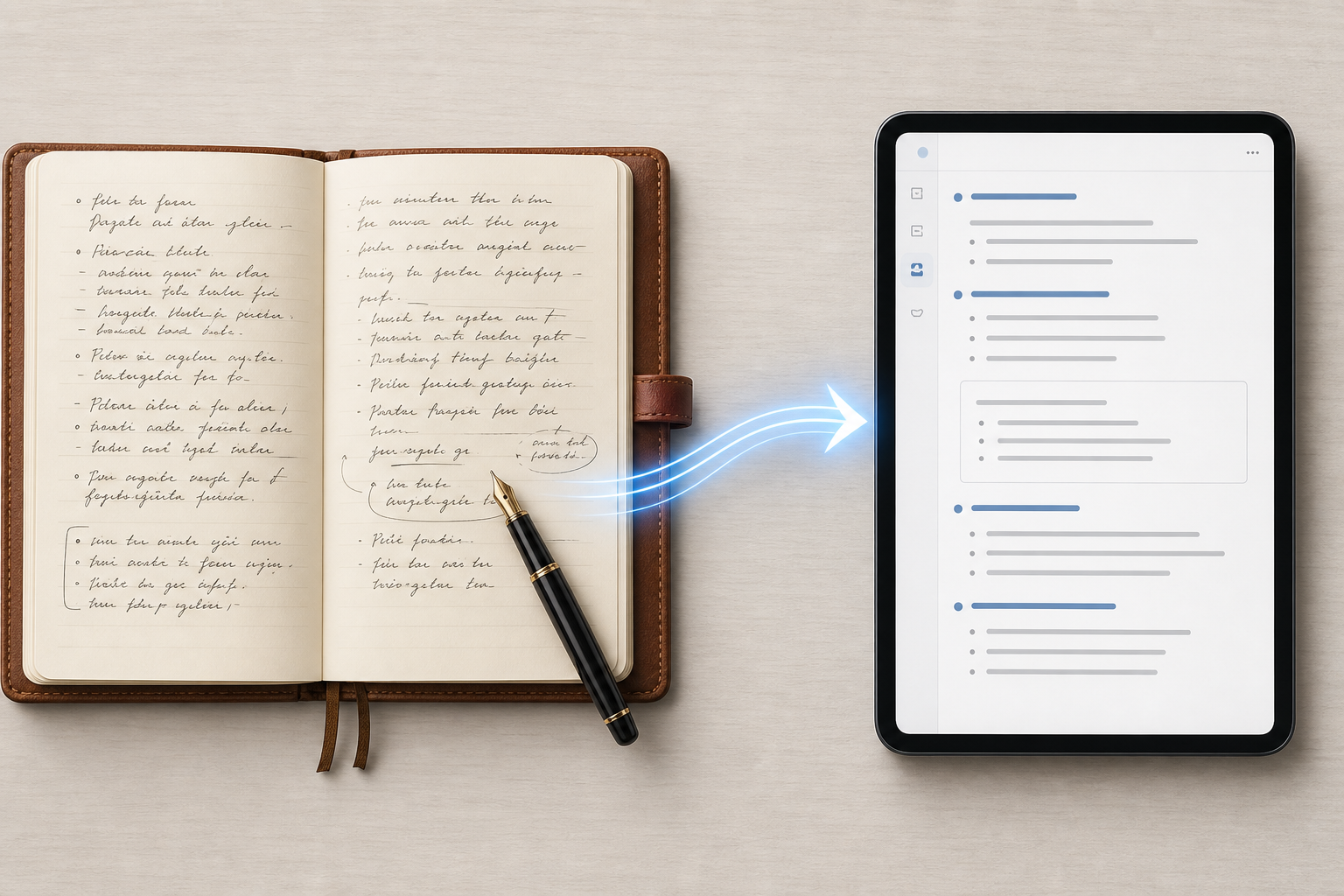
Why Free OCR Fails on Your Handwritten Notes
If you have ever snapped a photo of a handwritten page, run it through a free OCR tool, and received back a string of gibberish, you are not alone — and the problem is not your handwriting. Generic OCR engines like Tesseract, the text extraction in Google Keep, and OneNote's image-to-text feature were built for a different job: reading printed documents with clean, uniform characters. Handwriting, especially cursive or mixed-style writing, breaks every assumption those engines make.
The numbers confirm the frustration. According to a 2026 analysis by HandwritingOCR.com, generic free OCR tools average only 64% accuracy on handwriting. That means roughly one in every three characters is wrong. Google Keep, one of the most accessible free options, scores between 65% and 75% on clear, print-style handwriting. Microsoft OneNote's built-in OCR reaches 70% to 80% on tablet stylus input — better, but still far from reliable for anything beyond short, non-critical snippets. When you factor in the variability of cursive letterforms, inconsistent spacing, and the natural slant of handwritten text, those numbers drop further.
The root cause is technical. Traditional OCR works by segmenting an image into individual characters and matching each one against a library of known shapes. Printed text has consistent character shapes, predictable spacing, and uniform baselines. Handwriting has none of those properties. A single person's lowercase 'a' can vary across three different forms in the same paragraph. Cursive ligatures — the connecting strokes between letters — create shapes that look nothing like the individual characters they represent. Free OCR engines simply do not have the training data or the algorithmic sophistication to handle this variability.
The Accuracy Gap: Free vs. Specialized vs. LLM-Powered Solutions
The gap between free tools and modern solutions is not incremental — it is a chasm. In 2026, the market has split into three distinct tiers, each with a different accuracy ceiling. Understanding where each tier sits is the first step toward choosing the right tool for your notes.
| Tier | Accuracy Range | Examples | Best For |
|---|---|---|---|
| Free / Built-in OCR | 64% – 80% | Google Keep, OneNote (Windows/iPad), Apple Notes Scribble | Occasional use, clear print-style handwriting, short snippets |
| Cloud API Solutions | 89% – 95% | Azure Document Intelligence, Amazon Textract, Google Document AI | Business document digitization, structured forms, print-style handwriting at scale |
| Specialized HTR & LLM Engines | 93% – 99% | GPT-5, Gemini 2.5 Pro, ABBYY FineReader 16, Transkribus, Pen to Print | Cursive, messy handwriting, long documents, historical scripts, privacy-sensitive data |
Comments
Join the discussion with an anonymous comment.