
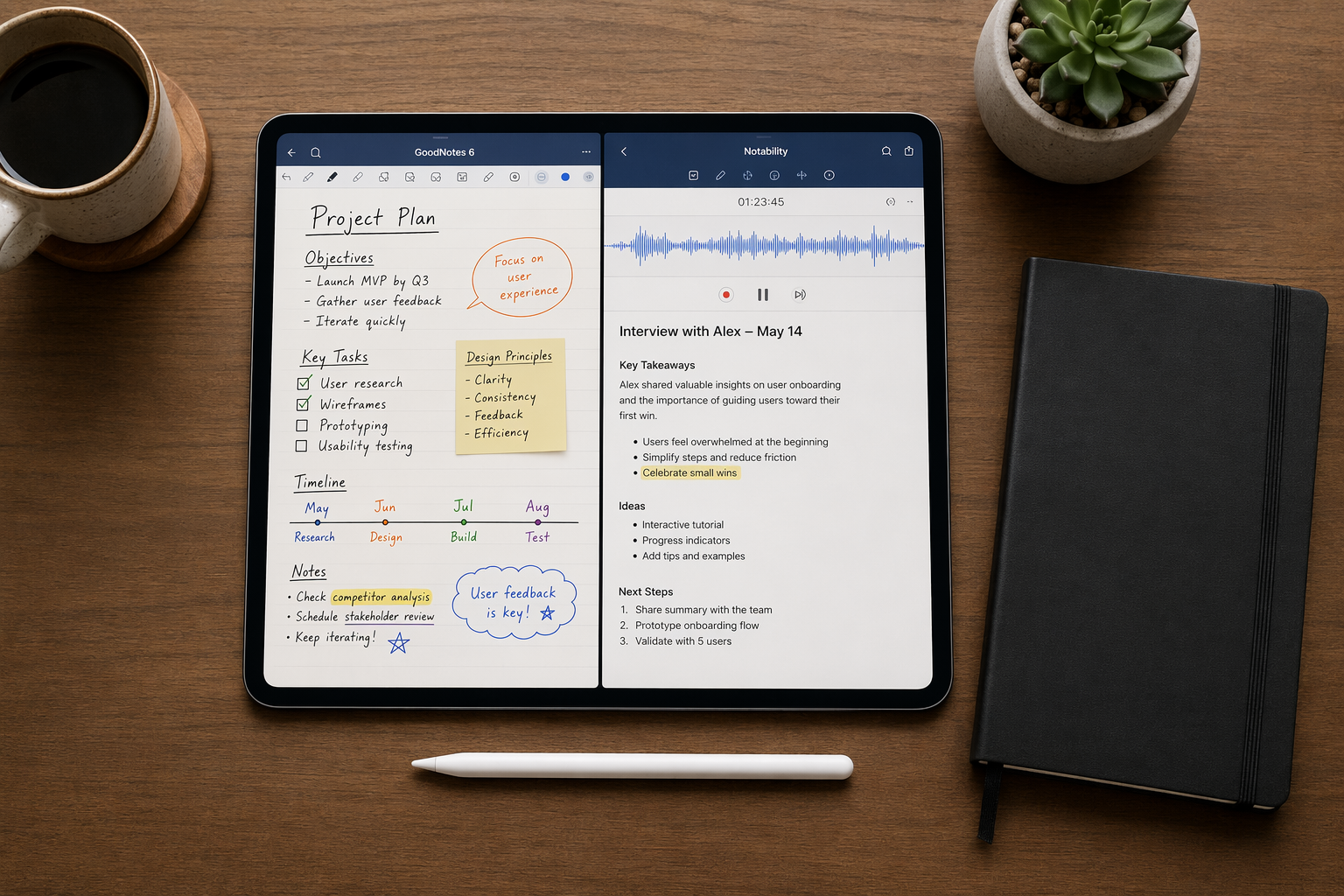
The Three Real AI Categories in iPad Note-Taking (2026)
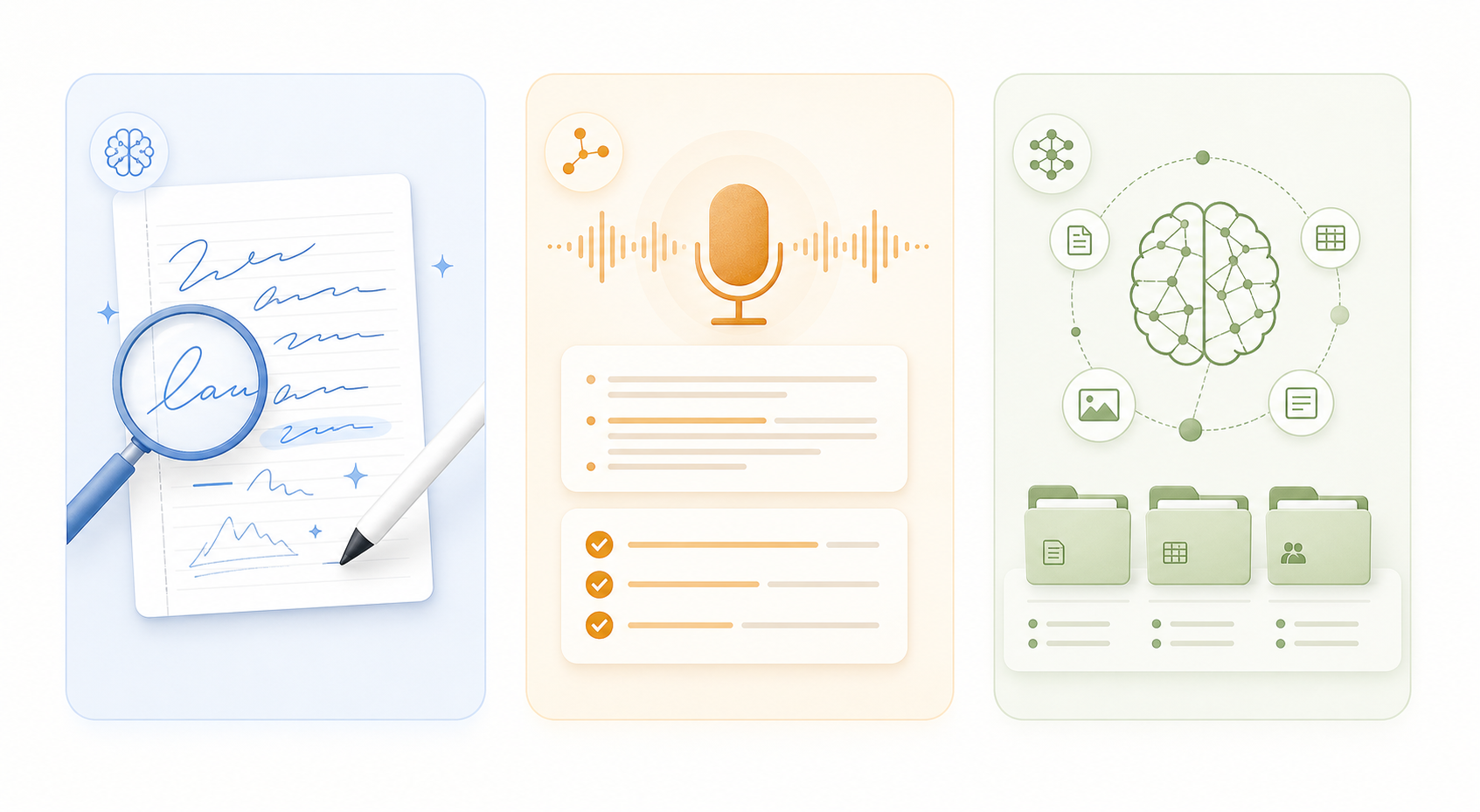
Walk into any App Store listing for a note-taking app in 2026 and you will see the word "AI" plastered across screenshots, feature lists, and subscription tiers. The problem is that "AI" has become a catch-all label for three fundamentally different capabilities: handwriting AI, meeting and audio AI, and knowledge-base AI. Each category solves a different problem, requires a different technical foundation, and — most importantly — serves a different type of user.
No single iPad note-taking app dominates all three categories. GoodNotes 6 leads handwriting AI with a tested 98.7% recognition accuracy, but it does not transcribe your team meetings. Krisp excels at meeting AI with real-time transcription and structured action items, but it is not designed for handwritten lecture notes. Craft and Obsidian shine at knowledge-base AI — smart linking, semantic search, and content generation — but they are weak on handwriting input.
This article breaks down the iPad note-taking market by these three AI categories. If you know which category matches your daily workflow, you can pick the right app without overpaying for features you will never use. If you are still unsure which category fits you, the decision framework article on the broader AI divide in note-taking can help you map your habits to the right tool.
Handwriting AI Leaders: GoodNotes, Nebo, Apple Notes, and Notes Writer Pro
Handwriting AI is the most mature of the three categories. These tools convert your scribbles into searchable, editable text, recognize mathematical expressions, and — in the best cases — automatically organize your notes by topic. If you take handwritten notes daily with an Apple Pencil, this is the category that matters most.
GoodNotes 6: The Handwriting Recognition Champion
GoodNotes 6 currently holds the top spot for handwriting AI. In ROIpad's 2026 testing — which analyzed over 10,000 handwriting samples from 50 subjects across more than 300 hours of use — GoodNotes achieved a 98.7% handwriting recognition accuracy rate. On the iPad Pro 12.9-inch (2025 model) with the Apple Pencil 3rd generation, it registered an 8ms latency, making the writing feel nearly instantaneous.
Beyond raw recognition, GoodNotes 6 includes an AI-powered auto-categorization feature that groups your notes by topic without manual tagging. The "Ask Goodnotes" study tool can generate flashcards and quiz questions from your handwritten material. For a deeper look at every AI feature in GoodNotes, our dedicated GoodNotes AI deep-dive covers each tool, its credit costs, and whether the upgrade is worth it.
Nebo: Real-Time Handwriting-to-Text Conversion
Nebo (rebranded from MyScript) takes a different approach: instead of recording your handwriting as an image and recognizing it later, it converts your strokes into typed text in real time. This means your notes look like clean, formatted text the moment you finish writing. It is particularly strong at recognizing mathematical formulas, diagrams, and mixed text-and-drawing layouts. ZDNET's March 2026 review lists Nebo at a $24 one-time purchase, with an $8/year or $2/month subscription option.
Apple Notes: Smart Script and the Free Advantage
Apple Notes introduced "Smart Script" with iPadOS 18, a feature that tidies up your handwriting while preserving your natural style. It is not full recognition — it smooths and straightens your letters rather than converting them to text — but it makes handwritten notes significantly more legible. ROIpad's testing gave Apple Notes a 95.2% recognition accuracy at 9ms latency, slightly behind GoodNotes but still strong. The killer advantage is price: Apple Notes is completely free, with no subscription or in-app purchases required.
Notes Writer Pro: The Surprising Value Pick
Notes Writer Pro is the dark horse of this category. Zapier's August 2025 review describes it as "like having ChatGPT seamlessly woven into your note-taking workflow." It offers summarization, concept explanation, grammar checking, translation, and content generation — all built into a note-taking app. The base app is a one-time $6.99 purchase, with an optional $1.99/month AI Assistant add-on. For users who want handwriting input plus AI writing tools without a recurring subscription, this is the most cost-effective option.
| App | Recognition Accuracy | Latency | Key AI Feature | Pricing (Last Verified: June 2026) |
|---|---|---|---|---|
| GoodNotes 6 | 98.7% (ROIpad) | 8ms | Auto-categorization, Ask Goodnotes study tool | $9.99–$29.99/yr or $30–$69.99 one-time (varies by source) |
| Apple Notes | 95.2% (ROIpad) | 9ms | Smart Script handwriting smoothing | Free |
| Notability 2026 | 97.3% (ROIpad) | 7ms | Smart Notes: AI summaries, quizzes, flashcards | $14.99–$19.99/yr |
| Nebo | N/A | N/A | Real-time handwriting-to-text conversion | $24 one-time or $8/yr |
| Notes Writer Pro | N/A | N/A | ChatGPT-level AI: summarization, grammar, translation | $6.99 one-time + $1.99/mo AI add-on |
Meeting and Audio AI: Notability, Krisp, and Otter
Meeting AI is the fastest-growing category in note-taking, and for good reason. It delivers the highest productivity impact by eliminating the most time-consuming part of knowledge work: manual note-taking during conversations. These apps automatically transcribe meetings, lectures, and calls, then generate summaries, action items, and follow-ups — all without you touching the Apple Pencil.
Notability: The Educational Audio AI Powerhouse
Notability's Smart Notes feature, part of the Notability Learn suite, is the strongest educational AI tool in this category. It converts handwritten notes into interactive study aids with one tap: AI-powered summaries, practice quizzes, and flashcards. Paperlike describes it as "the ultimate study tool." Notability also syncs audio recordings to your handwriting, so tapping a word jumps to the exact moment in the lecture recording.
However, Notability's action-item automation is limited compared to dedicated meeting AI tools. It is excellent for lecture-style settings where you want to review and study later, but less suited for fast-moving business meetings where you need structured outputs immediately.
Krisp: Real-Time Meeting Intelligence
Krisp positions itself as the best overall note-taking app for iPad for AI-driven meeting notes. It offers real-time transcription, AI-generated summaries, and automatic action-item extraction. Unlike handwriting-first apps, Krisp is designed for conversation-heavy workflows: team stand-ups, client calls, and brainstorming sessions. Its blog explicitly maps the three AI categories and argues that meeting AI delivers the highest productivity impact by turning conversations into structured outputs without manual effort.
Otter: The Meeting AI Specialist
Otter remains a dedicated meeting AI specialist. It automatically joins your calendar meetings, transcribes them in real time, and delivers searchable transcripts with speaker identification. Its AI generates summaries and action items that integrate with project management tools. Otter is less useful for handwritten or visual note-taking — it is a pure audio-first tool — but for professionals who spend most of their day in meetings, it is often the most practical choice.
| App | Primary Use Case | Key AI Feature | Best For | Pricing (Last Verified: June 2026) |
|---|---|---|---|---|
| Notability | Educational audio + handwriting | Smart Notes: AI summaries, quizzes, flashcards | Students, lecture-heavy workflows | $14.99–$19.99/yr |
| Krisp | Business meeting transcription | Real-time transcription, action items, summaries | Professionals, team meetings | Freemium; paid plans start at $8/mo |
| Otter | Meeting transcription | Auto-join, speaker ID, searchable transcripts | Heavy meeting schedules | Freemium; Pro at $16.99/mo |
Knowledge-Base AI: Craft, Obsidian, and Notion
Knowledge-base AI is the newest and least mature category, but it is the most transformative for researchers, writers, and knowledge workers who need to connect ideas across hundreds or thousands of notes. These apps use AI for smart organization, semantic search, automatic linking, and content generation — turning your note archive into an interconnected knowledge graph.
Craft: AI Writing and Summarization in a Polished Package
Craft combines a beautiful, block-based editor with AI writing assistance and summarization. Its AI can rewrite paragraphs, adjust tone, summarize long documents, and generate new content based on your existing notes. Craft's strength is its polish — it feels like a native iPad app, with smooth animations and intuitive gestures. It is ideal for knowledge workers who write and revise frequently and want AI assistance without leaving their note-taking environment.
Obsidian: Plugin-Powered Knowledge Management
Obsidian takes a different approach. Its core is a local-first Markdown note-taking system with bidirectional linking and a graph view that visualizes connections between notes. The AI capabilities come through community plugins: semantic search, automatic tagging, and AI-powered content generation. Obsidian's graph view is particularly powerful for researchers who need to see how concepts relate across their entire knowledge base. It is free for personal use, with a commercial license available for teams.
Notion: The All-in-One Workspace with AI Writing
Notion's AI writing assistant can generate drafts, summarize pages, translate content, and adjust tone. It is deeply integrated into Notion's database and project management features, making it useful for teams that need AI assistance within a shared workspace. However, Notion's handwriting support on iPad is limited — it is primarily a typing-and-database tool, not a handwriting-first app. For knowledge workers who type more than they write, Notion's AI is powerful; for Apple Pencil users, it is less relevant.
| App | AI Strength | Handwriting Support | Best For | Pricing (Last Verified: June 2026) |
|---|---|---|---|---|
| Craft | AI writing, summarization, tone adjustment | Limited | Knowledge workers who write and revise | Free; Pro at $4.99/mo |
| Obsidian | Plugin-based: semantic search, auto-tagging, graph view | Limited (community plugins) | Researchers, PKM enthusiasts | Free (personal); $50/user/yr (commercial) |
| Notion | AI writing, summarization, translation | Weak | Teams, project management | Free; AI add-on at $10/mo |
AI Feature Comparison Table with Pricing (Last Verified: June 2026)
The table below maps each app to its primary AI category and lists the most relevant pricing tier. Pricing data was cross-referenced against ZDNET (March 2026), Zapier (August 2025), Paperlike, and ROIpad (January 2026). Note that subscription prices vary significantly across sources — GoodNotes alone is quoted at $9.99/year by Paperlike, $11.99/year by Zapier, and $69.99/year by ROIpad — so the ranges below reflect the spread across authoritative sources.
| App | Primary AI Category | Key AI Features | Pricing Range (June 2026) | Platform |
|---|---|---|---|---|
| GoodNotes 6 | Handwriting | 98.7% recognition, auto-categorization, Ask Goodnotes | $9.99–$29.99/yr or $30–$69.99 one-time | iOS, iPadOS, macOS |
| Apple Notes | Handwriting | Smart Script, basic recognition (95.2%) | Free | iOS, iPadOS, macOS |
| Notability | Handwriting + Audio | Smart Notes: summaries, quizzes, flashcards | $14.99–$19.99/yr | iOS, iPadOS, macOS |
| Nebo | Handwriting | Real-time handwriting-to-text, math recognition | $24 one-time or $8/yr | iOS, iPadOS, macOS, Windows, Android |
| Notes Writer Pro | Handwriting + AI Writing | ChatGPT-level: summarization, grammar, translation | $6.99 one-time + $1.99/mo AI | iOS, iPadOS, macOS |
| Krisp | Meeting/Audio | Real-time transcription, summaries, action items | Freemium; paid from $8/mo | iOS, iPadOS, macOS, Windows, Web |
| Otter | Meeting/Audio | Auto-join, speaker ID, searchable transcripts | Freemium; Pro at $16.99/mo | iOS, iPadOS, Web |
| Craft | Knowledge-Base | AI writing, summarization, tone adjustment | Free; Pro at $4.99/mo | iOS, iPadOS, macOS |
| Obsidian | Knowledge-Base | Plugin-based: semantic search, graph view | Free (personal) | iOS, iPadOS, macOS, Windows, Linux, Android |
| Notion | Knowledge-Base | AI writing, summarization, translation | Free; AI add-on $10/mo | iOS, iPadOS, macOS, Windows, Web, Android |
What's Genuinely Useful vs. What's Just Marketing
Not every feature labeled "AI" in a note-taking app delivers real productivity gains. Some are genuinely transformative; others are basic automation dressed up in buzzwords. Here is how to separate the two.
Genuinely Useful: Handwriting Recognition and Audio Transcription
Handwriting recognition and audio transcription are the two AI features with proven, measurable time savings. GoodNotes' 98.7% recognition accuracy means you can search your handwritten notes as easily as typed text. Notability's Smart Notes converts a lecture recording into a study guide in seconds. Krisp's real-time transcription eliminates the need to take notes during meetings entirely. These features replace manual work that would otherwise take minutes or hours.
Mostly Marketing: 'Smart Organization' in Apple Notes and OneNote
Apple Intelligence provides basic summarization in Apple Notes, but it does not offer transcription, smart organization, or any of the deeper AI features found in dedicated tools. OneNote's AI features are similarly basic compared to GoodNotes or Notability. If an app's "AI" feature is limited to auto-tagging or basic search enhancement, it is likely a marketing label rather than a genuine productivity tool.
The Middle Ground: Knowledge-Base AI
Knowledge-base AI is the most promising but least reliable category. Obsidian's graph view and semantic search are genuinely useful for researchers with large note collections. Craft's AI writing assistant saves time on drafting and revision. But automatic linking and smart organization features in many apps are still inconsistent — they work well on structured data but struggle with messy, real-world note collections. If you are considering a knowledge-base AI tool, test it with your actual notes before committing.
How to Choose: Which AI Category Matches Your Workflow?
The right app depends entirely on which AI category matches your daily workflow. Here is a simple decision framework:
- If you handwrite notes daily — for lectures, brainstorming, or journaling — prioritize handwriting AI. GoodNotes 6 is the best overall choice with 98.7% recognition accuracy and auto-categorization. Apple Notes is a strong free alternative if Smart Script meets your needs. Nebo is worth considering if you want real-time text conversion.
- If you attend meetings, lectures, or calls regularly — and you want to stop taking manual notes — prioritize meeting and audio AI. Notability is the best choice for educational settings with its Smart Notes study tools. Krisp is better for business meetings with real-time transcription and action items. Otter is ideal if you need auto-join and speaker identification.
- If you build and maintain a knowledge base — as a researcher, writer, or knowledge worker — prioritize knowledge-base AI. Craft offers the most polished AI writing experience on iPad. Obsidian provides the most powerful plugin-based knowledge management with graph view. Notion is best for teams that need AI within a shared workspace.
- If you need multiple AI categories — for example, you handwrite notes and attend meetings — you may need two apps. No single app dominates all three categories in 2026. Consider using GoodNotes for handwriting and Krisp for meetings, or Notability if your meetings are lecture-style and you want audio synced to handwriting.
Beyond AI features, consider data portability and offline use. Some apps lock your notes into proprietary formats, while others offer Markdown export or local-first storage. Our comparison of AI, data portability, and offline integrity examines these factors in detail. If you are a student on a tight budget, our free note-taking apps guide covers which free plans are actually usable.