
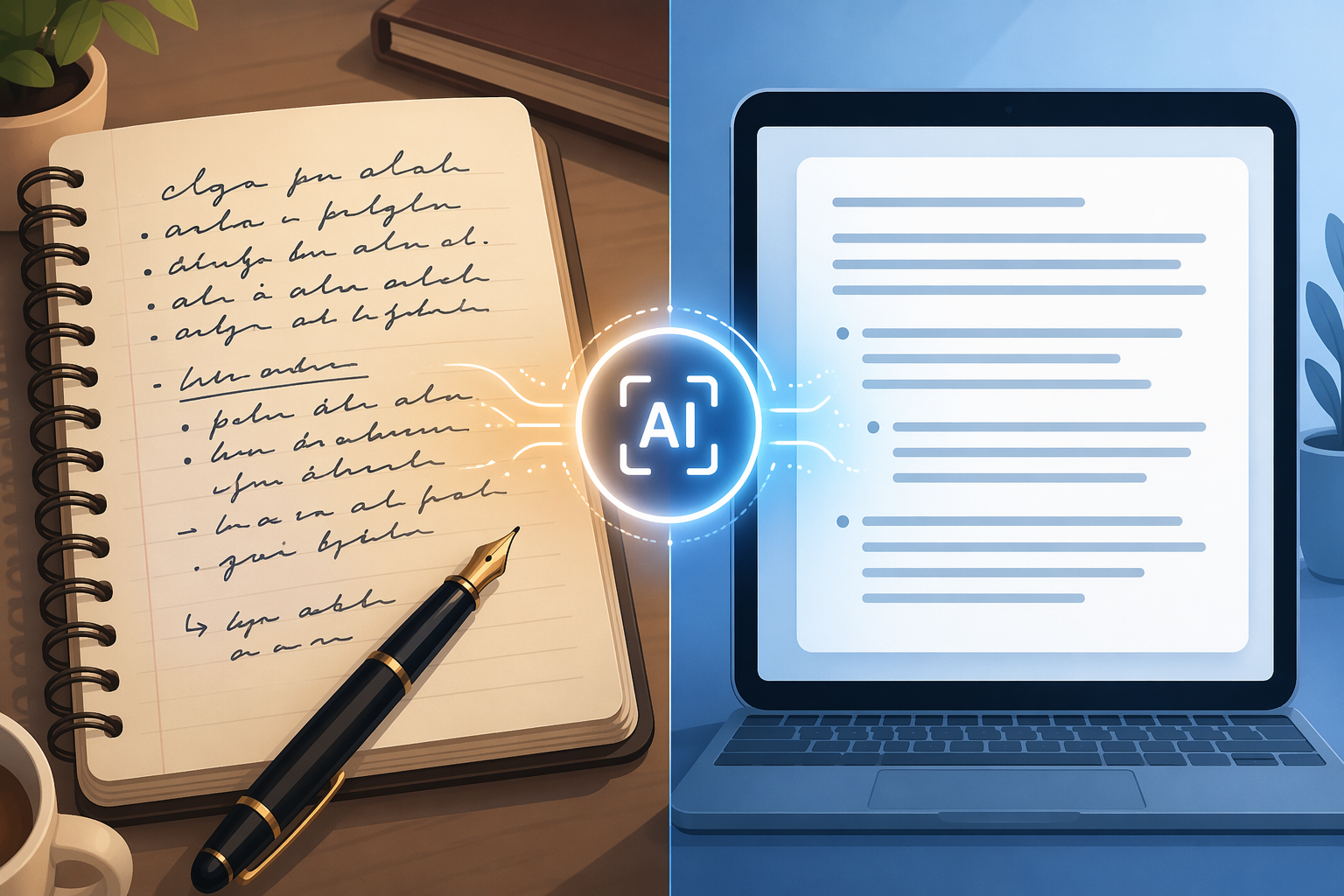
Why Legacy OCR Fails on Handwriting: The Accuracy Problem
If you have ever run a stack of handwritten field reports or invoice comments through a traditional OCR engine and gotten back a page of gibberish, you are not alone. Across the industry, the average handwriting OCR accuracy hovers around 64% according to a 2026 multi-vendor benchmark from AIMultiple. That number means roughly one in every three characters is misread, mistranscribed, or dropped entirely. For a business-critical document — a signed contract, a medical intake form, a customs declaration — that error rate is not a nuisance; it is a liability.
The root cause is architectural. Traditional OCR engines were designed for machine-printed text: uniform character shapes, consistent spacing, predictable baselines. Handwriting violates every one of those assumptions. Cursive letters connect in ways that break character-segmentation algorithms. Messy handwriting introduces variable slant, inconsistent pressure, and overlapping strokes. A legacy engine sees ambiguity where a human reader sees context.
The gap becomes stark when you compare performance across handwriting styles. Independent tests show that Google Document AI, for example, achieves only 63–77% accuracy on cursive handwriting, with a 2025 practitioner review finding it dropped to roughly 50% on handwritten comments embedded in forms. That is not a corner case — it is the exact scenario an enterprise encounters when processing field reports, patient notes, or customer feedback.
This is the problem this benchmark exists to solve. Enterprise buyers need to know which tools actually work on the handwriting styles their workflows produce — not the clean block-print samples vendors use in marketing demos.
Benchmark Methodology: How We Measured Accuracy
The accuracy figures cited in this article are drawn from multiple independent sources published between late 2025 and mid-2026. To interpret them correctly, it helps to understand the three primary metrics used and the conditions under which they were collected.
Metrics Used Across Benchmarks
- Character Error Rate (CER): Measures insertions, deletions, and substitutions at the character level. A CER of 1.22% means roughly one character error per 100 characters. This is the most granular metric and the one used by AIMultiple for GPT-5 and Gemini 2.5 Pro.
- Word Error Rate (WER): Measures the percentage of words that contain at least one error. Azure Doc Intelligence reports an 8.67% WER (~91.3% word-level accuracy); Amazon Textract reports 10.5% WER (~89.5% word-level accuracy).
- Semantic similarity: Some benchmarks, including AIMultiple's, also evaluate whether the transcribed text preserves the meaning of the original — a more practical measure for enterprise use than raw character matching.
Test Conditions That Matter
Accuracy numbers are meaningless without context. The same tool can produce wildly different results depending on:
- Writer-dependent vs. writer-independent testing: When a model is trained on samples from the same writers it will be tested on, accuracy can reach 97.8%. In writer-independent tests — the realistic scenario for most enterprises — accuracy drops to approximately 80% for the same models.
- Image quality: Scans at 300 DPI or higher improve accuracy by 20–30 percentage points compared to low-quality mobile phone photos. This is the single largest controllable variable.
- Handwriting style: Clean printed text achieves 95–99% accuracy across most tools. Neat cursive ranges from 85–95%. Messy or rushed handwriting drops to 70–85%. Historical manuscripts fall to 40–70% and often require specialized models.
2026 Handwriting OCR Accuracy Results Table
The table below compiles the most reliable accuracy figures available from 2026 benchmarks. Because each source uses different test sets and metrics, the figures should be read as directional indicators rather than directly comparable scores.
| Tool / Platform | Reported Accuracy | Metric Used | Best Handwriting Style | Source |
|---|---|---|---|---|
| GPT-5 (OpenAI Vision) | 95% | ~1.22% CER | Cursive, messy, mixed | AIMultiple 2026 |
| Gemini 2.5 Pro | 93% | Semantic similarity | Cursive, messy, mixed | AIMultiple 2026 |
| ABBYY FineReader 16 | 92–95% | Word-level | Neat cursive, handwritten print | Suparse / Independent test |
| Azure Doc Intelligence v4.0 | 91.3% | 8.67% WER | Neat print | Suparse / Practitioner review |
| Amazon Textract | 89.5% | 10.5% WER | Neat print | Suparse / Practitioner review |
| Adobe Acrobat Pro | 79–89% | Word-level | Handwritten print | Suparse / Independent test |
| Google Document AI | 63–77% | Word-level | Clean print only | Suparse / Practitioner review |
| Industry average (all tools) | ~64% | Mixed | Varies | AIMultiple 2026 |
The most striking takeaway is the gap between the top-tier AI models (GPT-5, Gemini) and the rest of the field. GPT-5's ~1.22% CER means it makes roughly one character error per 100 characters — a level of accuracy that, with human review, can approach 99%+ for most business documents. Meanwhile, Google Document AI's cursive performance at 63–77% means it is essentially unusable for any workflow involving handwritten narrative text.
Why Multimodal AI Models Outperform Traditional OCR on Handwriting
The performance gap between GPT-5 (95%) and the industry average (64%) is not incremental — it is a structural difference in how the two approaches process handwriting.
Traditional OCR engines work by segmenting an image into individual characters, matching each against a library of known shapes, and assembling the results into words. This approach fails when characters touch (as they do in cursive), when shapes are inconsistent (as they are in messy handwriting), or when the image quality is poor. The engine has no concept of context — it cannot infer that "c1ear" is probably "clear" because the surrounding sentence is about document processing.
Multimodal AI models — GPT-5, Gemini 2.5 Pro, and their peers — take a fundamentally different approach. They process the entire image as a visual scene, then use their language understanding to resolve ambiguous characters. When the model sees a word that could be "rn" or "m," it uses the surrounding words and sentence structure to decide which interpretation makes sense. This is why they perform disproportionately better on messy and cursive handwriting: the more context matters, the bigger the advantage.
- Context resolution: An LLM can infer that a smudged word in a medical form reading "p_ne_llin" is almost certainly "penicillin" — a task that is impossible for a character-matching engine.
- Writer adaptation: Multimodal models can adapt to a single writer's style within a document, improving accuracy on later pages without explicit retraining.
- Layout understanding: Models like GPT-5 can distinguish between a handwritten note in a margin and the printed form field it annotates — a task that trips up traditional OCR engines that treat all text in the image equally.
This does not mean traditional OCR is obsolete. For clean, printed handwriting on high-quality scans, ABBYY FineReader's 92–95% accuracy is competitive and comes with superior layout retention — it preserves table structures, form fields, and page formatting in ways that LLM-based tools often do not. The choice depends on the handwriting style you are processing.
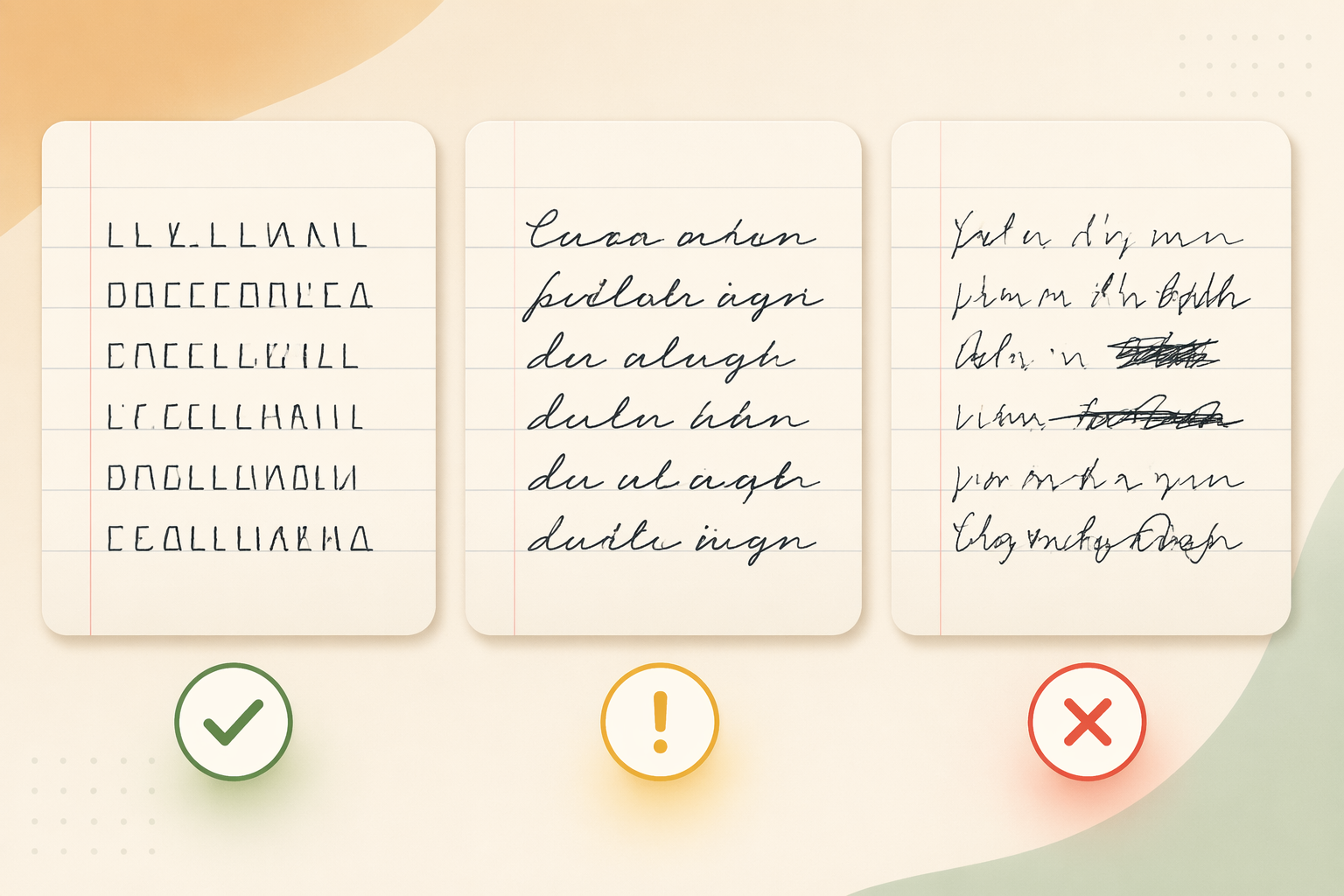
Best Tools by Handwriting Style: Print, Cursive, Mixed, and Messy
No single tool is best for every handwriting style. The right choice depends on what your documents actually look like. The table below maps tools to handwriting types based on available benchmark data.
| Handwriting Style | Top Tool(s) | Accuracy Range | Key Consideration |
|---|---|---|---|
| Clean printed text | ABBYY FineReader, Azure Doc Intelligence | 92–99% | Traditional OCR is sufficient; layout retention matters more than raw accuracy |
| Neat cursive | ABBYY FineReader, GPT-5 | 85–95% | ABBYY leads on high-quality scans; GPT-5 better on mixed-quality images |
| Messy / rushed handwriting | GPT-5, Gemini 2.5 Pro | 70–85% | AI models' context resolution is critical; plan for HITL verification |
| Mixed print and cursive | GPT-5, Gemini 2.5 Pro | 80–95% | Multimodal models handle style switches within a single document best |
| Historical manuscripts | Transkribus (custom model) | 40–70% | Requires custom model training on period-specific handwriting |
| Form fields with handwritten entries | Azure Doc Intelligence, Suparse | 85–95% | Structured extraction + HITL verification pushes accuracy to 99%+ |
Comments
Join the discussion with an anonymous comment.