
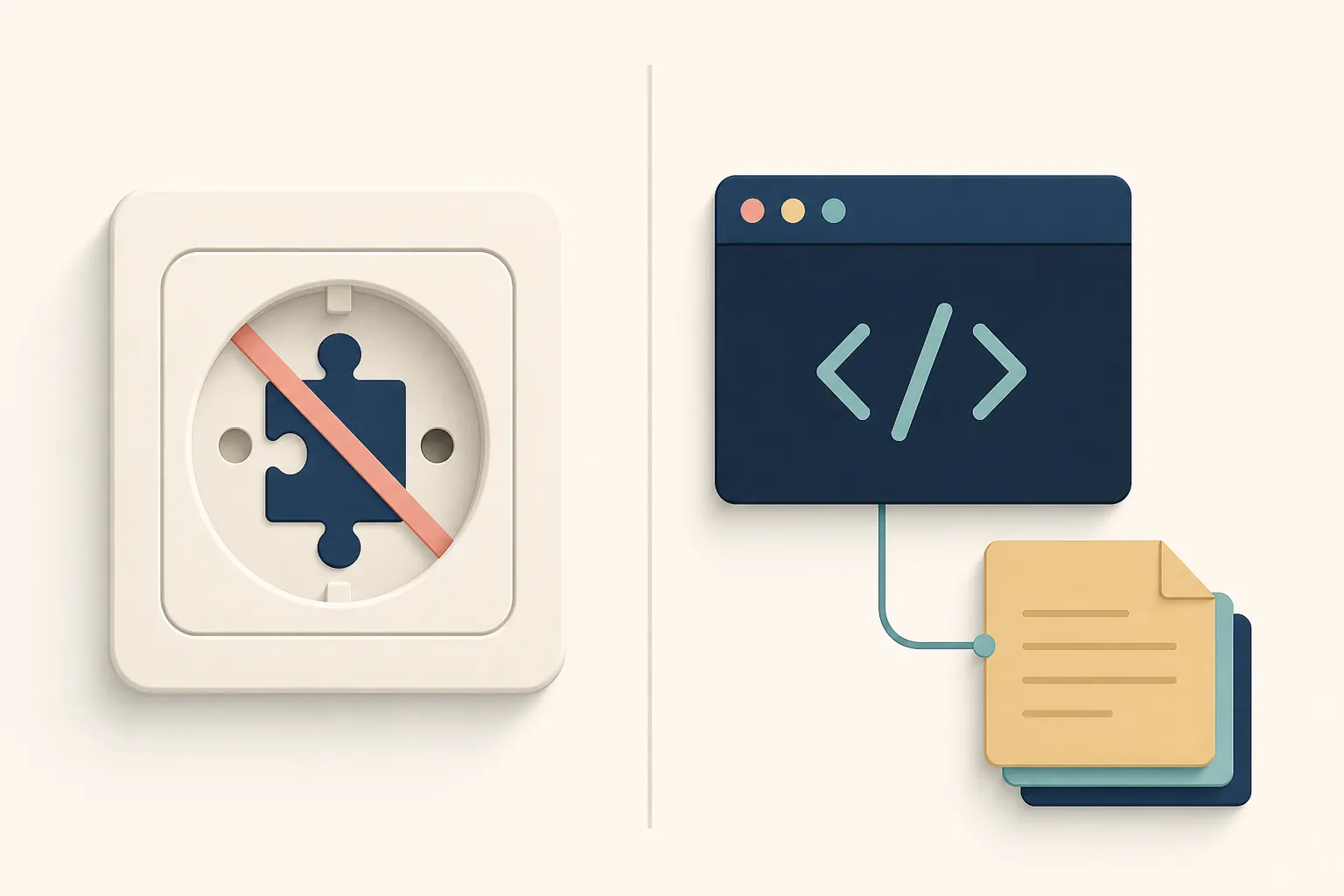
The first thing to fix is the label. Ox Alpha AI is not an Obsidian plugin, and I could not find an official “Ox Alpha for Obsidian” integration to install inside a vault. The practical route is less tidy: run the Ox Alpha model through an API or agent harness, point that harness at a folder of Markdown files, and let it propose or perform changes under constraints. On OpenRouter, the model appears as stealth/ox-alpha; OpenCode/Zen routes describe it separately as x-preview-f-free.[1][2]
So the short answer to “using Ox Alpha AI to organize Obsidian notes, tested” is conditional. Yes, Ox Alpha can help organize a messy Markdown vault. In our Aug. 25, 2026 FlowDesk test, it was useful only when treated as a supervised agent project: disposable sanitized vault copy, explicit organization rules, audit first, writes only after approval, and every move reviewed in a diff. It is not a one-click vault cleaner, and it should not be handed direct write access to the live vault.
That distinction matters because Ox Alpha is unusually tempting right now. It arrived as an anonymous reasoning model in August 2026, with a reported short free-preview window and unknown post-preview pricing or availability as of our test date.[3] The published capability sheet is also the kind of thing that makes note-hoarders lean forward: a 1,048,576-token context window, 131,072-token maximum output, multimodal input, and tool calling.[1][2] A model that can see a large chunk of a vault at once is a different proposition from past cleanup bots that lost track of the folder tree after a few files.
It is also the kind of proposition that can create a very large mess quickly.
What we actually tested
The test target was not a production Obsidian vault. We made a disposable copy of a messy Markdown vault, removed sensitive material, and ran Ox Alpha as an agent against that copy. Obsidian itself was not the execution surface; the vault was just a folder of Markdown files, attachments, and folders that an external agent could inspect and modify.
The safest decision in the whole run happened before the model saw anything: the live vault stayed closed. That one choice made the rest of the experiment tolerable. If the model invented a taxonomy, flattened folders, broke a link, or moved a note for a bad reason, the consequence was a rejectable diff, not a Sunday afternoon recovery job.
| Test choice | What it meant in practice |
|---|---|
| Execution surface | CLI/API-style agent working on a copied Markdown vault folder, not an Obsidian plugin |
| Model route | Ox Alpha through an external route rather than a native Obsidian integration |
| Vault access | Disposable sanitized copy only; no direct write access to the live vault |
| First instruction | Audit the vault and propose a plan before changing files |
| Write policy | No moves, renames, merges, or folder creation until the proposed plan was reviewed |
| Review method | File diff, move list, and explanation check before accepting any change back into a real workflow |
I would not repeat this test without those guardrails. Ox Alpha’s big context window is useful, but “can inspect a lot” and “should be allowed to rewrite a lot” are different standards.
The prompt that mattered most was the audit prompt
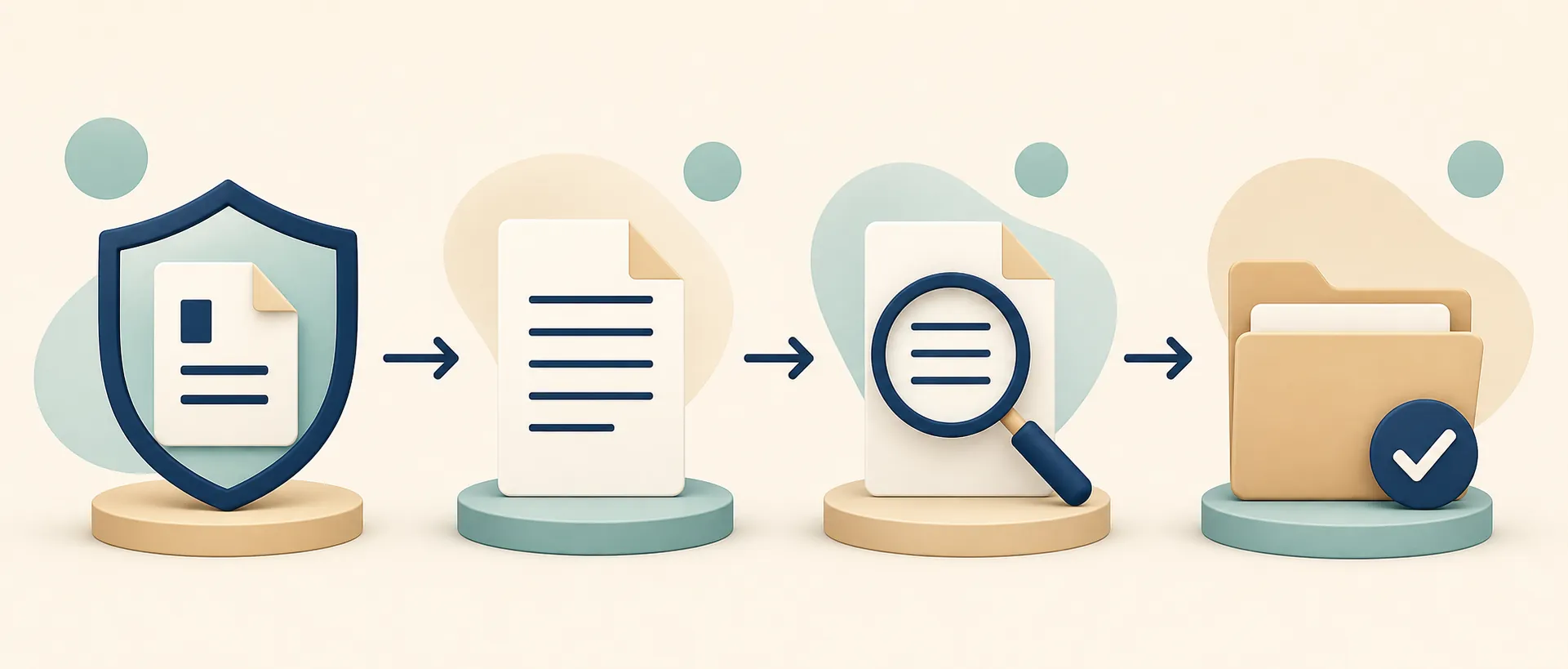
The run became more predictable when the first task was not “organize this vault.” That instruction is too broad; it invites the model to prove usefulness by moving things. We used an audit-first instruction instead: inspect the structure, identify repeated patterns, propose rules, and explain the intended file operations before performing them.
You are working on a disposable copy of an Obsidian Markdown vault.

Rules:
- Do not modify, move, rename, merge, or delete files in the first pass.
- First produce an audit of the current vault structure.
- Identify obvious clusters, duplicate folder purposes, unclear notes, and notes that should not be moved without human review.
- Propose an organization plan using the rules below.
- For every proposed move, explain the reason and confidence level.
- Preserve Markdown content, YAML front matter, headings, embeds, wiki links, and relative links unless explicitly approved.
- Prefer reversible moves over content rewrites.
- If unsure, leave the file in place and flag it.

Organization rules:
[Insert your own folder and naming rules here.]
That prompt shape did more work than any model benchmark. It forced Ox Alpha to expose its assumptions. Instead of silently turning a vault into a new folder tree, it had to say which categories it saw, where it thought orphan notes belonged, and which files it considered ambiguous.
This is also where earlier Obsidian cleanup cases are useful as method anchors, not as proof that Ox Alpha will behave the same way. One MakeUseOf local-LLM run emphasized working from a backup or copied vault.[5] Mike Jones described an AI-assisted Obsidian cleanup that planned in phases before moving notes.[6] Termdock’s CLI workflow used a rules-file discipline across a large note set.[7] Those are individual reports, not universal success rates, but they point to the same boring truth: the setup protects the vault more than the model name does.
Where Ox Alpha helped
Ox Alpha’s best work in our run was structural, not philosophical. It was good at reading messy Markdown as a corpus and spotting low-risk cleanup opportunities: obvious inbox notes, abandoned drafts, repeated project names, folders that were really temporary holding areas, and files whose headings disagreed with their paths.
It also did a decent job separating “move this” from “ask a human.” That mattered. A useful vault organizer is not the one that moves the most files; it is the one that leaves enough uncertainty visible for the vault owner to make the final call. In the approved write pass, the safer changes were the ones with a plain reason: a project note sitting outside its project folder, a meeting note with an obvious date and client label, or a scratch file that belonged in an inbox/archive area under our rules.
The large context window helped here. A cleanup model that only sees a handful of notes at a time tends to overfit to local clues. Ox Alpha could compare broader folder patterns before proposing moves, which reduced some of the “this note looks like X because the first paragraph says X” behavior that smaller-context workflows often produce. That does not make the result safe by default, but it did make the audit more coherent than a narrow-window pass.
The other pleasant surprise was that it handled explicit constraints better than vague preferences. “Prefer project folders over topic folders when a note names an active project” produced more reviewable proposals than “make this easier to navigate.” “Do not merge evergreen notes” worked better than “preserve my knowledge system.” If you have strong opinions about your vault, write them like operating rules, not like taste.
Where it got brittle
The weak spots were familiar agent weak spots. Ox Alpha sometimes produced a folder plan that looked clean in outline but became too flat when applied. It liked resolving mess into categories, and categories are not always how an Obsidian vault earns its keep. A note about a product launch might be a project artifact, a marketing idea, a customer-research source, and a future essay seed. Choosing one folder can make the sidebar prettier while making the note less useful.
It also leaned overconfident when the vault gave it partial evidence. A title, a tag, and a nearby file can look like enough context to a model. To the person who wrote the note, those may be leftovers from a temporary workflow. That is why the review step cannot be replaced with a confidence score. Confidence is still the model describing its own interpretation.
The least useful output came when we asked for broad reorganization language. Ox Alpha could produce polished prose about a cleaner knowledge system, but polished prose is not an auditable operation. We got better results by requiring a move table: current path, proposed path, reason, risk, and whether links or embeds needed checking.
| Output type | How it performed in the test | What to do with it |
|---|---|---|
| Audit of existing folders | Useful for spotting repeated patterns and vague buckets | Keep; compare against your own rules |
| Move list with reasons | The most reviewable artifact from the run | Require this before allowing writes |
| Broad taxonomy proposal | Often neat-looking but too flattening for some notes | Treat as a draft, not a decision |
| Content rewrite suggestions | Less trustworthy than file organization suggestions | Disable unless rewriting is the actual task |
| Ambiguity flags | Valuable when the model admitted uncertainty | Reward this behavior in the prompt |
This is where Zettelkasten-style users should be especially careful. AI organization can create connections the human never deliberately made, which may be useful for messy project notes and harmful for a system where the act of linking, naming, and placing is part of the thinking.[8] If the structure of your vault is a record of your reasoning, outsourcing that structure changes the artifact.
The model specs are impressive, but they do not settle the vault question
Ox Alpha’s published limits are genuinely interesting for this task. A 1,048,576-token context window means a cleanup agent can inspect far more vault material in one run than a typical chat workflow. The 131,072-token output ceiling also gives the model room to produce a detailed audit or move plan rather than compress everything into a tiny summary.[1][2]
But the operational constraints still show up. Wavect’s guide reports roughly 28 tokens per second median throughput and about 4.33 seconds median latency, and notes that JSON output is available without JSON-schema enforcement.[2] For vault work, that means two things. First, do not design a workflow that requires constant back-and-forth for every note. Second, if your harness expects machine-readable JSON to drive file moves, validate it yourself before letting it touch the filesystem.
The JSON point is not cosmetic. A malformed move list is annoying in chat. In an agent harness, it can become a bad file operation. The safer pattern is to ask for a human-readable plan first, then a constrained operation list, then run that list through your own validation: paths must exist, destination folders must be allowed, no duplicate filenames, no deletes, no merges, and no edits outside the vault copy.
The privacy verdict depends on the route
This is the part that should make live-vault access a nonstarter. Ox Alpha is anonymous, and the privacy story changes depending on the route. The OpenRouter model card describes prompt and completion retention while saying the data is not used for training.[1] Kingy.ai’s analysis points to broader Stealth Program EULA language, updated July 6, 2026, involving collection, sharing, and training rights.[4] Wavect describes the OpenCode Zen route as zero-retention and no-training.[2]
Those statements do not combine into one clean assurance. They are route-dependent and, in places, unresolved. If you are testing Ox Alpha with a vault, your privacy model is not “Ox Alpha is safe” or “Ox Alpha is unsafe.” It is: which route, which terms, which retention behavior, which logs, which proxy, which agent harness, and which files are being sent?
That is why sanitizing the copy is not paranoia. It is the minimum. Remove journals, client notes, credentials, private research, unpublished drafts you cannot risk, synced app exports, and anything whose disclosure would be hard to explain later. If removing those files makes the cleanup task less useful, that is useful information too: the model is asking for more context than you are comfortable giving it.
FlowDesk’s related security pieces are better next stops than a model leaderboard if privacy is your main constraint: see the AI note app security profile, the AI note-taking agents security test, and the Notion-to-Obsidian AI safety migration guide.
Benchmarks are context, not permission
There are early benchmark-style claims around Ox Alpha, including an 80% DeepSWE Pass@1 result on a 10-task user run and an 87.5% Kingbench claim.[3][4] They are interesting, but they are not evidence that the model will safely reorganize a personal knowledge base. Coding and reasoning tests do not measure whether a model understands why a half-finished idea note sits next to a meeting note in your vault.
The identity speculation is also not a reason to trust it with private notes. Some outside analysis has connected Ox Alpha to possible GLM/Z.ai lineage, but that remains fingerprint-based speculation rather than confirmed provider identity.[4] For this use case, the important fact is not whose model it might be. The important fact is that the provider is anonymous to the user making the data decision.
A safer workflow if you test it
If you want to try Ox Alpha during the free-preview window, do it like a migration rehearsal, not like an install. The model should never be the first system to discover that your backup strategy is weak. If you need a backup-first baseline before any AI cleanup, start with a local vault backup plan such as FlowDesk’s UGREEN NAS Obsidian vault backup profile.
- Make a complete backup of the real vault before doing anything else.
- Create a disposable copy for the model run.
- Remove sensitive, private, regulated, or unnecessary files from that copy.
- Write explicit organization rules: allowed folders, naming rules, notes that must not move, and what counts as ambiguity.
- Require an audit-only first pass with no file changes.
- Review the proposed taxonomy and move list before granting write permission.
- Allow writes only inside the disposable copy.
- Inspect the diff, link integrity, embeds, YAML front matter, and any renamed paths.
- Manually copy accepted changes back, or repeat the approved operations yourself.
The review should focus less on whether the folder tree looks calmer and more on whether each change is reversible and explainable. A good Ox Alpha result is not “the sidebar is neat.” It is “I can see what moved, why it moved, what did not move, and how to undo it.”
Who should skip this
Skip Ox Alpha for Obsidian organization if you came here looking for a plugin. That path belongs to a different class of tools. For comparison, FlowDesk’s Qwen plugin-path Obsidian notes test is the closer read if you want something that behaves more like an in-app workflow.
Also skip it if you need stable pricing after the preview, if ambiguous retention terms are unacceptable, if your vault contains material you cannot sanitize, or if your note structure is part of your thinking process rather than a mess you want sorted. Ox Alpha is powerful enough to be useful, which is exactly why it deserves stricter boundaries.
If you are comparing model behavior rather than chasing this specific free preview, the better companion reads are FlowDesk’s DeepSeek-vs-ChatGPT Obsidian notes comparison and the MiniMax note-organization failure case. A failure case is often more useful than another polished demo when the task involves your own files.
Verdict as of Aug. 25, 2026
Ox Alpha is worth testing for Obsidian note organization during the free-preview window if you use a sanitized disposable vault copy, write explicit rules, force an audit before file changes, and review every proposed move. Under those conditions, it can turn a messy Markdown folder into a more reviewable structure without pretending to be an Obsidian-native tool.
It is not something I would point at a live vault. The model is capable, the access routes are workable, and the long context is genuinely useful. The unresolved route-dependent privacy terms, anonymous-provider status, and time-limited preview keep the permission narrow: test it, constrain it, audit it, and only then decide whether any of its changes deserve to touch your real notes.
References
- stealth/ox-alpha — OpenRouter
- Ox Alpha Free AI Model Guide 2026 — Wavect
- Ox Alpha Stealth Model — Coursiv
- Ox Alpha = GLM-5.3 Flash? Evidence — Kingy.ai
- Letting a Local LLM Organize Obsidian Notes — MakeUseOf
- I Used AI to Fix My Broken Obsidian Vault — Medium
- Organize Scattered Notes with AI CLI — Termdock
- Using Obsidian with AI — ssp.sh