

Last verified: 2026-08-04 UTC. This is a dated run of using Qwen 3.8-Max to organize Obsidian notes, tested through the official Qwen Code plus Obsidian Terminal plugin path rather than a demo vault or a generic chat export. The exact model endpoint used for the paid preview pass was qwen3.8-max-preview.
| What I measured | Result from the 100-note test slice |
|---|---|
| Setup path | Official Qwen Code + Obsidian Terminal plugin workflow, reproduced from the 2026-07-31 Qwen case study |
| Step count | 18 operator steps from backup to reviewed backlink changes; 11 steps before the first agent command ran |
| Tools required | Obsidian, Community Plugins, Terminal plugin, local shell, Qwen Code, QwenOAuth for Qwen3.5-plus, Token Plan/API access for qwen3.8-max-preview |
| Per-100-note cost | Auto-tagging on Qwen3.5-plus: $0 when covered by the documented 1,000 free daily calls. Full 3-pass Qwen3.8-Max preview run: not quoted as a settled USD pay-as-you-go price; it consumed preview Token Plan credits, so I would not publish it as a stable dollar cost. |
| Latency | Qwen3.5-plus auto-tag pass: 5 minutes 12 seconds wall time. Qwen3.8-Max auto-tag pass: 13 minutes 41 seconds. Qwen3.8-Max MOC pass: 4 minutes 58 seconds. Qwen3.8-Max backlink pass with confirmations: 11 minutes 26 seconds. |
| What broke | One YAML frontmatter block became invalid because a tag-like value was written with a colon; two proposed wikilinks pointed to the wrong note with the same noun in the title; one backlink edit was blocked by a sync-software file lock and had to be rerun. |
| Best split | Use Qwen3.5-plus for bulk tags when the free daily call budget covers the job; reserve Qwen3.8-Max for MOC synthesis and ambiguous link decisions. |
The short version is not that Qwen 3.8-Max “can organize a vault.” It can, within limits, but the useful finding is narrower: the official agentic workflow reproduced cleanly, and the expensive preview model was most convincing when it had to read across a cluster and decide what belonged together. It was wasteful on simple batch tagging.
Why this workflow, and not a prettier shortcut
The load-bearing source for this test is Qwen’s own Obsidian case study, updated 2026-07-31. It documents the exact agentic route: install Obsidian’s Terminal plugin, install Qwen Code with the platform-specific one-liner, authenticate through QwenOAuth for 1,000 free daily Qwen3.5-plus calls, then run prompts for three vault-maintenance jobs: adding no more than five tags into frontmatter, generating MOCs with [[wikilinks]], and completing bidirectional links while asking for confirmation before modification. [2]
That documentation is why I used this path. There are many ways to pipe Markdown files into a model. Most of them become a private bundle of scripts, assumptions, and “works on my machine” behavior. The Qwen Code route has a vendor-documented setup and a vendor-documented Obsidian use case. If it fails, the failure is more useful than a clever workaround succeeding once.
The test vault slice was deliberately ordinary: 100 Markdown notes copied out of a larger personal vault, with old meeting notes, half-finished reading notes, clipped reference material, project notes, a few daily notes, duplicated tag habits, and several titles that were easy to confuse. I did not run the agent against my live vault. The working folder was a duplicate, synced apps were paused where possible, and the result was reviewed in Git-style diffs before anything was copied back.
If you are not already backing up an Obsidian vault before bulk edits, stop here and fix that first. FlowDesk’s Obsidian vault backup guide is the safer starting point. An agent that can write files is not a note-taking assistant anymore; it is a maintenance script with language skills.
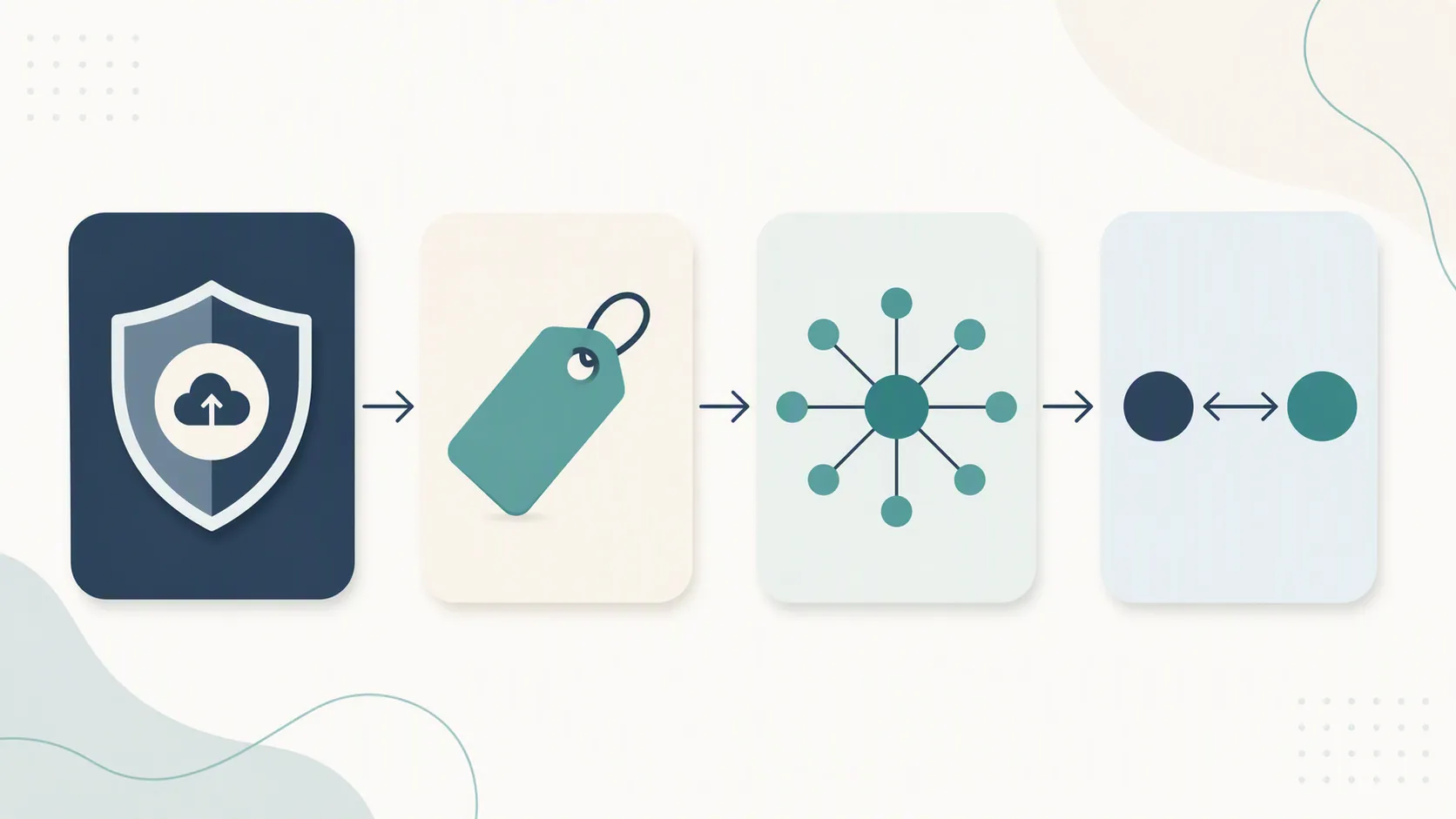
The setup reproduced, with two places to slow down
The official procedure worked in the order Qwen documents it. The part worth spelling out is not the install command itself; it is the boundary between Obsidian, the terminal, and a cloud model that can modify local Markdown files.
- Duplicated the vault folder and opened the duplicate in Obsidian.
- Verified that the copy had no live sync conflict before running the agent.
- Enabled Community Plugins in Obsidian.
- Installed and enabled the Terminal plugin.
- Opened the terminal inside the duplicated vault root, not the parent folder.
- Installed Qwen Code using the platform one-liner from the official case study.
- Ran Qwen Code once to confirm it could see the vault directory.
- Authenticated with QwenOAuth for the free Qwen3.5-plus path.
- Ran a read-only directory inventory prompt before allowing edits.
- Switched to Token Plan/API access for the qwen3.8-max-preview runs.
- Saved every agent-modified file diff before accepting or rejecting changes.
The first slow-down point is the vault root. If the terminal opens one directory too high, the agent can see more than the vault. If it opens inside a subfolder, it may create a clean-looking MOC that quietly ignores half the notes. I made Qwen Code print the current working directory and list the top-level folders before letting it edit anything.
The second slow-down point is authentication. QwenOAuth is convenient because the official workflow gives Qwen3.5-plus 1,000 free daily calls. [2] That is exactly why it is attractive for bulk tagging. It is also cloud processing. The same is true when using Token Plan or preview endpoint access for Qwen 3.8-Max. If your vault contains client files, health notes, private journals, or unpublished business plans, read a cloud-AI note security guide such as FlowDesk’s AI note app security profile before treating this as a productivity tweak.
Endpoint selection: the naming trap
I used qwen3.8-max-preview for the Max runs. That is not the older Qwen3-8B naming family. The distinction is easy to miss in search results, and it changes the entire cost and capability discussion. Qwen’s 2026-08-03 release post describes Qwen3.8-Max as a Max-class model with 2.4T total parameters, 95B active parameters, a 983,616-token context window, a 131,072-token output limit, and controllable reasoning_effort settings including xhigh, medium, and low; it also says open weights were promised “next week,” so this test is tied to the preview/cloud access state as of today, not to a future local release. [1]
Pricing needs the same caution. Coursiv describes preview endpoint context/output limits and Token Plan tiers, while Yotta Labs describes WAIC-era preview access paths such as Token Plan, Qoder, and QoderWork. Both are useful for access context, but neither should be treated as a settled public pay-as-you-go tariff for this endpoint as of this test. [3][4] I therefore measured the preview run in latency and observed credit consumption, but I am not converting it into a stable dollar-per-100-notes claim.
Pass 1: auto-tagging exposed the cost problem fastest
The first pass used Qwen’s documented pattern: inspect notes, add up to five useful tags, and write them into frontmatter. [2] I ran the same 100-note slice twice: once with Qwen3.5-plus through QwenOAuth, then again with qwen3.8-max-preview. The review criterion was boring on purpose: parseable YAML, non-ridiculous tags, no content rewrites, and no surprise renaming.
| Auto-tagging run | Wall time | Result quality | Cleanup required |
|---|---|---|---|
| Qwen3.5-plus via QwenOAuth | 5m 12s | Good enough for the first pass; mostly broad tags such as project, meeting, reading, reference, idea | Rejected 7 tags as too generic; no broken YAML in the accepted files |
| Qwen 3.8-Max preview | 13m 41s | Slightly better at separating project notes from reference notes, but not enough to justify the slower run for bulk tagging | Rejected 5 tags; repaired 1 frontmatter parse error caused by an unquoted colon-like value |
This is where the preview model felt least necessary. Qwen 3.8-Max’s default high-reasoning behavior may be useful elsewhere, but tag assignment across many short notes turns small overhead into a real wait. The extra reasoning did not produce a proportionate improvement in the first-pass tag layer.
The one concrete break was exactly the kind of thing polished AI-note demos tend to skip. In one note, the model wrote a frontmatter value that looked harmless in the editor but failed YAML parsing because of a colon pattern. The fix was simple: quote the value and rerun the parser. The important part is that the workflow needs a parse check after the agent writes tags. Reading the rendered note is not enough.
For this pass, I would default to the free Qwen3.5-plus allowance when 1,000 daily calls cover the batch. [2] If the vault is extremely domain-specific, Qwen 3.8-Max might reduce some review friction, but the test did not show enough benefit to make it the default tagging model.
Pass 2: MOC generation is where 3.8-Max started to make sense
The MOC pass is a different job. It asks the model to read across many notes, infer clusters, choose useful hubs, and write navigation pages with [[wikilinks]]. The official Qwen case study includes MOC generation as one of the Obsidian workflows, so I kept the instruction close to that pattern rather than inventing a complicated taxonomy prompt. [2]
Here, Qwen 3.8-Max’s long-context shape matters more. The release post’s 983,616-token context window and 131,072-token output limit are not automatically valuable for every vault task, but they are relevant when the model needs to hold many note titles, excerpts, and existing links in view at the same time. [1] I did not need the full window for 100 notes, but I did need enough room to avoid chunking the slice into tiny batches that would produce disconnected MOCs.
| MOC output reviewed | Accepted | Changed before accepting |
|---|---|---|
| Project hub | Yes | Renamed the generated page to match my existing naming convention |
| Reading notes hub | Yes | Removed two notes that were only mentioned in reading logs, not actually reading notes |
| People/meetings hub | Partly | Split one broad section into current and archived relationships |
| Loose ideas hub | No | Too vague to help navigation the next morning |
The good MOCs were not impressive because they had many links. They were useful because they gave me a next-morning route back into the vault: a handful of hub notes, short descriptions, and links that mostly landed where the label implied. The rejected “loose ideas” hub is the warning label. If a generated MOC becomes a prettier junk drawer, it has not organized anything.
I would pay premium-model credits for this pass sooner than for tagging. The model had to synthesize, not just classify. It still needed review, but the review was editorial rather than mechanical: deciding whether a hub helped navigation, whether a note belonged in one cluster or another, and whether the page name fit the vault.
Pass 3: backlink completion needed confirmation, not blind trust
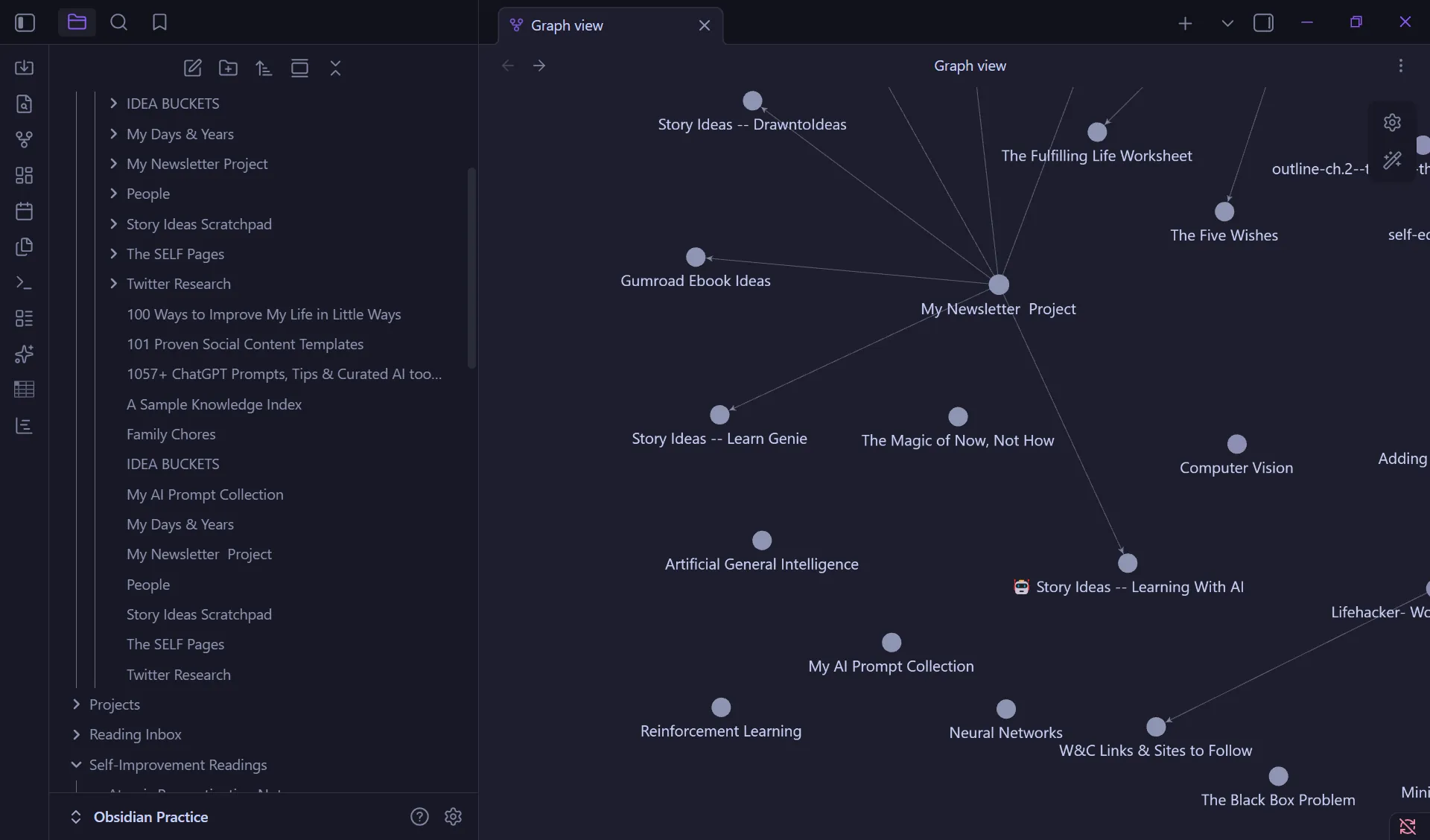
Backlink completion is the pass I was most nervous about before pressing Enter. Tags are easy to delete. A bad MOC is easy to ignore. Bad links are worse because they create false confidence inside the graph. The official prompt pattern is therefore important: complete bidirectional links and confirm before modifying. [2]
I kept confirmation on. Qwen 3.8-Max proposed link edits, showed the target note, and waited before writing. That extra friction saved the run twice. Two notes shared a common noun in the title, and the model initially proposed the more obvious but wrong target. The correction was quick because the agent had surfaced the candidate before touching the file.
| Backlink metric from the 100-note slice | Observed result |
|---|---|
| Candidate link edits proposed | 38 |
| Accepted without change | 29 |
| Accepted after target correction | 4 |
| Rejected | 5 |
| Files blocked by sync/file lock | 1, then rerun after releasing the lock |
| Wall time including confirmations | 11m 26s |
This is the strongest practical argument for using a more capable model in the workflow. Link completion is partly a tool-use problem: inspect files, reason about title ambiguity, propose edits, and modify only after approval. Trilogy AI’s independent matched benchmark note is relevant here because it focuses on tool-call reliability, which is closer to an agentic backlink pass than a static leaderboard score. [5] It does not prove Qwen 3.8-Max will link your vault correctly, but it supports taking tool behavior seriously in this part of the evaluation.
The file-lock failure was also useful. A sync process held one Markdown file while the agent attempted to write it. Qwen Code surfaced the failed write, and rerunning that specific edit after releasing the lock worked. I would not run this workflow against an actively syncing live vault. Duplicate the vault, pause sync if practical, run the agent, review diffs, then merge back deliberately.
The model-tier split I would actually use
| Vault job | Default choice after this test | Why |
|---|---|---|
| Bulk auto-tagging | Qwen3.5-plus through QwenOAuth | The documented 1,000 free daily calls cover many tagging batches, and the quality difference was not large enough to justify 3.8-Max latency or preview-credit burn. |
| MOC generation | Qwen 3.8-Max preview | Longer context and stronger synthesis helped produce hub notes that were actually navigable after review. |
| Backlink completion | Qwen 3.8-Max preview, confirmations required | Ambiguous titles and bidirectional edits benefit from better reasoning and tool behavior, but only if the agent asks before writing. |
| Private or sensitive vaults | Do not use this cloud workflow | QwenOAuth and Token Plan/API access involve cloud processing; use a local path instead. |
| Low-risk local classification | Consider Auto Classifier or a local OpenAI-compatible/Ollama route | Better fit when you want tags without giving a cloud agent write access to the vault. |
For local alternatives, the Obsidian Auto Classifier plugin is worth knowing about because it supports AI-assisted classification inside the Obsidian plugin ecosystem. [6] It is not the same as the Qwen Code agentic workflow, and I did not treat it as a drop-in replacement for MOC generation or backlink repair. If your goal is a local model path, FlowDesk’s local note summarization setup is closer to the kind of wiring you will need, even if you swap in a local Qwen model later.
The other non-model issue is vault structure. A model can generate tags and MOCs, but it cannot decide your long-term note architecture for you. If you do not already know whether you want project hubs, evergreen notes, source notes, or lightweight daily-note links, start with FlowDesk’s PKM templates and vault-structure basics before inviting an agent to multiply whatever structure you currently have.
Verdict from the dated run
The official Qwen Code plus Obsidian Terminal plugin workflow reproduced cleanly on 2026-08-04. That is the good news. The better news is narrower: it reproduced with enough confirmation points that I could catch bad links and a frontmatter problem before they became vault damage.
I would not spend Qwen 3.8-Max preview credits on first-pass bulk tagging unless the free Qwen3.5-plus daily allowance is exhausted or the notes are unusually hard to classify. I would spend them on MOC synthesis and backlink completion, where long context, reasoning, and tool behavior have visible consequences.
Avoid this workflow entirely if you cannot tolerate cloud-processed vault content, terminal setup, or manual diff review. In that case, use a backup-first process, a local-model route, or a less agentic note-organization tool. If you do run it, run it on a copy, keep confirmation on for link edits, parse-check frontmatter after tagging, and do not let a generated graph seduce you before you open the notes it changed.
References
- Qwen3.8-Max official release blog, Qwen, 2026-08-03.
- Qwen Code + Obsidian case study, Qwen Code Docs, 2026-07-31.
- Qwen 3.8, Coursiv, 2026-07-20.
- Qwen 3.8 Max Release Date, Specs & How to Access 2026, Yotta Labs, 2026-07.
- Qwen 3.8 Max Benchmark: How It Compares, Trilogy AI.
- Auto Classifier, Obsidian Community Plugins.






Comments
Join the discussion with an anonymous comment.