
Quick Verdict: Who Should and Shouldn't Use Logseq
The single most important thing to know before evaluating Logseq in 2026 is that the tool is now two products. The legacy Markdown-file version and the new SQLite-backed DB version are not interoperable, and the DB version is still in beta. Everything else in this profile flows from that context.
What Logseq Is: Block Outliner, Daily Journal, Open-Source Roots
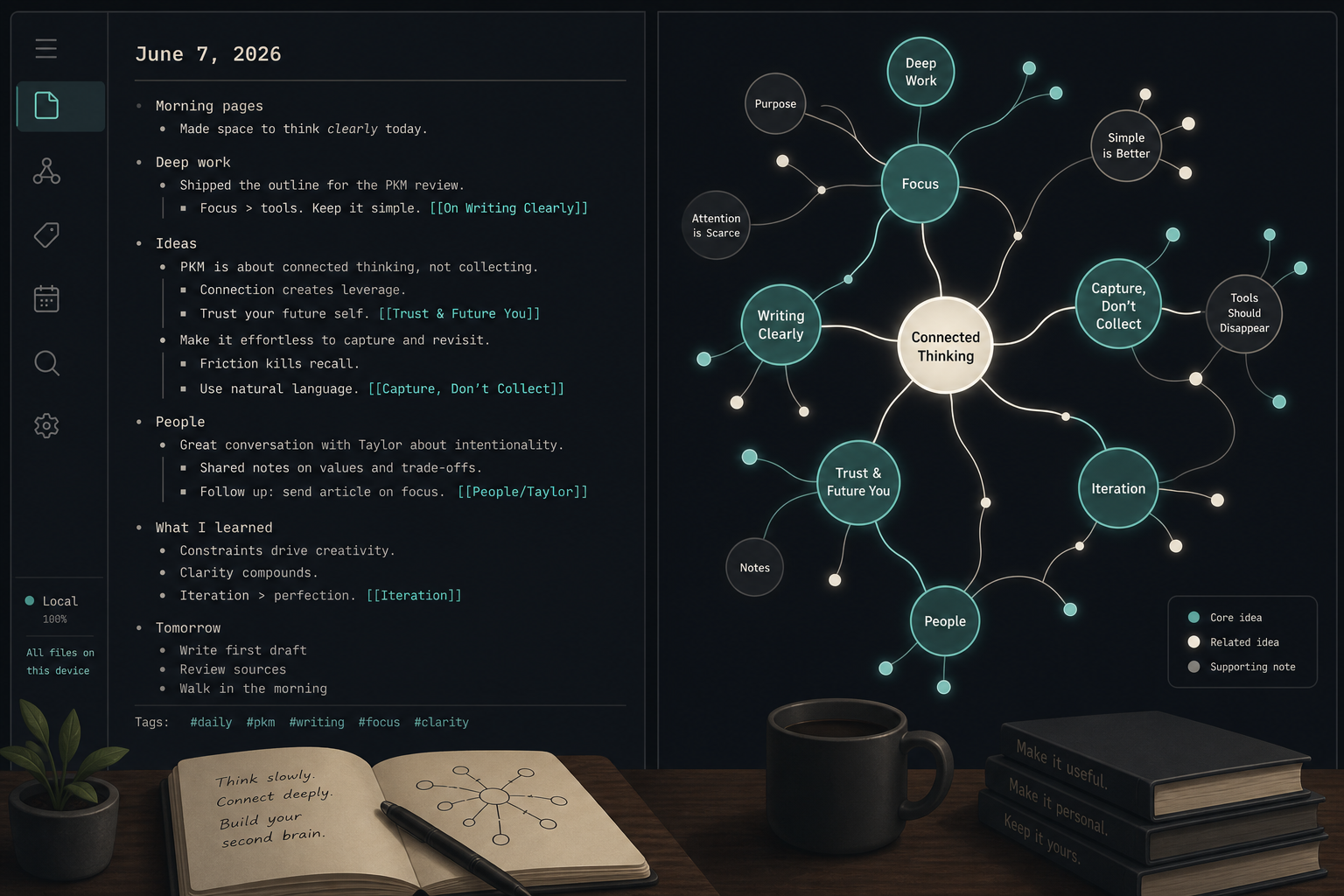
Logseq is a local-first, open-source personal knowledge management tool built around a block-level outliner model. Every bullet point is a first-class object — independently addressable, linkable, and embeddable anywhere in your graph. This is a fundamentally different structural model from document-centric tools like Notion or Evernote, where the document is the primary unit. In Logseq, the block is.
When you open Logseq, it drops you into today's dated journal page. You write. You bullet. You link to other pages using double brackets. Those links accumulate into a graph of connected ideas over time. Nothing re-categorizes itself automatically. The structure you build is the structure you get — which is a feature for structured thinkers and a friction point for users who prefer a folder-based hierarchy.
Logseq is fully open-source, with over 43,000 GitHub stars as of mid-2026, and is funded through Open Collective contributions rather than venture capital or a SaaS subscription model. That funding model shapes both its pricing and its vendor risk profile — both covered in detail later in this review.
Logseq and Obsidian are frequently compared, but they are not derivatives of each other. Obsidian is a document-centric tool where the note is the atomic unit; Logseq is a block-centric outliner where the individual bullet is. The workflows they reward are genuinely different. For a full breakdown of that comparison, see the Obsidian tool profile — this article focuses on Logseq on its own terms.
Key Features: What Logseq Does Out of the Box
Every feature listed below is available on the free tier. Logseq does not gate its core functionality behind a subscription.
- Bidirectional links and backlinks. Type [[Page Name]] anywhere in a block to create a link. The linked page automatically records a backlink to the block that referenced it. Over time, this builds a navigable network of cross-references without any manual filing. This behavior maps directly onto the atomic-note principles described in the Zettelkasten method — each block functions as a linkable atomic note.
- Auto-created daily journal pages. Logseq opens to today's dated page on every launch. You capture there first, then link outward. Client check-ins, project notes, and stray ideas written on today's page are automatically threaded into the relevant topic pages through backlinks — no manual filing required.
- Graph view. A visual map of all pages and their link relationships. Useful for identifying orphaned notes, discovering unexpected connections, and understanding how your knowledge is structured at a macro level.
- PDF annotation. Logseq includes a built-in PDF viewer with highlight-and-annotate capability. Highlights become blocks in your graph, automatically linked back to the source document. For researchers and academics, this is one of Logseq's strongest differentiators — it is available at zero cost and does not require a plugin.
- Built-in FSRS flashcards. Any block can be turned into a spaced-repetition flashcard using a simple syntax. The FSRS algorithm schedules reviews. This is built into the core app — no third-party plugin or subscription needed.
- Datalog queries. Logseq supports Datalog-based queries that let you pull together blocks matching specific conditions — tasks due this week, all blocks tagged with a particular project, pages created in a date range. This is a power-user feature that rewards investment but is not required for basic use.
- Task management with scheduling. Tasks are blocks with a status marker (TODO, DOING, DONE, LATER). You can assign deadlines and scheduled dates, and query across all tasks in your graph. Logseq's task management is more integrated than Obsidian's out of the box.
- Plugin and theme ecosystem. A community-maintained plugin marketplace extends Logseq's functionality. The ecosystem is smaller than Obsidian's but covers the most common use cases.
- Zotero integration. Logseq connects directly to Zotero for researchers who manage academic references. Citations can be imported as blocks and linked to reading notes and annotations.
The 2026 DB-Version Split: What It Means for Users Choosing Today
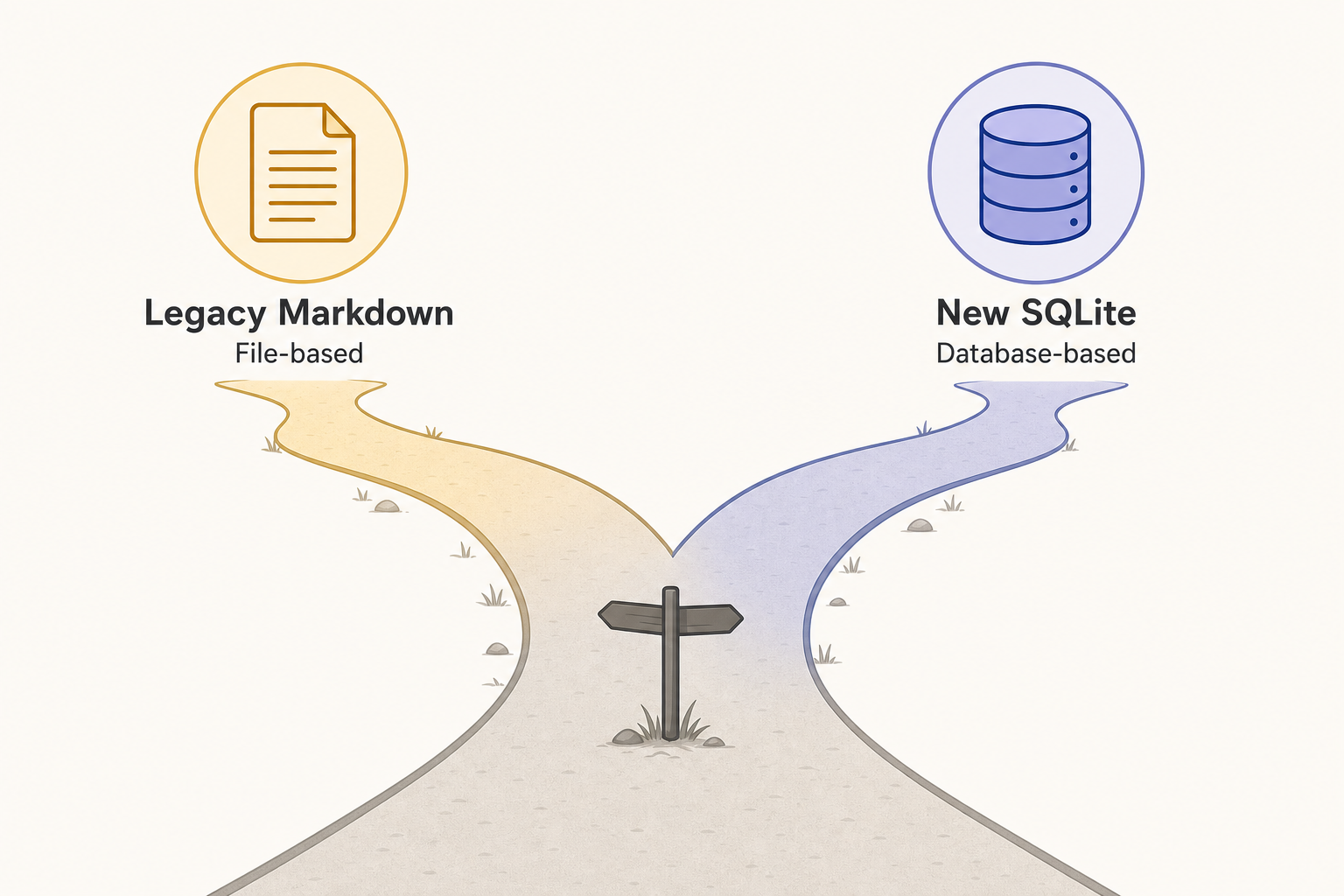
On April 24, 2026, the Logseq team — Kerim, danzu, and tienson — officially announced that Logseq is splitting into two distinct versions. This is the most consequential development in Logseq's history for anyone evaluating the tool today, and it requires a clear-eyed explanation.
The Two Versions
| Markdown Version (Legacy) | DB Version (New) | |
|---|---|---|
| Storage format | Plain .md files on disk | SQLite database file |
| Current status | Stable — recommended for production use | Beta — data loss is possible per official README |
| Mobile app | Electron-based (existing) | New native-style app, iOS alpha (Android coming) |
| Real-time collaboration | Not available | Alpha — requires form sign-up |
| Large graph performance | Degrades above ~2,000 pages | Significantly improved |
| Plain-text portability | Full — notes are readable in any text editor | Conditional — Markdown Mirror provides on-disk projection |
| Interoperability | — | Not interoperable with Markdown version; migration not automatic |
| Graph View | Original graph view | Rebuilt Graph View V2 |
| CLI support | Limited | Mature CLI with query and sync management |
What the DB Version Adds
The DB version's move to SQLite resolves a real and long-standing problem: the Markdown version's performance degrades noticeably on graphs above roughly 2,000 pages, with very large graphs taking minutes to load. The database engine eliminates that ceiling.
Beyond performance, the DB version's headline additions in 2026 include:
- Markdown Mirror. A plain-text projection of your DB graph written to disk, making notes grep-able and backup-friendly without requiring you to abandon the SQLite backend. This partially addresses the portability concern, but the on-disk Markdown files are a projection, not the source of truth.
- Graph View V2. A rebuilt knowledge graph visualization with improved rendering and navigation.
- Mature CLI. A command-line interface capable of real graph work — querying, syncing, and managing graphs without opening the desktop app. Relevant for developers and power users who want to script against their knowledge base.
- Improved sync reliability. The April 2026 DB update addressed sharp edges around downloads, encrypted graphs, graph switching, and replay after undo or template operations. Self-hosted sync received a meaningful upgrade: users can now point Logseq at a custom sync server.
The Portability Trade-Off
The original Logseq value proposition included a clear data-ownership promise: your notes are plain Markdown files on your own device, readable in any text editor, committable to Git, and not dependent on any proprietary format. The DB version changes that promise in a meaningful way.
In the DB version, data lives in a proprietary SQLite schema. The two graph formats are not interoperable. Users with existing Markdown graphs cannot automatically migrate. Markdown Mirror provides a plain-text backup layer, but the source of truth is the database — not the files. The 'your files, your data' promise is now version-conditional, and this has been an active point of community debate.
Pricing: Free Core, Sync Tiers, and What's Coming
Logseq's pricing structure is genuinely unusual in the PKM space: the core application is completely free, and that free tier is not hobbled. All major features — bidirectional links, graph view, PDF annotation, flashcards, queries, plugins — are available at no cost.
| Plan | Price | What's Included | Sync Method |
|---|---|---|---|
| Free | $0/month | Unlimited local notes and graphs, all core features (bidirectional links, graph view, PDF annotation, flashcards, Datalog queries, task management, plugins, themes) | Manual via Git, iCloud, Dropbox, OneDrive, or Syncthing — requires technical setup |
| Logseq Sync — Backers | $5/month (Open Collective) | Official E2E-encrypted cloud sync across desktop, Android, and iOS; up to 10 graphs; 1-year page history; Smart Merge for simultaneous editing; real-time sync | Official Logseq Sync (beta) |
| Logseq Sync — Sponsors | $15/month (Open Collective) | Everything in Backers, plus early access to insider builds and Whiteboards | Official Logseq Sync (beta) |
For context: Roam Research charges $15/month for cloud-only access with no local storage option. Obsidian Sync costs $8–10/month. Logseq at $5/month for sync — or $0 for users comfortable with self-managed sync — is the most affordable path to a serious, private knowledge management system in this category. Users who prefer cloud-subscription tools with a more polished onboarding experience might also consider the tools covered in the Notion vs. Evernote comparison as a reference point for what cloud-native pricing looks like.
Platform Availability and Mobile Reality
- macOS — full desktop app, stable
- Windows — full desktop app, stable
- Linux — full desktop app, stable
- iOS — Electron-based app (Markdown version); new native-style DB version app in alpha
- Android — Electron-based app (Markdown version); new DB version app coming, not yet released
The honest assessment of Logseq on mobile is that it is functional but heavier than alternatives. The existing iOS and Android apps are Electron-based — the same desktop codebase wrapped for mobile. On constrained hardware, this translates to a less responsive experience compared to Obsidian's native mobile apps. Startup times are longer, and the interface does not feel as fluid.
The DB version introduces a new mobile app built from scratch for iOS, with Android support coming. As of June 2026, this app is in alpha — it requires signing up for alpha access and is not suitable as a primary mobile workflow. It represents meaningful progress, but it is not a production-ready mobile experience today.
Strengths and Weaknesses: An Honest Assessment
Strengths
- Genuinely free with full features. No core features are paywalled. PDF annotation, flashcards, graph view, bidirectional links, and queries are all available at $0. This is not a free tier with limits — it is the full product.
- Local-first data ownership. In the Markdown version, your notes are plain files on your device. No cloud dependency, no account required, no wondering whether the company will pivot or raise prices.
- Best-in-class PDF annotation and flashcards at zero cost. No paid PKM tool at any price point matches Logseq's combination of built-in PDF annotation with block-linked highlights, native spaced-repetition flashcards, and graph-based knowledge networking — all for free.
- Outliner model rewards structured thinkers. For users who think in hierarchies, references, and cross-links rather than linear documents, Logseq's block-centric model is a natural fit. The daily journal as a capture surface removes the friction of deciding where to file things.
- Active open-source community. With over 43,000 GitHub stars and an active forum, Logseq has a large community producing plugins, templates, and workflows. Problems are usually documented and discussed publicly.
Weaknesses
- Steeper learning curve. The block-outliner model, bidirectional linking, and Datalog queries have a meaningful onboarding cost. Users expecting a traditional note editor will find the paradigm shift disorienting at first.
- Less polished UI. Compared to Notion or even Obsidian, Logseq's interface is more utilitarian. The experience is functional but not refined.
- Sync setup friction for free-tier users. Getting multi-device sync working without paying for Logseq Sync requires Git, iCloud, Dropbox, or Syncthing — all viable but none as seamless as a built-in sync solution, and all carrying some risk of file conflicts.
- Electron mobile is heavier than native alternatives. The existing iOS and Android apps feel slower and less responsive than Obsidian's native mobile apps. This is a real limitation for users who frequently switch between desktop and mobile.
- Performance degrades above 2,000 pages in the Markdown version. Large graphs on the Markdown version can take minutes to load and may cause startup failures at very large sizes. The DB version resolves this, but the DB version is still in beta.
- DB version carries data-loss risk. The DB version is in beta with an official warning from the team that data loss is possible. The new mobile app and real-time collaboration are in alpha. These are not production-ready features.
Best-Fit Audience: Four Personas Who Get the Most from Logseq
PhD Researchers and Academics
Logseq's combination of PDF annotation, Zotero integration, and bidirectional linking makes it an exceptionally capable research tool at zero cost. A researcher can import a paper, highlight key passages that become linked blocks, connect those blocks to related literature, and build a navigable review of an entire field over time. The graph view surfaces unexpected connections across papers and ideas. No subscription-based PKM tool offers this complete research workflow for free.
Software Developers
Developers who already live in the terminal and think in structured hierarchies tend to find Logseq's model natural. Notes stored as Markdown files are Git-committable, diff-able, and scriptable. The CLI (mature in the DB version) extends this further. Logseq works well as a second brain for architectural decisions, code snippets, debugging notes, and project retrospectives — all cross-linked and searchable without a cloud dependency.
Students on a Budget
For students who need to annotate readings, build a knowledge network across courses, and review for exams, Logseq delivers everything at no cost. PDF annotation for lecture slides and papers, built-in FSRS flashcards for spaced-repetition review, and a graph that connects ideas across subjects — no subscription required. The free tier is not a stripped-down version; it is the full product.
Freelance Writers and Journalists Building a Research Archive
Writers who accumulate research across many projects and need to resurface relevant material years later benefit from Logseq's bidirectional linking and daily journal model. A note about a source written on today's page is automatically threaded into every relevant topic page through backlinks. When a related story comes up three years later, the research is already organized — not because you filed it carefully, but because you linked it consistently.
Data Portability and Vendor Risk: What You Need to Know Before Committing
Data Portability by Version
- Markdown version: Notes live as plain .md files in a folder on your device. They are readable in any text editor, committable to Git, and fully portable. If Logseq ceased to exist tomorrow, your notes would be intact and accessible. Export is not a process — your files are already in an open format.
- DB version: Notes live in a proprietary SQLite schema. The two versions are not interoperable, and migration from Markdown to DB is not automatic. Markdown Mirror provides an on-disk plain-text projection for backup purposes, but the source of truth is the database. The 'your files, your data' promise that defined Logseq's original appeal is now conditional on which version you use.
- Logseq Sync: The sync component is not open-source. This is a meaningful distinction for users who chose Logseq specifically for its open-source, privacy-first positioning.
Vendor Risk Assessment
Logseq's vendor risk profile is non-trivial and worth stating plainly. The team is small and funded via Open Collective contributions rather than institutional investment. The DB-version transition introduces uncertainty about the timeline to stability and the long-term support status of the Markdown version. The two-version split means the team is maintaining two architectures simultaneously during a critical transition period.
This does not mean Logseq is likely to disappear — the open-source codebase and active community provide meaningful continuity even if the commercial entity were to change. But it does mean that users choosing Logseq today are accepting some transition uncertainty, and that the data portability guarantees are stronger with the Markdown version than with the DB version.
Verdict: Is Logseq Right for You in 2026?
For its best-fit personas — researchers, developers, budget-conscious students, and writers building long-term archives — Logseq remains one of the most capable and cost-effective PKM tools available. No paid competitor at any price point matches its combination of PDF annotation with block-linked highlights, built-in FSRS flashcards, and graph-based knowledge networking, all available for free.
The DB-version split is real and worth taking seriously, but it is not a reason to avoid Logseq. It is a reason to be specific about which version you are adopting. The Markdown version is the stable production choice today. It delivers the full Logseq feature set with genuine plain-text portability and no beta risk. The DB version is the future of the tool — better performance, a rebuilt mobile app, a mature CLI, and improved sync — but it is not ready for production use on real data yet.
The practical recommendation: start a graph in the Markdown version. Create a separate test graph to explore the DB version. Monitor the official Logseq roadmap for the DB version's GA release before migrating. If you need real-time collaboration, wait — RTC is in alpha and is not a feature you can rely on today.