

The Hype Problem: Why Most AI Productivity Features Disappoint
Every major app now claims to be "AI-powered." In practice, most of these features are thin chatbot wrappers — a text box that can summarize a document or draft an email, but has no connection to your calendar, your task list, or the other tools you use daily. The result is a productivity paradox: you spend time correcting AI outputs instead of doing the actual work.
The numbers bear this out. According to Zapier's 2026 research, 92% of workers say AI boosts their productivity, yet 58% spend three or more hours per week revising or completely redoing AI outputs. That's not a productivity gain — it's a new category of busywork. Meanwhile, 78% of enterprises are struggling to integrate AI with their current tech stacks, meaning even when the AI works, it often lives in a silo.
The market is growing fast — the Global AI Productivity Tools Market was valued at $9.89 billion in 2024 and is projected to reach $115.85 billion by 2034 (Market.us). But rapid growth doesn't mean rapid utility. Most of that spending goes into tools that add a chat interface to an existing product rather than rethinking the workflow from the ground up.
For a broader look at which apps pass the sniff test, see our Skeptic's Guide to AI Productivity Apps. This article goes a step further: we're looking for tools that don't just add AI — they solve a specific, painful problem that a chatbot can't touch.
What Separates Real AI Productivity from Fluff
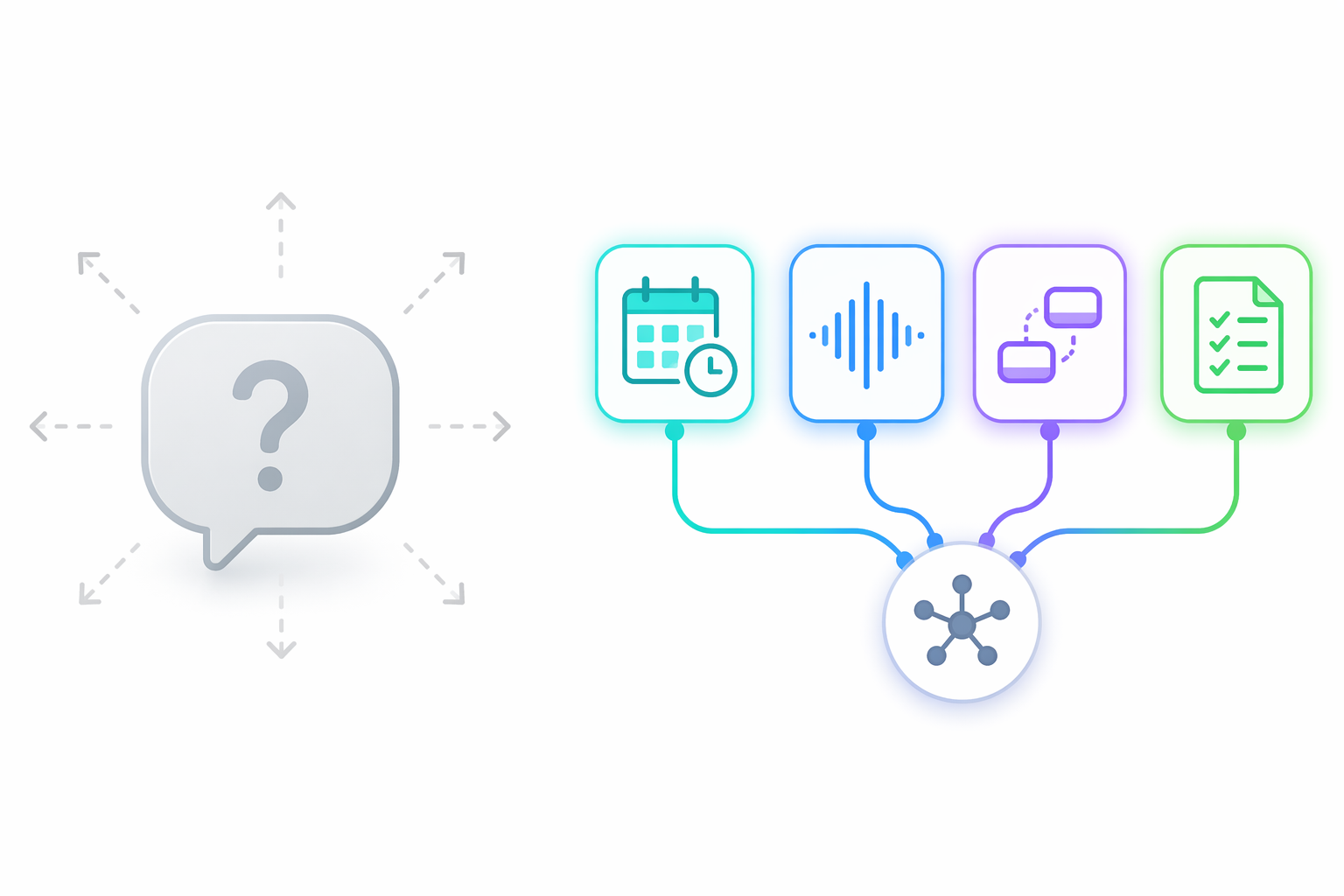
To filter out the noise, we applied a simple test: does this tool handle a genuinely complex, structured task that a generic chatbot cannot? A chatbot can write a meeting summary from a transcript you paste in. A real AI productivity tool should transcribe the meeting automatically, extract action items, and push them to your task manager — without you touching a single file.
Our team put 50+ apps through rigorous testing to find the few that genuinely deliver. The eight tools below passed because they meet at least one of these criteria:
- Cross-calendar scheduling: The tool reads your existing commitments and intelligently places new tasks around them, not on top of them.
- Real-time structured data capture: Transcription, note-taking, or data extraction that happens automatically and is immediately searchable.
- Multi-step automation: The ability to chain actions across different apps without manual intervention.
- Goal decomposition: Breaking a high-level objective into actionable steps and tracking progress over time.
If a tool only generates text, summarizes documents, or answers questions from a static knowledge base, it didn't make the cut. Those are useful features, but they don't change how you work — they just make typing slightly faster.
Tool-by-Tool Deep Dive: The Eight Apps That Deliver
Each of the following tools solves a specific, painful workflow problem. We've included concrete time-savings estimates, honest limitations, and platform availability so you can decide which ones fit your actual setup.
| Tool | Primary Problem Solved | Estimated Time Saved | Platform | Key Limitation |
|---|---|---|---|---|
| Reclaim.ai | Calendar Tetris — auto-scheduling tasks around existing meetings | 1–3 hrs/week on calendar management | Web, Google Calendar only | No Microsoft 365 support |
| Motion | Aggressive auto-scheduling for deadline-driven projects | 2–4 hrs/week on task prioritization | Web, Mac, Windows, iOS, Android | Feels like digital micromanagement for flexible workers |
| Grammarly | Real-time writing polish across email, docs, and messages | 30–60 min/day on editing | Mac, Windows, Web, iOS, Android | Weak on long-form creative writing |
| Otter.ai | Real-time meeting transcription with searchable archive | 2–5 hrs/week on note-taking and recall | Web, iOS, Android | Free tier limited to 300 min/month |
| Perplexity | Cited, real-time web research with source transparency | 1–3 hrs/week on research verification | Web, iOS, Android | Less effective for deep domain-specific queries |
| Notion AI | Workspace-wide Q&A and content generation inside Notion | 1–2 hrs/week on information retrieval | Web, Mac, Windows, iOS, Android | Only useful if you already live in Notion |
| Todoist AI | Natural language task entry and smart project suggestions | 30 min/day on task management | Web, Mac, Windows, iOS, Android | AI features are incremental; core value is still manual organization |
| Zapier | Multi-step automation across 9,000+ apps | 3–10 hrs/week on repetitive manual tasks | Web | Requires initial setup time; complex workflows need debugging |
Reclaim.ai — Solving Calendar Tetris
If your calendar looks like a game of Tetris where meetings keep falling and you have to squeeze work into the gaps, Reclaim.ai is the tool that flips the board. It automatically schedules tasks, habits, and breaks around your existing meetings, adjusting in real time when something changes.
The free tier is functional enough to test before committing, which is rare for a scheduling tool. You can set up a few recurring tasks and see how the AI handles conflicts within a week. The catch: Reclaim.ai currently only works with Google Calendar, which excludes Microsoft 365 users entirely. If you're on Outlook, this tool is not an option.
Motion — The Aggressive Scheduler
Motion takes auto-scheduling to its logical extreme. It doesn't just find gaps — it rearranges your entire day based on priorities, deadlines, and team availability. For deadline-driven project managers and consultants, this can be liberating. For knowledge workers who need flexibility, it can feel like a digital micromanager.
The key is knowing yourself. If you thrive on structure and hate deciding what to work on next, Motion will save you hours. If you prefer to flow between tasks based on energy and context, Motion's rigidity will frustrate you. Test it during a low-stakes week before committing to a paid plan.
Grammarly — The Writing Safety Net
Grammarly is the most established tool on this list, and for good reason. Its real-time suggestions across email, documents, and messaging apps save 30–60 minutes per day for anyone who writes professionally. The Premium tier at $12/month pays for itself quickly in time saved on editing.
However, Grammarly is not a writing assistant for long-form content. It excels at polishing short-form communication — emails, Slack messages, quick memos. If you need a dedicated writing assistant for long-form articles or reports, see our AI Writing App Tier Guide for a deeper comparison.
Otter.ai — The Meeting Memory
For anyone who attends more than five meetings per week, Otter.ai's searchable transcript archive alone can save 2–5 hours per week. Instead of scrambling to find notes from a meeting two weeks ago, you search for a keyword and jump directly to the relevant moment.
The free tier includes 300 minutes of transcription per month, which covers roughly 5–6 hours of meetings. For heavy meeting attendees, the Pro plan at $16.99/month (as of mid-2026) unlocks unlimited transcription and advanced search. The main limitation: Otter.ai works best with clear English audio. Heavy accents, poor microphone quality, or multiple people talking over each other will reduce accuracy.
Perplexity — The Research Co-Pilot
Perplexity stands out from generic chatbots because it provides cited, real-time web research. When you ask a question, it searches the live web and returns answers with source links. This is a game-changer for anyone who spends time verifying facts or gathering competitive intelligence.
The time savings come from eliminating the back-and-forth between a search engine and a chatbot. Instead of searching Google, reading three articles, then asking ChatGPT to summarize, you get a synthesized answer with citations in one step. For deep domain-specific queries, however, Perplexity can still miss nuance — it's best for broad research, not specialized expertise.
Notion AI — The Workspace Brain
Notion AI is only valuable if you already live in Notion. Its killer feature is workspace-wide Q&A — you can ask a question like "What was the Q3 marketing budget?" and it searches across all your pages, databases, and documents to find the answer. For teams that have already built their knowledge base in Notion, this saves 1–2 hours per week on information retrieval alone.
The writing assistant features (autofill, summarization, custom agents) are useful but not revolutionary. If you're not already a Notion user, the AI add-on ($10/month per member) is not a reason to switch. For a step-by-step guide to setting up Notion AI's workspace-wide Q&A, see our Notion AI for Note-Taking guide.
Todoist AI — The Smart Task Manager
Todoist's AI features are more incremental than the other tools on this list. Natural language task entry ("Buy groceries every Saturday at 10 AM") has been around for years. The newer AI features include smart project suggestions and automatic task prioritization based on deadlines and workload.
The Pro plan at $5/month is affordable, and the AI features are included. But the core value of Todoist is still its clean, fast interface and cross-platform availability. The AI is a nice bonus, not a reason to switch from another task manager. If you're already happy with your task management system, Todoist AI probably won't change your workflow.
Zapier — The Connective Tissue
Zapier connects 9,000+ apps and lets you build multi-step automations without writing code. It's the closest thing to a universal translator for your productivity stack. A typical automation might be: when a meeting ends in Zoom, Otter.ai transcribes it, saves the notes to Notion, and creates a task in Todoist — all without you touching anything.
The time savings are the highest on this list — 3–10 hours per week for users who automate repetitive tasks. But the initial setup requires thinking through your workflows and debugging when something breaks. Zapier is not a set-it-and-forget-it tool; it's a tool you invest time in upfront to save time later.
Integration Considerations: Making These Tools Work Together
The 78% of enterprises struggling to integrate AI with their current tech stacks highlights a critical point: a tool is only as valuable as its ability to fit into your existing workflow. The eight tools above vary widely in how well they play together.
- Zapier acts as the central hub. It can connect Otter.ai to Notion, Todoist to Google Calendar, and Grammarly to almost any text field. If you want your tools to talk to each other, Zapier is the most reliable bridge.
- Reclaim.ai and Motion both integrate with Google Calendar but not with each other. Using both simultaneously would create scheduling conflicts — the AI schedulers would fight over the same time slots.
- Notion AI works best as a standalone knowledge base. It can receive data from Zapier (e.g., meeting notes from Otter.ai) but its AI features only operate within Notion's own ecosystem.
- Grammarly integrates at the system level on desktop (Mac/Windows) and through browser extensions. It works alongside any other tool without conflict.
- Perplexity is a standalone research tool. It doesn't integrate deeply with other apps, but its output can be manually copied into any note-taking or task management system.
Pricing Sustainability Check: What's Worth Your Money
Pricing is as of mid-2026 and may shift. We've flagged which free tiers are genuinely useful and which paid plans deliver real value.
| Tool | Free Tier | Paid Plan Starts At | Is the Free Tier Useful? | Verdict |
|---|---|---|---|---|
| Reclaim.ai | Basic scheduling for 2 calendars | Starter at $8/month | Yes — enough to test core functionality | Worth paying if you use Google Calendar |
| Motion | 7-day free trial only | Individual at $19/month | No — must pay to evaluate fully | Only for deadline-driven professionals |
| Grammarly | Basic grammar and spelling | Premium at $12/month | Yes — but Premium is where the real value is | Best value on this list at $12/month |
| Otter.ai | 300 min/month transcription | Pro at $16.99/month | Yes — covers 5–6 hours of meetings | Worth paying for heavy meeting attendees |
| Perplexity | 5 Pro searches every 4 hours | Pro at $20/month | Yes — sufficient for light research | Good free tier; Pro for heavy researchers |
| Notion AI | Notion free plan available; AI is add-on | $10/month per member | No — AI requires paid add-on | Only if you already use Notion |
| Todoist AI | Basic task management | Pro at $5/month | Yes — AI features included in free tier | Cheapest paid plan; AI is a bonus |
| Zapier | 100 tasks/month | Starter at $29.99/month | Yes — enough to test basic automations | Scales with usage; free tier is limited |
For a full breakdown of which free tiers are genuinely useful and which paid plans deliver real ROI, see our free vs paid AI productivity apps comparison.
How to Avoid Tool Overload: The 2-3 Tool Strategy
The biggest risk with a list like this is that you try to adopt all eight tools at once. That's a recipe for tool overload — you spend more time managing your productivity stack than actually being productive.
The research is clear: the best productivity setup combines 2-3 specialized tools, not 8. Pick one tool per problem area. If scheduling is your biggest pain point, start with Reclaim.ai or Motion — not both. If meetings are drowning you, Otter.ai alone will make a bigger difference than any combination of writing and research tools.
- Identify your single biggest workflow bottleneck. Is it scheduling? Note-taking? Task management? Research? Pick the tool that addresses that bottleneck first.
- Use the free tier to test. Most tools on this list have a functional free tier. Spend two weeks with one tool before adding another.
- Add a second tool only if the first one creates a new problem. For example, Otter.ai generates great meeting notes, but now you need a place to store and organize them — that's when you add Notion or Todoist.
- Use Zapier as the glue, not as a primary tool. Zapier connects your 2-3 core tools. Don't add Zapier until you have at least two tools that need to talk to each other.
Strategic Stack Recommendations: Build Your AI Productivity System
The goal is not to use all eight tools but to pick the right combination for your specific workflow bottlenecks. Below are three common professional profiles and the stacks that make sense for each.
| Professional Profile | Primary Bottleneck | Recommended Stack | Estimated Monthly Cost | Why This Works |
|---|---|---|---|---|
| Heavy Meeting Attendee (5+ meetings/day) | Note-taking, action item tracking, calendar overload | Otter.ai + Reclaim.ai + Zapier | $8–$25/month (depending on paid tiers) | Otter.ai captures everything; Reclaim.ai protects focus time; Zapier pushes action items to your task manager |
| Writer / Communicator (emails, docs, reports) | Editing time, research verification, task management | Grammarly + Perplexity + Todoist AI | $17–$32/month | Grammarly polishes writing; Perplexity speeds up research; Todoist AI keeps projects organized |
| Project Manager (deadlines, team coordination, multiple tools) | Scheduling conflicts, task prioritization, cross-app workflows | Motion + Notion AI + Zapier | $30–$60/month (depending on team size) | Motion handles aggressive scheduling; Notion AI serves as the team knowledge base; Zapier connects everything |
If none of these profiles fit you, start with the bottleneck identification exercise above. The right stack is the one that removes your biggest friction point — not the one with the most impressive feature list.
The AI productivity market is growing at a CAGR of 27.9% (Market.us), and new tools appear every month. But the tools that will actually change how you work are not the ones with the flashiest demos — they're the ones that integrate into your existing workflow, solve a specific problem, and stay out of your way. The eight tools above have earned their place by doing exactly that.