
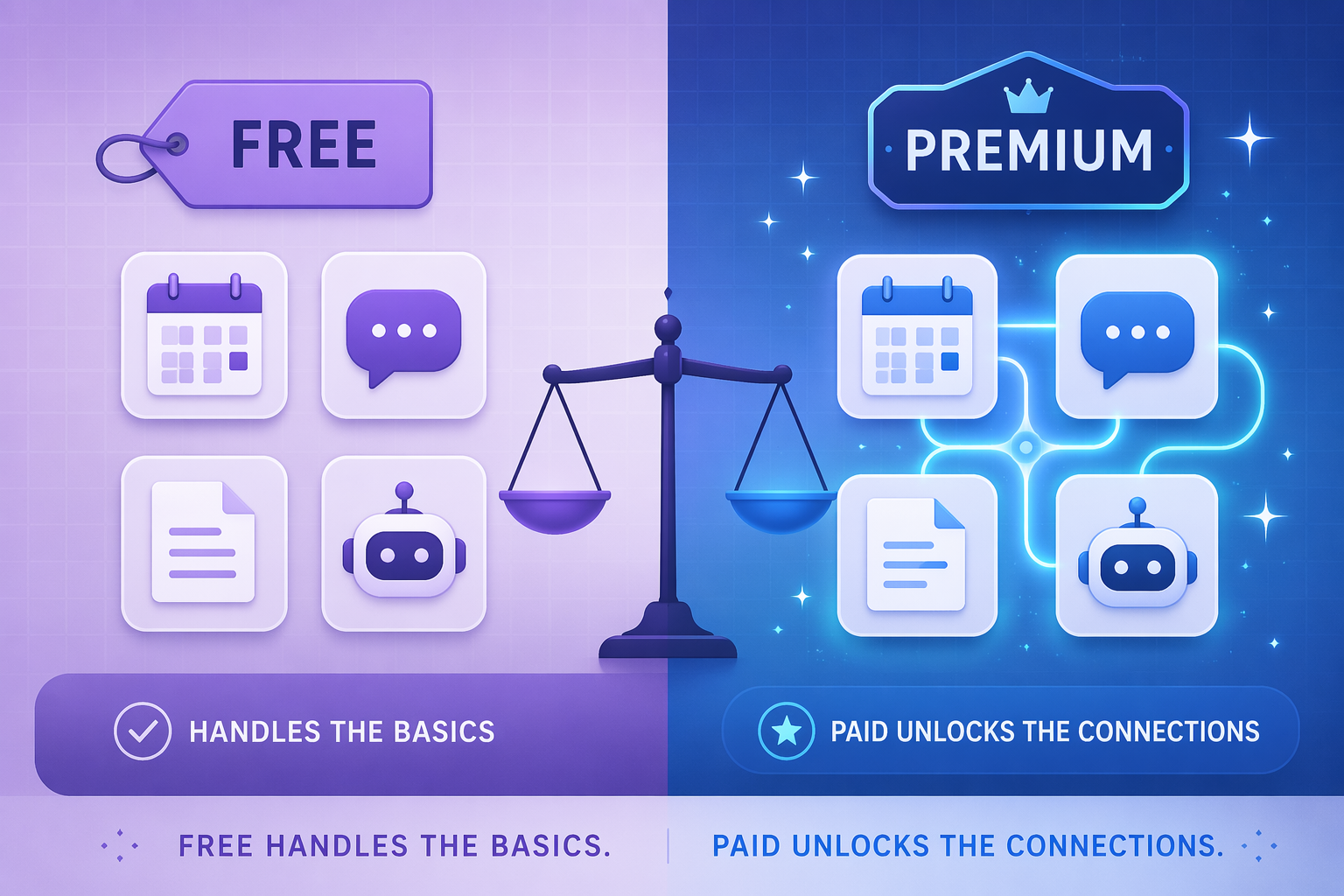
The Rise of Freemium AI Productivity
The productivity software market has never been larger — or more confusing for buyers. In 2024, productivity apps generated $32.5 billion in revenue globally, with AI-powered applications contributing $4.5 billion of that total — more than double the previous year, according to Business of Apps. The AI productivity tool market alone was valued at roughly $17.53 billion in 2025 and is projected to reach $85.4 billion by 2035 (WiseGuyReports). Those are big numbers, but they obscure a more interesting story: most of that growth is being driven by freemium adoption.
Consider ChatGPT. The mobile app alone saw revenue explode from $174 million in 2024 to $1.35 billion in 2025 (Zapier, citing TechCrunch). That surge signals a clear willingness among users to pay for AI assistance — but it also masks the fact that millions of users remain on the free tier, perfectly satisfied with GPT-5.1's baseline capabilities. A Zapier survey found that 92% of workers say AI boosts their productivity, yet 78% of enterprises report struggling to integrate AI with their existing tech stacks. The gap between enthusiasm and execution is where the free-vs-paid decision lives.
For cost-conscious knowledge workers, freelancers, students, and small teams, the question isn't whether AI productivity tools work — it's whether the paid version is worth the upgrade. This article breaks down the free-vs-paid landscape across five key categories: task management, meeting assistants, writing and content, scheduling, and automation. For each, we'll look at what the free tier actually delivers, what the paid plan unlocks, and — most importantly — when you should (and shouldn't) pull out your credit card.
Category-by-Category: Free vs Paid Breakdown
The table below summarizes the most relevant free tiers and paid upgrades across the five categories. Pricing data was last verified against multiple sources in June 2026; all figures should be double-checked against official pricing pages before subscribing.
| Category | Tool | Free Tier Limits | Paid Plan Price | What Paid Unlocks |
|---|---|---|---|---|
| Task Management | Todoist | Up to 5 active projects, basic labels & filters | $7/month (Pro) | 300+ active projects, reminders, labels, and calendar integration |
| Task Management | Motion | 7-day free trial only | $49/seat/month | AI scheduling, auto-prioritization, project timelines, team workspace |
| Meeting Assistants | Otter.ai | 300 min/month, 30 min per conversation | $16.99/month (Pro) | 1,200 min/month, advanced search, export, and team features |
| Meeting Assistants | Fireflies.ai | Unlimited transcription, 800 min storage | $10/seat/month (Pro, annual) | Unlimited storage, AI search, custom vocabulary, CRM integrations |
| Meeting Assistants | Fathom | Unlimited for individuals | $29/month (Teams) | Team analytics, shared highlights, Salesforce integration |
| Writing & Content | ChatGPT | GPT-5.1 with usage limits | $8/month (Plus) | Priority access, longer context, advanced data analysis, DALL·E |
| Writing & Content | Grammarly | Basic grammar & spelling | $12/month (Premium, annual) | Tone detection, plagiarism checking, word choice suggestions |
| Scheduling | Reclaim AI | 1 habit, 1 calendar sync | $12/seat/month (Business) | Up to 100 users, smart scheduling, task blocking, habits |
| Scheduling | Google Calendar | Full personal use | $8.40/user/month (Workspace Business Starter) | Shared calendars, booking pages, admin controls, 30 GB storage |
| Automation | Zapier | Unlimited single-step Zaps | $29.99/month (Starter) | Multi-step Zaps, premium apps, filters, and formatters |
A few patterns jump out immediately. First, the free tiers for individual use are genuinely generous — Fireflies gives unlimited transcription, Google Calendar is fully functional, and Zapier's free plan handles single-step automations without a cap. Second, the paid upgrades cluster around three themes: higher volume limits, team collaboration features, and advanced AI capabilities (longer context windows, custom models, integrations). Third, the price range is enormous — from $7/month for Todoist Pro to $49/seat/month for Motion — which means the "right" paid plan depends heavily on your specific workflow.
When Free Is Enough vs When Paid Unlocks Value
The most common question we hear is: "Can I get by with just free tools?" The honest answer is yes — for roughly 70% of individual needs. But that number drops fast when you add team collaboration, high-volume workflows, or complex automation. Here's how to know which side of the line you're on.
When Free Is Enough
- You're a solo knowledge worker or freelancer managing your own tasks. Todoist's free plan (5 active projects) covers most personal task management needs. Google Calendar's free tier is fully functional for individual scheduling.
- You attend fewer than 10 meetings per month. Otter's 300-minute free tier (with a 30-minute cap per conversation) handles light meeting transcription. Fireflies' free plan offers unlimited transcription with 800 minutes of storage — enough for most individual users.
- You need basic writing assistance. ChatGPT's free tier (GPT-5.1) handles everyday drafting, brainstorming, and editing. A personal test on Medium found it works well for routine tasks, though it hits a "thinking limit" around page 12 of a long document (roughly 8-9 questions). Grammarly's free version catches spelling and grammar errors effectively.
- Your automation needs are simple. Zapier's free plan supports unlimited single-step Zaps — perfect for one-action workflows like "send a Slack message when a new email arrives."
When Paid Unlocks Real Value
- You need team features. Shared calendars, collaborative task lists, and team-wide AI search are almost always locked behind paid plans. Reclaim's Business plan ($12/seat/month) supports up to 100 users. Google Workspace ($8.40/user/month) adds shared calendars and admin controls. Motion ($49/seat/month) is built entirely around team scheduling and prioritization.
- Your meeting volume exceeds free-tier limits. If you attend 15+ meetings per month, Otter's 300-minute cap becomes a real bottleneck. Upgrading to Otter Pro ($16.99/month) quadruples your allowance to 1,200 minutes. Fireflies Pro ($10/seat/month) removes storage limits entirely.
- You need multi-step automation. Zapier's free plan is limited to single-step Zaps. The Starter plan ($29.99/month) unlocks multi-step workflows, filters, and formatters — essential for anything beyond basic "if this, then that" logic.
- You work with long documents or complex analysis. The Medium test showed that ChatGPT's paid version maintained context through a full 40-page proposal (15-16 questions), while the free tier hit its thinking limit much earlier. For researchers, analysts, and writers working with lengthy materials, the $8/month Plus plan is a strong value.
For readers still skeptical about whether AI productivity tools deliver measurable value, our AI Productivity Apps That Actually Work: A Skeptic's Guide (2026) offers a deeper look at real-world time savings versus hype.
The Hidden Costs: Per-Seat Pricing, Credit Systems, and Annual Lock-In
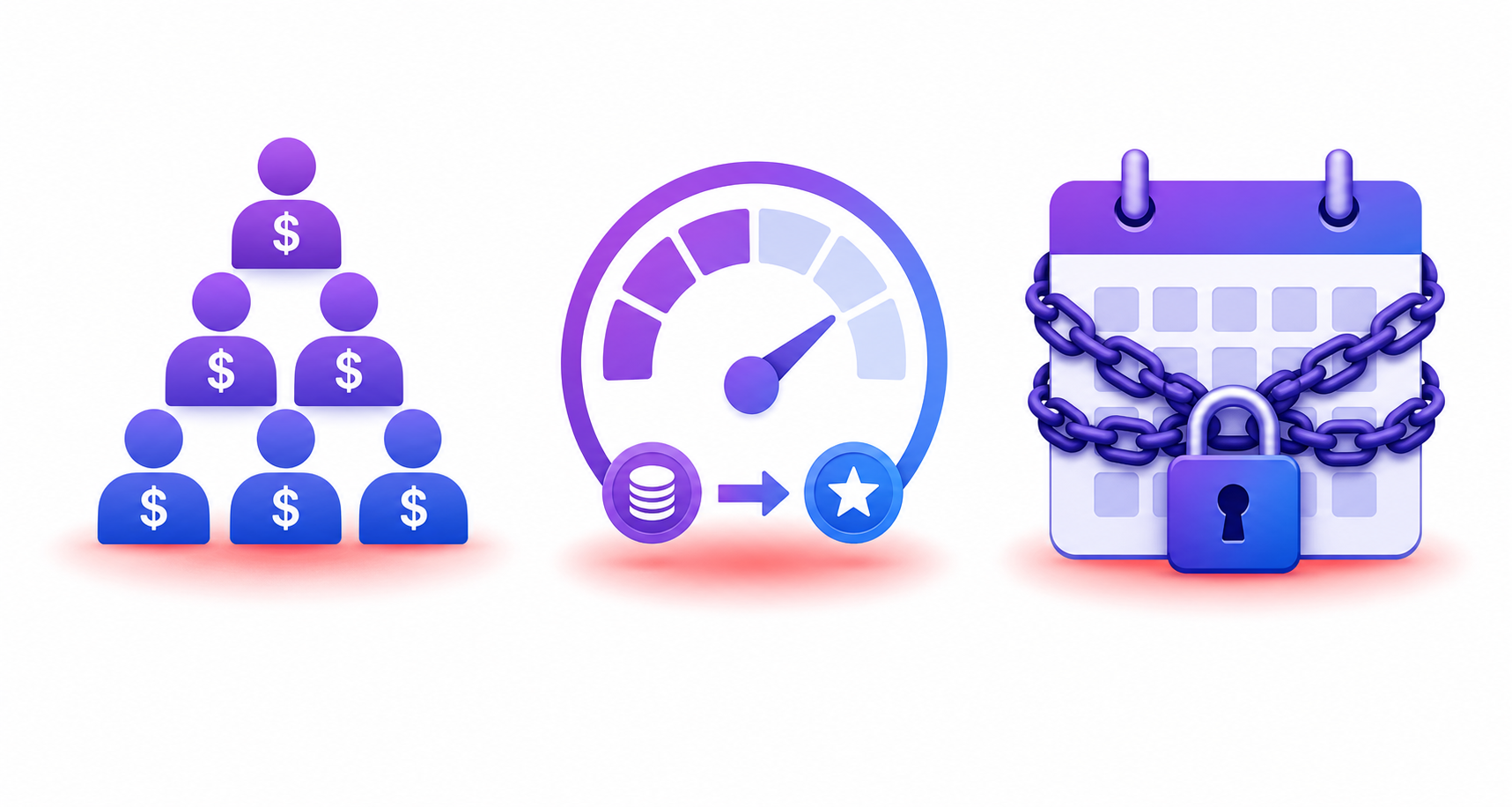
The sticker price on a paid plan doesn't always tell the full story. Three hidden cost structures can turn a seemingly affordable subscription into an expensive commitment.
Per-Seat Pricing: The Team Tax
Many AI productivity tools charge per seat per month, which means the cost multiplies with every team member. Motion's $49/seat/month adds up fast: a 5-person team pays $245/month. Reclaim's Business plan at $12/seat/month is more affordable but still scales linearly. For a 10-person team, that's $120/month. Before committing, calculate your total monthly cost at full team size — not just the per-seat price.
Credit and Usage Systems: The Surprise Cap
Some tools use credit or usage-based pricing that can catch heavy users off guard. Otter's free tier caps at 300 minutes per month with a 30-minute limit per conversation — fine for light use, but a single 45-minute team meeting already exceeds the per-conversation cap. Fireflies' free plan offers unlimited transcription but limits storage to 800 minutes. Once you hit that limit, older recordings are automatically deleted unless you upgrade. Always check whether the pricing is based on volume (minutes, storage, API calls) rather than flat-rate access.
Annual Lock-In: The Switching Cost
Most tools offer a discount for annual billing — typically 15-20% off the monthly rate. The trade-off is that you're locked in for a year. If your team grows, shrinks, or changes tools mid-cycle, you're paying for seats you don't use. Before opting for annual billing, ask yourself: "Am I confident I'll still want this tool in 12 months?" For new tools or rapidly evolving categories like AI productivity, monthly billing is often the safer bet, even at a slightly higher per-month cost.
Recommendation Matrix by User Persona
The right free-vs-paid strategy depends on who you are and how you work. The matrix below maps common user personas to recommended approaches across the five categories. These are starting points, not rigid rules — your specific workflow may justify different choices.
| Persona | Task Management | Meeting Assistants | Writing & Content | Scheduling | Automation |
|---|---|---|---|---|---|
| Solo Freelancer | Free (Todoist) | Free (Fathom or Fireflies) | Free (ChatGPT or Grammarly) | Free (Google Calendar) | Free (Zapier single-step) |
| Student | Free (Todoist) | Free (Fireflies — unlimited transcription) | Free (ChatGPT) | Free (Google Calendar) | Free (Zapier single-step) |
| Small Team (2-5) | Paid (Todoist Business ~$7/seat or Motion $49/seat) | Paid (Fireflies Pro $10/seat or Fathom Teams $29/mo) | Paid (ChatGPT Plus $8/mo per user) | Paid (Reclaim Business $12/seat or Google Workspace $8.40/user) | Paid (Zapier Starter $29.99/mo) |
| Power User / Heavy Volume | Paid (Motion $49/seat or Todoist Pro $7/mo) | Paid (Otter Pro $16.99/mo for high transcription volume) | Paid (ChatGPT Plus $8/mo + Grammarly Premium $12/mo) | Paid (Reclaim Business $12/seat) | Paid (Zapier Professional or Team tier) |
For a more detailed breakdown by specific job role — including recommendations for developers, writers, managers, sales professionals, and analysts — see our Best AI Tools for Productivity by Job Role guide. If you're specifically evaluating whether AI tools actually save time (beyond the cost question), AI Productivity Tools 2026: What Actually Saves Time vs. What's Just Hype provides a practical framework for measuring real-world impact.
Final Verdict: When to Pay, When to Stay Free
After reviewing the data across five categories and a dozen tools, the conclusion is straightforward: start free, upgrade only when free limits become the bottleneck. The free tiers of Todoist, Google Calendar, Fireflies, ChatGPT, and Zapier are genuinely useful for individual use. They're not crippled trials — they're functional products that happen to have a ceiling.
That ceiling is different for everyone. For a student or solo freelancer, it might never be reached. For a small team managing shared calendars, meeting notes, and multi-step workflows, it arrives quickly — and when it does, the paid upgrade is usually worth it. The key is knowing your own usage patterns before you subscribe.
For readers who want to explore specialized alternatives to general-purpose AI tools — tools built for a single job rather than trying to do everything — our guide Beyond ChatGPT: 12 Purpose-Built AI Productivity Tools That Outperform General Chatbots in 2026 covers the best options for writing, research, design, and more.