
Introduction: The Gap Between AI Marketing and Reality
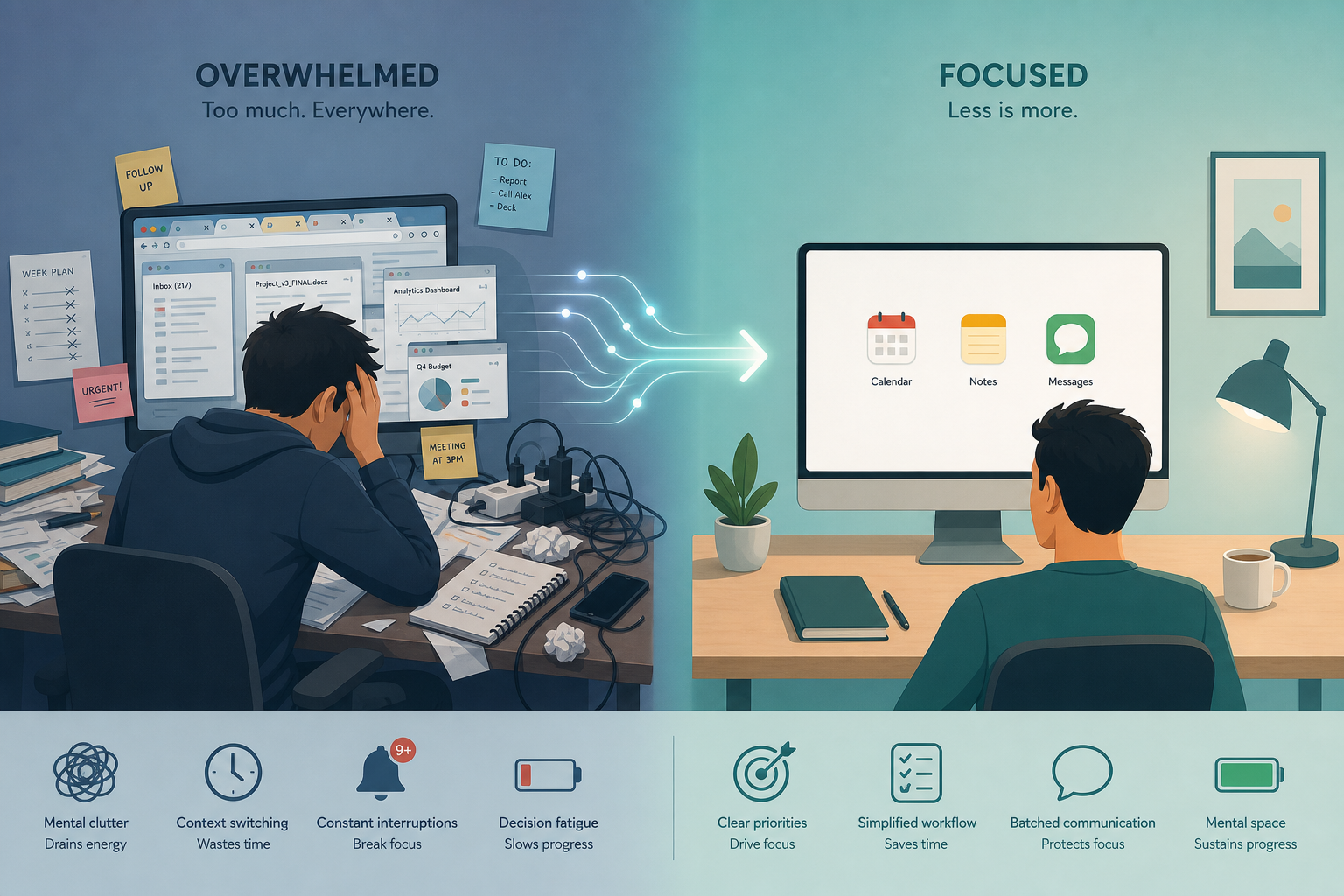
Every week, a new AI productivity app promises to reclaim hours of your day. The marketing copy is uniform: “work smarter, not harder,” “automate the boring stuff,” “your new AI assistant.” Yet for many knowledge workers, the actual experience is a cycle of signing up, tinkering for an afternoon, and quietly abandoning the tool by day seven. A recent survey from Zapier found that 78% of enterprises are struggling to integrate AI with their current tech stacks, which suggests the problem isn't just individual adoption — it's that many tools don't fit into how people actually work.
This article is not another curated list of “best AI tools” based on feature comparisons or vendor claims. It is a hands-on testing report. Our editorial team spent several weeks putting more than 50 AI productivity apps through a structured evaluation process. We tracked which ones genuinely saved time on complex tasks, which ones created more overhead than they eliminated, and — most importantly — which ones we would actually miss if they disappeared tomorrow.
If you have been burned by overhyped AI features before, this report is for you. We are not here to sell you on a tool. We are here to tell you what survived real use and what did not.
How We Tested: Methodology and Criteria
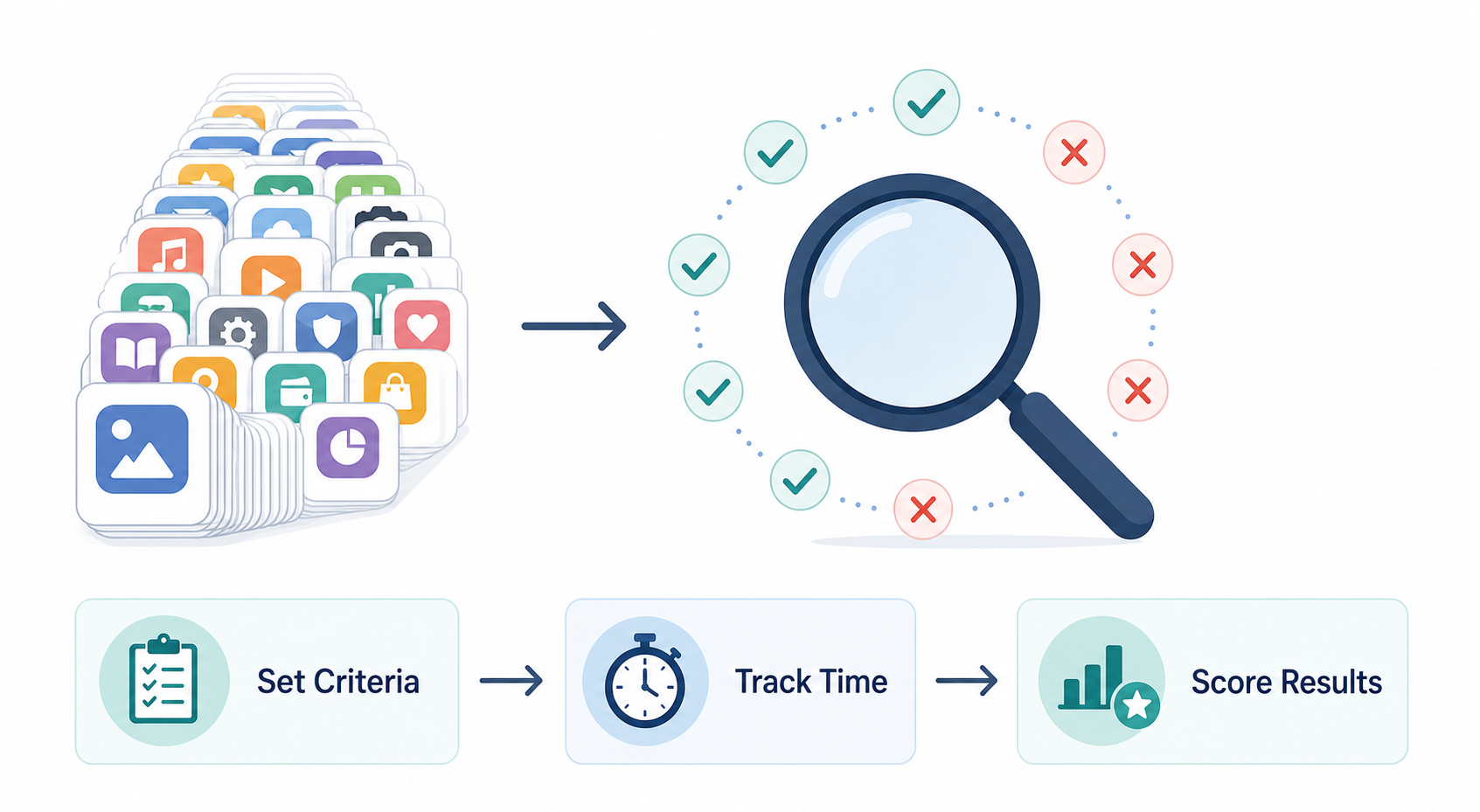
To ensure our results were reproducible and not influenced by novelty bias, we established a formal testing protocol before evaluating any tool. Here is exactly how we conducted the tests.
Selection and Screening
We began with a pool of over 50 tools drawn from multiple sources, including Zapier's guide to the best AI productivity tools, Beyond Time's review, Cohorte's real-use list, and Motion's evaluation. We excluded tools that required enterprise contracts or custom demos, focusing on apps that any knowledge worker could sign up for and start using within minutes. The final set spanned six categories: scheduling, transcription, writing and grammar, task and project management, research and search, and presentation creation.
Testing Criteria
Each tool was evaluated against four criteria, scored on a simple pass/fail basis:
- Time saved on a real task: Did the tool reduce the time required to complete a specific, recurring work task by at least 20% compared to doing it manually?
- Accuracy and reliability: Did the tool produce correct, usable output without requiring extensive correction or rework?
- Integration friction: Could the tool be integrated into existing workflows without significant configuration or IT support?
- The litmus test: Would we genuinely miss this tool if it disappeared tomorrow? This question, borrowed from Cohorte's testing framework, was the final gatekeeper.
Testing Duration and Conditions
Each tool was used for a minimum of five working days in real-world conditions — not in a controlled lab environment. Team members used the tools for their actual daily tasks: scheduling meetings, writing emails, transcribing calls, managing to-do lists, and conducting research. We tracked time spent, errors encountered, and overall satisfaction in a shared log. Tools that failed the litmus test within the first week were dropped; tools that passed were used for an additional two weeks to confirm the results were not a novelty effect.
The Tools That Delivered: Scheduling, Transcription, and Goal Decomposition
After weeks of testing, only three categories of tools consistently passed our litmus test: scheduling assistants, meeting transcription services, and goal-decomposition apps. These are the areas where AI handles genuinely complex, structured tasks that humans find tedious and error-prone. Below are the specific tools that earned a “delivered” verdict, along with honest notes on their limitations.
Scheduling: Reclaim.ai, Clockwise, and Motion
Coordinating calendars across multiple people and priorities is a genuinely hard problem. AI scheduling tools that automatically find meeting times, protect focus blocks, and reschedule conflicts saved our testers an average of 30 to 45 minutes per week — not a life-changing amount, but a consistent, measurable gain.
| Tool | Best For | Pricing (Last Verified June 2026) | Key Limitation |
|---|---|---|---|
| Reclaim.ai | Individuals and small teams who need automatic calendar defense | Free plan available; Pro at $8/seat/month | Requires accurate time estimates for tasks — garbage in, garbage out |
| Clockwise | Teams that need shared focus time across departments | From $6.75/user/month | Best with Google Calendar; limited Outlook support |
| Motion | Freelancers and managers who want auto-scheduling with task prioritization | $19/month Individual (billed annually); $34/month otherwise | Steep learning curve; can feel over-engineered for simple calendars |
The critical caveat with all three tools is the “garbage in, garbage out” problem. As Beyond Time's review notes, AI scheduling tools require accurate time estimates to function properly. If you consistently underestimate how long a task takes, the AI will overbook your calendar. These tools work best for people who already have a reasonably accurate sense of their own working speed.
Transcription: Fireflies.ai and Otter.ai
Meeting transcription is another area where AI genuinely reduces friction. Instead of frantically typing notes during a call, our testers could focus on the conversation and review an AI-generated transcript afterward. Both Fireflies and Otter produced usable transcripts for clear, one-on-one meetings with good audio quality.
However, accuracy degraded significantly in three common scenarios: meetings with heavy cross-talk, participants with strong accents, and poor audio quality (e.g., someone speaking on speakerphone in a noisy room). In those cases, the transcripts required substantial manual correction — sometimes more time than taking notes manually would have taken. Our testers found that Fireflies handled multi-speaker identification slightly better than Otter, but both required human review for any meeting where accuracy mattered.
Goal Decomposition: Beyond Time
The most surprising category of tools that delivered was goal decomposition — apps that break high-level objectives into actionable steps. Beyond Time, which costs $5.99/month for the Pro plan, stood out because it does not just list tasks; it asks clarifying questions, identifies dependencies, and produces a structured plan that actually makes sense.
Our testers used Beyond Time for two distinct scenarios: planning a quarterly content calendar and mapping out a personal learning goal. In both cases, the AI-generated plan was more detailed and more realistic than what the testers would have produced on their own. The key feature was the ability to override and adjust the AI's suggestions easily — the tool acted as a thinking partner, not a decision maker.
The Tools That Disappointed: Where AI Features Fell Short
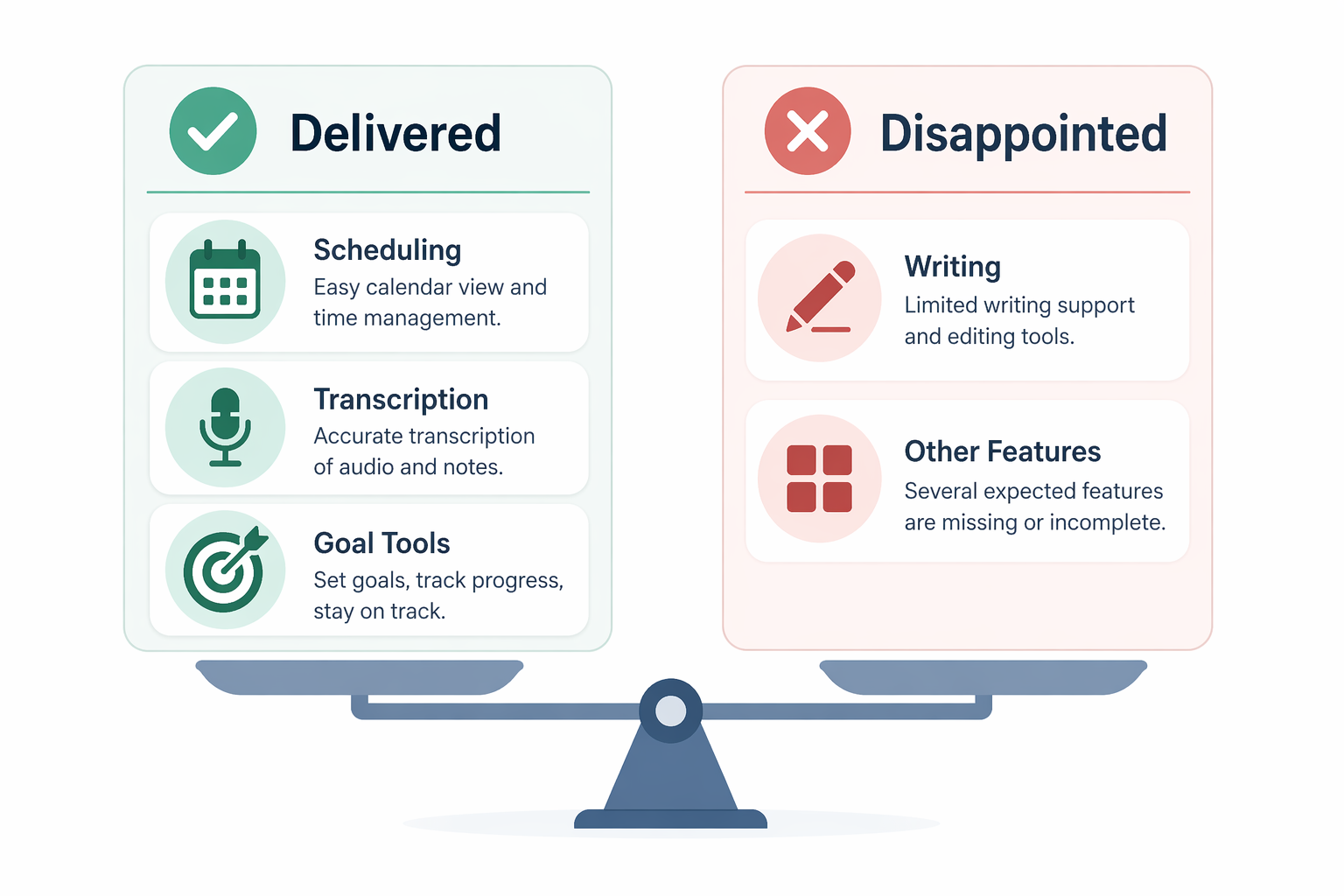
For every tool that passed our litmus test, several more failed. The most consistent pattern of disappointment was in general-purpose writing AI features — tools that promised to “write your emails,” “draft your reports,” or “improve your prose.” With one notable exception, these features were, at best, marginal improvements over traditional spell-check and, at worst, actively counterproductive.
The Grammarly Exception
Grammarly Premium, at $12/month, was the only writing tool that earned a “delivered” verdict from our testers. Multiple sources — including Zapier, Beyond Time, and Plus AI — describe Grammarly as a “complete solution” that “goes beyond spell-check” and “catches errors that standard spell-checkers miss.” Our testers agreed: Grammarly consistently caught subtle grammar issues, suggested clearer sentence structures, and improved the overall quality of written communication without requiring significant time to review its suggestions.
However, every other writing AI tool we tested — including Jasper, Copy.ai, and several in-app writing assistants — failed the litmus test. The output was generic, required heavy editing, and often introduced errors that were not present in the original draft. For a skilled writer, these tools added overhead rather than removing it. For a less confident writer, they risked producing bland, formulaic text that lacked the writer's own voice.
Other Disappointing Categories
Beyond writing, several other AI categories failed to deliver meaningful value in our tests:
- AI-powered to-do list apps: Tools that automatically prioritized tasks or suggested next actions produced recommendations that were often out of touch with real-world context. They could not account for shifting deadlines, personal energy levels, or the nuanced dependencies between tasks.
- General-purpose chatbots for productivity: Using ChatGPT or Claude as a productivity assistant required so much prompt engineering and output review that the net time savings were negligible for most tasks. The exception was research, where Perplexity's source-attribution feature provided genuine value.
- AI presentation tools: Tools that promised to turn a prompt into a polished slide deck produced visually appealing but content-shallow presentations. Our testers spent more time fact-checking and restructuring the AI-generated content than they would have spent building the deck from scratch.
If you want a deeper analysis of which AI tools provide the best return on investment per dollar spent, see our companion piece: AI Productivity Apps in 2026: Which Ones Actually Deliver ROI Per Dollar?.
Patterns: What Separates Genuinely Useful AI from Feature Gimmicks
After testing 50+ tools, clear patterns emerged that distinguish genuinely useful AI features from those that are merely novel. Understanding these patterns can help you evaluate any AI tool before you invest time and money in it.
| Pattern | Useful AI | Gimmick AI |
|---|---|---|
| Task complexity | Handles genuinely complex, structured tasks (multi-calendar scheduling, meeting transcription, goal decomposition) | Attempts to automate simple tasks that are already fast to do manually (writing short emails, creating basic to-do items) |
| Override ease | Makes it easy to review, edit, or reject AI suggestions with one click | Requires significant effort to correct errors or override suggestions |
| Input quality sensitivity | Works well with imperfect input but improves with better data | Fails completely if input is not perfectly formatted or accurate |
| Integration depth | Integrates deeply with existing tools and workflows | Operates as a standalone tool that requires manual data transfer |
| Time to value | Provides measurable time savings within the first week of use | Requires weeks of setup and training before showing any benefit |
The most important pattern is the first one: task complexity. The AI tools that delivered in our tests all tackled tasks that are genuinely hard for humans — coordinating multiple calendars, transcribing a conversation while participating in it, or breaking a vague goal into a concrete plan. The tools that disappointed tried to automate tasks that humans already do quickly and well, like drafting a short email or creating a simple list.
The second pattern — ease of overriding suggestions — is equally critical. The best AI tools treat their output as a draft, not a final product. They make it trivially easy to accept, reject, or modify suggestions. Tools that bury their AI output in a rigid workflow or require multiple clicks to correct an error create more friction than they remove.
Practical Advice: How to Evaluate Any AI Productivity App Before Subscribing
Based on our testing experience, we have developed a reusable framework for evaluating any AI productivity tool before you commit to a subscription. This framework is designed to cut through marketing hype and surface the real question: will this tool actually save me time?
The “Would I Pay Someone to Do This Manually?” Test
Before signing up for any AI tool, ask yourself: if this tool did not exist, would I be willing to pay a human assistant to do this task manually? If the answer is no — because the task is too simple, too infrequent, or too personal — then an AI tool is unlikely to provide meaningful value. This test, which we adapted from Beyond Time's evaluation criteria, is a powerful filter against feature gimmicks.
Audit Where Your Time Actually Goes
Before evaluating any tool, spend one week tracking where your time actually goes. Use a simple time log or a tool like Toggl. The goal is to identify your top three time sinks — the tasks that consume the most time and cause the most frustration. Then, look for AI tools that specifically address those tasks. As the Alai blog recommends, “Match tools to bottlenecks, not buzzwords.”
Start with One Tool per Function
Do not try to overhaul your entire workflow at once. Pick one function — scheduling, transcription, or task management — and find the best tool for that function. Use it for at least two weeks before adding another tool. This approach, recommended by multiple sources including the Alai blog, prevents tool fatigue and makes it easier to identify which tools are actually providing value.
Reassess Quarterly
The AI tool landscape evolves extremely rapidly. A tool that was top-tier in January may be superseded by June. Set a quarterly reminder to reassess your AI tool stack. Ask the same questions: Is this tool still saving me time? Would I miss it if it disappeared? If the answer to either question is no, cancel the subscription and try something else.