
Introduction: The Shift from 'Ink Feel' to 'What Happens After You Write'
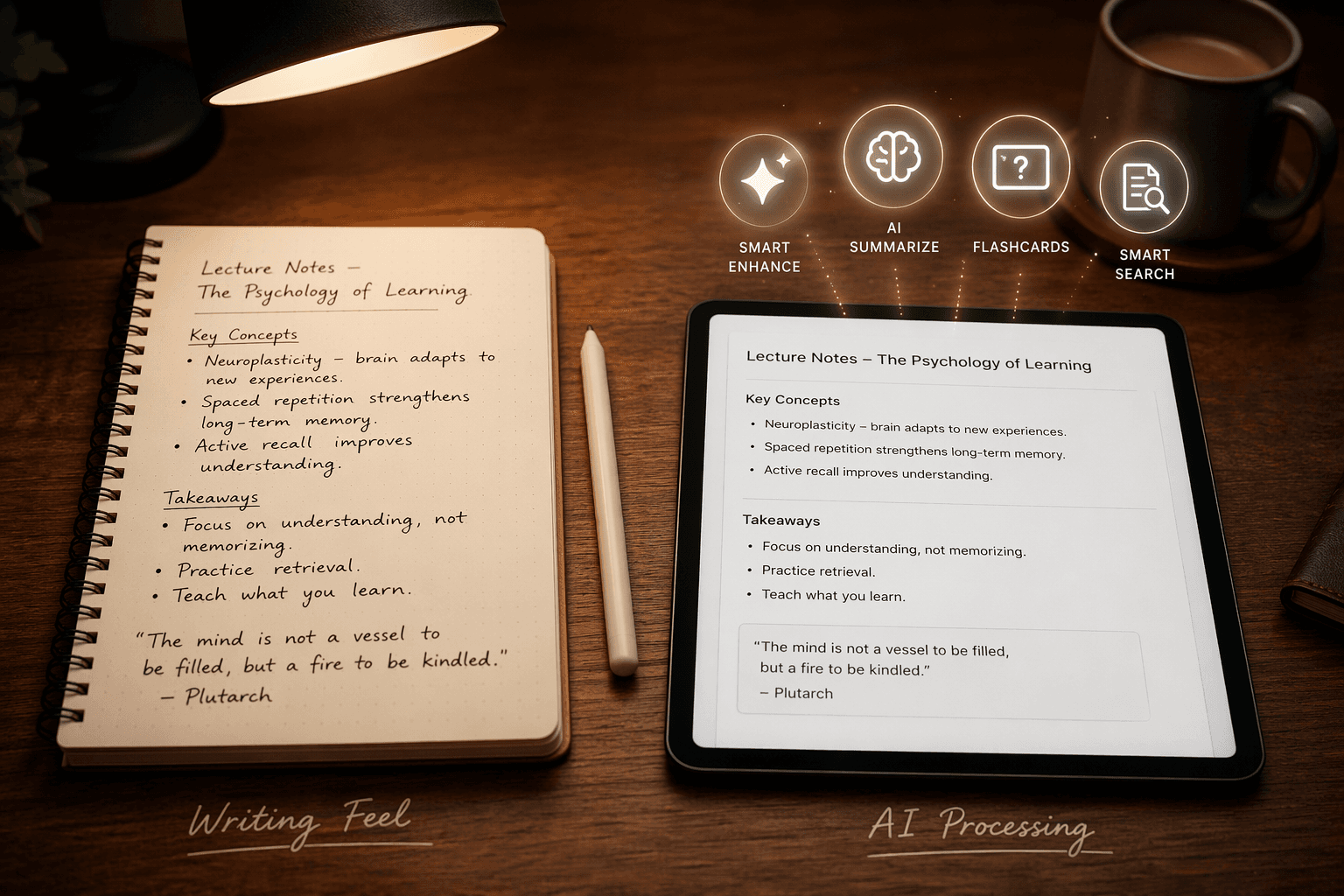
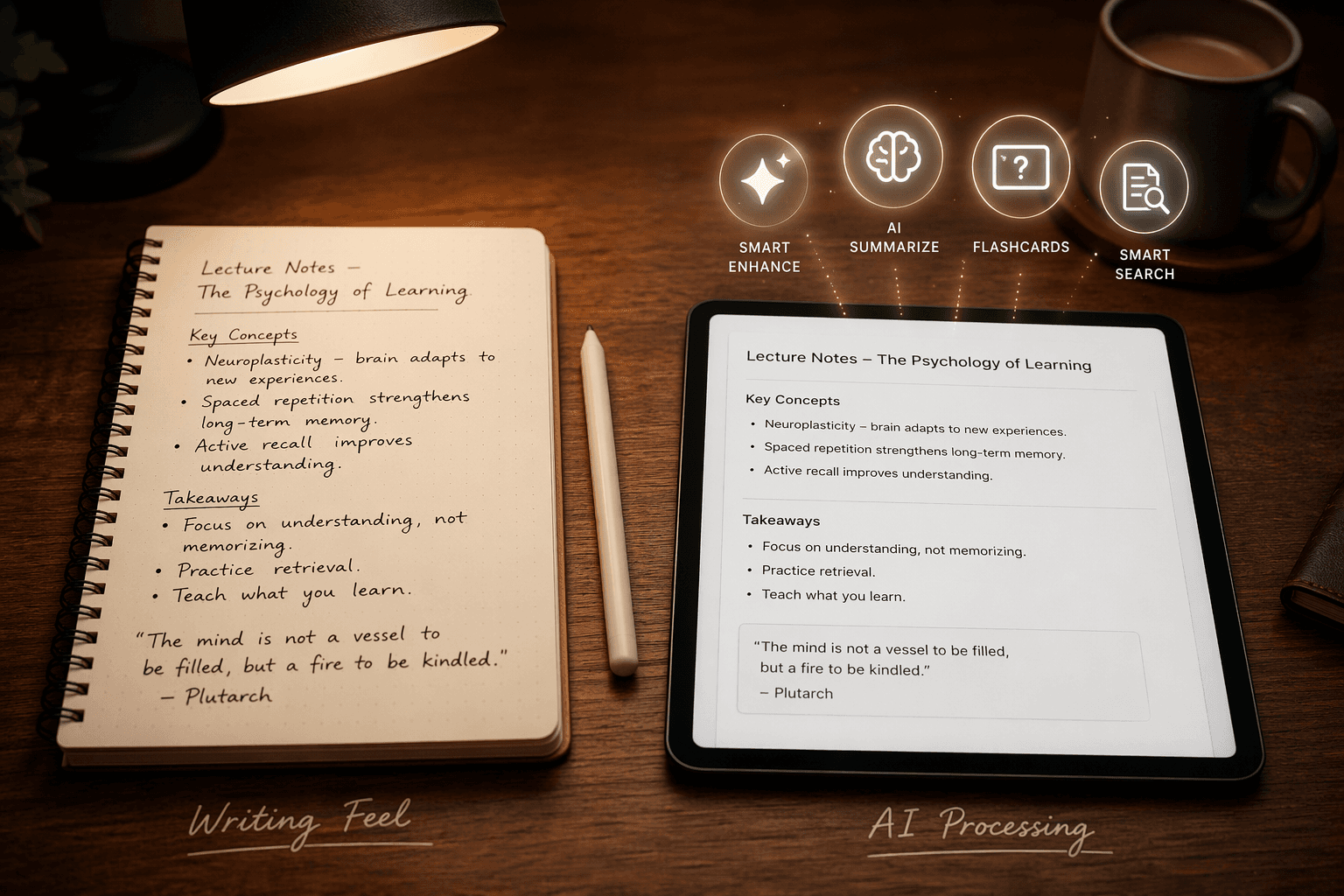
For years, the stylus note-taking conversation revolved around a single question: how close does this app feel to pen on paper? Palm rejection latency, pressure sensitivity, and paper texture simulations dominated every review. Those factors still matter, but in 2026 they are no longer the primary differentiator. A new axis has emerged that splits the market cleanly in two: what does the app do with your handwriting after you put the stylus down?
This comparison is organized around that trade-off. On one side sit apps that treat handwriting as a finished product — beautiful, searchable, but largely inert. On the other sit apps that treat handwriting as raw material for AI processing: real-time text conversion, auto-generated flashcards and quizzes, math recognition, summarization, and smart search. The right choice depends entirely on whether you value the act of writing itself or the productivity gains that come from what the app extracts from your notes.
If you are comparing primarily by device ecosystem, we have a separate platform-first stylus comparison that covers iPad, Galaxy Tab, and Surface head-to-head. This article takes a different angle: it assumes you already have a stylus-capable device and want to know which app does the most with what you write.
How Each App Handles Handwriting Recognition
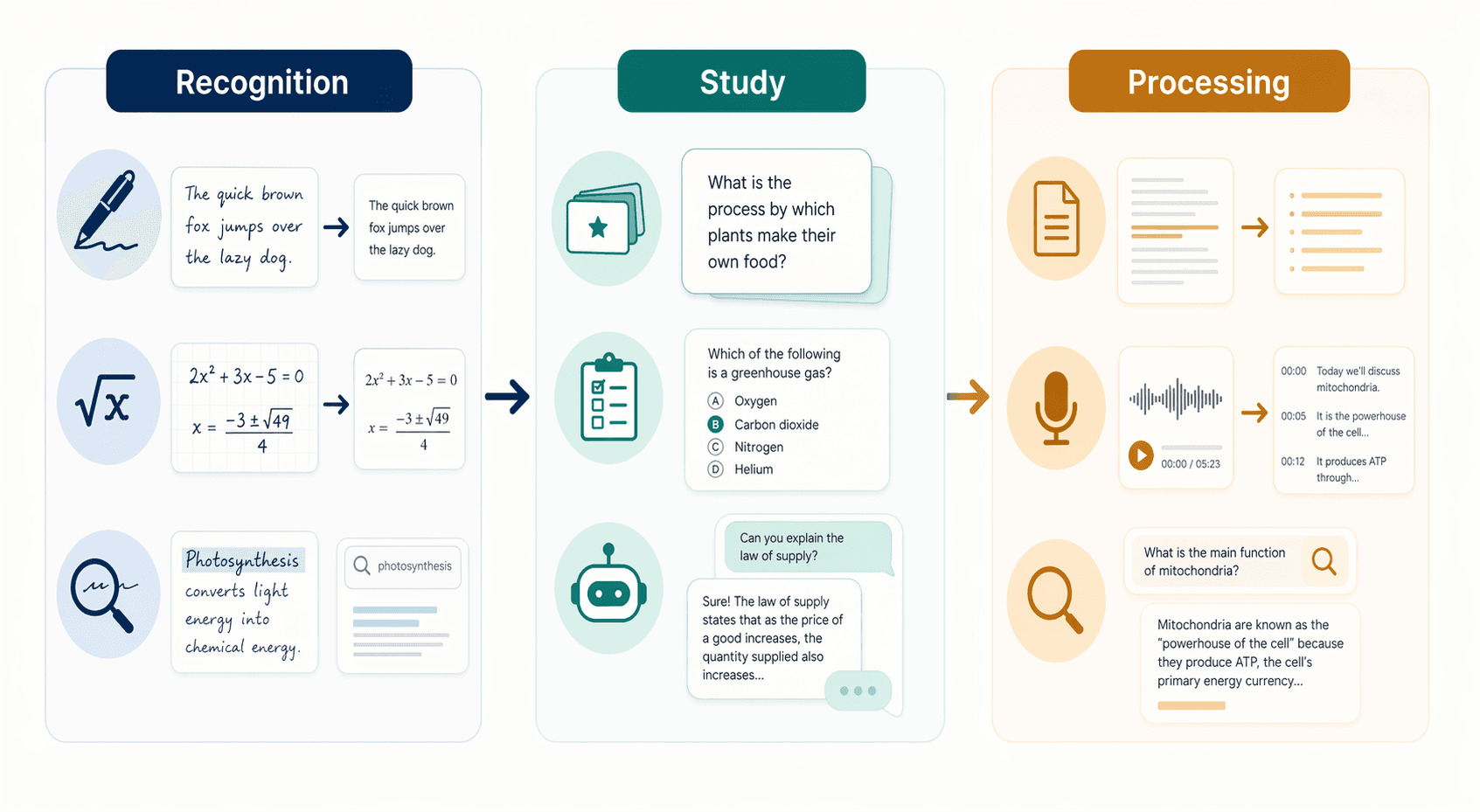
Handwriting recognition is the foundational AI feature — everything else (search, summarization, flashcard generation) depends on the app's ability to accurately interpret what you wrote. The gap between the best and worst implementations in this category is wide enough to dictate your entire workflow.
Nebo leads the field by a clear margin. Its MyScript Interactive Ink engine converts even moderately messy handwriting into clean typed text in real time, and it does so across Android, iPad, and Windows — a rare cross-platform achievement. Unlike apps that require a separate conversion step, Nebo transforms your ink as you write, and its smart layout engine automatically reflows text and objects when you edit. It also converts hand-drawn diagrams, shapes, and equations into editable digital objects. The trade-off is that Nebo is less of a pure handwriting canvas and more of a handwriting-to-text converter — if you want your original ink to remain the primary artifact, Nebo may feel like it is working against you.
GoodNotes 6 offers strong handwriting recognition that converts messy scribbles into typed text while keeping the original handwriting intact — a best-of-both-worlds approach. It adds spellcheck and word-complete in handwriting, which is rare in this category. Its AI math assistance catches handwritten equation mistakes and converts them to LaTeX format. The recognition quality is not quite at Nebo's level for complex or very messy handwriting, but for most users the gap is small enough that GoodNotes' broader feature set makes it the stronger overall package.
Samsung Notes has functional handwriting-to-text that is accurate enough for quick conversion of clear handwriting, but it falls behind Nebo for complex or rapid note-taking. Its strength lies elsewhere — near-zero S Pen latency and palm rejection accurate enough to rest your hand on the screen during long sessions. For Samsung tablet users who primarily want a fluid writing experience and only occasional text conversion, Samsung Notes is a strong free option.
OneNote includes an Ink to Text feature that is reasonably accurate for clear handwriting, but it is noticeably behind Nebo and GoodNotes. On Surface devices, the stylus support is excellent, but the recognition engine has not kept pace with dedicated handwriting apps. OneNote's real value is its completely freeform canvas and deep integration with Microsoft 365 — not its handwriting recognition.
Apple Notes deserves a mention for its Smart Script feature, which refines your handwriting to make it smoother and straighter without converting it to typed text. Its Math Notes feature solves handwritten math problems and performs unit conversions. For Apple ecosystem users who want handwriting polish rather than text conversion, Apple Notes is a capable free option.
| App | Recognition Engine | Real-Time Conversion | Keeps Original Ink | Spellcheck / Word-Complete | Math Recognition |
|---|---|---|---|---|---|
| Nebo | MyScript Interactive Ink | Yes | No (converts as you write) | No | Yes (converts equations to editable objects) |
| GoodNotes 6 | Proprietary | Yes (with original ink preserved) | Yes | Yes | Yes (LaTeX conversion, mistake detection) |
| Samsung Notes | Proprietary | No (separate conversion step) | Yes | No | Shape recognition only |
| OneNote | Microsoft OCR | No (Ink to Text tool) | Yes | No | No |
| Apple Notes | Apple Intelligence | No (Smart Script refines ink) | Yes | No | Yes (Math Notes) |
AI Study Features: Flashcards, Quizzes, and AI Tutors
For students, the AI study feature set is often the deciding factor. The ability to turn a lecture's handwritten notes into flashcards, practice quizzes, or summarized study guides without manual effort is the kind of workflow shift that justifies a subscription. Here is how the major apps compare on study-specific AI tools.
Notability: The Most Complete Study AI Suite (iPad/Mac Only)
Notability's Learn suite, available on the $19.99/yr Plus tier and above, generates flashcards, summaries, and quizzes from handwritten and typed content. It also syncs with audio recordings — tap any word to hear what was being said at the exact moment you wrote it. This audio-ink synchronization is unique and particularly valuable for lecture-heavy courses. The Standard $14.99/yr plan does not include AI study tools, and the Unlimited $99.99/yr plan removes usage caps. Notability is iPad and Mac only — there is no Android or Windows version.
Nebo: Quiz Generation from Notes
Nebo's AI suite (still in beta and currently free) includes a Quiz feature that generates true/false or multiple-choice questions from your notes, alongside Summarize, Explain, and Chat functions. The quiz generation is straightforward — it works on whatever content you have written and converted. Nebo costs $9.99 one-time for full access, making it the cheapest entry point to AI study features among the paid apps.
GoodNotes 6: Ask GoodNotes AI Tutor
GoodNotes 6 introduced 'Ask GoodNotes,' an AI tutor that can explain challenging concepts, identify mistakes in your notes, generate practice quizzes, answer questions, summarize key points, and translate lasso-selected passages. It also includes AI-powered spellcheck and word-complete in handwriting, plus math assistance that catches equation errors and converts them to LaTeX. These features are bundled in the $9.99/yr subscription or $29.99 lifetime purchase.
Notelyn: AI from Photographed Handwritten Pages
Notelyn fills a unique niche: you photograph handwritten pages from any app (or physical notebook) and receive AI-generated summaries, flashcards, and quizzes. This means you are not locked into Notelyn's own writing canvas — you can use Samsung Notes, a paper notebook, or any other handwriting tool and still get AI study output. The free tier covers audio recording and AI note generation, while the premium tier unlocks longer recordings and faster processing. Notelyn is newer to the market and has limited long-term review data, but its approach of decoupling AI processing from the writing interface is genuinely different.
Apps Without AI Study Features
Samsung Notes, Flexcil, Squid, Noteshelf, and Noteful have minimal or no AI study features. Samsung Notes offers robust shape recognition and vector drawing but no flashcard or quiz generation. Squid has no handwriting-to-text conversion in its free tier and no AI features at all. Noteshelf recently added AI content generation based on prompts, but it uses monthly credits that reset — not a full study suite. If AI study tools are your priority, these apps will require you to export notes to a separate tool for processing.
| App | Flashcards | Quizzes | Summarization | AI Tutor / Chat | Audio Sync | Price for AI Features |
|---|---|---|---|---|---|---|
| Notability | Yes (Learn suite) | Yes (Learn suite) | Yes (Learn suite) | No | Yes (ink-to-audio sync) | $19.99/yr Plus or $99.99/yr Unlimited |
| Nebo | No | Yes (True/False, Multiple Choice) | Yes (Summarize) | Yes (Chat, Explain) | No | $9.99 one-time (AI beta currently free) |
| GoodNotes 6 | Yes (Ask GoodNotes) | Yes (Ask GoodNotes) | Yes (Ask GoodNotes) | Yes (Ask GoodNotes) | No | $9.99/yr or $29.99 lifetime |
| Notelyn | Yes (from photographed pages) | Yes (from photographed pages) | Yes (from photographed pages) | No | Yes (free tier) | Free tier available; premium for faster processing |
| Samsung Notes | No | No | No | No | Yes (ink-to-audio sync) | Free (no AI study features) |
| Squid | No | No | No | No | No | Free / $3.99/mo (no AI features) |
| Noteshelf | No | No | No | AI content generation (credit-based) | No | $9.99 one-time (AI uses monthly credits) |
AI Note Processing: Summarization, Transcription, and Smart Search
Beyond study-specific tools, a separate category of AI features processes existing notes for reference and retrieval. These are less about active studying and more about making your note archive useful over time.
Evernote offers AI Edit and AI Transcribe features that can paraphrase, proofread, summarize, or translate selected text, and transcribe audio recordings. These are useful for processing meeting notes or lecture recordings after the fact. However, Evernote's stylus support is adequate but not best-in-class — its handwriting input is not as smooth as pen-first apps, and it does not support handwritten notes natively. Evernote Personal costs $10.83/month (annual) and Professional costs $14.17/month. The free tier is limited to 50 notes.
Notion AI can generate and edit text, summarize notes, and pull action items from meeting notes. It integrates with apps like Slack, Google Drive, and GitHub. Notion is not a stylus-native app — its handwriting support is minimal — but it can complement a handwriting workflow if you export typed text from a handwriting app into Notion for AI processing. Notion is free for personal use, with AI features on paid plans starting at $12/user/month for Plus.
OneNote Copilot requires a separate Microsoft 365 Copilot subscription — it is not included in the free OneNote tier or standard Microsoft 365 plans. For users already on Copilot, it can summarize notebooks, answer questions about content, and generate action items. For everyone else, OneNote's free tier remains a capable note-taking tool without AI processing.
| App | Summarization | Transcription | AI Query / Chat | Stylus Support | Price for AI Features |
|---|---|---|---|---|---|
| Evernote | Yes (AI Edit) | Yes (AI Transcribe) | No | Adequate (not pen-first) | $10.83/mo Personal or $14.17/mo Professional |
| Notion | Yes (Notion AI) | No | Yes (query notes) | Minimal | Free base; AI from $12/user/mo Plus |
| OneNote | Yes (Copilot) | No | Yes (Copilot) | Excellent on Surface | Requires Microsoft 365 Copilot subscription |
Comparison Table: Native AI Features by App
The following table consolidates the key decision factors across all major stylus note-taking apps covered in this comparison. Use it to quickly identify which apps match your platform, budget, and AI feature requirements.
| App | Platforms | Palm Rejection | Handwriting-to-Text | PDF Annotation | AI Study Features | AI Note Processing | Pricing |
|---|---|---|---|---|---|---|---|
| Nebo | Android, iPad, Windows | Good | Best-in-class (MyScript) | Limited | Quiz, Summarize, Explain, Chat (beta) | No | $9.99 one-time |
| GoodNotes 6 | iPad, Mac, Android, Windows | Excellent | Strong (with spellcheck) | Yes | Ask GoodNotes (tutor, quizzes, summaries) | No | $9.99/yr or $29.99 lifetime |
| Notability | iPad, Mac only | Excellent | Good | Yes | Learn suite (flashcards, summaries, quizzes) | No | $14.99/yr Standard, $19.99/yr Plus, $99.99/yr Unlimited |
| Notelyn | Android, iOS | Good | Via photo capture | No | Summaries, flashcards, quizzes from photos | No | Free tier; premium for faster processing |
| Samsung Notes | Samsung only | Best-in-class | Functional | Yes | None | No | Free |
| OneNote | Android, iPad, Windows, Mac, Web | Good (excellent on Surface) | Limited (Ink to Text) | Yes | None (Copilot requires separate subscription) | Copilot (paid separate) | Free (5GB OneDrive) |
| Squid | Android, Windows | Good | No (free tier) | Best-in-class | None | No | Free / $3.99/mo or $29.99/yr |
| Noteshelf | Android, iPad | Good | Good | Yes | AI content generation (credit-based) | No | $9.99 one-time |
| Noteful | iPad only | Good | No OCR for search | Yes | None | No | Under $15 one-time |
Who Should Prioritize AI vs. Pure Writing Feel?
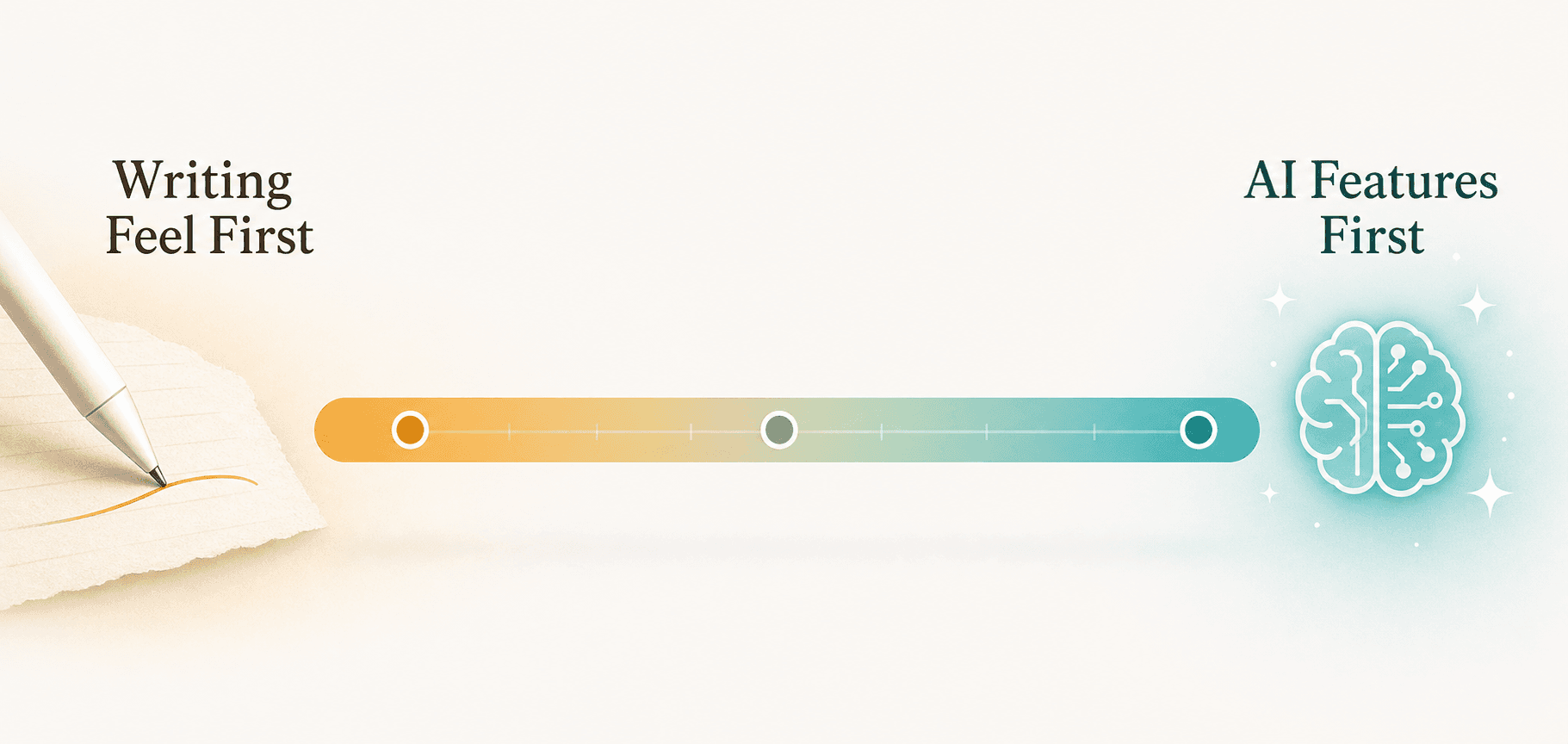
The decision between AI-first and writing-feel-first apps is not about which is objectively better — it is about matching the tool to your workflow. Here is how to decide based on your primary use case.
- Students who need flashcards, quizzes, and study guides from lecture notes: Notability Plus ($19.99/yr) or GoodNotes 6 ($9.99/yr) are your best options if you use an iPad. Notelyn's free tier is a strong alternative if you want to photograph handwritten pages from any source. Nebo's Quiz feature is the cheapest paid option at $9.99 one-time.
- Professionals who need accurate handwriting-to-text for meeting notes and documentation: Nebo's MyScript engine is the most accurate across platforms. GoodNotes 6 is a close second with the advantage of preserving your original ink alongside the converted text.
- Users who value the best writing feel and do not need AI features: Samsung Notes (Samsung only) offers near-zero latency and excellent palm rejection for free. GoodNotes 6 still delivers an excellent writing feel even if you ignore its AI features. Noteful ($15 one-time) is a strong budget option for iPad users who want PDF annotation without AI.
- Cross-platform users who switch between iPad, Android, and Windows: Nebo and GoodNotes 6 are your only realistic options with meaningful AI features across all three platforms. OneNote is free and works everywhere but lacks native AI study tools.
- Budget-conscious users who want AI without a subscription: Nebo ($9.99 one-time) and Notelyn (free tier) are the cheapest paths to AI features. GoodNotes 6's $29.99 lifetime purchase is the best value if you plan to use the app for more than three years.
For students who want a deeper workflow comparison organized by academic major and lecture capture style, our student stylus note-taking guide covers that angle in detail. This article's AI-versus-writing-feel framework is designed to complement — not replace — those persona-based recommendations.
Verdict: The Best Stylus Note-Taking App for AI Features in 2026
No single app wins every category. The choice depends on where you fall on the AI-versus-writing-feel spectrum and which platform you use. Here are our top picks based on the trade-offs discussed throughout this comparison.
- Best for AI study tools (iPad/Mac): Notability Plus ($19.99/yr) — The Learn suite's flashcards, summaries, quizzes, and audio-ink sync are unmatched for lecture-based studying. The iPad/Mac-only limitation is significant, but within that ecosystem it is the most complete study AI package.
- Best for handwriting-to-text accuracy (cross-platform): Nebo ($9.99 one-time) — MyScript engine delivers the most accurate real-time conversion across Android, iPad, and Windows. The AI beta features (quiz, summarize, chat) add significant value at no extra cost for now.
- Best all-around with AI (cross-platform): GoodNotes 6 ($9.99/yr or $29.99 lifetime) — Strong handwriting recognition, Ask GoodNotes AI tutor, math LaTeX conversion, and cross-platform availability make it the most balanced option. The lifetime purchase option is the best long-term value in this category.
- Best free AI entry point (cross-platform): Notelyn (free tier) — If you want AI study features without paying, Notelyn's free tier delivers summaries, flashcards, and quizzes from photographed handwritten pages. The trade-off is that you are processing notes after the fact rather than within a native writing canvas.
- Best writing feel without AI (Samsung only): Samsung Notes (free) — Near-zero S Pen latency, excellent palm rejection, and free. If you do not need AI features and use a Samsung tablet, this is the obvious choice.
- Best budget AI option (iPad only): GoodNotes 6 lifetime ($29.99) — For iPad users who want AI features without an ongoing subscription, the lifetime purchase is the most cost-effective path. Noteful ($15 one-time) is cheaper but lacks AI entirely.
The stylus note-taking market has bifurcated. Apps that treat handwriting as a finished product still serve an important audience — the act of writing itself is meditative, creative, and personally meaningful. But for users who view their notes as raw material for further processing, the AI-first apps now offer capabilities that were science fiction five years ago. The right choice is not about which app writes best. It is about what you want to happen after you lift the stylus.
For iPad-only readers who want a deeper dive into AI features limited to Apple devices, see our iPad AI note-taking comparison. For a platform-first perspective that compares iPad, Galaxy Tab, and Surface head-to-head, the device-first stylus comparison remains the best starting point if your device ecosystem is your primary constraint.



Comments
Join the discussion with an anonymous comment.