
Quick Overview: The Two Tiers of Handwriting-to-Text Apps
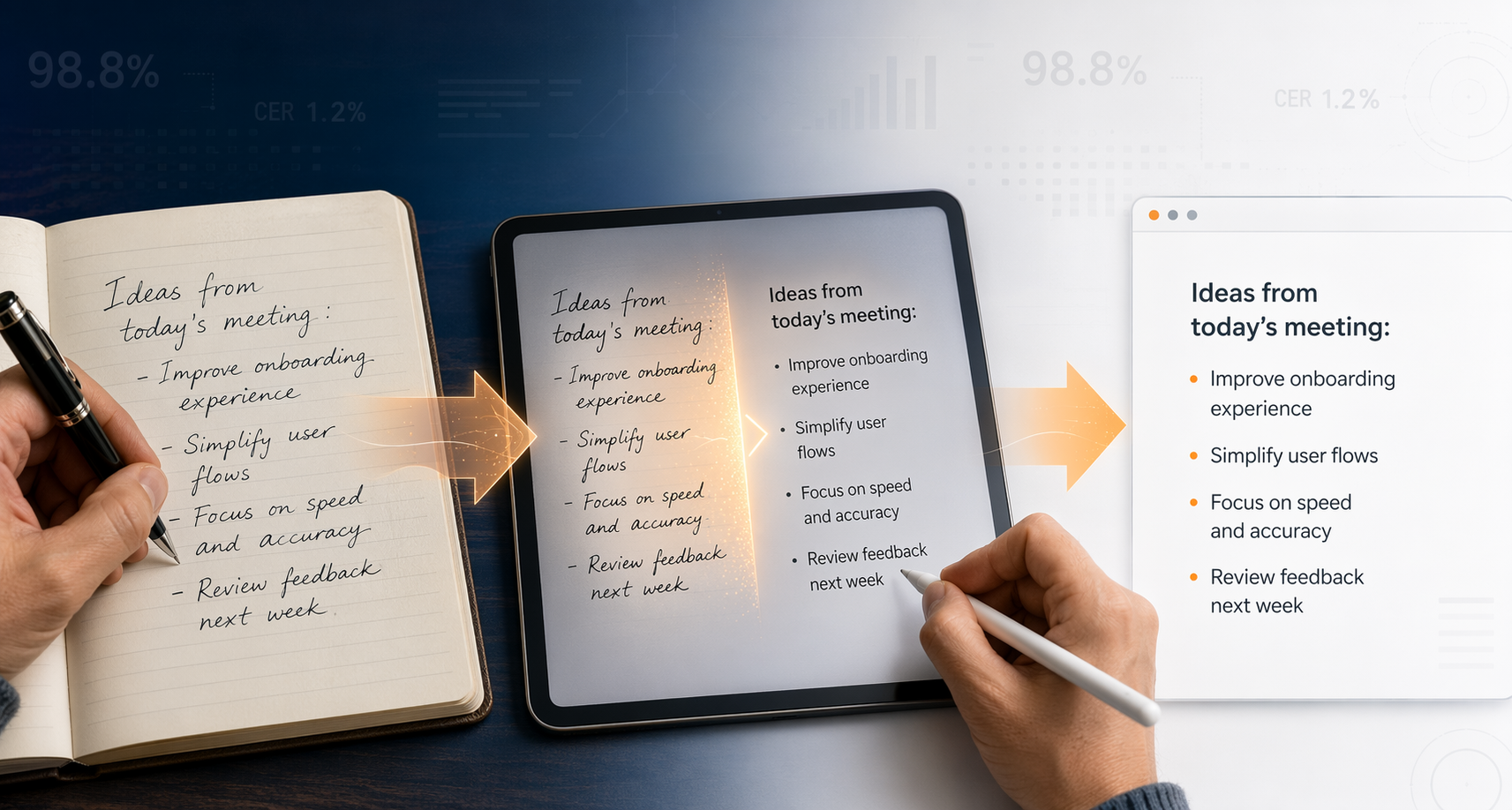
The handwriting-to-text app market in 2026 is no longer a single category. It has bifurcated into two fundamentally different tiers based on when and how the conversion happens:
- Real-Time Stylus Converters: Apps like Nebo, GoodNotes 6, and Apple Notes that transcribe your handwriting into digital text as you write on a tablet with a stylus. These are designed for people who already take notes on a screen and want the benefits of digital text without changing their writing behavior.
- Post-Hoc OCR Digitizers: Apps like Pen to Print, Google Lens, and Transkribus that convert images of existing handwritten pages — from paper notebooks, sticky notes, or whiteboard photos — into digital text. These serve people who have stacks of paper notes they need to digitize.
The table below provides a scannable overview of the 11 apps covered in this comparison. The right choice depends almost entirely on whether you write on a tablet with a stylus or want to digitize paper notes — and which device ecosystem you are already in.
| App | Tier | Platform | Accuracy Tier | Price | Best Use Case |
|---|---|---|---|---|---|
| Nebo (MyScript) | Real-Time | iOS, Android, Windows | Excellent | $9.99 one-time | Cross-platform stylus users who want near-perfect real-time conversion |
| GoodNotes 6 | Real-Time | iOS, iPadOS, macOS | Very Good | $9.99/yr subscription | iPad-native note-takers who want lasso-based conversion |
| Notability | Real-Time | iOS, iPadOS, macOS | Good | $14.99/yr subscription | Students who need audio-synced handwritten notes |
| Microsoft OneNote | Real-Time | iOS, Android, Windows, Mac, Web | Good | Free (with M365) | Cross-platform users who want a free, deeply integrated option |
| Apple Notes + Scribble | Real-Time | iOS, iPadOS, macOS | Very Good (print) | Free | Apple ecosystem users who write in print on iPad |
| Samsung Notes | Real-Time | Samsung Galaxy devices | Good | Free | Galaxy device owners with S Pen |
| Pen to Print | Post-Hoc OCR | iOS, Android, Web | Very Good | Free tier, paid plans | Digitizing images of existing handwritten documents |
| Google Lens | Post-Hoc OCR | iOS, Android, Web | Fair (cursive) | Free | Quick one-off text extraction from legible print |
| Evernote AI Transcribe | Post-Hoc OCR | iOS, Android, Web, Desktop | Good | Free tier, $14.99/mo Premium | Evernote users who want searchable handwritten notes in their existing system |
| Rocketbook | Post-Hoc OCR | iOS, Android | Good | Free app | Users with Rocketbook notebooks who want automated cloud routing |
| Transkribus | Post-Hoc OCR | Web, Windows, Mac, Linux | Excellent (historical) | Free tier, credit-based | Researchers digitizing messy or historical handwriting |
Real-Time Stylus Converters: Apps That Transcribe as You Write
If you already own a tablet and a stylus — an iPad with an Apple Pencil, a Samsung Galaxy Tab with an S Pen, or a Windows device with a Surface Pen — real-time converters are the most natural path to digital text. These apps interpret your strokes as you write and convert them to typed text either instantly or with a single tap. The experience is close to writing on paper, but you end up with clean, searchable, editable text.
Nebo (MyScript): The Accuracy Leader Across Platforms
Nebo, powered by MyScript's handwriting recognition engine, consistently ranks as the most accurate real-time converter across iOS, Android, and Windows. It converts handwriting to text in real time as you write, with support for gestures (scratch-out to delete, underline to select) and rich export options including Word, PDF, HTML, TXT, and LaTeX. Its Ink to Math feature is particularly strong for students and professionals who work with equations. Nebo is a one-time purchase at roughly $9.99, making it one of the few premium apps that does not require a subscription.
GoodNotes 6: The iPad-Native Powerhouse
GoodNotes 6 is the most polished handwriting-to-text experience on the iPad. Its lasso tool lets you circle any handwritten passage and convert it to typed text instantly. The app also includes AI-assisted spellcheck that catches conversion errors. However, GoodNotes is iOS-only — there is no Android or Windows version. It uses a subscription model at roughly $9.99 per year, which includes regular feature updates and iCloud sync.
Notability: Audio-Synced Handwriting with Conversion
Notability's standout feature is audio recording synced to handwritten notes. Tap on any word and the recording jumps to the moment you wrote it. Handwriting conversion is a premium feature, and the app's accuracy is solid but not class-leading. Notability is also iOS-only and costs roughly $14.99 per year. It is best suited for students and meeting-takers who need to revisit spoken context alongside their written notes.
Microsoft OneNote: The Best Free Cross-Platform Option
Microsoft OneNote's Ink to Text feature is bundled with Microsoft 365 and available on iOS, Android, Windows, and Mac. It supports both handwriting conversion and Ink to Math. OneNote achieves roughly 70-80% accuracy on direct stylus input according to independent tests, which is respectable for a free tool. The major limitation is that Ink to Text is not available on the web version of OneNote — you need the desktop or mobile app. For users who are already in the Microsoft ecosystem, OneNote is the most practical free option.
Apple Notes + Scribble: Free, System-Wide, and Surprisingly Good
Apple's Scribble feature, built into iPadOS, converts handwriting to text system-wide — not just in Apple Notes but in any text field across the operating system. It works in real time as you write with an Apple Pencil. For clear print-style handwriting, Scribble's accuracy is very high. The catch is cursive: independent benchmarks suggest Scribble's accuracy drops to roughly 65-75% on cursive handwriting. Apple Notes itself is free and syncs across all Apple devices via iCloud.
Samsung Notes: Free on Galaxy Devices with S Pen
Samsung Notes comes pre-installed on Galaxy phones and tablets and is free for S Pen users. It offers handwriting-to-text conversion with export to DOCX, PDF, and PPTX. Accuracy is comparable to OneNote — solid for print, weaker for cursive. The main caveat is that features vary significantly by device model. Older Galaxy devices may lack the latest handwriting recognition improvements available on the Galaxy Tab S9 series and newer.
Post-Hoc OCR Digitizers: Apps That Convert Existing Paper Notes
If your handwriting lives on paper — in notebooks, on sticky notes, on whiteboards — real-time converters will not help you. You need a post-hoc OCR digitizer that can take a photo or scan of a page and extract the text. These tools vary widely in accuracy, batch processing capability, and output format support.
Pen to Print: Dedicated OCR for Handwritten Documents
Pen to Print is one of the few apps built specifically for converting images of handwritten text into digital text. It claims 98.2% word accuracy on its own site, though independent verification of this figure is limited. The app supports export to TXT, DOCX, and searchable PDF. It is available on iOS, Android, and via a web interface. Pen to Print offers a free tier with limited conversions and paid plans for higher volume.
Google Lens: Free and Fast, but Limited
Google Lens is the most accessible post-hoc digitizer — it is free, built into Google Photos and the Google app on both iOS and Android, and works instantly. For clear, print-style handwriting in good lighting, it is surprisingly effective. However, independent benchmarks show Google Lens accuracy drops to roughly 63-77% on cursive handwriting. It is best for quick one-off extractions, not for digitizing entire notebooks.
Evernote AI Transcribe: Searchable Handwriting Inside Your Existing System
Evernote's AI Transcribe feature lets you upload images or PDFs of handwritten notes and converts them into editable, searchable text. It supports 50+ languages, including English, Spanish, French, German, Italian, and Japanese. Evernote emphasizes privacy: uploaded files are encrypted, auto-deleted after 30 days, and customer data is not used for AI model training. The feature is available on the free tier with limits, and fully on the Premium plan at $14.99 per month.
Rocketbook: Smart Notebook + OCR Routing
Rocketbook takes a hybrid approach: you write on reusable Rocketbook notebooks with a Pilot Frixion pen, then scan the pages with the free Rocketbook app. The app applies OCR and routes the transcribed text to cloud destinations like Google Drive, OneNote, or email. The app is free, but you need to buy the notebooks (roughly $15-35). OCR accuracy is best with the official Rocketbook notebooks and clear print handwriting.
Transkribus: The Gold Standard for Messy and Historical Handwriting
Transkribus is a specialized handwriting text recognition (HTR) platform designed for challenging handwriting — historical documents, messy cursive, and mixed layouts. It achieves a 2.95% Character Error Rate (CER) on the IAM Handwriting Database, which is the most referenced academic benchmark for handwriting recognition. Transkribus supports custom model training, meaning you can train it on a specific writer's handwriting for even higher accuracy. It uses a credit-based system with a free tier and is available on Web, Windows, Mac, and Linux.
Side-by-Side Accuracy Comparison: What the Benchmarks Actually Say
Accuracy is the most important factor for most users, but comparing accuracy across apps is tricky because the testing conditions vary wildly. Vendor-claimed figures often reflect best-case scenarios, while independent benchmarks use standardized datasets that may not match your handwriting style. The table below compiles the most reliable accuracy data available from independent benchmarks and vendor claims.
| App / Tool | Accuracy Metric | Figure | Source / Benchmark | Conditions |
|---|---|---|---|---|
| Transkribus | CER | 2.95% | IAM Handwriting Database (13,353 lines, 657 writers) | Clean, well-segmented cursive |
| Pen to Print | Word Accuracy | ~98.2% (claimed) | Vendor self-report | Best-case conditions |
| Amazon Textract | Word Accuracy | ~89.5% | 2026 handwriting benchmark | Mixed handwriting samples |
| Microsoft Azure AI Document Intelligence | WER | 8.67% (~91.3% word accuracy) | 2026 handwriting benchmark | Mixed handwriting samples |
| Google Cloud Vision (print) | Accuracy | 99.1% | Independent benchmark | Printed English text |
| Google Cloud Vision (cursive) | Accuracy | 63.4% | Independent benchmark | Cursive handwriting |
| Microsoft OneNote (stylus input) | Accuracy | 70-80% | Independent tests | Direct stylus input |
| Google Lens / Keep | Accuracy | 65-75% | Independent tests | Clear handwriting only |
| Tesseract (handwriting) | Accuracy | Below 50% | Independent tests | Handwriting (not print) |
For a deeper dive into how frontier AI models (GPT-5, Gemini, Claude) compare against traditional OCR and specialized HTR on these same benchmarks, see our dedicated accuracy analysis. The key takeaway for this comparison is that specialized apps like Transkribus and Nebo hold their own against frontier models for their specific use cases, and they are often more practical for everyday note-taking workflows.
Decision Framework: Which App Should You Choose?
The right app depends on three factors: how you create handwriting (stylus on tablet vs. pen on paper), which device ecosystem you are in, and whether you need real-time conversion or batch digitization. Use the framework below to narrow your options.
- Pick Nebo if: You write on a tablet with a stylus, switch between iOS, Android, and Windows devices, and want the highest real-time conversion accuracy without a subscription.
- Pick GoodNotes 6 if: You are fully in the Apple ecosystem (iPad + iPhone + Mac), want the best iPad-native handwriting experience, and prefer lasso-based conversion over real-time transcription.
- Pick Microsoft OneNote if: You need a free, cross-platform option that works on Windows, Mac, iOS, and Android, and you are already using Microsoft 365.
- Pick Apple Notes + Scribble if: You are in the Apple ecosystem, write in clear print on your iPad, and want a free, system-wide handwriting-to-text solution.
- Pick Samsung Notes if: You own a Samsung Galaxy tablet or phone with an S Pen and want a free, device-native solution.
- Pick Pen to Print if: You need to digitize images of existing handwritten documents (paper notes, letters, forms) and want a dedicated OCR tool with multiple export formats.
- Pick Google Lens if: You need a quick, free, one-off text extraction from a clear printed note and do not need batch processing.
- Pick Evernote AI Transcribe if: You are already an Evernote user and want handwritten notes to become searchable within your existing note-taking system.
- Pick Rocketbook if: You like writing on paper but want your notes automatically routed to cloud destinations, and you are willing to use reusable notebooks.
- Pick Transkribus if: You are a researcher, historian, or archivist digitizing messy, historical, or highly cursive handwriting and need custom model training.
Pricing Summary and Last-Verified Dates
Pricing models in this category range from completely free to subscription-based to one-time purchases. The table below summarizes the current pricing for each app as of June 2026.
| App | Pricing Model | Free Tier Available | Price | Last Verified |
|---|---|---|---|---|
| Nebo (MyScript) | One-Time Purchase | No (trial available) | $9.99 | June 2026 |
| GoodNotes 6 | Subscription | No (trial available) | $9.99/yr | June 2026 |
| Notability | Subscription | No (trial available) | $14.99/yr | June 2026 |
| Microsoft OneNote | Free (with M365) | Yes | Free | June 2026 |
| Apple Notes + Scribble | Free | Yes | Free | June 2026 |
| Samsung Notes | Free | Yes | Free | June 2026 |
| Pen to Print | Freemium | Yes (limited) | Free tier; paid plans vary | June 2026 |
| Google Lens | Free | Yes | Free | June 2026 |
| Evernote AI Transcribe | Freemium | Yes (limited) | Free tier; Premium $14.99/mo | June 2026 |
| Rocketbook | Free app + paid notebooks | Yes (app) | App free; notebooks $15-35 | June 2026 |
| Transkribus | Credit-based | Yes (limited credits) | Free tier; credit packs available | June 2026 |
Caveats on Accuracy, Platform Lock-In, and Handwriting Quality
Before you make a final decision, there are three important limitations you need to understand. Ignoring these will lead to frustration regardless of which app you choose.
- Vendor-claimed vs. independent accuracy: Vendors like Pen to Print (98.2% claimed) and cloud API providers (Google Cloud Vision 99.1% on print) report accuracy under ideal conditions. Independent benchmarks tell a different story: Google Cloud Vision drops to 63.4% on cursive, and a practitioner's 2025 review found Google Document AI only ~50% accurate on handwritten comments. Always cross-reference vendor claims with independent data.
- The IAM benchmark gap: The IAM Handwriting Database (13,353 lines, 657 writers) is the gold standard for academic benchmarking, but it skews toward clean, well-segmented cursive. Real-world notes often include mixed print and cursive, margin doodles, strike-throughs, and poor lighting. Transkribus's 2.95% CER on IAM does not mean you will get 97% accuracy on your messy meeting notes.
- Print vs. cursive accuracy gap: Every app in this comparison performs significantly better on print-style handwriting than on cursive. Independent data shows print-style handwriting achieves 10-15% higher accuracy than cursive across most tools. If you write in cursive, expect lower accuracy from free tools (65-75% range) and consider a specialized app like Nebo or Transkribus.
- Platform-specific feature gaps: OneNote's Ink to Text is not available on the web version. Samsung Notes features vary by device model. GoodNotes 6 is iOS-only. Always verify that the specific feature you need (real-time conversion, batch OCR, Ink to Math) is available on your device and platform.
- Image quality matters for post-hoc OCR: High-resolution scans at 300+ DPI can improve OCR accuracy by 20-30% over low-quality mobile photos. If you are digitizing paper notes, invest in a good scanning setup or use a flatbed scanner rather than relying on phone photos in low light.
Next Steps: From Comparison to Workflow
Once you have identified the app that fits your handwriting style, device ecosystem, and budget, the next step is setting up your workflow. Our Handwriting to Text in 2026: Which Tool Is Right for Your Workflow? guide walks through the practical setup for each of the major apps covered here — including configuration tips, export workflows, and how to integrate your digital text into a broader personal knowledge management system.
If you are still deciding between devices, our Best Note-Taking App with Stylus comparison covers the stylus hardware ecosystem and which devices pair best with apps like Nebo, GoodNotes, and OneNote.