
The AI Divide: Context-Aware vs. Context-Blind Notes
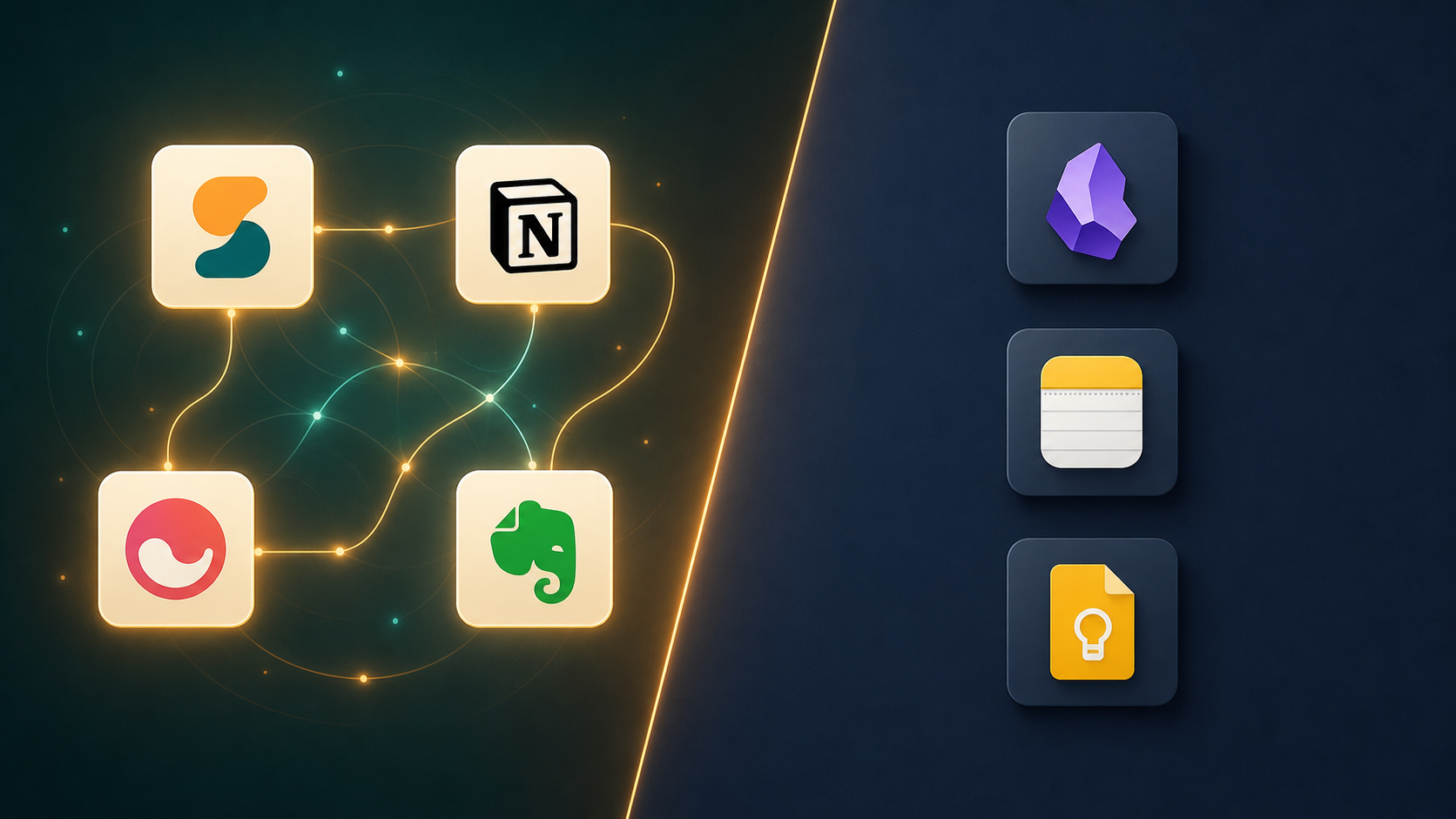
If you shopped for a note-taking app in 2024, the main questions were about features: Does it support Markdown? Can I link notes? How good is the search? By mid-2026, those questions feel almost secondary. The single most consequential change in the market over the last two years is the emergence of a clear AI divide that splits apps into two fundamentally different architectural camps.
On one side are context-aware tools — apps where the AI reads across your project, workspace, or entire note library to synthesize, summarize, and surface connections without you having to manually retrieve each note. On the other side are context-blind tools — apps where the AI (if it exists at all) only sees the current note, or where there is no AI at all, leaving you to manually search, tag, and link your way through your own knowledge base.
This is not a minor feature difference. It is a structural divide that determines whether your notes compound in value over time or whether they sit inert, waiting for you to remember they exist. The decision you make today — which side of this divide you land on — will shape how useful your note-taking system is six months from now.
Apps with Meaningful AI: What They Actually Do and What It Costs
Four apps currently offer AI that goes beyond basic spell-check or rewriting. The critical difference between them is not the number of features — it is the scope of what the AI can see.
Storyflow: Full-Canvas AI
Storyflow operates on an infinite canvas where the AI reads the full project context — not just the note you are currently editing, but the entire visual workspace of related notes, documents, and media. This is a fundamentally different architecture from every other tool on this list. Instead of treating each note as an isolated document, Storyflow treats your project as a single interconnected surface. The AI can synthesize across everything you have placed on that canvas.
Storyflow Plus costs $7.99 per month when billed annually. For a knowledge worker managing a single complex project — a product launch, a research paper, a strategic plan — this full-canvas approach means the AI can answer questions that span your entire body of work on that project without you having to manually link or tag anything.
Notion AI: Per-Page and Per-Database
Notion AI operates at the page or database level. You can ask it to summarize a page, generate action items from meeting notes, or rewrite a block of text. It integrates with Slack, Google Drive, and GitHub, and it can pull context from the specific database you are working in. But it does not read across your entire workspace. If you have a project spread across ten pages in three databases, Notion AI sees only the page or database you have open.
The Notion AI add-on costs $10 per member per month billed annually. For teams that already use Notion as their primary workspace, this is a reasonable add-on for within-page productivity — summarizing a long doc, drafting a quick update, cleaning up notes from a meeting. But it is not a cross-project synthesis tool.
Mem: AI-First by Design
Mem was built from the ground up as an AI-first note-taking app. Its core premise is that you should not have to organize anything — the AI automatically surfaces related notes, suggests connections, and helps you find what you need through natural language search. Mem Pro costs approximately $14.99 per month.
The trade-off is that Mem's AI is cloud-dependent and the app lacks proper offline support. If you work in environments with unreliable internet or have privacy concerns about your notes living entirely on someone else's servers, Mem's AI-first architecture becomes a liability rather than a benefit.
Evernote AI: Note-by-Note Assistance
Evernote's AI tools can paraphrase, proofread, summarize, or translate text you highlight within a single note. It can also help generate titles, introductions, or conclusions for the note you are currently working on. Evernote Personal costs $14.99 per month.
The limitation is architectural: Evernote's AI works note-by-note. It cannot synthesize across your notebook library, identify patterns across hundreds of notes, or surface connections you missed. For a user with thousands of notes accumulated over years, this note-by-note approach means the AI is a helpful editor but not a knowledge discovery tool.
| App | AI Scope | Pricing | Best For |
|---|---|---|---|
| Storyflow | Full project canvas | $7.99/month (annual) | Single complex projects requiring cross-note synthesis |
| Notion AI | Per-page or per-database | $10/member/month (annual) | Teams already in Notion needing within-page productivity |
| Mem | AI-first, auto-organizes | ~$14.99/month | Users who want zero-organization capture with AI retrieval |
| Evernote AI | Note-by-note | $14.99/month (Personal) | Users who want AI editing help within individual notes |
Apps Without Built-In AI: Why They're Still Valid for Capture-First Workflows
The tools on the other side of the divide — Obsidian, Apple Notes, Google Keep, and OneNote — lack native contextual AI. But that does not make them obsolete. For a large segment of knowledge workers, these tools are not just adequate; they are preferable.
Obsidian: The Local-First Powerhouse
Obsidian is free for personal local use and has a plugin ecosystem of over 1,500 community plugins. It has no native AI — meaningful AI functionality requires third-party plugins and separate API keys, which limits accessibility for non-technical users. But for users who value data ownership, local storage, and a highly customizable note-taking environment, Obsidian remains the gold standard.
The trade-off is the "inert note" problem. Without AI to surface connections, your notes only become useful when you manually retrieve them through search, tags, or the graph view. If you capture notes and never revisit them, Obsidian is essentially a very sophisticated filing cabinet. For a deep dive on the local-first versus cloud trade-off, see our guide on Local-First vs Cloud PKM in 2026.
Apple Notes: Free and Surprisingly Capable
Apple Notes is free on all Apple devices and includes Apple Intelligence's Writing Tools, which let you proofread or summarize note content without leaving the app. It also supports audio recording and transcription via iOS 18, and note linking using '>>' followed by the note title. But Apple Intelligence's AI is far less powerful than dedicated AI note tools — it offers basic rewriting and image generation, not cross-note synthesis or pattern detection.
For quick capture — a phone number, a grocery list, a fleeting idea — Apple Notes is hard to beat. It is fast, always available, and costs nothing. The problem is the same as with Obsidian: notes accumulate, and without AI to connect them, they become a graveyard of forgotten thoughts.
Google Keep and OneNote: The Free Workhorses
Google Keep is fully free for normal use, with 15 GB of shared Google storage. It has no AI features. OneNote is free with any Microsoft account and offers a 5 GB free plan via OneDrive. PCMag gives OneNote a 4.5 out of 5 rating, calling it the "Best Overall" free note-taking app and noting that its free version includes all core features.
Both tools excel at one thing: getting information out of your head and into a durable format with minimal friction. If your workflow is capture-first — you take notes primarily to offload memory, not to synthesize later — these tools are perfectly adequate. The AI divide only matters if you expect your notes to work for you after you have written them.
- Obsidian: Free local-first, 1,500+ plugins, no native AI, requires third-party setup for AI features
- Apple Notes: Free, basic Apple Intelligence rewriting/summarization, excellent for quick capture
- Google Keep: Fully free, no AI, 15 GB shared storage, best for ephemeral notes
- OneNote: Free, all core features included, 5 GB OneDrive storage, strong for structured notebooks
The Real Cost of AI: Is It Worth Paying For?
The free-vs-paid gap in 2026 is increasingly about AI access. Free tiers across all major tools offer basic capture — you can write, organize, and search. But meaningful AI is universally paywalled. The question is whether the AI features justify the monthly cost for your specific workflow.
| Tool | Free Tier | AI-Paid Tier | AI Cost |
|---|---|---|---|
| Storyflow | Limited free tier | Storyflow Plus | $7.99/month (annual) |
| Notion | Personal Plan (free) | Notion AI add-on | $10/member/month (annual) |
| Mem | Limited free tier | Mem Pro | ~$14.99/month |
| Evernote | 50 notes, 1 device, 60MB upload/month | Evernote Personal | $14.99/month |
| Obsidian | Free for personal local use | No native AI tier | N/A (Sync is $4/month) |
| Apple Notes | Free (5GB iCloud) | No AI tier | N/A |
| Google Keep | Free (15GB shared) | No AI tier | N/A |
| OneNote | Free (5GB OneDrive) | No AI tier | N/A |
The math is straightforward. If you are a knowledge worker who takes 20–50 notes per week across multiple projects and regularly needs to synthesize information from different sources, the $8–$15 per month for a context-aware AI tool is likely a good investment. If you take a handful of notes per week and can find what you need through basic search, the free tier of any tool will serve you just as well.
For a deeper look at what free plans actually give you — and what they hide — read our analysis on Free vs. Freemium vs. 'Free Enough': What Note-Taking Apps' Free Plans Don't Tell You.
The No-Lock-In Case: Why You Might Avoid AI-Dependent Tools
There is a strong counter-argument to the AI divide thesis: betting on AI-dependent tools means accepting vendor lock-in, recurring subscription costs, and potential data portability issues. If you build your entire knowledge base inside a tool like Mem or Storyflow, and that tool changes its pricing, gets acquired, or shuts down, your notes are trapped.
Obsidian's free local-first model is the strongest alternative here. Your notes are plain Markdown files on your local drive. You can open them with any text editor. You can sync them with Dropbox, iCloud, or any file-syncing service. You are not dependent on Obsidian's continued existence — if the company disappears tomorrow, your notes are still there, in a format that every note-taking app can read.
- Vendor lock-in: AI-dependent tools store your notes in proprietary formats or databases. Export options exist (Markdown, HTML, PDF) but may lose formatting, attachments, or AI-generated metadata.
- Subscription fatigue: $8–$15 per month per tool adds up. If you use multiple AI tools, you could be spending $30–$50 per month on note-taking alone.
- Privacy concerns: AI features require cloud processing. Your notes are analyzed on someone else's servers. For sensitive work — legal, medical, financial — this may be a non-starter.
- Offline limitations: Mem lacks proper offline support. Notion's offline mode is limited. If you work on planes, in cafes with spotty Wi-Fi, or in secure environments without internet access, cloud-dependent AI tools become unreliable.
For readers who want to go deeper on the architectural considerations behind this trade-off — including GraphRAG, MCP, and agentic systems — see our explainer on The AI Paradigm Shift in Personal Knowledge Management.
Decision Framework: When AI Pays Off and When It Doesn't
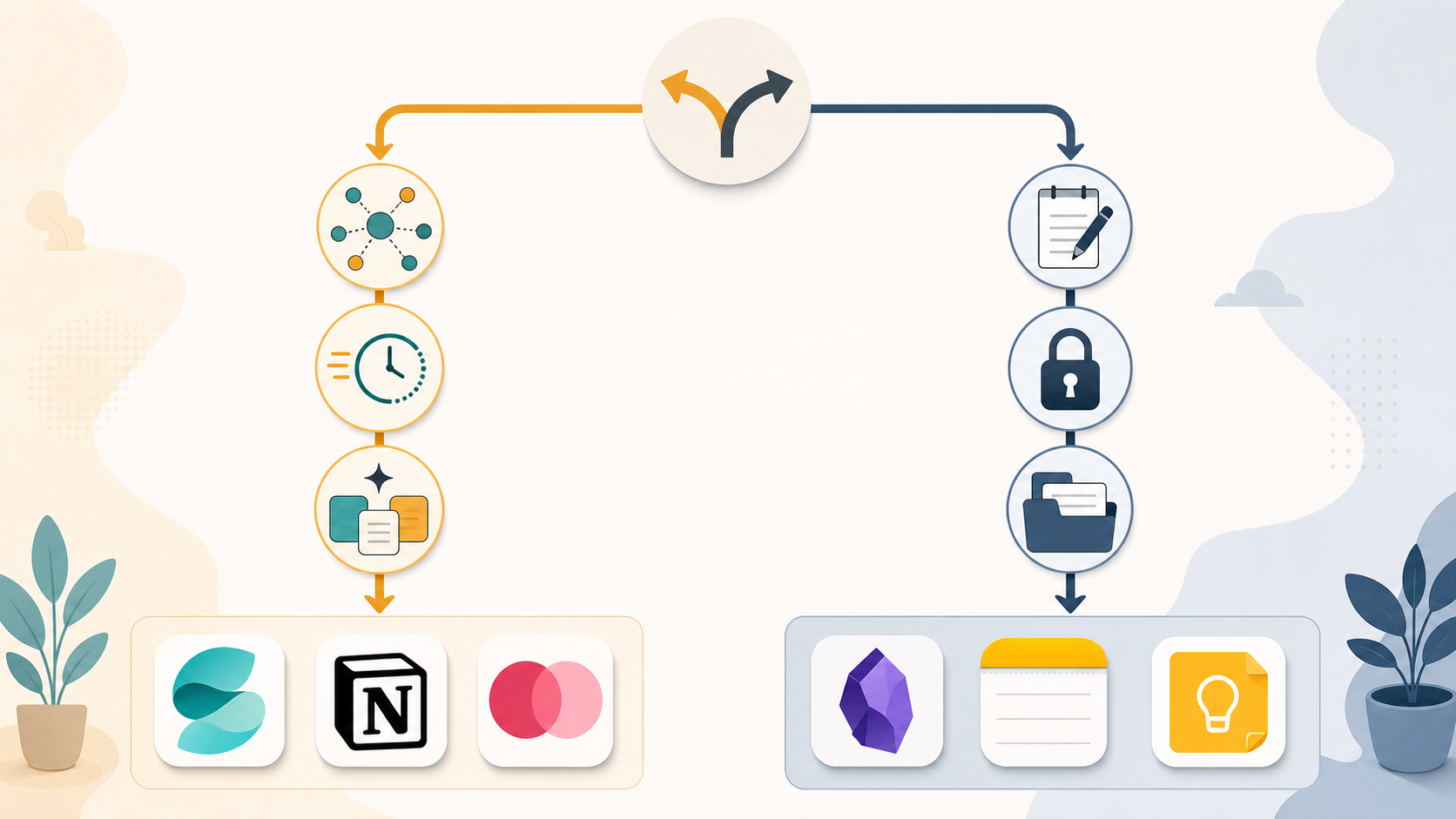
The following framework is designed for knowledge workers and team leads who are actively evaluating whether to invest in an AI-powered note-taking tool. It is not a one-size-fits-all recommendation — it is a set of diagnostic questions that map to specific tool choices.
Question 1: Do you need cross-project synthesis?
If your work requires you to regularly connect ideas across multiple projects — synthesizing research from one project into a strategy for another, or pulling insights from customer notes into product requirements — you need a context-aware AI tool. Storyflow's full-canvas approach is the strongest option here because its AI reads across the entire project surface. Notion AI is a reasonable second choice if your team is already using Notion, but be aware of its per-page limitation.
Question 2: Do you capture notes that you rarely revisit?
If you are a high-volume capture — 30+ notes per week that you never look at again — you are experiencing the inert note problem. A context-aware AI tool can surface those notes when they become relevant, turning your archive into an active knowledge base. Mem's AI-first approach is designed specifically for this use case. If you are a low-volume capture (5–10 notes per week that you review regularly), the inert note problem does not apply, and a free tool like Apple Notes or Google Keep will serve you well.
Question 3: Is your team already paying for a tool?
If your team is already on Notion, the $10 per member per month for Notion AI is a marginal cost that may be worth it for within-page productivity gains — summarizing meeting notes, drafting updates, cleaning up collaborative documents. If you are starting from scratch, evaluate whether the team actually needs AI or just needs a shared space to write. Many teams adopt Notion AI because it is available, not because they have a specific use case for it.
Question 4: Does privacy or vendor lock-in matter to you?
If you cannot accept the risk of vendor lock-in, or if your notes contain sensitive information that cannot be processed on cloud servers, the decision is simple: choose Obsidian. It is free, local-first, and your notes are plain Markdown files that you own completely. You lose AI-powered synthesis, but you gain permanent, unrestricted access to your data.
Summary Recommendations
- Choose Storyflow if: You manage one or two complex projects at a time and need AI that reads across the full project canvas.
- Choose Notion AI if: Your team is already on Notion and you want within-page AI productivity for collaborative documents.
- Choose Mem if: You are a high-volume capture who wants AI to automatically organize and surface your notes.
- Choose Obsidian if: Data ownership, privacy, and zero subscription cost are your top priorities.
- Choose Apple Notes, Google Keep, or OneNote if: You need a free, fast, no-fuss tool for quick capture and basic organization.
For a broader perspective on choosing a personal knowledge management app — including thinking styles and privacy alongside AI — see our three-axes framework in How to Choose a Personal Knowledge Management App in 2026. And for a broader evaluation of when AI tools actually save time versus when they are just hype, read AI Productivity Tools 2026: What Actually Saves Time vs. What's Just Hype.
Comments
Join the discussion with an anonymous comment.