

The AI Productivity Paradox: Why Adoption Doesn't Equal Impact
Here's the uncomfortable truth the AI industry doesn't want you to dwell on: 91% of businesses now use artificial intelligence in some capacity, yet over 80% of firms report no measurable impact on productivity or employment. That gap — between adoption and actual results — is the defining story of the AI productivity market in 2026.
The first number comes from McKinsey's State of AI survey, which tracks enterprise deployment across large organizations. The second comes from a Fortune-covered CEO study that asked executives whether AI had moved the needle on their bottom line. These are different populations with different methodologies, but the tension between them is real and worth examining.
Meanwhile, industries that have genuinely integrated AI into their core workflows — not just bolted a chatbot onto a website — are seeing labor productivity grow 4.8 times faster than their peers, according to Morgan Stanley research. The gap between the 91% who have "tried something" and the small fraction who have built real, measurable systems is where most of the disappointment lives.
This paradox sets the stage for everything that follows. Most AI tools don't deliver on their promises — not because the technology is bad, but because the selection process is broken. Workers grab the first shiny chatbot they hear about, use it for everything, and end up spending more time fixing its outputs than they saved in the first place. The data backs this up, and we'll walk through it category by category.
The Real Numbers: How Much Time Are AI Tools Actually Saving?
Let's start with the headline figure that cuts through the noise: knowledge workers using production-grade AI agents save a median of 6.4 hours per week, according to data from McKinsey and Slack's Workforce Index for Q1 2026. Top performers — workers who have integrated AI into their daily routines rather than using it sporadically — report saving 10 to 12 hours per week.
That median figure is impressive, but it comes with a critical asterisk. The same research notes that self-reported productivity gains run 30% to 40% higher than what telemetry data actually measures. When you ask someone "how much time did you save?" they tend to overestimate. The real number is likely closer to 4 to 5 hours per week for the median user — still substantial, but not the revolution some headlines suggest.
The Federal Reserve's own analysis puts the figure at 5.4% of total work hours saved across the economy. That's roughly 2 hours per week for a 40-hour worker — a more conservative estimate that aligns with the telemetry-adjusted data from the Slack study.
Where things get interesting is the department-level breakdown. Not all roles benefit equally, and the differences are stark:
| Department | Hours Saved Per Week | Productivity Multiplier | Cost-Per-Task Reduction |
|---|---|---|---|
| Customer Service | 8.7 hrs | 4.2x | $0.46 vs $4.18 (tier-1 tickets) |
| Software Engineering | 11.3 hrs | 3.6x | $0.72 vs $48 (code review) |
| Sales | 5.4 hrs | 3.1x | $2.40 vs $185 (marketing brief) |
| Legal | 3.2 hrs | 1.4x | Modest (high review burden) |
The pattern is clear: the highest ROI comes from high-volume, well-specified tasks where the cost of human labor is high and the cost of AI inference is low. Customer service tier-1 tickets cost $0.46 to handle with AI versus $4.18 manually — a 9x reduction. Code review drops from $48 to $0.72 — a 66x reduction. These are not marginal improvements; they are structural cost changes.
The takeaway for the individual knowledge worker is straightforward: if you pick the right tool for the right task, you can save 6+ hours per week. If you pick randomly or use a general-purpose chatbot for everything, you'll likely end up in the 58% of workers who spend 3+ hours per week fixing bad outputs. The difference between those two outcomes is selection — not technology.
Category-by-Category: What Actually Works (and What Doesn't)
The AI productivity tool landscape has matured into distinct categories, each with its own ROI profile. Some categories deliver near-instant value; others require significant setup and prompt engineering before they pay off. Here's the breakdown based on the available evidence.
Chatbots: ChatGPT and Claude
General-purpose chatbots remain the most accessible entry point, but they are also the most misused. ChatGPT and Claude excel at drafting, brainstorming, summarization, and answering questions about well-documented topics. They struggle with tasks that require deep domain expertise, up-to-date information, or precise formatting — which is exactly where most of the "workslop" problem originates.
The key insight from the data is that chatbots deliver the highest ROI when used for specific, bounded tasks — not as a replacement for thinking. Use them to generate a first draft, summarize a long document, or explore an unfamiliar topic. Do not use them to write final copy, make decisions, or handle tasks where accuracy is critical without human review.
Meeting Assistants: Granola, Fireflies, and Otter
Meeting transcription and note-taking tools are among the highest-ROI categories for knowledge workers. Granola, Fireflies, and Otter.ai each take a slightly different approach — Granola focuses on local, privacy-first recording, while Fireflies and Otter offer cloud-based transcription with search and integration features.
The time savings here are concrete: instead of taking notes during a meeting, you participate fully and review the AI-generated summary afterward. For workers who attend 10+ meetings per week, this can save 2-3 hours of note-taking and follow-up time. The catch is that accuracy varies with audio quality, speaker accents, and technical terminology. Always review the transcript before sharing it.
Scheduling: Motion and Reclaim
AI scheduling tools like Motion and Reclaim automate the tedious back-and-forth of finding meeting times and protecting focus blocks. Motion goes a step further by automatically building your daily schedule around tasks and priorities, while Reclaim focuses on calendar defense — automatically rescheduling low-priority meetings when conflicts arise.
These tools deliver measurable time savings for anyone who manages their own calendar, but they require trust. You have to let the AI rearrange your schedule, which can be uncomfortable for control-oriented workers. The ROI is highest for people with high meeting loads and flexible schedules.
Writing: Grammarly and Notion AI
AI writing tools have matured beyond simple grammar checking. Grammarly now offers full-sentence rewrites, tone adjustment, and even document-level suggestions. Notion AI integrates directly into the note-taking and documentation workflow, offering summarization, expansion, and translation features.
The evidence suggests these tools save significant time on first drafts and editing passes — but the quality ceiling is real. AI-generated prose tends to be generic, overly formal, and lacking in specific examples or original thinking. The best use case is generating a solid first draft that you then personalize and refine.
Automation: Zapier and n8n
Workflow automation tools like Zapier and n8n are the quiet workhorses of the AI productivity world. They don't generate content or answer questions — they connect apps and automate repetitive tasks. Zapier offers a no-code interface with thousands of integrations, while n8n provides more flexibility for technical users who want to build custom workflows.
The ROI here is cumulative. A single automation that saves 5 minutes per day adds up to over 20 hours per year. For teams, the savings multiply. The catch is the setup time — building and debugging automations takes upfront investment. Start with one high-frequency, low-complexity task and expand from there.
Research: Perplexity and NotebookLM
AI-powered research tools are transforming how knowledge workers gather and synthesize information. Perplexity acts as a conversational search engine that cites sources — it pulls from an average of 42 sources in under three minutes, according to the company's own data. NotebookLM, from Google, focuses on analyzing documents you provide, generating summaries, FAQs, and study guides.
These tools are particularly valuable for literature reviews, competitive analysis, and learning new domains. The time savings come from eliminating the manual process of opening multiple tabs, reading through pages, and synthesizing information. The risk is over-reliance on the AI's selection of sources — always verify critical claims against primary sources.
Data Visualization: Julius AI and Napkin AI
Data visualization tools like Julius AI and Napkin AI allow users to upload datasets and generate charts, graphs, and dashboards using natural language prompts. Julius AI focuses on data analysis and statistical modeling, while Napkin AI specializes in turning text into visual diagrams and infographics.
These tools are game-changers for workers who need to present data but lack advanced spreadsheet or design skills. The time savings are dramatic — what might take an analyst 2-3 hours can be done in 15 minutes. The caveat is that the AI may misinterpret your data or choose an inappropriate visualization type. Always sanity-check the output against the raw data.
Vibe Coding: Lovable and Bolt
The "vibe coding" category — tools that generate functional applications from natural language descriptions — is the newest and most hyped segment. Lovable and Bolt allow non-developers to create web apps, landing pages, and simple tools by describing what they want in plain English.
The potential is enormous, but the current reality is mixed. Simple applications with well-defined requirements work well. Complex applications with multiple data sources, user authentication, or custom business logic often produce fragile code that requires significant debugging. For now, these tools are best suited for prototypes, internal tools, and simple landing pages.
The 'Workslop' Problem: The Hidden Cost of Poor AI Tool Selection
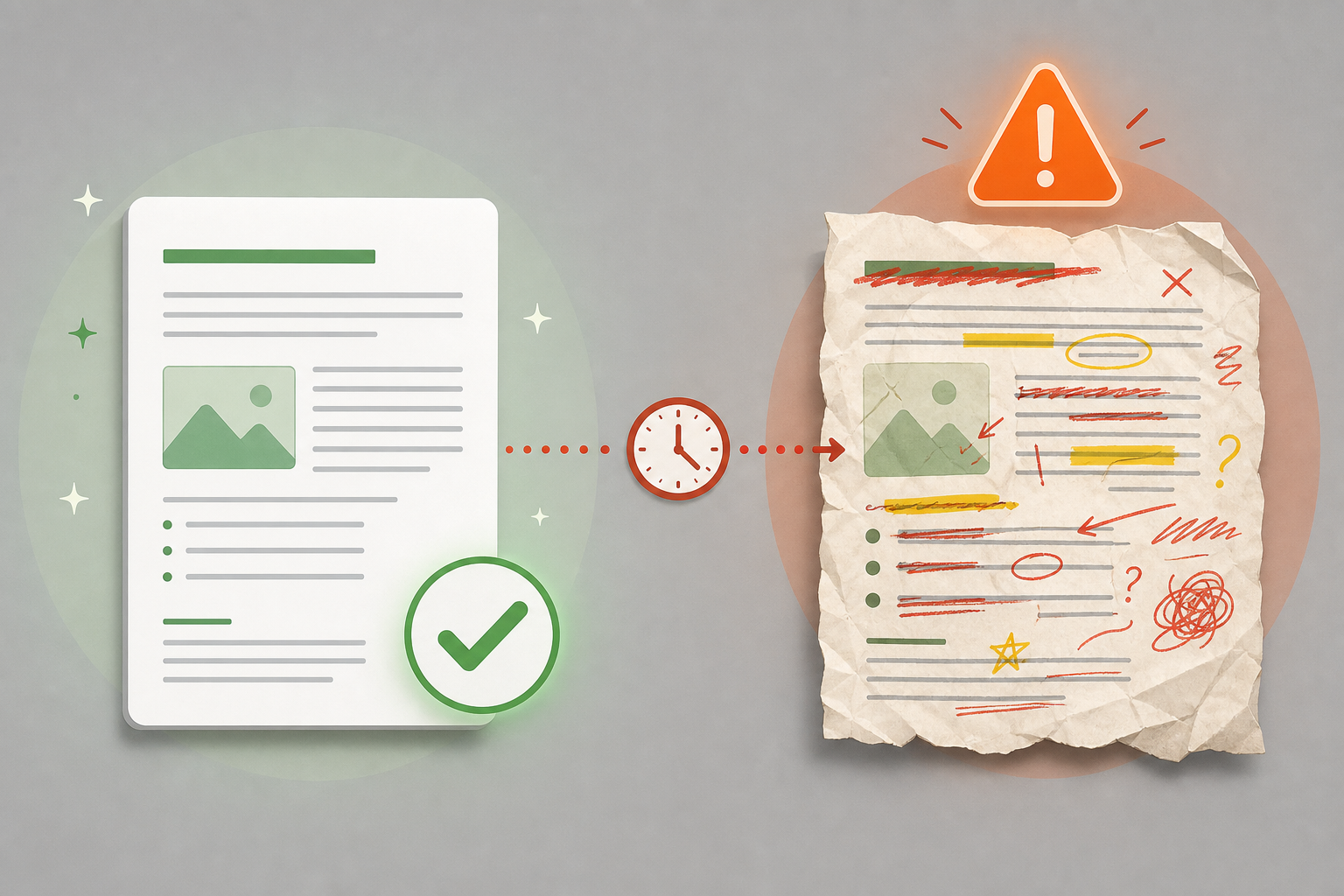
The most important statistic in this entire article is this one: 58% of workers spend three or more hours per week revising or completely redoing AI-generated outputs. That's not a productivity gain — that's a productivity tax. The Zapier research that produced this number also found that 74% of workers have experienced at least one negative consequence from low-quality AI outputs, ranging from embarrassing errors in client communications to costly business decisions based on incorrect information.
This is the "workslop" problem — the hidden cost of poor AI tool selection and misuse. It happens for three main reasons:
- Using general-purpose chatbots for specialized tasks. ChatGPT is great for drafting an email. It is not great for analyzing a complex legal contract, generating accurate financial projections, or writing production-ready code. Yet many workers use it for exactly these tasks, then spend hours fixing the results.
- Lack of prompt engineering skills. Most users type a single sentence and expect a perfect result. Effective AI use requires iterative prompting — providing context, specifying format, requesting revisions, and verifying outputs. Without these skills, the AI produces generic, error-prone content.
- Poor tool-task fit. Not all AI tools are created equal. Using a general chatbot for meeting notes instead of a dedicated meeting assistant, or using a writing tool for data analysis instead of a specialized analytics tool, guarantees poor results and wasted time.
The solution is not to abandon AI — it's to be more intentional about tool selection and usage. For a deeper look at how purpose-built tools outperform general chatbots in specific tasks, see our guide to purpose-built AI productivity tools that outperform general chatbots.
The workslop problem is compounded by the fact that 78% of enterprises are struggling to integrate AI with their existing tech stacks, according to the same Zapier research. When AI tools don't connect cleanly to the systems workers already use, the friction of switching between tools eats into any time savings. This is why integration capabilities — not just feature lists — should be a primary selection criterion.
A Practical Decision Framework: Start Small, Measure, Scale
The evidence points to a clear strategy for avoiding the productivity paradox and the workslop trap. It's not complicated, but it requires discipline:
- Identify your biggest time sink. Look at your calendar and task list. Where do you spend the most time on repetitive, structured, or information-heavy tasks? That's your target. For most knowledge workers, it's email, meeting follow-up, research, or report writing.
- Pick one tool for that category. Don't try to build a full stack on day one. If your biggest time sink is meeting notes, pick one meeting assistant — Granola, Fireflies, or Otter — and use it exclusively for two weeks.
- Use the free tier. Every tool mentioned in this article has a free or trial tier. There is no excuse for paying for a tool you haven't tested in your actual workflow. The two-week test period recommended by DataCamp is a good benchmark.
- Measure before and after. Track how much time you spend on the target task for one week without the AI tool, then for two weeks with it. Be honest about the setup time and the time spent fixing bad outputs. If the net savings are less than 30 minutes per week, the tool isn't right for you.
- Scale only after proving value. Once you've confirmed that one tool saves meaningful time, add a second tool for a different category. The ROI ladder suggests starting with customer service or code review if those apply to your role, then moving to marketing ops, and finally legal or compliance tasks.
This framework is deliberately conservative. It prioritizes proven time savings over feature breadth. It acknowledges that the setup and learning curve for each tool is a real cost that must be recovered through future savings. And it builds in a measurement step that most workers skip — which is exactly why most workers end up in the 58% who spend more time fixing AI outputs than they save.
For a hands-on look at how these tools performed in real-world testing, our team's honest test results from 50+ AI productivity apps provides additional evidence to support your selection process.
Bottom Line: Pick 2-3 Tools That Solve Your Biggest Time Sinks
The AI productivity market in 2026 is a tale of two realities. On one side, 91% of businesses have adopted AI, yet over 80% see no measurable impact. On the other side, workers who choose the right tools for the right tasks save a median of 6.4 hours per week — and top performers save 10 to 12 hours. The difference between these outcomes is not the technology. It's the selection process.
The evidence is clear: general-purpose chatbots used for everything create workslop. Purpose-built tools used for specific, well-defined tasks create real time savings. The cost-per-task reductions — 9x for customer service tickets, 66x for code review — are not theoretical. They are being realized today by workers who have taken the time to match tools to tasks.
The practical path forward is simple but not easy: identify your biggest time sink, pick one tool for that category, test it for two weeks, measure the net time savings, and only then consider adding a second tool. Ignore the hype. Ignore the feature lists. Focus on the one question that matters: "Does this tool save me more time than it costs me to use it?"
For a comprehensive category-by-category comparison of the top AI productivity apps, including detailed pricing and feature breakdowns, see our full comparison of AI productivity apps for knowledge workers.
Comments
Join the discussion with an anonymous comment.