
The fastest way to ruin a promising AI productivity stack is to keep adding tools before anything has earned a permanent job. One app records meetings. Another rewrites notes. A third summarizes the rewritten notes. A fourth promises to automate the follow-up, but only after you fix the formatting, reconnect the Slack integration, and remember which workspace the client brief landed in.
That is the part most “best AI tools for productivity” lists skip: the cleanup. The AI productivity tools market is projected to reach $14.1 billion in 2026 and grow to $36.4 billion by 2033, so the pressure to keep trying one more tool is not going away.[1] But more software does not automatically mean less work. In Zapier’s 2026 AI statistics, 58% of workers said they spend at least three hours per week revising or redoing AI outputs, and 74% said they had experienced at least one negative consequence from low-quality AI outputs.[2]
That hidden tax is where the stack should start. Not with the shiniest model. Not with the longest feature list. Start with the workday moments that repeatedly create drag: meetings, writing, scheduling, research, and handoffs between systems.
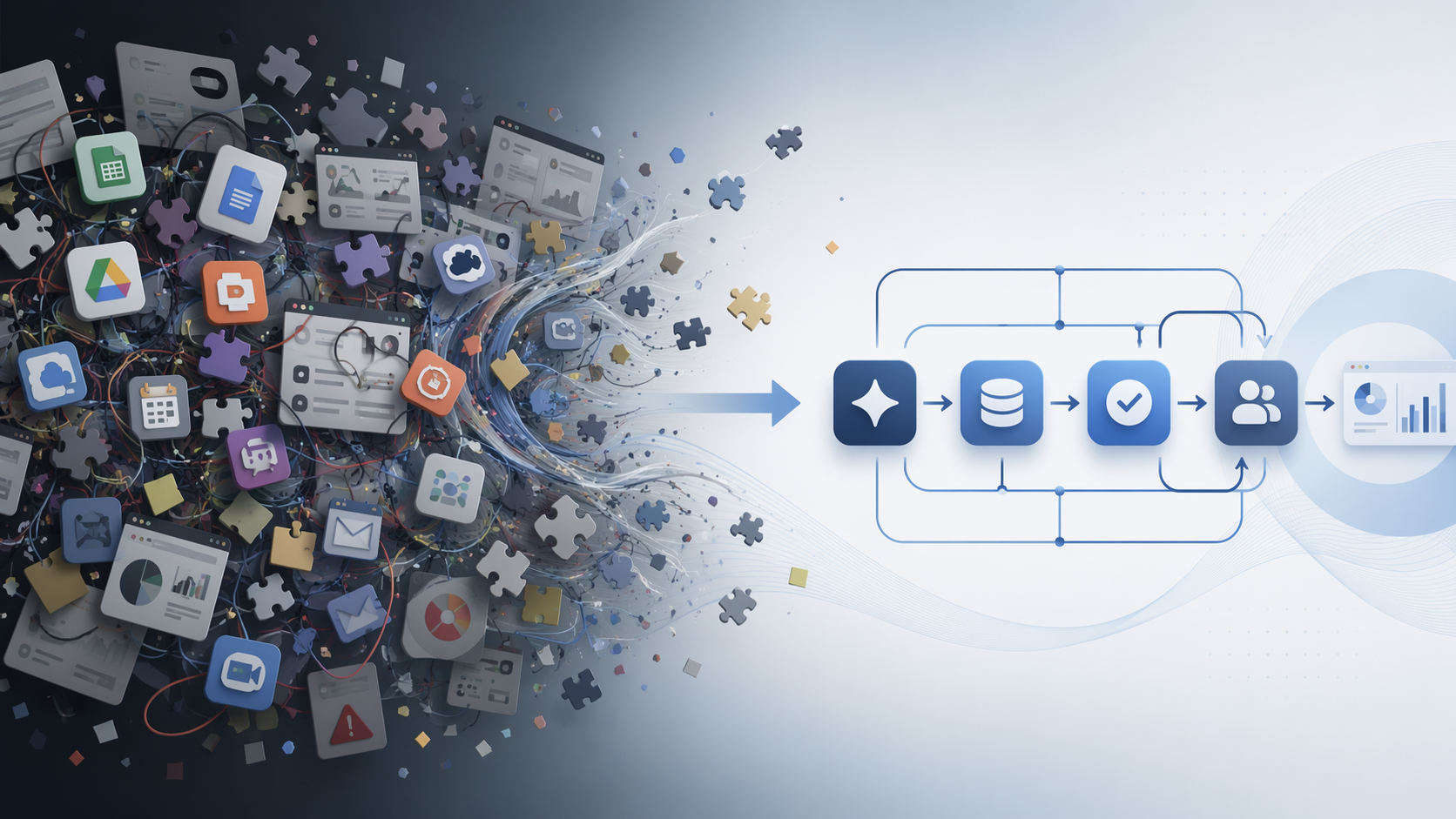
The stack should be built around workflows, not app categories
A usable AI stack has a simple shape: each major workflow gets one owner, and the output from that owner moves somewhere useful. If a meeting assistant produces a transcript that never turns into tasks, it is not saving the day. If a writing tool generates five drafts that all need heavy repair, it is just moving the work into editing. If an automation platform connects everything but requires constant debugging, the automation is now the task.
| Workflow | One tool should own | The output must move to | Main failure to avoid |
|---|---|---|---|
| Meetings | Recording, transcription, summary, action items | Project management, CRM, docs, or knowledge base | Beautiful summaries that still require manual task extraction |
| Writing | Drafting, restructuring, repurposing, editing assistance | Docs, CMS, email, proposal, or collaboration tool | Generic drafts that take longer to fix than to write |
| Scheduling | Calendar prioritization and meeting placement | Calendar, task manager, and availability rules | A smart calendar that ignores how you actually work |
| Research | Source discovery, synthesis, and brief creation | Notes, writing workspace, decision doc, or client brief | Confident summaries without traceable sources |
| Automation | Moving data and triggering next steps | The rest of the stack | Fragile chains that break silently |
This is also where adoption data needs a little discipline. Zapier cites that 88% of companies now use AI, while 92% of enterprise leaders struggle to prove AI ROI.[2] Those two numbers can both be true because adoption is not the same thing as operational maturity. A company can have AI everywhere and still have employees copying summaries into task cards by hand.
The practical filter is integration-readiness. If a tool cannot send its output into the places where work is already reviewed, assigned, approved, or archived, it should be treated as a demo until proven otherwise. Zapier reports that 78% of enterprises struggle to integrate AI with existing tech stacks, which is a much better explanation for AI fatigue than “people are resistant to change.”[2]
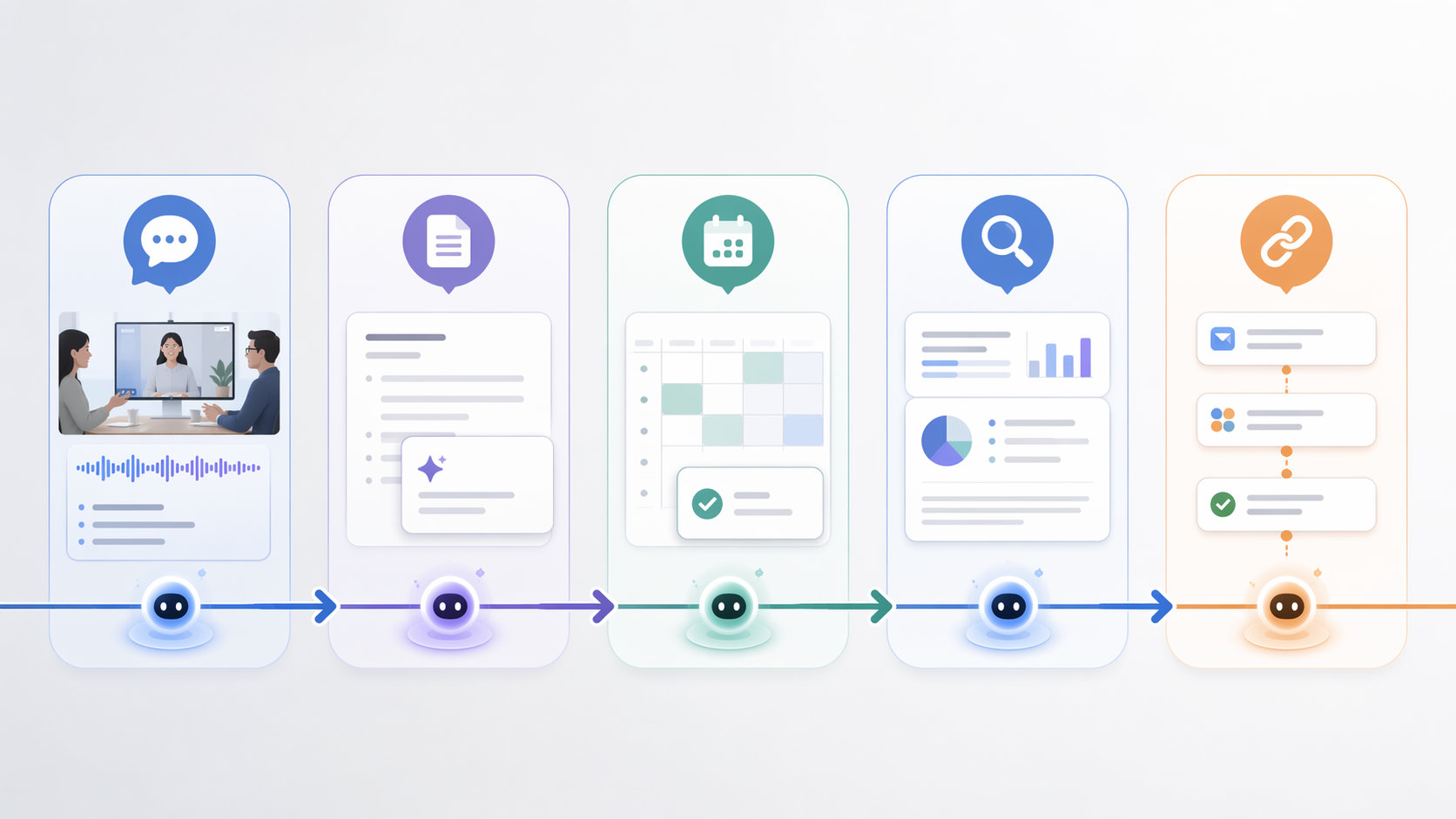
Pick the first tool by finding the biggest recurring time sink
The first AI tool in the stack should not be the one with the broadest marketing page. It should be the one that attacks the most repetitive bottleneck in your week. For one person, that is turning calls into follow-ups. For another, it is turning messy notes into client-ready writing. For a manager, it may be calendar triage. For an analyst, it may be research synthesis.
There is a good reason to be narrow. An MIT Sloan write-up of a BCG field experiment reported that generative AI improved highly skilled worker performance by about 40% when used within the tool’s capability boundary, but performance dropped by about 19% when used outside that boundary.[3] The useful lesson is not that AI is universally good or bad. It is that the match between task and tool matters enough to change the result.
Before adding anything new, write down the one workflow that most often creates cleanup. Use a blunt measure: hours lost per week, missed follow-ups, draft repair time, duplicate data entry, or decisions delayed because information is scattered. If the tool cannot touch that bottleneck directly, it can wait.
Meetings: choose a recorder only if it creates usable follow-through
Meeting tools are tempting because the before-and-after is obvious. You stop taking frantic notes, get a transcript, receive a summary, and feel as if the meeting has been handled. Sometimes it has. Often, it has only been converted into another document that someone still has to process.
Zapier’s 2026 productivity tools guide groups meeting assistants such as Fireflies.ai, Fathom, and Avoma around recording, transcription, summaries, and follow-up workflows.[4] DataCamp’s 2026 roundup uses a similar workflow framing for AI productivity tools, including meeting, writing, scheduling, and knowledge-work use cases.[5] The question is not which one has the prettiest summary. The question is where the summary lands after the call.
For a meeting assistant to earn its place, it should reliably do four things: capture the meeting, identify decisions, separate action items from general discussion, and push those action items into the system where work is actually managed. A consultant may need notes to move into a client workspace. A sales team may need call details in the CRM. A project lead may need tasks created in Asana, ClickUp, Linear, or Notion.
This is where a narrow tool can beat a broader one. A meeting assistant that integrates cleanly with your calendar, video platform, CRM, and project system is more valuable than a more impressive assistant whose output sits in a separate dashboard. The dashboard becomes another inbox. Inboxes multiply. Then someone spends Friday afternoon reconciling “AI-generated action items” with the actual project board.
If meetings are the bottleneck, start here and resist the urge to install three note-takers at once. Run one assistant across recurring internal meetings, client calls, and one-off conversations for a full evaluation period. The test is not whether it summarizes accurately once. The test is whether people stop asking, “Who was going to do that?”
Writing: assign one tool to the draft, but keep humans responsible for judgment
Writing tools can save serious time when they are used for the right slice of the job: outlining, restructuring, turning notes into a first draft, adapting tone, generating variants, or compressing a messy document into something readable. They become expensive paste generators when they are asked to produce finished thinking from vague prompts.
The repair tax matters most here. If 58% of workers are spending at least three hours a week revising or redoing AI outputs, writing workflows are one of the obvious places to look for the leak.[2] A writing assistant that produces a longer document faster is not helping if the editor then has to hunt down unsupported claims, flatten generic phrasing, and restore the actual point.
The cleanest writing setup usually has one primary drafting space. That might be ChatGPT, Claude, Gemini, Notion AI, Microsoft Copilot, Google Workspace AI, or another tool already embedded in your document environment. Zapier and DataCamp both organize these tools by practical work categories rather than treating every chatbot as interchangeable.[4][5] That distinction matters because a writing assistant living inside the document workflow has less distance to travel than a separate app that requires constant copying, pasting, and version cleanup.
Use the writing tool for defined handoffs: meeting notes into recap email, research bullets into outline, rough outline into first draft, long draft into executive summary, customer notes into proposal sections. Avoid giving it ownership of the final claim unless the source material is available and reviewable. The person publishing, sending, or approving the work still owns the judgment.
A good writing workflow also has a deletion rule. If a generated paragraph creates more verification work than it saves, delete it instead of polishing it out of guilt. The point of the tool is to reduce blank-page and restructuring time, not to fill the workspace with sentences that now need supervision.
Scheduling: let the calendar tool protect attention, not just fill gaps
Scheduling AI looks simple from the outside: find open time, move meetings, arrange tasks. In practice, calendar automation is one of the easiest places to create a stack that feels clever and behaves badly. A tool can technically find availability while still destroying the day by scattering deep work into unusable fragments.
The scheduling tool should be judged by rules, not novelty. Can it respect focus blocks? Can it distinguish movable tasks from fixed commitments? Can it handle different calendars? Can it coordinate with meeting-booking links without creating conflicts? Can it recover gracefully when a day blows up?
Tools such as Motion, Reclaim, and Clockwise commonly appear in AI productivity roundups for calendar and task optimization.[4][5] They should not all be installed together. Pick the one that matches the calendar problem you actually have. If your calendar is controlled by team meetings, optimization around focus time may matter most. If your issue is personal task overload, task scheduling may matter more. If external booking is the mess, availability management may be the real category.
The output of scheduling AI is not a document. It is the shape of the week. That makes bad automation unusually costly. A poor writing draft can be deleted. A poor calendar setup quietly spends your attention before you notice.
Research: require traceable sources before you trust the synthesis
Research tools are useful when they shorten the distance between question and usable brief. They are risky when they replace source judgment with fluent summaries. For productivity work, the goal is not to outsource curiosity. It is to stop losing time reopening the same tabs, rebuilding the same context, and re-summarizing the same material for every draft or decision.
For research workflows, integration-readiness has a different meaning. The tool should preserve source links, expose enough context to verify claims, and make it easy to move findings into the writing or knowledge-management system. If a research assistant gives a clean answer without a source trail, it may be fine for orientation. It should not become the basis for a client recommendation, market claim, or published statistic.
Perplexity, ChatGPT, Claude, Gemini, Elicit, and similar research or synthesis tools appear across 2026 productivity tool guides, but the category boundaries are not identical across roundups.[4][5] That is another reason to choose by job-to-be-done rather than by label. Literature review, market scanning, competitive research, and internal knowledge retrieval have different failure modes.
A durable research workflow usually looks like this: capture the question, gather source-backed notes, separate facts from interpretation, move the useful findings into a brief, and only then use a writing tool to turn the brief into an output. Skipping the brief is how research turns into a pile of attractive but unreviewed paragraphs.
Automation: connect the stack only after the individual pieces behave
Automation is where an AI productivity stack either compounds or collapses. A good automation removes handoffs: meeting action items become tasks, form submissions become CRM records, signed deals create onboarding checklists, research briefs notify the right channel, and approved drafts move into publishing workflows. A bad automation moves broken output faster.
Zapier’s productivity guide naturally emphasizes automation because Zapier sits in that layer, while other guides such as DataCamp’s and Lovable’s frame productivity tools around broader workflow fit.[4][5][6] The useful overlap is this: automation should serve an existing workflow. It should not become a parallel operating system that only one person understands.
Do not automate a workflow you have not manually cleaned up. If meeting summaries are inconsistent, automating task creation will create inconsistent tasks. If lead notes are sloppy, automating CRM updates will spread the slop. If AI-written briefs are not reviewed, automating document routing only makes unreviewed work travel farther.
For many teams, the automation decision comes down to Zapier, Make, n8n, or native automations inside tools they already use. The right choice depends on how technical the team is, how much control it needs, and whether the workflows are simple app-to-app triggers or more complex multi-step logic. If that is the bottleneck, use a focused comparison such as Zapier vs Make vs n8n rather than turning the whole productivity stack into an automation-platform debate.
The chain matters more than any single app
A stack starts to feel lighter when the outputs stop getting trapped. The meeting assistant should create source material for writing, tasks, CRM updates, or knowledge capture. The research tool should feed briefs. The writing tool should turn approved inputs into usable drafts. The scheduling tool should protect the time needed to finish the work. The automation layer should move the pieces without making people babysit every transfer.
A simple chain might look like this: Fireflies captures a client call, the summary and transcript move into Notion, action items are assigned in a project tool, Motion or another scheduling tool protects time for the deliverables, and Zapier moves key client updates into the CRM. That is not the only valid stack. It is just the kind of stack that has a direction. Each output has somewhere to go.
For a deeper version of that handoff logic, see how to build integrated AI workflows that actually save time or the workflow-design framework in How to Design an AI Workflow That Actually Saves You Time. The important move is to design the transfer before adding the next subscription.
A practical selection filter for each workflow
Most teams do not need fifty AI tools. They need a small number of tools with jobs clear enough that everyone knows when to use them and where the output goes. Coursiv’s 2026 guide warns that “two or three well-mastered tools deliver more value than a dozen barely used ones,” which is the right level of suspicion for this market.[7]
| Selection question | What a good answer looks like | What should make you pause |
|---|---|---|
| What exact bottleneck does this remove? | A recurring task with visible time cost | A vague promise to make work smarter |
| Where does the output go? | Into an existing calendar, doc, CRM, task board, or knowledge base | Into a separate dashboard people must remember to check |
| How much repair does it create? | Outputs need review, not reconstruction | Outputs are fast but frequently wrong, generic, or badly formatted |
| Who owns the review? | A clear person or role checks the result before it affects customers or decisions | Everyone assumes someone else looked at it |
| Can it be removed cleanly? | Data can be exported and workflows can continue | The tool becomes a fragile dependency before proving value |
If you want a broader category comparison, use Best AI Productivity Apps in 2026. If cost is the deciding factor, compare likely payback with AI productivity tools ranked by actual ROI and payback period. Those comparisons are useful after the bottleneck is clear. Before that, they mostly make the shortlist longer.
Give the stack 30 days to prove it saves measurable time
A 30-day trial is long enough for the novelty to fade and the workflow friction to show up. During that period, do not measure the tool by how impressive it feels on day one. Measure whether it reduces the bottleneck you chose.
- For meetings, count whether action items are captured and assigned without manual reconstruction.
- For writing, compare draft-to-publish time, not just draft-generation speed.
- For scheduling, look at whether focus time survives the week.
- For research, check whether claims remain traceable to sources.
- For automation, count exceptions, broken handoffs, and manual fixes.
The cutoff should be boring and strict. If a tool does not save measurable time, reduce rework, or improve handoff quality within the trial window, remove it. If two tools overlap, keep the one that fits the existing workflow with less supervision. If a tool works only when one enthusiast maintains it, it is not part of the stack yet; it is a personal experiment.
This is the difference between using AI tools for productivity and collecting AI tools as a hobby. Identify the biggest time sink. Assign one owner to each major workflow. Chain the outputs so work moves forward. Then let the stack earn its place in the calendar, not in the imagination.
References
- AI Productivity Tools Market Size, Trends Report, 2026-2033 — Grand View Research
- 83 AI statistics to boost your growth in 2026 — Zapier
- How generative AI can boost highly skilled workers' productivity — MIT Sloan
- The best AI productivity tools in 2026 — Zapier
- The 18 Best AI Tools for Productivity in 2026 — DataCamp
- Best AI Productivity Tools 2026: 9 Game-Changing Apps — Lovable
- Review and Comparison of the Best AI Tools for Productivity in 2026 — Coursiv
Comments
Join the discussion with an anonymous comment.