
Using Anthropic Claude for note-taking taught me the thing I least wanted to admit: the most tempting request is usually the damaging one. “Turn this into notes for me” feels efficient because it produces something clean. It also quietly removes the part of note-taking that makes the note worth finding later: choosing, compressing, disagreeing, naming, and leaving behind enough of your own thinking that the future version of you can trust the file.
Claude is excellent at making raw material look finished. That is exactly why it needs a boundary. The notes I can actually reuse are the ones where I did the first pass myself and asked Claude to help after the archive already had a shape. When I let Claude substitute for that first pass, the result was searchable text with very little memory attached to it.
The Furret Blog put the rule more sharply than I had: keep human notes and AI notes in separate directories, and do not invite AI into the system until there is already about a month of daily notes written by the person using it.[1] That sounds fussy until you clean up a few weeks of AI-polished sludge and realize the fussy rule was protecting the useful part.
The first lesson: an AI summary is not a note
A note is not just a smaller version of a source. It is evidence that you met the material and made decisions about it. You noticed one claim was load-bearing. You wrote down the phrase that bothered you. You connected a lecture to a client call, or a book to a bug you keep reintroducing, or a meeting to the thing nobody wanted to say out loud.
Claude can produce a tidy outline from a transcript, article, PDF, or meeting dump. Sometimes that outline is useful as an orientation layer. But if it replaces the human pass, it creates a record that looks like learning and behaves like outsourcing. The future reader gets polished bullets without knowing what mattered to the past reader.
That difference matters most when the stakes are small enough to fool you. Before a meeting, an AI-generated brief can sound adequate. A month later, when you need to know why you changed your mind, what you promised, or which objection felt unresolved, the missing human texture becomes expensive.
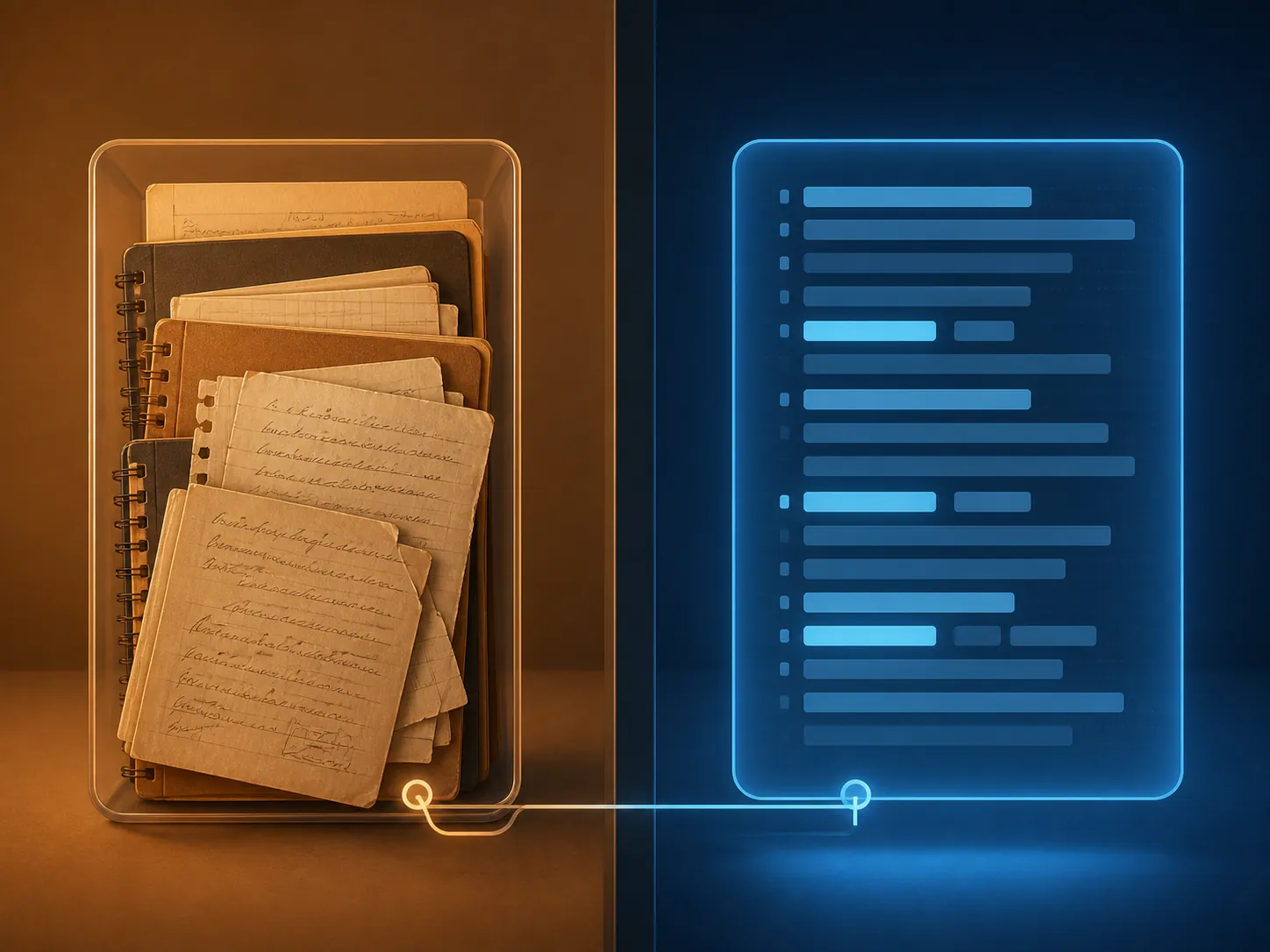
The separation I settled on is simple. Human notes live where they have always lived. AI output is labeled as AI output and stored separately, or pasted below a divider with its status made obvious. If Claude suggests a connection that is worth keeping, I rewrite it into my own note. I do not let the generated paragraph become the note of record.
The working distinction: Claude as note-taker versus Claude as synthesis layer
Most of the hype collapses these two jobs into one. In practice, they behave differently enough that they deserve separate names.
| Use | What happens | What I trust it for |
|---|---|---|
| Claude as note-taker | Claude turns source material into finished-looking notes before I have done much selection or interpretation. | Occasional orientation, not the durable note. |
| Claude as synthesis-and-retrieval layer | Claude works on notes I already wrote, then helps summarize, compare, retrieve, question, or connect them. | Finding patterns, preparing from an archive, and stress-testing my own thinking. |
The second version is where Claude became useful. AI Codex describes a practical personal knowledge workflow where quick capture feeds Claude for structure and connections to prior material, while warning that Projects are useful containers rather than full databases.[2] That matched my experience: Claude helped when it was downstream of capture and writing, not when it tried to become the place where thinking started and ended.
A normal session now looks less glamorous than the demos. I capture the thing, write the rough note, store it in the right place, then ask Claude to work against that material. The order is the point.
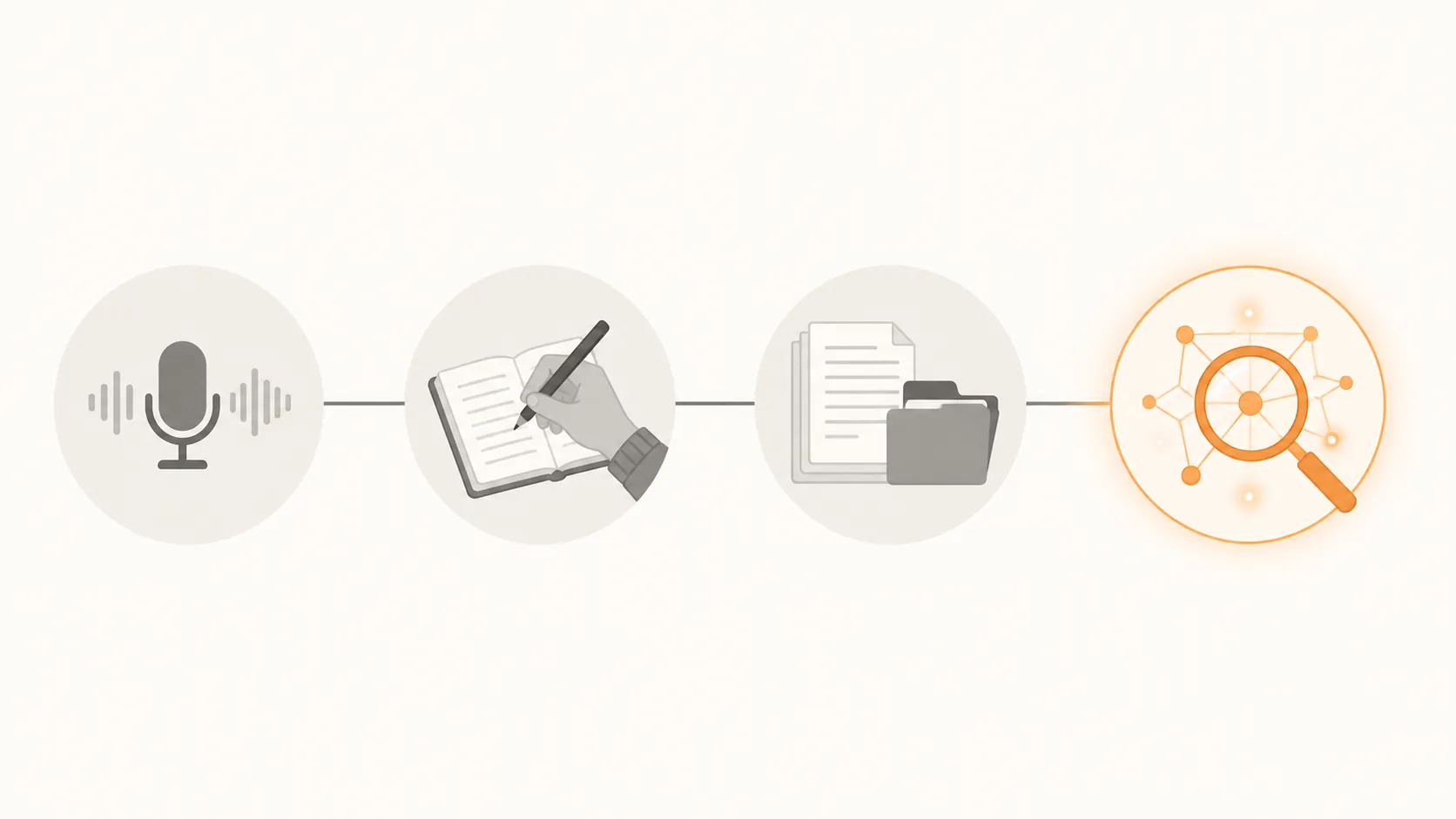
| Stage | Job | Claude's role |
|---|---|---|
| Capture | Get the raw thought, meeting residue, or reading fragment out of short-term memory. | Optional, and only as rough intake. |
| Write | Turn the raw material into a note with my own wording, emphasis, and uncertainty. | Usually absent. |
| Store | Put the note in the system I can back up, export, migrate, and repair. | Not the source of truth. |
| Synthesize and retrieve | Ask for patterns, conflicts, missing context, related notes, or preparation for a concrete use. | Very useful. |
Voice capture helped only after I stopped treating it as dictation into my vault
Voice is good for intake because friction kills capture. A thought while walking, a post-meeting brain dump, a reading reaction that will evaporate in ten minutes — those are good candidates for speech. AI Codex’s version of the loop is roughly: capture by voice, paste into Claude, ask for structure, then connect the cleaned-up material to prior notes.[2]
The boundary matters here too. Claude’s voice mode is a two-way conversation feature, not a clean dictation pipe into a personal vault. Anthropic describes voice mode as a way to speak with Claude, with transcripts saved to chat history; as of the current beta documentation, that is different from recording a note and automatically filing it in Obsidian, Notion, Apple Notes, or a local folder.[3]
So I treat spoken material as rough capture. If the thought matters, it still has to pass through the writing step. Claude can pull out action items, questions, names, contradictions, or a possible outline. Then I decide what enters the archive. Readers mainly chasing hands-free capture may be better served by a dedicated dictation setup first; the site’s Mac dictation workflow guide is closer to that problem than Claude’s chat-first voice mode.
Projects are useful workspaces, not a life database
Claude Projects are at their best when the boundary is obvious: one article, one client, one course, one research area, one recurring responsibility. Put the relevant source material there, ask questions against it, and keep the conversation scoped. If you need a refresher on the basic Claude layers before building around them, start with the site’s Claude productivity profile rather than trying to reverse-engineer the app from a note-taking workflow.
The trouble starts when a Project becomes a pretend vault. AI Codex is blunt that Projects do not behave like a database: no tagging system, no structured query layer, and no reliable cross-project recall for a whole personal knowledge system.[2] Anthropic’s own documentation says Projects are isolated from each other, which is helpful for focus and a hard limit if you expect one searchable memory across everything.[4]
Memory does not erase that limit. As of Anthropic’s mid-2026 support documentation, Claude’s newer memory experience is available to Free, Pro, and Max users and can write memories in real time, while the legacy Team and Enterprise experience uses overnight summaries; that distinction is dated because the product is moving quickly in Q3 2026.[4] I would not design a note system around the assumption that those boundaries will stay exactly where they are.
For comparison shopping, the site’s Claude Projects versus ChatGPT Projects piece is the better place to weigh container behavior. For note-taking, the simpler rule is enough: use Projects as scoped workspaces, not as the only map of your notes.
The strongest version kept the files local
The best Claude note-taking setup I found was also the least magical: plain-text notes in a local archive, with Claude invited to inspect them from the outside. This is where Obsidian and Claude Code become interesting, not because Obsidian is mandatory, but because Markdown files make the ownership line visible. The note is a file. The folder can be backed up. The links can be inspected. If the AI goes away, the archive is still there.

XDA’s Obsidian experiment framed Claude Code in this role as “the local NotebookLM I was looking for,” after connecting Claude Code to a vault of plain-text notes.[5] Darren Rowse described a similar shift after connecting Claude Code to his Obsidian vault: the notable part was not just speed, but that “The real shift was in how I related to my own thinking,” and he reported auditing around 1,000 notes in about 10 minutes.[6]
That is the positive case I take seriously. Claude can scan across notes faster than I can, notice repeated language, surface neglected threads, propose index notes, identify empty claims, or show where a project’s vocabulary drifted over months. The user still has to decide what is true, what is useful, and what deserves to be written back.
The cost and trust barriers are real. Claude Code is not the casual free-chat version of Claude; it requires Pro at $20/mo and comfort with file permissions. Some note-takers should not grant an AI coding tool access to their vault, even read-only, if they are not prepared to understand what it can see and change. If the subscription tradeoff is the sticking point, the site’s Claude cost breakdown for note-taking is the more direct read.
This is also where my own bias shows. I trust systems I can open in a text editor and repair under mild stress. If your life is in Apple Notes, Notion, or Evernote, a local Markdown vault may feel like a detour rather than liberation. The principle still transfers: Claude can be useful around an archive, but the archive should remain legible without Claude.
Export and privacy are workflow facts, not footnotes
The claim that Claude “kills” note-taking apps falls apart the moment export enters the room. Anthropic’s export process for Claude data is an all-or-nothing ZIP delivered by email, and the download link expires after 24 hours; Anthropic also says users cannot import exported data into another personal account.[7] That is not a vault migration strategy. It is an account export.
Voice mode adds another small but important constraint: because transcripts are saved to chat history, a spoken exchange with Claude is still a Claude conversation unless you deliberately move the useful parts elsewhere.[3] If your note-taking habit depends on future export, search, or migration, that distinction changes behavior.
Privacy policy details also belong in the architecture, not in a settings tour you read once and forget. Anthropic’s data-retention documentation says that when users opt in to model training, de-identified data may be retained for up to 5 years; it also says deleted conversations are purged from backend systems within 30 days.[8] Those facts do not mean every note is unsafe. They do mean Claude should not become the only home for sensitive, unfinished, or irreplaceable thinking.
This is why I treat Claude dependency as part of note design. If Claude is down, rate-limited, unavailable, changed, or no longer affordable, the notes still need to work. The site has separate pieces on Claude outages and note-taking migration and what to do when Claude is down because this is not theoretical inconvenience. It is the difference between a tool that helps retrieve your thinking and a tool that has become the place your thinking is trapped.
For readers deciding between cloud-first and local-first systems, the broader Notion-to-Obsidian AI safety migration guide covers the architecture question more directly. The Claude-specific version is simple: do not let chat history become your only archive.
The rule I ended with
Claude is worth using for note-taking when it enters late and leaves evidence of what it changed. It is not worth using when it lets me skip the only part of note-taking that makes the note belong to me.
- Write the first durable note yourself, even if it is ugly.
- Keep human notes and AI-generated material visibly separate.
- Use voice as rough capture, not as an automatic vault pipeline.
- Use Projects for bounded work, not as a searchable database of your whole life.
- Let Claude synthesize, retrieve, question, and connect notes you already wrote.
- Keep the only copy of your thinking somewhere you can export, back up, inspect, and migrate without Claude.
That is the lesson the hype usually skips. Claude can make a note system more useful, but only after the system is already yours.
References
- Not note taking with Claude, Furret Blog, March 9, 2026.
- Using Claude for note-taking and personal knowledge management, AI Codex.
- Use voice mode, Anthropic Support.
- Use Claude's chat search and memory to build on previous context, Anthropic Support.
- I put Claude Code inside Obsidian, and it was awesome, XDA, February 7, 2026.
- How I Connected Claude Code to My Obsidian Vault: A Guide for Non-Coders, Darren Rowse, May 2026.
- Export your Claude data, Anthropic Support.
- How long do you store my data?, Anthropic Privacy Center.