
Last verified: August 25, 2026. Perplexity AI is useful for research and note-taking if you define “note-taking” narrowly: it can search, synthesize, keep related research threads together, accept project-level files and instructions, and export cited answers into another system. It should not be treated as your source of record. In the strongest independent citation audit available, Perplexity and Perplexity Pro gave incorrect answers to 37% of tested news-citation queries, even though that was the lowest error rate among the eight AI search engines tested.[1]
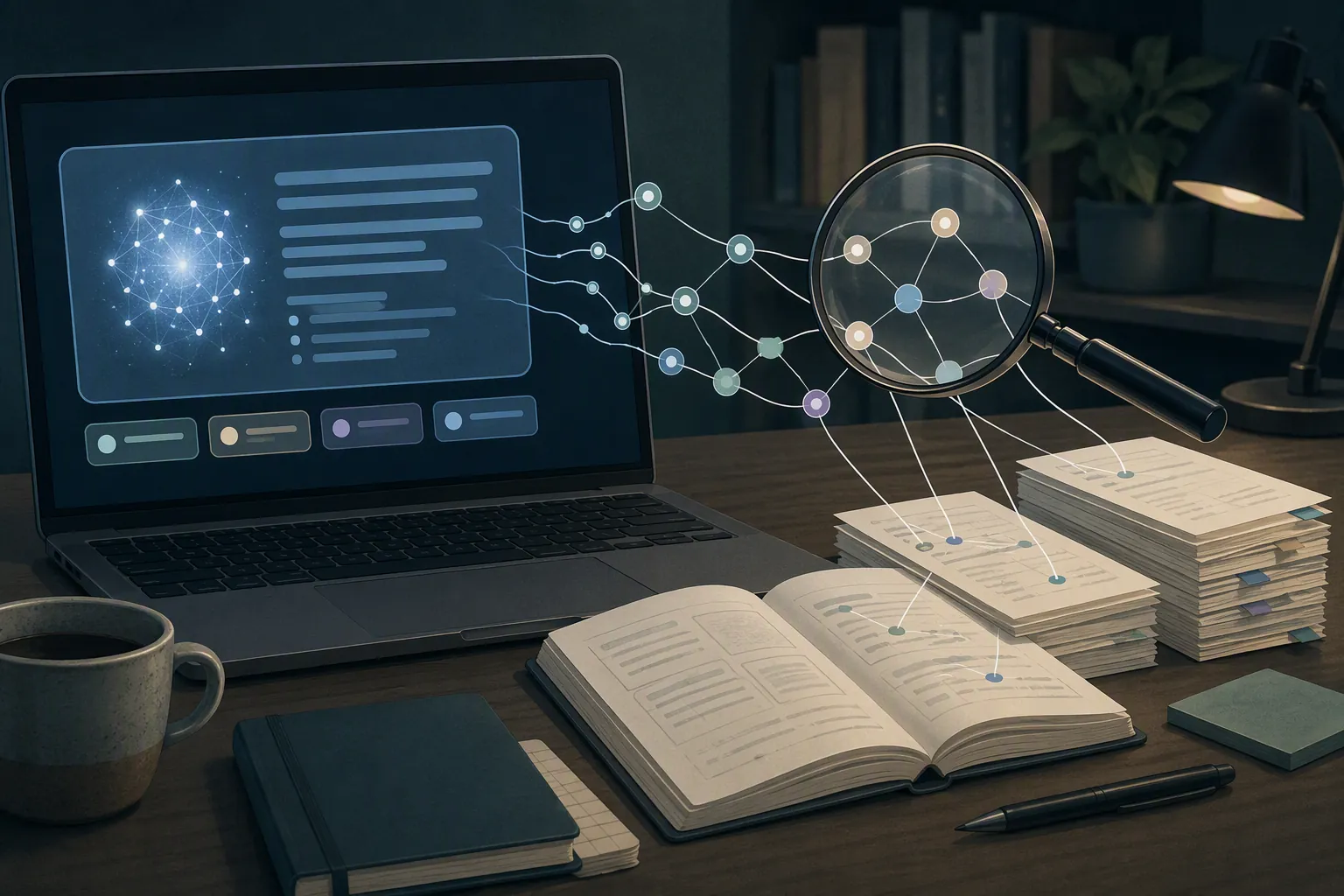
That makes Perplexity a good front door for discovery, not a final library. If you already keep durable notes in Obsidian, Notion, Apple Notes, Evernote, Logseq, OneNote, or a citation manager, Perplexity can sit in front of that stack. It can help find the first sources, compress a messy topic, and produce exportable material. The work that still belongs to you is deciding which claims are worth keeping and checking every citation before it enters a literature review, client memo, article draft, or permanent note.
| Question | Current answer |
|---|---|
| What is it best at? | Cited answer generation, source discovery, topic compression, and follow-up research. |
| What research modes matter? | Standard search, Pro Searches, and Deep Research. Perplexity says Deep Research runs dozens of searches, reads hundreds of sources, and completes most tasks in under 3 minutes; treat those as vendor claims, not independent field evidence.[2] |
| What note features exist? | Projects, formerly Spaces, are persistent workspaces with files, custom instructions up to 8,000 characters, Brain memory, and up to 5 collaborators on non-Enterprise plans.[3] |
| What about older organization features? | Collections group related research threads and can apply per-collection prompts; older first-hand accounts and launch coverage are still useful for understanding the feature lineage, but the naming has moved.[4][5] |
| Can it export notes? | Thread export to Markdown, PDF, and DOCX can preserve prompts, answers, formatting, and clickable citations, which makes it practical as a handoff into a real note system.[6] |
| What does it cost? | Official materials currently describe Free, Pro, Max, Education Pro, and Enterprise options; the official help center lists Free caps of 3 Pro Searches per day and 1 Research query per month, Pro at $20/month, Max at $200/month, and Education Pro at $10/month with SheerID verification.[7] |
| Main caveat | Citations are checkable, not automatically correct. Verification is part of the workflow, not an optional cleanup step. |
What Perplexity is actually doing for research
Perplexity’s basic appeal is simple: ask a question, get a compressed answer, and see source links beside the claims. For a student starting a literature review or an analyst mapping a new market, that is meaningfully faster than opening a blank search tab and building the first source list by hand.
The useful part is not that the answer sounds polished. Polished answers are cheap now. The useful part is that Perplexity keeps the research act visible: a query leads to cited material, follow-up questions branch from the same thread, and related searches can be grouped instead of disappearing into browser history.
Deep Research pushes this further. Perplexity’s launch post says the mode performs dozens of searches, reads hundreds of sources, and generates a more complete report, with most tasks completed in under 3 minutes. The same post reports vendor benchmark scores of 21.1% on Humanity’s Last Exam and 93.9% on SimpleQA.[2] Those numbers are worth knowing because they explain the product’s ambition. They should not be mistaken for proof that a Deep Research report is citation-clean in ordinary academic, journalistic, or business use.
Perplexity also has Pages, a publishing-oriented feature for turning research into shareable outputs.[8] Pages matter less for private note-taking than Projects and exports, but they show where the product is pointed: not only toward answering questions, but toward packaging the result.
For category placement, Perplexity belongs closer to the research layer than to the long-term writing layer. If you are comparing it with general assistants, the better handoff is our AI tools comparison, not a notes-app replacement chart.
The citation problem is the center of the decision
The most important evidence on Perplexity for research is not a feature announcement. It is the Tow Center for Digital Journalism and Columbia Journalism Review audit published in February 2025. The researchers ran 1,600 queries across 20 publishers and compared eight AI search engines on how they cited news content.[1]
Perplexity and Perplexity Pro answered 37% of queries incorrectly. That was the lowest incorrect-answer rate among the tested tools; Grok 3 was reported at 94%.[1] The “lowest” part matters because it prevents the lazy conclusion that Perplexity is uniquely bad. The 37% part matters more for anyone moving answers into notes. A tool can lead its category and still be wrong often enough that you cannot paste its citations into a bibliography, client deck, or annotated reading note without checking them.

The audit also found that paid versions of the AI search engines were more likely to provide confidently incorrect answers than free versions.[1] That is the uncomfortable pricing wrinkle. Paying for a better research experience may give you more capacity, richer models, or deeper reports, but it does not remove the need to verify. In some cases, the answer may simply arrive with more polish and more confidence.
Two failure modes are especially important when using Perplexity AI for research and note-taking.
- Misattribution: the claim may be broadly right, but the displayed source is not the source that supports it. This is dangerous because the note looks verifiable until you open the link.
- Fabrication: the claim, the citation, or both may be wrong. This is worse because the answer can create research work that did not need to exist.
Those categories are a practical synthesis of what the citation audit exposed and what third-party explainers describe about answer generation and citation behavior. ZipTie’s discussion is useful for understanding the mechanics, but it is a vendor blog, so its quality-threshold and traffic claims should be treated as directional rather than independent measurement.[9]
This is the rule I would use: a Perplexity citation is an invitation to inspect a source, not evidence that the source supports the sentence beside it.
Broad source retrieval is real, but it does not settle accuracy
There is also stronger evidence for Perplexity’s retrieval breadth than for citation reliability. A 2025 arXiv study by Yang examined 366,087 citations and found that Perplexity cited 1,430 unique news sources, compared with Google’s 881 and OpenAI’s 707. The same study found that 89.7% of Perplexity’s cited news sources were rated high-quality.[10]
That supports a narrower, useful conclusion: Perplexity can surface a broad set of generally reputable news sources. It does not prove that each answer attaches the right citation to the right claim. Retrieval diversity and citation accuracy are related, but they are not the same measurement.
For research workflows, that distinction is everything. A broad retrieval layer helps during discovery: it gives you more places to look, more institutional sources to inspect, and more ways to phrase follow-up questions. Citation accuracy matters at the moment a claim leaves Perplexity and enters your notes. The first is about finding material. The second is about whether you can stand behind the note later.
Industry-wide monitoring points in the same cautious direction. NewsGuard’s August 2025 AI False Claim Monitor reported false claims in 35% of news-prompt responses across 10 leading AI tools, up from 18% a year earlier.[11] That figure is not Perplexity-specific, so it should not be used as a Perplexity score. It does show that the broader AI-answer market has not solved factual reliability just because answers now arrive with source-shaped furniture around them.
Where the note-taking layer helps
Perplexity’s note-taking features are most useful before the note becomes permanent. They organize research sessions, preserve context, and make handoff easier. That is not trivial. A messy research process loses sources, repeats searches, and leaves useful threads stranded in a browser tab. Perplexity is good at reducing that early-stage friction.
Projects keep a research context alive
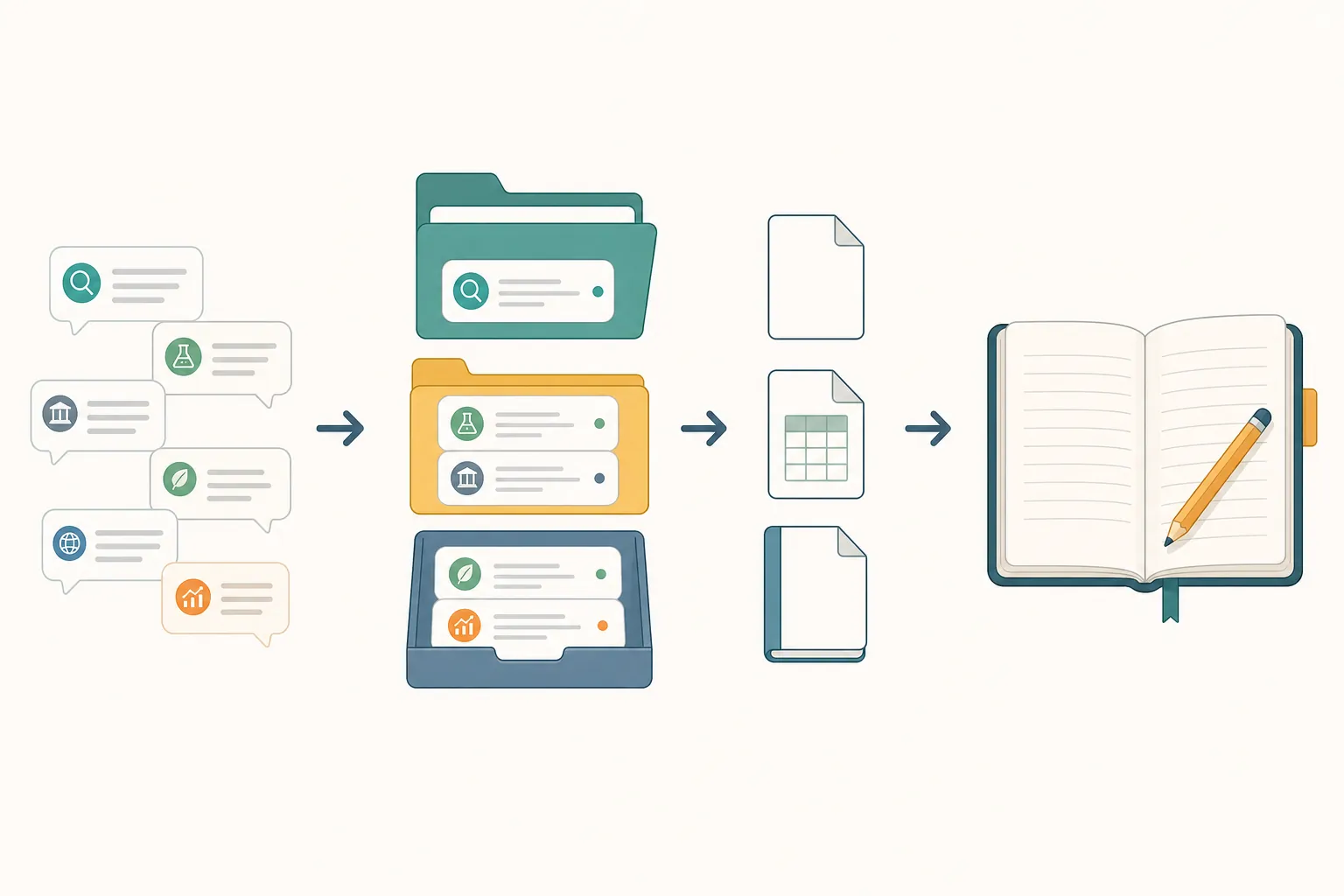
The current help center documents Projects as persistent workspaces. A Project can include uploaded files, custom instructions up to 8,000 characters, Brain memory, and up to 5 collaborators on non-Enterprise plans.[3] The old Spaces URL still resolves to the Projects documentation, which is a small but real sign of Perplexity’s naming churn.[3]
In practice, a Project is where you would keep the standing context for a recurring research area: the audience, preferred source types, definitions to use, documents to consult, and collaborators who need the same thread history. That is useful for an analyst working on a sector brief or a student tracking a semester-long topic.
It is still not the same thing as a durable editor. A real note system usually gives you stable linking, long-term organization, revision habits, local or account-level export expectations, and a place where your own synthesis accumulates over years. A Project is a research workspace. It is not a personal knowledge base by itself.
Collections are the older thread-organizing idea
Collections were introduced as a way to organize and share AI research threads, with per-collection prompts that could shape how Perplexity answered within that group.[4] A first-hand Hulry account from 2024 is still useful for seeing how Collections felt in actual use, especially for grouping related searches, but it predates the current Projects naming and newer research features.[5]
The important continuity is the workflow pattern: Perplexity wants research to be more than one-off chat. Threads can belong together. Instructions can persist. A user can return to a topic without rebuilding all context from scratch.
Exports are the bridge into a real note stack
Export is the feature that makes Perplexity credible as a research front-end. XDA’s workflow account describes exporting Perplexity threads to Markdown, PDF, and DOCX while preserving prompts, answers, formatting, and clickable citations.[6] Markdown matters because it is easier to move into tools such as Obsidian, Logseq, Bear, or a plain-text archive.
Clickable citations are convenient, but they do not turn the exported file into a checked note. The better workflow is to export, open the cited links, mark which claims survived inspection, and only then promote the useful parts into permanent notes.
If Markdown fidelity is the part you care about, the mechanics overlap with the issues in our ChatGPT-to-Obsidian export guide: headings, links, citations, and copied formatting all matter more once the AI output is leaving the app.
A workable Perplexity-to-notes flow
The safest Perplexity workflow is short and a little strict:
- Start with a research question, not a request for a finished argument.
- Ask Perplexity to map the topic, identify major sources, and separate consensus from open disagreement.
- Use follow-up searches to chase specific claims, not to make the first answer longer.
- Open every source attached to a claim you plan to keep.
- Export the useful thread to Markdown, PDF, or DOCX.
- Move only verified claims, source notes, and your own synthesis into the permanent note system.
The key handoff is between steps 4 and 6. Before verification, a Perplexity answer is research material. After verification and rewriting, it can become a note. Skipping that distinction is how a fluent answer turns into a future cleanup job.
For a more durable setup around research notes, use Perplexity alongside a system built for long-term retention. Our research-notes setup guide is the better place to think about folders, source notes, working notes, and synthesis notes.
Pricing, limits, and the plan decision
As of the August 18, 2026 official help-center update, Perplexity’s plan comparison describes Free, Pro, Max, Education Pro, and Enterprise tiers. The help center lists Free with 3 Pro Searches per day and 1 Research query per month; Pro at $20/month; Max at $200/month; and Education Pro at $10/month with SheerID verification.[7] Perplexity’s pricing page also presents the current official plan structure and Pro positioning.[12]
| Plan | Best read for research use |
|---|---|
| Free | Good enough to test answer quality, citation behavior, and whether Perplexity fits your search habits. Official help-center limits include 3 Pro Searches/day and 1 Research query/month.[7] |
| Pro | The main individual paid tier at $20/month. Consider it if Perplexity is becoming a daily discovery tool, but do not buy it expecting citations to become self-verifying.[7] |
| Max | A much higher-priced tier at $200/month. It only makes sense if the higher-end capacity and model access are clearly tied to paid work or heavy research volume.[7] |
| Education Pro | Officially listed at $10/month with SheerID verification. Use the official page over third-party pricing claims.[7] |
| Enterprise | Relevant when workspace administration, collaboration, and organizational controls matter more than an individual researcher’s workflow.[7] |
There are conflicting third-party claims about limits and education pricing, including higher daily Pro Search figures and lower Education Pro pricing than the official help center currently lists. For a purchase decision, use Perplexity’s own pricing and help pages, and date your assumption. AI subscription limits move often enough that an undated number is mostly decoration.
If you are deciding between Perplexity Pro and other $20-ish AI subscriptions, do not reduce the choice to raw model quality. Perplexity is strongest when the job begins with finding and checking sources. For broader assistant tradeoffs, see our $20 AI subscription comparison.
How it compares with general AI note workflows
Perplexity is not trying to be the same tool as Claude or ChatGPT in a note workflow. Claude is often more attractive when the work is long-form reasoning over supplied documents. ChatGPT is often more flexible as a general assistant, especially when voice capture or custom workflows matter. Perplexity’s advantage is that it starts from search and leaves a source trail.
That makes it a cleaner fit for “What should I read first?” than for “Where should my permanent notes live?” If you are comparing adjacent workflows, the relevant profiles are using Claude for note-taking and ChatGPT voice mode for note taking.
Use Perplexity if
- You want faster discovery across web sources and are willing to inspect the cited pages.
- You need quick synthesis before deciding what deserves deeper reading.
- You work in threads and want Projects or Collections to keep related searches together.
- You already have a permanent note system and need exportable research material to feed it.
- You value clickable citations as a checking path, not as a guarantee.
Not for you if
- You need a citation manager. Perplexity can surface links, but it does not replace Zotero, EndNote, Paperpile, or a disciplined bibliography workflow.
- You want a long-term note editor. Projects and Collections organize research context; they are not a durable knowledge base.
- You cannot afford to verify citations one by one. The independent audit results make blind trust a bad trade.
- Your work depends on exact quotation, legal authority, medical guidance, academic citation, or financial claims and you do not have a separate verification process.
- You are buying a premium plan mainly because you expect paid answers to be reliably correct. The available evidence does not support that assumption.
The clean stack decision is this: use Perplexity for faster discovery, synthesis, source-finding, and export into another note system. Do not use it as your source of record, your only citation manager, or your long-term note editor.
References
- AI Search Has a Citation Problem — Tow Center / Columbia Journalism Review, February 2025.
- Introducing Perplexity Deep Research — Perplexity, February 2025.
- What are Projects? — Perplexity Help Center, updated July 30, 2026.
- Perplexity Launches Collections to Organize and Share Your AI Research Threads — Maginative.
- What Is Perplexity AI? — Hulry, updated April 2024.
- I added Perplexity to my local note-taking stack — XDA.
- Which Perplexity Subscription Plan Is Right for You? — Perplexity Help Center, updated August 18, 2026.
- Perplexity Pages — Perplexity.
- How Perplexity AI Answers Work — ZipTie.
- News Source Citing Patterns in AI Search Systems — arXiv, 2025.
- August 2025 AI False Claim Monitor — NewsGuard, August 2025.
- Pricing — Perplexity.