Last verified: Aug. 26, 2026. FlowDesk tested Evernote v11’s AI tools on messy, text-heavy study notes to answer the renewal question plainly: if you pay for Evernote again, does the AI actually organize your study pile?
The short verdict: Evernote currently has the strongest built-in AI organization lineup among the note apps FlowDesk covers, but it behaves as a tidying and retrieval layer, not an auto-organizer or exam-prep engine. It can make rough lecture notes easier to read, title, search, and question later. It does not automatically restructure a semester’s worth of notebooks, understand images inside notes during cleanup, or turn a weak study system into a complete revision plan.
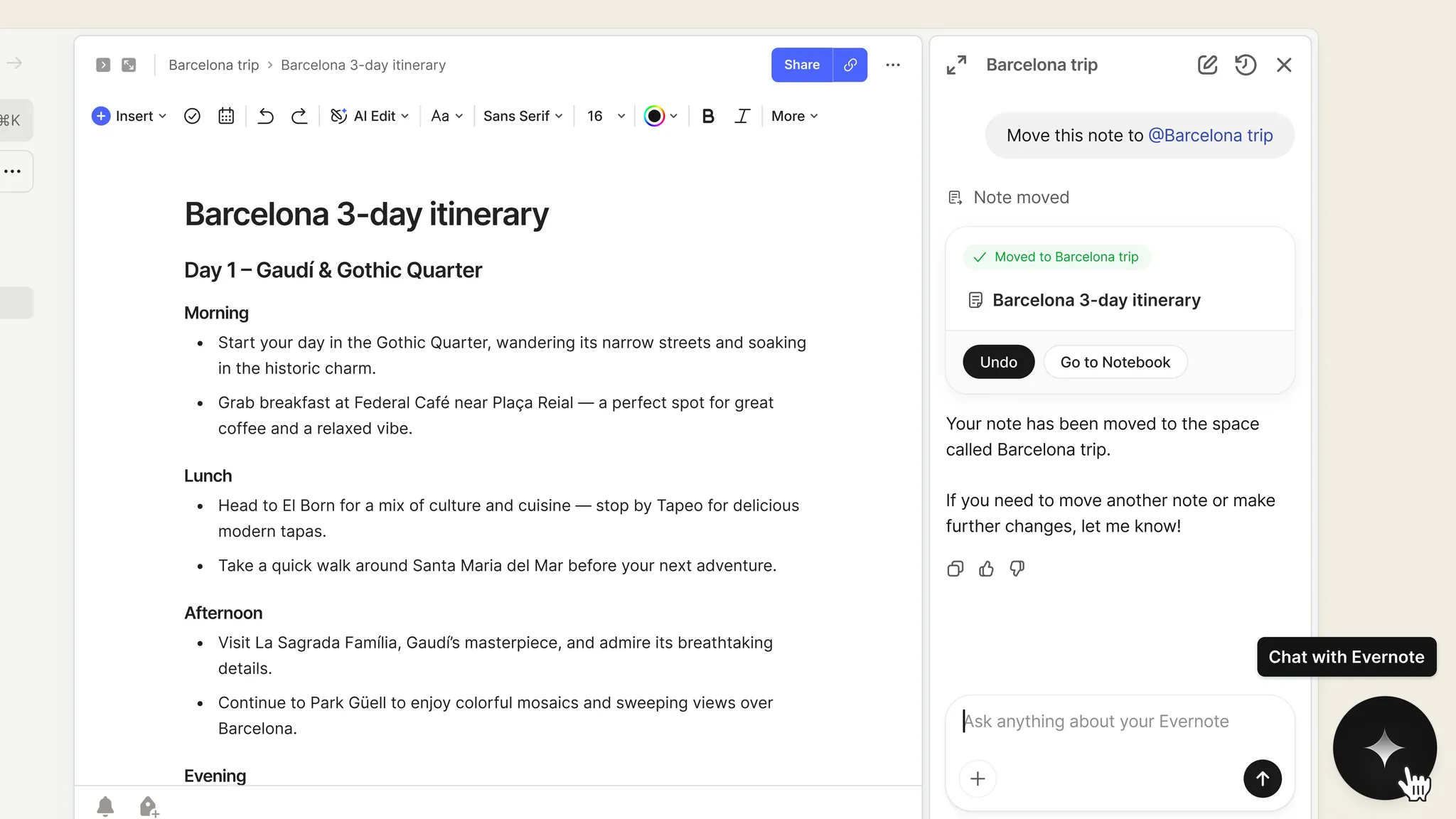
Evernote’s current AI catalog includes AI Note Cleanup, AI Assistant, AI Memory, AI Transcribe, AI Title Generation, and AI Edit, with Evernote’s Help & Learning overview updated June 9, 2026 also describing per-feature enable and disable controls.[1] Evernote’s own AI feature page separately foregrounds AI Assistant, Semantic Search, and AI Meeting Notes, and says user data is not used to train AI models.[2] Those claims matter, but they do not answer the student workflow question by themselves.
The cleanup test: where Evernote’s AI actually helps
AI Note Cleanup is the feature closest to the promise of “using AI to organize study notes.” It is also the feature where the gap between useful and magical becomes visible fastest.
The test note looked like the kind of thing that accumulates after a long lecture: fragments, copied slide language, uneven bullets, half-sentences, shorthand, repeated points, and a few lines that clearly belonged near each other but had been typed minutes apart. Running AI Note Cleanup turned that into more coherent formatted text. Bullets became more readable. Grammar improved. Related ideas sat closer together. The result was not a polished study guide, but it was a note a tired student could reopen without having to decode their own panic typing.
That matches Evernote’s own student cleanup story, which describes scattered lecture bullets being converted into more coherent formatted paragraphs with grammar and readability fixes.[3] A second Evernote user story, from a writer cleaning scattered notes, points in the same direction: the feature is strongest when the mess is textual and the desired output is a cleaner version of the same note, not a new knowledge structure.[4]
The operational catch is not small. Cleanup is a manual command run note by note. It did not behave like a background organizer that sweeps through an old notebook and quietly repairs everything. If a student has forty ragged class notes from a difficult course, the AI can help with each one, but the student is still choosing the note, running cleanup, checking the result, and deciding whether to keep it.
Evernote’s student story also states the limits directly: AI Note Cleanup does not format images or non-text elements, and reverting depends on undo rather than a durable versioned rollback.[3] In a real study archive, that matters. Many lecture notes are not pure text. They contain screenshots of slides, diagrams, pasted tables, photos of whiteboards, or PDFs clipped in a rush. Cleanup can make the typed part less ugly while leaving important visual material untouched.
| Study-note problem | What Evernote AI improved in testing | What still needed human work |
|---|---|---|
| Messy bullets and shorthand | Reformatted into cleaner, more readable text | Checking whether meaning changed or useful shorthand was lost |
| Weak grammar and rushed phrasing | Smoothed sentences and improved readability | Deciding whether the polished wording still matched the lecture |
| Scattered ideas inside one note | Grouped some related text more coherently | Building a larger topic map across multiple notes |
| Screenshots, diagrams, and other non-text material | No meaningful cleanup of those elements in the tested workflow | Manual review, captions, or separate extraction |
| Regret after cleanup | Undo could reverse the immediate change | No durable versioned rollback was evident from the documented workflow |
The best use case is remedial cleanup after class: open the day’s note, run cleanup, skim the result while the lecture is still fresh, and fix anything the AI made too smooth. The worst use case is waiting until exam week and expecting Evernote to reorganize months of mixed notes, slide images, screenshots, and clipped readings in one pass.
Cleanup makes notes nicer; retrieval decides whether they become useful
A cleaned note is easier to read, but students usually do not fail because one note is ugly. They lose time because they cannot find the relevant explanation, example, formula, or exception when they need it. That is where Semantic Search and AI Assistant matter more than their names suggest.
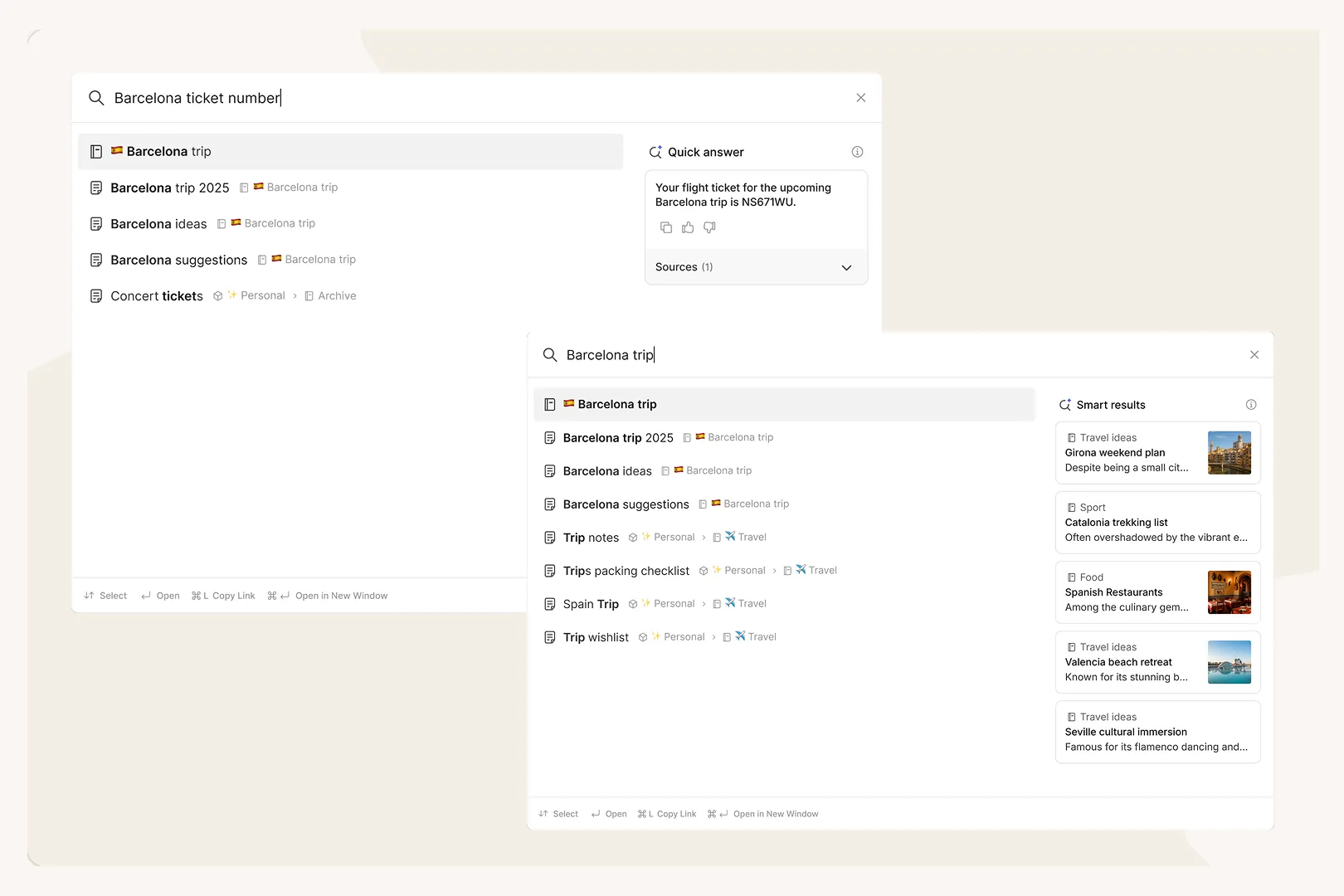
Semantic Search is positioned by Evernote as search by meaning rather than only exact keywords.[2] In the study-note test, that changed the retrieval pattern. Instead of trying to remember whether a lecturer used “operant conditioning,” “reinforcement,” or a shorthand phrase typed during class, the search could surface notes that were conceptually close enough to inspect. That is not the same as guaranteed recall. It is a better first pass through an old pile.
The important consequence is that cleanup and Semantic Search help each other. Cleaner text gives search more legible material to work with. Search then makes the cleaned archive feel less like a storage locker. Neither feature requires the student to design a perfect tagging system before they can benefit, which is a relief for anyone with years of notebooks they only half-maintained.
AI Assistant sits one step further along the same path. After cleanup made individual notes easier to read, AI Assistant was useful for interrogating the material: asking what a note was mainly about, pulling out likely action items, or getting a quick explanation of what had been captured. Evernote’s broader feature catalog lists AI Assistant and AI Memory as part of the current AI suite, with AI Assistant subject to usage caps.[1] That cap is not a philosophical issue; it is a planning issue. A student who expects to query a large archive heavily during finals should not treat assistant access as unlimited.
This is also where “organize” needs a narrower meaning. Evernote’s AI can help make notes cleaner, easier to search, and easier to question. It did not replace the judgment of deciding which topics matter, which explanations are wrong, which examples belong in a review sheet, or which weak areas need practice problems. The AI reduced friction around the pile. It did not become the course tutor.
The rest of the AI suite is useful, but not equally relevant
Evernote’s AI lineup is broader than the cleanup-search-assistant path. AI Transcribe, AI Title Generation, AI Edit, AI Memory, AI Note Cleanup, and AI Assistant all appear in Evernote’s current AI overview.[1] That breadth is real, and it is one reason Evernote stands out among the apps FlowDesk covers for built-in note-organization AI.
For study-note organization, though, not every AI menu item deserves equal weight. AI Title Generation can help when a note is named “Lecture 7” or “Untitled” and later becomes impossible to distinguish. AI Edit can smooth or adjust selected text. AI Transcribe can matter if the student is capturing spoken material. AI Memory may improve the assistant experience over time. Those are useful supporting parts, but the main organizing work in this test still came from three places: cleanup inside a note, semantic retrieval across notes, and assistant-style questioning after the archive became more legible.
That distinction matters because a long AI feature list can make a subscription feel safer than it is. A student does not need the most AI buttons. They need fewer bad handoffs: fewer notes that must be manually rewritten, fewer searches that fail because the exact word is forgotten, and fewer moments where reviewing begins with cleaning up last month’s mess.
Privacy and controls: pause, then verify
Evernote says user data is not used to train AI models, and its Help & Learning overview describes per-feature controls for enabling or disabling AI features.[2][1] Those are the right claims to look for, especially in a student archive that may include class recordings, personal notes, disability accommodations, research data, or shared group-work material.
They are still vendor claims. Treat them as part of the decision, not the end of the decision. If privacy is a deciding factor, compare Evernote’s AI disclosures against FlowDesk’s AI note-taking app security comparison before uploading sensitive study material or enabling AI features broadly.
The renewal decision
Evernote’s AI is a defensible reason to stay if the pain is specific: your notes are mostly text, you already have a large Evernote archive, and the real problem is that old class material is hard to read and harder to find. In that case, a built-in cleanup and retrieval layer is less disruptive than migration. It lets you improve the archive where it already lives.
It is a weaker reason to renew if you need automatic notebook restructuring, image-aware cleanup, reliable versioned reversions, generated exam-prep materials, or heavy assistant use without worrying about caps. Those needs turn Evernote’s AI from a strong convenience into an incomplete answer.
The money question belongs next to that workflow question. If Evernote’s current pricing is the part making you hesitate, start with FlowDesk’s Evernote 2026 pricing profile. If the AI cleanup layer is not enough to justify staying, the practical next read is the Evernote-to-Notion migration guide. And if the broader pattern feels familiar — AI features arriving just as subscriptions get harder to ignore — FlowDesk’s AI funding and note-app migration guide gives the larger context.
For students with old Evernote notebooks, the best answer is not “Evernote AI is worth it” or “Evernote AI is hype.” It is narrower: Evernote v11 is worth considering again if organizing means cleaning text-heavy notes and finding them later. It is not enough if organizing means having the app rebuild your study system for you.
References
- Evernote’s AI Features Overview — Evernote Help & Learning, June 09, 2026
- AI Features — Evernote
- A student runs AI Note Cleanup on messy lecture notes — Evernote
- A writer uses AI Note Cleanup to organize scattered notes — Evernote