
The failure usually shows up the next morning. You open the new note app expecting the usual page: today’s date, the standing checklist, the little prompt that reminds you what to review before work, the place where meeting notes will land. Instead, the daily note is blank. The template did not come over. The keyboard shortcut that used to catch a thought before a call now opens the wrong window, or nothing at all. The archive is technically there, but the day has no rails.

That is why switching note apps can make a daily routine feel strangely fragile. The visible migration moved notes. The invisible migration was supposed to move the routine: the button you pressed first, the folder path that made today findable, the template that preloaded decisions, the capture shortcut that removed friction, the attachment behavior you stopped thinking about months ago.
A broken morning after a switch is often a scaffolding failure, not a verdict on the new app. That distinction matters because the first few weeks are exactly when people are most tempted to switch again, rebuild halfway, or declare that the old app was secretly the only one that worked.
Habit research gives that discomfort a more useful clock. In Lally and colleagues’ 12-week study of 96 participants, the median time to reach 95% of habit automaticity was about 66 days, with a wide range from 18 to 254 days; missing one day did not materially derail formation in that study [1]. A 2024 systematic review and meta-analysis put habit formation more broadly in a 2- to 5-month range, while also noting wide individual variation and limitations in the underlying evidence [2].
So day 21 feeling clumsy is not especially informative by itself. It may mean the app is wrong. More often, it means the routine’s load-bearing parts were left behind and the new version has not had enough repetitions to become boring again.
The archive moved; the working day did not
Most note-app migrations are judged too early and on the wrong evidence. A successful import can still leave the daily system unusable. You may have every old note in the sidebar and still have no reliable way to start tomorrow.
The missing pieces are usually small enough to sound trivial when listed one by one:
- The daily-note command no longer creates a page in the expected folder.
- The template is gone, partially imported, or stored as inert text instead of an active template.
- Recurring checkboxes did not carry over as checkboxes.
- Internal links point to old folder paths, changed note titles, or duplicated imports.
- Attachments moved into a different location, lost previews, or became harder to open from the note.
- Quick capture now takes three decisions instead of one.
- Keyboard shortcuts, share-sheet actions, widgets, browser clips, or mobile entry points disappeared.
None of these is glamorous. All of them can be the difference between a routine that happens before you think and a routine that requires negotiation at 8:07 a.m.
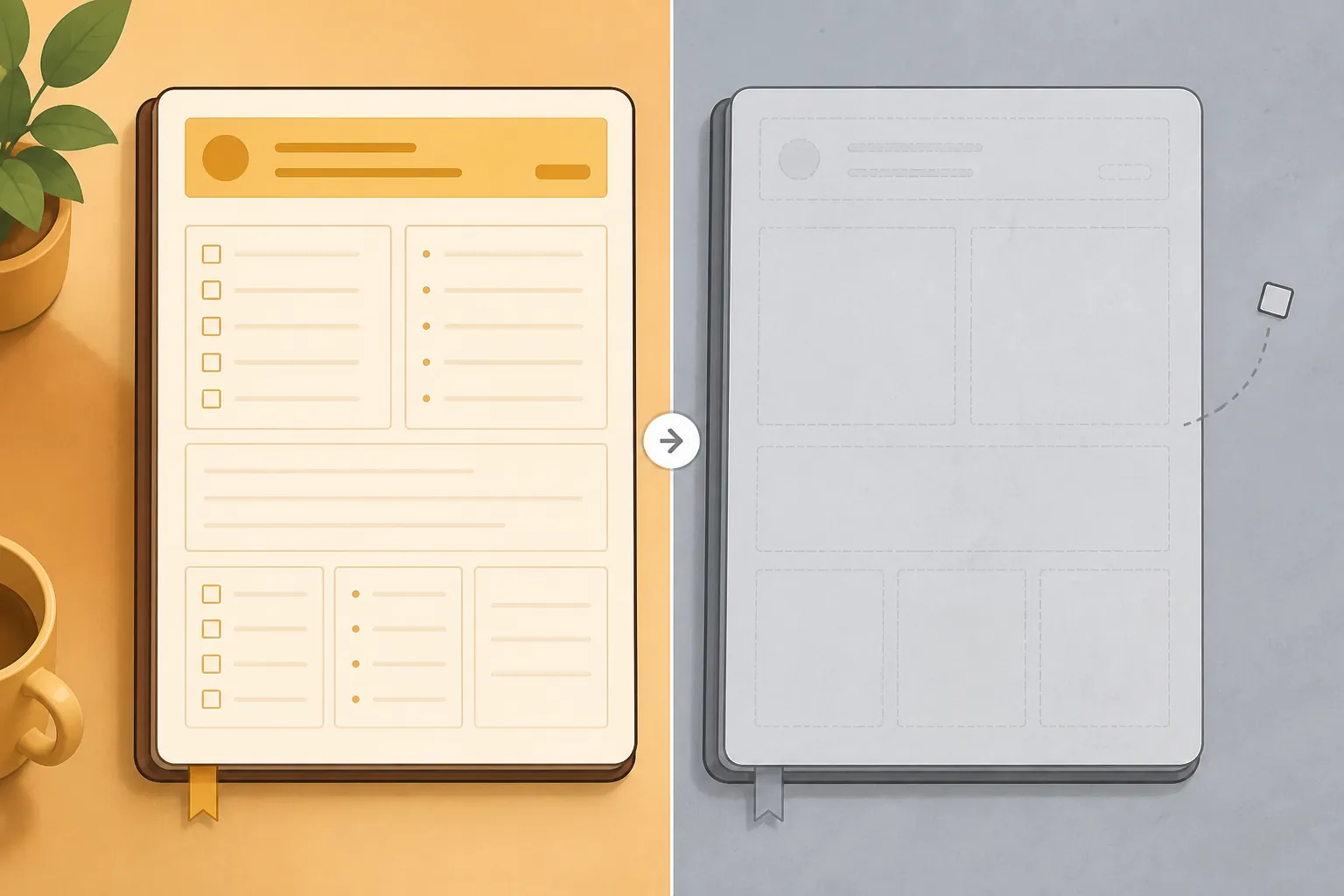
A note archive is content. A daily routine is content plus choreography. When the choreography is gone, the new app feels hostile even if it is only unconfigured.
Diagnose the scaffolding before blaming the app
Start by reconstructing what the old routine actually did. Do not begin with app preferences. Begin with yesterday’s behavior.
| Old routine dependency | What to verify in the new app | What failure feels like |
|---|---|---|
| Daily-note creation | Where today’s note is created, how it is named, and whether it opens automatically or through a command | You open the app and have to decide where to write |
| Template | Whether prompts, headings, checkboxes, queries, and dates still populate correctly | The page is blank or the template has to be copied manually |
| Quick capture | Keyboard shortcut, mobile widget, share sheet, browser clipper, inbox note, or command palette behavior | Thoughts wait until you have time to file them |
| Folder or tag path | Whether daily notes, projects, reference notes, and attachments land where search and links expect them | You know something exists but cannot trust where it went |
| Review loop | Whether unfinished tasks, yesterday’s notes, calendar context, or project links resurface | The note records the day but no longer starts the day |
| Attachment handling | Whether PDFs, images, recordings, and clipped pages remained connected and easy to open | The note has the memory of a source but not the source itself |
This table is not a planning exercise. It is a missing-transfer list. Open the old app, find a recent ordinary day, and walk through the first ten minutes of that routine. Then do the same in the new app without improvising. Every hesitation becomes a rebuild task.
The most useful question is not “Do I like the new app?” It is “Which piece of the old morning used to be automatic, and what now forces a decision?”
Run the old-morning replay
Choose one recent day that was normal, not perfect. In the old app, identify what happened before the first real work task. Maybe the app opened to a daily note. Maybe a template inserted a meeting section. Maybe yesterday’s unfinished checkboxes appeared at the top. Maybe a shortcut created a timestamped bullet in an inbox.
Now repeat that exact sequence in the new app. Do not compensate with extra discipline. If you have to remember the folder, type the date manually, paste the same checklist, hunt for an attachment, or decide between three capture locations, the routine is not rebuilt yet.
This replay also prevents a common false diagnosis. People often say “I hate this app” when the specific complaint is “my first note of the day no longer appears in the right place with the right prompts.” Those are different problems. The second one is usually fixable.
Bad migration or bad tool choice?
A bad migration leaves evidence. It produces broken paths, inert templates, duplicate folders, missing attachments, dead shortcuts, and routines that work only after manual repair. A bad tool choice produces a different pattern: even after the scaffolding is rebuilt, the app still cannot support the kind of work the routine requires.
| Likely bad migration | Likely bad tool choice |
|---|---|
| The old routine depends on a template, shortcut, or folder rule that has not been re-created yet | The new app has no dependable way to perform a non-negotiable part of the routine |
| The main pain appears at startup, capture, filing, or retrieval | The main pain appears during the actual work even after startup and capture are configured |
| A manual workaround proves the workflow can work, but it is too slow | The workaround changes the nature of the work or requires constant maintenance |
| Attachments, links, or note locations are messy because of import behavior | The app’s sync, platform support, privacy model, collaboration model, or file handling conflicts with your constraints |
| The routine feels unfamiliar because the trigger and first steps changed | The routine feels familiar, but the app repeatedly blocks completion |
The boundary matters because persistence is not automatically wise. If you need offline access on a work machine and the new tool cannot provide it, no template polish will fix that. If your work depends on fast mobile capture and the new app makes every capture wait on sync or folder choice, the choice may be wrong. If your team requires shared spaces, comments, permissions, or export formats the app handles badly, rebuilding a private daily note will not solve the larger mismatch.
But if the complaint is mostly that the first page is blank, the checklist is missing, the capture shortcut is gone, and old links no longer land cleanly, switching again usually just repeats the same unfinished work in a third place.
If you are still deciding whether to migrate at all, that is a different decision. A tired household may need to freeze the switch for a while; sleep-deprived new parents should often delay note-app migrations instead of adding repair work to an already overloaded routine. If the pressure is coming from Evernote changes, AI features, or cloud tradeoffs, it may be worth comparing AI note tools versus local notes before doing another export. For readers already inside the move, the next task is more concrete: rebuild the parts the export did not carry.
Rebuild the first ten minutes of the day
Do not try to rebuild the entire old system first. Rebuild the morning entry point. A routine becomes dependable when the first action is obvious and the second action is waiting.
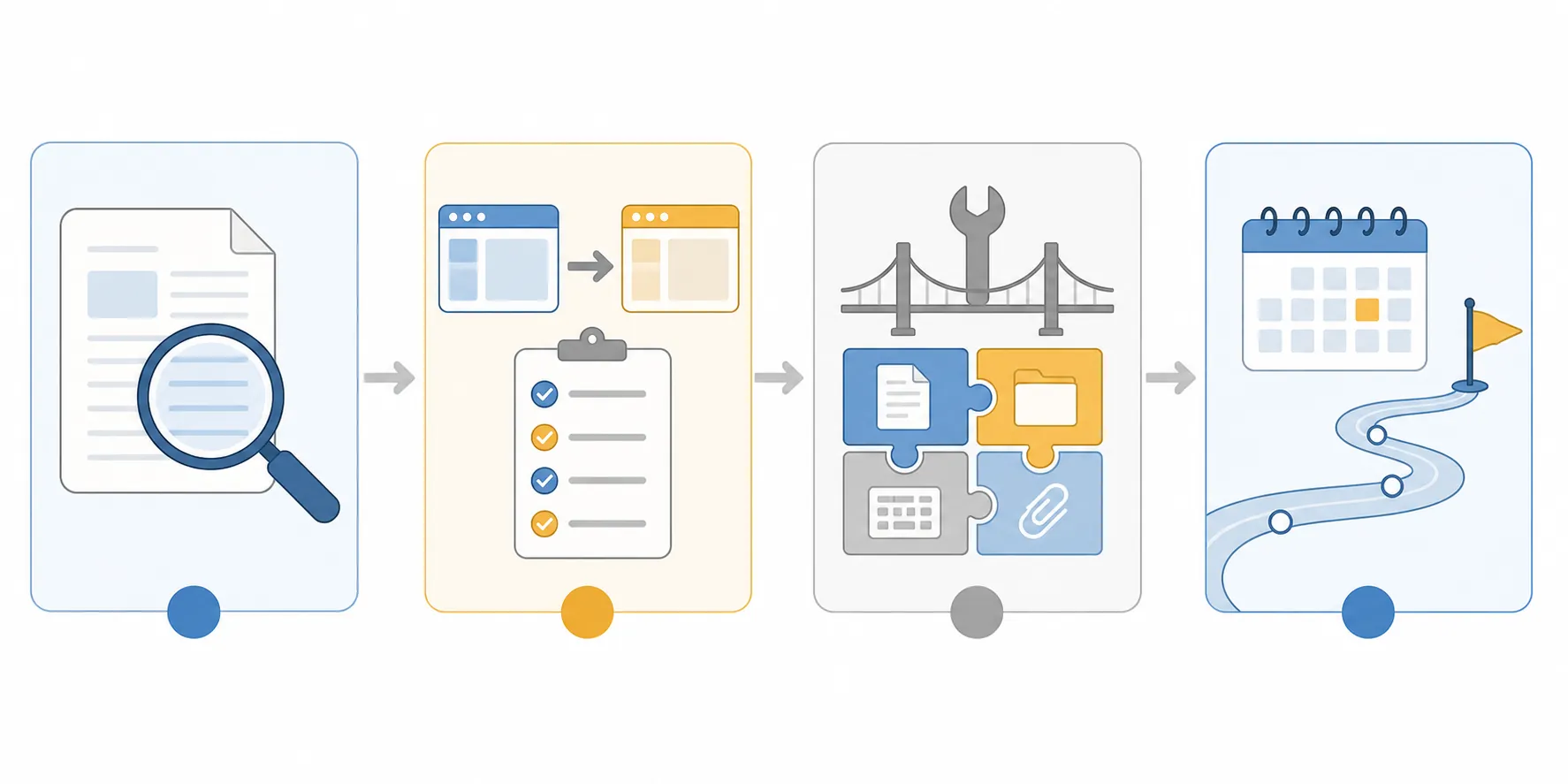
For the first pass, keep the scope deliberately small:
- Create today’s note from the same trigger every morning.
- Place it in the same folder or namespace every time.
- Insert the same minimum template.
- Capture stray thoughts to one trusted inbox.
- Make yesterday’s unfinished items visible enough to review.
That minimum template can be plain. It does not need dashboard theater. It needs to remove morning decisions. A practical version might include a top section for today’s focus, a short inbox triage area, a meeting notes section, and a place where unresolved items from yesterday are reviewed. If the old system had elaborate project dashboards, rebuild them after the daily entry point works.
Daily notes are more app-specific than they look
Daily-note workflows often look portable because the page is just text. The behavior around the page is rarely portable. One Logseq workflow shared in the Logseq forum describes the daily-note template as an “essential part” of the user’s system; the thread had 39.2k views, which makes it a useful illustration of how much daily-note behavior can depend on per-app configuration, not evidence that everyone should use that exact workflow [4].
Dann Berg’s Obsidian daily note setup is another concrete example. It uses Obsidian Daily Notes with Templater and Dataview to generate a page that is not merely a blank note with a date; the value comes from the configured behavior around the note [5]. Copying that exact setup may be unnecessary. The point is that “daily note” often means “a daily note plus plugins, file naming, queries, folder conventions, and prompts.”
When you move from one app to another, those surrounding behaviors should be treated as migration objects. They deserve the same attention as exported Markdown files or imported notebooks.
Make quick capture boring again
Quick capture is usually the first casualty after the daily note. The old app may have had a global shortcut, a mobile widget, a browser clipper, a share-sheet target, or a default inbox note. After migration, the new app may ask where the note belongs, whether it should be tagged, or which workspace should receive it. That extra choice arrives at the worst possible moment: when you are trying not to lose the thought.
Choose one capture path for the rebuild period. One keyboard shortcut. One mobile entry point. One inbox. Do not rebuild every old capture route during week one. The purpose is to restore trust, not to recreate the full command center.
A good capture path has a low-friction destination and a later review point. If every capture must be filed correctly at the moment of capture, the routine will slow down. If nothing ever returns from the inbox, the capture path becomes a junk drawer. The daily note can solve this by including a small “clear inbox” prompt rather than making every incoming thought perfectly organized on arrival.
Repair folder paths only where the routine touches them
Imported archives invite over-cleaning. After a migration, it is tempting to spend days renaming folders, normalizing tags, and making the old system look native inside the new app. Some cleanup is necessary. Most of it can wait.
Repair the paths the routine actually touches: daily notes, active projects, reference folders used during the workweek, attachments needed for current work, and the inbox. A decade-old archive does not need to be beautiful before tomorrow’s daily note can function. It needs to be searchable enough that you do not distrust it during the day.
If your new app depends heavily on vault structure, context windows, or AI-assisted retrieval, structure becomes part of the setup rather than housekeeping. The same principle applies there: start with the active paths. A broader configuration pass belongs in a setup guide like setting up AI context engineering in a note vault, not in the first morning after an import.
The habit window is a rebuild window
The 66-day median from Lally’s study is not a magic countdown. It is a reminder that automaticity takes repetitions, and that the early stretch after a switch should be managed as a settling period rather than judged as a finished system [1]. Singh and colleagues’ broader review reinforces the same caution: habit timelines vary widely, and the evidence does not support treating any single day count as a universal law [2].

That said, the first weeks are not harmless. A 2024 scoping review of lifestyle behavior and mental health mobile apps found that a median of about 70% of users abandoned those apps within the first 100 days, with abandonment steepest right after acquisition; reported reasons included data loss, confusing user experience, missing features, time needed to enter data, and fading motivation [3]. That review was not about note apps, so it should not be quoted as a note-app abandonment rate. It is still a useful warning by analogy: early friction is a danger zone, especially when the user has to re-enter structure the migration did not preserve.
A practical rebuild plan treats those first weeks as operational, not inspirational.
| Period | Main job | Do not over-optimize |
|---|---|---|
| Days 1–3 | Recreate the morning daily note, minimum template, and one capture path | Old archives, dashboards, advanced tags |
| Week 1 | Use the same trigger every day and record every moment the routine forces a decision | Feature comparisons, plugin hunting, cosmetic changes |
| Weeks 2–4 | Repair active folder paths, attachment access, and review loops that affect current work | Rebuilding the entire historical system |
| Weeks 5–10 | Reduce manual steps, prune unnecessary prompts, and judge whether the routine is becoming easier | Switching again because the setup still feels new |
| After a fair rebuild | Decide whether remaining friction belongs to the app itself | Calling an unconfigured system a failed tool |
During days 1–3, the standard is not elegance. The standard is whether you can begin the day without inventing the day. If the app opens, today’s note appears, the template loads, and loose thoughts have one place to go, the rebuild has started.
During week 1, keep a visible friction log inside the new app. Do not write essays. Use blunt entries: “shortcut missing,” “wrong folder,” “PDF hard to open,” “yesterday’s tasks invisible,” “calendar context not present.” This log prevents vague dislike from swallowing specific repair work.
Weeks 2–4 are where the new app earns or loses trust. By then, the morning note should exist reliably enough that deeper failures become visible. Maybe attachments are too slow to retrieve. Maybe project notes are scattered because import changed folder depth. Maybe the new app’s search finds too much and filters too little. These are better complaints than “it feels weird.” They can be tested.
Weeks 5–10 are not a waiting room. They are when you remove the temporary scaffolding you added in panic. If the template has ten prompts and you only answer three, delete the other seven. If a capture inbox requires a separate review session you never do, move the review into the daily note. If a folder scheme looks correct but slows retrieval, change the active folders and leave the archive alone.
What to test before switching again
Before calling the new app wrong, test it against a rebuilt version of the routine, not against the ghost of the old app. The test should be concrete enough that another switch would not conveniently escape the same questions.
- Can you create today’s note with one reliable action?
- Does the daily template appear without copying and pasting?
- Do unfinished items resurface where you will actually see them?
- Can you capture a thought on desktop and mobile without deciding where it belongs?
- Do active attachments open from the notes that refer to them?
- Can you find a current project note faster than you could during the first week?
- Is the remaining friction decreasing, stable, or increasing?
The last question carries the decision. Decreasing friction suggests the scaffolding is taking. Stable friction suggests something is still misconfigured or overbuilt. Increasing friction after the core routine has been rebuilt is stronger evidence that the app does not fit the work.
There is also a larger boundary. If the rebuilt routine mainly creates maintenance obligations, the problem may not be this app or the previous app. It may be that the system is asking you to feed a second workspace that no longer returns enough value. That is not a reason to keep switching note apps. It is a reason to shrink the system until the daily note supports actual work again.
A fair test does not require loving the new tool. It requires recreating enough of the old routine’s scaffolding that the tool can be judged on its behavior, not on the damage left by the move. Rebuild the daily note, the template, the capture path, the active folders, and the attachment access first. Give the routine a real habit window. Then decide whether the app is wrong.
References
- How Are Habits Formed: Modelling Habit Formation in the Real World — European Journal of Social Psychology, 2010
- Time to Form a Habit: A Systematic Review and Meta-Analysis — Healthcare, 2024
- When and Why Adults Abandon Lifestyle Behavior and Mental Health Mobile Apps: Scoping Review — JMIR, 2024
- My Logseq Workflow — Logseq Forum
- Obsidian Daily Note Template — Dann Berg, 2022
Comments
Join the discussion with an anonymous comment.