
The Automation Imperative: Why Process Automation Matters in 2026
The numbers are impossible to ignore. The global workflow automation market was valued at $20.3 billion in 2023 and is projected to grow at a compound annual rate of 10.1% through 2032, according to data cited by Kissflow. Behind that figure lies a more immediate reality: 94% of companies still perform repetitive, time-consuming tasks that automation could handle, and 68% of employees report having too much work to manage in a standard day.
This isn't a future problem. Organizations are already moving. More than 80% plan to increase their investment in automation solutions, and 83% of IT leaders say workflow automation is a necessary component of digital transformation. The impact on individual productivity is measurable: 73% of IT leaders report that automation has helped their employees save between 10% and 50% of the time previously spent on manual tasks. For knowledge workers evaluating a process automation tool in 2026, the question is no longer whether to automate, but which tier of tool fits their team's actual needs.
What Is a Process Automation Tool? (Taxonomy Clarification)
Before comparing tools, it's essential to define what we mean by "process automation" — because the term covers several overlapping categories that serve different needs. A knowledge worker searching for a simple way to connect Gmail to Slack has a very different requirement than a compliance officer digitizing a 50-step approval workflow.
| Category | What It Does | Typical User | Example Tools |
|---|---|---|---|
| Workflow Automation | Connects apps and automates multi-step sequences (if-this-then-that logic) | Knowledge workers, operations teams | Zapier, Make, n8n |
| Robotic Process Automation (RPA) | Automates repetitive desktop tasks by mimicking human clicks and keystrokes | IT teams, enterprise shared services | UiPath, Automation Anywhere |
| Business Process Automation (BPA) | Orchestrates end-to-end business processes with forms, approvals, and compliance rules | Business analysts, process owners | Kissflow, Appian, Nintex |
| Intelligent Process Automation (IPA) | Combines RPA, workflow, and AI (OCR, NLP, ML) to handle unstructured data | Enterprise centers of excellence | UiPath AI Center, Power Automate with AI Builder |
This article covers the full spectrum — from simple app connectors to enterprise RPA/BPA platforms to open-source engines — because the best choice depends on your team's technical skill, budget, and process complexity, not on a single feature checklist. For a deeper breakdown of how these categories differ, see our decision guide on workflow orchestration vs. automation vs. BPM vs. iPaaS.
The Three Tiers of Process Automation Tools in 2026
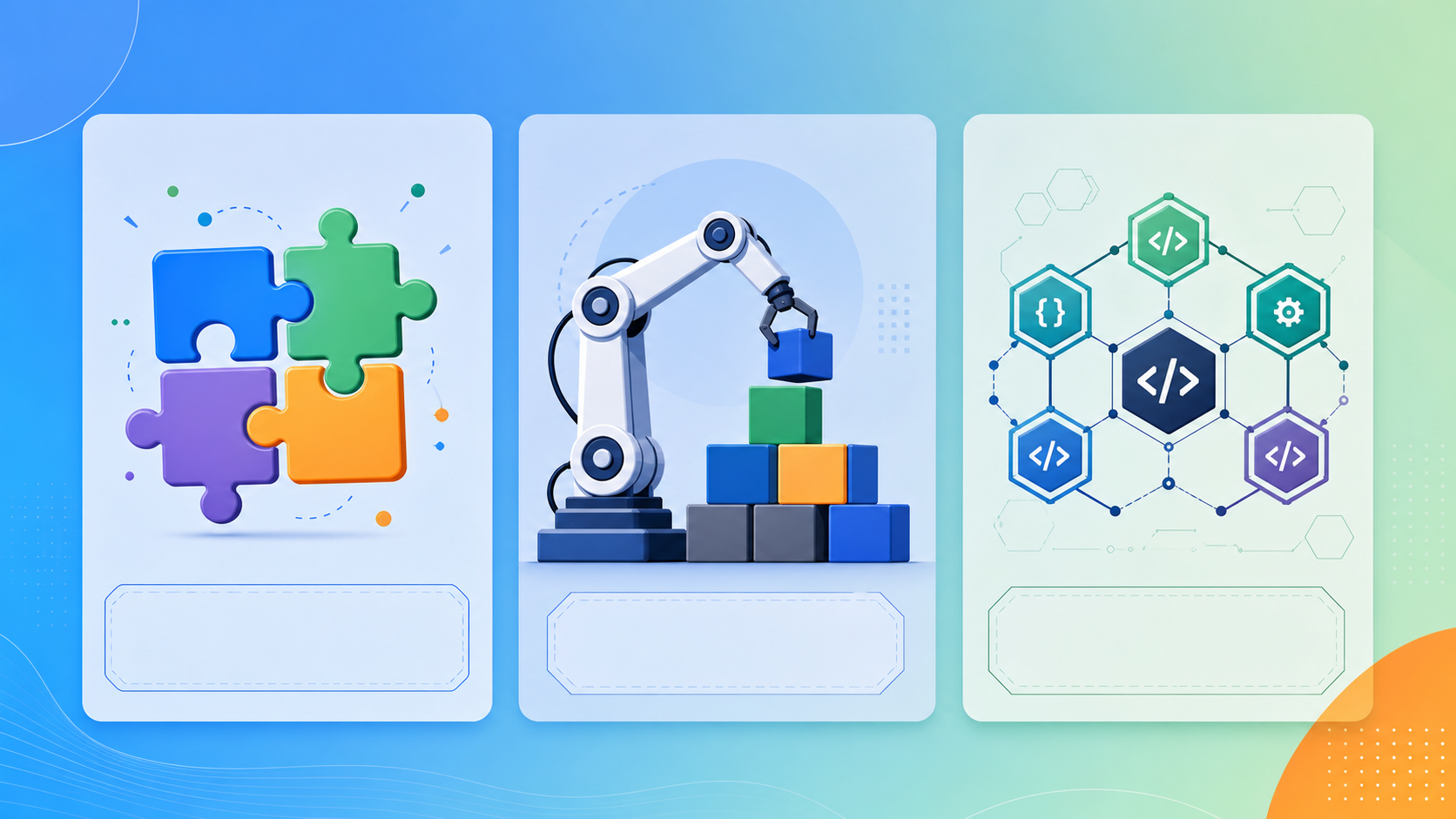
The process automation market in 2026 is not a single landscape. It splits into three distinct tiers, each optimized for a different combination of user skill, budget, and process complexity. Understanding which tier your team falls into is more important than comparing feature lists across all tools.
- Tier 1: Simple App Connectors — Tools like Zapier and Make that connect SaaS applications through pre-built triggers and actions. Best for knowledge workers and small teams who need to automate routine tasks without writing code. Typical budget: $0–$100/month.
- Tier 2: Enterprise RPA/BPA Platforms — Platforms like UiPath, Microsoft Power Automate, Workato, and Automation Anywhere that handle complex, high-volume processes with governance, AI integration, and desktop automation. Best for organizations with dedicated automation teams. Typical budget: $15/user/month to custom enterprise pricing.
- Tier 3: Open-Source & Flexible Engines — Tools like n8n and Kissflow that offer self-hosting, deep customization, and community-driven development. Best for developer-led teams with specific data privacy requirements or unique integration needs. Typical budget: $0 (self-hosted) to $20/user/month.
The mistake most buyers make is jumping straight to feature comparisons without first identifying their tier. A team of five using Google Workspace does not need UiPath's unattended bot orchestration; a bank processing 50,000 invoices monthly cannot rely on Zapier's task limits. The rest of this article is organized around these three tiers to help you match the right category of tool to your actual situation.
Comparison Table: 8 Leading Process Automation Tools
The following table provides a high-level comparison of eight leading tools across the three tiers. Pricing data reflects Q2 2026 sources and should be verified against current vendor pages before making a purchase decision.
| Tool | Tier | Starting Price | Key Strength | AI Capabilities | Best For |
|---|---|---|---|---|---|
| Zapier | App Connector | $19.99/mo (Starter) | 8,000+ app integrations, easiest learning curve | AI-powered actions, GPT integration | Non-technical teams, simple workflows |
| Make | App Connector | $9/mo (10,000 ops) | Visual branching, scenario designer | AI tools module, data transformation | Visual thinkers, moderate complexity |
| Microsoft Power Automate | Enterprise RPA/BPA | $15/user/mo (Premium) | Deep M365 integration, AI Builder | AI Builder, Copilot integration | Microsoft-centric organizations |
| UiPath | Enterprise RPA | Custom quote | Advanced RPA, unattended bots, process mining | AI Center, document understanding | Large enterprises, complex automation |
| Automation Anywhere | Enterprise RPA | Custom quote | Cloud-native RPA, IQ Bot for documents | IQ Bot, AI Agent Studio | Enterprises needing AI-powered document processing |
| Workato | Enterprise BPA/iPaaS | Custom quote | Enterprise integration, workflow automation | AI-powered recipe recommendations | Mid-market to enterprise integration-heavy teams |
| n8n | Open-Source | Free (self-hosted) | 350+ integrations, full customization | AI node, LangChain integration | Developer-led teams, data privacy-focused |
| Kissflow | BPA/Low-Code | $10/user/mo (Basic) | No-code process builder, forms, dashboards | AI-powered process insights | Business analysts, departmental automation |
Deep Dives: App Connectors (Zapier, Make)
App connectors are the entry point for most teams. They excel at connecting SaaS tools through pre-built triggers and actions, require no coding, and can be set up in minutes. But they have limits: they struggle with complex logic, desktop automation, and high-volume processing.
Zapier
Zapier remains the most accessible process automation tool for non-technical users. With over 8,000 app integrations and a straightforward trigger-action model, it's the default choice for teams that want to automate without thinking about architecture. The Starter plan at $19.99/month includes multi-step Zaps and premium apps, while the Professional plan ($73/month) adds conditional logic and paths.
Zapier's recent AI features — including AI-powered actions that can generate text, classify data, or extract information from unstructured content — make it more capable than its reputation suggests. However, its task limits (750 tasks/month on Starter, 2,000 on Professional) mean it's not suitable for high-volume automation. For a detailed feature-level comparison with Make and n8n, see our head-to-head comparison of Zapier vs Make vs n8n vs Gumloop.
- Strengths: Largest app ecosystem, easiest onboarding, strong AI features, reliable uptime.
- Weaknesses: Task limits restrict volume, limited error handling, no desktop automation, expensive at scale.
Make (formerly Integromat)
Make differentiates itself through its visual scenario builder, which allows users to design complex, branching workflows with data transformation steps between apps. The $9/month plan for 10,000 operations makes it significantly cheaper than Zapier at comparable volumes, and its operations-based pricing (rather than task-based) can be more economical for workflows that involve multiple steps.
Make's learning curve is steeper than Zapier's — the visual editor is powerful but requires understanding data flow concepts like aggregators, iterators, and routers. Teams with at least one technically comfortable member will find Make's flexibility rewarding. Its AI Tools module, introduced in 2025, adds GPT-powered text generation and classification directly into scenarios.
- Strengths: Visual branching, lower cost per operation, powerful data transformation, good for moderate complexity.
- Weaknesses: Steeper learning curve, smaller app ecosystem than Zapier, less enterprise support.
Deep Dives: Enterprise RPA/BPA Platforms (UiPath, Power Automate, Workato, Automation Anywhere)
Enterprise platforms handle what app connectors cannot: high-volume processing, desktop automation, AI-powered document understanding, and governance at scale. They come with corresponding complexity and cost.
Microsoft Power Automate
Power Automate is the natural choice for organizations already in the Microsoft ecosystem. Its Premium plan at $15/user/month includes robotic process automation (RPA) capabilities, AI Builder for document processing, and deep integration with Teams, SharePoint, Dynamics 365, and the rest of the Microsoft stack. For organizations that live in M365, the convenience of having automation built into the tools employees already use is a significant advantage.
However, Power Automate's RPA capabilities are less mature than UiPath's. Its desktop flow recorder works well for simple UI automation but struggles with complex, multi-application processes. The per-bot pricing for unattended RPA (approximately $150/bot/month) can add up quickly. For a detailed comparison of when to use Power Automate versus simpler app connectors, see our Power Automate vs Zapier vs Make guide.
UiPath
UiPath remains the gold standard for enterprise RPA. Its platform covers the full automation lifecycle: process discovery through Process Mining, automation development through Studio, bot orchestration through Orchestrator, and AI-powered document processing through AI Center. UiPath's unattended bot capability — where bots run on virtual machines without human intervention — is a key differentiator for organizations automating at scale.
The real-world impact is substantial. FlowForma reports that Downer New Zealand automated over 4,500 purchase order requests, saving an estimated 1,191 hours of work. While that example uses FlowForma's platform, it illustrates the scale of ROI possible with enterprise-grade automation. UiPath's pricing is custom-quoted and typically requires a significant upfront commitment, making it suitable only for organizations with dedicated automation budgets.
Workato and Automation Anywhere
Workato positions itself as an enterprise integration and automation platform (iPaaS), strong in connecting complex enterprise applications like Salesforce, NetSuite, and Workday. Its AI-powered recipe recommendations help users build integrations faster, but its pricing (custom quote) and complexity make it overkill for teams without enterprise integration needs.
Automation Anywhere is UiPath's primary competitor in the RPA space. Its cloud-native architecture and IQ Bot for AI-powered document processing are strong selling points. Like UiPath, it requires custom pricing and is best suited for large enterprises with dedicated automation centers of excellence.
| Platform | RPA Maturity | AI/Document Processing | Integration Ecosystem | Typical Annual Cost |
|---|---|---|---|---|
| Power Automate | Moderate | AI Builder (included in Premium) | Deep M365, 600+ connectors | $180/user + $1,800/bot/yr |
| UiPath | Very High | AI Center (add-on) | 1,000+ pre-built connectors | $15,000–$50,000+ per bot/yr |
| Workato | Low | AI recipe recommendations | 1,200+ enterprise connectors | Custom quote (typically $50,000+/yr) |
| Automation Anywhere | Very High | IQ Bot (add-on) | 1,500+ connectors | $15,000–$50,000+ per bot/yr |
Deep Dives: Open-Source & Flexible Engines (n8n, Kissflow)
The open-source and low-code tier offers a middle path: more flexibility than app connectors, lower cost than enterprise platforms, and full control over data. These tools are ideal for teams with technical talent who want to build custom automation without vendor lock-in.
n8n
n8n has become the leading open-source workflow automation tool for developer-led teams. It offers over 350 integrations, a visual workflow editor, and the ability to self-host on your own infrastructure — a critical feature for organizations with data residency requirements or strict security policies. The self-hosted version is free, with paid cloud plans starting at $20/month for 5,000 workflow executions.
n8n's AI capabilities have expanded significantly. Its AI node allows integration with OpenAI, LangChain, and other LLM providers, enabling workflows that include text generation, classification, and extraction. For teams that need to build custom automation pipelines with AI components, n8n offers a level of flexibility that neither Zapier nor Make can match.
- Strengths: Free self-hosted option, full data control, 350+ integrations, AI/LLM support, active open-source community.
- Weaknesses: Requires technical expertise to self-host and maintain, smaller app ecosystem than Zapier, less polished UI.
Kissflow
Kissflow occupies a different niche within this tier: it's a low-code business process automation platform designed for business analysts and process owners rather than developers. Its no-code process builder, form designer, and dashboard tools allow departmental teams to build approval workflows, leave requests, and compliance processes without IT involvement. Pricing starts at $10/user/month for the Basic plan.
Kissflow's strength is in structured business processes — forms, approvals, and reporting — rather than the free-form app-to-app automation that n8n excels at. It's a good choice for organizations that want to digitize manual approval workflows without adopting a full enterprise BPA suite.
Tiered Recommendations by Persona
The right process automation tool depends on who you are, what you're automating, and what resources you have. The following recommendations match each persona to the most appropriate tier and specific tool.
| Persona | Recommended Tier | Top Pick | Why |
|---|---|---|---|
| Non-technical SMB team (5–20 people) | App Connector | Zapier | Easiest onboarding, largest app ecosystem, no technical staff required |
| Microsoft-centric organization (50–500 people) | Enterprise BPA | Power Automate | Deep M365 integration, AI Builder, familiar interface for existing Microsoft users |
| Developer-led team with data privacy needs | Open-Source | n8n | Self-hosted, full data control, AI/LLM integration, free to start |
| Large enterprise with dedicated automation team | Enterprise RPA | UiPath | Most mature RPA, process mining, unattended bots, enterprise governance |
| Departmental process owner (HR, Finance, Ops) | Low-Code BPA | Kissflow | No-code process builder, forms, dashboards, no IT dependency |
For a deeper look at how tool choice varies by organizational scale — including specific recommendations for small businesses versus enterprises — see our comparison of process automation tools by team size.
How to Choose: A Decision Framework
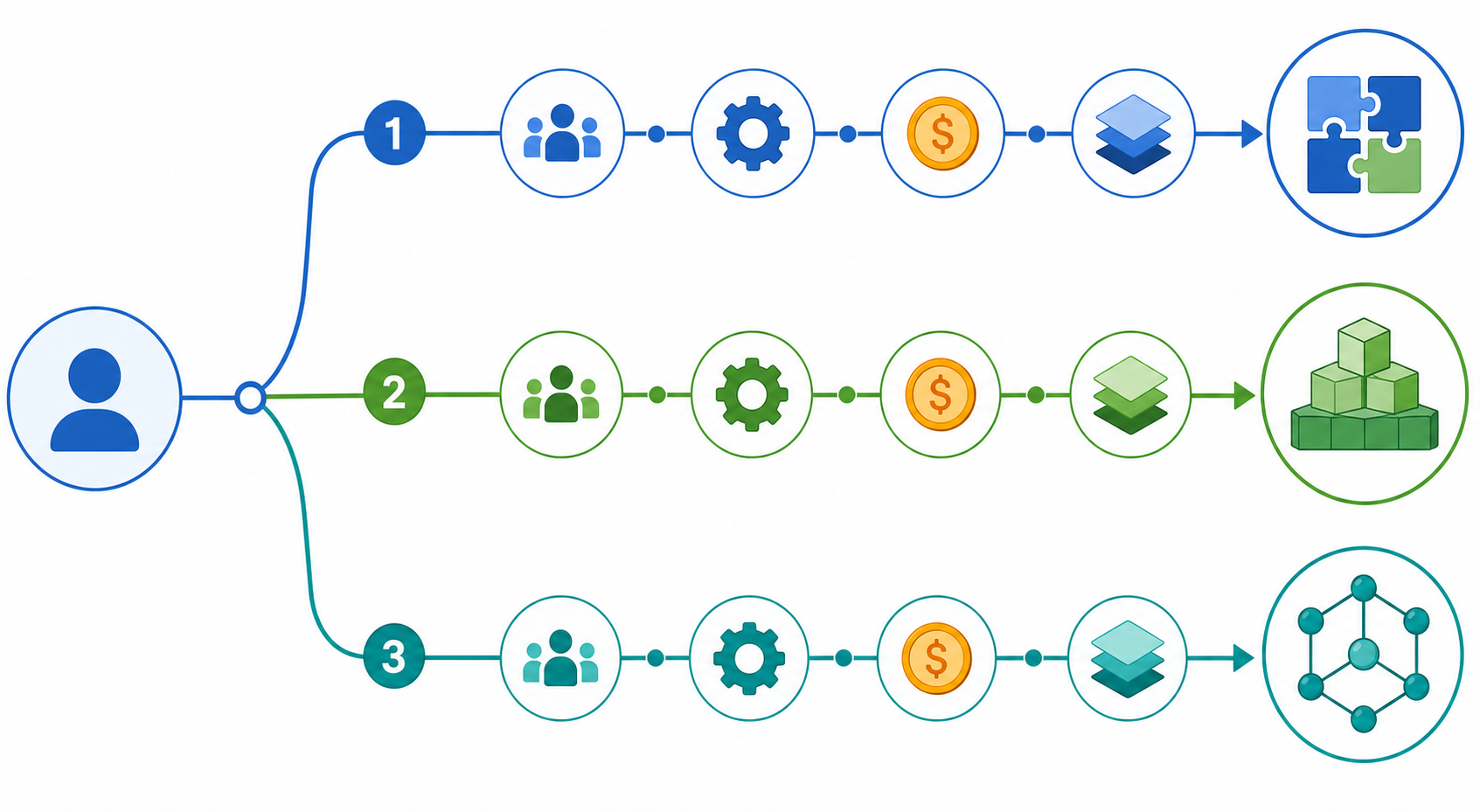
Instead of comparing feature lists, evaluate your situation against four factors. The answers will point you to the right tier.
- Team size and structure: A team of 3 using Google Workspace has different needs than a 500-person organization with dedicated IT. Smaller teams should start with app connectors; larger organizations need governance and scalability.
- Technical aptitude: Can your team write code or manage a server? If not, stick with no-code tools like Zapier or Kissflow. If you have developers, n8n's flexibility becomes an advantage.
- Process complexity: Simple trigger-action workflows ("when email arrives, save attachment to Drive") work fine on app connectors. Multi-step processes with conditional branching, data transformation, and human approvals may require a BPA platform or open-source engine.
- Budget and volume: App connectors charge per task or operation. At high volumes, enterprise platforms with per-user or per-bot pricing may be more cost-effective. Self-hosted n8n has no per-operation cost.
Once you've identified the right tool, our step-by-step guide to choosing and setting up your first process automation tool walks through the implementation process from selection to first live workflow.
Pricing Comparison: From Free Tiers to Enterprise Custom Quotes
Pricing varies dramatically across the three tiers. The table below summarizes the range, from free self-hosted options to enterprise platforms that require a sales conversation.
| Tool | Free Tier | Paid Starting Price | Enterprise Pricing |
|---|---|---|---|
| n8n | Yes (self-hosted, unlimited) | $20/mo (cloud, 5K executions) | Custom (enterprise cloud) |
| Zapier | Yes (100 tasks/mo, 2-step Zaps) | $19.99/mo (Starter) | Custom (Teams/Company plans) |
| Make | Yes (1,000 ops/mo) | $9/mo (10,000 ops) | Custom (Enterprise plan) |
| Kissflow | Yes (limited users) | $10/user/mo (Basic) | Custom (Enterprise plan) |
| Power Automate | Yes (limited flows) | $15/user/mo (Premium) | Custom (per-bot RPA add-on) |
| UiPath | Yes (community edition) | Custom quote | Custom (per-bot licensing) |
| Automation Anywhere | Yes (community edition) | Custom quote | Custom (per-bot licensing) |
| Workato | No | Custom quote | Custom (per-connection pricing) |
Trends to Watch: Agentic AI, No-Code AI Automation, and Hyperautomation
Three trends are reshaping the process automation landscape in 2026 and beyond.
Agentic AI
Gartner predicts that by 2028, 15% of day-to-day business decisions will be made autonomously by agentic AI, and 33% of enterprise software applications will embed such capabilities — an exponential shift from 2024's negligible levels. This means future process automation tools won't just execute predefined workflows; they'll make decisions within those workflows, routing exceptions, prioritizing tasks, and even initiating new processes based on business rules and learned patterns.
The integration of AI into no-code tools is lowering the barrier to intelligent automation. Zapier's AI actions, Make's AI Tools module, and n8n's LangChain integration all allow non-developers to build workflows that include text generation, classification, and data extraction. This trend is making AI-powered automation accessible to teams that don't have data scientists on staff.
Hyperautomation — the combination of RPA, BPA, AI, and process mining to automate as much of an organization's operations as possible — continues to drive enterprise adoption. The shift toward AI-powered automation is about survival in a competitive marketplace where operational efficiency, customer experience, and agility determine market leadership.
For a deeper exploration of how AI is changing the automation landscape, see our comparison of AI process automation vs. traditional RPA.
Final Verdict: Best Process Automation Tool for Every Use Case
There is no single "best" process automation tool. The right choice depends on matching the tool's tier to your team's technical skill, budget, and process complexity. The table below summarizes our recommendations for the most common scenarios.
| Use Case | Best Tool | Tier | Why |
|---|---|---|---|
| Non-technical team automating simple app-to-app tasks | Zapier | App Connector | Easiest to learn, largest app ecosystem, reliable |
| Team comfortable with visual tools needing complex branching | Make | App Connector | Visual scenario builder, lower cost per operation |
| Microsoft-centric organization automating M365 workflows | Power Automate | Enterprise BPA | Deep M365 integration, AI Builder, familiar interface |
| Large enterprise with high-volume, complex RPA needs | UiPath | Enterprise RPA | Most mature RPA, process mining, unattended bots |
| Developer team needing self-hosted, customizable automation | n8n | Open-Source | Free self-hosted, full data control, AI/LLM support |
| Departmental process owner digitizing approval workflows | Kissflow | Low-Code BPA | No-code process builder, forms, dashboards |
| Enterprise needing complex integration between SaaS apps | Workato | Enterprise iPaaS | Strong enterprise connector ecosystem, AI recipe recommendations |
Comments
Join the discussion with an anonymous comment.