
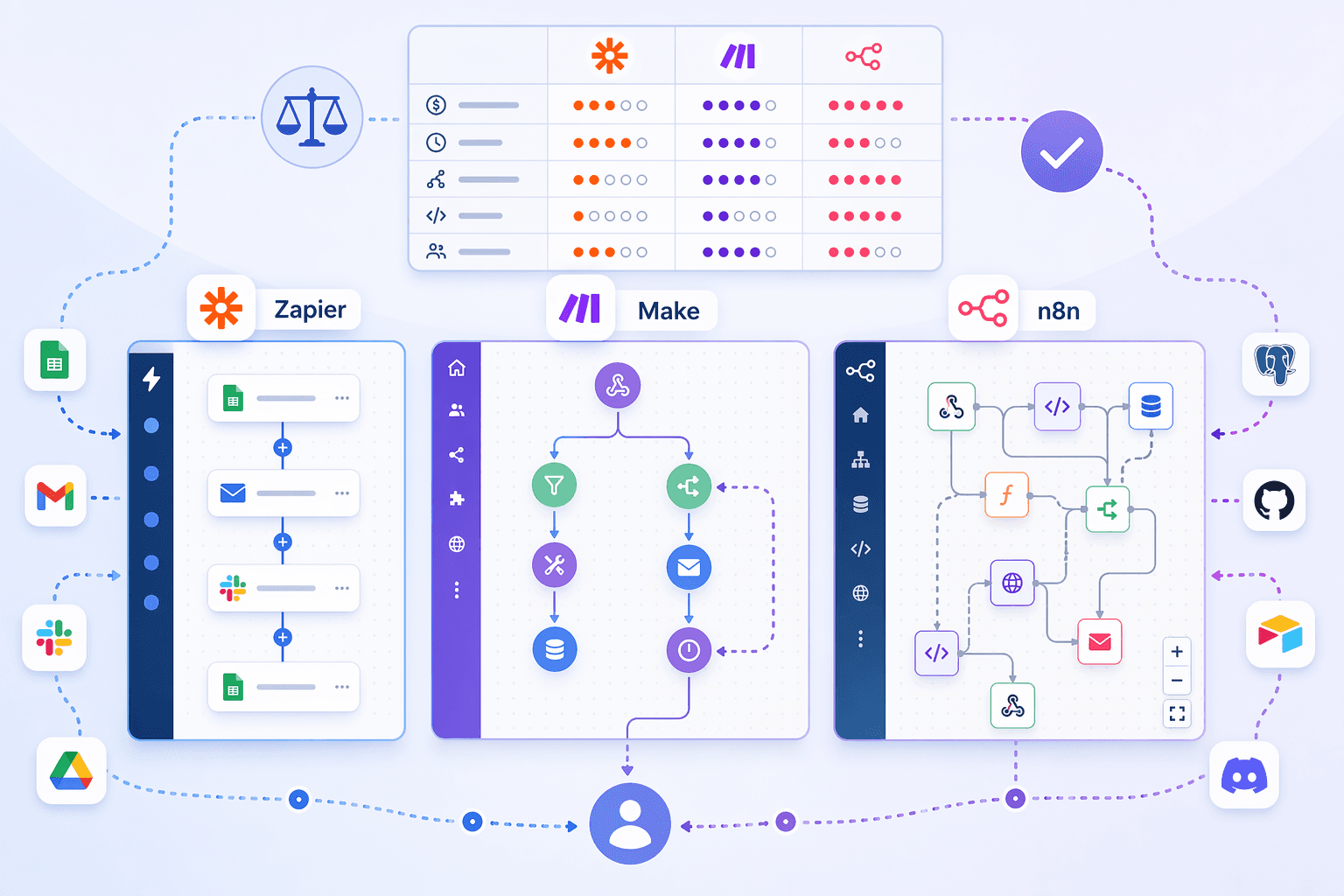
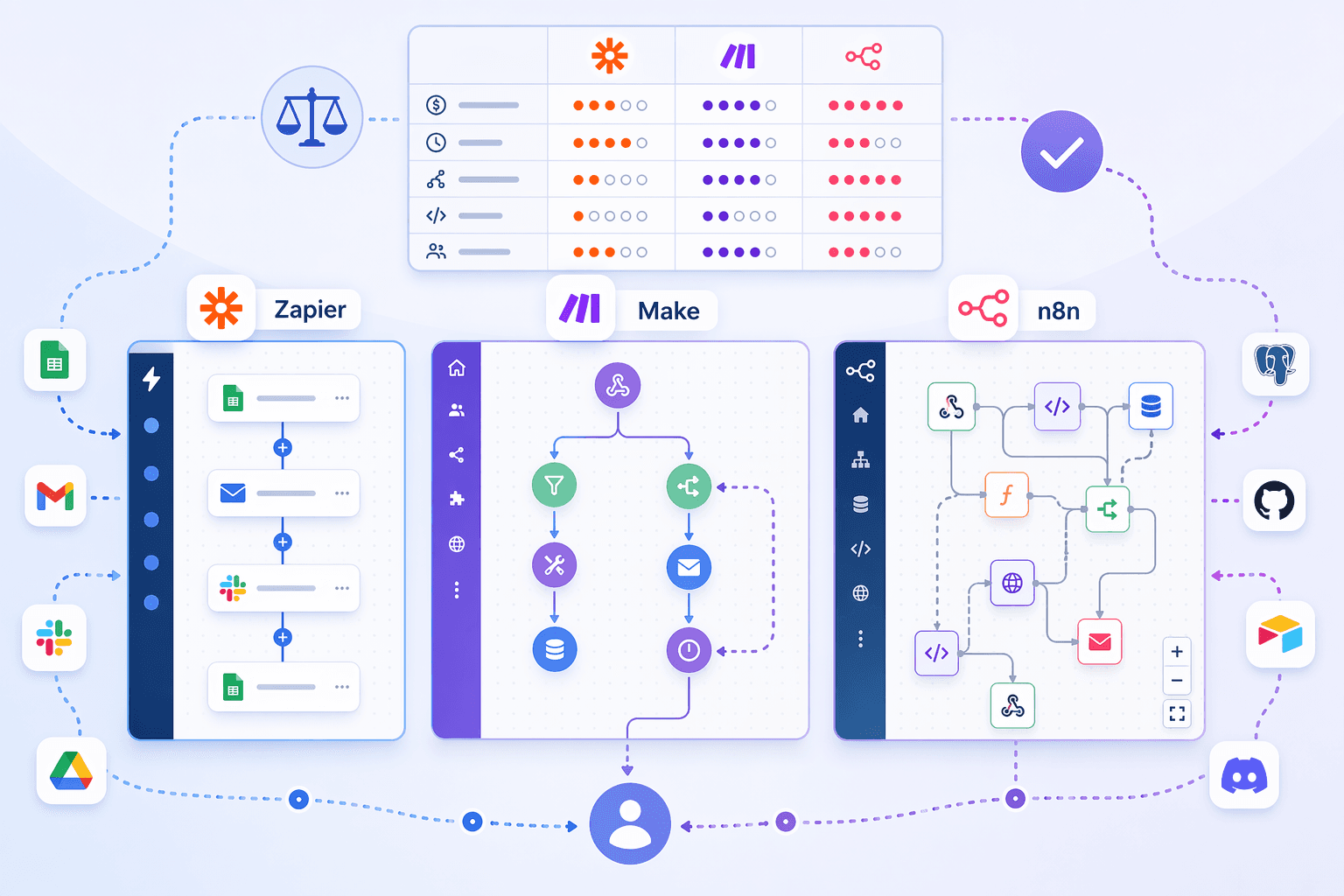
The $266/Month Zap That Costs $19.99
You find a tool that connects your CRM to your email to your Slack in a few clicks. The landing page says $19.99/month. You sign up. A month later your bill is $266.
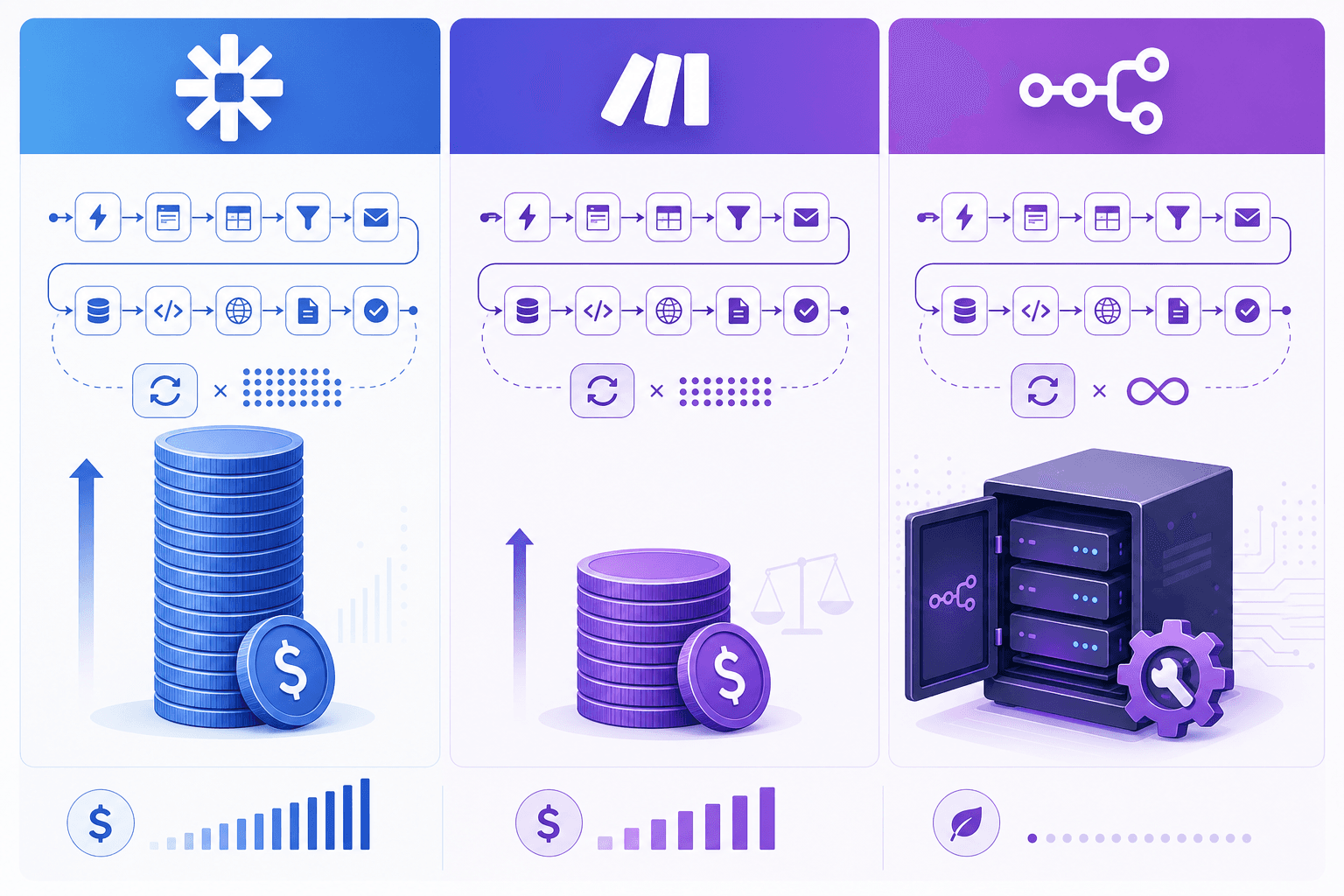
I’ve watched that happen to teams more than once. It’s not a hypothetical. Zapier’s pricing is task-based: each step in a workflow counts as a separate task. A 10-step workflow running 1,000 times consumes 10,000 tasks. At $19.99/month for 750 tasks on the Professional plan, 10,000 tasks cost roughly $266.
The headline price is a trap. Zapier is excellent for simple, low-volume automations—a one-step email-to-Slack forwarder that runs a few times a day stays cheap. But as soon as your workflow has multiple steps and runs hundreds of times a month, the math flips.
That’s not opinion. It’s arithmetic. And it’s the single biggest hidden cost in the process automation tool market.
Make: $9 vs $266 for the Same Work
Make doesn’t count steps; it counts operations. An operation is a single action within a workflow—a filter, a branch, a data transformation, a loop iteration. The difference is huge: a scenario with 10 operations that runs 1,000 times uses 10,000 operations. On Make’s Core plan, that costs $9/month for 10,000 operations.
That’s not a typo. $9 versus $266 for the exact same workload.
Make’s visual scenario builder handles branching and loops without extra cost per path. Want to add a conditional branch that checks if a field is empty? That’s one operation. Want to loop over a list of items? The loop runs as many operations as the number of items, but you’re still only paying per operation—not per step per branch. The pricing model rewards the kind of complex, branching logic that knowledge-worker teams actually need.
| Pricing model | How you’re billed | Example: 10-step workflow, 1,000 runs/month | Starting price |
|---|---|---|---|
| Zapier: task-based | Each step = 1 task | 10,000 tasks → ~$266/month | $19.99/month (750 tasks) |
| Make: operation-based | Each action = 1 operation | 10,000 operations → $9/month | $9/month (10,000 operations) |
| n8n: execution-based (cloud) | Each complete run = 1 execution | 1,000 executions → included in 2,500-cap plan | $20/month (2,500 executions, annual) or free self-hosted |
Make’s free tier gives you 1,000 operations per month—enough to evaluate a real workflow. The Core plan at $9 is the best price-to-power ratio in the category for most small teams. I haven’t found a solid counterargument.
The 'Free' n8n That Requires Docker
Then there’s n8n. Self-hosted. Open-source. Unlimited workflows, unlimited steps, unlimited users. Free.
That sounds like the obvious winner. But “self-hosted” means you need a server, Docker, and comfort maintaining infrastructure. The n8n community often assumes you know what a Docker Compose file is. If you don’t, the “free” option becomes an expensive distraction.
n8n also offers a cloud plan: $20/month for 2,500 workflow executions (annual billing). That’s a different pricing unit than Zapier or Make: each complete run of a workflow counts as one execution, regardless of how many steps it contains. So the same 10-step workflow that cost $266 on Zapier and $9 on Make uses just 1 execution on n8n—1,000 runs use 1,000 executions, well within the 2,500 cap.
Where n8n truly shines is when you need unlimited steps, custom JavaScript or Python code in any node, or granular error handling. Its workflow structure natively supports branching, loops, parallel execution, and conditional paths—all without extra cost per step. If your automation involves data transformation, API orchestration, or regulated environments (GDPR, HIPAA, SOC 2), n8n self-hosted gives you full data control that no cloud-only platform can match.
But the prerequisite is real. I’ll be blunt: if you can’t run Docker, don’t count n8n as “free.” For a deeper look at how costs compound at volume, the article Process Automation Tool Pricing in 2026: What You Actually Pay at Scale dives into the numbers.
AI Depth: Tiebreaker or Distraction?
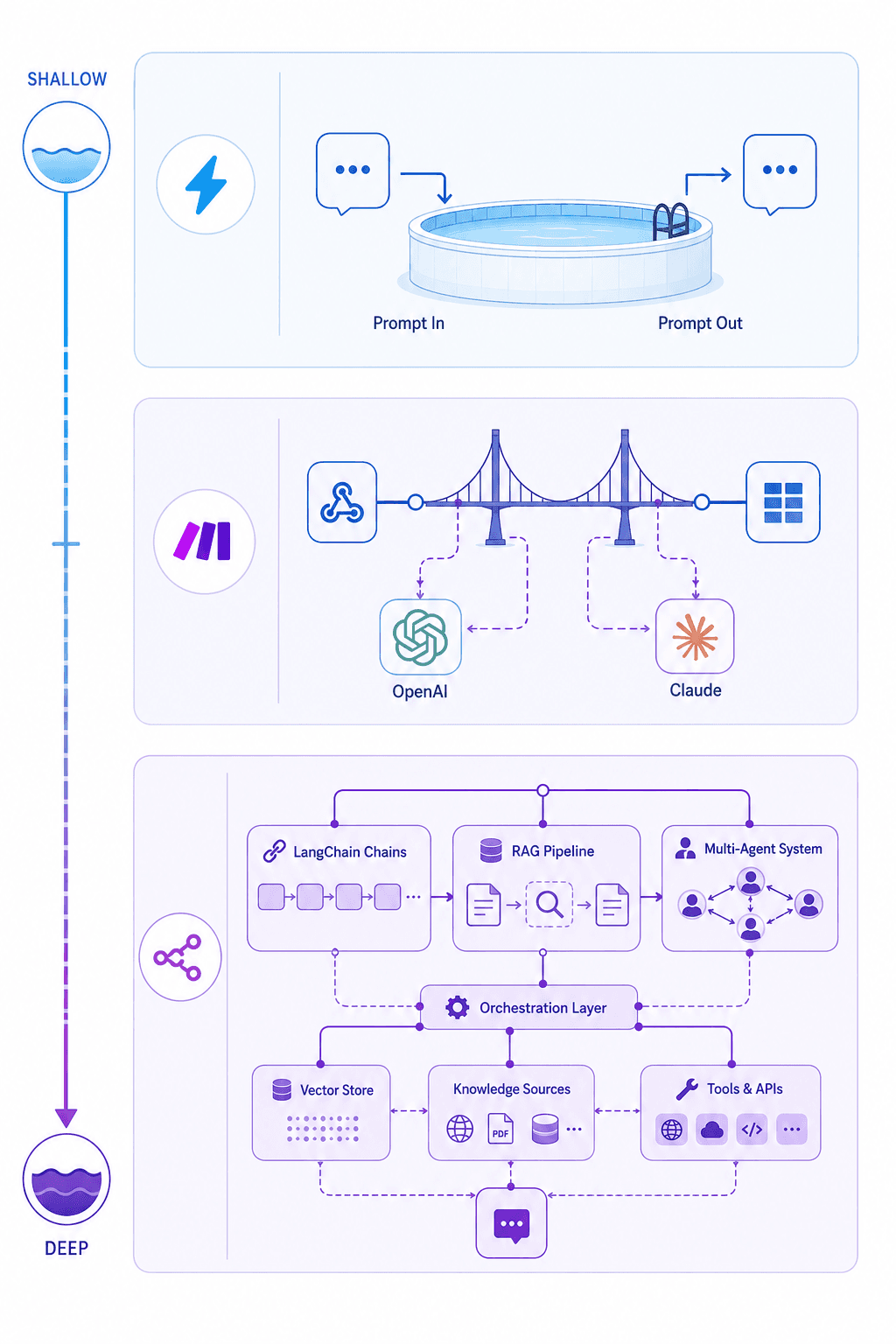
All three platforms now offer AI capabilities, but the depth varies enormously. I’d call this a tiebreaker, not a primary decision factor for most teams.
| AI capability | Zapier | Make | n8n |
|---|---|---|---|
| LLM integration | Prompt-in/prompt-out via OpenAI app | OpenAI, Claude connectors | Full LangChain, RAG pipelines, multi-agent orchestration |
| Code customisation | Limited (6MB input cap, no external packages) | Code only on Enterprise plan | JavaScript and Python in any node |
| Custom AI workflows | No | Limited (model + logic blocks) | LangChain chains, vector DBs, autonomous agents |
| Suitable for most teams? | For simple AI triggers (e.g., summarise email) | For moderate AI steps in workflows | For complex AI pipelines (RAG, agents) |
If your team’s automation needs are mostly “send an email when a form is submitted” or “create a task when a deal closes,” AI depth doesn’t matter yet. But if you plan to build a customer-support triage system that reads messages, categorises them, and generates replies using an LLM, the platform’s AI maturity can save months of work.
For the hidden costs of AI tokens and why deterministic logic often beats an LLM for predictable tasks, see The AI Workflow Automation Token Cost Trap.
Map Your Workflow to the Right Tool
The three tools coexist for a reason. Each has a clear sweet spot. The matrix below maps specific use-case archetypes to the best fit.
| Use-case archetype | Best tool | Why? |
|---|---|---|
| Simple SaaS email-forwarding automation (1–2 steps, <100 runs/month) | Zapier | Easiest setup, largest integration library (8,000+ apps), cheap at low volume. |
| Multi-step conditional workflows with branching (5–15 steps, 100–5,000 runs/month) | Make | Operation-based pricing makes complex workflows affordable. Visual builder handles branching and loops natively. |
| High-volume ETL or data pipelines with code customisations (unlimited steps, 10,000+ runs/month) | n8n self-hosted | No per-step cost, full JavaScript/Python in any node, unlimited runs, data residency control. |
| Regulated environment needing data residency control (GDPR, HIPAA, SOC 2) | n8n self-hosted | Only self-hostable option among the three. Zapier and Make are cloud-only. |
| AI-heavy workflow (RAG, multi-agent, vector search) | n8n | LangChain integration, custom model pipelines, multi-agent orchestration. Make and Zapier lack the depth. |
| Team with mixed technical skill—no one wants to maintain infrastructure | Make or Zapier | Both are fully managed; Make offers better value at moderate complexity. |
Integration counts alone (Zapier ~8,000, Make ~3,000, n8n ~1,300) are a weak proxy. The real question is whether the integrations your team actually needs exist with adequate depth. I don’t buy the argument that bigger is better—some Make and n8n integrations are community-maintained. Check the app you use most before committing.
If you’re still unsure, the Process Automation Tool Buyer's Guide walks through three real-world workflows to determine which tool (if any) your team actually needs.
The Bottom Line
Picking the wrong process automation tool costs time and money. The best tool depends entirely on your workflow complexity, volume, and technical capability.
- If your work is simple, low-volume, and you value speed of setup over everything: Zapier is the right choice. Just know that the moment your workflow grows, the price grows with it.
- If you have multi-step, branching logic and a budget that can’t absorb surprise cost spikes: Make is the safest bet. Best price-to-power ratio for most small teams.
- If you need unlimited scale, full data control, or advanced AI pipelines—and you have the technical chops to run a server: n8n self-hosted is unmatched. Its cloud plan is also fair, but the real value is in self-hosting.
- If your team spans multiple profiles: run them together. Zapier for quick SaaS glue, Make for the complex visual workflows, n8n for the high-volume or regulated data pipes.
For a deeper look at alternatives, see Power Automate vs n8n in 2026 or explore the full Process Automation Tool Pricing in 2026 article for more on how costs scale.



Comments
Join the discussion with an anonymous comment.