
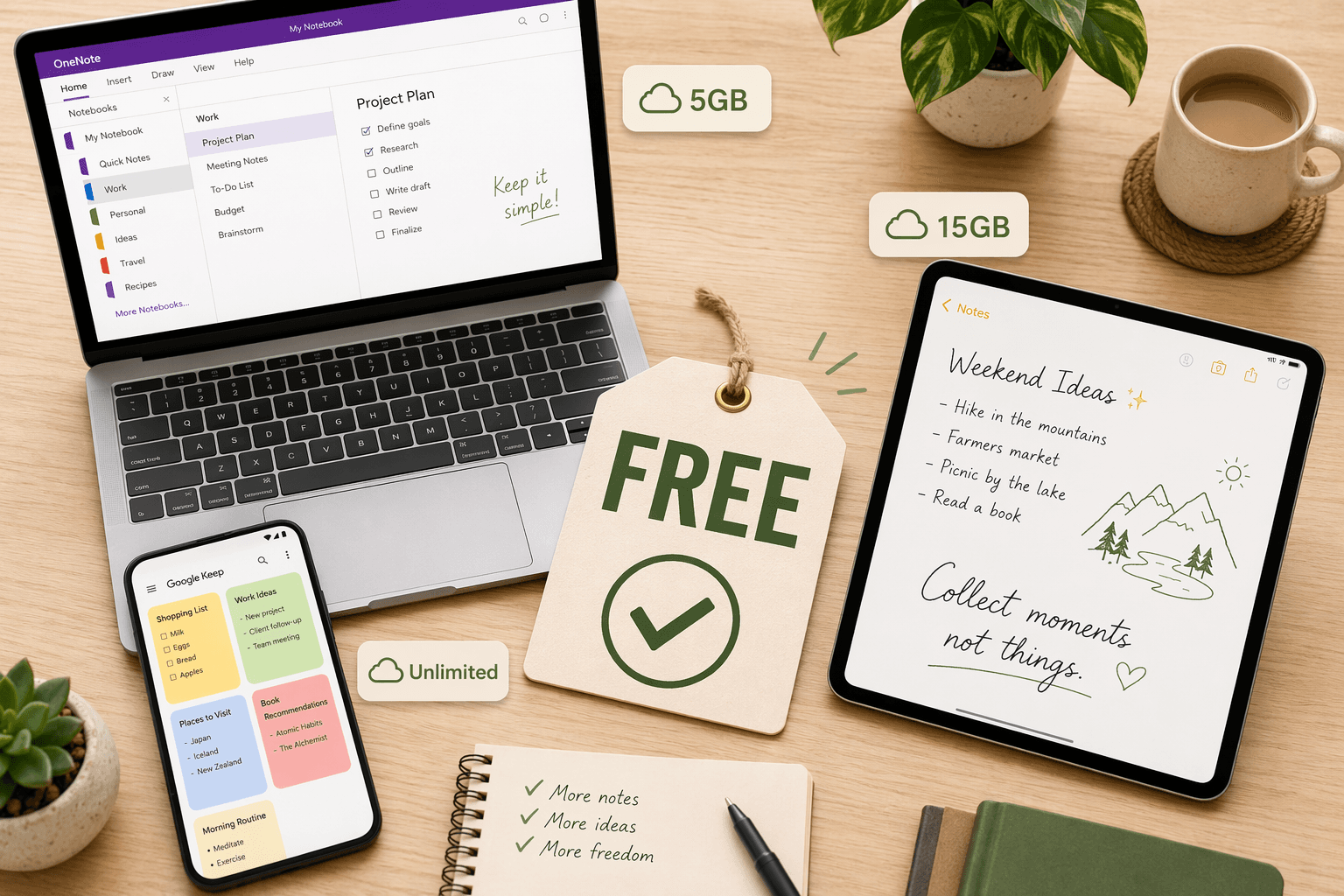
The 'Free' Trap: Why Not All Free Tiers Are Created Equal
A free tier is a marketing tool, not a charity. Every note-taking app that offers a free plan does so with a specific business goal: convert a percentage of users into paying customers. The question is not whether a free tier exists — it's whether that free tier is designed to be genuinely useful or merely to tease you into upgrading. The difference between these two outcomes often comes down to a handful of hidden constraints: storage caps, device limits, feature gating, and AI paywalls.
In 2026, the gap between the most generous free tiers and the most restrictive ones has widened dramatically. Some apps give you unlimited notes, offline access, and AI features at no cost. Others cap you at 50 notes total, lock you to a single device, or bury essential features behind a subscription that costs more than a streaming service. The trap is that these limits are rarely advertised upfront. You discover them only after you've invested weeks or months of notes into a platform.
Evernote: The Worst Free Tier in 2026
Evernote's free plan has become a case study in how not to design a free tier. As of mid-2026, the free plan is capped at 50 notes total, one notebook, and one device, with a 250 MB monthly upload limit. Once you hit 50 notes, you cannot add more without upgrading to a paid plan. This is not a soft limit that slows you down — it's a hard wall.
- 50 notes total — not per month, not per notebook. Total. A typical student or knowledge worker can hit this in a few weeks.
- 1 notebook — no organizational structure beyond a single flat list.
- 1 device — you cannot access your notes on both your phone and your laptop without upgrading.
- 250 MB/month upload — enough for a few PDFs or a handful of photos, but not sustainable for regular use.
The paid plans start at approximately AUD 13/month for Starter (which still limits you to 1,000 notes) and AUD 22/month for Advanced, according to Tech Insider's June 2026 guide. PCMag's May 2026 update notes that Evernote's free version offers a 200 MB max file upload per file, which is generous in isolation but meaningless when you can only store 50 notes total. For anyone who takes more than a few dozen notes, Evernote's free tier is not a free tier — it's a trial.
OneNote: Genuinely Free (With One Caveat)
Microsoft OneNote stands out as one of the few major note-taking apps where the free tier is genuinely usable for most people. According to Zapier's December 2025 review and PCMag's May 2026 update, OneNote's free version includes all core features with 5 GB of OneDrive storage and a 100 MB max file upload per file. There is no note count limit, no device restriction, and no time limit on the free tier.
- 5 GB OneDrive storage — shared across all OneDrive files, not just notes.
- 100 MB max file upload — sufficient for most PDFs, images, and audio files.
- Full feature set — notebook hierarchy, tags, search, web clipper, multimedia support.
- Cross-platform — Windows, Mac, iOS, Android, and web.
The one caveat is Copilot AI. Microsoft's AI assistant for note-taking is only available to paid Microsoft 365 Copilot subscribers. If AI-powered summarization, rewriting, or search is essential to your workflow, you'll need a subscription. For everyone else, OneNote's free tier is complete and unrestricted.
Obsidian: Truly Free — No Storage Limits, No Server Dependency
Obsidian operates on a fundamentally different model from cloud-based apps. Your notes are stored as plain Markdown files on your local device. There is no storage cap, no file size limit, and no server that can cut off your access. According to Zapier's December 2025 review, Obsidian is free for personal use, with commercial use priced at $50/user/year. Tech Insider's June 2026 guide confirms that Obsidian updated its policy in 2025 to include commercial use in the free tier.
- Unlimited local storage — limited only by your device's hard drive.
- No file size caps — embed images, PDFs, audio, and video without restriction.
- Free for personal and commercial use — no license fee for businesses.
- Optional paid features — Sync ($5/month) and Publish (~AUD 15/month) are entirely optional.
The trade-off is that Obsidian requires you to manage your own sync if you want notes across multiple devices. The free tier does not include cloud sync — you'll need to use a third-party service like Dropbox, iCloud, or a self-hosted solution, or pay for Obsidian Sync. For users who value privacy, local-first storage, and zero vendor lock-in, Obsidian's free tier is the gold standard.
Apple Notes: Free with iCloud — AI Included at No Extra Cost
For users in the Apple ecosystem, Apple Notes offers a free tier that rivals many paid apps. According to Zapier's December 2025 review, Apple Notes is free with 5 GB of iCloud storage shared across all Apple services. Tech Insider's June 2026 guide confirms that Apple Intelligence features — including AI-powered summarization, rewriting, and smart search — are included at no extra cost on supported devices.
- 5 GB shared iCloud storage — same pool used for photos, backups, and other data.
- Full feature set — handwriting search, document scanning, tags, rich text, tables, and collaboration.
- Apple Intelligence — AI features at no extra cost (device-dependent).
- No note count limit, no device restriction, no file size cap within the storage pool.
The main limitation is the shared 5 GB iCloud storage. If you also use iCloud for photos, backups, and other data, you may run out of space quickly. Apple charges for additional iCloud storage starting at $0.99/month for 50 GB. For users who primarily use Apple devices and don't need cross-platform access, Apple Notes is one of the most complete free note-taking apps available.
Google Keep: The Only Major Free App With No Paid Tier
Google Keep occupies a unique position in the note-taking landscape: it is the only major app that has no paid tier at all. According to Zapier's December 2025 review and Tech Insider's June 2026 guide, Google Keep is completely free with a Google account, with 15 GB of shared storage across Google Drive, Gmail, and Google Photos.
- 15 GB shared storage — generous for text-based notes, but shared across all Google services.
- No paid tier — there is no premium version to upgrade to.
- Location-based reminders — a unique feature not found in most note-taking apps.
- Deep Google ecosystem integration — Works with Google Docs, Calendar, and Assistant.
The trade-off is that Google Keep is designed for quick capture, not long-form note-taking or complex organization. It lacks notebooks, tags (beyond color-coded labels), and rich formatting. For users who need a simple, reliable, and genuinely free app for quick notes, reminders, and lists, Google Keep is the best option. For deep research or project management, it will feel limiting.
Notion: Generous but Media-Capped
Notion's free Personal plan is one of the most generous in terms of page count — you can create unlimited pages, databases, and workspaces. However, it has two critical hidden limits that can make it frustrating for media-heavy users.
- 5 MB file upload per file — embedding images, PDFs, or audio files quickly becomes impractical.
- 7-day page history — you cannot restore a deleted or edited page beyond one week.
- Notion AI is Business-tier only — approximately AUD 30/user/month, according to Tech Insider's June 2026 guide.
There is a significant exception for students and educators. According to Drawboard's 2026 student guide, Notion offers a free Personal Pro upgrade with a .edu email address. This upgrade removes the 5 MB upload cap and adds unlimited version history. If you have access to an academic email, Notion's free tier becomes one of the most capable options available.
Capacities: Unusually Generous — But Is It Here to Stay?
Capacities is a relative newcomer to the note-taking space, but its free tier is unusually generous. According to Tech Insider's June 2026 guide, Capacities offers unlimited notes, objects, and spaces on its free tier, along with several gigabytes of media storage and offline sync.
- Unlimited notes, objects, and spaces — no cap on how much you can create.
- Several GB of media storage — enough for most users' image and file attachments.
- Offline sync — access and edit notes without an internet connection.
- Structured note-taking — objects and spaces provide a database-like organization system.
The caveat is that Capacities is a newer app with a smaller user base and less established track record than Obsidian or OneNote. While its free tier is genuinely generous today, its long-term viability as a platform is less certain. Users who invest heavily in Capacities should ensure they can export their data (the app supports Markdown export) in case the business model changes or the app is discontinued.
Joplin: Free and Open-Source — Bring Your Own Storage
Joplin is a free, open-source note-taking app that gives users complete control over their data. According to PCMag's May 2026 update, Joplin stores notes locally on your device and has no maximum file upload limit. The app supports end-to-end encryption and a wide range of sync backends.
- Completely free — no paid tiers, no feature gates, no AI paywalls.
- No file size limits — embed any file type without restriction.
- End-to-end encryption — your notes are encrypted before they leave your device.
- Bring your own storage — sync via Dropbox, OneDrive, WebDAV, or a self-hosted server.
The trade-off is that Joplin requires more setup than most apps. You need to configure your own sync backend, and the interface is less polished than OneNote or Apple Notes. For users who want full control over their data and don't mind a bit of technical setup, Joplin is one of the most capable free note-taking apps available.
Free-Tier Limits Comparison Table
The table below summarizes the key hidden limits across all eight apps. All figures were last verified in mid-2026 from Zapier (December 2025), PCMag (May 2026), and Tech Insider (June 2026).
| App | Storage Cap | Device Limit | Offline Access | AI Access | File Upload Cap | Note Count Limit |
|---|---|---|---|---|---|---|
| Evernote | 250 MB/month upload | 1 device | Yes | No (paid only) | 200 MB per file | 50 notes total |
| OneNote | 5 GB OneDrive | Unlimited | Yes | Copilot requires M365 | 100 MB per file | Unlimited |
| Obsidian | Unlimited (local) | Unlimited | Yes (local-first) | No (no AI features) | Unlimited | Unlimited |
| Apple Notes | 5 GB iCloud (shared) | Unlimited | Yes | Apple Intelligence (free) | Unlimited (within storage) | Unlimited |
| Google Keep | 15 GB Google Drive (shared) | Unlimited | Yes (mobile) | No (no AI features) | Unlimited (within storage) | Unlimited |
| Notion | Unlimited pages | Unlimited | Yes (limited) | Business tier only (~AUD 30/mo) | 5 MB per file | Unlimited |
| Capacities | Several GB media | Unlimited | Yes | No (no AI features) | Unlimited (within storage) | Unlimited |
| Joplin | Unlimited (local) | Unlimited | Yes (local-first) | No (no AI features) | Unlimited | Unlimited |
Which Free Tier Should You Pick? A Decision Guide
The right free tier depends on your usage pattern, platform, and tolerance for hidden limits. Use the following decision framework to find your best match.
- Privacy-focused power users who want full control over their data → Obsidian. No storage limits, no server dependency, and free for commercial use. The only cost is managing your own sync.
- Apple ecosystem users who want a polished, feature-rich app → Apple Notes. Handwriting search, document scanning, and AI features at no extra cost. The 5 GB iCloud limit is the only constraint.
- Android and web users who need quick capture and reminders → Google Keep. Fully free with 15 GB shared storage. No paid tier exists, so there is no upgrade pressure.
- Cross-platform users who want a full-featured app without paying → OneNote. 5 GB storage, no device limits, and all core features included. The only missing piece is Copilot AI.
- Students and educators with a .edu email → Notion. The free Personal Pro upgrade removes the 5 MB upload cap and adds unlimited version history. Without a .edu email, the 5 MB cap is a significant limitation.
- Users who want structured note-taking with generous limits → Capacities. Unlimited objects and spaces with several GB of media storage. Be aware that the app is newer and less established.
- Users who want complete data control and don't mind setup → Joplin. Free, open-source, end-to-end encrypted. Bring your own storage and configure sync yourself.
If you're still unsure whether a free tier will meet your needs, our Free vs. Paid Note-Taking Apps in 2026 guide provides a detailed framework for deciding when upgrading makes sense.
The Verdict: Three Apps With Genuinely No-Pay-Required Tiers
After examining the hidden constraints across eight major note-taking apps, three stand out as having genuinely usable free tiers that don't hide frustrating limits behind a paywall.
- Obsidian — for users who value privacy, local storage, and zero vendor lock-in. The free tier is complete and unrestricted; paid features are entirely optional.
- Apple Notes — for Apple ecosystem users who want a polished, AI-enhanced app at no cost. The only limit is shared iCloud storage.
- Google Keep — for Android and web users who need a simple, reliable, and genuinely free app for quick capture. No paid tier means no upgrade pressure.
OneNote also deserves an honorable mention for its generous free tier, though the absence of Copilot AI on the free plan may be a dealbreaker for users who rely on AI-powered features. For everyone else, OneNote's free tier is complete and unrestricted.




Comments
Join the discussion with an anonymous comment.