
Why Android Needs a Use-Case-Based Guide to Note-Taking Apps
iPhone users get Apple Notes — a capable, deeply integrated default that handles everything from quick grocery lists to PDF annotations. Android users get Google Keep. It is fast, it is free, and it syncs instantly with your Google account. But for anyone who has tried to organize a semester of lecture notes, build a project knowledge base, or manage a research library inside Keep, the ceiling arrives fast. No notebooks. No hierarchy. No offline Markdown. No real export options.
This gap is not a failure of Android — it is a reflection of the platform's diversity. Android runs on phones, foldables, tablets, and e-ink devices from a dozen manufacturers, each with different stylus support, screen sizes, and software skins. A single "best" app cannot serve all of them. The right choice depends entirely on your primary use case: quick capture, deep organization, handwriting, privacy, AI features, or budget value.
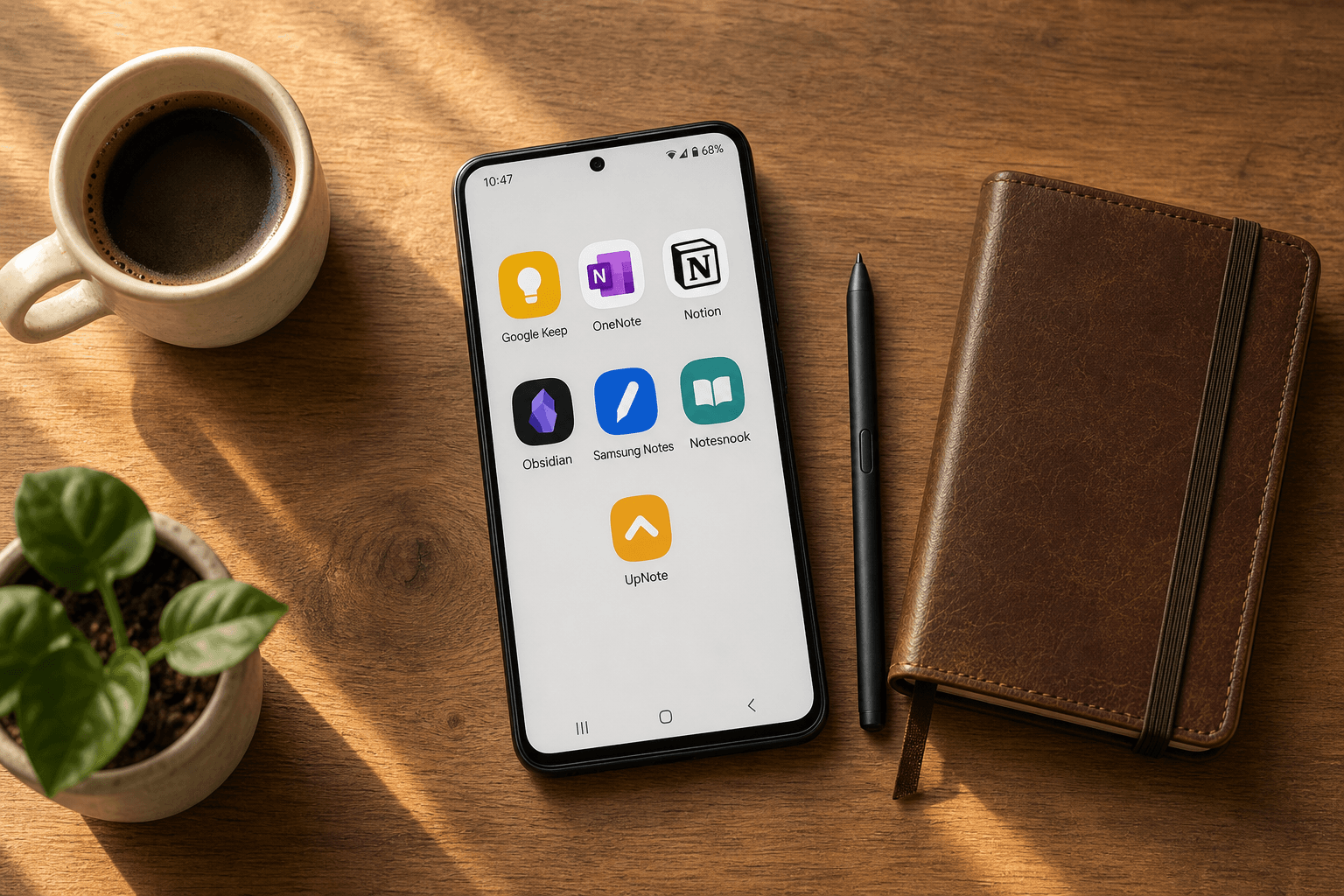
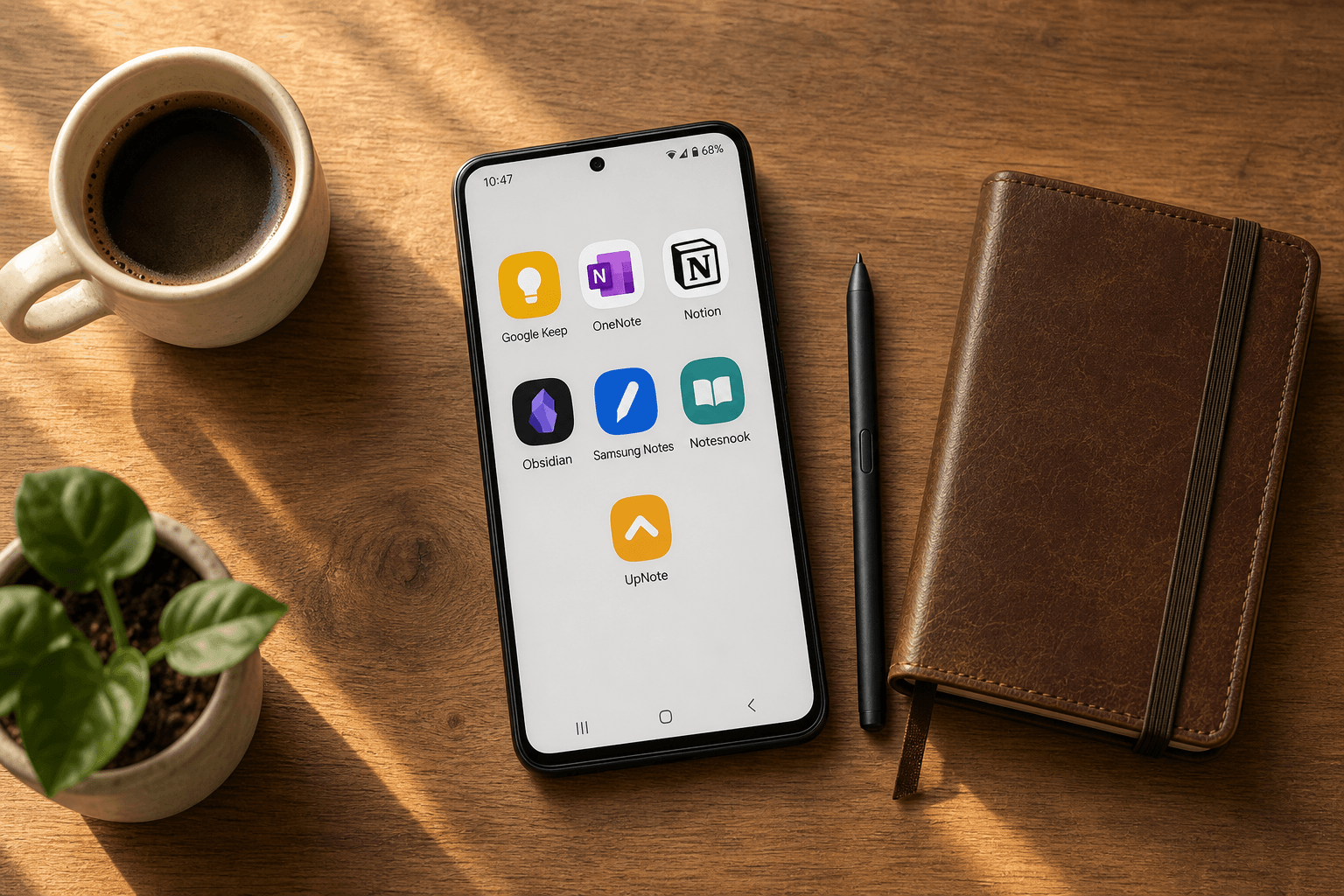
This guide tests and ranks seven top contenders — Google Keep, Microsoft OneNote, Notion, Obsidian, Samsung Notes, Notesnook, and UpNote — across the dimensions that actually matter on Android: offline reliability, stylus support, cross-platform sync, AI features, and free-tier generosity. Each review ends with an honest "Skip it if…" verdict so you can immediately identify the app that removes friction from your actual day.
At a Glance: The 7 Best Android Note-Taking Apps in 2026
If you are in a hurry, the table below summarizes each app's best-fit use case, key strength, key weakness, and starting price. Scan this first, then jump to the detailed review that matches your priority.
| App | Best For | Key Strength | Key Weakness | Starting Price |
|---|---|---|---|---|
| Google Keep | Quick capture & Google ecosystem users | Fastest capture, voice memo transcription, home screen widgets | Flat structure — no notebooks, no hierarchy, limited depth | Free |
| Microsoft OneNote | Overall free option with unlimited storage | Free-form canvas, excellent handwriting, cross-platform, e-ink compatible | Inconsistent sync with large notebooks, buggy link-sharing on Android | Free |
| Notion | Structured notes, databases, team wikis | Unmatched flexibility with block editor, databases, templates | Android app is a slow web wrapper, limited offline support | Free (Personal); Plus $10/month |
| Obsidian | Data ownership & long-term knowledge management | Local Markdown files, plugin ecosystem, bidirectional linking | Steep learning curve, no native AI or handwriting, sync costs $4/month | Free (core app); Sync $4/month |
| Samsung Notes | S Pen handwriting (Galaxy only) | Excellent stylus experience, seamless Samsung integration | Locked to Samsung hardware, no iOS/Windows/Mac app, no AI transcription | Free (Samsung devices) |
| Notesnook | Privacy with end-to-end encryption | E2EE, open-source, lower cost than Standard Notes | Slower update cycle, smaller ecosystem | Free; Premium $4.49/month |
| UpNote | Value with a lifetime license | Polished interface, Markdown support, $39.99 lifetime license | 20MB file upload limit, no OCR or sketching | $1.99/month or $39.99 lifetime |
Google Keep: Best for Quick Capture and Google Ecosystem Users
Google Keep is the fastest path from thought to saved text on Android. Its home screen widgets let you create a note or checklist without opening the app. Voice memos are transcribed automatically. Color-coded labels and reminders keep things organized enough for daily use — shopping lists, to-do items, quick ideas you do not want to lose.
The integration with Google Workspace is seamless. You can drag a Keep note directly into a Google Doc, set location-based reminders, and access everything from any browser. For users who live inside Google's ecosystem, Keep is the natural default.
- Pros: Instant sync, excellent voice transcription, robust search (including text in images), free with no storage limits for notes.
- Cons: No notebooks or sections — every note is a flat card. No Markdown support. No desktop app (browser-only). No export options beyond Google Takeout.
Skip it if… you need notebooks, folders, or any form of hierarchy. Keep is for capture, not curation.
Microsoft OneNote: Best Overall Free Option with Unlimited Storage
OneNote is the most versatile free note-taking app on Android, and it is not particularly close. The free tier includes unlimited storage, a free-form canvas where you can type, handwrite, draw, and clip content anywhere on the page, and a notebook/section/page structure that scales from a personal journal to a full research archive.
Handwriting support is a standout feature. OneNote performed well on Boox e-ink devices in Android Police's December 2025 testing, where it was described as "fast, responsive" for handwriting, photo import, and voice memos. The same review found that most other apps struggled on e-ink screens. OneNote also supports PDF annotation, math formula recognition, and a web clipper that works across browsers.
- Pros: Free unlimited storage, excellent handwriting and drawing tools, free-form canvas, notebook organization, cross-platform (Android, iOS, Windows, Mac, Web, e-ink), web clipper, PDF annotation.
- Cons: Sync can be slow and inconsistent with large notebooks. Link-sharing on Android is buggy. Handwriting-to-text conversion is Windows-only. The interface can feel cluttered on smaller phone screens.
Skip it if… you prioritize speed and minimalism over flexibility. OneNote's feature set comes with complexity. If you want a distraction-free writing environment, look elsewhere.
Notion: Best for Structured Notes, Databases, and Team Wikis
Notion is the most flexible note-taking tool on the market — if you can tolerate its Android app. The block editor lets you build anything from a simple to-do list to a relational database with linked views (table, board, gallery, timeline). Templates cover everything from project management to habit tracking. For knowledge workers who live in Notion on desktop, the power is undeniable.
The problem is mobile performance. Android Police's September 2025 review called the Android app a "painfully slow web wrapper" with long loading times. Offline support is limited — you can access recently viewed pages, but full offline editing is not reliable. If your primary device is a phone or tablet, Notion will feel sluggish compared to native apps like OneNote or Keep.
- Pros: Unmatched flexibility with databases, block editor, and templates. Excellent collaboration features. Extensive template gallery. Powerful linked database views.
- Cons: Android app is slow and feels like a web wrapper. Limited offline support. No handwriting or sketching. AI features require a separate paid add-on. Steep learning curve for new users.
Skip it if… you take most of your notes on your phone. Notion is a desktop-first tool with a mobile companion, not a mobile-first app.
Obsidian: Best for Data Ownership and Long-Term Knowledge Management
Obsidian stores everything as plain Markdown files on your local device. You own your data completely — no proprietary format, no cloud dependency, no vendor lock-in. The plugin ecosystem (over 1,500 community plugins) extends the app into a full personal knowledge management system with bidirectional linking, graph views, spaced repetition, and daily notes.
For users committed to the Zettelkasten or PARA methods, Obsidian is the gold standard. The Android app is a genuine native experience — it loads quickly, works offline, and syncs reliably via Obsidian Sync ($4/month) or third-party options like Syncthing. PCMag's 2026 review gives Obsidian 4.0/5, praising its "completely customizable" nature and "extensive plugin ecosystem" while noting it is "difficult to get started" and has "no collaboration" features.
- Pros: Local Markdown files — full data ownership. Extensive plugin ecosystem. Bidirectional linking and graph view. Fast native Android app. Free core app for personal use.
- Cons: Steep learning curve — not beginner-friendly. No native AI features. No handwriting or sketching support. Sync costs $4/month (or requires manual setup). No real-time collaboration.
For a deep dive into Obsidian's 2026 updates — including the new mobile interface, real-time collaboration features, and plugin ecosystem changes — see our full Obsidian Review 2026.
Skip it if… you want a tool that works out of the box without configuration. Obsidian rewards investment — if you are not ready to spend time learning and customizing, start with OneNote or UpNote.
Samsung Notes: Best S Pen Handwriting Experience (Galaxy Only)
If you own a Galaxy phone or tablet with an S Pen, Samsung Notes delivers the best handwriting experience on Android. Latency is low, palm rejection is reliable, and the app supports pressure sensitivity, zoom-to-write, and shape recognition. It is as close as Android gets to the Apple Notes + Apple Pencil experience.
The app syncs via Samsung Cloud and OneDrive, and a Windows companion app is available. But the lock-in is severe: Samsung Notes is not available on non-Samsung Android phones, and there is no iOS or Mac app. If you ever switch to a Pixel phone or an iPad, your notes are trapped. There is also no AI transcription or summarization — a notable gap in 2026.
- Pros: Excellent S Pen handwriting with low latency and palm rejection. Zoom-to-write and shape recognition. Free on Samsung devices. Sync via Samsung Cloud and OneDrive. Windows companion app.
- Cons: Locked to Samsung hardware — no non-Samsung Android, no iOS, no Mac. No AI transcription or summarization. Limited export options. Backup and restore can be unreliable.
Skip it if… you use any device that is not a Samsung Galaxy phone or tablet, or if you want your notes to be accessible outside the Samsung ecosystem.
Notesnook: Best for Privacy with End-to-End Encryption
Notesnook is the strongest privacy-first alternative to Standard Notes, and it costs significantly less. Every note is encrypted end-to-end by default. The app is open source, and the code is auditable. The free tier is usable for basic note-taking, while the Premium plan ($4.49/month) unlocks more storage, Markdown support, and version history.
Compared to Standard Notes, which charges $90/year for rich text and Markdown, Notesnook offers similar privacy guarantees at roughly half the annual cost. The trade-off is a smaller ecosystem — fewer integrations, slower update cycles, and a less polished mobile experience than mainstream apps like OneNote or Keep.
- Pros: End-to-end encryption by default. Open source and auditable. Lower cost than Standard Notes. Cross-platform (Android, iOS, Web, desktop). Free tier available.
- Cons: Smaller ecosystem with fewer integrations. Slower update cycle. Less polished mobile experience than mainstream apps. No handwriting or sketching support.
Skip it if… you need a polished, fast mobile experience or a large ecosystem of integrations. Notesnook prioritizes privacy over polish.
UpNote: Best Value with a Lifetime License
UpNote is the dark horse of this list. It offers a polished, modern interface, Markdown support, notebook-style folders, and a "Spaces" workspace feature for organizing notes by project or area of life. The app is cross-platform (Android, iOS, Mac, Windows) and syncs reliably.
The standout feature is the pricing: $1.99/month or a one-time $39.99 lifetime license. In a market dominated by monthly subscriptions, a lifetime option at this price is exceptional. PCMag's 2026 review gives UpNote 3.5/5, praising its "beautiful interface" and Markdown support while noting the 20MB file upload limit and lack of OCR or sketching capabilities.
- Pros: Polished, modern interface. Markdown support. Notebook-style folders and Spaces workspaces. Cross-platform. $39.99 lifetime license — exceptional value.
- Cons: 20MB file upload limit per note. No OCR or handwriting/sketching support. Smaller user community than major apps. No AI features.
Skip it if… you need handwriting support, OCR, or AI features. UpNote is a text-first app with no sketching or transcription capabilities.
Quick-Reference Decision Matrix: Which App Fits Your Persona?
If you skipped the detailed reviews, this matrix maps reader personas to the recommended app with a brief rationale.
| Persona | Recommended App | Rationale |
|---|---|---|
| Student (lecture notes, organization) | Microsoft OneNote | Free unlimited storage, notebook/section/page structure, excellent handwriting for tablets, cross-platform access. |
| Professional (project management, databases) | Notion | Databases, linked views, templates, and collaboration — but only if you use desktop as primary device. |
| Stylus / Handwriting User (Galaxy Tab, Boox e-ink) | Samsung Notes (Galaxy) or OneNote (cross-platform) | Samsung Notes for best S Pen experience; OneNote for e-ink and cross-device handwriting. |
| Privacy-Focused User | Notesnook | End-to-end encryption by default, open source, lower cost than Standard Notes. |
| AI Adopter (transcription, summarization) | OneNote (Copilot) or Notion (AI add-on) | OneNote offers Copilot as a paid add-on; Notion has an AI add-on. Neither is native or free. |
| Budget-Conscious User (lifetime license) | UpNote | $39.99 lifetime license, polished interface, Markdown support, cross-platform. |
| Quick Capture / Google Ecosystem User | Google Keep | Fastest capture, voice transcription, seamless Google integration — but limited depth. |
| Data Ownership / PKM Enthusiast | Obsidian | Local Markdown files, plugin ecosystem, bidirectional linking — full control over your data. |
Pricing Comparison: Free Tiers, Subscriptions, and Lifetime Deals
Pricing is one of the most volatile aspects of note-taking apps. The table below reflects data last verified in June 2026. Always check the official pricing page before subscribing.
| App | Free Tier Limits | Monthly / Yearly Subscription | Lifetime / One-Time Option |
|---|---|---|---|
| Google Keep | Unlimited notes, no storage limit for notes | Free (no paid tier) | N/A |
| Microsoft OneNote | Unlimited storage, all core features | Free (no paid tier for core features); Microsoft 365 $9.99/month for extra storage | N/A |
| Notion | Unlimited pages, 7-day page history, 5MB file uploads | Plus $10/month; Business $18/month | N/A |
| Obsidian | Core app free for personal use, unlimited local storage | Sync $4/month; Publish $16/month | N/A |
| Samsung Notes | Free on Samsung devices | Free (no paid tier) | N/A |
| Notesnook | Basic features, limited storage | Premium $4.49/month (~$54/year) | N/A |
| UpNote | Limited notes, basic features | $1.99/month | $39.99 lifetime |
Frequently Asked Questions
What is the best free note-taking app for Android?
Microsoft OneNote offers the most complete free experience with unlimited storage, handwriting support, and cross-platform access. Google Keep is the best free option for quick capture, but its flat structure limits long-term use.
What is the best note-taking app for handwriting with a stylus on Android?
For Samsung Galaxy devices with an S Pen, Samsung Notes is the best choice. For cross-platform handwriting (including Boox e-ink devices), Microsoft OneNote is the most reliable option. Android Police's December 2025 testing found OneNote performed well on Boox Palma 2 Pro and Note Air4C, while most other apps struggled.
What is the best offline note-taking app for Android?
Obsidian is the best offline-first app — all notes are stored as local Markdown files and work without any internet connection. Google Keep and OneNote also offer offline access, but with some limitations on sync and feature availability.
What is the best note-taking app for privacy on Android?
Notesnook offers end-to-end encryption by default at a lower cost than Standard Notes. For users who want maximum privacy with zero cloud dependency, Obsidian's local Markdown storage is the most private option — no data ever leaves your device unless you choose to sync it.
Which Android note-taking app has the best AI features?
As of mid-2026, no Android note-taking app offers native, free AI features that match the quality of dedicated AI tools. OneNote offers Copilot as a paid add-on. Notion has an AI add-on ($10/month on top of the plan). Google Keep has no AI features. Obsidian has no native AI. Samsung Notes has no AI transcription or summarization. If AI is your priority, consider pairing a dedicated AI note-taking app with your primary note-taking tool.
Final Verdict: Pick the App That Removes Friction from Your Actual Day
There is no universal best note-taking app for Android. The right choice depends on where and how you take notes, what devices you use, and what you value most — speed, organization, privacy, handwriting, AI, or price.
Here is the shortest possible decision framework:
- If you want the best free all-rounder with unlimited storage and handwriting support: choose OneNote.
- If you want the fastest capture tool that integrates with Google services: choose Google Keep.
- If you need databases, project management, and team wikis — and you work mostly on desktop: choose Notion.
- If you want full data ownership and a long-term knowledge management system: choose Obsidian.
- If you own a Galaxy device and want the best S Pen handwriting experience: choose Samsung Notes.
- If privacy is your top priority: choose Notesnook.
- If you want a polished, cross-platform app with a one-time payment: choose UpNote.



Comments
Join the discussion with an anonymous comment.