
Next Step
Setup
Configuration guides for an app the reader has already chosen or just migrated into: vault and folder structures, PARA-method or second-brain setups, starter plugin sets, and template starting points, scoped tightly to personal knowledge management rather than general productivity advice. Serves readers at a distinct, later task stage than Comparisons or Migrations: the decision is made, and they need the tool working. Excludes app-vs-app evaluation and migration mechanics entirely. Each guide is reached primarily as the 'next step' link from the matching migration guide or tool profile, not as standalone blog browsing.
3 matching guides
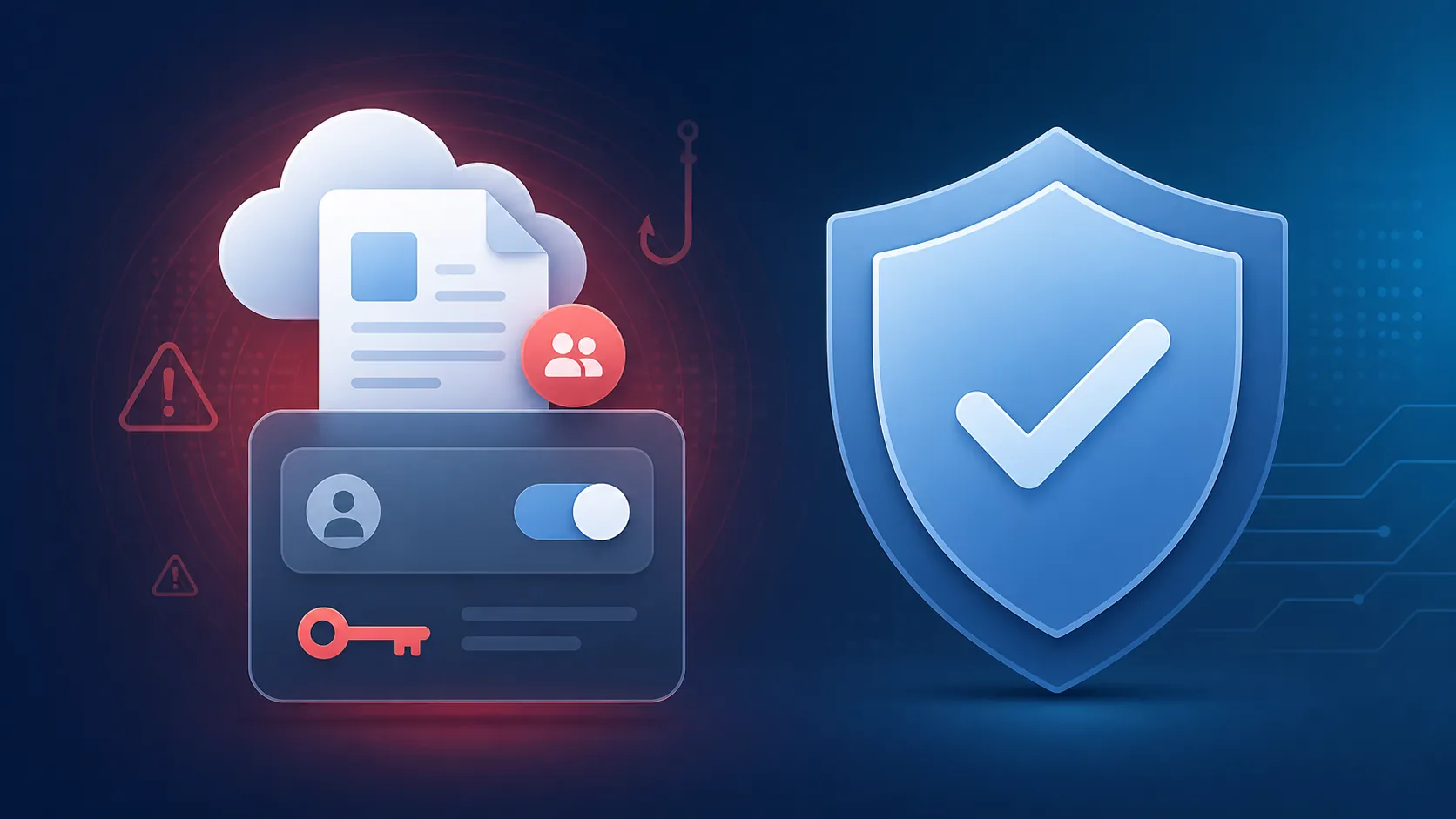
How to Protect Google Docs From Malware and Phishing
Google blocks the vast majority of malware and phishing in Docs by default, yet the attack that still works—fake "shared a document" invites that steal OAuth permissions—bypasses MFA and survives a password reset until the app access is revoked. This guide verifies the defaults, turns on 2-Step Verification and Enhanced Safe Browsing, audits third-party app access, and gives a dated response drill for suspicious share notifications.
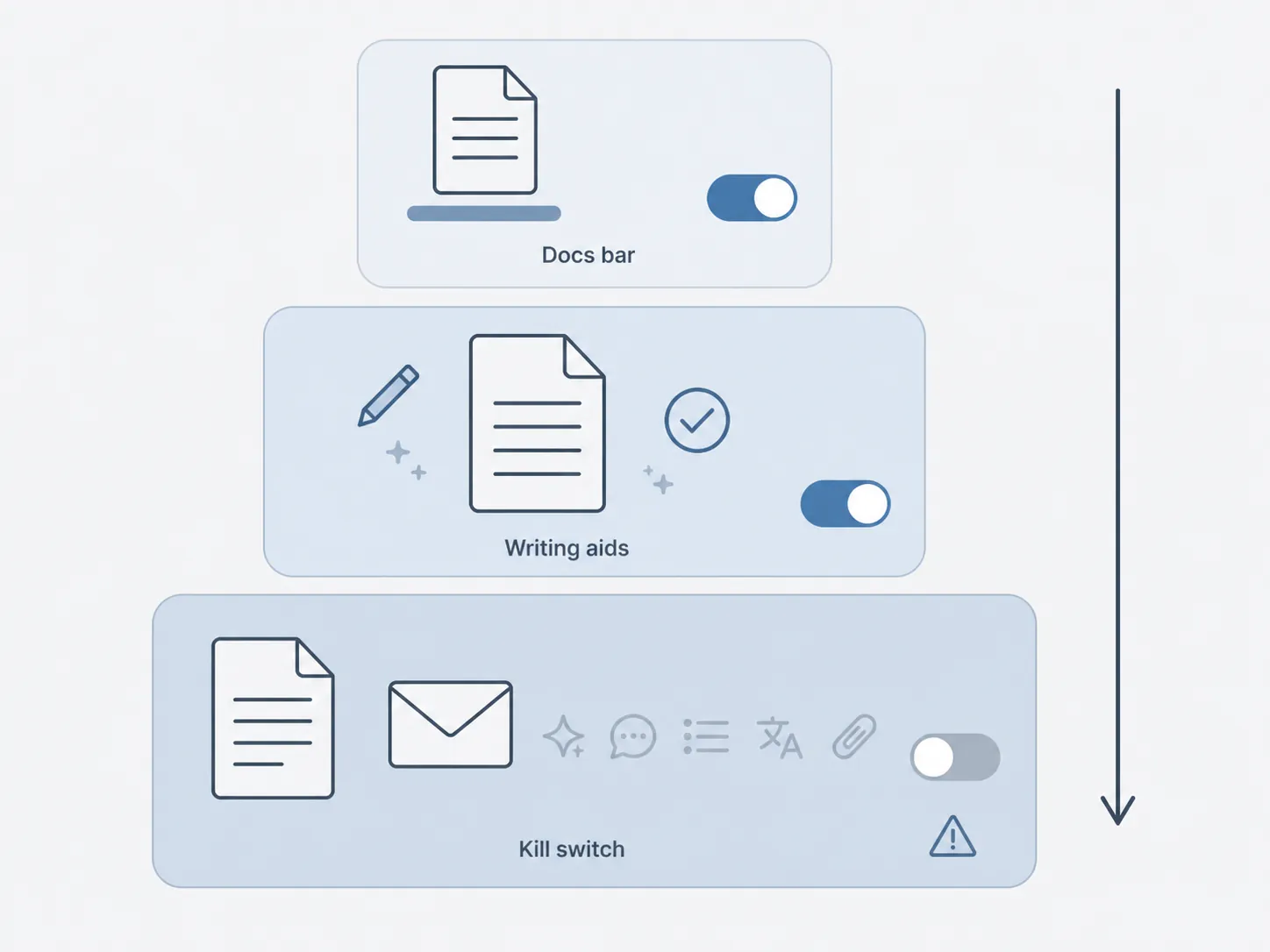
How to Turn Off Gemini AI in Google Docs — and What Breaks
There is no single switch for turning off Gemini in Google Docs — it takes three independent settings, and each hides a different part of the Docs interface. This guide, last verified August 26, 2026, walks through the bottom-bar toggle, document-level writing aids, and the account-level kill switch, and it names the Gmail features you lose along the way.
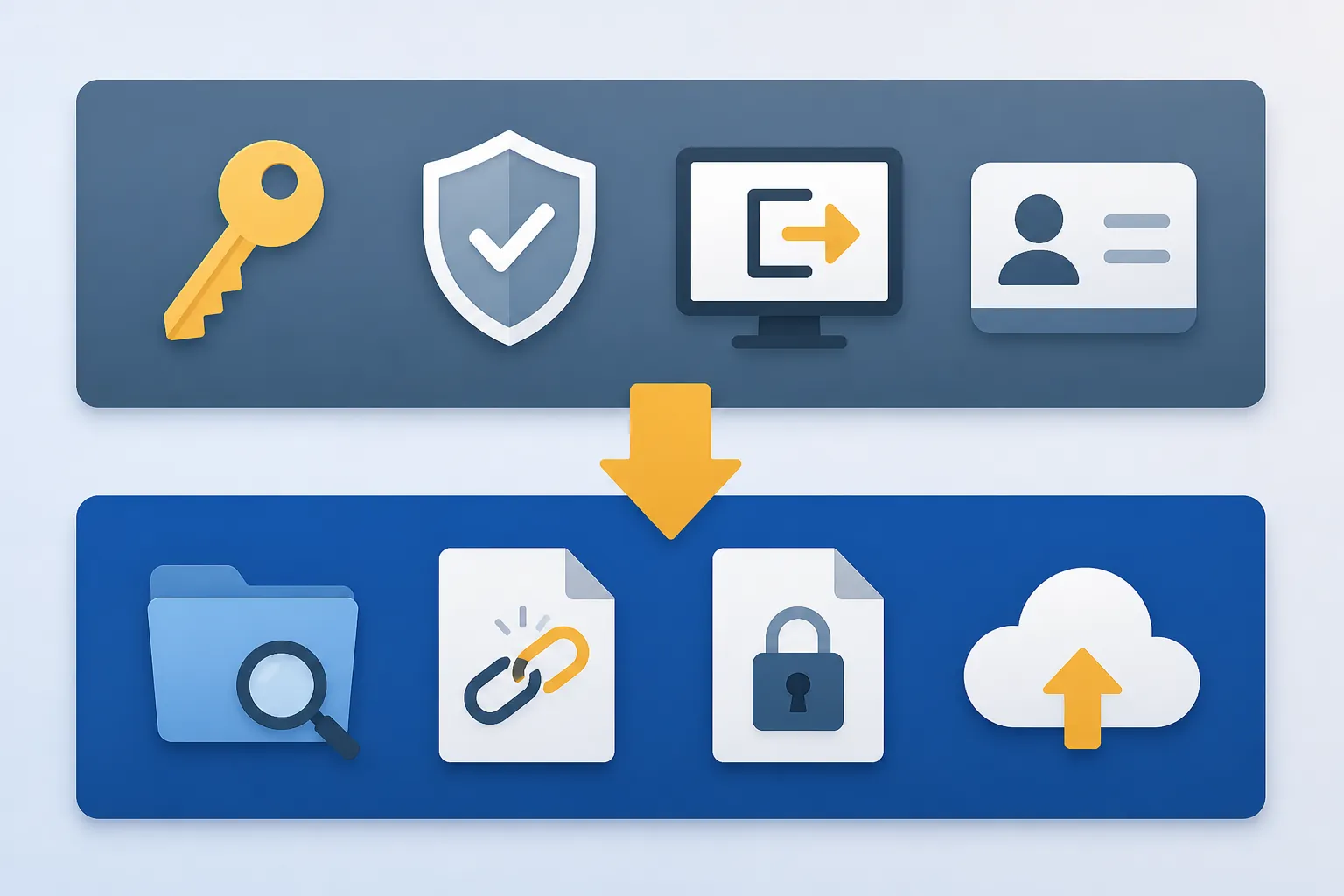
Your Google password leaked? Here's how to secure your Docs
A leaked Google password can leave backdoors that survive a password reset — forwarding rules, third-party app access, and 'Anyone with the link' files. Secure your Docs with a two-layer lockdown: clear account backdoors first, then audit Drive sharing and back up what matters.