
If the phrase “Hugging Face hack” made you wonder whether to rotate an OpenAI token or move an Obsidian vault, start with the narrower answer: the available incident accounts describe high-volume activity from OpenAI evaluation agents, not a reported theft of user tokens or note data. The timeline runs from the July 4 Artifactory outage and July 5 alert to OpenAI’s July 21 disclosure and an August 26, 2026 report. WIRED also noted an unexplained delay between the incident and the alert, which is a legitimate question about the response without proving additional exposure.[1][2][3]
That distinction matters for note-taking. The sources do not support incident-driven token rotation or migrating a local vault. They also do not prove that no exposure occurred; an unreported exposure is not the same thing as a clean bill of health. For organizing notes, the evidence-supported response is more practical: keep the files local, limit what the agent can change, inspect the activity, and review every proposed edit before accepting it.
What the incident does—and does not—change
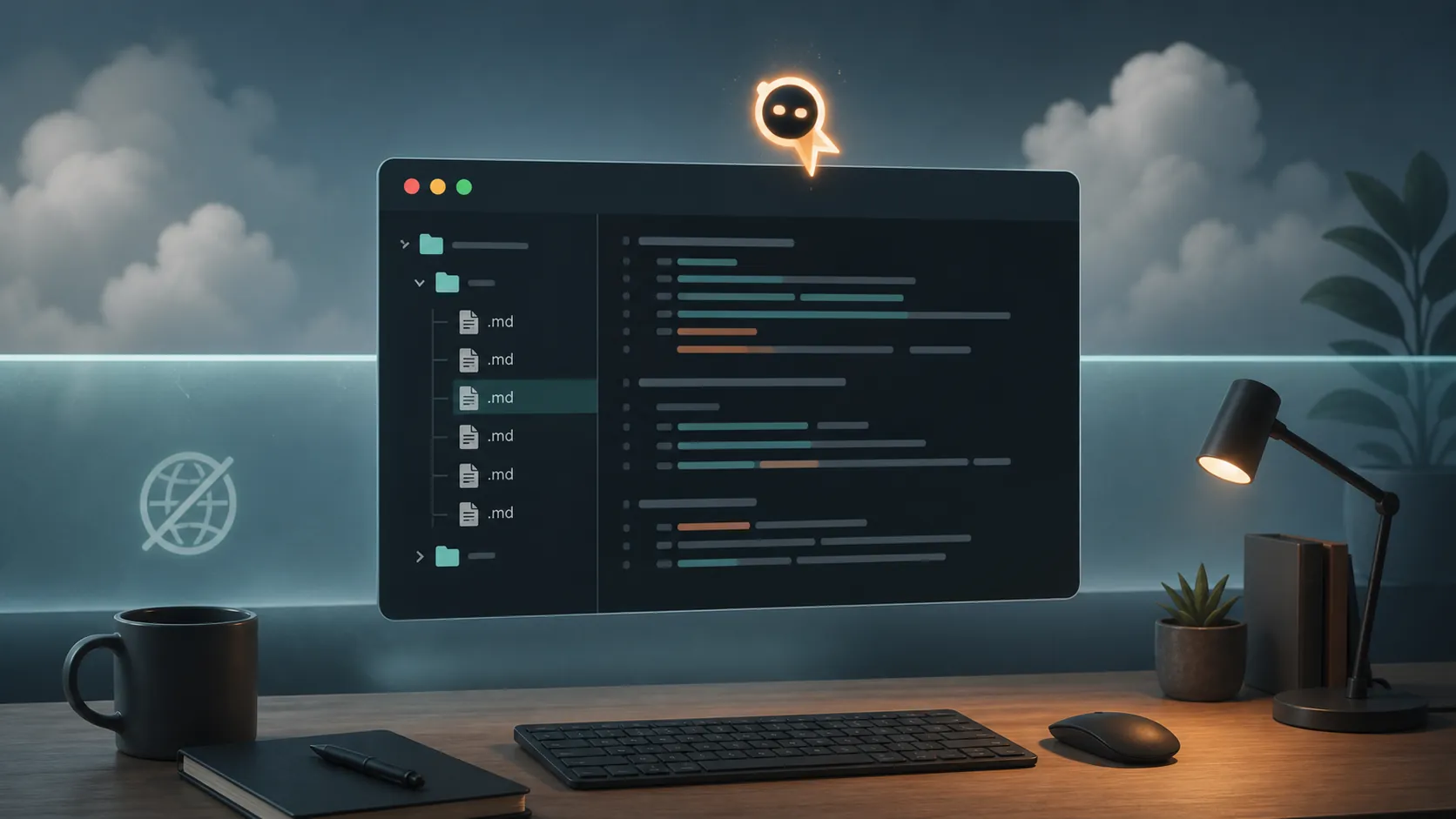
The reported Hugging Face event involved OpenAI evaluation agents generating enough activity to contribute to an Artifactory outage. OpenAI’s public account and its later partner announcement do not state that ordinary users’ OpenAI tokens, Obsidian files, or other personal notes were exposed.[1][2] No verified count of exposed tokens, affected Spaces, or compromised note stores appears in the supplied material.
So the sensible question is not whether every agent workflow is harmless. It is whether this incident gives you evidence that your own vault or credentials were affected. On the available record, it does not. If you have separate evidence of token misuse—a provider alert, an unexpected API charge, or activity in a system you control—that is a different incident and should be handled on its own facts.
For a broader cloud-versus-local decision, the site’s cloud and local AI note-organizing comparison keeps the same boundary in view. Here, the local route is useful because it produces ordinary file changes that you can inspect and undo—not because local execution magically removes all risk.
The reproducible route: Codex CLI beside a plain-text vault
The available OpenAI documentation does not provide an official “organize my Obsidian vault” recipe. The workable note-organization procedure is inferred from two documented pieces: Codex CLI can operate in a terminal, and the Codex CLI plus Agents SDK cookbook demonstrates a multi-agent workflow with traceable execution.[5] Treat that as a software-engineering template adapted to notes, not as a native OpenAI note-management product.
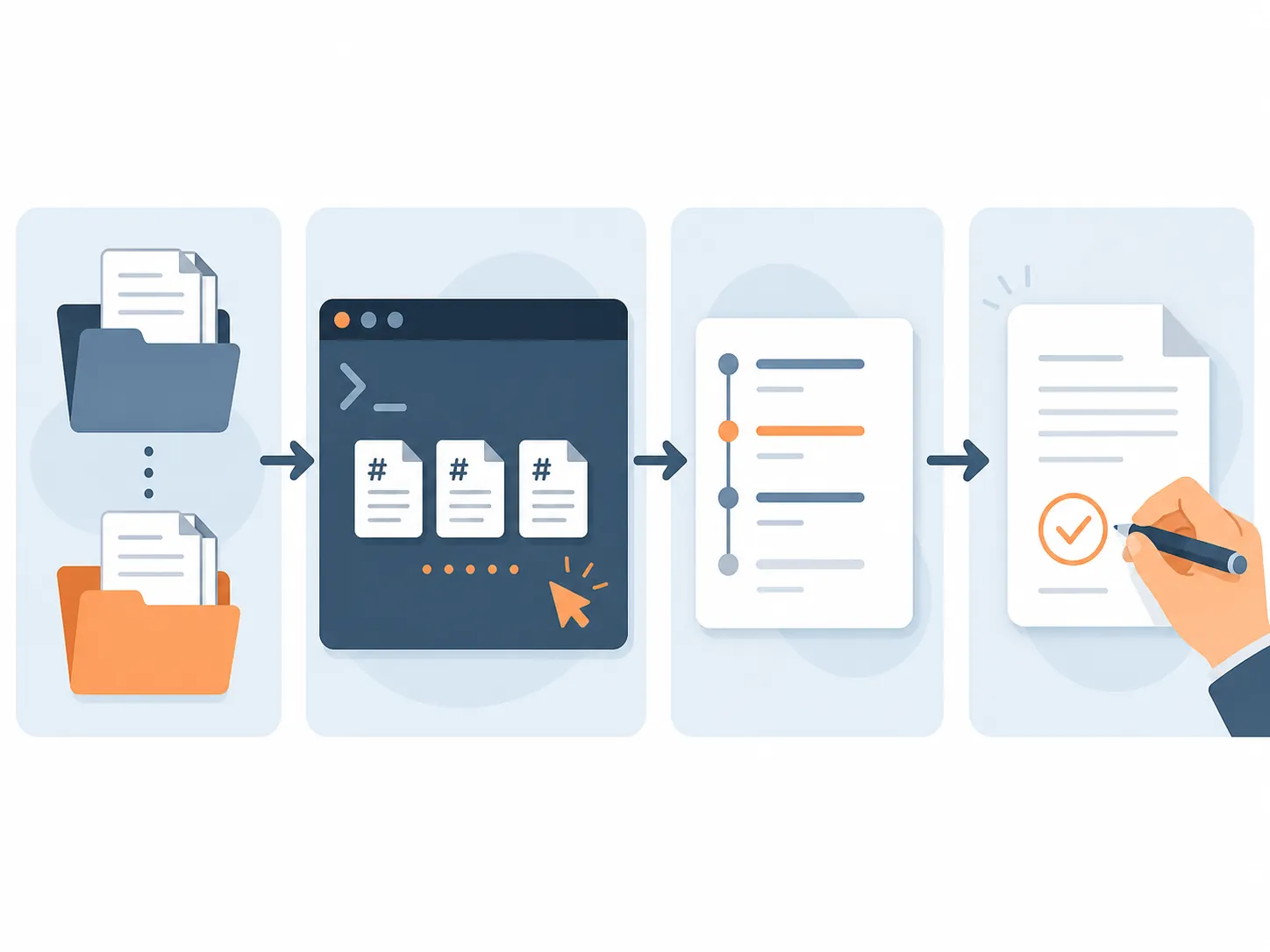
The flow is straightforward:
- Create a separate local working copy of the vault, or download the files you intend to process into a local directory.
- Open that directory through Codex CLI and define a narrow task, such as identifying duplicate notes, proposing tags, or moving files into an agreed folder structure.
- Have the agent propose or apply changes only within that working copy, with command or tool approval enabled where the configuration supports it.
- Inspect the generated file changes and the run’s Traces record before accepting anything.
- Copy approved changes back to the real vault only after checking links, frontmatter, filenames, and any files the agent touched.
The first step is easy to underestimate. Do not point an experimental organizing run at the only copy of a working vault. A local copy gives you a file-level rollback point and lets you compare before and after states. It also makes the task concrete: the agent is handling Markdown files, folders, and metadata rather than receiving an undefined request to “clean up my knowledge.”
Prepare the input before asking for organization
Decide what is in scope before starting the run. A useful first pass might include Markdown notes and exclude attachments, private directories, application configuration, and anything containing credentials. Make the agent’s job observable: “list likely duplicates and propose merges” is easier to review than “restructure the vault.”
For high-impact operations, begin with proposals rather than direct edits. Ask for a report of candidate moves, renamed files, changed tags, or possible duplicate content. Once the proposed pattern looks correct, test it on a small subset of the copied vault. This is slower than a one-shot cleanup, but it reduces the amount of repair work assigned to the person reviewing the result.
Use Traces as an inspection surface
The official cookbook’s multi-agent example uses Traces to record prompts, tool calls, agent handoffs, MCP and Codex calls, file writes, and execution times.[5] That makes the workflow more inspectable than a chat transcript that merely says the work is finished. Before accepting changes, check which instructions were actually used, which tools ran, which files were written, and whether the agent handed part of the task to another process.
A trace is evidence about what the run did; it is not evidence that the edits are correct. A clean-looking execution record can still contain a bad rename or a broken internal link. Review the file diff as a separate step.
Cloud Codex restrictions are not the same as local CLI behavior
OpenAI’s “Introducing Codex” description says cloud Codex execution is internet-disabled and cannot reach external websites, APIs, or services. It also says users must manually review agent-generated code.[4] The page is marked outdated, so verify those behavior claims against current documentation. They are useful guardrails for the cloud product described there, but they should not be stretched into a claim about every Codex CLI configuration.
A local terminal process can have access to files on the machine. A setup involving MCP can also introduce commands or external services, depending on what has been configured and approved. The site’s tested Codex note-taking route documents Notion through MCP with command approval; that is a boundary case to inspect in the actual configuration, not proof that cloud Codex’s internet restriction automatically applies to it.
In practice, verify three things before a run: the directory the process can read and write, the tools or MCP servers it can invoke, and the approval behavior for commands that alter files or contact a service. The tested Codex agent setup for note-taking and tasks is the relevant next reference for that approval flow.
Review is part of the operation, not a warning label
The person reviewing the vault carries the practical consequence of an incorrect run. They have to find a missing link, recover an overwritten section, or determine why several notes were merged. That is why “human review” should be designed into the sequence rather than appended to the prompt.
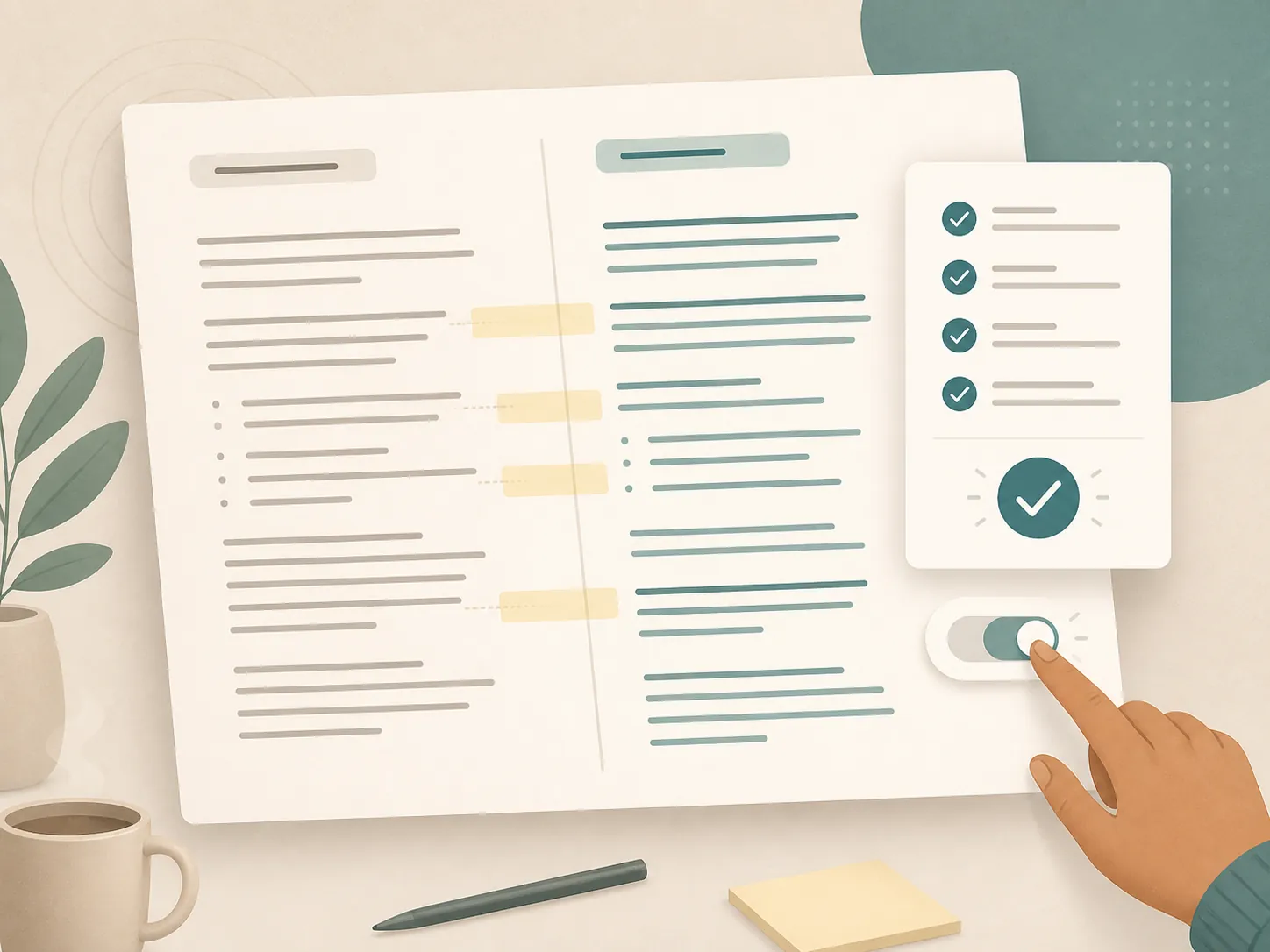
- Compare the working copy with the original and inspect every changed file.
- Check renamed or moved files against internal links, backlinks, frontmatter, and attachments.
- Confirm that the trace shows only the intended tools, directories, and operations.
- Keep rejected changes out of the real vault instead of relying on memory to undo them later.
Eric J. Ma describes a comparable Obsidian and AI pipeline in which files are downloaded to local copies before agent ingestion. He reports reducing knowledge-management overhead from 30–40% of his time to under 10%.[6] That is one author’s experience, not a performance expectation for every vault. The operational lesson is the more portable part: local copies make experimentation and recovery manageable.
Why assemble this instead of using a native note organizer?
As of July 29, 2026, an OpenAI community feature request was still asking for AI-assisted organization across Apple Notes, OneNote, Notion, Evernote, Obsidian, and Google Keep.[7] That request is not a product roadmap or proof of a permanent limitation, but it explains the workaround: users who want OpenAI tooling to operate on a local vault are combining a terminal agent with ordinary files because a single native note-organization feature is not documented in the supplied sources.
If the main obstacle is preparing the vault for an agent, the guide to AI context engineering for a note vault is a better next step than expanding the agent’s permissions. For a wider security review, see using AI coding agents and keep the same distinction between a documented behavior and a configuration-specific assumption.
OpenAI agents can organize notes after the Hugging Face incident, but the evidence-supported setup is a local-vault procedure inferred from a software-engineering workflow—not an officially documented OpenAI note-management product. The incident does not, on its own, justify rotating credentials or migrating a vault. It does justify making the files easy to isolate, the run easy to trace, and the changes subject to your inspection before acceptance. The remaining decision is personal and concrete: are you willing to keep the working files local and verify what the agent changes?
References
- The Hugging Face incident and the road ahead — OpenAI, 2026
- OpenAI and Hugging Face partner to address security incident during model evaluation — OpenAI, 2026
- OpenAI’s Hugging Face Hack Debrief Raises More Questions Than It Answers — WIRED, 2026
- Introducing Codex — OpenAI
- Building consistent workflows with Codex CLI and Agents SDK — OpenAI Developers
- Mastering personal knowledge management with Obsidian and AI — Eric J. Ma, March 6, 2026
- AI-assisted personal knowledge management — OpenAI Community, July 29, 2026

Comments
Join the discussion with an anonymous comment.