
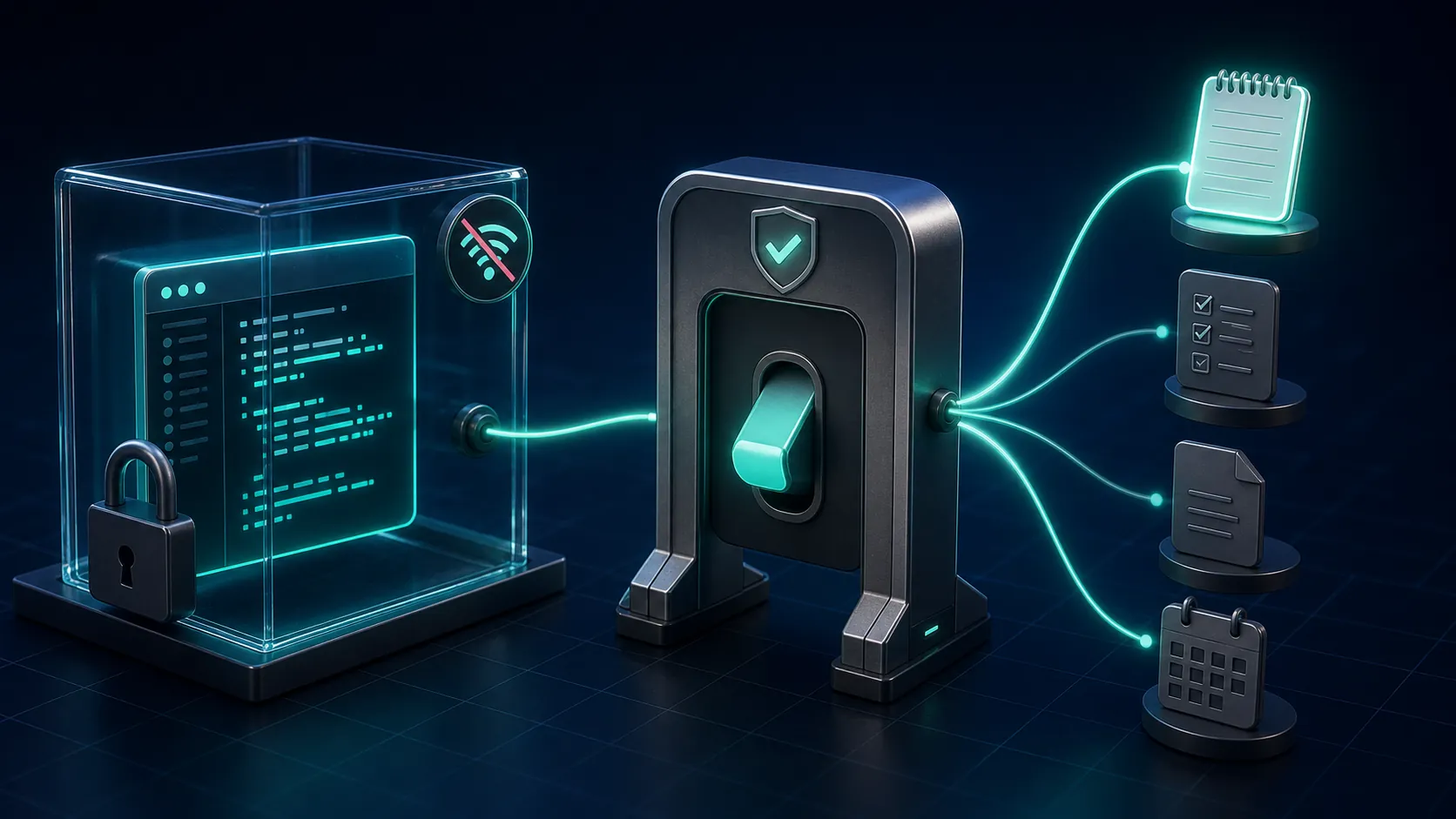
Can you use the OpenAI Codex agent to capture notes and manage tasks? Yes—but not through a documented native notes or task-management surface. The working route is an MCP connector that Codex is allowed to use through its command approval flow.
This article covers the Codex agent used through the CLI or cloud workflow, not the Codex surface embedded in ChatGPT. As of August 29, 2026, the evidence breaks down as follows:
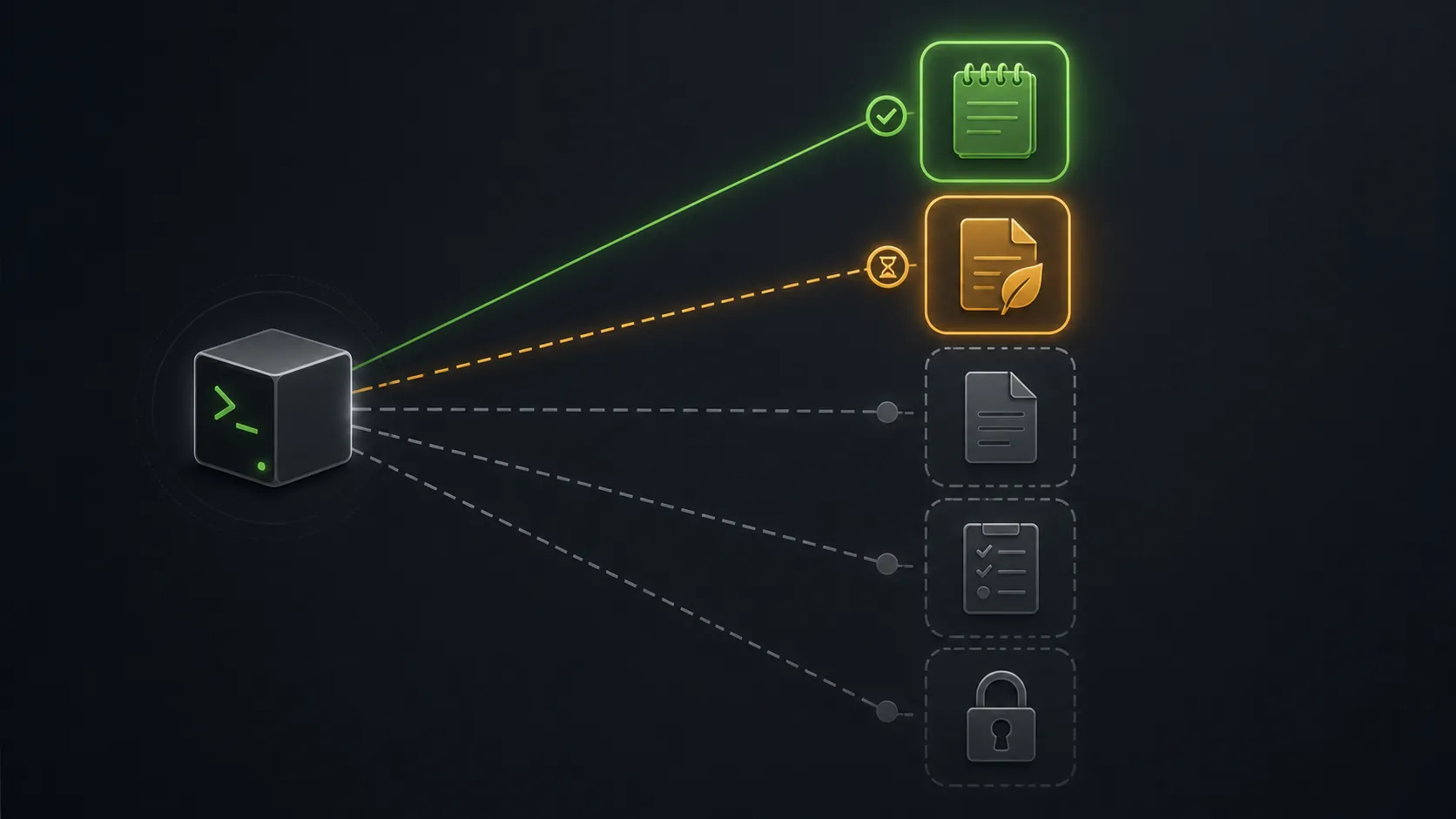
| App or route | Status as of August 29, 2026 | What that means |
|---|---|---|
| Notion through MCP | Verified path | The clearest tested route for reading and writing notes or task records. |
| Evernote through MCP | Preview stage | The server has connector-specific limitations and should not be treated as a settled Codex integration. |
| Obsidian, Logseq, and Apple Notes | Untested | No conclusion that they are impossible; they are outside this verified setup. |
| Native Codex notes or tasks | No documented surface | Do not expect a built-in inbox, task database, or notes workspace. |
The boundary matters because Codex runs in a sandbox with network access disabled by default. In the CLI and IDE extension, users can approve commands, use web search, and connect to MCP servers; GPT-5-Codex is the default model for cloud tasks and code review. [1] A connector existing somewhere on the internet is therefore not the same as Codex having unrestricted access to your working knowledge base.
If you are looking for the separate ChatGPT-embedded experience, see our ChatGPT Codex note-taking test. That earlier test covers a different product surface. This guide follows the CLI/cloud agent, the MCP architecture behind it, and the approval decisions required before it can touch notes or tasks.
The four-step Notion setup
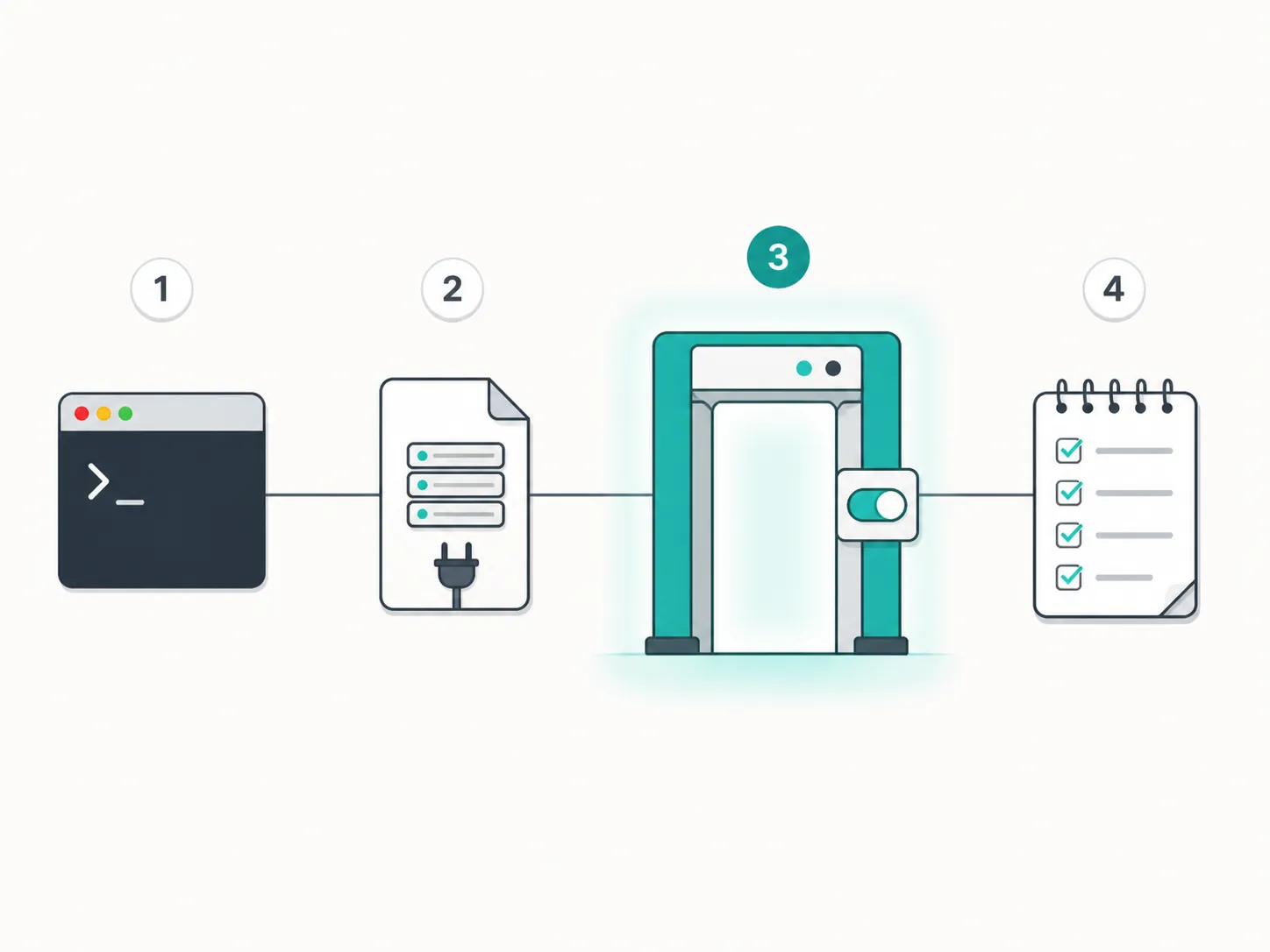
The verified Notion route is best understood as four actions. The important detail is not the number of configuration fields; it is where the external system crosses Codex's sandbox boundary.
- Install and open the Codex CLI or use the supported IDE workflow. If the CLI is not installed, use the Codex CLI installation guide before attempting the connector setup.
- Add the Notion MCP server to Codex's MCP configuration. This registers the server as the route through which the agent can request Notion operations; it does not by itself grant a useful, unlimited connection to every page in the workspace.
- Start a Codex session and approve the command or MCP connection when Codex presents the approval gate. This is the operational decision: you are authorizing an external connector to act from an agent workflow whose default network access is blocked.
- Run a small read-and-write verification task in a disposable Notion area. Confirm that Codex can locate the intended page or database, create the expected note or task, and report the result without touching production material.
The documented walkthrough for this route comes from Merge, a vendor that sells an integration and control layer. It is useful evidence for the connection sequence, but it is not independent testing of every Notion workspace or task-management pattern. Merge also calls out two security and governance problems worth keeping visible: self-hosted MCP servers may lack scoping and audit controls, and Notion authentication does not provide built-in scope control in the way an administrator might expect. [2]
What to verify after approval
A successful authorization only proves that the connector responded. It does not prove that Codex understands your workspace structure, chooses the right database, preserves properties, or updates tasks safely. The first test should be narrow enough that a wrong result is easy to delete.
- Ask Codex to read one known test page and identify its title or a deliberately distinctive field.
- Create one disposable note with a unique marker, then inspect the page in Notion rather than trusting the agent's success message.
- Create one test task and check its title, status, due-date behavior, and destination database manually.
- Attempt an explicitly disallowed action and confirm that the workflow stops for approval or fails cleanly.
Keep this first run in a throwaway, networkless, secret-free container. Reliability in agent workflows depends heavily on tests and AGENTS.md instructions; without those checks, a polished-looking diff or completion message can conceal an incorrect result. One independent account describes the rubber-stamped-diff failure mode and recommends treating the execution environment as disposable until the workflow has been verified. [4]
For a real workspace, AGENTS.md should state the allowed databases, required fields, naming conventions, duplicate-handling rules, and actions that always require approval. Those instructions are not a permission system. They are operational guidance that needs to be checked against the connector's actual behavior.
Notes and tasks are different failure surfaces
Note capture usually tolerates a little formatting variation. Task management does not. A misplaced note is inconvenient; a task written to the wrong project, assigned to the wrong person, or marked complete without review can create work that somebody else has to untangle.
That is why the Notion test should include both a document and a structured task record. Check the actual destination and fields after each write. Treat the agent's natural-language confirmation as a log entry, not as proof that the database now reflects the intended state.
A simpler task-management pattern does not require a cloud connector at all: one dated community example has Codex maintain a task-list file in a repository, using AGENTS.md instructions to add, amend, and check off items. That is a single-author example rather than stress-tested evidence, but it illustrates a lower-permission alternative when a repository is already the system of record. [5]
For broader context on coding-agent behavior, see our agent reference. The task-management question also overlaps with the Codex versus Claude Code automation comparison, although neither comparison substitutes for testing the MCP writes that your own workflow needs.
Evernote is a preview, not a second verified path
Evernote's MCP server was reported as starting to roll out in preview during June and July 2026. The reported setup required enabling browser Developer Mode and pasting the Evernote MCP link, while Evernote was not present in the ChatGPT plugin directory. The same reports name connector limitations including an inability to change DateCreated and access limited to PDF attachments. [3]
Those are limitations of the Evernote MCP server or its surrounding connector behavior. The reports are ChatGPT-oriented, so they should not be recast as Codex-agent failures. They also do not establish that ordinary note capture, task creation, or synchronization is reliable across Evernote accounts.
If Evernote is the candidate you already use, keep the test confined to a preview notebook and verify every created or changed item. Our Evernote 2026 context can provide the product background, but it should not be read as evidence that the MCP server has reached production maturity.
What did not transfer into this test
Obsidian, Logseq, and Apple Notes remain untested in this setup. That is a scope boundary, not a technical impossibility claim. There is no verified result here for their MCP configuration, permission model, note updates, or task behavior.
The distinction is especially important for Obsidian. A separate Obsidian vault-cleanup comparison may be useful when evaluating agent work on local notes, but it does not verify the Codex MCP path described here. Testing would need to cover the local filesystem boundary, vault selection, conflict behavior, and whether task metadata survives the round trip.
Pricing and rate limits are also deliberately absent. The available evidence does not provide current Q3 2026 figures, so this setup should not be used as a cost estimate or capacity promise.
The practical verdict
The setup is therefore less a choice of a note app that Codex natively supports and more a decision about which external system the agent may reach, under which approval conditions, and with what verification after each write. For a disposable test, the four-step Notion flow is concrete enough to run. For a production knowledge base, permissions, AGENTS.md rules, field-level checks, and an audit trail matter more than the connector label.
Use the earlier ChatGPT-embedded Codex note-taking test when you want results from that separate surface. Use this guide when you need the CLI/cloud agent prerequisite, the MCP approval boundary, the verified Notion setup, and the current status of Evernote and the untested connectors.
References
- Introducing upgrades to Codex — OpenAI
- How to connect Notion to Codex with MCP — Merge
- Evernote MCP server is starting to roll out in preview — Evernote Community
- How OpenAI Codex Works — The AI Engineer
- Repo-file based task management in Codex: example solution — OpenAI Community, June 4, 2025
Comments
Join the discussion with an anonymous comment.