
If you want an HP OmniBook to replace a browser-heavy work setup and a notebook, start with the exact SKU—not the family name. This Q3 2026 inventory identifies three 16GB configurations worth separating: two Snapdragon X models and one current-looking Intel Core Ultra model. The table also shows where the battery evidence comes from, because a reviewer measurement and an HP “up to” claim are not interchangeable.
| Exact SKU | Architecture | Memory / storage | Display | Battery evidence |
|---|---|---|---|---|
| OmniBook 3 16, 16-bz000 | Snapdragon X X1-26-100 | 16GB / 512GB SSD | 1200p | 40h 14m reviewer measurement [1] |
| OmniBook 5 14, 14-he0017nr | Snapdragon X | 16GB / 256GB SSD | 2K | HP claims up to 34 hours [2] |
| OmniBook X Flip 16, 16-as0047nr | Intel Core Ultra 7 | 16GB / 512GB SSD | 16-inch 3K touchscreen | No battery figure verified in this research |
That gives the decision a useful shape. Sixteen gigabytes is available on both ARM-based Snapdragon X systems and the x86 Intel Core Ultra X Flip. The first question is therefore whether your applications and accessories fit the architecture. RAM becomes the second question, and for Notion, Obsidian, OneNote, and Evernote, the research supports 16GB as an adequate capacity rather than identifying a shortfall.
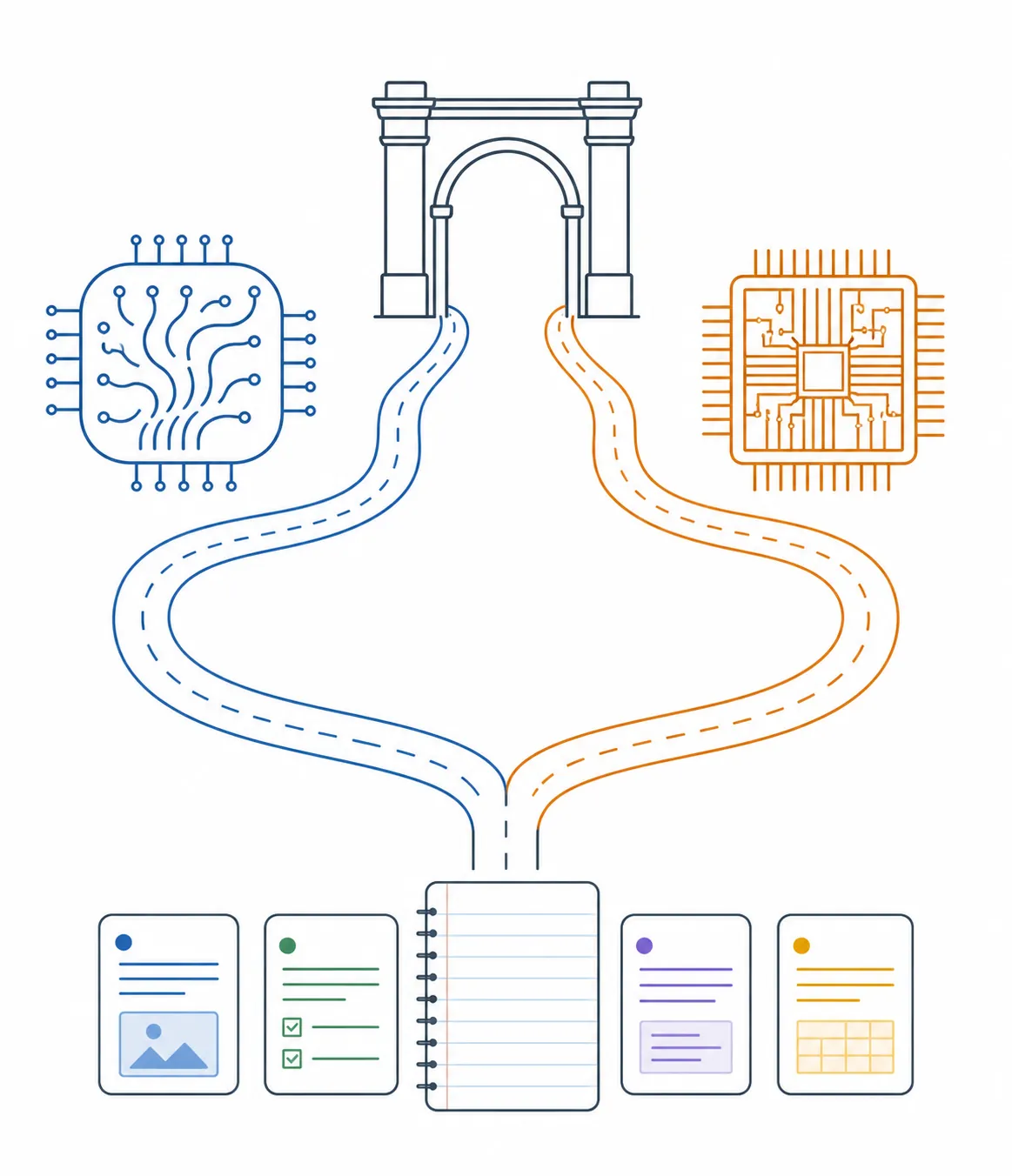
The architecture gate comes before the RAM decision
The OmniBook 3 16 and OmniBook 5 14 use Snapdragon X, which means Windows is running on ARM. The OmniBook X Flip 16 uses Intel Core Ultra, the conventional x86 Windows path represented in this comparison. That distinction does not automatically make one machine better. It tells you which compatibility question to investigate first.
For a stack built around browser- and desktop-based Notion, Obsidian, Evernote, and OneNote, there is no evidence here of a 16GB capacity problem. OneNote is cross-platform, including Windows, and the other three are treated in this research as the safe Windows-native or browser-based part of the workflow. [8] A Snapdragon OmniBook can therefore fit the ordinary reading, writing, web research, and note-organization pattern described here, subject to checking the specific software version and any extensions or integrations you rely on.
The more consequential uncertainty belongs to an iPad-centered archive. GoodNotes and Notability appear in the available evidence as iPad apps, but this research found no dated 2025–2026 vendor or Microsoft Store statement that confirms or denies Windows availability. Their Windows status is therefore unverified here. That is different from saying they cannot run on Windows, and it leaves a real requirement for anyone whose existing handwriting library depends on one of them.
What the three 16GB configurations actually establish
The OmniBook 3 16, SKU 16-bz000, is the strongest battery-data point in the group. A Mashable review measured 40 hours and 14 minutes, while the associated SKU information identifies the Snapdragon X X1-26-100 processor, 16GB of memory, 512GB of storage, and a 1200p display. [1] This is an independent reviewer measurement, not an HP guarantee.
The OmniBook 5 14, SKU 14-he0017nr, also uses Snapdragon X and has 16GB of memory, but it pairs that with 256GB of storage and a 2K display. HP lists battery life as “up to 34h.” [2] That number is a vendor claim, and the available material does not provide a test method or captured page date. It should be read as a product-page promise, not as a directly comparable result against the OmniBook 3 16.
The OmniBook X Flip 16, SKU 16-as0047nr, is the Intel alternative: Core Ultra 7, 16GB of memory, 512GB of storage, and a 16-inch 3K touchscreen. HP labels it “Next Gen AI.” [3] The product page’s displayed price is a $0.00 placeholder, so it does not provide a usable price comparison, and no battery figure for this configuration is established in the research.
There is also a legacy X Flip reference that should not be silently merged with the current-looking configuration. A Best Buy marketplace listing for the 2024 OmniBook X Flip 16-as0023dx describes a Core Ultra 7 256V processor, 16GB of memory, 1TB of storage, and a 2K touchscreen. [4] Its current-versus-legacy status is unresolved, and the marketplace listing is not enough to treat it as a fourth confirmed Q3 2026 candidate.
Why “OmniBook 3” is not a complete specification
The same model family can conceal a materially different purchase. The OmniBook 3 16 also appears in an AMD Ryzen 3 30 configuration with 8GB of memory, 2K touch, and a roughly $450 price in Gizmodo’s coverage. [5] That is a different SKU, not a contradiction of the 16GB Snapdragon model.
For a notes-and-productivity buyer, the practical check is simple: confirm the processor platform, memory, storage, display, and suffix together. A listing that says only “HP OmniBook 3 16” has not yet answered whether you are buying the 16GB Snapdragon version or the 8GB AMD version. Model-family shorthand is especially risky when a lower-memory model can look almost identical in a retailer search.
The handwriting question is about the digitizer, not just the touchscreen
A touchscreen confirms that a finger can interact with the display. It does not, by itself, confirm active-pen precision, palm rejection, an included pen, or a handwriting experience suitable for long notes.
HP’s buyer’s guide recommends the 5 Flip for handwriting and PDF annotation and points to stylus support. [6] Separately, an HP Support response says that many OmniBook Flip models require Microsoft Pen Protocol active pens for precision and palm rejection; a basic capacitive stylus on a touch-only screen does not provide those features. [7] The X Flip 16-as0047nr is verified as having a touchscreen, but the available product evidence does not verify that a pen is included in the box.
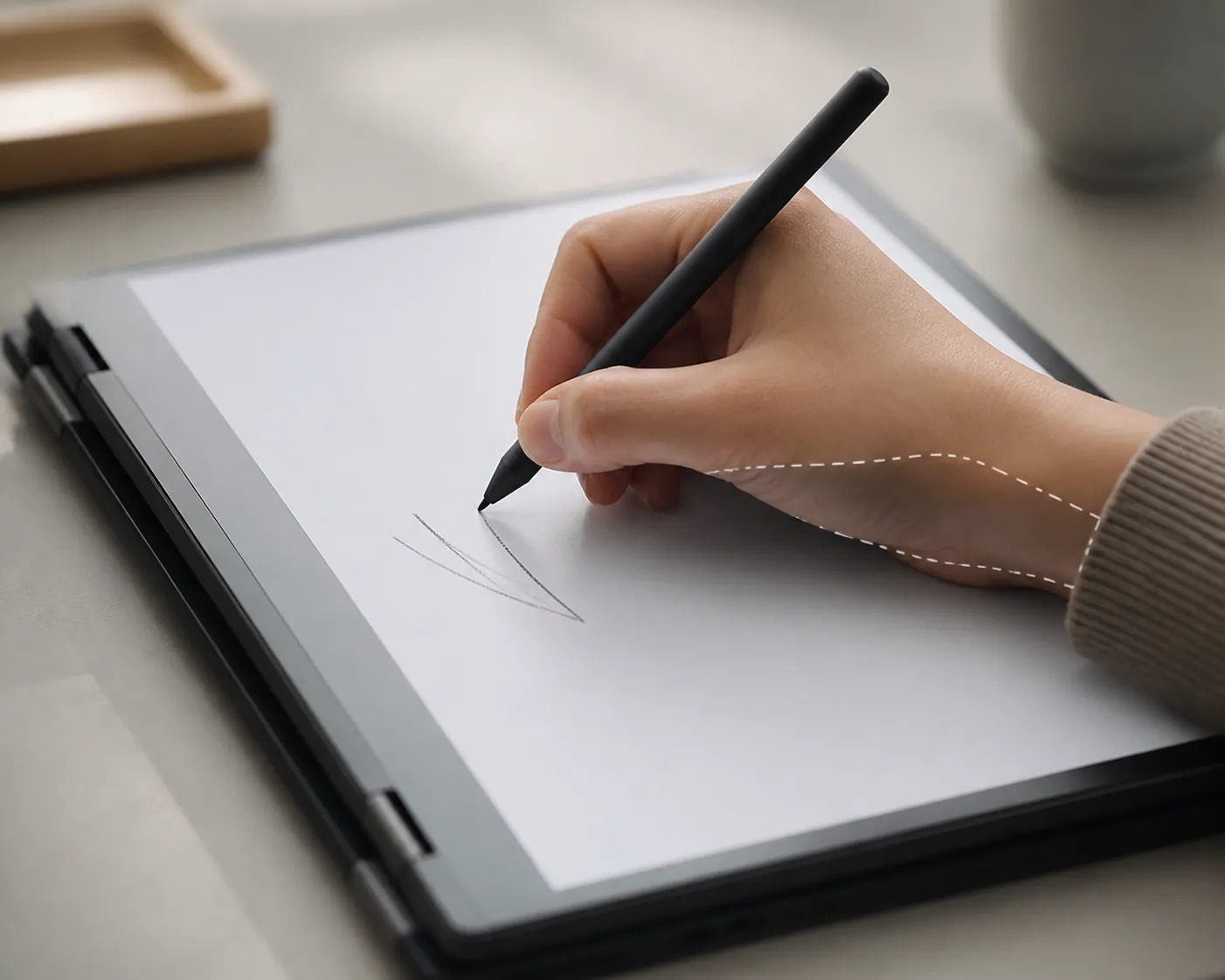
The right label for handwriting on these 16GB units is “supported in principle, but untested in this research.” There is no credible, dated measurement here for stylus latency or palm rejection on any of the configurations. Undated affiliate testimonials may point a buyer toward a compatible pen, but they are leads rather than evidence of performance. A student who needs dependable palm rejection should verify the exact pen protocol and test the return policy before treating a Flip as a notebook replacement.
What remains outside the evidence
The battery figures are the clearest differentiator among the verified 16GB configurations, but they are not a controlled comparison. The OmniBook 3 16’s 40h 14m is a reviewer measurement; the OmniBook 5 14’s up-to-34-hour figure comes from HP. The X Flip has no verified battery result in this material. The numbers help describe the evidence available for each SKU, not rank the machines under identical conditions.
Weight, ports, and price are also unverified for every 16GB SKU in this research. HP’s product pages and lineup guide have no captured last-verified or access date, so “current in Q3 2026” should be understood as a dated research snapshot rather than a guarantee that every listing remains unchanged on August 29, 2026.
The boundary is the handwriting workflow. If your notes live primarily in Windows-compatible apps and you can verify the active pen separately, a 16GB OmniBook is a plausible replacement for a browser-and-desktop setup. If your requirement is a proven GoodNotes or Notability workflow, this research does not establish that path. That unresolved check should remain unresolved until the exact app, archive, and pen behavior are confirmed.
References
- Best battery life laptop 2026 — Mashable
- HP OmniBook 5 NGAI 14-he0017nr — HP
- HP OmniBook X Flip NGAI 16-as0047nr — HP
- HP OmniBook X Flip 2-in-1 16” 2K Touchscreen Laptop, Intel Core Ultra 7 256V (2024), 16GB Memory, 1TB SSD — Best Buy Marketplace
- HP OmniBook 3 16-inch laptop quietly hits its lowest price: Why pay more for an entry-level iPad? — Gizmodo
- HP OmniBook laptop guide: Complete lineup — HP Tech Takes
- Suitable pen for an Omnibook flip — HP Support Community, December 2, 2025
- GoodNotes vs Notability: Tips — AFFiNE, re-audited June 27, 2026