
Last verified: July 24, 2026. If you are moving sensitive UK notes this quarter, the useful question is not whether a note-taking app “has AI.” It is whether your notes leave the device, whether they are used or retained by an AI provider, and whether anyone affected by the content has been told what is happening.
The short answer in 2026 is awkward but manageable: UK regulation does not ban AI note apps, and there is still no single UK AI Act in force. It does, however, make the safest migration choice very different for a PhD student with health notes, a therapist with session summaries, a consultant with client material, or a solicitor with privileged documents.

| App | Default exposure for sensitive UK notes | Main verification point before migration | Plain-language verdict |
|---|---|---|---|
| Apple Notes | Low | Keep AI and recognition features on-device where possible | Good low-exposure default for personal sensitive notes inside Apple’s ecosystem |
| Obsidian | Low by default | Third-party AI plugins, sync choices, and external LLM keys | Safe-looking only while it remains local-first and plugin choices are controlled |
| Logseq | Low by default | Sync, cloud features, and AI extensions | Similar to Obsidian: low exposure until the user adds cloud or AI services |
| GoodNotes | Mixed | Whether the feature is on-device handwriting AI or cloud AI | Reasonable for handwritten notes, but cloud AI features need tier and processing checks |
| Notion AI | Tier-dependent | Enterprise versus non-enterprise LLM retention, DPA, transfer terms, and training opt-outs | Usable for sensitive work only after checking the exact plan and AI terms |
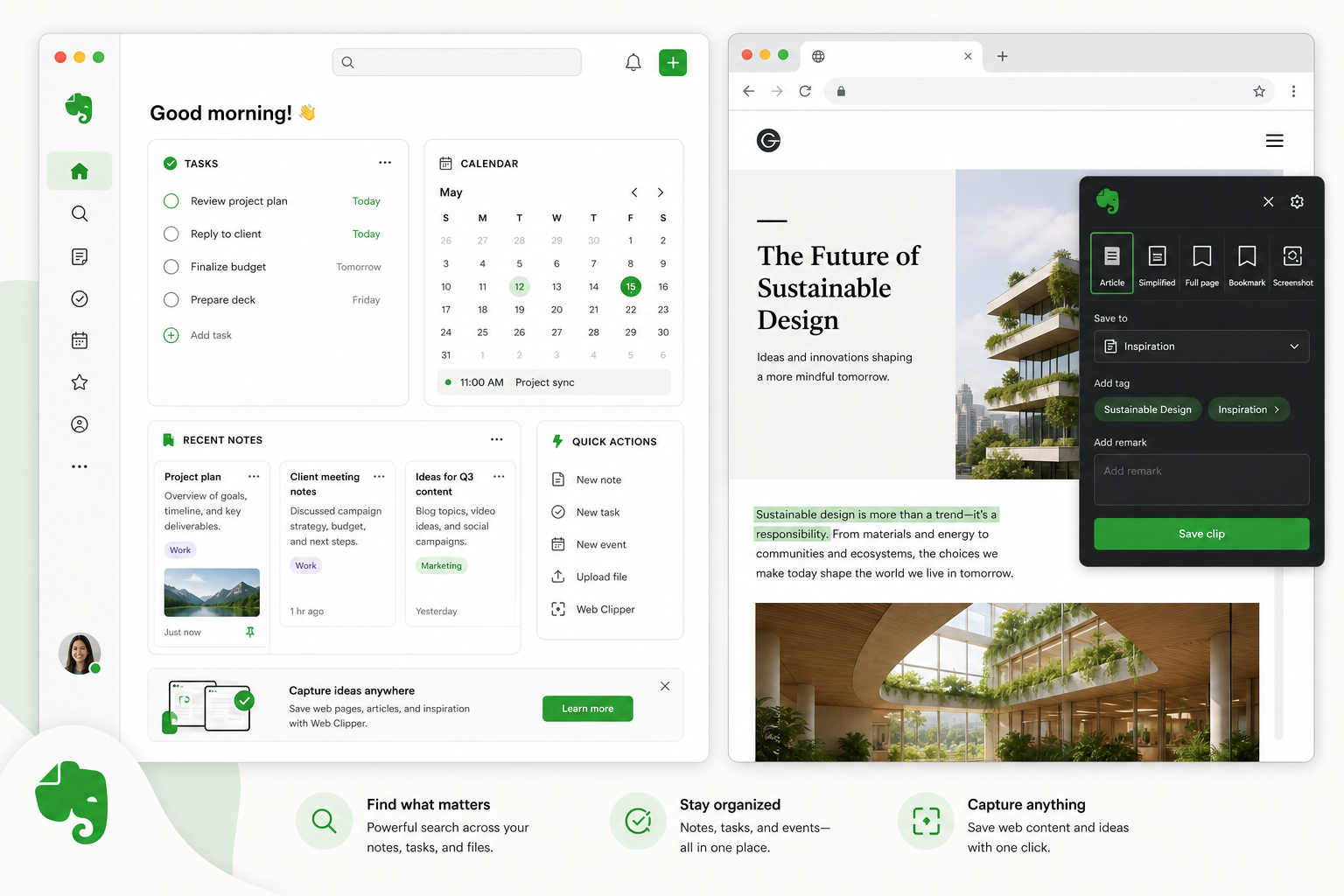
| Evernote | Tier- and transfer-dependent | UK GDPR DPA, SCCs, US storage, and AI feature processing | Do not rely on privacy-first wording alone; verify the contract and transfer position |
| Notability | Unverified from available materials | Current AI-data terms, retention, training, and recording/transcription behavior | Treat as verify-before-use for sensitive AI workflows |
The Three Checks UK Regulation Actually Creates
In mid-2026, UK AI compliance is not sitting in one tidy statute called the UK AI Act. The baseline remains UK GDPR. The Data (Use and Access) Act 2025 changed the automated decision-making rules from February 5, 2026, replacing UK GDPR Article 22 with Articles 22A–22D and making solely automated decisions lawful where safeguards such as transparency, human review, and the right to contest are documented. The ICO also has a statutory duty, in force from May 12, 2026, to produce an AI code, but that code was still undrafted as of June 2026. UK vendors can also be caught by the EU AI Act where their AI systems affect EU individuals, although the August 2, 2026 high-risk obligation date may be delayed to December 2027 under the Digital Omnibus package.[1][2][3]
For note-taking migrations, that translates into three checks. First: does the app, or an LLM provider behind it, train on your notes or retain prompts and outputs after processing? Second: where are the notes processed and stored, and are UK GDPR transfer safeguards in place if data moves outside the UK? Third: if the AI listens, records, summarizes, or transcribes, have the people in the room been told and has the correct lawful basis been identified?
The enforcement risk is not theoretical. In H1 2025, the ICO collected £5.6 million from six cases, and two-thirds of the penalties were for UK GDPR breaches.[4] That number should not send every notebook back to paper. It should stop teams from treating “we only pasted notes into an app” as if no regulated processing occurred.
Meeting notes deserve a separate warning because they often look harmless to the person pressing record. Failing to notify attendees that an AI tool is recording or transcribing is treated as a UK GDPR violation, not a grey area. The lawful basis analysis also changes if the provider uses inputs for model training rather than merely processing the transcript on the customer’s behalf.[5][2]
Legal and confidential users have an additional problem. In UK v Secretary of State for the Home Department [2026] UKUT 81, the court distinguished between open and closed AI systems. Mayer Brown’s analysis of the case warns that uploading privileged information into an open or public AI tool can place it in the public domain and waive legal privilege.[6] That is legal commentary rather than a substitute for advice, but for migration planning it is enough to change the default: privileged material should not be used to test an AI feature casually.
App-by-App Compliance Posture
| App | Training and retention | Location or transfer exposure | Consent or recording risk | Plan-tier dependency |
|---|---|---|---|---|
| Notion AI | Enterprise plans use zero-retention APIs and state no model training on customer data; non-enterprise LLM providers may retain data up to 30 days by default | Cloud processing and third-party AI providers require DPA and transfer review | High if meeting notes or transcripts are pasted without consent workflow | High |
| Obsidian | No cloud AI processing by default; third-party plugins decide the real posture | Local files by default; sync or plugins may change this | Low by default unless used with recording/transcription plugins | Low for core app, high once plugins enter |
| Logseq | Local-first by default; extensions and sync change the posture | On-device unless the user enables cloud features | Low by default unless paired with AI transcription tools | Low for core app, dependent on add-ons |
| GoodNotes | On-device handwriting AI differs from cloud summarization or collaboration features | Cloud AI features create separate processing and transfer checks | Moderate if collaborative or meeting-derived content is summarized | Moderate to high |
| Evernote | AI features require verification of current processing and training terms | US server storage means UK GDPR transfer safeguards and SCCs must be checked | Moderate where AI features process shared or meeting-derived content | Moderate to high |
| Apple Notes | On-device processing for handwriting recognition and text suggestions | Minimal exposure where content remains inside on-device processing | Low unless content is imported from recorded meetings without consent | Low |
| Notability | Not verified from available materials | Not verified from available materials | Verify before using AI with sensitive meeting, health, client, or privileged notes | Unknown |
Notion AI: capable, but the plan tier changes the answer
Notion is the app I would check twice before letting a team migrate years of client notes into it, not because it is uniquely reckless, but because its safe configuration depends heavily on the tier and contractual setup. Notion AI uses OpenAI and Anthropic APIs. On Enterprise plans, Notion says it uses zero-retention APIs, holds SOC 2 and ISO 27001 controls, and does not train models on customer data. On non-enterprise plans, LLM providers retain data for up to 30 days by default. Paid plans opt out of model training by default.[7]
That difference matters during migration. A small consultancy may test Notion AI on a free or lower-tier workspace, paste in client meeting notes to see whether summaries are useful, and only later move to a Business or Enterprise arrangement. The risk is not the eventual destination; it is the trial period where sensitive data was processed under terms nobody reviewed.
Before using Notion AI for sensitive UK notes, verify the exact workspace tier, the DPA, subprocessor list, transfer mechanism, LLM retention behavior, model-training position, and whether meeting attendees are notified before transcripts or summaries enter the workspace. Notion can be a legitimate team knowledge base, but it should not be the place where privileged or health-related notes are used as sample data.
Obsidian: low exposure until plugins change the data flow
Obsidian’s default posture is the cleanest kind of answer for UK-sensitive notes: the data is local. Obsidian says all data is saved locally on the user’s device and is never sent to its servers.[8] There is no default cloud AI layer quietly deciding what to retain, train on, or route through an overseas provider.
The trap is the plugin ecosystem. Once a user installs an AI plugin, connects an external LLM key, or enables a sync arrangement that sends content elsewhere, the compliance posture is no longer “Obsidian.” It is Obsidian plus that third-party service. Copilot-style assistants and semantic search plugins may be useful, but they need the same checks as any other cloud AI processor: retention, training, transfer terms, subprocessor chain, and support for deletion.
For privileged, clinical, research-participant, or client-sensitive material, Obsidian is a strong default if the team can tolerate local-file workflows and has a clear rule about plugins. If you want a broader fit assessment after the regulatory screen, the Obsidian Review 2026 covers the app’s architecture and working style in more depth.
Logseq: the same local-first advantage, with the same add-on caveat
Logseq sits close to Obsidian in compliance terms. Its local-first model keeps data on-device unless the user explicitly enables sync or cloud features.[9] That makes it a sensible shortlist option for researchers, consultants, and professionals who want to keep sensitive notes out of a cloud AI workspace by default.
The same warning applies: local-first is a starting condition, not a permanent guarantee. Sync, AI extensions, external search services, or pasted exports into web-based AI tools can undo the low-exposure posture. A team choosing Logseq should write down which sync services and extensions are allowed before migration, not after the first person has installed whatever makes summaries convenient.
For users comparing Logseq’s outliner model against other PKM tools, the Logseq Review 2026 is the better next read once the compliance threshold is clear.
GoodNotes: on-device handwriting AI is not the same as cloud AI
GoodNotes needs a more careful split than many comparison tables give it. Its on-device handwriting AI does not send data externally, which keeps exposure lower for ordinary handwritten notes. Cloud AI features such as summarization and collaborative documents create separate compliance obligations, and enterprise plans offer additional controls.[1][4]
That distinction is useful for iPad-heavy users. A postgraduate researcher marking up handwritten literature notes locally is not in the same position as a supervision group uploading collaborative notes for AI summary. A clinician or therapist using handwriting recognition on-device faces a different data-flow question from someone asking a cloud feature to summarize session-related material.
For GoodNotes, the pre-migration check should ask which AI features are actually enabled, whether the sensitive content stays on-device, what enterprise controls exist if a team is involved, and whether any cloud processing has UK GDPR transfer coverage. If the intended workflow is handwritten capture without cloud AI, GoodNotes can sit nearer the low-exposure group. If the intended workflow depends on cloud summaries, it belongs with the tier-dependent cloud apps.
Evernote: privacy-first claims still need transfer paperwork
Evernote’s current position cannot be reduced to “safe” or “unsafe.” Its AI features have been present since version 11 in 2026, and available comparisons describe privacy-first-by-design claims. The issue for UK users is that Evernote stores data on US servers, so the DPA, UK GDPR coverage, and Standard Contractual Clauses for transfers need to be verified before sensitive notes are migrated.[4]
That is not a paperwork obsession. If a small firm moves archived client notes into Evernote and then uses AI features to clean, summarize, or search them, the administrator needs to know whether the app is merely processing the data, whether any provider uses inputs for training, and what transfer safeguards apply. “Privacy-first” may be true as a product direction, but it is not the same as a checked UK GDPR processing arrangement.
Apple Notes: low-exposure by design, within its limits
Apple Notes is the least dramatic entry here, which is part of its appeal. The relevant AI-style functions, including handwriting recognition and text suggestions, rely on on-device processing through Apple’s Neural Engine. That gives it minimal regulatory exposure compared with apps that route note content through cloud LLM providers.[1]
The trade-off is not compliance so much as capability and control. Apple Notes may be a good home for personal sensitive notes inside the Apple ecosystem, but it is not a full replacement for a team wiki, research graph, or structured knowledge base. If the choice is between leaving sensitive notes on-device or moving them into a cloud workspace just to gain AI summaries, Apple Notes deserves more respect than feature-led comparisons usually give it.
Notability: verify before using AI with sensitive notes
Notability appears in many real migration shortlists, especially for iPad users, but the public materials checked for this article do not verify its AI-data posture closely enough to classify it alongside Apple Notes, GoodNotes, Notion, or Obsidian. That means no confident claim about training, retention, transfer exposure, or recording behavior should be made.
The practical verdict is therefore conservative: do not use Notability AI features with health, client, privileged, research-participant, or other sensitive notes until the current AI terms answer the same questions asked of the other apps. If the documentation does not say whether content is retained, used for training, sent to subprocessors, or processed outside the UK, treat that as unresolved rather than harmless.
How This Should Change Your Migration Choice
For low-sensitivity personal productivity notes, the 2026 UK regulatory picture should make you more deliberate, not paralyzed. If your notes are shopping lists, draft essays, public research extracts, or non-sensitive project planning, the main task is to avoid accidentally enabling AI features that use data in ways you did not expect.
For privileged, health, client, HR, research-participant, safeguarding, or high-risk personal data, start with the lowest-exposure default. That usually means Apple Notes for simple Apple-only personal capture, or Obsidian or Logseq where you need a more capable local-first knowledge base. The condition is strict: no unvetted AI plugins, no casual cloud sync, and no copying sensitive vaults into a web AI tool for cleanup.
Cloud-AI apps can still be appropriate, especially where collaboration matters. Notion, GoodNotes cloud features, and Evernote should be checked at the exact tier you will use, not the tier a reviewer used and not the enterprise tier the marketing page highlights. The minimum pre-migration packet is the current DPA, transfer mechanism, subprocessor list, model-training statement, retention period for prompts and outputs, deletion terms, enterprise controls if applicable, and a meeting-consent workflow where transcription or summaries are involved.
- Choose Apple Notes, Obsidian, or Logseq first when the priority is keeping sensitive notes away from cloud AI by default.
- Choose GoodNotes cautiously when the workflow is mostly on-device handwriting, and re-check terms before enabling cloud AI features.
- Choose Notion AI only after confirming whether the workspace is Enterprise or non-enterprise and what retention applies to LLM processing.
- Choose Evernote only after verifying UK GDPR transfer coverage, SCCs, DPA terms, and current AI-processing behavior.
- Put Notability in the “verify first” group for sensitive AI use until the current AI-data terms are clear.
If you are still comparing method fit, data control, and AI readiness after narrowing the compliance risk, the broader PKM app comparison by methodology fit and 2026 PKM app decision guide are better places to weigh workflow preference. Compliance is only one dimension, but it is the one that is hardest to repair after a messy import.
The clean migration rule is simple enough to write on the project board: if sensitive UK data is involved, choose the lowest-exposure default first, and only move into cloud AI when the exact tier and processing terms have been verified as of the migration date.
References
- UK AI Regulation in 2026: What's in Force, What's Coming, Scaffold Digital.
- 5 Things You Should Know Before Adopting AI in the UK, Orrick.
- EU AI Act: What UK Businesses Need to Know in 2026, SnapGRC.
- UK AI Note-Taking App GDPR Compliance Comparison, HappyScribe.
- AI Note Taking Tools and GDPR: Do You Need a New Lawful Basis?, Measured Collective.
- AI Notetakers: Productivity Tool or Emerging Legal Risk?, Mayer Brown.
- AI Security & Privacy Practices, Notion.
- Privacy Policy, Obsidian.md.
- Logseq architecture and local-first review sources, Logseq review/architecture sources.






Comments
Join the discussion with an anonymous comment.