
Q2 2026 snapshot for the tool-comparisons category. This roundup is for knowledge workers, freelancers, founder’s assistants, ops generalists, and small teams choosing workflow automation tools they will actually have to maintain. It is not an enterprise RPA procurement guide; if your shortlist includes Workato, UiPath, Kore.ai, ServiceNow, or Agentforce, start with the No-Code vs. Enterprise RPA decision guide before comparing small-team tools.
The hard part is not finding a tool that says it can automate work. The hard part is comparing tools priced in different currencies: tasks, executions, credits, seats, forms, workspace plans, and AI usage. A cheap plan can become expensive after a few long workflows. A pricier plan can be sensible if it counts a whole multi-step run as one unit. A project hub can be the right choice even when its standalone automation economics are weaker, because the team already lives there.

Quick comparison: which workflow automation tool fits which team?
| Tool | Best fit | Pricing model to watch | Technical comfort level | Integration depth | AI posture | Not for you if… |
|---|---|---|---|---|---|---|
| Zapier | Nontechnical solo operators and small teams that need the widest app coverage | Per-task; Professional listed at $19.99/month for 750 tasks | Low | Very broad: 8,000+ apps | Adds AI across an established automation network | Your workflows are long, frequent, and task-heavy |
| n8n | Technical small teams running complex internal workflows | Execution-based; $20/month for 2,500 executions with unlimited steps; free self-hosted option | Medium to high | Strong, especially for teams comfortable configuring more of the workflow | AI steps are part of a flexible automation builder | Nobody on the team wants to own technical setup or maintenance |
| Make | Visual thinkers building scenarios and testing branching workflows | Credit-based; Core listed at $9/month for 10,000 credits | Low to medium | Strong | AI and error-handling steps can consume extra credits | You need a monthly bill that is easy to predict before testing |
| monday.com | Teams already managing work inside monday.com | Per-seat; listed at $9/seat | Low | Useful inside the work hub; weaker as a standalone automation layer | Automation supports the project management environment | Only one or two people need automation power but everyone needs a paid seat |
| ClickUp | Teams that want automation embedded in an all-in-one work platform | Per-user; listed at $7/user | Low | Useful inside the work hub; not a broad replacement for Zapier or n8n | AI and automation sit inside the workspace | You mainly need cross-app automation outside the project hub |
| Notion | Workspace-first teams using docs, knowledge bases, and lightweight databases as the center of work | Workspace plan economics plus limited native automation | Low | Best when paired with another automation layer | AI workspace capabilities matter more than automation depth | You need a standalone automation engine |
| Airtable | Teams that need a structured database layer before automation | Workspace/database plan economics plus limited native automation | Low to medium | Best when paired with another automation layer | AI can assist the database/workspace layer | Your main problem is cross-app orchestration rather than data structure |
| Gumloop | AI-heavy users who want built-in LLM access without managing personal API keys | Credit-based; Pro listed at $37/month with 20k credits/year | Medium | AI-native rather than traditional app-directory-first | Strong AI-native posture | You cannot tolerate credit unpredictability |
| Lindy AI | Natural-language agent experimentation | Subscription; Pro listed at $49.99/month | Low | Agent-centered rather than broad deterministic automation | Natural-language AI agent setup | You need predictable, high-volume deterministic workflows |
| Jotform | Form submissions, approvals, data collection, and deterministic intake workflows | Form-plan economics; free plan available | Low | Focused around forms and related workflows | Less AI-native than agent platforms | You need a general-purpose cross-app automation platform |
If you only read the table, the first cut is simple: choose Zapier for app coverage, n8n for complex workflow cost predictability, Make for visual building, monday.com or ClickUp when automation belongs inside your project hub, Notion or Airtable when the workspace or database is the real center of gravity, Gumloop when AI is the main work surface, and Jotform when the workflow starts with forms.
Why “best overall” is a bad way to buy automation
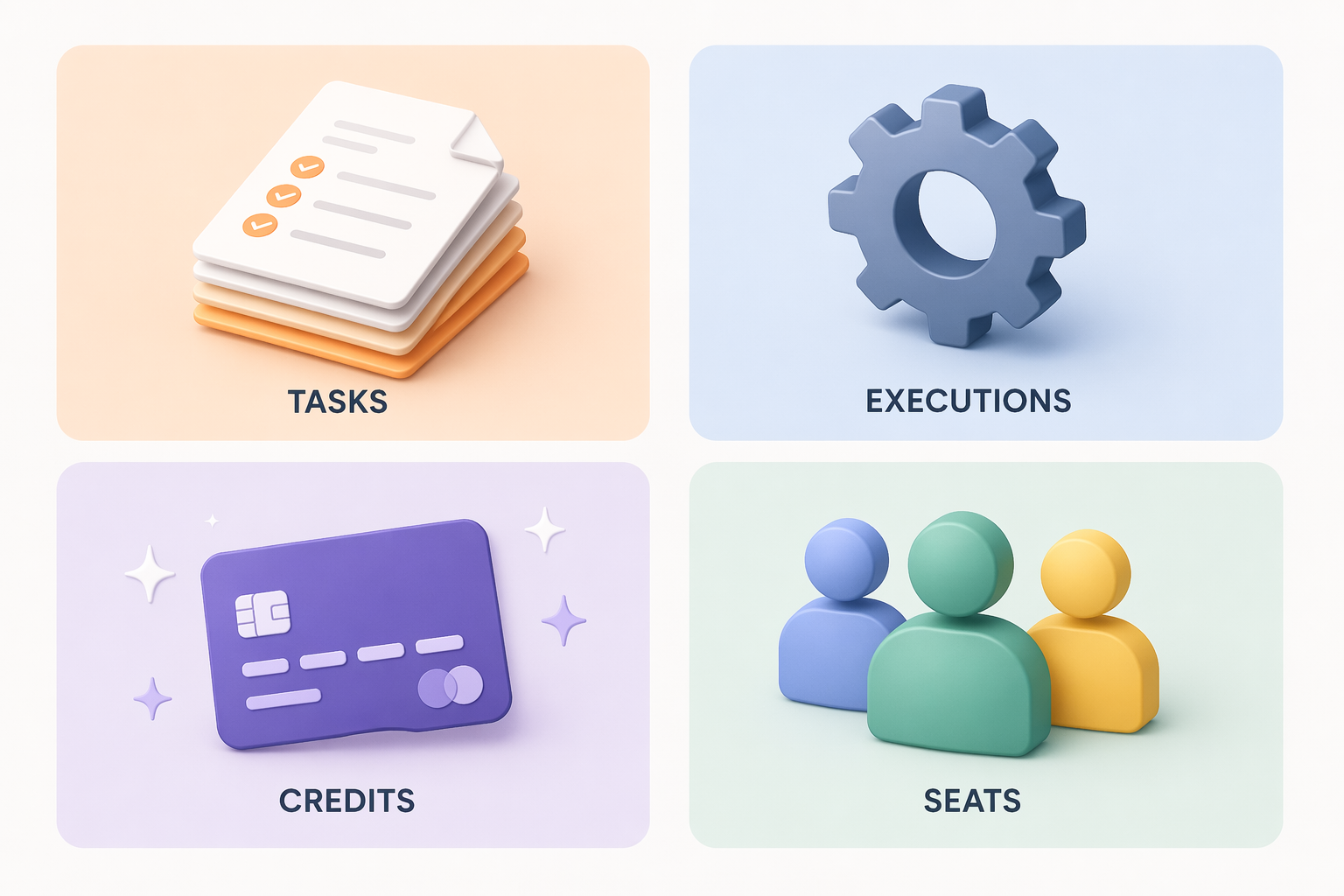
Automation pricing punishes fuzzy planning. A team may think it is comparing $9, $19.99, $20, and $37 monthly plans, but those numbers do not measure the same thing. One tool charges by tasks, another by executions, another by credits, another by users, and another by workspace access. The plan price is only the cover; the real bill is shaped by how often the workflow runs, how many steps it has, who needs access, and whether AI steps are involved.
Zapier is the cleanest example. Its app library is unusually broad, with more than 8,000 apps, and its Professional plan is listed at $19.99/month for 750 tasks. But task-based pricing means every action can count. A 50-step workflow can consume 50 tasks each time it runs, which leaves fewer than 15 complete runs in a month before that 750-task allowance is gone. [1]
n8n’s pricing changes that calculation. Its paid plan is listed at $20/month for 2,500 executions, and a workflow run counts as one execution regardless of how many steps are inside it. For multi-step automations, that is easier to reason about. n8n also offers a free self-hosted option, which can matter for technical teams willing to trade setup responsibility for cost control. [2]
Make enters from a different angle. Its Core plan is listed at $9/month for 10,000 credits, and its visual scenario builder is one of the strongest reasons people try it. The caution is the credit model: AI steps and error-handling steps can consume multiple credits, and testing found that an AI-heavy workflow could burn more than 200 credits per run. [3]
Project hubs create a quieter version of the same problem. monday.com is listed at $9/seat, and ClickUp at $7/user. That can be fine when the whole team already uses the workspace every day. It can sting when only one operations person needs serious automation features but every collaborator adds to the bill. [3]
| Pricing currency | What it rewards | What can go wrong |
|---|---|---|
| Tasks | Short, simple automations with broad app coverage | Long workflows multiply usage quickly |
| Executions | Complex workflows with many steps per run | Technical setup may be higher |
| Credits | Flexible visual or AI-heavy builders | Consumption can be hard to estimate before real testing |
| Seats/users | Teams already living in one work hub | Costs rise when many people need access but few need automation power |
| Forms/workspace plans | Reliable intake, approvals, databases, or knowledge work | Native automation may be too limited for cross-app orchestration |
The tools, by the work they are best suited to carry
Zapier: broad app coverage for teams that value reach over cost purity
Zapier remains the safest first shortlist item for a nontechnical operator who needs to connect a messy spread of SaaS apps. If a freelancer needs form submissions to create a client folder, send a Slack message, update a CRM, and trigger an invoice task, Zapier is often the tool most likely to have all the connectors ready.
That convenience is the product. It is also the trap. The more a team stacks steps into a single workflow, the more the per-task model matters. Zapier is strongest when the team would rather pay for coverage and low setup friction than spend time engineering around cost.
For a deeper three-way comparison of Zapier, Make, and n8n, use the Zapier vs Make vs n8n head-to-head rather than trying to settle every edge case from this roundup.
n8n: the cleaner math for complex internal workflows
n8n is the tool to examine when a workflow has enough steps that task-based pricing starts to distort the decision. A customer onboarding process with enrichment, routing, internal notifications, ticket creation, database updates, and exception handling may be ugly under per-task pricing. Under execution pricing, the run is the unit that matters.
The tradeoff is not hidden: someone has to be comfortable with a more technical builder and with owning the system after launch. For small teams with an operations engineer, technical founder, automation-minded analyst, or developer-adjacent generalist, that trade can be attractive. For a solo consultant who wants the simplest possible setup, it may be too much tool.
Make: visual building with a bill you should test before trusting
Make is often the easiest tool to understand visually. Branches, scenarios, and handoffs are visible in a way that helps people debug the shape of a process, not just the settings inside a step. That makes it useful for teams still discovering how their workflow actually behaves.
The credit model deserves a trial with real usage, not a guess from the pricing page. If the workflow is mostly straightforward app-to-app movement, Make’s low entry price is appealing. If it includes AI steps, retries, branching, and error handling, the team should run a representative sample before assuming the monthly allowance will hold.
monday.com and ClickUp: automation as a feature of the work hub
monday.com and ClickUp should not be judged as if they were only Zapier alternatives. Their case is stronger when the team’s work is already managed inside the platform. If tasks, status updates, assignees, comments, due dates, approvals, and dashboards already live there, built-in automation can remove handoffs without adding another system to maintain.
Their weakness is the economics of seats. Per-user pricing is not automatically bad; it is bad when the automation need is concentrated in one or two people while the cost is spread across everyone who needs workspace access. Teams debating this distinction may want the Full-Stack Work Platforms vs. Automation Tools comparison before buying another standalone automation app.
Notion and Airtable: excellent centers of work, limited automation engines
Notion and Airtable are better understood as places where work is organized before automation pushes it elsewhere. Experte.com’s 2026 comparison places them in that workspace and database role rather than as full standalone automation platforms: native automation is limited, but they can be effective when paired with Zapier or another cross-app layer. [4]
Use Notion when the source of truth is documents, lightweight databases, meeting notes, project context, and internal knowledge. Use Airtable when the source of truth needs more database structure: records, fields, views, lightweight operational apps, and structured lists that several people maintain. In both cases, the automation question comes second: what should happen when a record changes, a status moves, or a page becomes ready for review?
Gumloop: AI-native workflows with credit uncertainty
Gumloop is the AI-native option in this set. Its pitch is not simply “connect app A to app B,” but build workflows that use LLMs without requiring the user to bring personal API keys. Its blog lists Shopify, Instacart, and Webflow among users, and the Pro plan is listed at $37/month with 20k credits/year. [5]
That built-in access is useful for people whose workflows involve summarizing, classifying, extracting, drafting, or routing based on unstructured content. The same warning applies as with every credit system: the team needs to test real runs. AI-native does not mean cost-obvious.
Readers comparing Zapier, Make, n8n, and Gumloop specifically for AI-heavy work should use the four-way AI automation comparison as a second pass.
Lindy AI: promising natural-language setup, but not the safe default
Lindy AI belongs in the conversation because natural-language setup is genuinely appealing. A user who can describe the assistant they want, rather than assembling every step manually, gets a lower-friction start. But Experte.com’s testing found that its AI agent fell into infinite loops, and its Pro plan is listed at $49.99/month, which is expensive relative to task volume. [4]
That does not make Lindy unusable. It makes it a tool to pilot carefully, especially for workflows where repeated actions can create real cleanup work. Agent behavior is easier to admire in a demo than to supervise in a live operations process.
Jotform: when the workflow starts with a form, do not overcomplicate it
Jotform is not trying to be the broadest automation platform here. Its place is more specific: form submissions, data collection, approvals, and predictable intake workflows. Sources covering 2026 workflow automation tools point to Jotform as a reliable option for form-based deterministic workflows, including a free plan. [2][4]
That specificity can be a virtue. If the recurring workflow begins with a client intake, vendor request, employee form, content brief, or approval submission, a form-first system may be more maintainable than a general automation builder with a fragile front end attached later.
Persona-based recommendations
| If you are… | Start with… | Why |
|---|---|---|
| A nontechnical solo operator who needs many app connections | Zapier | The app library and setup experience matter more than perfect cost efficiency |
| A technical small team building long internal workflows | n8n | Execution-based pricing is easier to predict when workflows have many steps |
| A visual thinker experimenting with process shape | Make | The scenario builder helps you see branches, handoffs, and errors |
| A team already living in a project hub | monday.com or ClickUp | The automation is close to the tasks, assignees, and statuses people already use |
| A workspace-first team organizing knowledge and records | Notion or Airtable plus an automation layer | The workspace or database is the system of record; automation extends it |
| An AI-heavy user summarizing, classifying, or extracting from content | Gumloop | Built-in LLM access reduces setup friction, but credits need monitoring |
| A team with high-volume intake and approval workflows | Jotform | Form-based workflows can stay deterministic and easier to maintain |
A nontechnical solo operator should usually pay for less friction. If the work is client follow-up, lead capture, calendar coordination, CRM updates, file creation, and reminders, Zapier’s breadth can be worth the task cost. The important habit is to keep workflows short where possible and check task usage after real runs, not after a perfect test.
A technical small team should look harder at n8n than at the broadest app directory. When a process has many internal steps, execution-based pricing makes the bill easier to explain to the person approving it. The team still needs someone who can read logs, adjust branches, handle authentication issues, and notice when a workflow is silently doing the wrong thing.
A visual operator who is still mapping the process may get more value from Make’s canvas than from a longer integration list. That is especially true when the work has branches: if the request is approved, send it here; if it is missing information, send it there; if it fails, notify someone else. The bill should be checked with a representative run, because credits are less intuitive than a step count.
A project-led team should resist buying a separate automation tool before checking what monday.com or ClickUp can handle inside the workspace. A status change that assigns a reviewer, notifies a channel, moves a deadline, and updates a dashboard may be better kept inside the platform where the team already works. For document-heavy processes, the Document Workflow Automation setup guide can help turn that choice into an implementation plan.
A workspace-first team should decide what must be true before anything gets automated. If the source of truth is messy, automation will mostly move mess faster. Notion and Airtable are useful when they clarify ownership, status, structure, and context. Once that layer is stable, Zapier, Make, n8n, or another automation layer can carry updates outward.
An AI-heavy user should separate two questions: whether the tool can use AI, and whether the team can predict the cost and behavior of that AI. Gumloop is compelling when the workflow depends on LLM work from the start. Lindy is worth watching for natural-language agent setup. Neither should be dropped into a high-consequence process without loop testing, usage monitoring, and a human review point.
The AI caveat: useful, fast-moving, and easy to overbuy
AI is now part of the workflow automation tools conversation, but it has not made the old questions disappear. Authentication still breaks. Bad source data still produces bad outputs. Someone still has to decide what happens when an automation fails, loops, or produces a confident draft that is wrong.
The safer distinction is between deterministic automation and AI-assisted judgment. Deterministic automation says: when this form is submitted, create this record and notify this person. AI-assisted automation says: read this message, classify intent, summarize the request, draft a reply, or choose a route. The second category may save more time, but it also needs review, logging, and usage controls.
Because AI features are changing quickly, this should be treated as a 2026 snapshot rather than a permanent ranking. Before committing, recheck plan limits, credit rules, supported models, data-handling terms, and whether the feature you tested is included in the plan you intend to buy.
How much to trust the sources and claims
Several useful sources in this category are vendor-published. That does not make them worthless; it means their claims should be handled according to what they can credibly support. A vendor’s own pricing page or product blog can be useful for plan limits, stated features, and first-party positioning. It is less useful as neutral proof that its product is the best choice.
The pricing and feature details here come from publicly available materials verified between November 2025 and June 2026. That window matters. Workflow automation vendors change plan names, quotas, AI allowances, and fair-use rules often enough that any buying decision should include a final pricing-page check before the team migrates real work.
Also keep the scope boundary clear. Enterprise platforms can be excellent in the right environment, but this article is not comparing procurement-heavy RPA suites, service management platforms, or enterprise agent ecosystems. A five-person operations team and a global IT department are not buying the same problem.
A short decision path
- Need the broadest app coverage with low setup friction? Start with Zapier, then watch task usage closely.
- Need complex multi-step workflows with more predictable usage math? Start with n8n.
- Need to see and experiment with branching scenarios visually? Start with Make.
- Already manage the team’s work inside a project hub? Check monday.com or ClickUp before adding a separate automation layer.
- Need a workspace or database as the operating center? Use Notion or Airtable as the source of truth, then pair with an automation tool.
- Need LLM-heavy workflows from the start? Pilot Gumloop and monitor credits before scaling.
- Need intake, approvals, and form-based reliability? Consider Jotform instead of forcing a general-purpose automation builder.
If the team wants prebuilt starting points rather than a blank canvas, use a workflow automation templates comparison after narrowing the platform choice. Templates help most when the pricing model and ownership model already make sense.
No single workflow automation tool wins in 2026. The right choice is the one whose pricing model, integration depth, AI capability, and required technical comfort match the actual work your small team is prepared to maintain.
References
- The best workflow automation tools in 2026, Zapier.
- Top AI Workflow Automation Tools for 2026, n8n.
- I Tested 10 Workflow Automation Software In 2026, The Digital Project Manager.
- Best Workflow Automation Tools 2026, Experte.com.
- 10 best AI workflow automation tools I'm using in 2026, Gumloop.