
Verdict, last verified August 26, 2026
If you are comparing Meta AI for work with a note-app workflow, Meta AI is useful beside your notes, not instead of them. It can answer, draft, summarize, and help produce work artifacts. What it does not currently give you is the thing a note app earns its keep by providing: one durable, searchable, portable place where work knowledge survives the meeting, the project, the platform, and your future job change.
The practical blocker is not whether Meta AI can generate a decent answer. It often can. The blocker is what happens afterward. Independent analysis of Meta AI conversation history found that chats are kept separately by surface — meta.ai, WhatsApp, Instagram, and Facebook — with no native full-text search across conversations and manual export handled per surface rather than as a unified work archive.[1] That is a bad foundation for the place where your decisions, sources, client context, and project memory are supposed to live.
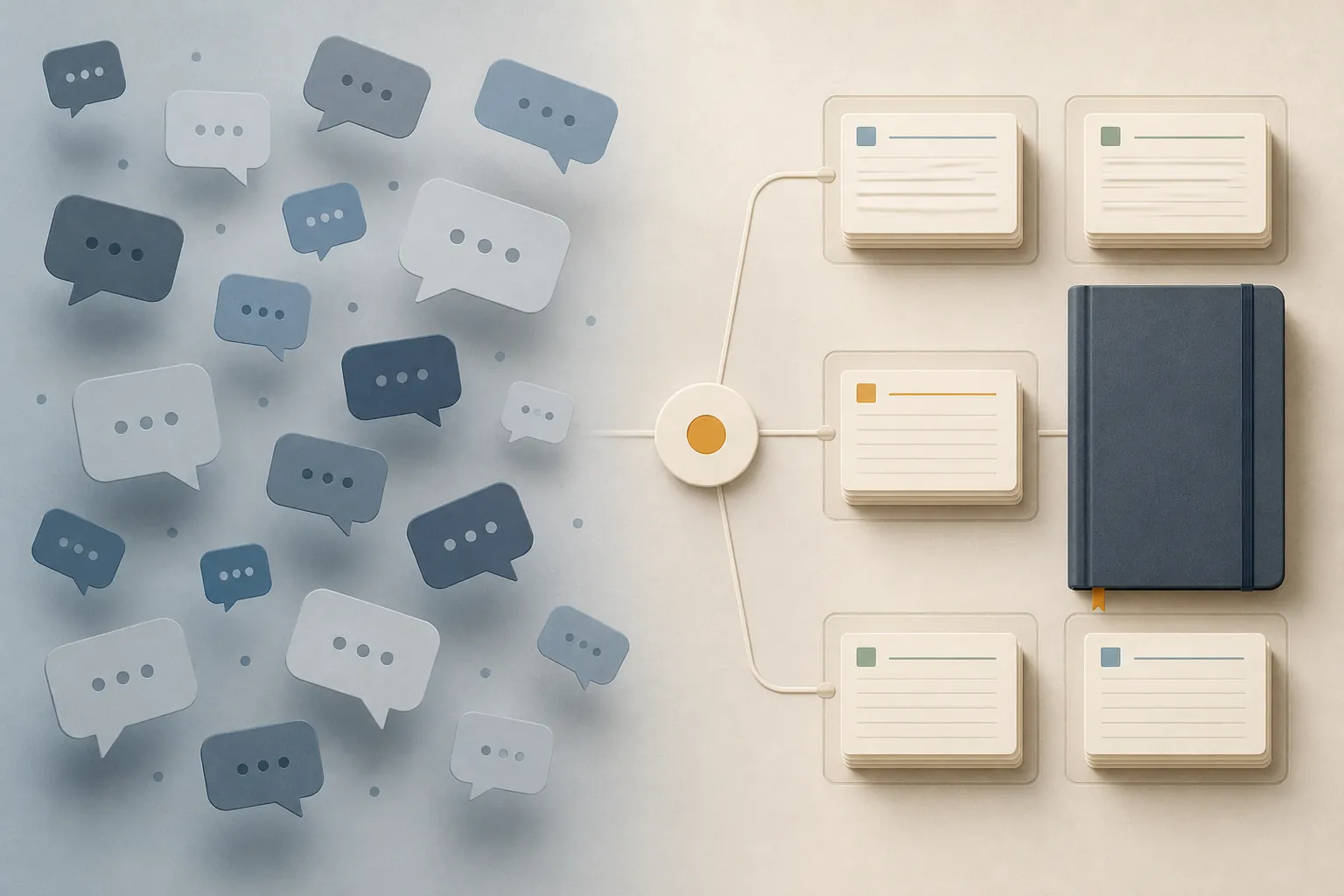
A quick disambiguation matters because “Meta AI for work” now points to several different things. There is consumer Meta AI, including Meta One paid tiers that were reported in limited testing from June 2026 in Singapore, Guatemala, and Bolivia at $7.99 per month for Plus and $19.99 per month for Premium, with a free tier continuing.[2][3] There is Meta AI Business Assistant, which can connect to Gmail and Google Drive files and help draft documents, emails, and slide decks.[4] There is also Meta’s internal AI-for-work workforce story, tied in search results to restructuring and performance-review coverage, which is not the same question as choosing a note workflow.[5][6]
This comparison is about the second-order consequence that feature demos usually skip: after the answer is useful, where does the work go?
What Meta AI is actually good for at work
Meta AI should not be dismissed as a toy just because it is a poor archive. As an assistant, it can be useful in the same way other chatbots are useful: taking a rough paragraph and making it readable, generating options when you are stuck, summarizing pasted material, turning loose notes into a draft, or giving you a fast first pass before a human reviews the output.
The Business Assistant version is more directly work-shaped. Meta’s help documentation says it can read Gmail and Google Drive, including Docs, Sheets, and Slides; draft documents and emails; and build slide decks. The same documentation also says it cannot create, edit, or publish ads.[4] That combination is worth taking seriously: it is not only a social-platform chatbot answering trivia in a message thread.
But “can touch work files” is not the same as “can become the place where work knowledge lives.” A tool can draft from a Drive folder and still fail the archive test. If the useful bit remains trapped in a chat surface, or if the source trail depends on remembering which app you used, it becomes another place future-you has to search manually.
One current-state note: I would not make this decision around desktop-app availability or similar surface-level claims without checking Meta’s live documentation at signup. Public descriptions have conflicted, including third-party review claims about desktop availability versus Meta help material that references a Mac app in the business context.[4][7] For a note-workflow decision, that uncertainty is secondary anyway. A desktop app does not fix fragmented history.
Chat history is not a knowledge base
A chat-first workflow is seductive because the input step is so light. You ask. It answers. You refine. It answers again. Nothing asks you to name the note, pick a folder, tag the project, paste the source, or decide whether the conclusion belongs in a meeting log, decision record, client page, or research file.
That convenience is also the trap. Work knowledge is not only the answer you received at 3:42 p.m. It is the source you used, the reason you accepted or rejected the answer, the later correction, the meeting where the decision changed, and the path someone else must follow when they inherit the project. A note app is boring in exactly the way a record system needs to be boring: it expects you to put things somewhere they can be found again.
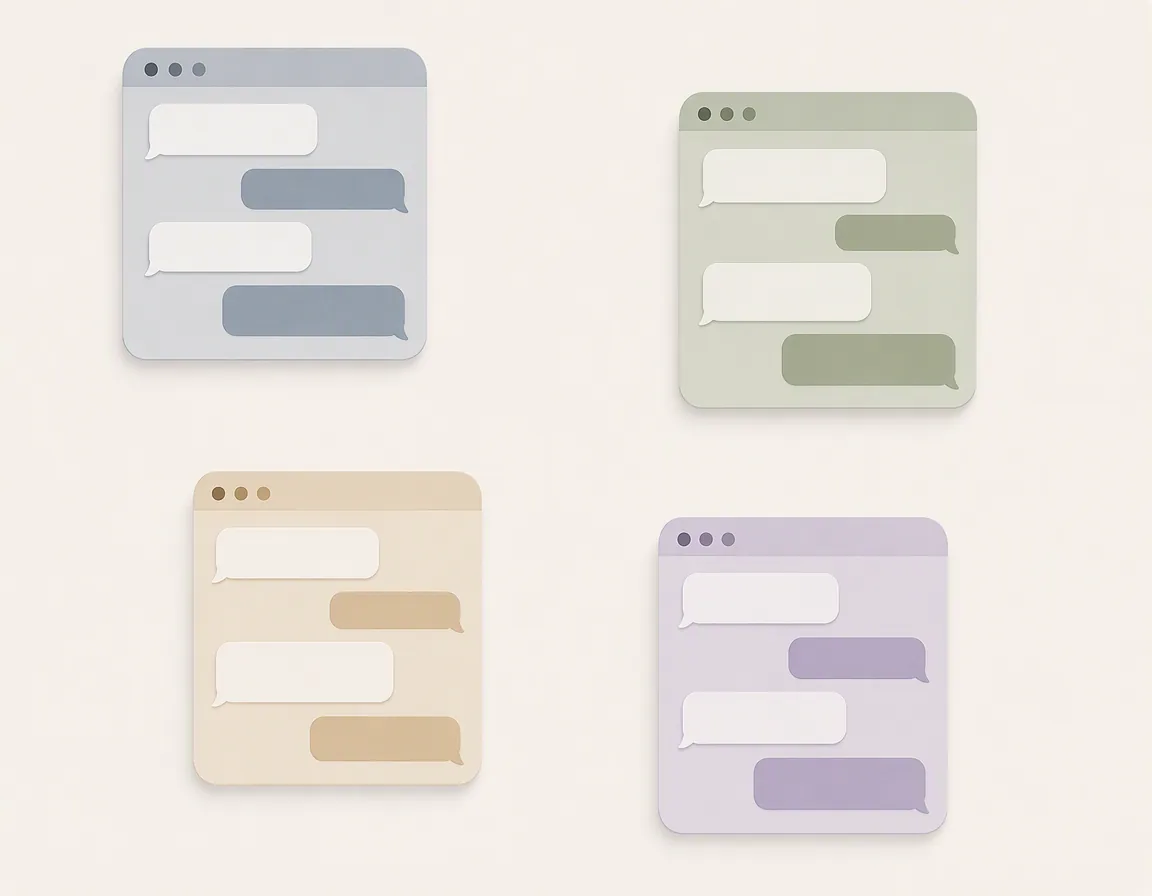
The Meta AI history limitation matters because it turns retrieval into archaeology. If you asked one thing on WhatsApp, another on Instagram, and a third on meta.ai, your future search is not “find the project reasoning.” It is “remember which surface I used, open that surface, scroll or inspect that history, then repeat elsewhere.” The independent history review’s point is narrow but important: the histories are not unified, they are not searchable across conversations in the way a work archive needs, and exports are manual per surface.[1]
That is where many AI comparisons become sloppy. They treat a chat log as if it were a database. It is not. A chat log records an interaction. A knowledge base preserves a retrievable body of work. Sometimes the same text appears in both places, but the workflow is different.
| Work behavior | Chat-first Meta AI pattern | Storage-first note app pattern |
|---|---|---|
| Ask a question | Fast, conversational, low friction | Often slower unless AI is built into the workspace |
| Draft a memo or email | Useful for first passes and rewrites | Useful when the draft must remain attached to project context |
| Save the result | Usually requires a deliberate copy, export, or manual cleanup | The saved object is already in the archive |
| Search six months later | Depends on remembering the surface and conversation | Search happens across notes, folders, backlinks, or workspace content |
| Show where a claim came from | Depends on whether the source was captured in the chat and retained | Can keep source links, excerpts, meeting notes, and revisions together |
| Leave or switch tools | Manual, per-surface export creates cleanup work | Export quality varies by app, but export is part of the workflow decision |
If your current system is Notion, Obsidian, Logseq, Apple Notes, or another app that holds your working memory, the real replacement test is not “Can Meta AI answer this?” It is “Can Meta AI hold the accumulated trail well enough that I would trust it as the only place this knowledge exists?” Right now, that is the wrong bet.
The note app’s job is not to be clever
A note app does not win this comparison because every note app has better AI than Meta AI. Many do not. Apple Notes is not pretending to be a research agent. Obsidian’s strength depends heavily on how you structure files and which plugins you trust. Logseq can reward careful linking and punish sloppy capture. Notion can become a beautiful junk drawer if nobody maintains the workspace.
The note app wins a different test: it gives work a home. A project page can hold the decision memo, meeting notes, source links, rough drafts, client constraints, task context, and final artifact. A local Markdown folder can be backed up, searched, migrated, and inspected with ordinary tools. A notebook can become the source of truth because the workflow says, “If it matters, it lands here.”
This is also why AI plugins and connected assistants rarely replace the archive by themselves. FlowDesk has made the same distinction in its Grok Bot vs ChatGPT note-taking comparison and its profile of the ChatGPT Google Drive plugin for notes: a chatbot can process notes, and a plugin can reach files, but neither automatically becomes your notebook, citation system, export plan, or durable record.
That line gets clearer once you look at Notion AI, because it shows the structural difference between AI inside a workspace and AI scattered across chats. Notion says its AI is included with Business and Enterprise plans, is model-agnostic, can answer questions over workspace content with citations, and offers contractual no-training protections plus zero-data-retention options for Enterprise.[8] Those details do not make Notion the automatic answer for everyone. They do show why “AI attached to the archive” is different from “AI conversation somewhere near the work.”
In a storage-first system, the assistant can point back into the workspace. The workspace remains the object being searched, governed, exported, or cleaned up. In a chat-first system, the assistant conversation becomes another object to manage. If nobody moves the durable parts into the archive, the record is wherever the interaction happened.
A useful test: ask, draft, save, search, cite, export
Before replacing a note workflow with Meta AI, walk through one ordinary project. Not the demo version. The annoying version.
- Ask: Can you ask Meta AI questions quickly enough to make the work move? Usually, yes.
- Draft: Can it turn raw material into a memo, email, outline, or deck starter? In many cases, yes, especially in the Business Assistant context.
- Save: Where does the final answer go after you accept it? If the answer is “it stays in the chat,” the workflow has not finished.
- Search: Can you search across the whole body of work later, not just one surface or one remembered conversation?
- Cite: Can you show which source, meeting, or file supported the claim?
- Export: Can you routinely get the archive out in a form you would trust during a job change, audit, app migration, or account cleanup?
Meta AI performs best in the first two steps. Note apps matter most in the last four. Those last four are the steps people ignore until the person responsible for the cleanup has to reconstruct a decision from six months of scattered conversations.
This is where export and switching costs stop being nerd concerns. A work archive is only partly about daily convenience; it is also about not being trapped. If you are evaluating any note app as the durable home, read the export path before you commit. FlowDesk’s digital notes export-safety guide and Mac note-taking app switching-cost comparison are useful companion reads for that part of the decision.
The learning evidence is suggestive, not workplace proof
There is a cognitive side to this that is easy to overstate, so it deserves careful wording. A Cambridge University Press & Assessment and Microsoft Research study of 405 students aged 14–15 across seven English schools found that note-taking, either alone or combined with an LLM, outperformed LLM-only use for comprehension and recall in a learning context.[9]
That does not prove that every workplace team using Meta AI will remember less, make worse decisions, or produce weaker work. The study was about students and learning, not project managers, analysts, designers, lawyers, engineers, or operators in their jobs.
The useful lesson is narrower: asking a chatbot and taking notes are different acts. One produces an answer in the moment. The other forces selection, organization, and retention. When a workplace treats the chat as the record, it gives up some of the structure that makes later recall and reconstruction possible. That matters even if the model’s first answer was good.
When Meta AI may be enough
There are real cases where this warning is more than you need. If your “work” use is casual brainstorming, a one-off caption, a quick rewrite, a temporary summary, or a social-platform-adjacent draft that does not need to survive beyond the task, Meta AI may be enough for that slice. Not every conversation deserves a folder, a backlink, a citation note, and an export plan.
The cutoff is whether the output becomes part of your working memory. If someone will need to find it later, defend it, reuse it, audit it, hand it off, or migrate it, it belongs in the archive. If losing the chat would be annoying but harmless, leave it in the chat.
The workflow that holds up
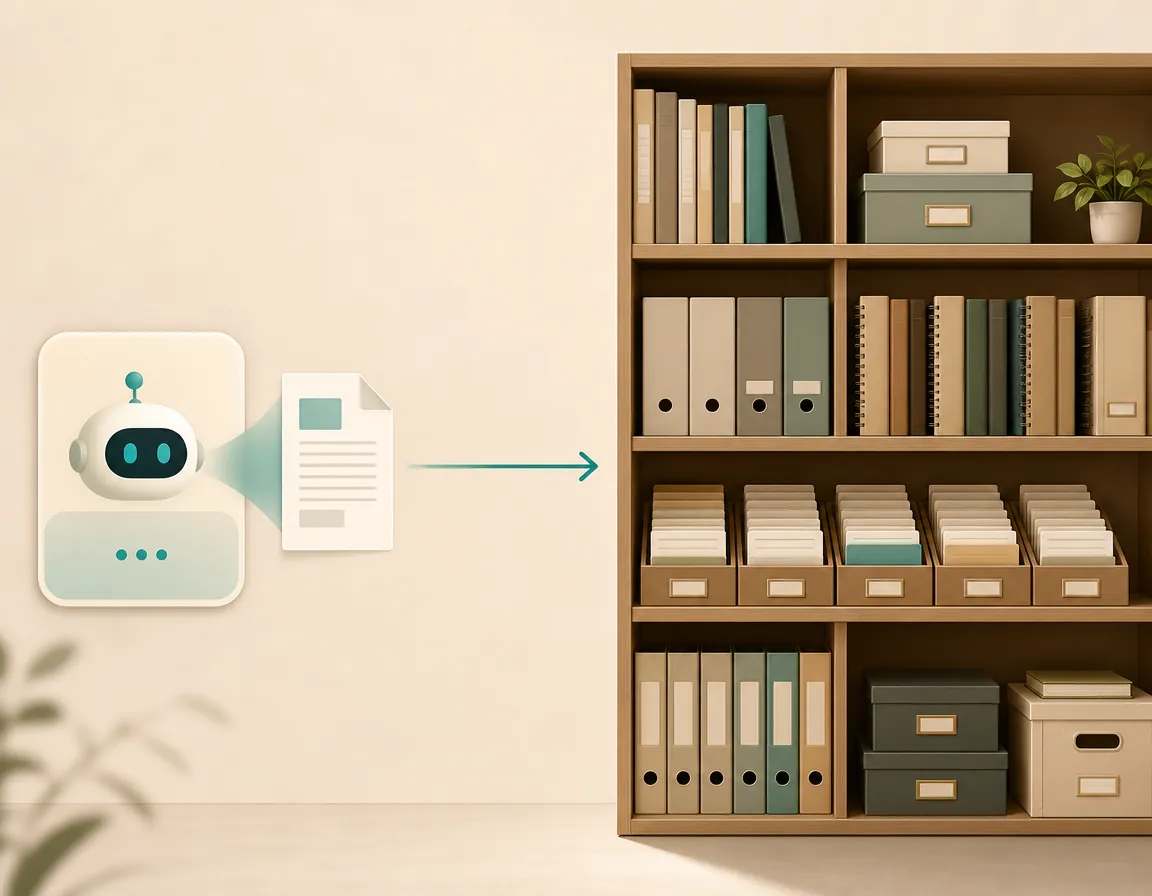
Use Meta AI, if it helps, as an assistant beside the system of record. Ask it for a draft. Let it summarize a thread. Have it produce wording options. Use Business Assistant capabilities where they fit the work. Then move anything worth keeping into the place where your work knowledge actually lives.
That durable place might be Notion, Obsidian, Logseq, Apple Notes, a Markdown folder, or another system your team can search and export. The app matters less than the role. It should be the home for final notes, source links, decisions, project context, meeting records, and the version of the answer you are willing to stand behind.
- Keep the note app as the archive.
- Use Meta AI for drafting, summarizing, and answering when it saves time.
- Copy or summarize durable outputs back into the note app.
- Preserve source links and decision context with the saved note.
- Export-test the archive before the archive becomes too large to move.
For durable work knowledge, fragmented chat history is not a replacement workflow. It is another inbox to clean up.
References
- Meta AI Conversation History Limits, LLMnesia
- Meta testing AI subscription services, cheapest plan at $7.99 a month, CNBC, May 27, 2026
- Meta officially launches Instagram, Facebook, and WhatsApp subscriptions with more to come, including AI plans, TechCrunch, May 27, 2026
- Meta AI Business Assistant, Meta Help Center
- Meta AI Performance Reviews, eWeek
- Meta lays out plans for May 20 layoffs, restructuring, internal document says, Reuters, May 18, 2026
- Meta AI Review, ClickUp, June 3, 2026
- Notion AI, Notion
- Note-taking vs using an AI chatbot: which is most helpful for learning?, Cambridge International