
If “Grok Bot” means xAI’s new always-on agent, it is not worth buying as a note-taking app versus ChatGPT. It can do a note-adjacent job, but the documented output is a meeting summary, not a durable note archive. If “Grok Bot” is being used loosely to mean Grok the chatbot, the comparison becomes more useful: Grok and ChatGPT are both note processors that sit beside Notion, Obsidian, Apple Notes, Evernote, or whatever system actually owns your archive.
That split matters because a clever recap is not the same thing as a notes system you can search six months later. For most note-app users, ChatGPT is the better subscription: Projects, project memory, memory controls, documented file handling, and broader app connections give it more infrastructure around the work. Grok’s clean exception is large-document research, where a very large context window may justify paying more if your real job is feeding long source material through the model in one pass.
First, separate Grok Bot from Grok
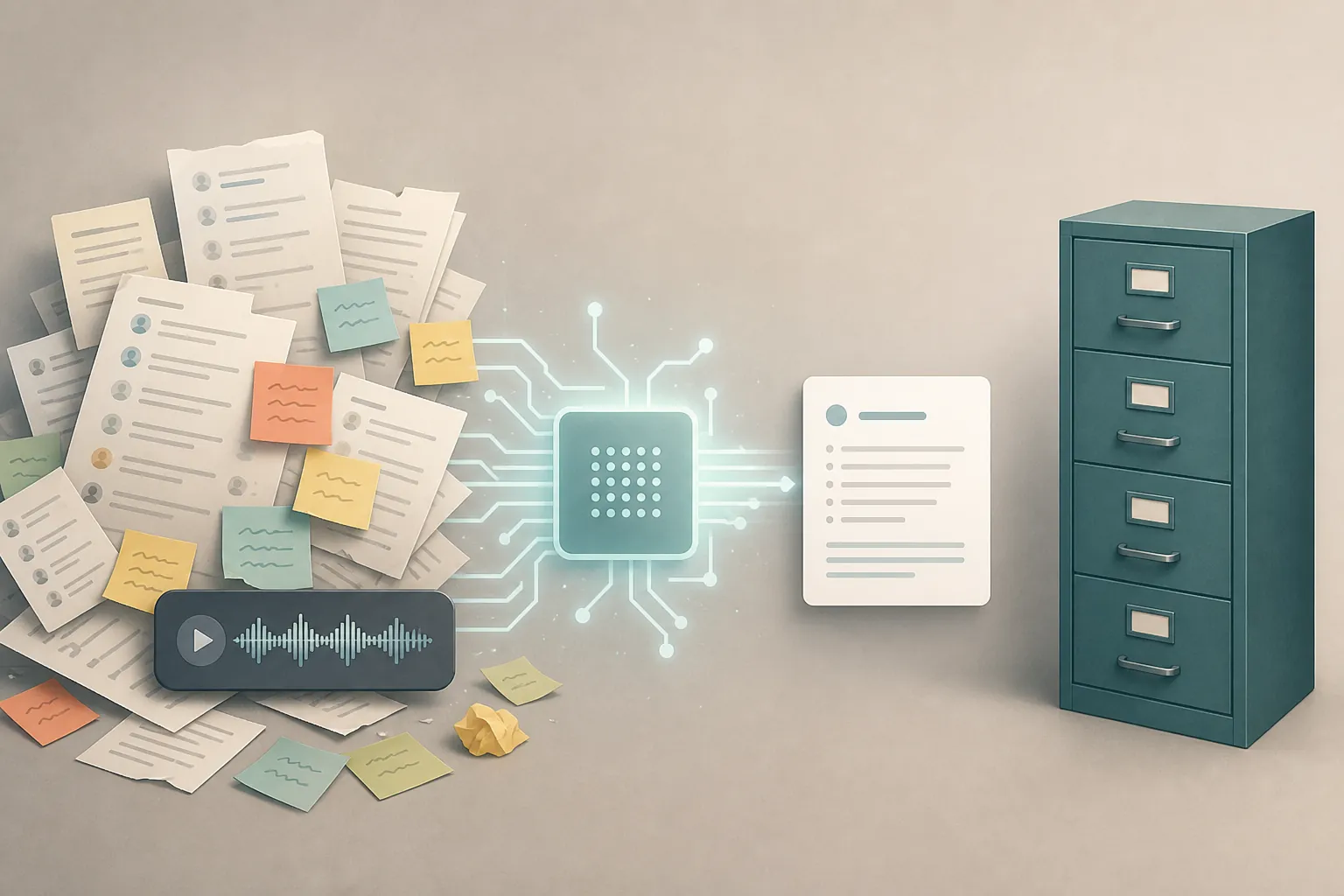
xAI introduced Grok Bot on Aug. 11, 2026 as a beta for “a team of always-on agents” with their own cloud computer and 24/7 operation. Its note-adjacent example is a “meeting stand-in” that “takes detailed notes and sends a summary.” Access was expanded on Aug. 21, 2026 to SuperGrok Plus, SuperGrok Heavy, Cursor Pro+, Cursor Ultra, and all Cursor Teams plans.[1][2]
That launch framing is execution-agent language, not note-app language. The agent can act, browse, sit in for a meeting, and report back. What the available materials do not establish is the part note-takers should care about most: an inspectable archive, a stable export path, user-controlled storage, or a way to audit what the system retained as notes. Third-party launch breakdowns also describe missing or unclear pieces for note use, including no memory export or inspection, no self-hosting, no model choice, and no free tier at launch.[3][4]
So the short answer to the literal question is plain: Grok Bot can produce a meeting recap, but it should not be treated as the place where your notes live. If you use it, the next step still has to be copying, exporting, or routing that summary into the system where decisions, tasks, and source material are stored.
The subscription comparison that matters for notes
Once Grok Bot is removed from the “note app” category, the real buying decision is Grok the chatbot versus ChatGPT as an assistant around your existing notes. That means judging the subscription by capture, organization, retrieval, transformation, and portability — not by whether the model can produce one impressive paragraph after a meeting.
| Note-work question | ChatGPT | Grok | Why it matters |
|---|---|---|---|
| Can I create bounded workspaces for note projects? | Projects are available on paid plans, support project memory, and allow up to 25 uploaded files per project.[5] | The cited comparison materials do not show an equivalent consumer project workspace for notes. | A project boundary helps keep a client, research topic, class, or trip from bleeding into every other note task. |
| Can I inspect and control what the assistant remembers? | OpenAI describes saved memory as a “notepad” separate from chat history; deleted-memory logs may be retained for up to 30 days.[6] | The Grok Bot materials available here do not document comparable memory inspection or export for note archives.[3][4] | Memory controls are not glamorous, but they matter when an assistant starts carrying context across sessions. |
| Can I feed it files for note processing? | ChatGPT supports up to 512 MB file uploads in the cited G2 comparison, and Projects give a documented place to keep files grouped.[5][7] | Grok supports DOCX, XLSX, and CSV uploads, with OneDrive and Google Workspace connectors in the cited G2 comparison.[7] | File handling is where both can help, but grouping and later reuse are as important as the first summary. |
| Can it connect to the rest of my work system? | G2 reports 60+ connected apps for ChatGPT.[7] | G2 reports OneDrive and Google Workspace connectors for Grok, but no custom bots or consumer third-party app store.[7] | Connected apps reduce copy-paste, but they still do not replace a note app’s archive rules. |
| What is the obvious paid entry point? | ChatGPT Plus is $20/month in Zapier’s comparison.[8] | SuperGrok is $30/month in Zapier’s comparison; Grok Bot standalone access was separately reported at $200/month after a 14-day trial.[3][4][8] | A note subscription needs a stable buying decision. Grok Bot access and pricing still need careful checking before anyone budgets around it. |
The practical difference is not that ChatGPT is magically a note app. It is not. The difference is that ChatGPT gives note workers more visible scaffolding around the processing: a project container, project-level context, file grouping, saved-memory controls, and more app connections. Those pieces make it easier to know where a note task began, what material was attached, and which context the assistant may reuse later.
That is also why Grok Bot’s pricing fog is more than launch-week trivia. Vellum and AY Automate report a standalone $200/month Grok Bot route after a 14-day trial, while xAI’s own Aug. 21 update emphasizes access through SuperGrok, Cursor, and Teams plans rather than presenting one clean note-taker-friendly price.[2][3][4] For a person buying an assistant to maintain a notes workflow, that is not a small annoyance. It changes whether the tool belongs in a monthly stack or only in a short-term project budget.
Meeting notes: useful recap, weak archive
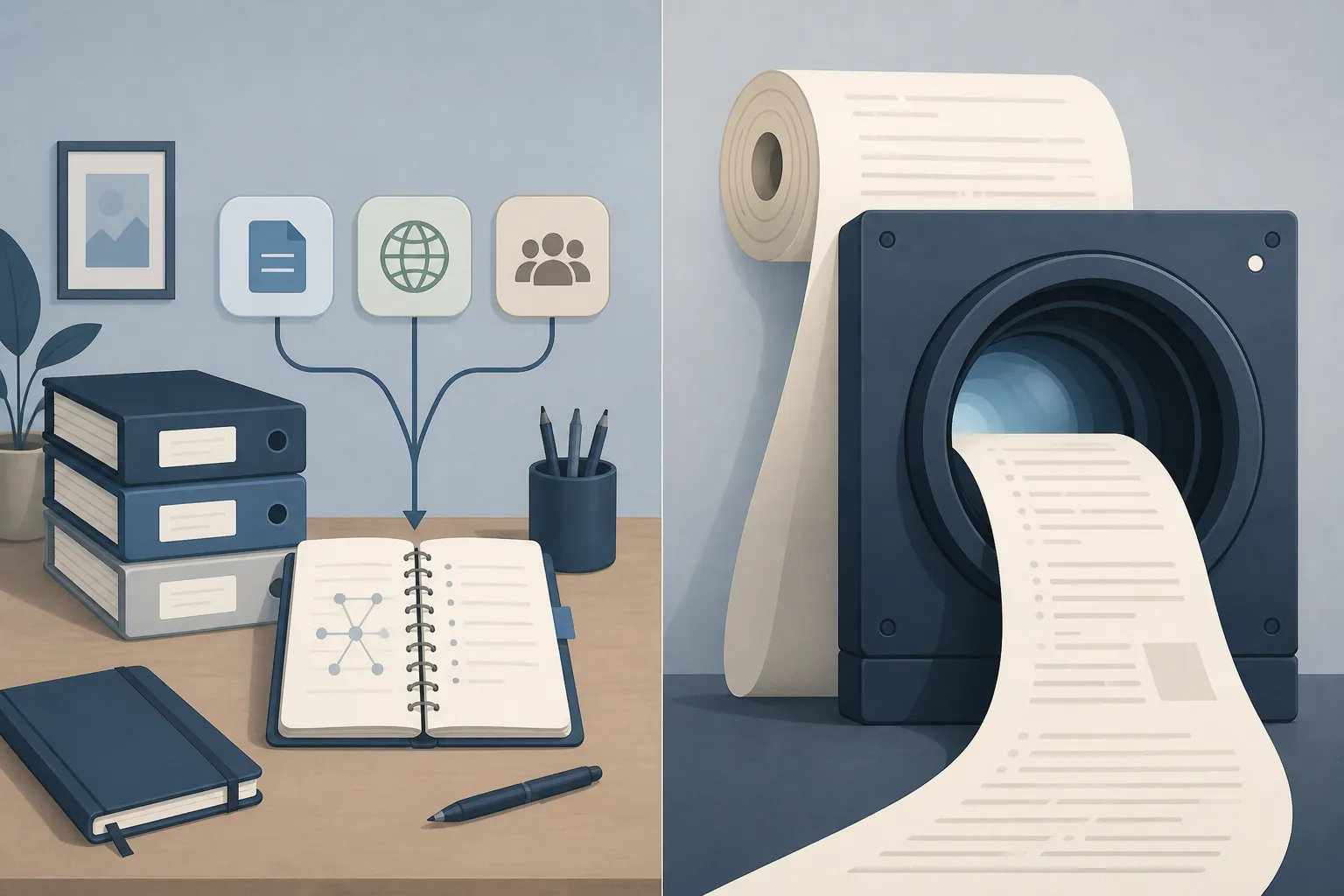
For meetings, Grok Bot’s strongest claim is also its limit. xAI’s example says the agent can serve as a meeting stand-in, take detailed notes, and send a summary.[1] That is useful if the job is “tell me what I missed.” It is not enough if the job is “make sure the decision, owner, deadline, objections, and source transcript are findable next quarter.”
A meeting workflow usually needs at least three artifacts: the raw or semi-raw record, the cleaned summary, and the durable destination. The AI may help with the middle step. The archive still has to live somewhere with names, folders, backlinks, tags, permissions, or whatever retrieval method your team actually uses.
ChatGPT is not automatically safe here either. A beautiful meeting summary in a chat thread can disappear into the same swamp as every other chat unless it is moved into the note system. But Projects make it easier to keep meeting materials grouped by account, product, class, or research topic, and memory controls give users at least some explicit levers over what persists beyond the chat.[5][6]
Personal note organization favors ChatGPT’s infrastructure
For personal notes, the best assistant is usually not the one that writes the prettiest prose. It is the one that can repeatedly help with the boring transfers: turn a messy voice memo into a draft note, extract tasks from a transcript, reorganize a loose outline, compare today’s draft against a project brief, or generate a Markdown-ready version to paste into Obsidian.
ChatGPT has the stronger product shape for that routine work because Projects can hold a continuing context and attached files for a topic.[5] Its memory system is also described with explicit controls rather than vague continuity. OpenAI says saved memories are separate from chat history, and that deleted-memory logs may be retained for up to 30 days.[6] Those details do not make ChatGPT a vault. They do make it easier to write a personal AI policy and decide what kind of notes should never be put into the assistant at all.
If your notes live in Obsidian or another Markdown-first system, the purchase test is simple: can the assistant produce clean, inspectable text that you can move out? ChatGPT generally fits that habit better than an agent that reports back after acting. For more on the boundary between helpful organization and unsafe note reshuffling, see FlowDesk’s test of ChatGPT organizing Obsidian notes.
Document research is Grok’s best case
Grok becomes more interesting when the notes are not meetings or personal snippets, but research notes from very large documents. The available comparisons give Grok wins in exactly that neighborhood. G2’s 10-task head-to-head gave ChatGPT 6 wins, Grok 2 wins, and 2 split verdicts; Grok’s wins were strict summarization and PDF file analysis.[7]
The context-window story is promising but messy. CatDoes describes Grok with a 1M-token context window, while G2 describes a 2M-token context window.[9][7] Those cannot both be treated as the same stable spec. As of this article’s verification date, the safe conclusion is narrower: published comparisons disagree on the exact figure, but both present Grok as unusually strong for very large one-pass inputs.
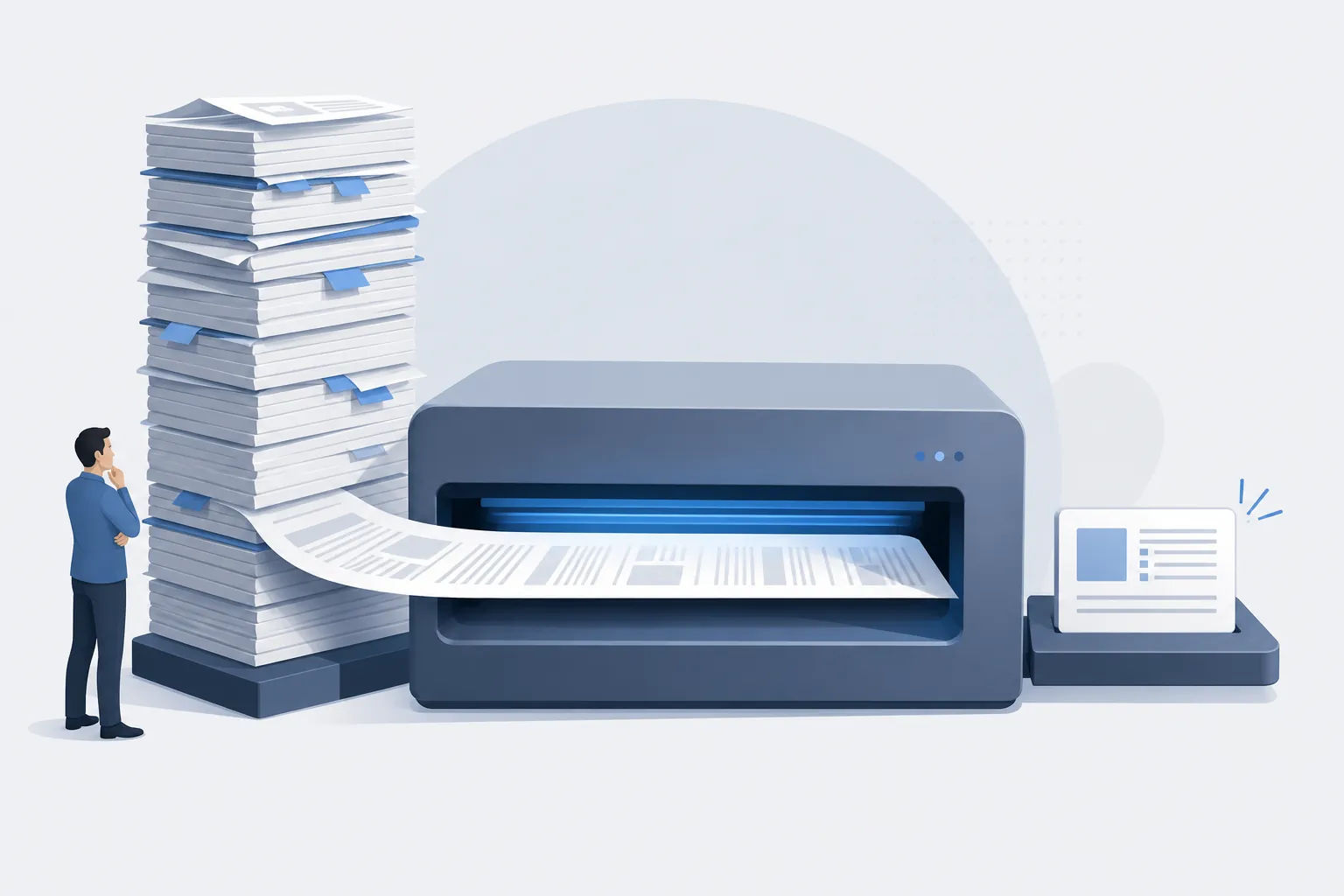
That is the one Grok premium I would take seriously for note work. If your week is built around long PDFs, dense reports, spreadsheets, and source packets that you want summarized or interrogated without breaking them into many smaller chunks, Grok may earn its price. The note archive still has to be built afterward: source links, excerpted claims, tags, citations, and the final research memo need a real home.
If you want model-level behavior rather than product-level buying guidance, FlowDesk’s separate Grok 4.6 vs GPT-5.6 note-taking benchmark is the better place for that. This comparison is about the subscription you would actually live with around a note app.
Ongoing note-app workflows still need a home outside the chatbot
Neither ChatGPT nor Grok should be the final system of record for a serious note workflow. The record belongs in the place that gives you durable structure: a notebook, folder tree, Markdown vault, database, team wiki, or document repository. The AI subscription is worth paying for only when it reduces the work of moving messy material into that structure without hiding too much of the process.
That is where ChatGPT’s broader integrations matter. G2 reports 60+ connected apps for ChatGPT, while Grok’s cited connector story is narrower: OneDrive and Google Workspace, without custom bots or a consumer third-party app store.[7] Integrations do not guarantee clean exports or good archives, but they give more routes for getting processed notes back into the tools where people already work.
xAI’s own Grok for Word add-in points in the same direction: it is described as turning notes into documents, which frames Grok as a transformer of note material rather than the storage layer itself.[10] That can be valuable. It is still a different promise from “this is where your notes live.”
For teams deciding where AI should touch the archive, the boring policy questions come first: which notes can leave the vault, whether summaries need source links, who checks extracted decisions, how long AI chat histories are kept, and what has to be exported back into the note app. FlowDesk’s personal AI policy guide for note apps is the companion piece for that setup work.
Verdict: ChatGPT for most note-taking, Grok for large-document research
Grok Bot is not the better note-taking subscription versus ChatGPT if the expectation is a durable notes system. Its documented note use case is a meeting stand-in that sends a summary, and the available launch materials do not give note workers the archive, export, memory-inspection, or storage assurances that would make it a trustworthy notes home.[1][3][4]
Grok the chatbot is worth considering only for the narrower research-note case: large files, long source documents, and one-pass analysis where its reported context-window advantage matters enough to pay more. Even there, treat Grok as the processor, not the archive.
For most people taking meeting notes, organizing personal notes, working inside a Markdown vault, or maintaining an ongoing project notebook, ChatGPT is the better buy. Its Projects, project memory, memory controls, file handling, and app connections give it more usable note-work infrastructure at the subscription level.[5][6][7]
Last verified: Aug. 26, 2026. Grok Bot access routes, Grok model names, and xAI pricing were still unusually easy to misread from secondary coverage, so check current xAI and OpenAI pricing pages before making or publishing a final purchase decision.
References
- Introducing Grok Bot, xAI, Aug. 11, 2026
- Grok Bot on more plans, xAI, Aug. 21, 2026
- Official Grok Bot Breakdown, Vellum
- Grok Bot: xAI AI Agents Explained, AY Automate
- Projects in ChatGPT, OpenAI Help Center
- Memory FAQ, OpenAI Help Center
- Grok vs. ChatGPT, G2
- Grok vs. ChatGPT, Zapier
- ChatGPT vs Grok, CatDoes
- Grok for Word, xAI, June 2026