
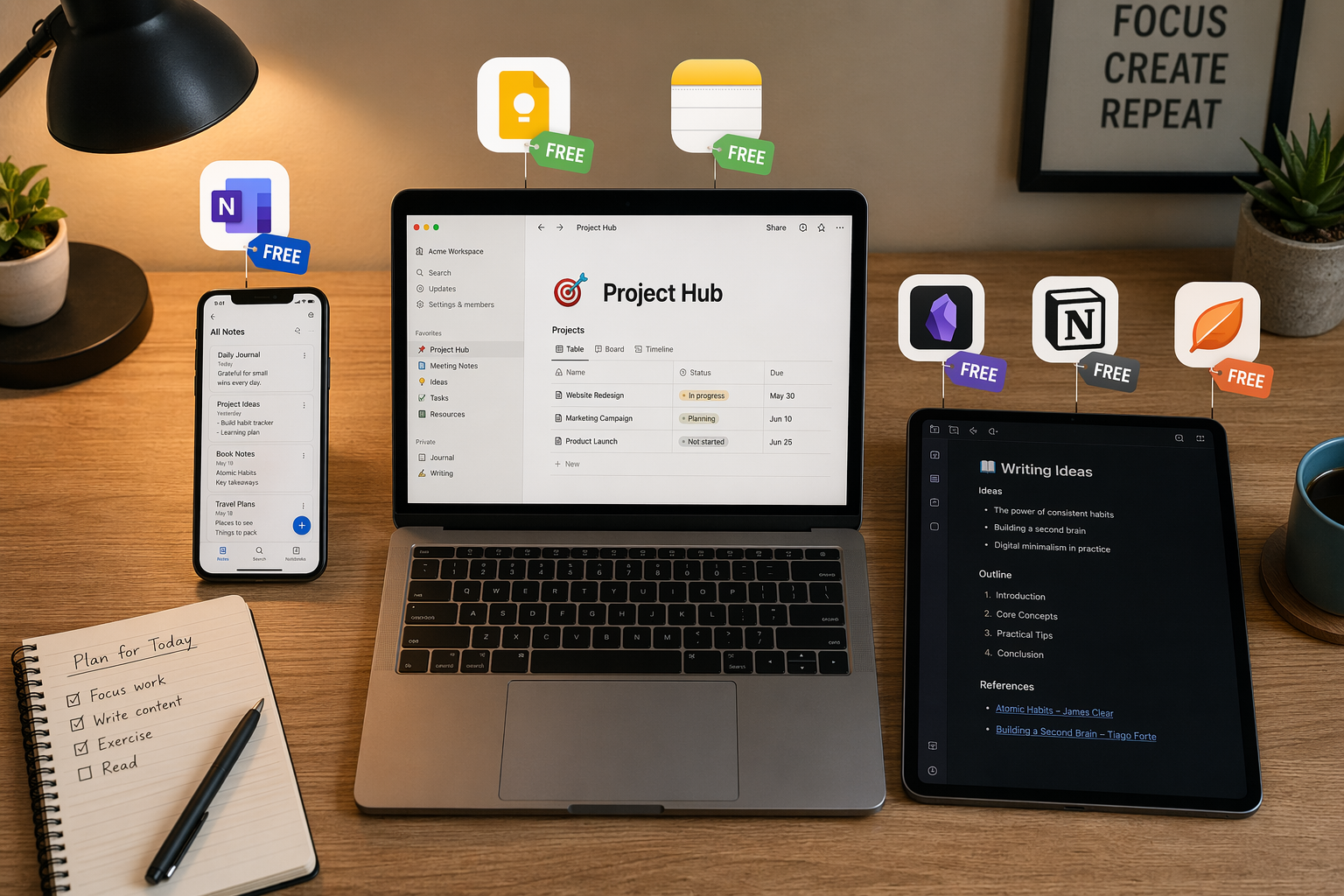
The Case for Free: What You Actually Get at $0
The most important thing to understand about the free note-taking app market in 2026 is that the free tiers are not crippled trials. They are fully functional tools that millions of people use as their primary note-taking system. The question is not whether free apps are capable — they clearly are — but whether the specific way you take notes aligns with what a particular free app does well.
Here is what the major free tiers actually include, based on verified feature data from mid-2026:
| App | Free Tier Core Features | Key Limitation |
|---|---|---|
| Microsoft OneNote | Unlimited notes, unlimited notebooks, handwriting, audio recording, ink-to-math, web clipper, cross-platform sync via 5GB OneDrive storage | 5GB storage cap; no Copilot AI |
| Apple Notes | Unlimited notes, folders, tags, checklists, document scanning, Smart Folders, handwriting on iPad, audio recording with live transcripts (iOS 18), note linking; free with 5GB iCloud | 5GB iCloud storage; Apple ecosystem only |
| Google Keep | Unlimited notes, location-based reminders, real-time syncing, OCR for images, Chrome extension, Gmail/Docs integration; free with 15GB Google storage | No rich formatting; limited organization depth |
| Obsidian | Local Markdown files, bidirectional linking, graph view, full plugin ecosystem; free for personal use | No built-in sync; no cloud backup out of the box |
| Joplin | Unlimited notes, notebooks, tags, end-to-end encryption, Markdown editor, Evernote import; free and open-source | Requires DIY sync setup (Dropbox, OneDrive, or own server) |
| Simplenote | Unlimited notes, tags, cross-platform sync, Markdown, version history; 100% free | Text-only — no images, attachments, or rich formatting |
| Notion (Personal) | Unlimited blocks for solo use, basic databases, web clipper, collaborative editing | 5MB file upload limit; no offline mode |
The pattern is clear: every major app offers a genuinely usable free tier. OneNote gives you essentially the full desktop-class note-taking experience with only a storage cap. Apple Notes is the most feature-rich free option for anyone in the Apple ecosystem. Obsidian gives you a powerful personal knowledge management system at no cost — you just need to figure out your own sync. Google Keep is the fastest capture tool on the market, and it is completely free.
If your needs are basic — quick capture, simple organization, occasional search — you can stop reading here. The free apps above will serve you well indefinitely. But if you have specific needs that free tiers do not address, the paid options may be worth the money.
What Paid Plans Actually Add: A Feature-by-Feature Breakdown
Paid note-taking plans do not simply unlock more storage or remove ads. They add specific capability clusters that free tiers deliberately omit. Understanding these clusters is the key to deciding whether paying makes sense for you.
AI Features
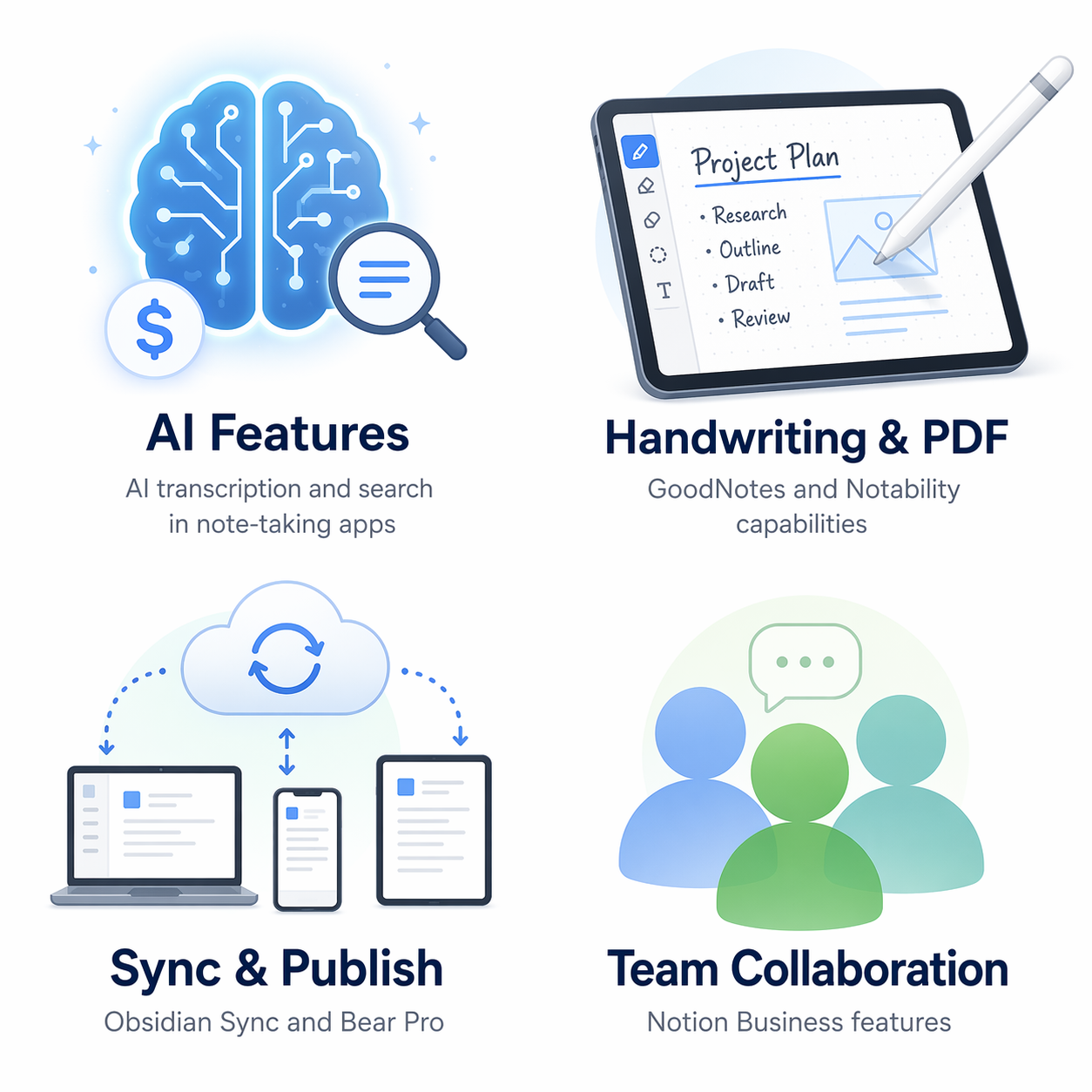
The most significant paid-tier differentiator in 2026 is AI. Evernote's paid plans include AI-powered search and transcription. Notion AI ($10/month on top of a paid plan) offers writing assistance, summarization, and Q&A over your notes. These features are genuinely useful if you process large volumes of information — meeting transcripts, research papers, project documentation — and need to extract insights quickly. But if your note-taking is primarily personal (journaling, quick ideas, to-do lists), AI features add little value.
Advanced Handwriting and PDF Annotation
For iPad users who rely on handwriting, the free options are limited. Apple Notes offers solid handwriting support with Apple Pencil, but it lacks the advanced PDF annotation and handwriting search that dedicated apps provide. GoodNotes ($11.99/year) and Notability ($14.99–$99.99/year) justify their cost primarily through handwriting search, PDF annotation tools, and audio-synced note-taking. If you are a student or professional who marks up PDFs and takes handwritten lecture notes daily, these apps are worth the subscription. If you type most of your notes, they are not.
Sync and Publishing Services
Obsidian's core app is free, but its Sync service costs $4/month. Bear Pro costs $2.99/month and unlocks cross-device sync and publishing. These services solve a specific problem: encrypted, reliable cloud sync for apps that are otherwise local-first. If you use Obsidian and are comfortable setting up Dropbox or iCloud sync manually, you do not need Obsidian Sync. If you want a set-and-forget encrypted sync solution, $4/month is a fair price. Similarly, Bear Pro's sync is seamless and fast — but only within the Apple ecosystem.
Team Collaboration
Notion's Business plan ($24/month per user) and Evernote Teams ($25/month per user) unlock team-level features: shared workspaces, permission management, and advanced collaboration. If you are an individual user, these plans are irrelevant. If you manage a team that needs a shared knowledge base, the cost is justified by the productivity gain — but you should compare against free alternatives like Google Docs or a shared Obsidian vault before committing.
Cost-Benefit Analysis: The Major Paid Apps, Reviewed
Let us look at each major paid app and assess what you actually gain by upgrading — and what you lose by staying free.
| App | Paid Plan Cost | What You Gain | Who Should Pay | Who Should Stay Free |
|---|---|---|---|---|
| Evernote | Starter $15/mo; Advanced ~$25/mo | AI transcription and search; more than 50 notes, 1 notebook, 1 device | Heavy note-takers who need AI-powered search across thousands of notes | Anyone with fewer than 500 notes; OneNote or Apple Notes users |
| Notion | Plus $10/mo; Business $24/mo per user | Unlimited file uploads (vs. 5MB), offline mode, team collaboration, AI add-on | Solo users who hit the 5MB upload limit; teams needing shared workspaces | Solo users with small files who do not need offline access |
| Bear | Pro $2.99/mo or $29.99/yr | Cross-device sync, themes, export options, publishing | Apple-only users who want a polished, fast writing experience with sync | Anyone who does not need sync or is not in the Apple ecosystem |
| GoodNotes | $11.99/yr | Handwriting search, PDF annotation, cross-platform sync | iPad users who rely heavily on handwriting and PDF markup | Typing-first note-takers; Apple Notes handwriting users |
| Obsidian Sync | $4/mo | Encrypted cloud sync, version history | Obsidian users who want set-and-forget encrypted sync | Obsidian users comfortable with free sync via Dropbox or iCloud |
The standout in this analysis is OneNote. Its free tier is so complete that upgrading to Microsoft 365 Personal ($9.99/month) only adds OneDrive storage (1TB vs. 5GB) and Copilot AI — not a single core note-taking feature. For the vast majority of OneNote users, the free tier is the only tier they will ever need.
Decision Flowchart: Do You Actually Need to Pay?
Instead of a visual flowchart, here is a simple decision tree. Answer each question honestly, and the path will tell you whether you need to pay.
- Do you need AI-powered search or writing assistance across your notes? If yes, consider Evernote (paid) or Notion AI. If no, proceed.
- Do you rely on handwriting and PDF annotation on an iPad daily? If yes, GoodNotes ($11.99/yr) or Notability ($14.99/yr) are worth it. If no, proceed.
- Do you need encrypted, set-and-forget cloud sync for a local-first app like Obsidian? If yes, Obsidian Sync ($4/mo) is a fair price. If no, proceed.
- Do you collaborate with a team in a shared note-taking workspace? If yes, Notion Business ($24/mo per user) or Evernote Teams ($25/mo per user) may be justified. If no, proceed.
- Do you consistently hit free-tier storage or file-size limits? If yes, check whether upgrading storage (iCloud, OneDrive) or switching apps solves the problem before paying for a note-taking subscription. If no, stay free.
If you answered no to all five questions, you do not need to pay for a note-taking app. The free tiers of OneNote, Apple Notes, Google Keep, or Obsidian will serve you well.
Verdict: Who Should Pay and Who Should Stay Free
After reviewing the data, the conclusion is straightforward: for the majority of note-takers, the best free apps are genuinely good enough. The average user creates fewer than 500 notes per year — well within the free-tier limits of every major app except Evernote. If you are not doing heavy AI processing, daily handwriting on an iPad, or team collaboration, paying for a note-taking app is a waste of money.
The exceptions are clear and specific:
- Pay if you need AI-powered search across thousands of notes (Evernote).
- Pay if you are an iPad user who lives in handwriting and PDF annotation (GoodNotes, Notability).
- Pay if you want encrypted, hassle-free sync for Obsidian (Obsidian Sync) or a polished Apple-only experience (Bear Pro).
- Pay if you manage a team that needs a shared knowledge base (Notion Business, Evernote Teams).
For everyone else — and that is most people — the free tier is the right choice. Do not let the marketing around AI features and premium plans convince you that you are missing out. You are not.
Thinking of Upgrading? Migration Tips and Next Steps
If you have decided to upgrade, the migration process is usually straightforward — but a few precautions will save you from losing data.
- Export your notes from the free app first. Most apps support Markdown, HTML, or PDF export. OneNote exports to .onepkg or PDF. Apple Notes exports via the share sheet. Obsidian notes are already local Markdown files.
- Check what gets lost in translation. Tags, attachments, and formatting do not always transfer cleanly between apps. Evernote to Notion, for example, has known formatting quirks.
- Start with a small test migration before moving everything. Import a single notebook or folder first to verify the process works.
- Keep your free account active for at least a month after migrating. You may discover that the paid app does not meet your needs, and you will want to fall back.
For detailed migration guides covering specific tool paths — including Evernote to Notion, Evernote to Obsidian, and OneNote to Notion — visit our Migration Guides section.