
Why 'Free' Often Means 'Crippled'
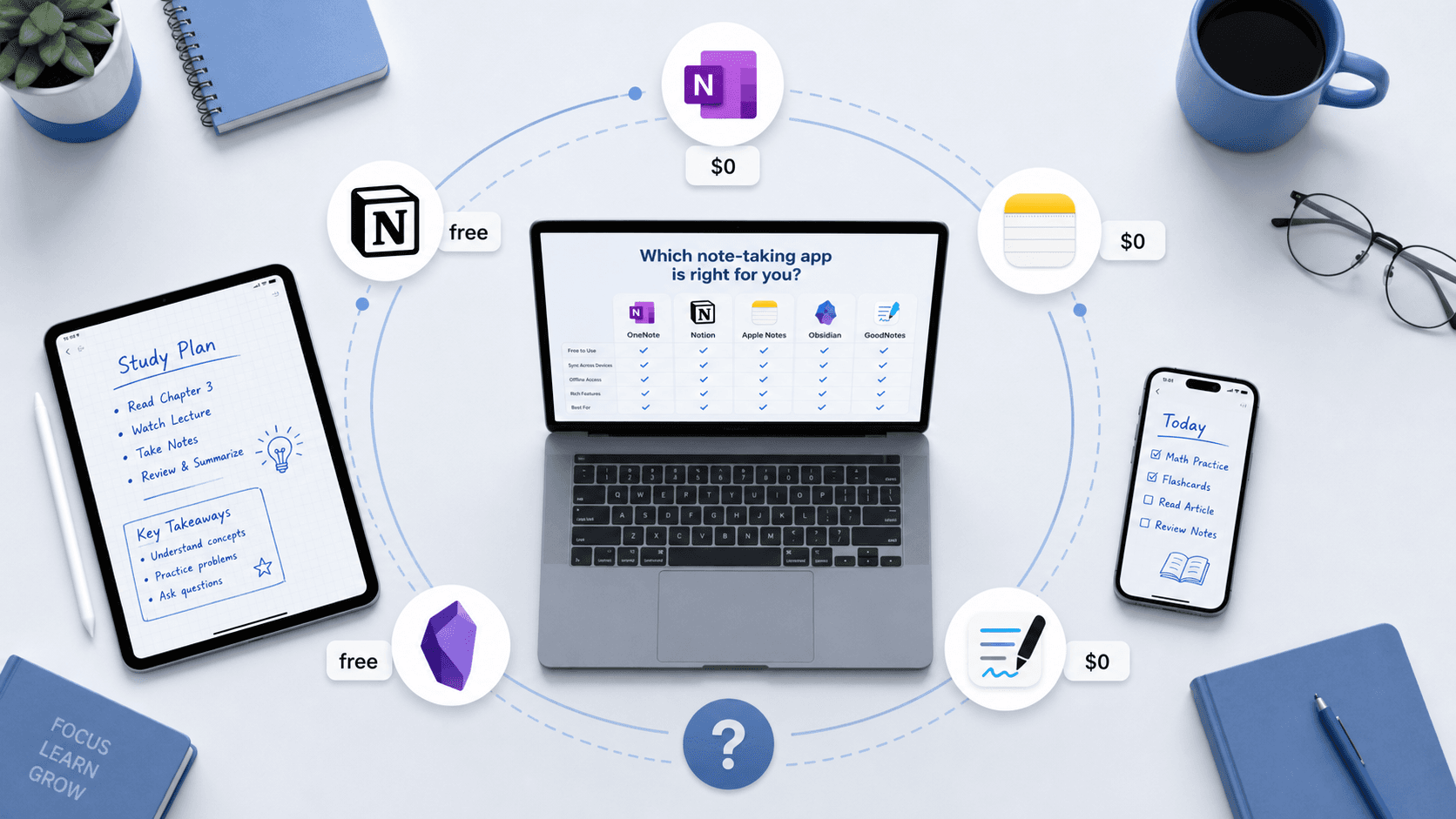
Every semester, thousands of students download a note-taking app that promises to be free. By week three, they hit a wall: a notebook cap, a device restriction, or a storage quota that turns their carefully organized lecture notes into a read-only archive. The app wasn't free — it was a trial dressed up as a free plan.
This article is built on a simple premise: a free plan is only useful if it can survive a full semester of lectures, readings, lab notes, and study guides without forcing you to upgrade or delete content. We tested eight popular note-taking apps against that standard and sorted them into three categories:
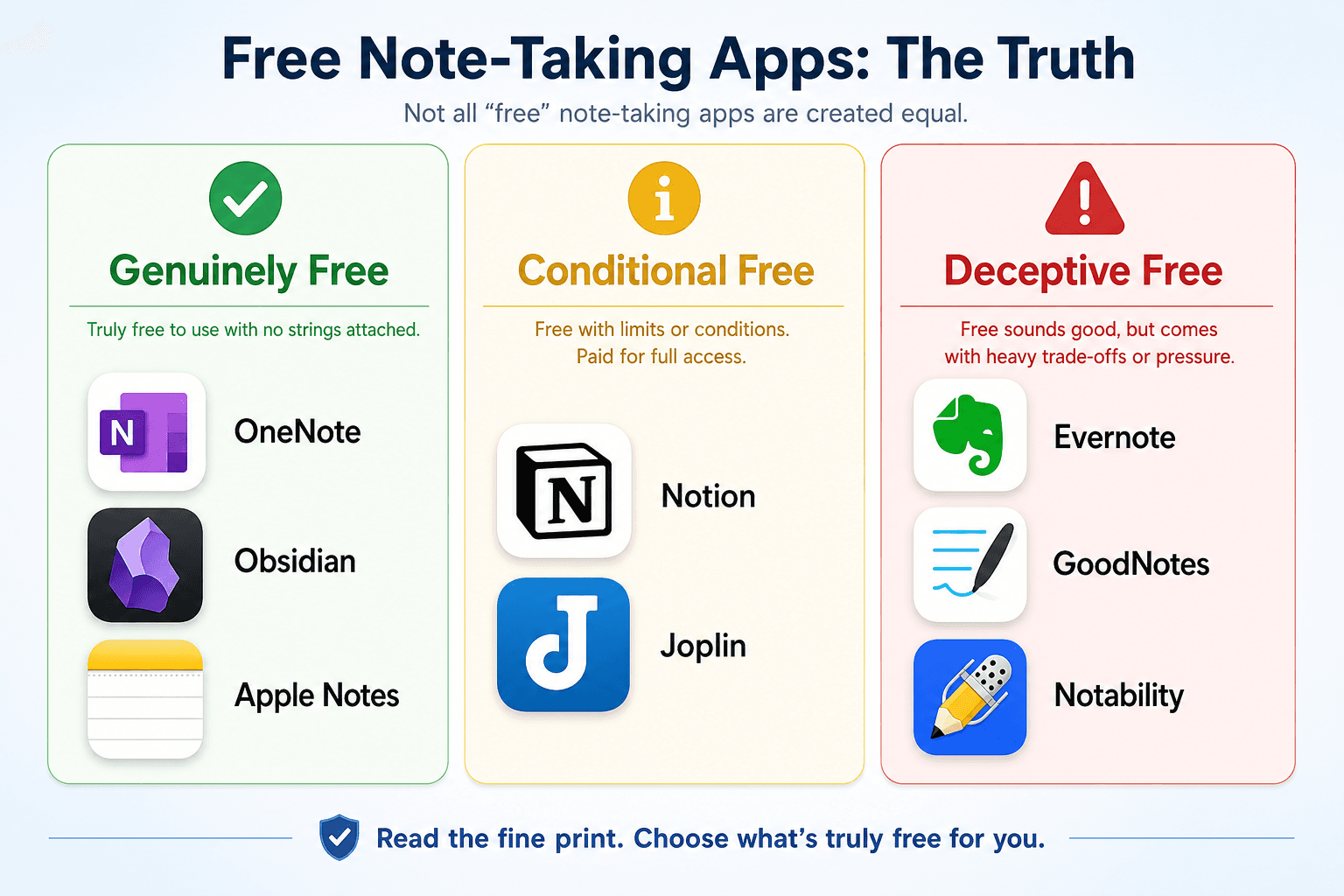
- Genuinely free — The free plan has no hard limits that will stop you mid-semester. You can use it indefinitely without paying.
- Conditional free — The app is free, but only if you meet a specific condition (a .edu email address, or the willingness to set up your own sync server).
- Deceptive free — The app markets itself as free, but the free tier is so restricted that it functions as a limited trial. Relying on it for a semester is a gamble.
The Hidden Limits: What Free Plans Actually Cap
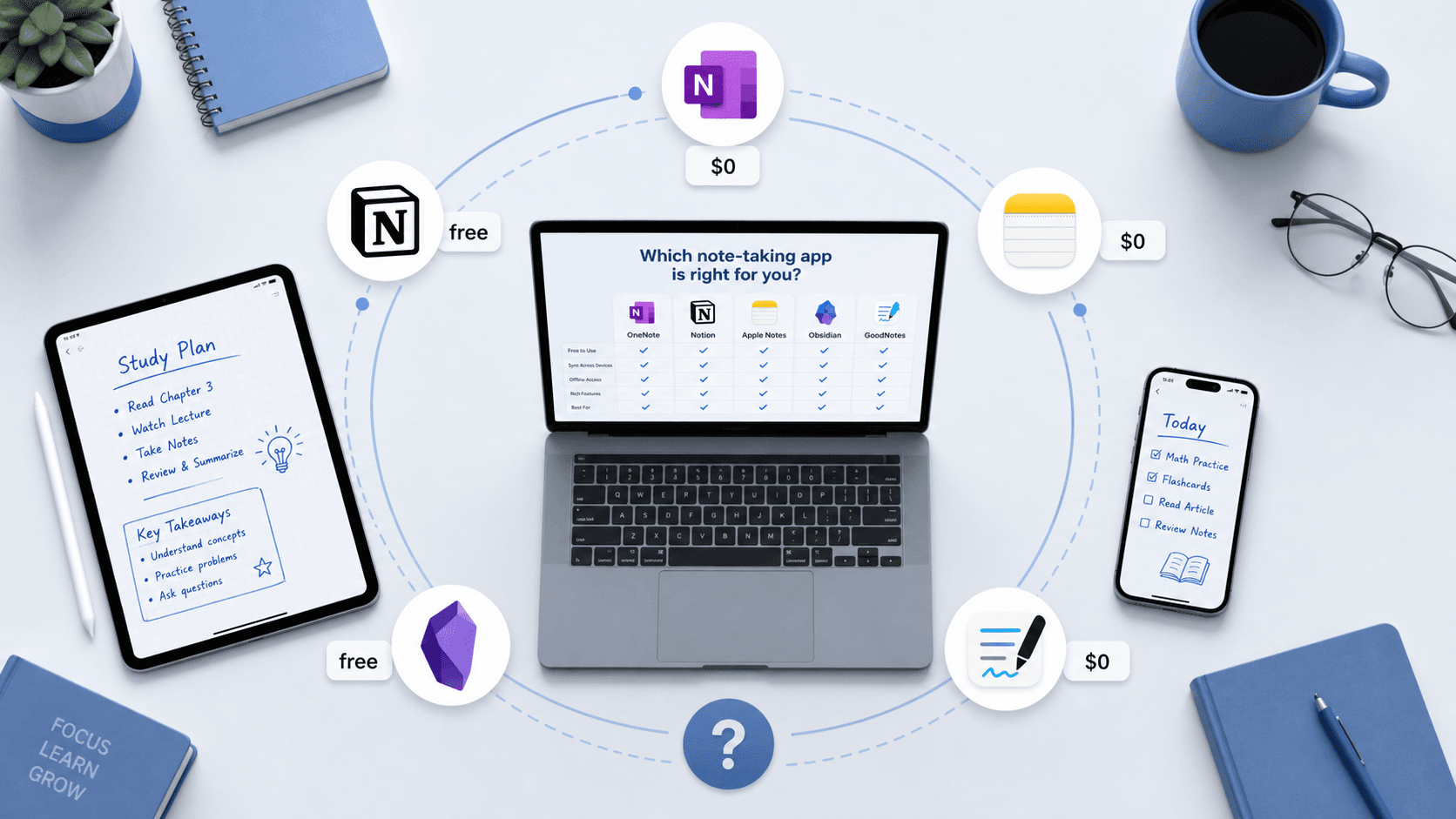
Before we dive into verdicts, here is the raw data. The table below shows the key limits that matter for a semester's worth of note-taking: storage caps, notebook or note counts, device restrictions, upload quotas, and whether AI features are paywalled. All figures were cross-checked against official pricing pages and verified as of June 2026.
| App | Free Storage | Note / Notebook Limit | Device Limit | Upload Cap | AI Features on Free? | Verdict Tier |
|---|---|---|---|---|---|---|
| Microsoft OneNote | 5 GB (OneDrive) | Unlimited notebooks & pages | Unlimited | None | No (Copilot requires M365 sub) | Genuinely Free |
| Obsidian | Local (no cloud limit) | Unlimited | Unlimited | None | N/A (no built-in AI) | Genuinely Free |
| Apple Notes | 5 GB (iCloud shared) | Unlimited | Unlimited (Apple devices) | None | No | Genuinely Free |
| Notion (Free Personal) | 5 MB per upload | Unlimited pages & blocks | Unlimited | 5 MB per file | No | Conditional Free |
| Notion (.edu Plus) | Unlimited uploads | Unlimited | Unlimited | Unlimited | No | Conditional Free |
| Joplin | Local (sync via third-party) | Unlimited | Unlimited | None | N/A | Conditional Free |
| Evernote Free | 250 MB / month upload | 50 notes total | 1 device | 250 MB / month | No | Deceptive Free |
| GoodNotes Free | 100 MB | 3 notebooks | Unlimited (iCloud sync) | 100 MB total | No | Deceptive Free |
| Notability Starter | Undisclosed | Unlimited notes | 1 device (sync limited) | Undisclosed monthly edit cap | No | Deceptive Free |
A few things jump out immediately. OneNote, Obsidian, and Apple Notes have no hard limits on how much you can write or how many devices you can use. Evernote, GoodNotes, and Notability all impose caps that will likely bite you before finals. Notion sits in the middle — its free personal plan is decent, but the .edu upgrade is where the real value lives.
Genuinely Free: OneNote, Obsidian, and Apple Notes Deep Dive
These three apps earned the 'genuinely free' label because their free plans impose no functional limits that would prevent a student from using them for an entire semester — or an entire degree.
Microsoft OneNote
OneNote's free plan is the most generous in this comparison. It offers unlimited notebooks, pages, and sections, with no device restrictions. The only hard limit is 5 GB of OneDrive storage shared across all Microsoft services, but for text-heavy lecture notes, that goes a long way. According to Zapier's December 2025 review, OneNote provides 'full access to core features across all platforms' for free, and AI Study Master's May 2026 testing confirmed 'unlimited notebooks, pages, and sections' on the free tier.
OneNote also supports stylus input and handwriting across all platforms, making it a strong choice for students who prefer handwritten notes on a tablet. For a deeper look at how OneNote's stylus support compares to other apps, see our stylus comparison guide for students.
Obsidian
Obsidian is free for personal use with zero functional limits. All your notes live as plain Markdown files on your local device. There are no storage caps, no note limits, and no device restrictions — you can install it on as many computers as you like. Both Zapier and AI Study Master confirm that Obsidian's personal plan is 'free for personal use' with no hidden restrictions.
The trade-off is the learning curve. Obsidian is built around a local-first, graph-based knowledge management system that rewards structured thinking. It is not a quick-capture app — you will need to invest time in setting up folders, tags, and links. For students who want a long-term knowledge system rather than just lecture notes, Obsidian is unmatched at this price point.
Apple Notes
Apple Notes is completely free and comes pre-installed on every iPhone, iPad, and Mac. It syncs via iCloud, and the free tier includes 5 GB of iCloud storage shared across all Apple services. There are no limits on the number of notes, notebooks (folders), or tags you can create. Zapier describes it as 'free for 5GB of storage across all iCloud services,' and Drawboard confirms it is 'included with iOS, iPadOS, macOS.'
The catch is ecosystem lock-in. Apple Notes does not have a native Windows or Android app. If you use a Windows laptop and an iPhone, you will not be able to access your notes on the laptop without workarounds. For students fully inside the Apple ecosystem, it is the fastest and most friction-free option — AI Study Master's 14-day study test with 4 college students found Apple Notes had an average daily-capture friction of just 0.4 seconds, the fastest of any app tested.
Conditional Free: Notion (.edu) and Joplin (Self-Hosted)
These apps are genuinely free, but only if you meet a specific condition. For Notion, that condition is a verified .edu email address. For Joplin, it is the willingness to set up your own sync infrastructure.
Notion: The .edu Plus Plan
Notion's free personal plan is already decent — unlimited pages and blocks for individual use, with a 5 MB per-file upload limit and 7-day version history. But the real student value is the free Plus plan upgrade available with a .edu email address. According to Notion's official help center, the .edu Plus plan unlocks unlimited file uploads, unlimited blocks, and 30-day version history. Drawboard confirms that students get a 'free Personal Pro upgrade with a .edu email.'
Notion is best for students who need a structured, database-driven workspace — project tracking, class notes, reading lists, and collaborative group work all fit naturally into Notion's block-based system. The trade-off is that it is slower for quick capture than Apple Notes or OneNote. The same AI Study Master test found Notion had an average capture friction of 2.4 seconds, significantly higher than Apple Notes' 0.4 seconds.
Joplin: Free, But You Host the Sync
Joplin is a fully free, open-source note-taking app available on Windows, macOS, Linux, iOS, and Android. There are no limits on notes, notebooks, tags, or storage — it is genuinely free software. Both Zapier and Drawboard list Joplin as 'free' with no restrictions.
The condition is sync. Joplin does not provide its own cloud sync — you must connect it to a third-party service like Dropbox, OneDrive, or Nextcloud. This requires a one-time setup that takes about 15 minutes, but it is not a 'download and go' experience. For technically comfortable students who value data ownership and zero vendor lock-in, Joplin is an excellent choice. For students who just want to open an app and start typing, it may feel like unnecessary friction.
Deceptive Free: Evernote, GoodNotes, and Notability
These three apps market themselves as having free plans, but the restrictions are severe enough that calling them 'free' is misleading. Each one will likely force a student to upgrade or abandon the app before the semester ends.
Evernote Free
Evernote's free plan is the most restricted in this comparison. It limits you to 50 notes total, 1 device, and 250 MB of uploads per month. Multiple sources confirm these figures: Zapier states 'free for 50 notes, 1 notebook, and 1 device,' Drawboard confirms '1 device, 50 notes, 250 MB/month,' and AI Study Master calls the free plan 'heavily restricted.'
For a student taking 4–5 courses, 50 notes will not last past the first month. The single-device restriction means you cannot take notes on your laptop in class and review them on your phone later. Evernote's free plan is a trial, not a usable long-term option.
GoodNotes Free
GoodNotes' free plan limits you to 3 notebooks and 100 MB of storage, as confirmed by GoodNotes' official pricing page and Paperlike's January 2026 review. The free plan also lacks AI features and audio recording. For a student who takes handwritten notes across multiple subjects, 3 notebooks is not enough — you would need one notebook per class, and that leaves no room for scratch notes or study guides.
GoodNotes is an excellent app for handwritten note-taking, but its free plan functions as a trial for the $11.99/year Essential plan. If you are considering GoodNotes, budget for the paid plan from the start.
Notability Starter
Notability's free 'Starter' plan is the most opaque of the three. According to Paperlike's detailed comparison, the Starter plan has 'a limited number of edits that you can make in a month' — but Notability does not disclose how many edits that is. This is a significant risk for students. You could be editing a lecture recording or refining a note and suddenly hit an invisible wall with no warning.
Stack Recommendations by Device Scenario
The best free note-taking setup depends on what devices you own. Here are stack recommendations for the most common student device scenarios, each costing $0/year.
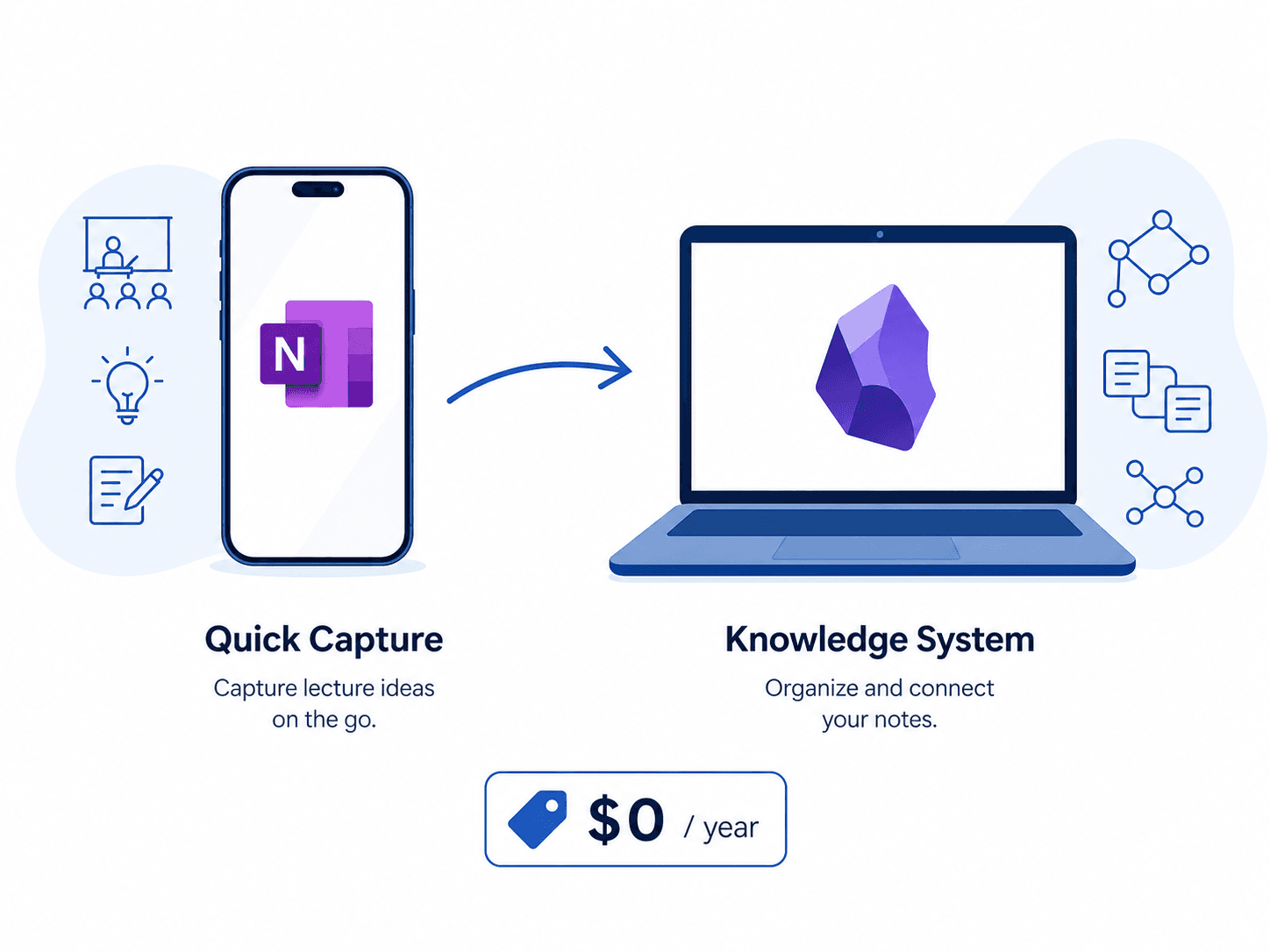
- iPhone + Mac (Apple ecosystem): Apple Notes for quick capture (0.4s friction) + Obsidian for knowledge management. Apple Notes handles the fast, friction-free capture; Obsidian handles the long-term organization. Both are free.
- Windows + Android: OneNote for everything. It is the only genuinely free app that works seamlessly across Windows, Android, and the web with no device restrictions. Use it for both quick capture and structured notes.
- iPad + Windows laptop: OneNote for handwritten notes on the iPad (stylus support is excellent) and for typed notes on the Windows laptop. Sync is automatic via OneDrive. If you prefer a local-first knowledge system, add Obsidian on the Windows side.
- Chromebook-only: OneNote (web app or Android app) or Notion (web app). Both work well on Chromebooks. OneNote is better for handwriting if you have a stylus-compatible Chromebook; Notion is better for structured project tracking.
For a deeper analysis of how each app performs across different platforms, see our cross-platform note-taking apps comparison.
Cost Comparison: The $0/Year Stack vs. Paid Alternatives
A carefully chosen free stack — OneNote for capture, Obsidian for knowledge management, and Apple Notes for quick notes on Apple devices — costs exactly $0 per year. The table below compares that against the annual cost of the paid plans for the apps in this comparison.
| App / Stack | Annual Cost | What You Get |
|---|---|---|
| OneNote + Obsidian + Apple Notes | $0 | Unlimited notes, unlimited devices, cross-platform capture, local-first knowledge system |
| GoodNotes Essential | $11.99 | Unlimited notebooks, 5 GB storage, basic AI features |
| Notability Plus | $20.00 | Unlimited edits, cloud sync, basic features |
| Evernote Personal | Varies (typically $70–$130) | Unlimited notes, multiple devices, offline access |
| Notion .edu Plus | $0 (with .edu email) | Unlimited uploads, 30-day version history, unlimited blocks |
The question every student should ask is not 'can I afford the paid plan?' but 'does the paid plan add enough value for my specific workflow?' For most students, the answer is no. The free stack covers capture, organization, and long-term knowledge management. The paid plans add features like AI writing assistance, advanced handwriting recognition, and larger cloud storage — useful, but not essential for getting through a semester.
Final Verdict: Pick This If…
Here is the bottom line for each app, framed around the specific student scenarios where it makes sense.
- Pick OneNote if you need cross-platform capture with stylus support, want unlimited notebooks and devices, and don't mind living inside Microsoft's ecosystem. It is the safest choice for students who use a mix of Windows, Android, and iPad devices.
- Pick Obsidian if you want a local-first knowledge system that will grow with you across multiple semesters, and you are willing to invest time in learning how to structure your notes with links, tags, and folders.
- Pick Apple Notes if you are fully inside the Apple ecosystem and want the fastest possible capture experience — 0.4 seconds from thought to note, according to AI Study Master's testing.
- Pick Notion (.edu) if your school is in the WHED database and you need a structured, database-driven workspace for project tracking, collaborative group work, and course planning.
- Pick Joplin if you are technically comfortable, value data ownership, and want a fully open-source app with no vendor lock-in.
- Avoid Evernote, GoodNotes, and Notability on their free plans unless you are willing to upgrade to a paid plan within the first month. Their free tiers are trials, not usable long-term options.
The core message is simple: free plans can work for a full semester, but only if you know which ones are actually free. OneNote, Obsidian, and Apple Notes will not stop you mid-semester. Notion's .edu plan and Joplin are free with conditions. Evernote, GoodNotes, and Notability will force your hand before finals week. Choose accordingly.
For a more detailed use-case-by-use-case comparison that goes deeper into specific workflows and features, see our full 2026 note-taking apps comparison guide.


Comments
Join the discussion with an anonymous comment.