
Introduction: Why Your Note-Taking App Choice Matters More Than You Think
The global note-taking app market was worth approximately $7.91 billion in 2024, according to Verified Market Research, and hybrid and remote work now accounts for over 50% of usage growth. With that many dollars and hours at stake, picking the wrong app isn't just a minor inconvenience — it's a recurring tax on your attention. The app you install on your laptop shapes how you capture ideas, retrieve information, and connect knowledge over time.
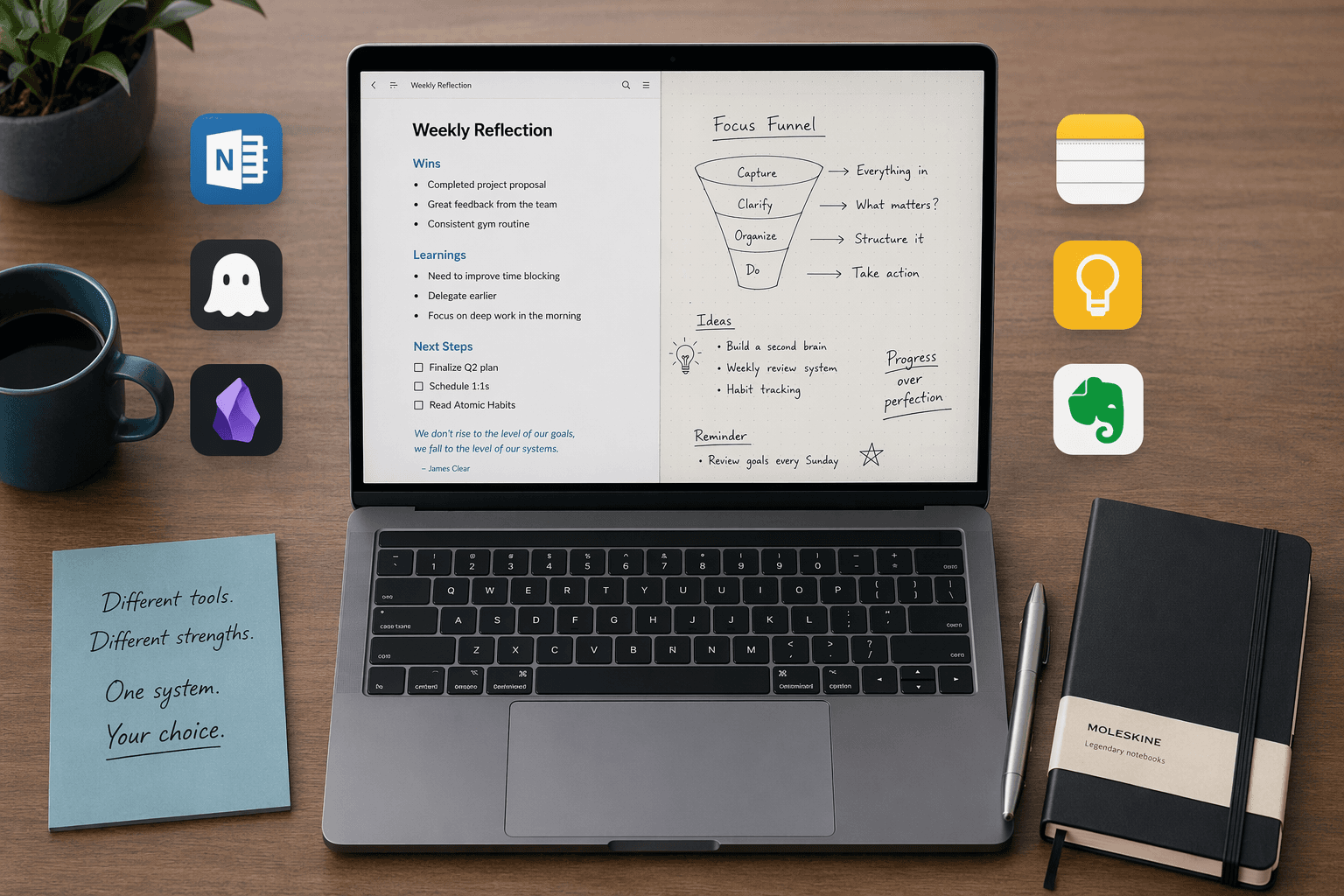
This comparison covers eight apps — Microsoft OneNote, Notion, Obsidian, Apple Notes, Google Keep, Evernote, Joplin, and UpNote — evaluated for laptop use across four primary use cases: students who need a free, reliable workhorse; professionals building structured knowledge bases; writers and researchers who value privacy and linking; and anyone who wants a fast, no-fuss capture tool. Each section includes an explicit "not for you if" warning, because the best app for one workflow can be a frustrating dead end for another.
Quick-Reference Comparison Table
The table below gives you a scannable overview of all eight apps. Use it to narrow your shortlist before diving into the detailed sections.
| App | Best For | Starting Price | Free Plan Limits | Platforms (Laptop) | Standout Feature |
|---|---|---|---|---|---|
| Microsoft OneNote | Free all-rounder | Free | 5GB storage; $1.99/mo for 100GB | Windows, macOS, Web | Free-form canvas, handwriting, Office integration |
| Notion | Structured knowledge bases | Free; Plus from $12/user/mo | Unlimited pages, 7-day page history | Windows, macOS, Web | Databases, linked pages, templates |
| Obsidian | Local-first privacy & power users | Free for personal use | Unlimited local storage; Sync $4/mo | Windows, macOS, Linux | Bidirectional linking, 1,500+ plugins, Graph view |
| Apple Notes | Apple ecosystem users | Free | 5GB iCloud storage; $0.99/mo for 50GB | macOS (iCloud on Web) | Quick capture, device sync, scanning |
| Google Keep | Google ecosystem users | Free | 15GB shared Google storage; $1.99/mo for 100GB | Web, ChromeOS | Labels, reminders, real-time collaboration |
| Evernote | Web clipping & OCR | Free; Personal from $14.99/mo | 50 notes, 1 device, 250 MB/mo upload | Windows, macOS, Web | Web clipper, searchable PDFs/OCR |
| Joplin | Open-source & privacy | Free | Unlimited local storage; Cloud from €2.99/mo | Windows, macOS, Linux | Local-first, Markdown, end-to-end encryption |
| UpNote | Best value premium | $1.99/mo or $39.99 lifetime | Limited free version | Windows, macOS | Polished design, Markdown, notebooks |
Microsoft OneNote: The Best Free All-Rounder for Most Laptop Users
OneNote earns its Editors' Choice rating from PCMag (4.5/5) for a simple reason: it delivers a genuinely capable note-taking experience at no cost, on every major laptop platform. With a free Microsoft account, you get 5GB of storage — enough for thousands of text notes and dozens of attached files. If you need more, the Microsoft 365 Basic plan adds 100GB for $1.99 per month.
What sets OneNote apart from other free options is its free-form canvas. You can click anywhere on a page and start typing, drawing, or inserting media — no rigid text boxes or database schemas. This makes it ideal for students who annotate lecture slides, professionals who sketch diagrams during meetings, and anyone who prefers spatial organization over linear documents. The notebook/section/page structure is intuitive enough for a first-time user yet flexible enough for a semester's worth of course notes.
- Free, cross-platform (Windows, macOS, Web, plus mobile)
- Excellent handwriting and stylus support
- Deep integration with Microsoft Office and Outlook
- Powerful web clipper for saving articles and screenshots
- Audio recording synced to typed notes
Notion: Best for Structured Knowledge Bases and Team Collaboration
Notion is not a note-taking app in the traditional sense — it is a flexible workspace where notes, databases, wikis, and project boards live in the same environment. Zapier describes it as having "best-in-class collaboration and team note-taking features," and its G2 rating sits at 4.6/5. For knowledge workers who need to connect meeting notes, project tasks, and reference documents in a single system, Notion is the strongest contender.
The free plan offers unlimited pages and blocks for personal use, with a 7-day page history. Students with a .edu email can upgrade to the Personal Pro plan at no cost. The Plus plan, which adds unlimited file uploads and collaborative workspaces, starts at $12 per user per month.
- Relational databases let you tag, filter, and link notes like a custom wiki
- Extensive template gallery for project management, class notes, and personal dashboards
- Real-time collaboration with comments and page sharing
- API and integrations with tools like Slack, Zapier, and Google Calendar
Obsidian: Best for Local-First Privacy and Power Users
Obsidian takes the opposite approach from Notion: your notes live entirely on your local hard drive as plain Markdown files. There is no cloud dependency, no subscription required for the core app, and no vendor lock-in. If privacy and long-term data ownership are your priorities, Obsidian is the clear winner.
The app's defining feature is bidirectional linking. When you link one note to another, Obsidian automatically creates a backlink on the target note, building a web of connected ideas that you can explore through the Graph view. With over 1,500 community plugins, you can add Kanban boards, daily notes, spaced repetition, and even a full calendar system. The Atlas scoring system gave Obsidian an overall 8.8/10, with perfect 10.0 scores for Data Sovereignty Quotient and Offline-First Integrity.
- Free for personal use; commercial use $50/user/year
- Optional Sync service at $4/month for encrypted cloud sync across devices
- Local Markdown files — portable, future-proof, and easy to back up
- Obsidian Importer plugin supports one-step migration from Apple Notes, Bear, Craft, Evernote, Google Keep, OneNote, Notion, and Roam
Apple Notes and Google Keep: Best Ecosystem Options (Free, Fast, Limited)
Both Apple Notes and Google Keep are free, pre-installed on their respective platforms, and optimized for speed over depth. They are not designed to replace a full knowledge management system — they are designed to get a thought out of your head and into text in under five seconds.
Apple Notes
Apple Notes is free with any Apple device and includes 5GB of iCloud storage shared across all Apple services. For $0.99 per month, you can upgrade to 50GB. The app supports rich text, inline images, document scanning, and handwritten notes on iPad. On a MacBook, it syncs instantly with your iPhone and iPad via iCloud, making it the fastest capture tool in the Apple ecosystem.
- Quick Notes feature (swipe from bottom-right corner on iPad, or use hotkey on Mac)
- Tags and smart folders for basic organization
- Collaboration via shared iCloud links
Google Keep
Google Keep is the simplest app in this comparison. It offers color-coded notes, checklists, reminders, and labels — nothing more. The free plan includes 15GB of storage shared across Google Drive, Gmail, and Google Photos, which is three times the free storage of Apple Notes or OneNote. For $1.99 per month, you get 100GB.
Keep's strength is speed and integration. You can create a note from the Chrome toolbar, set a location-based reminder, or share a grocery list with a family member in real time. It is the best tool for ephemeral notes — reminders, to-do lists, quick ideas — but it is not designed for long-form writing or knowledge management.
Evernote, Joplin, and UpNote: The Specialists
These three apps occupy narrower niches than the all-rounders above, but each serves a specific audience exceptionally well.
Evernote: Best-in-Class Web Clipping and OCR
Evernote's free plan has become severely restricted: 50 notes, one device, and 250 MB of monthly uploads. PCMag describes it as "not worth using." The Personal plan starts at $14.99 per month (or $15/month per Zapier's data), and the Advanced plan costs $25 per month for unlimited notes. Despite this pricing, Evernote retains two features that no competitor matches: its web clipper is the most reliable in the market, and its OCR engine makes every PDF, image, and handwritten note fully searchable.
If you are a researcher who clips dozens of articles per week and needs to search across scanned documents, Evernote is still the best tool for that specific workflow. For almost everything else, the pricing and device restrictions make it hard to recommend.
Joplin: Best Open-Source Option
Joplin is a free, open-source note-taking app that stores everything locally by default. It earned a 4.5/5 Editors' Choice rating from PCMag, matching OneNote's score. Notes are written in Markdown and can be organized into notebooks, tagged, and searched. Optional end-to-end encryption is available through Joplin Cloud, which starts at €2.99 per month.
Joplin is the strongest alternative to Obsidian for privacy-conscious users who prefer a more traditional notebook structure over a graph-based system. It also includes a web clipper and supports synchronization with Nextcloud, Dropbox, OneDrive, and WebDAV — giving you full control over where your data lives.
UpNote: Best Value Premium App
UpNote is the dark horse of this comparison. PCMag named it "Best Value" with a 3.5/5 score, and for good reason: the premium plan costs $1.99 per month or a one-time payment of $39.99 for a lifetime license. In a market dominated by monthly subscriptions, a lifetime option at that price is almost unheard of.
UpNote offers a polished, fast experience with Markdown support, notebooks, tags, and a clean editor. It is available on Windows and macOS, with mobile apps for iOS and Android. The free version is limited, but the premium unlock is affordable enough that most users will not hesitate.
How to Choose: A Decision Framework for Your Use Case
If you are still unsure which app to install, the table below maps each use case to the most suitable tools. Your decision should start with how you work, not which features look impressive on paper.
| Your Use Case | Primary Recommendation | Strong Alternative | Why |
|---|---|---|---|
| Student (lecture notes, handouts, free) | Microsoft OneNote | Notion (free with .edu email) | OneNote is free, handles handwriting and slides, and works on any laptop. Notion is better for organizing multiple classes if you invest time in setup. |
| Professional (meeting notes, project docs, team wiki) | Notion | OneNote | Notion's databases and linked pages excel at structured knowledge. OneNote works if your team already uses Microsoft 365. |
| Writer / Researcher (linking ideas, long-term knowledge base) | Obsidian | UpNote | Obsidian's bidirectional linking and local Markdown files are ideal for building a personal knowledge base. UpNote is a simpler alternative for focused writing. |
| Privacy-Conscious (local storage, no cloud dependency) | Obsidian | Joplin | Both store notes locally as Markdown files. Obsidian has a richer plugin ecosystem; Joplin offers end-to-end encryption. |
| Quick Capture (reminders, lists, ephemeral notes) | Google Keep | Apple Notes | Both are free, fast, and integrated into their ecosystems. Choose based on your phone and laptop platform. |
| Web Clipping & Document Search | Evernote | OneNote | Evernote's OCR and web clipper are unmatched, but the free plan is severely limited. OneNote's clipper is a decent free alternative. |
For a deeper look at how each app performs on a specific operating system, see our Windows-focused comparison and our MacBook performance breakdown. If you are still uncertain about your note-taking style, our retrieval-style decision framework offers an alternative approach based on how you find information later.




Comments
Join the discussion with an anonymous comment.