The 'Free Plan' Trap: What to Watch For in 2026
The word "free" in the note-taking app market has never been more ambiguous. In 2026, the gap between a genuinely usable free plan and one that is essentially a trial has widened considerably. A handful of apps still offer robust, unrestricted free tiers that can serve as your primary note-taking system indefinitely. Others have tightened their limits so aggressively that their free plans are barely functional for daily use.
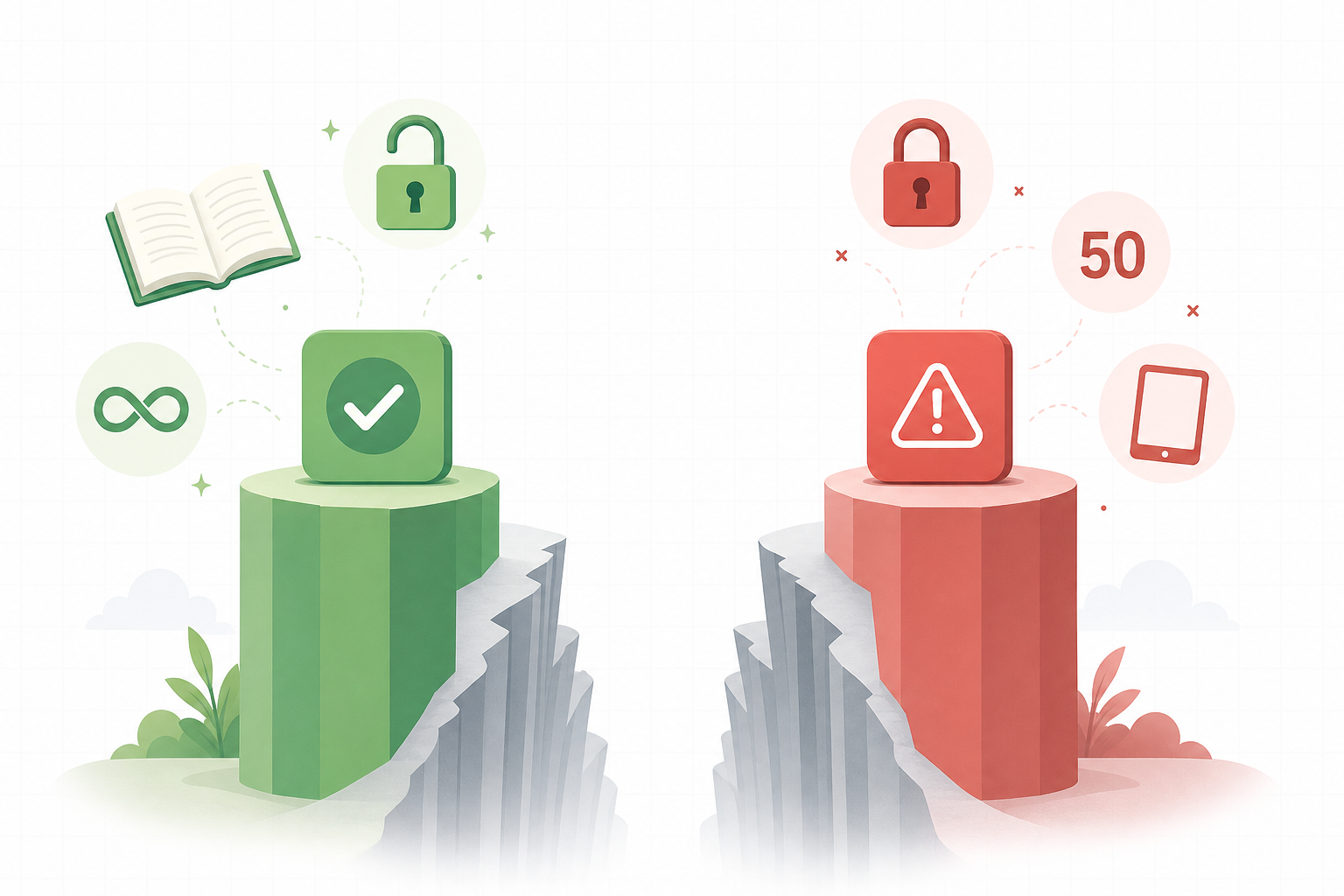
Before diving into the individual breakdowns, it helps to know the four main ways apps restrict their free tiers. Understanding these patterns will make the comparison table and detailed reviews much more useful.
- Note or notebook caps: The most aggressive restriction. Some apps limit the total number of notes you can create or the number of notebooks you can use. Once you hit the cap, you must either delete old notes or upgrade.
- Device limits: A free plan that only works on one device is a dealbreaker for anyone who takes notes on both a phone and a laptop. This is one of the most frustrating limitations because it breaks the core promise of note-taking: having your information available everywhere.
- Storage and upload caps: Many apps offer unlimited note-taking but cap the size of individual file attachments or the total cloud storage. A 5 MB upload limit, for example, makes it impossible to attach PDFs, high-resolution images, or audio recordings.
- Feature gating: The most subtle restriction. An app might let you take unlimited notes but gate essential features like AI writing assistance, end-to-end encryption, rich text editing, or advanced search behind a paid subscription. The free plan becomes a feature-limited demo.
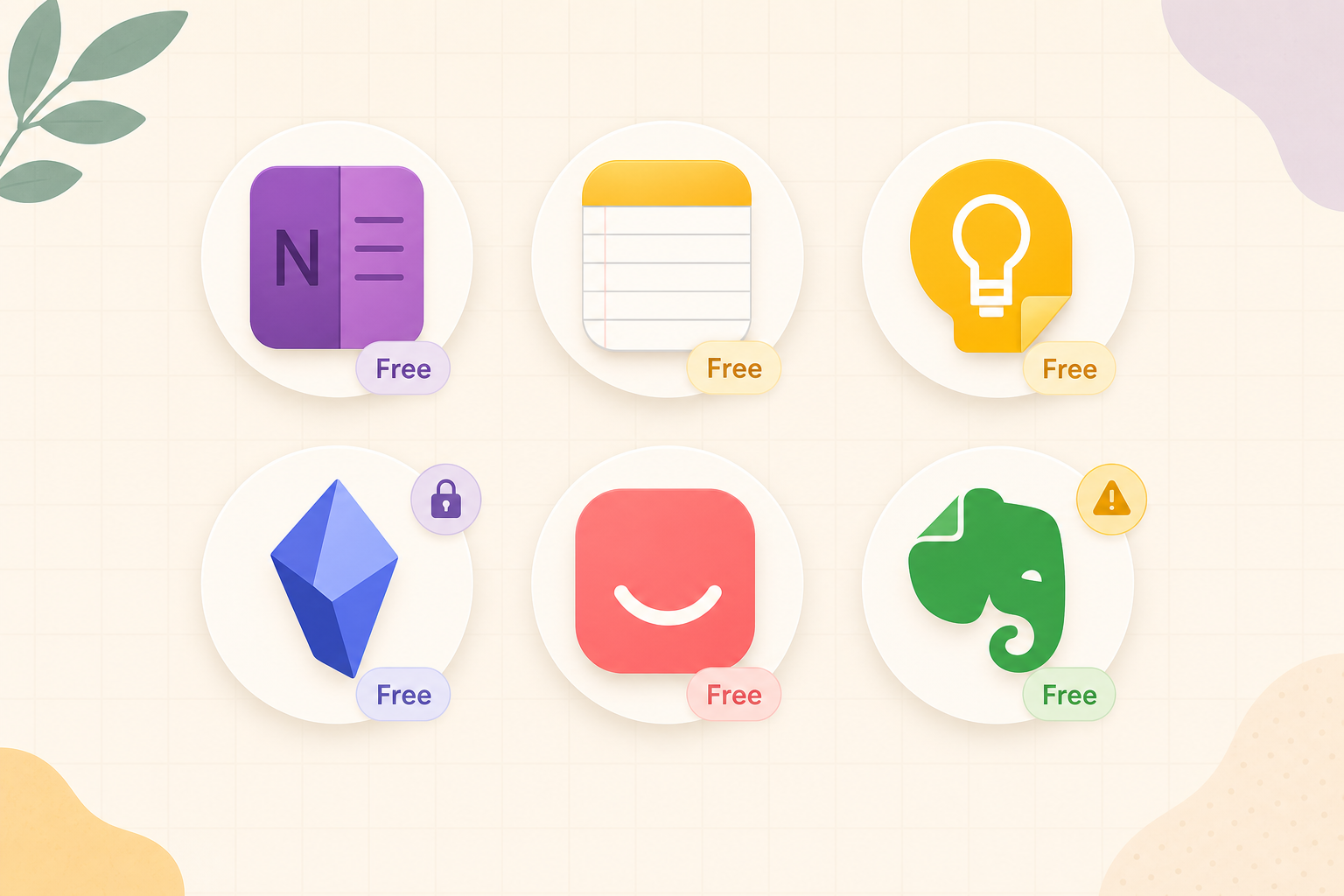
Quick-Reference Comparison Table: Free Plans at a Glance
The table below summarizes the key dimensions of each app's free tier. Use it to quickly narrow down your options before reading the detailed breakdowns.
| App | Free Tier Scope | Storage / Limits | Encryption | Offline Access | Platforms | Key Limitation |
|---|---|---|---|---|---|---|
| Microsoft OneNote | Unlimited notes & notebooks | 5 GB via OneDrive | No E2EE (data at rest encrypted) | Yes (full offline sync) | iOS, Android, Mac, Windows, Web | 100 MB max file upload per file |
| Apple Notes | Unlimited notes & folders | 5 GB via iCloud | No E2EE (iCloud standard encryption) | Yes (on-device storage) | iOS, iPadOS, macOS only | Apple-only ecosystem |
| Google Keep | Unlimited notes | 15 GB shared across Google services | No encryption (data scanned for ads) | Yes (mobile apps) | iOS, Android, Web | No folders, no rich formatting, shallow feature set |
| Obsidian | Unlimited notes (local files) | No cloud storage (local-first) | Full local encryption (user-managed) | Yes (fully offline) | iOS, Android, Mac, Windows, Linux | Requires manual sync setup for multi-device use |
| Joplin | Unlimited notes & notebooks | No built-in cloud (DIY sync) | End-to-end encryption (free) | Yes (fully offline) | iOS, Android, Mac, Windows, Linux | Requires technical setup for sync (Dropbox, OneDrive, etc.) |
| Simplenote | Unlimited notes | Unlimited storage (text only) | No encryption | Yes (full offline sync) | iOS, Android, Mac, Windows, Linux, Web | Text-only — no images, no attachments, no rich formatting |
| Standard Notes | Unlimited notes | Unlimited storage (text only) | End-to-end encryption (always on) | Yes (full offline sync) | iOS, Android, Mac, Windows, Linux, Web | Text-only on free plan — rich text, file attachments, and editors require subscription |
| Notion | Unlimited blocks (solo use) | 5 MB per file upload | No E2EE (data at rest encrypted) | Limited (web-based, mobile cache) | iOS, Android, Mac, Windows, Web | 5 MB upload cap; AI features gated behind Business tier (~$30/mo) |
| Evernote | 50 notes, 1 notebook | 1 device only | No E2EE (data at rest encrypted) | Yes (limited offline on mobile) | iOS, Android, Mac, Windows, Web | 50-note cap and single-device restriction make it unusable as a long-term free tool |
Detailed Breakdown: What Each Free Plan Actually Gives You
Each app below is evaluated on the same criteria: what you can do for free, what the most significant restriction is, and who this free plan is best suited for.
Microsoft OneNote — The Most Feature-Rich Free Plan
OneNote's free tier is the benchmark that other apps should be measured against. You get unlimited notes, unlimited notebooks, handwriting support, audio recording, a web clipper, and full cross-platform sync — all for $0. The only real limitation is the 5 GB of free OneDrive storage and a 100 MB maximum file upload per individual file, according to PCMag's May 2026 review. For the vast majority of note-taking tasks — text notes, class notes, meeting minutes, project outlines — you will never hit these limits.
Zapier's December 2025 review explicitly ranks OneNote as the best free note-taking app, noting its "completely freeform" canvas and availability on iOS, Android, macOS, Windows, and the web. If you need a free, full-featured app that works everywhere and has no note count limits, OneNote is the safest choice.
Apple Notes — Generous, But Only for Apple Users
Apple Notes comes pre-installed on every iPhone, iPad, and Mac, and its free tier is surprisingly generous. You get unlimited notes, folders, tags, checklists, document scanning, Smart Folders, and handwriting support on iPad. The 5 GB iCloud storage is shared across all your Apple services, which can fill up quickly if you also use iCloud for photos and backups.
A significant advantage in 2026 is that Apple Notes includes Apple Intelligence features — text rewriting, summarization, and image generation — at no extra cost. As Tech Insider notes, "With Apple Intelligence, Notes can rewrite and summarise text and generate images directly inside a note." Most competitors gate similar AI features behind paid plans. The trade-off is that Apple Notes is entirely locked to Apple's ecosystem. There is no Android app, no Windows app, and no functional web client.
Google Keep — Completely Free, But Fundamentally Limited
Google Keep is genuinely free — there is no paid tier at all. You get unlimited notes, 15 GB of shared Google storage, and tight integration with Gmail and Google Docs. However, as Tech Insider points out, Keep "lacks folders, long-form formatting, and any real organisational depth." It is a capture tool, not a knowledge base.
There are two significant drawbacks. First, there is no encryption. Notopod reports that "Google scans your notes for advertising purposes. There's no encryption, no notebooks, no rich formatting, and no proper export." Second, the lack of folders and organizational structure makes it unsuitable for managing more than a few dozen notes. Keep is excellent for shopping lists, quick reminders, and voice memos — but it is not a replacement for a proper note-taking system.
Obsidian — The Power User's Free Choice
Obsidian's free tier is one of the most generous in the market, especially for users who care about data ownership. The core app is free for both personal and commercial use — a policy change that Tech Insider notes occurred in 2025. All your notes are stored locally as plain Markdown files on your device. There are no note limits, no feature gates, and no storage caps.
The trade-off is that Obsidian is local-first. There is no built-in cloud sync on the free plan. To access your notes on multiple devices, you need to set up your own sync method — using a cloud folder (Dropbox, iCloud, OneDrive), a Git repository, or Obsidian's paid Sync service. This makes it less beginner-friendly than OneNote or Apple Notes, but for users who want full control over their data, it is the strongest free option available.
Joplin — Open Source, Private, But Requires Setup
Joplin is a free, open-source note-taking app that earns PCMag's Editors' Choice award with a 4.5/5 rating. It offers unlimited notes, notebooks, tags, end-to-end encryption, a Markdown editor, Evernote import, and a plugin system — all at no cost.
The catch is that Joplin does not provide its own free sync service. To sync notes across devices, you must configure your own sync target — Dropbox, OneDrive, Nextcloud, or a WebDAV server. As Zapier notes, "Joplin Cloud starts at €2.99/month and adds syncing and 2GB of storage" for users who prefer a managed solution. For technically comfortable users, the free DIY sync route works perfectly and includes end-to-end encryption at no extra cost.
Simplenote — 100% Free, Text-Only
Simplenote is the purest free offering on this list. As its website states, "Apps, backups, syncing, sharing – it's all completely free." There is no paid plan at all. You get unlimited notes, tags, cross-platform sync, Markdown support, and version history. It works on iOS, Android, Mac, Windows, Linux, and the web.
The limitation is clear: Simplenote is text-only. PCMag gives it a 3.5/5 rating and notes it has "no images or attachments, weak privacy policy." There is no encryption, no rich formatting, and no way to attach files. If you only need to capture and sync plain text — meeting notes, ideas, outlines — Simplenote is an excellent, truly free tool. If you need images, PDFs, or formatting, look elsewhere.
Standard Notes — Privacy-First, Text-Only on Free
Standard Notes takes a different approach to free: it gives you unlimited notes, unlimited devices, and end-to-end encryption that is always on — all for free. As the company states on its website, "Standard Notes is a free, secure note-taking app with powerful end-to-end encryption, unparalleled privacy features, and seamless cross-platform syncing on unlimited devices." The company is also notable for being bootstrapped: "100% revenue from paying users, $0 in venture capital, 10 years in service."
The free plan is text-only. To get rich text editing, file attachments, themes, and additional editors, you need the Professional plan at $90/year. For users who prioritize privacy above all else and primarily work with plain text, Standard Notes is arguably the best free option. For anyone who needs to attach images or PDFs regularly, the free plan will feel too restrictive.
Notion — Unlimited Blocks, Tiny Uploads
Notion's free plan is a study in contrasts. On one hand, you get unlimited blocks — meaning you can create as many pages and databases as you want for solo use. On the other hand, the file upload limit is just 5 MB per file. As Zapier describes it, Notion is "ridiculously feature-rich" on the free plan, with access to basic databases, templates, a web clipper, and API access.
The 5 MB upload cap is the primary pain point. You cannot attach a standard PDF, a high-resolution photo, or an audio recording. Additionally, Notion AI — which was previously available on lower-tier plans — is now bundled exclusively into the Business tier. Tech Insider reports that "the cheapest way for a new user to get its AI features is roughly AUD 30 per member per month." For solo users who work primarily with text and links, Notion's free plan is powerful. For anyone who needs to attach files or use AI features, it falls short.
Evernote — A Free Plan That Is Not Worth Using
Evernote's free plan has become the cautionary tale of the note-taking industry. After Bending Spoons took over, the free tier was reduced to 50 notes, 1 notebook, and 1 device. PCMag states bluntly that the "free version isn't worth using," and Zapier agrees: "Free plan (50 notes, 1 notebook, 1 device) isn't really worth using."
To put this in perspective: 50 notes is roughly what a student might create in a single week of classes. The single-device restriction means you cannot access your notes on both your phone and your laptop unless you upgrade. The Starter plan, which raises the limit to 1,000 notes and 3 devices, starts at approximately $15/month. For users who are still on an older Evernote free plan from before the restrictions were tightened, consider yourself grandfathered in — but do not delete any notes, as you may not be able to create replacements.
Best Free Picks by Use Case
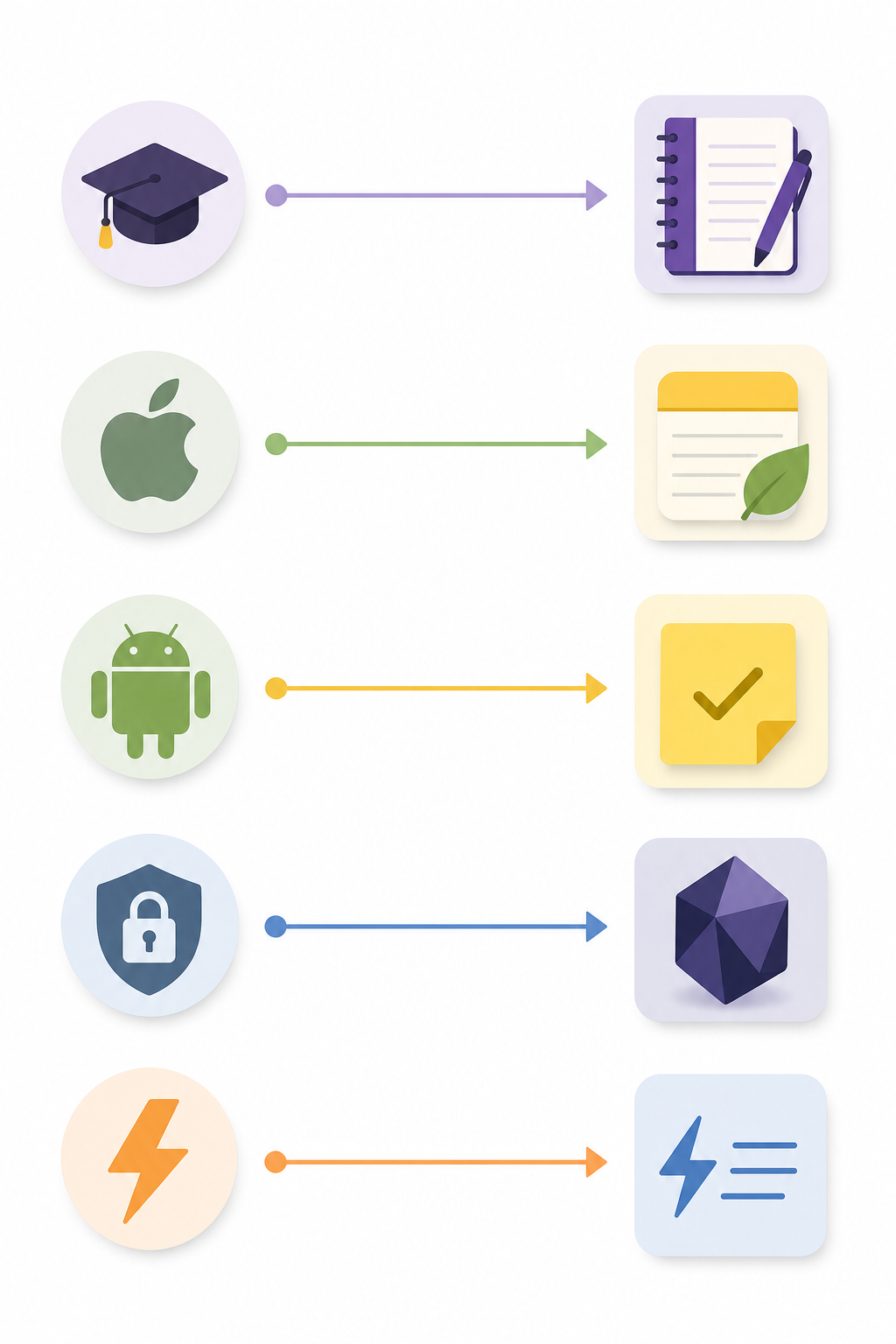
The "best" free note-taking app depends entirely on your device ecosystem, your need for privacy, and the type of notes you take. Below are clear recommendations for specific reader profiles.
- Best for students (cross-platform): Microsoft OneNote. Unlimited notes, handwriting support for tablets, audio recording for lectures, and full-featured free tier on every major platform. The 5 GB storage limit is rarely an issue for text-heavy class notes.
- Best for Apple users: Apple Notes. Deep system integration, handwriting on iPad, and free AI features (Apple Intelligence) that competitors charge for. Only choose this if you are fully within the Apple ecosystem.
- Best for Android users: OneNote or Google Keep. OneNote for full-featured note-taking; Google Keep for quick capture and shopping lists. Keep's lack of organization makes it unsuitable as a primary note-taking tool.
- Best for privacy advocates: Obsidian (local-first, no cloud dependency) or Standard Notes (end-to-end encryption always on). Both offer strong privacy guarantees at no cost. Obsidian is better for power users; Standard Notes is simpler but text-only.
- Best for quick capture: Google Keep or Simplenote. Both open instantly and sync immediately. Keep supports images and voice memos; Simplenote is text-only but faster and more reliable for plain text.
- Best for open-source enthusiasts: Joplin. Full-featured, end-to-end encrypted, and completely free if you are comfortable setting up your own sync. PCMag gives it an Editors' Choice award alongside OneNote.
- Best for users who need AI features for free: Apple Notes (if you have a compatible Apple device). No other major note-taking app offers AI writing assistance, summarization, or image generation on its free tier in 2026.
When You Should Consider Upgrading
Free plans are excellent for individual use, but they have real limits. Here are the scenarios where paying for a note-taking app makes sense.
- You need to attach large files regularly. Notion's 5 MB upload cap and OneNote's 100 MB per-file limit become bottlenecks if you work with PDFs, high-resolution images, or audio recordings. Apps like Evernote (on paid plans) or Joplin Cloud offer higher limits.
- You need team collaboration. Most free plans are solo-only. Notion's free plan is explicitly for personal use. If you need shared workspaces, permissions, and team-wide search, a paid team plan is necessary.
- You want AI features without switching ecosystems. Apple Notes is the only app that offers AI features for free. If you are on Windows or Android and want AI writing assistance, summarization, or smart search, you will likely need to subscribe to a paid plan. Notion AI, for example, is now gated behind the Business tier.
- You want managed sync without technical setup. Obsidian and Joplin are excellent free apps, but their sync requires manual configuration. If you prefer a set-it-and-forget-it experience, Obsidian Sync ($5/month) or Joplin Cloud (€2.99/month) are worth the cost.
- You need rich text and file attachments with strong privacy. Standard Notes' free plan is text-only with encryption. The Professional plan ($90/year) adds rich text, file attachments, and additional editors while maintaining end-to-end encryption. If privacy is your top priority but you need more than plain text, this is the upgrade path.
For a deeper look at how these tools compare when you factor in paid plans, team features, and advanced functionality, see our decision-matrix comparison of the best note-taking software in 2026. If you are weighing the trade-off between local-first privacy and cloud convenience, our guide on local-first vs. cloud PKM covers the data ownership considerations in detail.