
Clockwise shut down on March 27, 2026, which matters more than one vendor disappearing from old comparison lists. It removed one of the better-known team-calendar tools from the market and made the remaining question sharper: which AI agents for calendar scheduling can actually protect a week after priorities move, meetings multiply, and someone has to clean up the calendar damage? [1]
That distinction is where most scheduling roundups still get sloppy. A booking link, a smart calendar suggestion, and an autonomous scheduling agent all touch the calendar, but they do not do the same job. For this comparison, an AI scheduling agent means software that can make autonomous decisions across calendars, workflows, or teams: moving work, negotiating time, protecting blocks, or coordinating through connected systems. A smart calendar or assistant may help you find a slot, but it does not necessarily take over the coordination burden. EMA’s guide frames agents around autonomous cross-system decisions, while Zapier’s 2025 scheduling guide and The AI Agent Index’s July 2026 scheduling category reinforce the same separation between agents and lighter assistants. [2][3][4]
This is why Google Gemini and Calendly need a fair but limited place in the conversation. Gemini can help Google Calendar users through chat, and Calendly remains excellent when the problem is simply letting someone book an open time. Neither should be treated as equivalent to a system that proactively reschedules work, defends focus blocks, or coordinates through email, CRM, and follow-up tasks. If you are not yet sure whether scheduling is the real bottleneck, start with a broader time management software comparison before buying another calendar layer.

What Counts as an AI Scheduling Agent in 2026
The phrase “AI scheduling agent” is used loosely enough that it can cover almost anything from a polished booking page to a workflow assistant that emails clients, updates a CRM, and moves follow-up tasks. That is useful for vendors and miserable for buyers. The practical test is not whether the product has an AI label; it is whether the system can remove a decision or a negotiation that a human would otherwise have to handle.
| Category | What it does | What it usually does not do | Examples in this comparison |
|---|---|---|---|
| Booking-link scheduler | Lets invitees choose from available slots and reduces back-and-forth | Does not usually protect focus time or make priority-based rescheduling decisions | Calendly |
| Smart calendar assistant | Helps users inspect, search, or act on calendar information through prompts | Does not usually coordinate across non-calendar workflows or proactively repair the week | Google Gemini for Google Calendar |
| Calendar optimization layer | Places habits, meetings, tasks, and focus blocks around existing commitments | May not replace a full project or CRM system | Reclaim |
| All-in-one AI workspace | Combines task, project, calendar, and meeting workflows under one planning system | May require more setup and work-system migration before payoff | Motion |
| Email-native or workflow agent | Coordinates through email or connected business systems, sometimes acting like an executive assistant | Can be excessive if the only problem is a simple booking link | Clara, Lindy |
| Daily planner or auto-scheduler | Turns tasks into time blocks and helps plan the day | May not handle external meeting negotiation | Sunsama, Akiflow, SkedPal, TimeHero, Trevor AI |
The stakes are real, but the time-savings claims need a steady hand. Zapier reported in September 2025 that professionals spend an average of 45 minutes per day on scheduling work, while Timewatch data cited by Carly puts the figure at 4.8 hours per week. Several sources describe AI scheduling tools as reducing scheduling time by up to 90%, but those estimates come from different populations and definitions of “scheduling.” Treat them as a range of possible relief, not as a promise that your team will magically recover a day every week. [3][5]
Fast Comparison: Pricing, Platforms, and Autonomy
Pricing was last verified in July 2026. Clara and Akiflow are the least stable entries here because public pricing is limited or unavailable; treat third-party ranges as shopping guidance, not final contract terms.
| Tool | Best fit | Starting price | Platform notes | Autonomous scheduling capability |
|---|---|---|---|---|
| Reclaim | Focus-time protection and team calendar optimization | Free Lite; paid plans from $10/seat/month [6] | Google Calendar; integrations include Jira, Asana, ClickUp, Todoist, and Linear; no native mobile app [6][7] | High for focus blocks, habits, smart meetings, and priority-aware calendar repair |
| Motion | All-in-one AI workspace for tasks, projects, calendar, and meetings | $19–$49/month; no free plan; credit-based AI pricing reported in reviews [5] | Workspace-style system rather than a light calendar add-on | High if you adopt its broader work system |
| Calendly | Simple external booking and meeting routing | Free; paid plans from $12/seat/month [8] | Widely accessible booking-link workflow | Low to medium; useful automation, but reactive rather than proactive |
| Lindy | Executive-assistant workflow automation | $49.99–$199.99/month [9] | Connects scheduling with email, CRM updates, and follow-ups | High for cross-workflow orchestration |
| Clara | Email-native meeting coordination | Currently in beta; previous pricing reported around $99–$199/month [4] | Works by CC’ing the AI in email instead of sending booking links | High for email negotiation, with current availability caveats |
| Sunsama | Intentional daily planning | $25/month or $20/month annually on Sunsama’s site; Wirecutter cited $22/month and $17/month annually [10] | Calendar, tasks, Pomodoro, and journaling-oriented planning | Medium; strong planning support, less about autonomous external coordination |
| Akiflow | Premium task-calendar time blocking | No public pricing page; third-party reviews describe premium pricing | Calendar plus tasks and time blocking | Medium; useful for personal planning, with pricing uncertainty |
| SkedPal | Automatic task-to-calendar placement | $6–$12/month range across lower-cost auto-schedulers [11] | Individual auto-scheduling focus | Medium for task placement; lower for meeting negotiation |
| TimeHero | Automatic scheduling around tasks and deadlines | $6–$12/month range across lower-cost auto-schedulers [11] | Individual and small-team task scheduling | Medium for task scheduling; lower for broader workflow orchestration |
| Trevor AI | Lightweight task planning into calendar blocks | $6–$12/month range across lower-cost auto-schedulers [11] | Simple task-to-calendar planning | Low to medium; best for individual planning |
Choose by Calendar Pain, Not by Feature Count
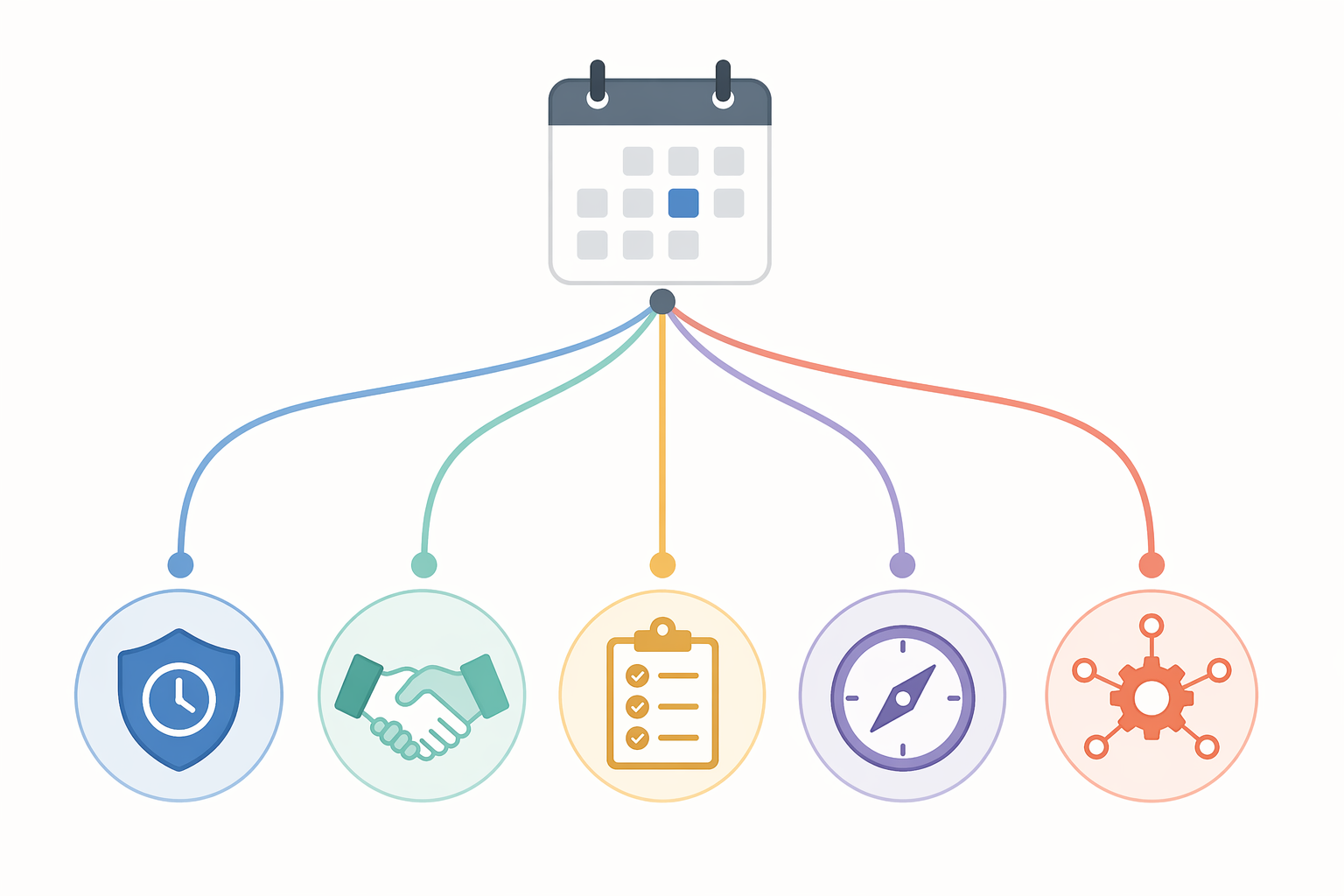
A swollen feature list can hide the basic question: what keeps breaking your calendar? A freelancer protecting client delivery blocks does not need the same machine as a sales leader who wants an assistant to schedule, follow up, and update the CRM. A team lead drowning in rescheduled one-on-ones may need focus protection more than another task inbox.
| If your main pain is... | Start with... | Why |
|---|---|---|
| Meeting coordination | Calendly, Clara, Lindy | Calendly handles booking links cleanly; Clara handles email-native coordination; Lindy connects scheduling to wider assistant work. |
| Focus-time erosion | Reclaim | It is built around protecting habits, focus blocks, smart meetings, and task time rather than merely showing open slots. |
| Task-calendar disconnect | Motion, SkedPal, TimeHero, Trevor AI | These tools turn tasks into calendar commitments, with Motion extending into projects and work management. |
| Intentional daily planning | Sunsama, Akiflow | They are better fits when the bottleneck is deciding what today can realistically hold. |
| Full workflow orchestration | Lindy, Motion | They make more sense when scheduling is tied to email, CRM, projects, notes, or follow-up work. |
If Focus Time Keeps Getting Eaten: Reclaim
Reclaim is the tool I would look at first when the calendar technically has free space but no usable concentration time. That is a different problem from booking. It is the problem of a week that looks efficient in the morning and becomes unusable by Wednesday because meetings land wherever the empty rectangles are.
Its position became more important after Clockwise disappeared. Reclaim’s core argument is that focus time, habits, tasks, and smart meetings should move dynamically as the week changes. Its Free Lite plan lowers the barrier to testing, while paid plans begin at $10 per seat per month. Reclaim also connects to work systems such as Jira, Asana, ClickUp, Todoist, and Linear, which matters if “protect focus” means protecting time for actual assigned work rather than decorative calendar blocks. [6][7]
The limitation is equally practical: Reclaim is not trying to be your whole workspace, and it does not have a native mobile app. For many teams, that is acceptable. The calendar is already the shared surface; the missing layer is priority-aware defense. Readers choosing between Reclaim and Motion should use a narrower Reclaim AI vs Motion comparison rather than treating them as interchangeable scheduling apps.
If Booking Links Are Enough: Calendly
Calendly deserves its place because a lot of scheduling pain is still plain back-and-forth. If the job is “let prospects, candidates, clients, or partners book an approved slot without emailing me five times,” Calendly is often the least fussy answer. Its free plan and paid plans starting at $12 per seat per month keep it accessible, and its booking-link workflow is familiar enough that invitees rarely need explanation. [8]
The mistake is calling that a full autonomous scheduling agent. Calendly is strongest when the person scheduling with you accepts your available windows. It is not primarily designed to watch your workload, move focus blocks, renegotiate priorities, or rebuild a damaged week. For many businesses, that is fine. A reliable booking link is still better than a dramatic assistant that creates new cleanup work.
If You Want the Calendar Inside the Work System: Motion
Motion is the ambitious option: project management, tasks, calendar, and meeting notes inside one AI-run workspace. That can be powerful when the calendar problem is really a work-system problem. If tasks live in one place, meetings in another, priorities in someone’s head, and deadlines in a third tool, then a calendar-only layer may never see enough context to schedule intelligently.
The tradeoff is setup. Reviews describe Motion’s pricing at roughly $19–$49 per month, with no free plan and credit-based AI pricing. Carly also reports that 68% of users find setup overwhelming. That does not make Motion a bad choice; it means the payoff depends on whether you are ready to rebuild more of your work system around it. [5]
Motion is most convincing for people who want the calendar to enforce the plan, not merely display it. It is less convincing if you already have a functioning project system and only need smarter meeting or focus-time behavior. If the question is whether you need Motion’s automation or a gentler planning ritual, the Sunsama vs Motion comparison is the better next read.
If Scheduling Is Part of Assistant Work: Lindy
Lindy belongs in a different mental bucket from a calendar optimizer. It is a broader AI executive assistant that can handle scheduling alongside email, CRM updates, and follow-ups, with pricing listed from $49.99 to $199.99 per month. [9]
That makes Lindy appealing when the scheduling task is only one step in a larger administrative chain. A sales call may need to be booked, confirmed, followed up, logged, and tied to the next action. An executive meeting may need email coordination and downstream reminders. In those cases, a standalone booking tool leaves too much hidden work on the human operator.
If all you need is calendar availability, Lindy is probably too much machine. If you are building a broader automation layer around scheduling, email, and task handling, compare it with other AI task automation tools for knowledge workers before judging it only on calendar features.
If You Want Email-Native Coordination: Clara
Clara’s model is appealing because it matches how a lot of real scheduling still happens: someone sends an email, someone else gets CC’d, and the meeting gets worked out in the thread. The reported workflow is to CC Clara instead of sending a booking link, letting the AI coordinate times through email. The caveat is availability and pricing: The AI Agent Index lists Clara as currently in beta, while prior third-party reviews reported pricing around $99–$199 per month. [4]
That uncertainty matters. Clara may be the cleanest conceptual fit for people who hate booking links or need scheduling to feel like delegated email coordination. But buyers should verify current access and pricing before building a process around it.
If the Real Bottleneck Is Planning the Day: Sunsama and Akiflow
Sunsama and Akiflow are less about negotiating with other people and more about making the day believable. That distinction is important for knowledge workers whose task list never fits their calendar. The pain is not “I cannot find a meeting slot.” It is “I keep pretending eight hours of work can fit into the fragments left after meetings.”
Wirecutter’s June 2026 update named Sunsama its top pick for combining AI scheduling with intentional daily planning, including planning rituals, Pomodoro-style focus, and journaling. Pricing is slightly inconsistent across sources: Wirecutter cited $22 per month and $17 per month annually, while Sunsama’s own current pricing shows $25 per month or $20 per month annually. [10]
Akiflow sits in the same premium planning neighborhood, combining calendar, tasks, and time blocking, though it does not currently make public pricing as easy to verify. These tools make the most sense when the win is intentional commitment, not maximum automation. If you already know you want a wider category view, see the broader guide to AI productivity apps by workflow bottleneck.
If You Mainly Need Tasks Placed on the Calendar: SkedPal, TimeHero, and Trevor AI
SkedPal, TimeHero, and Trevor AI fit the person who already knows the work and mainly wants help placing it. They are lower-cost auto-schedulers, with review roundups generally putting this group in the $6–$12 per month range. [11]
This category is easy to underestimate because it sounds less glamorous than an executive assistant. But for individuals, automatic task placement can remove a lot of small daily decisions. The boundary is external coordination. These tools are not usually the answer if the hard part is negotiating with clients, protecting a team’s focus rhythm, or connecting scheduling to CRM and follow-up work.
Where Google Gemini Fits
Google Gemini is useful for Google Calendar users who want chat-based help with calendar information and simple actions. It is widely accessible in a way many specialized tools are not. But based on the current comparison set, it should be classified as a smart assistant rather than a full autonomous scheduling agent: it does not proactively reschedule across non-Google systems or act as a workflow coordinator. [10]
That makes Gemini a reasonable first layer for people already living in Google Workspace, especially if they need occasional help rather than structural calendar repair. It is not a substitute for Reclaim’s focus protection, Clara’s email-native coordination, Lindy’s workflow automation, or Motion’s all-in-one planning system.
The Practical Verdict
- Choose Reclaim if your real problem is protected focus time, shifting priorities, and a calendar that needs to repair itself around work that matters.
- Choose Calendly if booking simplicity is enough and you mainly need invitees to pick approved slots without email negotiation.
- Choose Motion if you want scheduling inside a broader AI-run work system and are willing to move tasks, projects, meetings, and planning into one workspace.
- Choose Lindy if scheduling is part of a larger assistant workflow involving email, CRM updates, follow-ups, and administrative handoffs.
- Choose Clara if email-native coordination matters more than booking links, but verify beta access and current pricing before committing.
- Choose Sunsama or Akiflow if intentional daily planning is the bottleneck; choose SkedPal, TimeHero, or Trevor AI if automatic task placement is the main goal.
The mature market is not simpler; it is more specific. The useful purchase decision is not “which AI scheduling tool is best?” It is which part of the calendar you are tired of repairing by hand. If you are assembling more than one tool, use a broader AI productivity app comparison or a lean AI productivity stack after you know which scheduling lane you are actually in.
References
- Clockwise shutdown notice, getclockwise.com, March 27, 2026, link
- AI Scheduling Agent Guide, EMA, link
- AI Scheduling Guide, Zapier, September 2025, link
- The AI Agent Index, July 2026, link
- Motion Review and Scheduling Statistics, Carly, link
- Reclaim Pricing, Reclaim.ai, link
- Motion vs Reclaim, Reclaim.ai, link
- Calendly Developer Site, Calendly, link
- Lindy Blog, Lindy.ai, link
- Best AI Scheduling Apps, NYT Wirecutter, June 2026, link
- AI Scheduling Tool Review Roundups, multiple review roundups, link