
Last checked: Aug. 25, 2026. The answer to “self-hosting GLM 5.3 for private note taking” is still: not yet, not for GLM-5.3 itself. Z.ai launched GLM-5.3 on Aug. 14, 2026, but the downloadable open weights were still behind a safety review and had not been published with a license as of this check; the public expectation was roughly two weeks after launch, around Aug. 28, not an available file you can serve today. [1][2][3][4][5]
| Question | Honest answer as of Aug. 25, 2026 |
|---|---|
| Can I self-host GLM-5.3 locally today? | No. The weights are not downloadable yet, and there is no published license to evaluate. |
| Can I build the private-note setup now? | Yes, if you use a GLM-5.2 quant as the working stand-in and keep the local API shape stable. |
| Why GLM-5.2? | Z.ai says GLM-5.3 uses the same base model as GLM-5.2, with gains coming from post-training, so GLM-5.2 is the only defensible hardware and serving proxy until 5.3 files land. [1] |
| Is this a laptop project? | No. The practical floor is roughly 256GB-class memory for the smallest usable quantized path, based on GLM-5.2 local-running data, not measured GLM-5.3 data. |
| Should I use the hosted plan instead? | If you are below that memory floor, need multi-user speed, need the full 1M-token context, or cannot debug note-app plugin parameters, yes. |

That answer is less glamorous than the launch claim, but it is the difference between a local-first setup and a weekend spent accidentally routing a private vault through somebody else’s endpoint. A private notes workflow has one first-order requirement: the notes either stay on the machine or they do not. Everything else—benchmarks, long-context bragging, coding-plan points—comes after that.
The hardware stop rule comes before the model choice
Treat every GLM-5.3 local hardware number below as a GLM-5.2-derived estimate until the actual GLM-5.3 weights, quant files, and serving logs are checked. That caveat matters because Z.ai’s useful statement is architectural continuity, not local-serving proof: GLM-5.3 shares GLM-5.2’s base model, while the reported improvements come from post-training. [1]
The inherited shape is large: roughly a 744B-parameter mixture-of-experts model with about 40B active parameters per token, based on GLM-5/5.2 local-running materials. The smallest published local path is not “download and run on a MacBook.” It is closer to this:
| GLM-5.2-based tier | Memory expectation | What it means for notes |
|---|---|---|
| 2-bit quant | About 240GB | The only plausible 256GB-class single-box path; expect quality and speed compromises. [6][7] |
| 4-bit quant | About 376GB | Above the common 256GB unified-memory floor; more realistic for larger workstations or multi-GPU/server-class setups. [6][7] |
| FP8 | About 750–860GB VRAM | Not a normal private-notes workstation target. [6][7] |
A 256GB unified-memory Mac Studio or a workstation with a 24GB GPU plus 256GB system RAM is the rough floor described by current GLM-5.2 local guides. Single-user speed is also modest: about 3–9 tokens per second on a 256GB Mac Studio with 800 GB/s unified memory, and about 2–5 tokens per second on a 4090 plus DDR5 box, again from GLM-5.2-based reports rather than measured GLM-5.3 runs. [7][8]

That speed is workable for one person asking a model to summarize a meeting note, draft backlinks, compare two research fragments, or rewrite a clipped source into a note. It is not a pleasant shared endpoint for a team. It is also not a consumer-hardware path to GLM-5.3’s advertised 1M-token context. Local guides put practical context closer to 16K–64K even with quantized KV cache. [8]
For a large Obsidian vault, 16K–64K is still useful. It is enough for a selected note, its backlinks, a few neighboring files, and instructions. It is not enough to shovel an entire vault into one prompt. If your imagined workflow depends on asking over years of notes in a single 1M-token window, the hosted route is the honest answer until proven otherwise on released files.
If that hardware floor already disqualifies you, stop here and look at smaller local-capable models instead of trying to make a 744B MoE behave like a desktop utility. FlowDesk’s Qwen vs. DeepSeek note-taking comparison is the better branch for that reader.
What you can safely build now: GLM-5.2 behind a localhost endpoint
The buildable path is not to pretend GLM-5.3 is already in Ollama or LM Studio. It is to create the endpoint your note app will keep using later, serve GLM-5.2 behind it now, and swap the model file only after GLM-5.3 weights and license actually arrive.
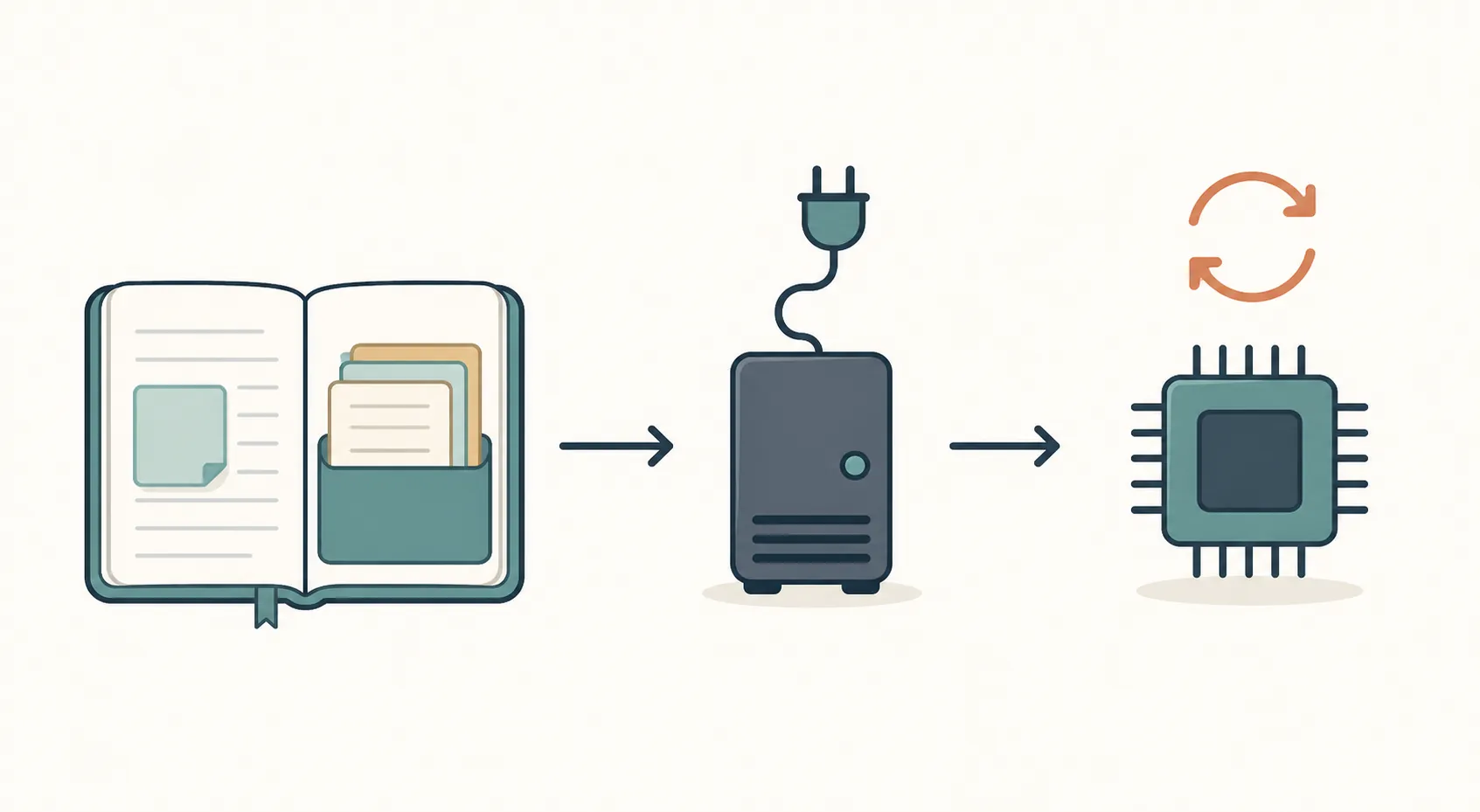
- Choose the machine first. If it is not in the 256GB-class memory range, do not build this path around GLM-5.2 or future GLM-5.3.
- Download a GLM-5.2 quant that your runner supports. At this stage, every local number you observe belongs to GLM-5.2, not GLM-5.3.
- Serve it through an OpenAI-compatible API bound to 127.0.0.1.
- Point Obsidian or Logseq at that local endpoint, not at a vendor cloud endpoint.
- Keep the endpoint URL and request shape stable so GLM-5.3 can be swapped in later without rewriting your note workflow.
The closest existing FlowDesk precedent is the DeepSeek local note summarization guide: model file on disk, local server, OpenAI-compatible endpoint, note app pointed at localhost. GLM-5.2 is simply a much heavier stand-in.
A localhost endpoint shape that survives the swap
With llama.cpp’s server, the operational idea is a local OpenAI-compatible HTTP service. The exact binary flags and model filename depend on your build and quant file, but the endpoint should look like a normal chat-completions target to the note app.
llama-server \
  -m /path/to/your-glm-5.2-quant.gguf \
  --host 127.0.0.1 \
  --port 8080 \
  --ctx-size 32768
Then configure clients against a local base URL such as:
http://127.0.0.1:8080/v1LM Studio can play the same role if it supports the quant you are using: load the local model, start its local server, and copy the OpenAI-compatible base URL into the note app. The launcher brand matters less than whether the note app calls loopback and the model file is on your machine.
Do not publish or follow an “ollama run glm-5.3” recipe right now. Ollama’s current GLM-5.2 library entry is a cloud tag that routes prompts to Z.ai’s hosted API rather than local inference, and there is no confirmed local Ollama tag for GLM-5.x in the checked materials. [9]
Wire Obsidian or Logseq without moving the vault
The clean version is to leave your vault where it is and add local inference beside it. That avoids the usual trap of migrating private notes into a new AI-first note app just because the model story sounds attractive. Reor is the cautionary aside here: it was a dedicated local-AI note app with 8.6k GitHub stars, and the repository was archived on Mar. 7, 2026. [10]
In Obsidian, use a community plugin that lets you set a custom OpenAI-compatible provider or local endpoint. Existing walkthroughs show the same pattern with local LLMs: install the plugin, set the provider/base URL to localhost, choose the model name expected by the server, and test against a disposable note before allowing broad vault access. [11]
- Base URL: use the local server URL, for example http://127.0.0.1:8080/v1.
- API key: if the plugin requires one, use a dummy local value unless your local server enforces authentication.
- Model name: use whatever your local server exposes; do not assume the public hosted model ID is accepted by a local runner.
- Vault scope: start with the active note, selected text, or a test folder before enabling broad retrieval over private files.
- Context size: set a practical local window, such as a 16K–64K target, instead of copying the 1M-token launch number into a workstation setup.
For Logseq, the same principle applies through local-provider plugins. A published Logseq walkthrough uses a self-hosted LLM flow where the note app sends prompts to a local service rather than a remote vendor endpoint. [12] If a plugin is hard-coded for Ollama, confirm whether it can point to your actual local OpenAI-compatible server or only to Ollama’s expected API shape. That distinction matters more than the plugin label.
If your privacy goal is the whole point, verify it at the network level once, not by intuition. FlowDesk’s AI note-taking agents security test is the relevant companion because it tests the payoff you are trying to buy: local note inference with no outbound calls.
The reasoning parameter migration can break otherwise correct setups
GLM-5.3 is text-only in the current docs, and reasoning is always enabled. Z.ai’s migration note says reasoning_effort values such as low, high, and max are now the supported mode, while clients still sending a legacy thinking.type: "disabled" parameter can get request failures. [2]
That is exactly the kind of small API mismatch that shows up in note apps. A plugin may expose a friendly “disable thinking” toggle, or it may carry a stale request template internally. Before pointing it at real folders, use a test note and inspect the server logs. If a request fails before generation starts, remove legacy thinking fields and set reasoning_effort only if the local server and model endpoint accept it.
{
  "model": "local-glm-5.2-quant",
  "messages": [
    {
      "role": "user",
      "content": "Summarize this test note in five bullets."
    }
  ],
  "reasoning_effort": "low"
}
The model name above is illustrative. Use the identifier exposed by your local server. The point is to avoid legacy thinking.type fields when testing GLM-5.3-compatible request paths.
What changes when GLM-5.3 weights actually land
The swap-in moment is not “a blog post says open.” It is when the weights are downloadable, the license is published, a quant you can actually run exists, and your runner loads it without changing the endpoint your note app already trusts.
- Read the license before putting private work notes, client notes, or research drafts through the model.
- Download a GLM-5.3 quant from a source you can verify, not a re-upload with unclear provenance.
- Run the same local server on a copy of your GLM-5.2 configuration.
- Keep the base URL unchanged, for example http://127.0.0.1:8080/v1.
- Change only the model file and the model identifier, then re-run your note-app smoke tests.
- Measure memory, tokens per second, context behavior, and plugin compatibility again; do not carry GLM-5.2 numbers forward as confirmed GLM-5.3 measurements.
There is a legitimate reason to care about GLM-5.3 rather than treating it as just another unreleased weight drop. Z.ai describes a 1M-token context, text-only status, always-on reasoning, and the same GLM-5.2 base model with post-training gains. [1][2] For model-performance context outside the local-hosting question, use FlowDesk’s GLM-5.3 vs. GPT-5 coding notes comparison.
Pricing does not settle the self-hosting question yet. There is no clean per-token GLM-5.3 API price in the checked materials. The named commercial route is the GLM Coding Plan, with $18, $80, and $168 monthly tiers, a points-based quota, and a 50% off-peak credit rate; that is useful for deciding whether hosted access is tolerable, but it is not a like-for-like comparison with running a local quant over private notes. [4][2]
Known issues as of Aug. 25, 2026
| Issue | Status | What to do |
|---|---|---|
| GLM-5.3 weights | Not downloadable as of this check; public expectation was around Aug. 28 after safety evaluation. [1][3][5] | Do not claim 5.3 local inference until the files exist. |
| License | No published license found in the checked materials. | Wait before using GLM-5.3 in sensitive or work-regulated note workflows. |
| Ollama | The available GLM-5.2 tag is cloud-routed, not local inference. [9] | Do not use it for private local vault processing unless you intend hosted routing. |
| Hardware numbers | Current 2-bit, 4-bit, FP8, memory, and speed expectations are GLM-5.2-based. [6][7][8] | Re-measure after GLM-5.3 quant files land. |
| Context length | 1M-token context is a launch capability, not a realistic consumer local-note setting; practical local context is closer to 16K–64K in current GLM-5.2 reports. [8] | Design prompts around selected notes, folders, backlinks, and retrieval—not whole-vault dumps. |
| Reasoning parameters | reasoning_effort is the current path; legacy thinking.type: "disabled" can fail. [2] | Inspect plugin payloads before broad vault access. |
| Multi-user serving | GLM-5.2-based speed reports fit one interactive user, not a shared team endpoint. [7][8] | Use hosted access or a different deployment class if multiple people need low latency. |
Who should build this now
Build the GLM-5.2 localhost endpoint now if you already have, or can justify, a 256GB-class machine and your notes genuinely require on-device inference. Keep Obsidian or Logseq pointed at a stable OpenAI-compatible local URL, keep the vault in place, and treat GLM-5.3 as a future model-file swap after the weights and license are real.
Do not build this path if you are below the memory floor, need multi-user speed, need the full 1M-token context, or cannot tolerate plugin/API breakage. In those cases, use the hosted plan knowingly or choose a smaller local model. If the note-app layer is still undecided, FlowDesk’s open-weight AI guide for Obsidian and Logseq is the better next read.
After release, the items that still need re-verification are straightforward: downloadable weights, license, quant files, memory use, tokens per second, local context behavior, and Obsidian/Logseq plugin compatibility. Until those are checked on the released model, the accurate setup remains GLM-5.2 now, GLM-5.3 later.
References
- GLM-5.3 — Z.ai
- GLM-5.3 — Z.ai Docs
- GLM-5.3: how Chinese labs keep stride — Interconnects
- GLM-5.3 Pricing — emergent.sh
- GLM-5.3 support request — GitHub
- GLM-5 — Unsloth
- How to Run GLM-5.2 Locally — glm5.app
- GLM-5.2: Run Locally with GGUF in 2026 — ofox.ai
- glm-5.2 — Ollama
- reorproject/reor — GitHub
- Using Obsidian with a Local LLM — annvix.com
- How I integrated a self-hosted LLM with my Logseq personal knowledge management system — XDA
Comments
Join the discussion with an anonymous comment.