
If you came here searching for a “back to school checklist notion template,” build the small version first: one task database, one repeating weekly reset template, and three saved views called Today, This week, and By class. Last checked in FlowDesk testing: August 25, 2026. Total build: 22 steps.
That is enough to hold the first two weeks of school, keep overdue tasks visible, separate work by class, and regenerate the Sunday reset without buying a dashboard before you have entered a single syllabus date.
The browsing trap is real. Notion’s back-to-school template category displayed 826 templates at crawl time, and the official “Back to School 2025” template by Kaitlin Farquhar showed a 4.65/5 rating from 7 ratings.[1][2] Useful context, but not a reason to spend the evening comparing command centers.
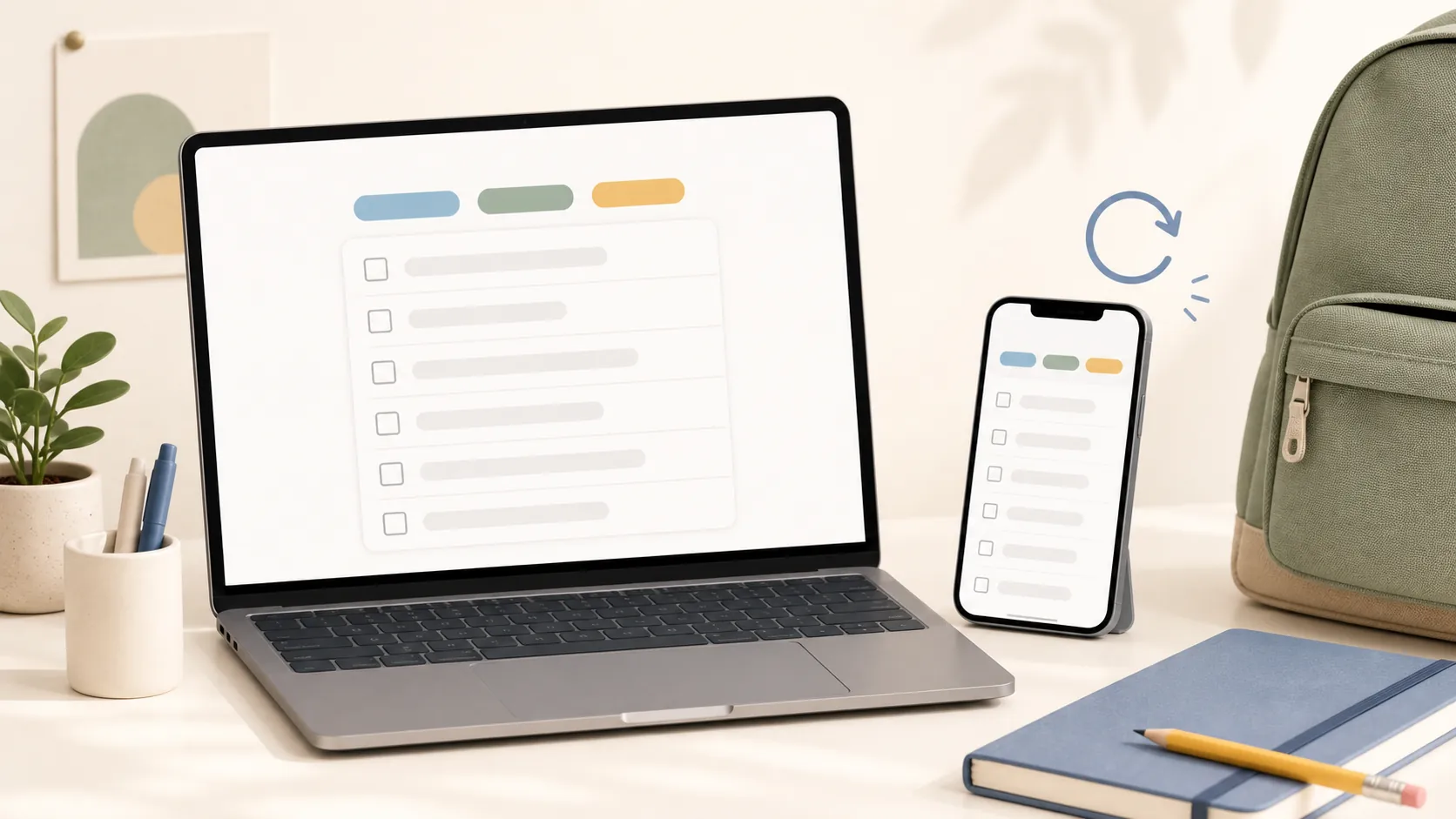
| Build piece | What it does |
|---|---|
| School Tasks database | Stores every prep task, assignment setup item, and weekly reset row. |
| Today view | Shows unchecked tasks due today or earlier, plus the weekly reset when it is generated today. |
| This week view | Shows unchecked tasks due this week, grouped or sorted by date. |
| By class view | Shows the same database grouped by class, so syllabus work does not become one long mixed list. |
| Weekly reset template | Creates one recurring reset page on schedule; it does not try to automate every future school-life database. |
Start with the database, not the dashboard
In Notion, the cleanest checklist is not a decorative page full of loose checkboxes. It is a database with a checkbox property. Notion’s own Help Center describes database templates in that context, and the same page matters later because templates only live inside the database where they were created.[3]
This is the part worth doing carefully. If the database is right, the views stay boring in the best way: you add a task once, then look at it by date, class, or weekly reset status. If the database is wrong, the prettiest student homepage just becomes another place to forget things.
- Create a new Notion page called “Back to School.”
- Type /table and choose a full-page or inline database. Name it “School Tasks.”
- Keep the title property as Task.
- Add a checkbox property called Done.
- Add a date property called Due.
- Add a select property called Class.
- Add a select property called Phase with options: First two weeks, Weekly reset, One-off.
- Add a select property called Type with options such as Admin, Syllabus, Reading, Assignment, Supplies, Campus, Chore, Weekly reset.
- Add a created time property called Created time. This looks unnecessary until the repeating template starts making pages for you.
| Property | Type | Use it for |
|---|---|---|
| Task | Title | The actual checklist item. |
| Done | Checkbox | The visible check-off action. |
| Due | Date | Today and This week views. |
| Class | Select | Grouping by course, subject, or period. |
| Phase | Select | Separating first-two-weeks setup from recurring reset work. |
| Type | Select | Filtering admin work, readings, supplies, chores, syllabus tasks, and weekly reset rows. |
| Created time | Created time | Catching automation-created weekly reset rows without relying on a stale due date. |
Do not make a separate database for each class yet. Do not make a separate page for supplies, campus errands, and readings unless you already know you need that split. A single database can still show separate class views, and it is much easier to repair on a phone on Sunday night.
If you want the same database-building style applied to a more complex work system, the FlowDesk guide on building a product roadmap in Notion uses the same properties-first approach. For this checklist, stay smaller.
Load the first two weeks as real rows
The first two weeks should be database entries, not prose. Each item needs a checkbox, a date if it has one, and a class if it belongs to a class. That is what lets the same task appear in Today, This week, and By class without being copied.
Use these as starter rows, then replace them with what your syllabus, school portal, or parent packet actually says:
- Enter every syllabus deadline from the first two weeks.
- Add required books, lab materials, calculators, software, or access codes.
- Add classroom, commute, parking, bus, or building-location checks.
- Add the first reading or homework item for each class.
- Add office-hours lookup for classes that look difficult or unclear.
- Add school account setup, password reset, learning-management-system login, and email forwarding checks.
- Add one laundry, meal, commute, or backpack reset item only if it affects whether you can get through the week.
Notion’s official semester guide points students toward databases, properties, filtered and sorted views, class notes, web clipping, and adjacent school-life systems such as chores, budgets, and meal planning.[5] That broader model is sensible. It is also more than this checklist needs on day one.
A practical rule: if an item can be done in one sitting and you need to see whether it is done, put it in School Tasks. If it is a long-lived reference, like a professor’s grading policy or a semester reading list, it probably belongs in notes or a class page later.
Save the three views before you decorate anything
Views are where this stops feeling like one giant table. They are also where a lot of downloaded templates quietly fail: the database has all the rows, but the filters hide the thing the student actually needs to see.
| View | Layout | Filter | Sort or group |
|---|---|---|---|
| Today | Table or list | Done is unchecked; Due is today or before today. Add an OR group: Type is Weekly reset and Created time is today. | Sort Due ascending. |
| This week | Table | Done is unchecked; Due is within this week. Add an OR group: Type is Weekly reset and Created time is within this week. | Sort Due ascending, then Class. |
| By class | Board or table | Done is unchecked. | Group by Class; sort Due ascending inside each group. |
- Open School Tasks.
- Rename the default view to Today.
- Set the Today filters from the table above.
- Duplicate the view and rename it This week.
- Change only the date filter, not the whole database.
- Duplicate again and rename it By class.
- Switch By class to a board grouped by Class, or keep it as a table sorted by Class if boards feel cramped.
The Today view should include overdue tasks. A student does not need a clean view that politely hides yesterday’s unfinished financial-aid form. If it is not done and the due date has passed, it belongs in front of them.
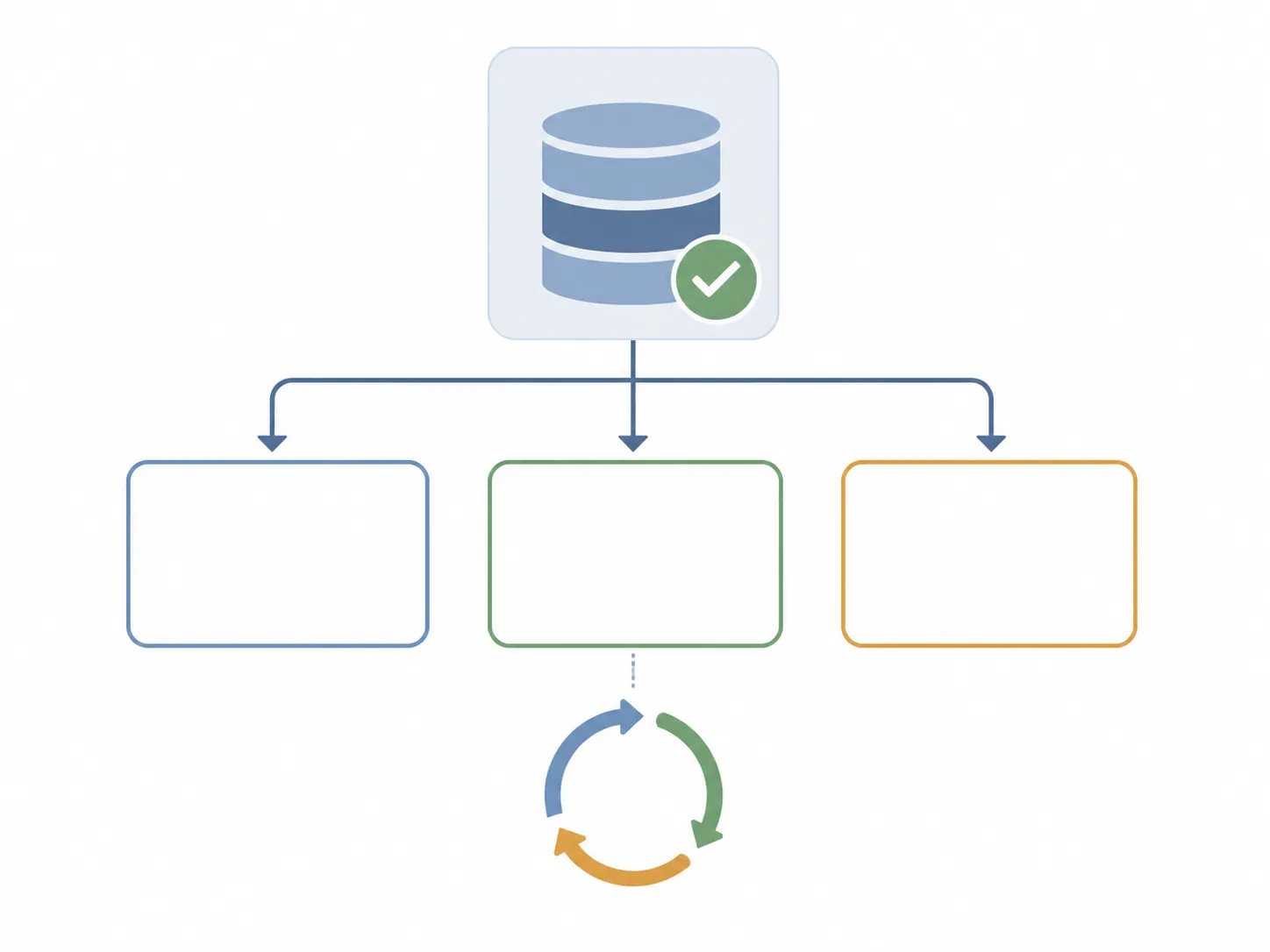
If you are setting up a fresh workspace around this page, keep the structure light. A PARA-style setup can help later, especially after a migration, but do not bury this checklist three levels deep before school starts. FlowDesk’s PARA setup guide is a better handoff once the semester page is already working.
Make the weekly reset one recurring page, not seven recurring chores
Notion’s repeating database templates can automatically create entries on daily, weekly, monthly, or custom schedules. Entries generated this way are marked as “Created By Notion automation.”[4] That stamp is harmless until a view filter assumes every useful page was created by you.
For a back-to-school checklist, the stable version is one recurring “Weekly reset” row. Open that row and keep the reset checklist inside it. Do not try to generate a separate recurring database item for every backpack, reading, laundry, meal, and calendar-review task unless you are deliberately building a larger student operating system.
- In School Tasks, open the dropdown next to New.
- Create a new database template.
- Name it “Weekly reset.”
- Set Phase to Weekly reset.
- Set Type to Weekly reset.
- Leave Done unchecked.
- Inside the template page body, add a short checklist: review next week’s due dates, check each class portal, clean up uncategorized tasks, pack or restock school bag, clear finished first-two-weeks items.
- Set the template to repeat weekly on the day you actually reset, usually Friday afternoon or Sunday.
- After the first generated page appears, confirm it shows in Today and This week. If it does not, fix the filters before trusting the system.
The Created time property is doing quiet work here. A recurring weekly row may not behave like a normal assignment with a hand-entered due date. Filtering for Type is Weekly reset and Created time is today or this week catches the generated reset without pretending every recurring page has a fresh academic deadline.
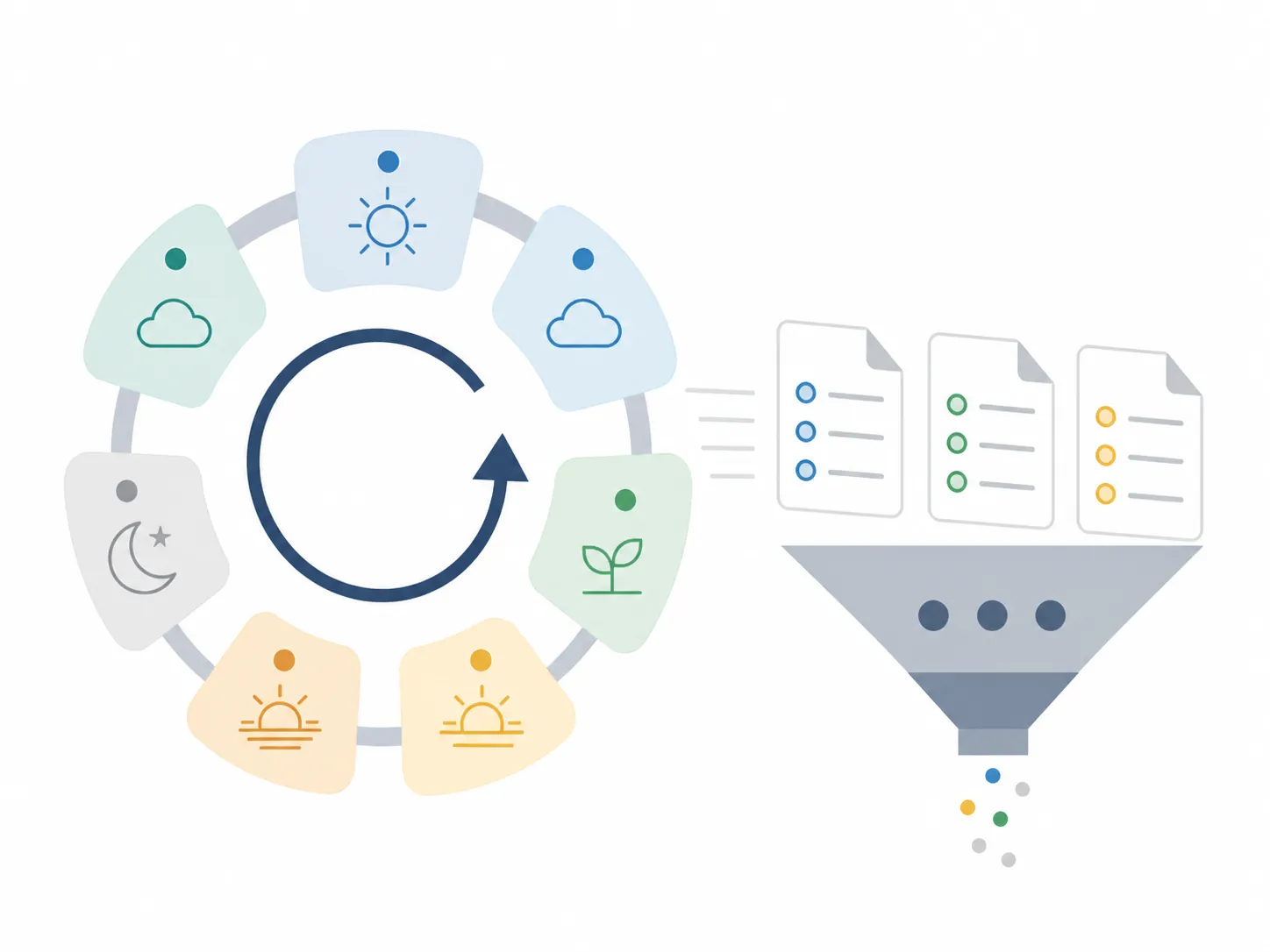
This is also why the template should be created inside School Tasks. Notion database templates are scoped to the database where they were created.[3] A Weekly reset template made in some other dashboard database will not magically become available in your class-task database.
The tested build log: what broke or got awkward
Last checked: August 25, 2026. The point of this log is not to make Notion sound fragile. It is to mark the few places where a small checklist can fail for boring reasons.
| Issue found | What happened in the build | Fix used |
|---|---|---|
| Automation-created weekly reset was easy to hide | The generated Weekly reset row was marked as created by Notion automation, so any view filtered to pages created by the user would miss it. Notion documents that generated entries carry this automation-created stamp.[4] | Do not filter school task views by Created by me. Use Type = Weekly reset and Created time filters instead. |
| Database template scope is easy to misunderstand | A template made in one database did not become a reusable template everywhere else. Notion documents database templates as belonging to the database where they are created.[3] | Create Weekly reset inside School Tasks, not inside a separate dashboard database. |
| Nesting is not the right escape hatch | Trying to solve recurring subtasks by nesting templates leads into Notion’s template limits. Notion says a template cannot be nested inside a daily-recurring template, and nesting is capped at three levels.[4] | Use one recurring weekly container page with a short checklist inside it. |
| Phone edits were fine for checking boxes, weaker for rebuilding logic | Checking Done, adding a row, and changing a due date were acceptable on mobile. Editing compound filters and property logic was noticeably more annoying than on desktop in FlowDesk testing. | Build the database and views on a computer if possible; use the phone for capture and check-off. |
| Blank Class values made the By class view messy | Tasks such as “set up student portal” or “buy notebooks” did not belong to one class, but they still appeared in the grouped class view. | Use a Class option called General, Admin, or Schoolwide instead of leaving the field blank. |
| The weekly reset is not a full reminder system | The generated page appeared in Notion, but this build did not turn it into a lock-screen reminder or a two-way task synced with a separate calendar app. | Treat Notion as the checklist source. Use your phone calendar or reminder app for interruptive alerts. |
The mobile note is the least glamorous and probably the most important. A parent or student can check boxes and add a forgotten assignment from a phone. Rebuilding grouped filters from a phone between laundry and a syllabus PDF is where patience starts leaking.
A quick note on “free for students”
Be precise with this claim. Notion has an education offering, and third-party student-template roundups describe the free Plus eligibility as applying to students at US-accredited higher-ed institutions with a workspace email matching the student’s .edu address; high-school students are not included in that eligibility description.[6][7][8]
That does not block this checklist. The build above is intentionally small: one database, a few properties, three views, and one repeating template. If the free-vs-paid question is bigger than Notion alone, FlowDesk’s guide to the hidden costs of free note-taking apps is the better place to think through the trade-off.
What this still cannot do
This is a checklist, not a full task-reminder stack. 2sync’s vendor analysis flags limitations around Notion checklists such as no phone lock-screen reminders, no deadline visibility beside non-academic events, and no two-way check-off with calendar or task apps.[8] Treat those as vendor-reported boundaries unless you separately test the exact integration you plan to use.
If you need a lock-screen nudge ten minutes before class, use a reminder app. If you need class deadlines next to family events, work shifts, sports, and appointments, use a calendar. If you need a degree-long system that connects courses, notes, exams, readings, projects, habits, budgets, applications, and archives, that is when a paid all-in-one student template can start to make sense.
For switchers bringing school notes from another app, do the migration separately from the checklist build. FlowDesk’s Evernote-to-Notion migration guide is a cleaner path than dumping years of notes into the same page you are trying to use for Monday morning.
Most students do not need to buy a student OS to survive the first two weeks. They need a place to add a class task, see what is due today, group the mess by class, and run a weekly reset that does not disappear because of a filter. The free build covers that job; the friction is concentrated in known Notion mechanics, not in missing checklist features.
References
- Back to School, Notion Templates, Notion
- Back to School 2025, Notion Templates
- Database templates in Notion, Notion Help Center
- Automate work with repeating database templates, Notion Help Center
- Get organized for a new semester with Notion, Notion
- Notion for Education, Notion
- Notion Templates for Students, Gridfiti
- Best Notion Templates for Students, 2sync






Comments
Join the discussion with an anonymous comment.