
| Last verified: August 3, 2026 | Verdict |
|---|---|
| Did EchoLeak leak my notes? | No. EchoLeak was a Microsoft 365 Copilot vulnerability, CVE-2025-32711, patched server-side in May 2025 before public disclosure; Microsoft said it had no evidence of exploitation and that no customer action was required. [1] |
| Was a note-taking app breached? | No evidence in the available record points to EchoLeak breaching Notion, Obsidian, Apple Notes, Granola, Evernote, or another note app. |
| Is it safe to use AI note-taking apps after EchoLeak? | It can be, but not as a blanket answer. EchoLeak did not leak your notes, yet the same indirect prompt-injection pattern has been demonstrated in real note-adjacent tools, so the answer depends on your app’s AI permissions, external-fetch behavior, file handling, and current remediation status. |
That distinction matters because “EchoLeak” sounds like exactly the kind of incident that would swallow meeting notes, study notes, client notes, and private drafts. It did not. If your question is “is it safe to use AI note-taking apps after EchoLeak,” the first answer is reassuring: EchoLeak itself was not a note-app breach. The less tidy answer is that the attack shape behind EchoLeak is now relevant to note apps, especially when an AI feature can read untrusted documents, browse the web, render remote content, or act on instructions hidden inside material you did not write.

First, EchoLeak is not the Echo meeting-note app
There is an unrelated iOS app called “Echo — AI Meeting Note Taker” from Tappz Labs on the App Store. Its name is an easy reason for “EchoLeak + note app” searches to collide, but the EchoLeak incident was not a disclosed breach of that app, and the materials behind EchoLeak do not identify that app as the target. [2]
The incident name came from research on Microsoft 365 Copilot, not from a note-taking product named Echo. So if you saw a headline about EchoLeak and then remembered an app with “Echo” in its name, the shared word is not evidence that your recordings, transcripts, or meeting summaries were taken.
What EchoLeak actually was
EchoLeak was a zero-click indirect prompt-injection vulnerability against Microsoft 365 Copilot. Aim Security publicly disclosed the issue on June 11, 2025, and the technical write-up describes it as a production LLM exploit chain in which malicious content could be processed by Copilot without the user deliberately running a suspicious prompt. [3]
For a non-security reader, the important mechanics are simple enough. The user does not need to type “please leak my data.” The dangerous instruction can be hidden in something the AI later reads: an email, document, page, or other workspace input. If the assistant treats that hidden instruction as something to follow, it may combine private context with an external action or rendered content in a way the user never intended.
- An attacker places malicious instructions inside content that the AI system may later process.
- The AI assistant reads that content as part of its normal work.
- The hidden instruction tries to make the assistant collect sensitive context.
- The attack then relies on some route out: a web request, rendered remote image, external link, plugin-like action, or another channel the system permits.
That is why “zero-click” made the incident feel alarming. It was not about a person foolishly pasting secrets into a chatbot. It was about an AI system being exposed to untrusted material inside a workplace environment and then having enough connected capability to turn a hidden instruction into possible data exposure. The EchoLeak paper also places the issue in the broader prompt-injection category, which security frameworks have treated as a central LLM application risk rather than a quirky edge case. [3]
The boundary, though, is just as important as the mechanism. The reported EchoLeak vulnerability sat in Microsoft 365 Copilot. Microsoft fixed it server-side in May 2025 before the public disclosure, and reporting on the fix stated that customers did not need to take action and that Microsoft was not aware of exploitation in the wild. [1] That is a patched Copilot incident, not a finding that every AI note app leaked its database.
Why note-app users are still right to care
The reason this question does not end with “patched, move on” is that note apps are especially tempting containers for this kind of risk. A note app is where people put the material they have not yet classified: copied resumes, meeting transcripts, project plans, medical reminders, client call notes, draft performance reviews, travel details, and stray screenshots. Once an AI layer can summarize, search, rewrite, or answer questions over that pile, the old boundary between “my notes” and “the assistant’s working context” becomes the part worth inspecting.
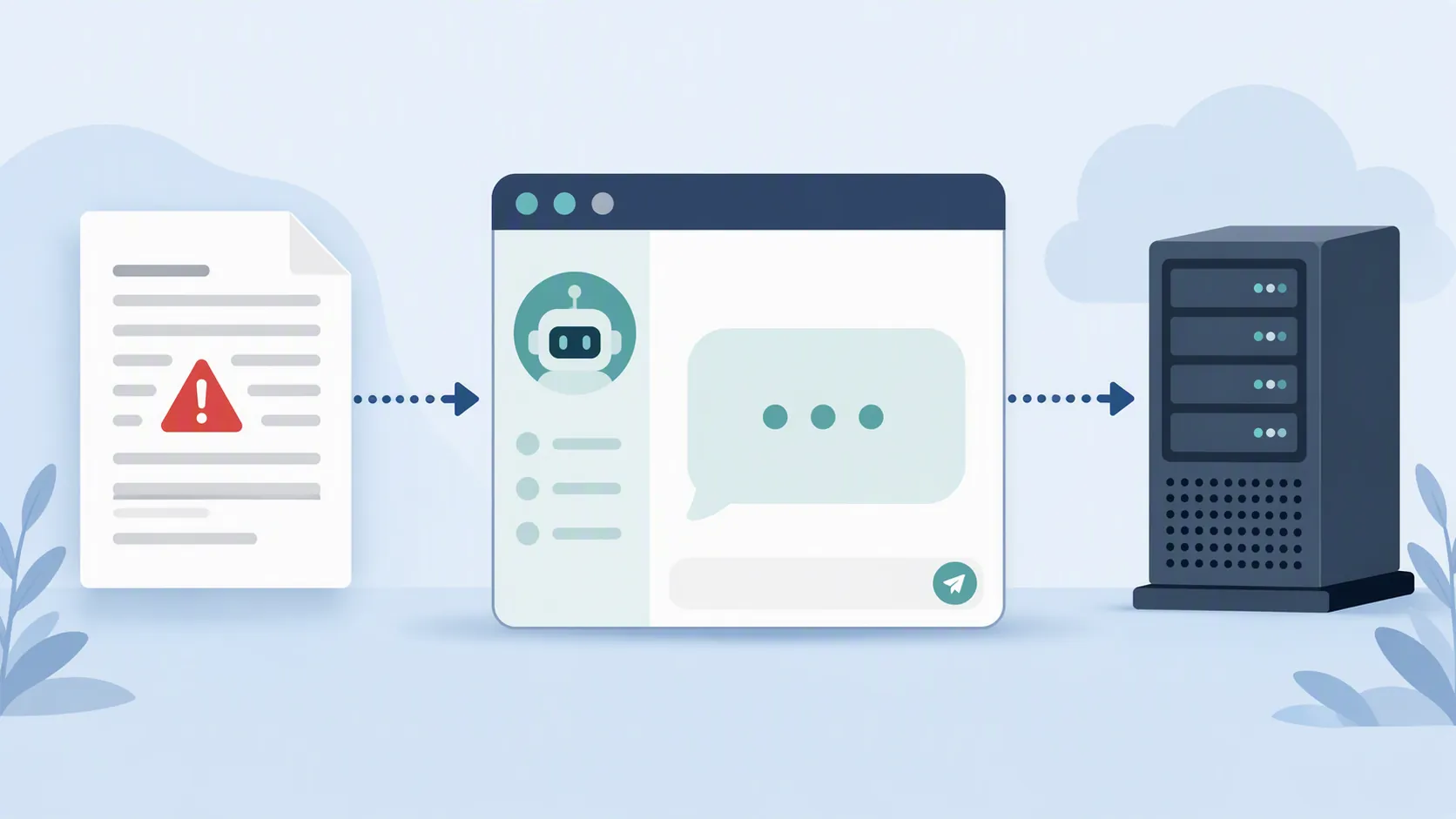
Two later note-adjacent disclosures make that concern concrete. They do not prove that EchoLeak leaked anyone’s notes. They do show that the same family of indirect prompt-injection and exfiltration problems can appear inside products people use like note systems.
Notion AI: the poisoned-document problem
PromptArmor, an AI-security vendor and researcher, disclosed a Notion AI data-exfiltration issue involving a poisoned-resume scenario. Its account says the issue was reported on December 24, 2025, disclosed on January 7, 2026, and that Notion was remediating the issue in production that week. [4]
The vendor status matters here. PromptArmor has a commercial interest in AI-security monitoring, so its disclosure should not be read as a neutral census of how often Notion users are attacked. It is still useful evidence for a narrower point: an AI feature inside a major note/workspace app can be exposed to malicious instructions embedded in an ordinary-looking document, and the resulting risk is not merely theoretical.
The practical lesson is not “never upload a resume to Notion.” It is that untrusted documents deserve a different handling rule from notes you wrote yourself. A resume from a stranger, a copied web page, a vendor-provided brief, a transcript from outside your organization, or a shared class document can all carry instructions meant for the AI rather than for you. If the app’s AI can read across nearby private notes, search the web, or make external requests while processing that material, the control surface matters.
Granola: rendering is part of the AI surface
PromptArmor also reported security risks and remediations involving Granola, the AI meeting-note tool. The disclosure described a gap where the desktop app sanitized a markdown-image pattern but the mobile app rendered it, creating a route for remote-content behavior that the desktop client avoided. PromptArmor said the fix was planned for the week of March 23, 2026. [5]
That detail is easy to underestimate because it sounds like formatting. In note apps, rendering is not cosmetic when a rendered element can contact a remote server or encode information into a URL. Markdown images, link previews, embedded media, web clips, and transcript attachments are all part of how a note app turns stored text into something active. A safer desktop path and a weaker mobile path can also mean that “the app fixed it” is too broad unless the fix covers every client you use.
The right safety question is narrower than “AI notes: yes or no?”
After EchoLeak, the useful question is not whether AI note-taking apps are categorically safe. It is whether the app you use keeps the right separations in place.
| Boundary to check | Why it changes the answer |
|---|---|
| What can the AI read? | An assistant limited to the current note is a different risk from one that can search an entire workspace, connected drive, inbox, or calendar. |
| Can it fetch from the web? | Web access can be useful, but it also gives hidden instructions a possible route to external content or requests. |
| Does it require confirmation before external requests? | A confirmation step gives the user a chance to stop an action that the AI is trying to take because of untrusted content. |
| How does it render images, markdown, embeds, and previews? | Rendering can become an exfiltration channel when remote resources load automatically or encode data in a request. |
| How are untrusted uploads handled? | Files from strangers, public websites, recruiters, vendors, or students should not be treated the same as private notes you authored. |
| Is the remediation status current on every client? | A desktop fix does not automatically mean the mobile app, browser extension, or web client behaves the same way. |
This is also why privacy-policy reassurance is not enough. A vendor can have a reasonable data-retention policy and still expose users to a prompt-injection path if the AI can read untrusted content and then trigger an external action. The control question is operational: what does the assistant have permission to read, fetch, render, and send?
What to check before you keep using your AI note app
Start with the app you actually use, not with the EchoLeak headline. If you are using Notion AI, Notion’s own prompt-injection guidance is a useful example of the controls to look for: web search settings, confirmation before web requests, model-picker warnings, and caution around uploading untrusted files. [6] Those controls are not a magic shield, and vendor documentation is not an independent audit, but they are the kind of concrete switches and behaviors that matter.

- Check whether AI search is scoped to the current note, a selected folder, or the whole workspace.
- Turn off web search or browsing when you are working with sensitive notes unless you specifically need it.
- Require confirmation before the assistant opens links, fetches web pages, or makes external requests, if the app offers that setting.
- Treat resumes, shared PDFs, web clips, imported markdown, meeting transcripts from outside parties, and copied pages as untrusted inputs.
- Check whether the same protections exist in the web app, desktop app, mobile app, browser extension, and integrations.
- Look for a current security advisory or changelog when a researcher disclosure names your app.
For a per-app view, use FlowDesk’s AI note-app security profile, which is the better place for comparing Notion, Obsidian, Logseq, Apple Notes, Evernote, GoodNotes, and Notability by data flow and AI surface. If your real worry is whether to let ChatGPT or another general assistant touch your notes at all, the companion guide on using ChatGPT for note-taking is the broader workflow question. And if AI is drafting from your notes, keep human approval points in the loop rather than letting summaries, follow-ups, or decisions ship automatically; FlowDesk’s AI productivity workflow guide covers that setup pattern.
The practical verdict
Do not delete your notes because of EchoLeak. EchoLeak did not breach note-taking apps, and the Microsoft 365 Copilot issue was patched before public disclosure with no known exploitation reported at the time. But do not treat “not affected by EchoLeak” as the same thing as “immune to prompt injection.”
Keep using an AI note app only after checking the specific app’s AI permissions, web or external-fetch behavior, rendering behavior, untrusted-file handling, and remediation status. If the app gives you controls for web search, external requests, model choice, workspace scope, or upload handling, use them deliberately. The safe-enough answer lives in those settings, not in the EchoLeak name.
References
- Critical flaw in Microsoft Copilot could have allowed zero-click attack — Cybersecurity Dive
- Echo – AI Meeting Note Taker — App Store / Tappz Labs
- EchoLeak: The First Real-World Zero-Click Prompt Injection Exploit in a Production LLM System — arXiv
- Notion AI: Data Exfiltration — PromptArmor
- Granola AI Security Risks and Remediations — PromptArmor
- How Notion protects against prompt injection risks — Notion Help