
By Q3 2026, the useful question is no longer whether a note-taking app “has AI.” It almost certainly does, or at least it now has an AI-shaped exposure through the operating system, a plugin layer, a cloud assistant, a transcription feature, or an agent workflow. The more useful question is what that AI is allowed to touch, where it runs, what it costs, and whether you can turn it off when it gets in the way.

A dated map of AI inside seven note apps
Last verified: Aug. 25, 2026. The table below treats “AI” as a practical exposure, not a marketing category. A first-party cloud agent, an on-device handwriting correction feature, a beta operating-system summary, an offline semantic-search plugin, and a credit-metered automation system are not the same thing just because a product page puts the same badge on them.
| App | Shipped AI exposure as of Q3 2026 | Availability or date status | Where the AI runs, where supported | Price or tier gate | Privacy/vendor-statement caveat | Disable or opt-out status | Last verified |
|---|---|---|---|---|---|---|---|
| Notion | Notion AI, Enterprise Search, AI Meeting Notes with speaker labels, Custom Agents, External Agents, and MCP support in Notion 3.6 [1][2] | Agents and AI product stack active in 2026; Notion 3.6 release notes dated July 1, 2026 [2] | Primarily vendor/cloud AI for Notion AI and agents; External Agents connect outside tools such as Claude and Cursor [1][2] | Custom Agents use credits priced at $10 per 1,000; free until May 4, 2026 [1] | No-training and privacy assurances are vendor statements, not independent verification [1] | Feature use can be governed by workspace/admin choices, but this is not the same as having no AI exposure in a connected workspace [1] | Aug. 25, 2026 |
| Evernote | AI Assistant built with OpenAI, Semantic Search, and AI Meeting Notes with a 1-hour recording cap [3][4] | Evernote v11 released Jan. 19, 2026, described by Evernote as its first significant release since v10 in 2020 [3] | AI Assistant is OpenAI-built; Semantic Search and AI Meeting Notes are Evernote AI features, with processing boundaries described by Evernote’s own feature pages [3][4] | AI feature access depends on Evernote’s plan structure; the sourced material supports the 1-hour Meeting Notes cap, not unsupported free-tier or price-increase claims [4] | Evernote’s “we don’t train on your data” posture is a vendor statement [4] | AI Assistant, Semantic Search, and AI Meeting Notes can each be disabled individually in Preferences [3][4] | Aug. 25, 2026 |
| Apple Notes | Apple Intelligence in Notes, including audio-recording transcript summaries and Writing Tools; iOS 26 call recording transcription sits at the OS/Phone layer [5] | Current Apple Intelligence Notes features are OS/device/language gated; CNET’s iOS 27 Notes items are WWDC26 beta coverage, not stable-release facts [5][6] | Processing route is not usefully summarized at the Notes-app level from the available material; the practical gate is device, OS, region/language, and beta status [5][6] | No separate Notes AI subscription is supported by the sources; hardware and OS eligibility are the gate [5] | Apple privacy claims remain vendor statements; beta feature behavior can change before release [5][6] | Controlled mostly through Apple Intelligence/OS feature availability and settings, not a per-note-app AI subscription toggle [5] | Aug. 25, 2026 |
| GoodNotes | Ask Goodnotes, on-device handwriting spellcheck, AI Math, and 99-language transcription [7][8] | Goodnotes 6 introduced the platform shift; current AI feature page lists the 2026 AI set and gates [7][8] | On-device status is specifically supported for handwriting spellcheck; do not assume all Goodnotes AI features run locally [7][8] | AI features are gated behind Pro and AI Pass tiers [7] | Goodnotes privacy/no-training claims are vendor statements [7] | Feature availability is tier-based; the sourced material does not establish an Evernote-style per-feature global disable model [7] | Aug. 25, 2026 |
| Notability | Notability Learn generates summaries, quizzes, flashcards, and fill-in-the-blanks [9] | Support documentation updated June 25, 2026 [9] | The sourced support page describes the Learn feature and limits, not a clear local-vs-cloud split [9] | Plus is capped at 400 combined questions/flashcards; Pro is unlimited; quiz generation requires 250–20,000 words [9] | Notability privacy/no-training claims should be treated as vendor statements; the Learn source mainly verifies feature behavior and caps [9] | Practical control is plan and feature use; the source does not establish a broad per-feature AI disable panel [9] | Aug. 25, 2026 |
| Obsidian | No sourced first-party Obsidian AI subscription; AI arrives through community plugins and local/offline workflows, including SystemSculpt-style approvals and Sonar offline semantic search via llama.cpp [10][11] | 2026 plugin landscape documented by third-party/community sources [10][11] | Depends on plugin: some workflows call external models; Sonar is described as offline semantic search via llama.cpp [10][11] | Plugin/model dependent; not a single Obsidian AI tier [10][11] | Privacy posture is user-assembled: vault locality helps, but installed plugins and model endpoints determine actual exposure [10][11] | Do not install the plugin, remove it, or use local-only tools; core Obsidian is not the same thing as an AI product [10][11] | Aug. 25, 2026 |
| Logseq | CLI query tooling, Markdown Mirror writing the DB graph to disk, and an answer-machine agent skill [12] | May 16, 2026 Logseq DB changelog [12] | Markdown Mirror concerns DB-to-disk workflow; the answer-machine agent skill is not enough, by itself, to infer a full polished first-party AI subscription [12] | No subscription or credit gate is established by the sourced changelog [12] | Privacy depends on the chosen workflow and agent/model configuration; the changelog alone does not support a broad no-training claim [12] | Use is tied to enabling and adopting these DB/CLI/agent workflows, not a mainstream consumer AI toggle shown in the source [12] | Aug. 25, 2026 |
The vendor rush is easy to understand without treating every feature as equally valuable. Precedence Research estimates the AI note-taking market at USD 623.50 million in 2025 and USD 740.41 million in 2026, with an 18.75% CAGR projection to USD 3,476.74 million by 2035 [13]. Stanford HAI’s 2026 AI Index frames consumer generative-AI adoption as fast and economically meaningful, though those landing-page takeaways are not a product-by-product evaluation of note apps [14]. Notion’s own State of Global AI Transformation survey, based on 6,118 respondents from March to May 2026, says 88% of organizations are still early-stage in AI transformation [15]. That combination explains why product teams are shipping AI into notes; it does not prove that a meeting summary, quiz generator, or agent credit pack is worth paying for in your workspace.
Notion: AI became workflow infrastructure, not just writing help
Notion is the clearest example of how the AI boom changed note-taking apps and productivity in 2026. The center of gravity moved from “rewrite this paragraph” to “let an agent operate across a workspace.” Its 2026 AI surface includes Enterprise Search, speaker-labeled AI Meeting Notes, Custom Agents that can run on schedules or triggers, External Agents that connect tools such as Claude and Cursor, and MCP support in Notion 3.6, whose release notes are dated July 1, 2026 [1][2].
That matters because Notion’s AI is now closer to a permissioned workflow layer than a text box with a sparkle button. A Custom Agent can be priced through credits, with Notion listing $10 per 1,000 credits and a free window until May 4, 2026 [1]. The price is not merely a subscription footnote; it affects whether an automation becomes a habit, a manager-approved process, or something a team shuts off when the credit meter starts explaining itself.
The privacy posture should be read the same way: as a vendor statement attached to a cloud workspace product, not as independent proof that every future integration behaves the way a local vault does. Notion’s own AI profile is still the right place to verify feature names, agents, and pricing mechanics; for a deeper FlowDesk pass on that stack, see the 2026 Notion AI profile.
Evernote: v11 made AI specific, and unusually reversible
Evernote v11 deserves more attention than a generic “legacy app adds AI” note. Evernote released v11 on Jan. 19, 2026, and described it as the first significant release since v10 in 2020 [3]. The release shipped three distinct AI surfaces: AI Assistant, Semantic Search, and AI Meeting Notes [3][4].
The important detail is not just that Evernote added AI. It is that Evernote says each of those features can be disabled individually in Preferences [3][4]. That is the sort of boring switch that matters after a product announcement fades. A user may want Semantic Search but not Meeting Notes. A team may allow AI Assistant but decide that meeting recordings do not belong in the app. The sourced material supports that per-feature disable model; it does not support repeating unverified claims about dramatic price increases, specific free-tier caps, or user-count narratives.
There are still trade-offs. AI Assistant is built with OpenAI, and AI Meeting Notes has a 1-hour recording cap [3][4]. Evernote’s “we don’t train on your data” framing is a vendor statement, not an independent audit [4]. For Evernote users who have already lived through major product transitions, the practical question is whether v11’s search, assistant, or meeting feature is useful enough to accept the relevant cloud/vendor boundary — and whether the Preferences toggles are enough control for the notes at stake.
Apple Notes: separate today’s Apple Intelligence from beta Notes promises
Apple Notes is easy to overstate because the AI story arrives through the operating system. Apple’s current Notes documentation covers Apple Intelligence features such as transcript summaries for audio recordings and Writing Tools inside Notes [5]. iOS 26 call recording transcription is also relevant to the Apple Notes user’s workflow, but it is a Phone/OS-level capability and is gated by device support, including iPhone 12 or later for call recording [5].
The iOS 27 material should be handled more carefully. CNET’s coverage discusses Notes-related AI features announced around WWDC26, but those are beta items, not stable features every Apple Notes user can count on today [6]. In practical terms, Apple Notes AI is not “free” in the way a web toggle is free. It is gated by device, OS, language, region, and beta status [5][6].
That makes Apple Notes a hardware-eligibility question before it becomes a productivity question. A user with a supported device and current OS may see summaries and Writing Tools as a natural extension of the default notes app. Another user can read the same feature list and have none of it apply yet. For the dated Apple side of this, FlowDesk’s Apple Notes hardware-gating coverage and iOS 26/27 note-app facts are better companions than a single undated Apple Intelligence checklist.
GoodNotes: the student upgrade question is about exact tasks
GoodNotes is not trying to look like Notion. Its AI pitch is closer to the lecture hall: Ask Goodnotes, on-device handwriting spellcheck, AI Math, and 99-language transcription [7][8]. For a student or teacher, those are not abstract productivity claims. They map to specific moments: cleaning up handwritten notes, checking math work, searching or querying a notebook, and turning recorded material into something easier to review.
The on-device distinction is supported specifically for handwriting spellcheck [7][8]. It should not be stretched to cover every GoodNotes AI feature. Ask Goodnotes, AI Math, and transcription still need to be judged by their own plan gates and data handling, with Goodnotes’ privacy assurances treated as vendor statements [7]. The plan question is also explicit: GoodNotes places AI access behind Pro and AI Pass tiers [7].
That leaves a clean test. If handwriting correction or AI Math prevents enough rework in the actual classes being taken, the upgrade has a concrete job. If the appeal is only that the app now has “AI,” the case is weak. Students comparing GoodNotes with Notability should also check FlowDesk’s 2026 student note-taking stacks, because the best answer often depends on lecture format and device habits rather than an app-store feature list.
Notability: Learn is a capped study-output system, not a general agent
Notability Learn is narrower than the broad “AI notes” label suggests. Its support page, updated June 25, 2026, describes summaries, quizzes, flashcards, and fill-in-the-blanks [9]. The caps and input requirements are the key facts: Notability Plus is capped at 400 combined questions and flashcards, Pro is unlimited, and quiz generation requires source material between 250 and 20,000 words [9].
Those limits make Notability’s AI easier to evaluate than a vague assistant. A student who regularly converts dense lecture notes into flashcards may hit the Plus cap. A student working from short diagrams, handwritten fragments, or sparse slides may run into the word-count floor before the feature helps [9]. This is less about whether Notability is “smarter” than GoodNotes and more about whether its generated study outputs match the way the course material arrives.
Obsidian: no first-party AI does not mean no AI reality
Obsidian remains the awkward case for any simple AI comparison table. The sourced 2026 material does not show a polished first-party Obsidian AI subscription to compare with Notion AI or Evernote v11. Instead, AI arrives through the plugin and local-tooling ecosystem: community plugin roundups describe SystemSculpt-style approval workflows and Sonar offline semantic search via llama.cpp [10][11].
That distinction is real, but it can be abused. A local Markdown vault is a meaningful privacy advantage only if the plugins, embeddings, model endpoints, sync layer, and automations respect it. Installing a plugin that calls an external model changes the privacy posture of the vault, even if the core app still stores Markdown locally. Conversely, an offline semantic-search setup can give a user some AI-like retrieval without handing the whole archive to a vendor assistant [10][11].
For people moving from Notion to Obsidian specifically because of AI exposure, the migration is not “cloud bad, local good” in one sentence. It is a series of choices about which databases export cleanly, which links survive, which plugin layer gets installed, and which model is allowed to read the vault. FlowDesk’s Notion-to-Obsidian AI safety migration guide is the more useful place to work through that trade-off.
Logseq: AI is appearing around the graph, not as a consumer AI bundle
Logseq’s May 16, 2026 DB changelog points to a different kind of AI-adjacent future: CLI query tooling, Markdown Mirror writing the DB graph to disk, and an answer-machine agent skill [12]. That is not the same product shape as Notion’s credit-priced agents or Evernote’s Preferences-controlled AI features.
The most useful fact for Logseq users is the DB-to-disk direction. Markdown Mirror matters because it affects what transfers and what remains inspectable outside the app [12]. The answer-machine agent skill matters because it signals that agentic workflows are reaching local-first and graph-based tools too, but the sourced changelog does not support pretending Logseq has a mainstream, fully packaged AI subscription with published caps and prices [12].
What actually changed in productivity
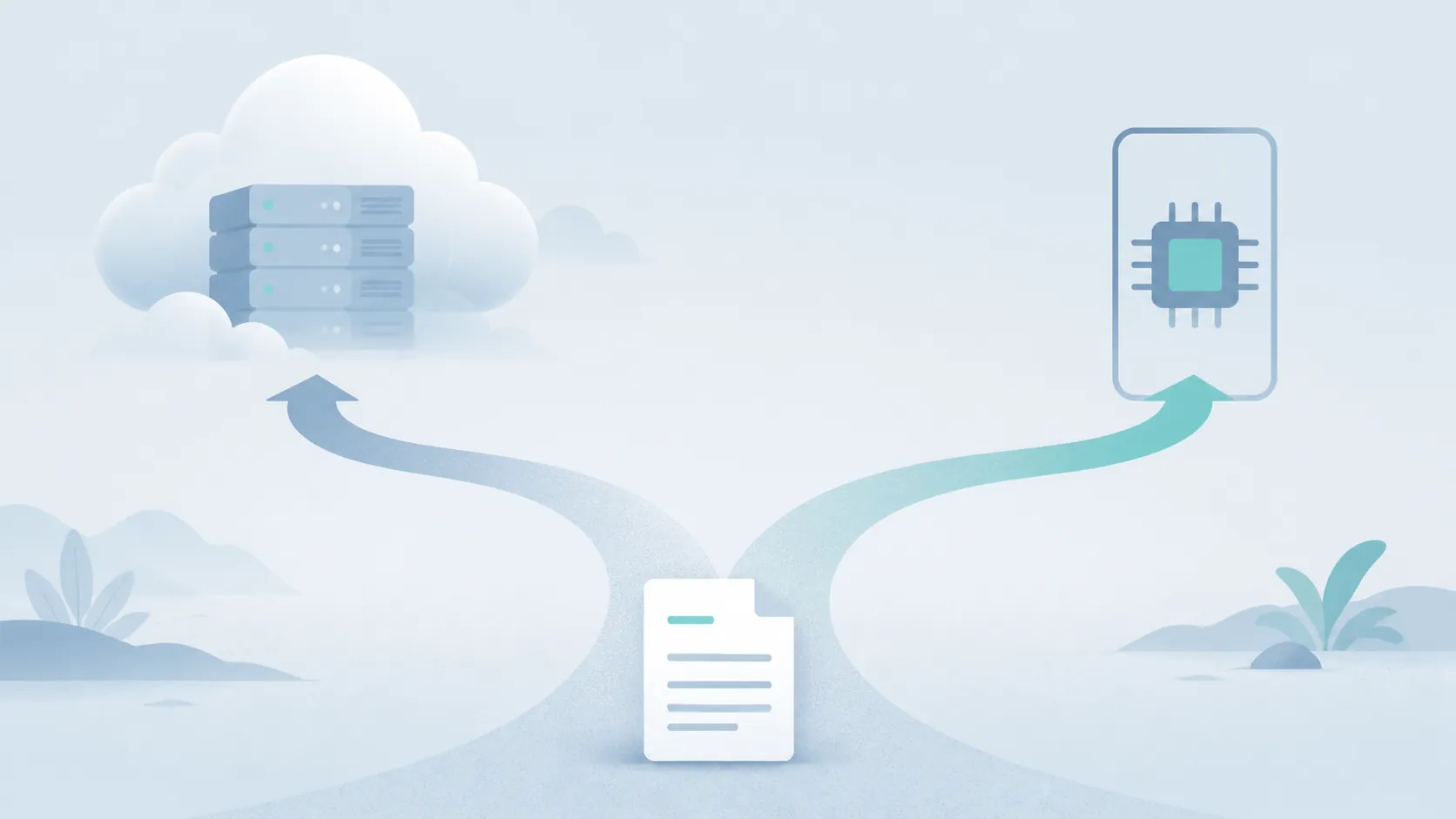
The AI boom did change note-taking apps, but not by making them all converge. It pushed them into different operating models. Notion is turning the workspace into an agent surface. Evernote is trying to add AI while preserving visible per-feature reversibility. Apple Notes is binding AI to device and OS eligibility. GoodNotes and Notability are selling study and lecture-output features. Obsidian and Logseq are exposing AI through plugins, local tooling, graph workflows, and user-assembled model choices.
That changes the productivity decision from feature-counting to verification. A meeting summary saves time only if the recording cap fits the meeting and the transcript can live where it is stored. A quiz generator helps only if the source material meets the word-count requirement and the plan cap does not interrupt study. A semantic search feature is useful only if the index is allowed to read the relevant notes. An agent is valuable only if the workspace permissions, credit pricing, and external-tool connections are acceptable.
| Decision axis | What to verify before upgrading or migrating | Apps where this is especially visible |
|---|---|---|
| Where the AI runs | Cloud assistant, OS-level intelligence, on-device feature, offline plugin, or unspecified processing path | Notion, Evernote, Apple Notes, GoodNotes, Obsidian |
| What it costs | Subscription tier, credit price, output cap, recording cap, hardware requirement, or beta access | Notion, Evernote, Apple Notes, GoodNotes, Notability |
| What it touches | Whole workspace, selected notebook, meeting recording, handwritten page, transcript, vault, graph, or plugin index | All seven apps |
| Whether it can be reversed | Per-feature disable switch, OS setting, plan downgrade, plugin removal, local export, or migration path | Evernote, Apple Notes, Obsidian, Logseq |
The privacy posture deserves its own dated check because vendor promises age badly when integrations change. Evernote, Notion, GoodNotes, Notability, and Apple all make privacy or no-training statements in some form, but those are vendor statements. They are still relevant; they are just not the same thing as a local processing guarantee or an independent audit. For a broader dated comparison of note-app AI privacy posture after EchoLeak, see FlowDesk’s AI privacy profile for note apps.
So the 2026 answer is not to pick the app with the loudest AI badge. Upgrade or migrate only when a named AI feature justifies its exact tier price, data exposure, availability limits, and lock-in cost for your real notes.
References
- Notion AI, Notion.
- Notion releases, Notion.
- Introducing v11, Evernote Blog, Jan. 19, 2026.
- AI Features, Evernote.
- Use Apple Intelligence in Notes, Apple Support.
- Apple Struck the Right Notes With Its New AI Tools and I'm Excited to Try These 4 Features, CNET.
- Goodnotes AI, Goodnotes.
- Introducing Goodnotes 6, Goodnotes Blog.
- Notability Learn, Ginger Labs Support, June 25, 2026.
- Best Obsidian AI Plugins in 2026, SystemSculpt.
- Obsidian's New Age: AI Agents, Parazettel.
- What's New with Logseq DB? May 16th, 2026, Logseq Discuss, May 16, 2026.
- AI Note Taking Market, Precedence Research.
- 2026 AI Index Report, Stanford HAI.
- Inside the AI Transformation, Notion.