
Migration Matrix
Migrations
Flagship app-to-app move guides that FlowDesk has actually performed. Each guide documents a specific source-to-target path (e.g. Evernote to Notion, Notion to Obsidian) with real step counts, screenshots, timing, a dated known-issues list, and an explicit 'what didn't transfer' section. Serves readers who have already decided or are one step from deciding and need the procedure itself, including checkpoints and 'if this happens, do this' branches. Does not include app-vs-app judgment without a move attached (that belongs in Comparisons) or standalone feature description (that belongs in Profiles). Every guide links out to the relevant Tool Profiles and, where useful, an App Comparison, and hands off to a Setup guide once the move is complete.

How to Organize Your Notes in Notion After Migrating: Templates, Databases & Workflows
Migrating to Notion is only half the battle—imported notes quickly become a disorganized mess without a deliberate system. This guide walks you through building a capture inbox, a PARA-based dashboard, and reusable templates so your imported notes become an active, searchable knowledge base.

The Cross-Platform Note-Taking App Buyer's Guide: Pick by Your Device Mix, Then Migrate Without Losing Notes
Most cross-platform note-taking apps aren't equally great on every device. This guide helps knowledge workers and students choose the right app based on their specific platform combination, then provides concrete migration paths from Apple Notes, Evernote, or OneNote.

Which Note-Taking App Should You Switch To? A Decision Framework for Your Thinking Style
Most note-taking apps now share the same block-based editing — making feature comparisons useless. Instead, diagnose your thinking style (Architect, Gardener, or Librarian) and match it to a genuinely different architecture: file-first, object-first, or spatial-first. This guide helps you choose the right tool to migrate to.

Best Evernote Alternatives 2026: A Frustration-Matched Guide with Migration Steps
Evernote's pricing has climbed over 900% in eight years, and its free tier now limits you to 50 notes on one device. This guide helps you match your primary frustration—cost, performance, privacy, or platform lock-in—to the best alternative, then walks you through the actual migration process for each destination.
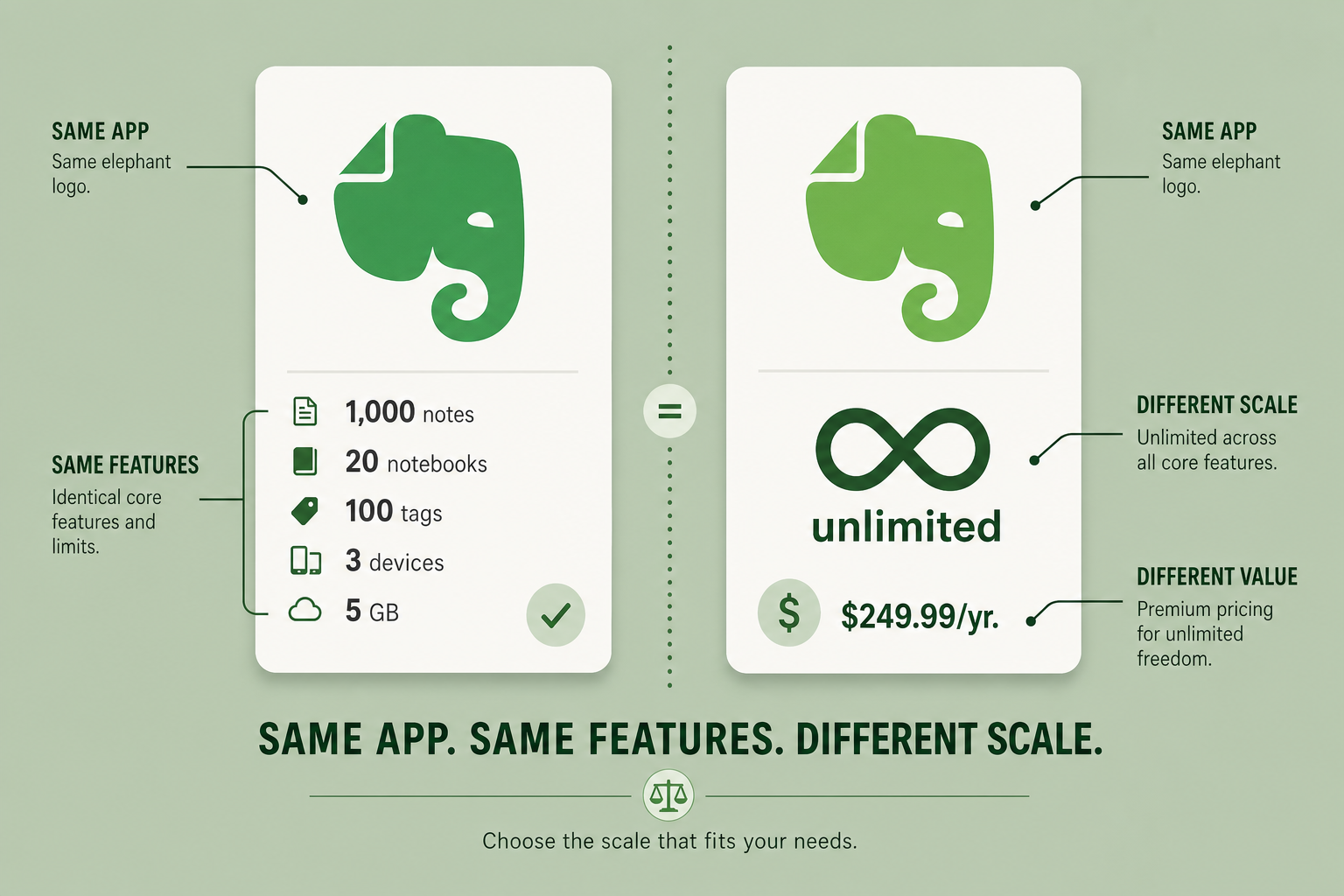
Evernote Starter ($99/yr) vs. Advanced ($249.99/yr) — Which Plan Is Actually the Better Value for Different User Profiles? (2026 Edition)
A self-contained, profile-based decision guide for current Evernote subscribers and new users choosing between the Starter and Advanced plans. The $150/year gap is about scale, not features — this guide helps you determine which plan fits your actual usage.